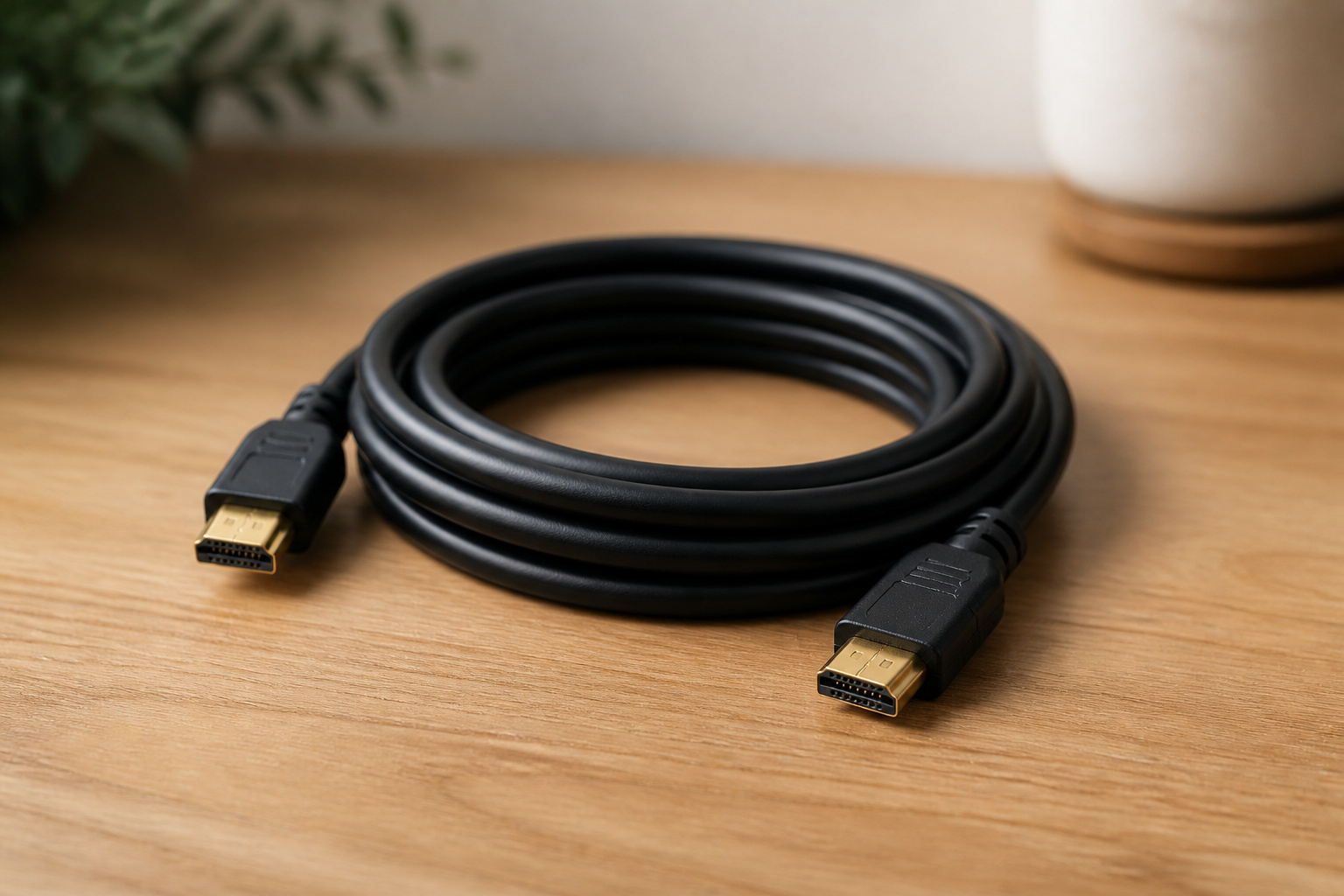
HDMI cables have a reputation for being a place where people overspend. In most cases, a certified cable that matches your needs works just as well as an expensive one.
What matters is choosing the right type for your TV, resolution, and features, not the price or gold plating.
Digital Signals Do Not Get Better With Price
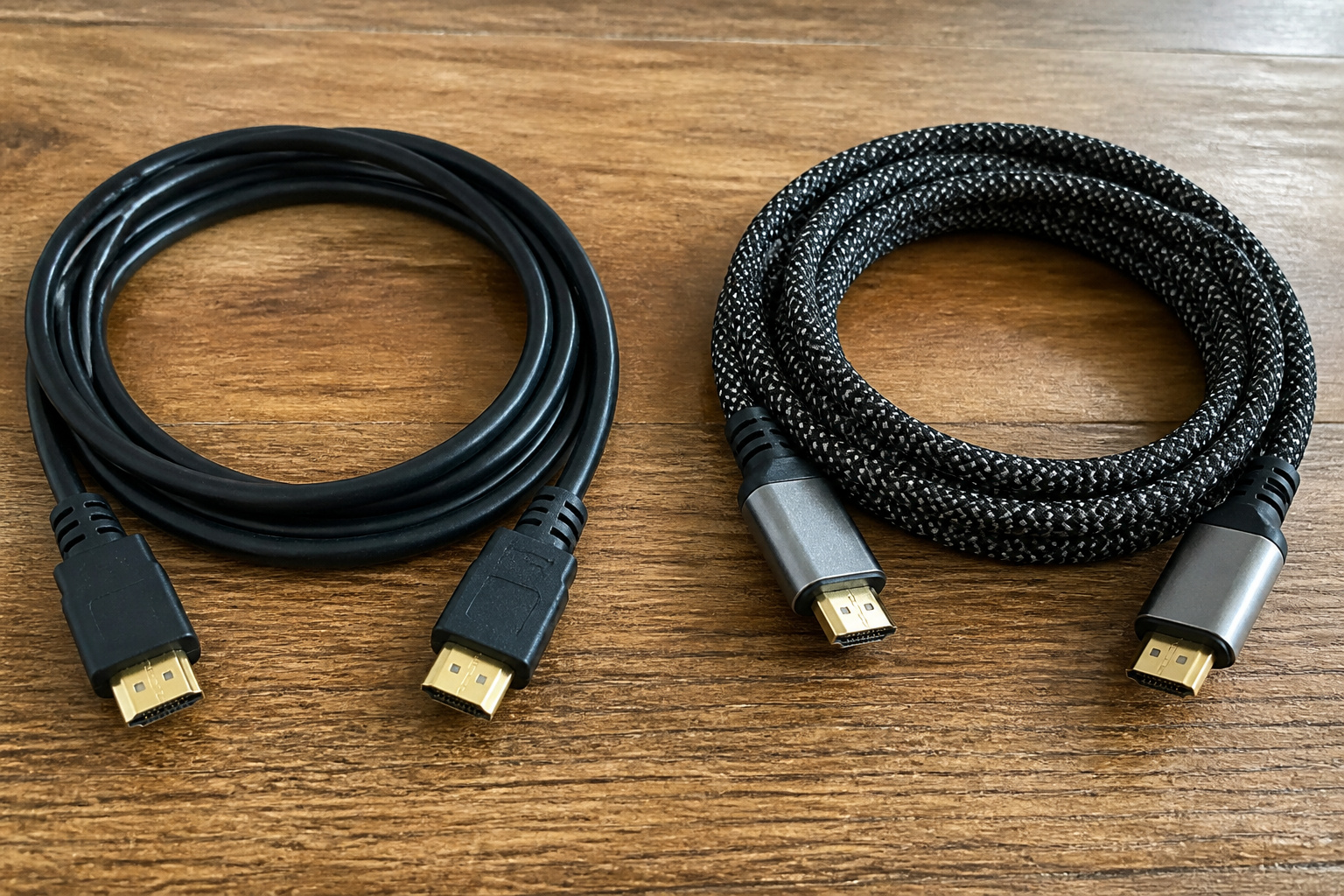
HDMI carries a digital signal, so a cable either delivers the data or it does not. A more expensive cable will not make the picture sharper or the colors richer.
Problems like sparkles, dropouts, or a blank screen point to a cable that cannot handle the bandwidth, is damaged, or is too long, not one that’s merely cheap.
The Cable Types That Matter
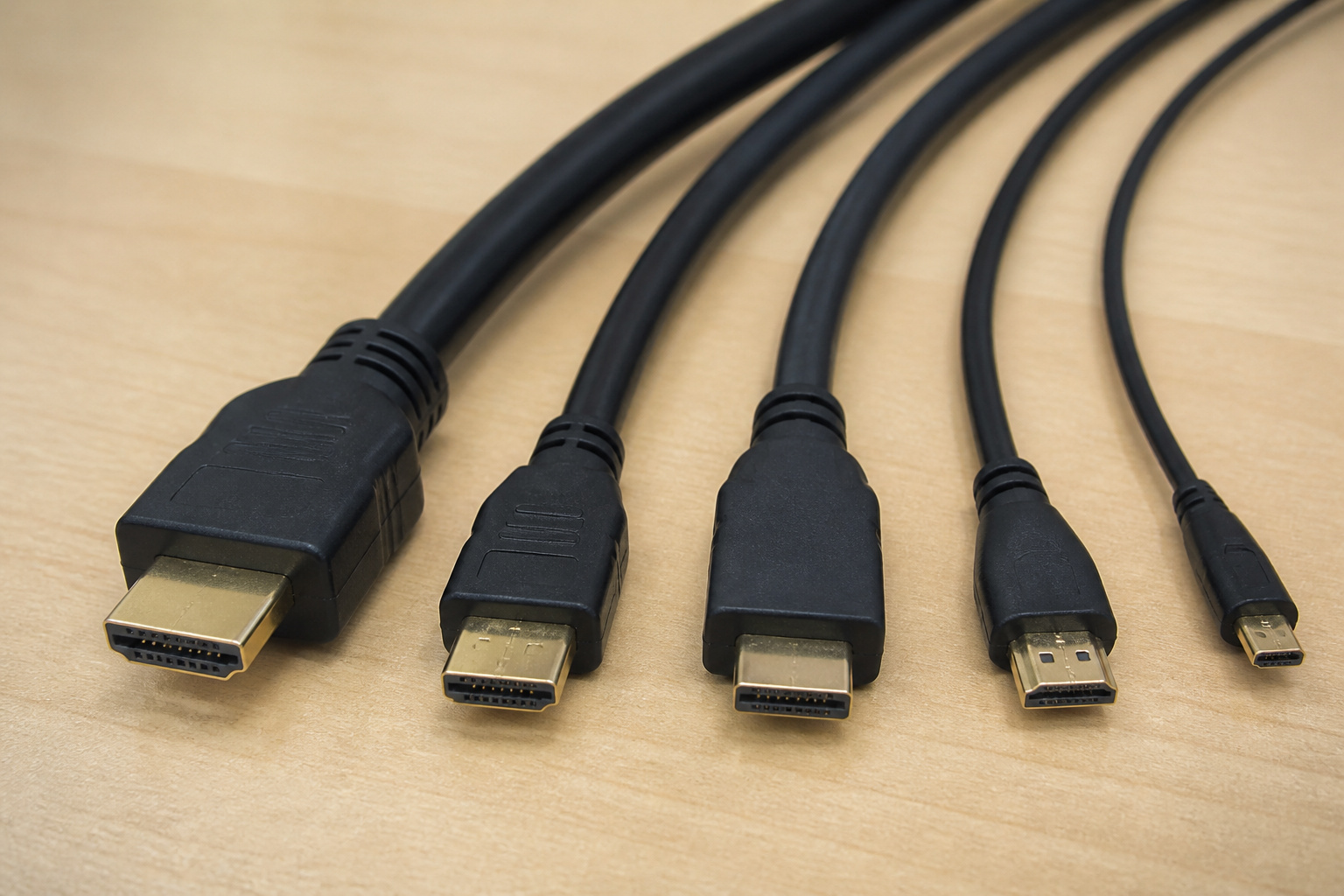
HDMI cable categories are defined by bandwidth. Standard and High Speed cables handle 1080p and many 4K signals at 30 or 60 frames per second.
Premium High Speed supports 4K with HDR at 60 frames per second. Ultra High Speed cables are rated for 48 Gbps and are needed for 4K at 120 frames per second and 8K, which matters for modern game consoles and some home theater setups.
Look for the official certification label on the packaging.
Products Worth Considering

Real 8K HDMI certified cable: The HDMI cables pass HDMI 2.1 Certified. The HDMI Cable delivers 10K 8K@60Hz and 4K@240Hz higher resolution, 4 times higher than 4K@60Hz. The advanced technology makes a remarkable improvement in image clarity and sharpness

Superior Display, Swift Connectivity: Elevate your viewing experience to unparalleled clarity with 8K@60Hz, and enjoy smoother visuals and reduced lag with support for 4K@120Hz and 4K@60Hz.

Top Technology--8K@60HZ: This 8K Ultra-High Speed 2.1 HDMI Cable uses the most cutting-edge technology, which is compatible with 8K@60HZ,4K@240HZ and 4K@120HZ clearly displays every particle, and accurately processes every signal source.
When You Need Ultra High Speed
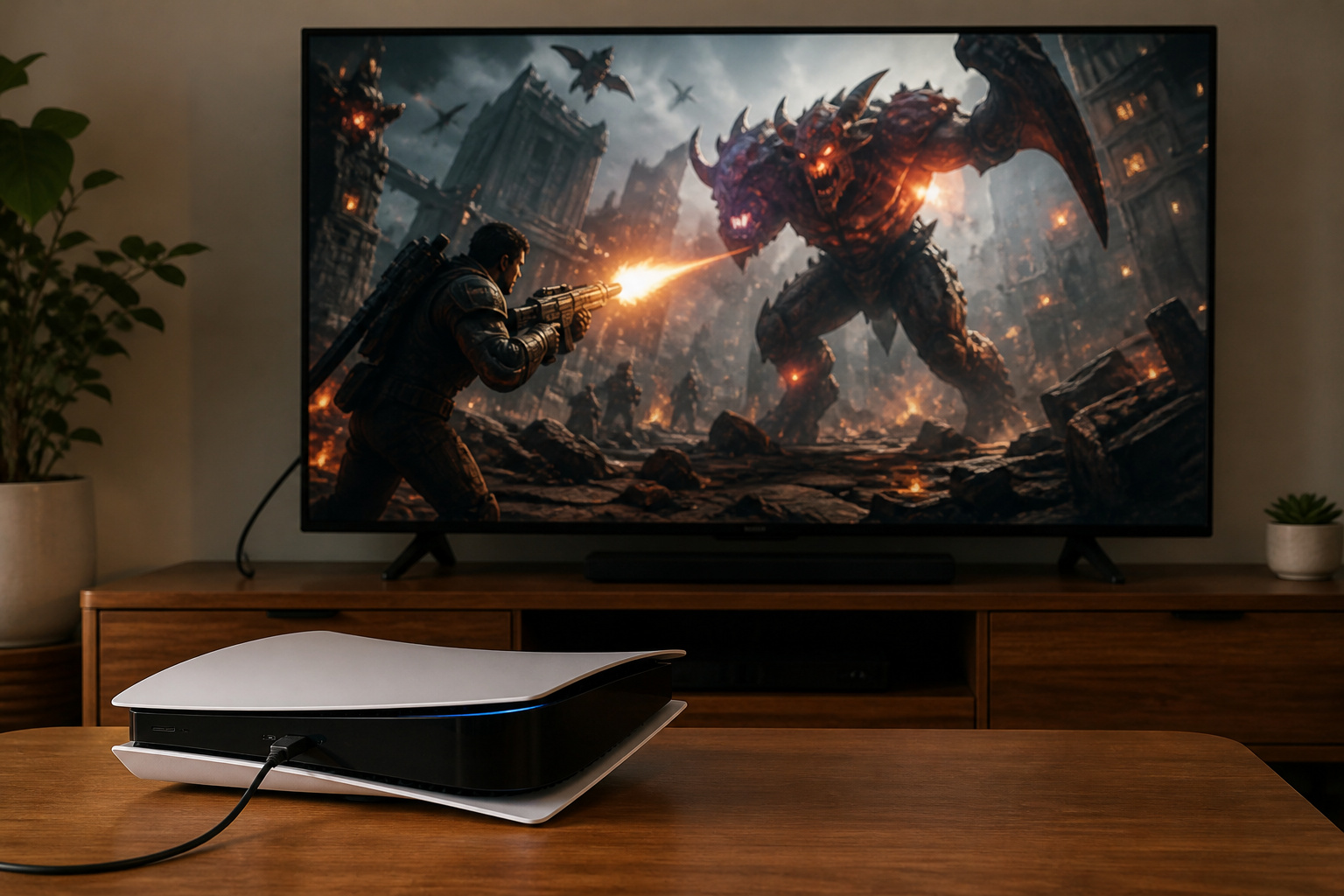
You need an Ultra High Speed cable if you game at 4K and 120 frames per second on a PlayStation 5 or Xbox Series X, use variable refresh rate, or want to carry full-quality audio over eARC from a TV to a receiver.
See our guides to refresh rates and eARC. For regular streaming or 4K TV at 60Hz, a Premium High Speed cable is usually fine.
Products Worth Considering

【HDMI 2.1 Certification】Only 1% of HDMI cables on the market have passed HDMI 2.1 certification. Scan with the QR code Scanner app for verification

Step into the Future with 8K: Experience the next level of visual clarity with our HDMI cable, boasting a bandwidth of 48 Gbps. It supports 8K@60Hz and 4K@120Hz, ensuring your HDMI needs are met for years to come. This ultra-high-speed HDMI cable is future-proof, making it the ideal choice for all your high-definition multimedia interface (HDMI) devices.

Certified UHD 8K HDMI 2.1 Cable: Highwings Certified Ultra High Speed UHD HDMI 2.1 Cable uses the most cutting-edge technology, is compatible with10K, 8K 60Hz, 4K 240Hz 120Hz, clearly displays every particle, and accurately processes every signal source
Cable Length and Build Quality
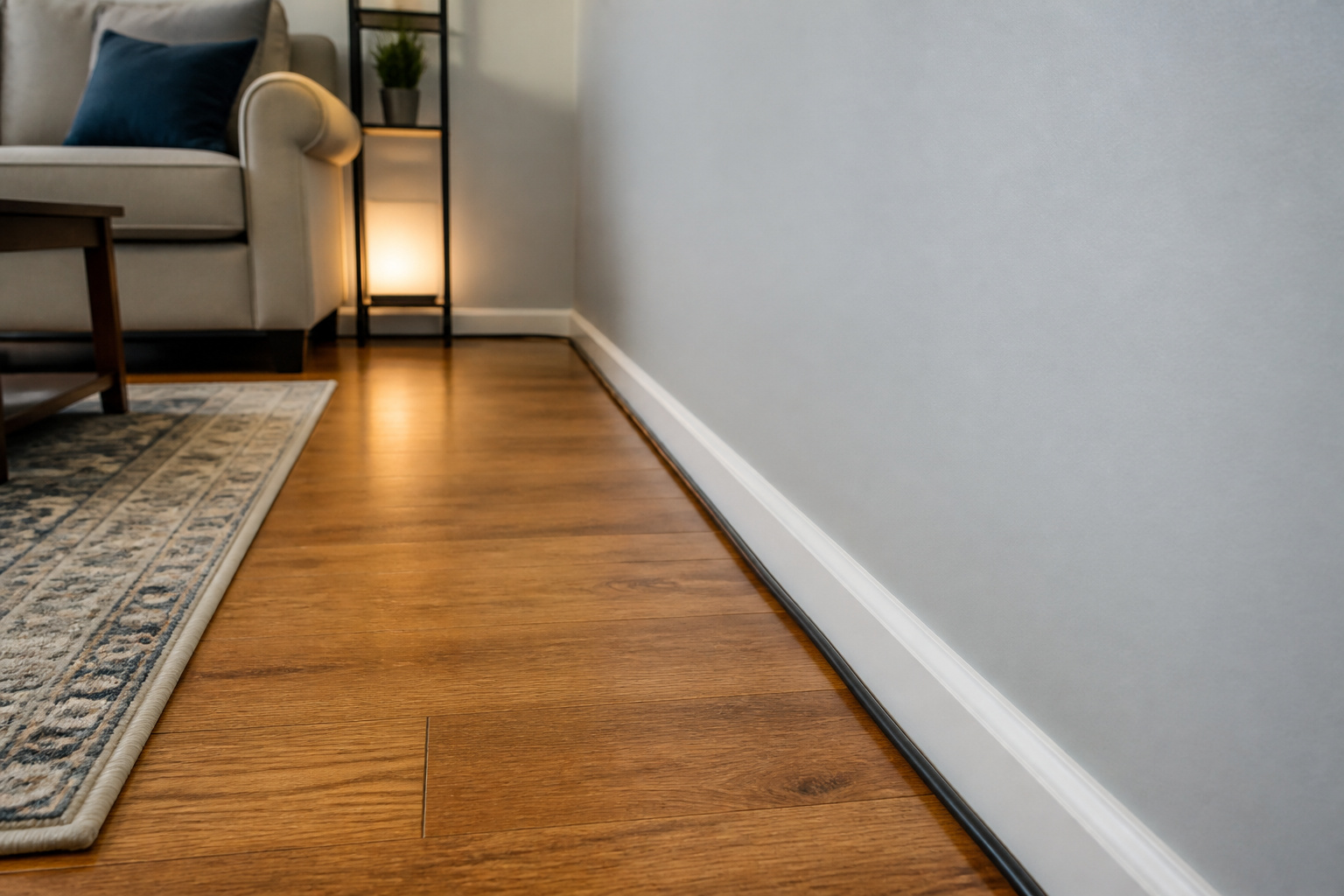
Longer cable runs weaken the signal, which can cause dropouts at high bandwidth. For lengths over about 15 feet, choose active or fiber optic HDMI cables, which are designed for long distances.
Sturdy connectors, solid strain relief, and braided jackets make a cable more durable, especially if you move it often.
If you run the cable inside a wall, check local codes and use an in-wall rated cable; see how to hide TV cables.
Products Worth Considering

【8K Optical Fiber HDMI Cable】8K optical fiber HDMI cable is evolving rapidly; it realizes ultra-long-distance audio and video transmission, without signal compression, no delay in light speed transmission, no electromagnetic interference, and no radiation. It is compatible with 8K@60HZ and 4K@120HZ, clearly displays every particle, and accurately processes every signal source.
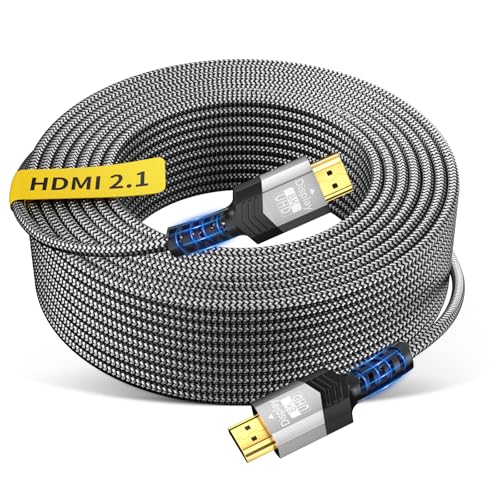
[ANTI-INTERFERENCE AND LOSSLESS LONG-DISTANCE TRANSMISSION] tired of signal drops with long hdmi runs? traditional copper cables often struggle beyond 30ft. Soonsoonic 40 feet active fiber optic hdmi 2.1 cable delivers true 48gbps FRL bandwidth,using German chipset and optoelectronic signal conversion,four high-quality OM3 fiber optic cores as the transmission medium ensuring stable 4k@120hz and 8k@60hz without flickering, black screens, or resolution downgrade. making it an ideal solution for long-distance 8k (7680×4320) ultra-high-definition video transmission.

8K Fiber HDMI 2.1 Cable -- HDMI cable 50ft supports High-speed 48Gbps, 8K@60Hz, 4K@120Hz, 2K@240Hz, Dynamic HDR, Dolby Vision, eARC, HDCP 2.2&2.3, 3D, 32 Audio Channels, 4:4:4 RGB, ALLM, QFT, QMS, VRR, DSC etc. Backward compatible with version 2.0 / 1.4 / 1.2 / 1.1.
Troubleshooting HDMI Problems
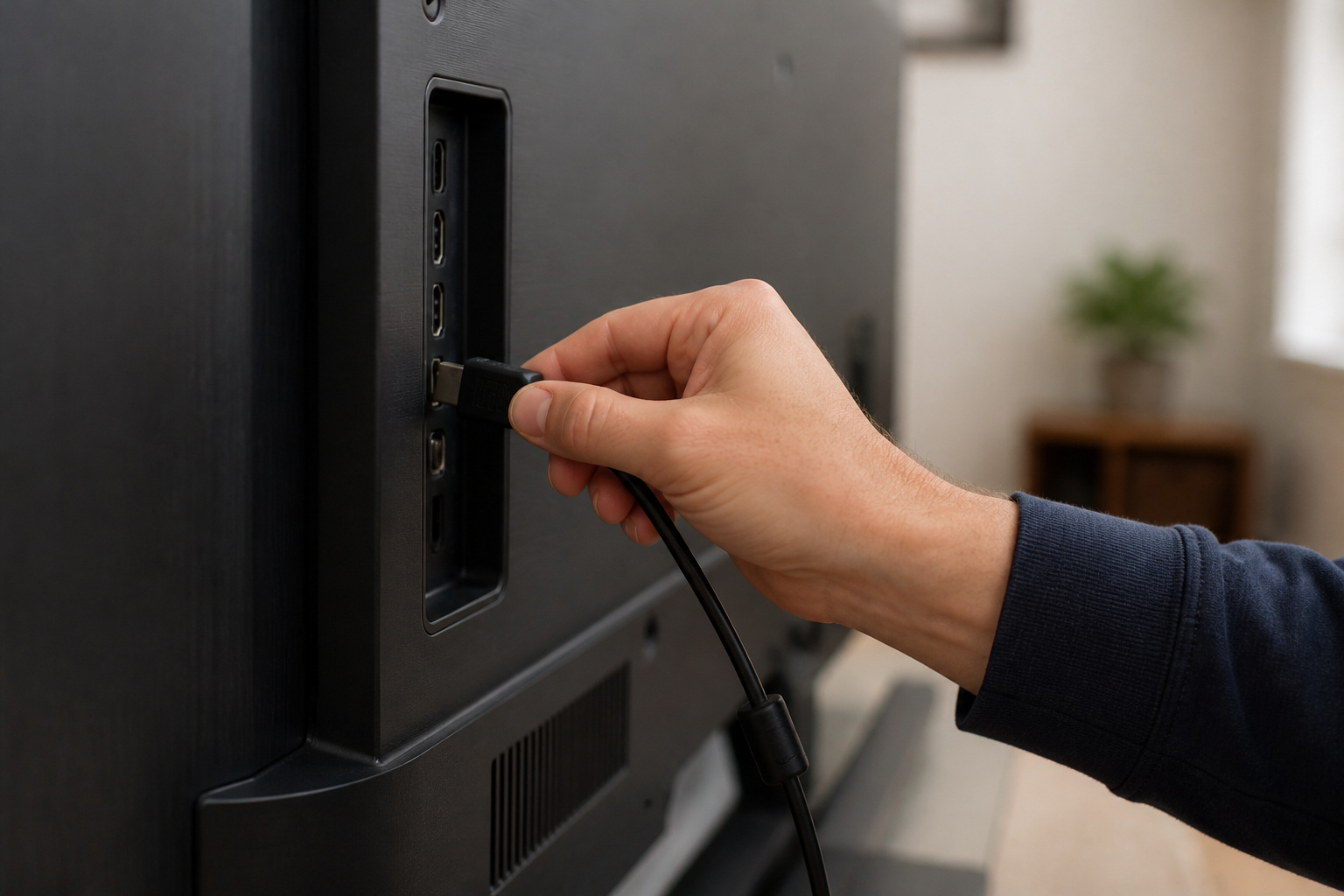
If you see a flickering screen, snow, or no signal, try a different HDMI port, a shorter cable, or a certified replacement. Make sure your TV’s HDMI port is set to the right mode for high-bandwidth signals.
Some TVs require you to enable an Enhanced or Deep Color setting. If the picture looks off but is stable, check picture settings first with our TV settings guide.
Products Worth Considering

Ultra High-Speed HDMI cable designed for PS5
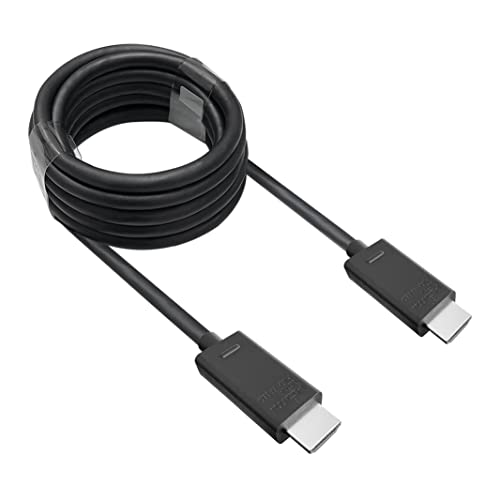
🎮ORIGINAL OEM🎮Best quality HDMI cable optimized for Xbox Series X & Xbox Series S

Certified HDMI Cable: The package has an official HDMI certification label. HDMI Officially Certified Fully compliant with the HDMI Forum’s strict requirements as specified in HDMI
Frequently Asked Questions
Do expensive HDMI cables look better?
No. If two cables support the same bandwidth and are properly built, picture and sound will be the same.
Do I need an HDMI 2.1 cable?
Only for 4K at 120 frames per second, 8K, or certain advanced features. Look for an Ultra High Speed certified cable.
Does HDMI cable length matter?
Yes, for high bandwidth signals. Use the shortest cable that fits your setup, or an active or fiber cable for long runs.
Are gold-plated connectors worth it?
They resist corrosion, which can help over many years, but they do not improve picture quality.
How can I tell if an HDMI cable is certified?
Look for the official HDMI certification label and QR code on the packaging. Scan to check authenticity.
Rewritten:
Check the packaging for the official HDMI certification label and QR code. Scan the code to verify the product is authentic.