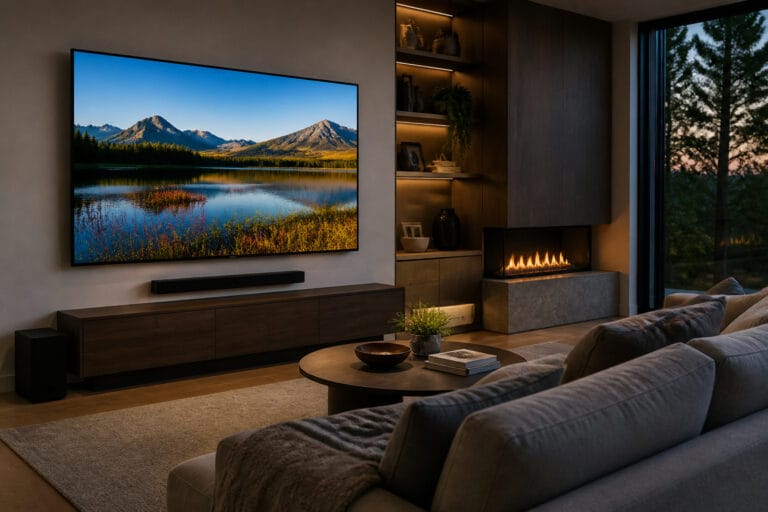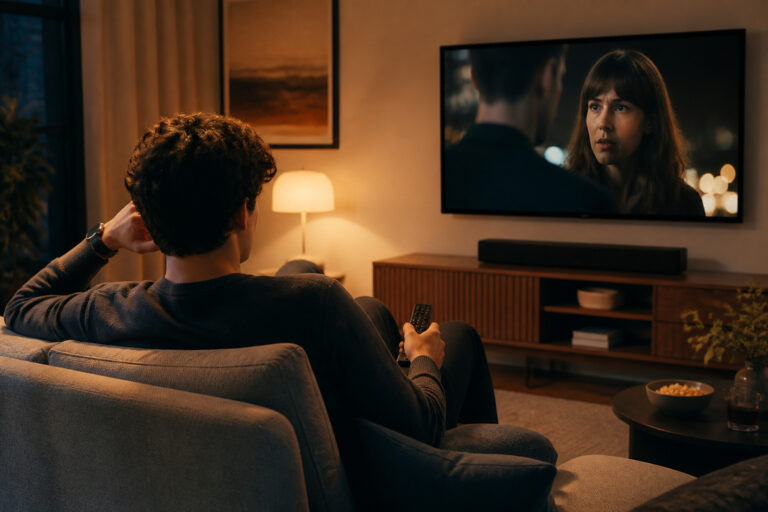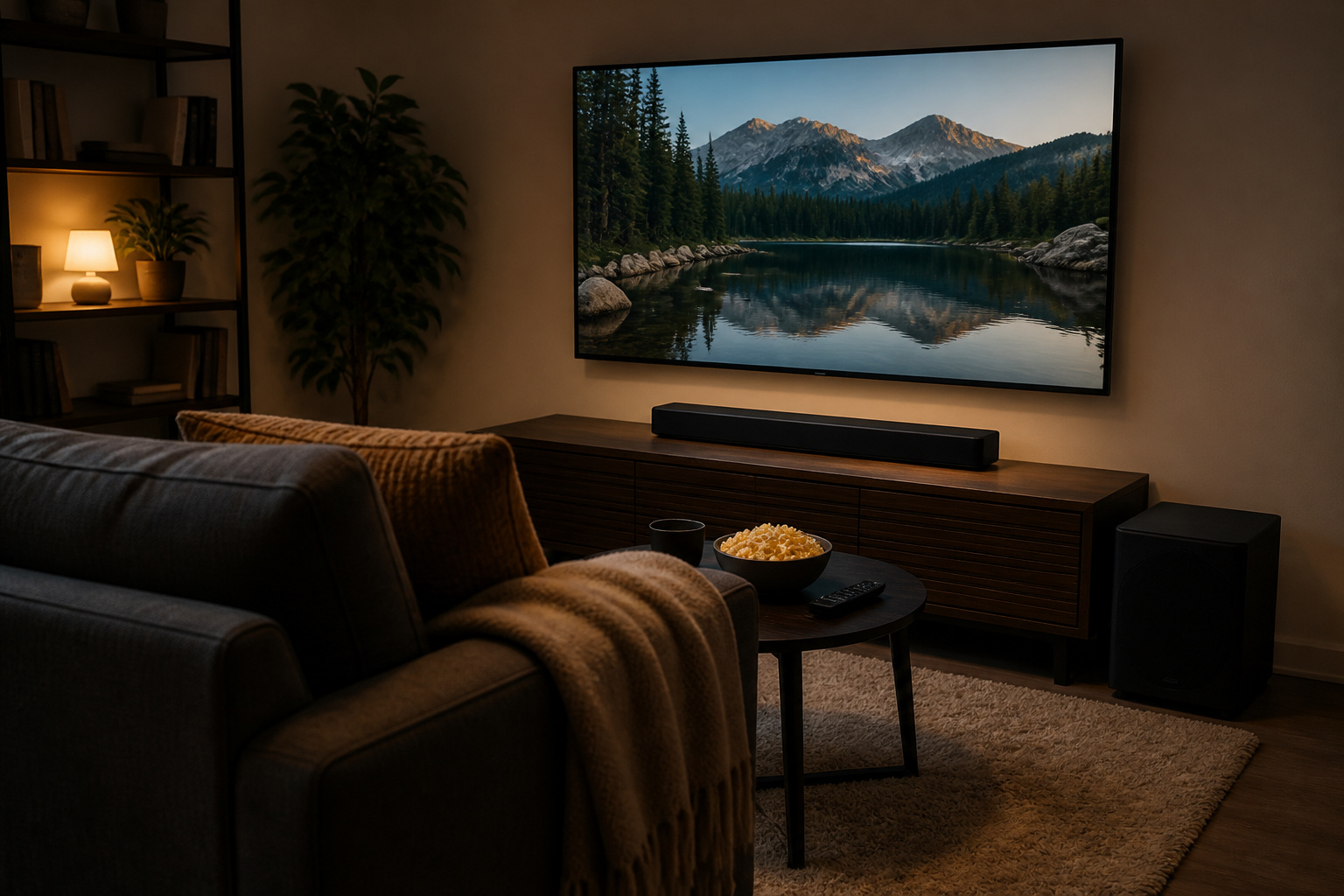
A good home theater does not need a dedicated room or a four-figure budget. A few well-chosen pieces, set up properly in the room you already have, can get you most of the way to a cinema feel.
This guide walks through where to spend first, what to skip, and how to scale up later.
Start With the Room You Have

You can improve almost any room with free changes. Reduce light by closing curtains, and turn off lamps that reflect on the screen.
Soft furnishings such as rugs, curtains, and upholstered furniture reduce echo and tighten sound. Position your seat so it sits well inside the room, not against the back wall.
Our room layout guide goes into more detail.
Get the Picture Right First
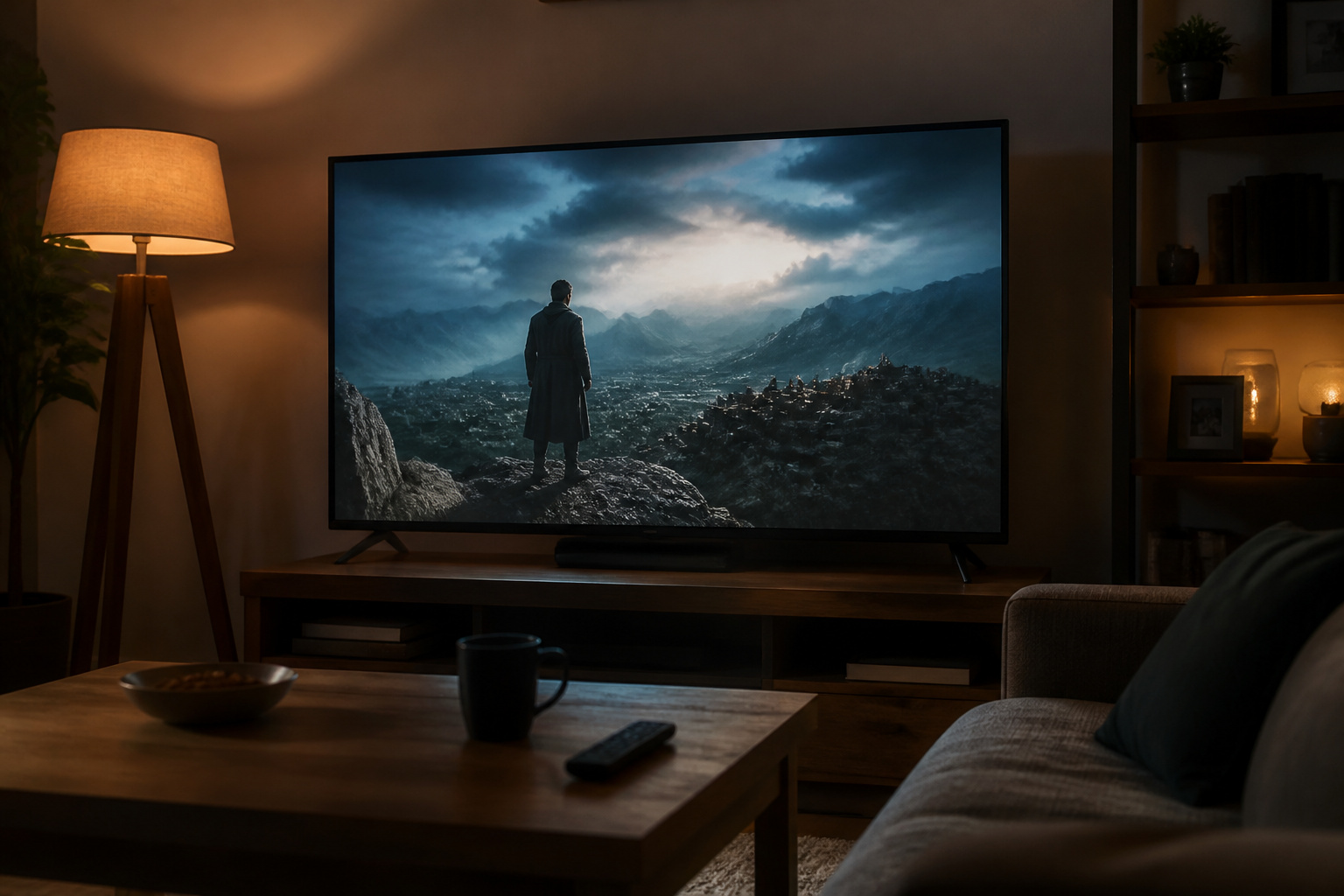
The screen is the center of the system, so make sure it fits the room. A TV that suits your seating distance matters more than extra features; see what TV size to buy.
You do not need top-tier panels to enjoy movies, but a decent set with good contrast and proper picture settings makes a big difference. Use our TV settings guide before spending on anything else.
Recommended Products

A treat for the eyes: Sharp 4K brings out rich detail on our 43" flat screen TV, while colors pop off in lifelike clarity with HDR10. Roku Smart Picture cleans up incoming TV signals, optimizes them, and chooses the right picture mode.

Blue Light Blocking & UV400 Protection: Yekepal blue light blocking glasses effectively filter harmful blue light (tested by Bureau Veritas, 86.6% filtration rate in 380-500nm range) when using computer, phone, watching TV, reading, and tablet devices under bright lights and computer screens. The glasses also have UV400 protection that helps protect your eyes from harmful rays. Perfect for anyone spending extended time on screens

✅【UNIVERSAL TV MOUNT】This TV wall mounts for 37"-84" flat screen TVs up to 16" wood studs, weight capacity of 120 lbs. Swivel and tilt TV mount with VESA 200x100mm to 600x400mm available. Designed for most brands: Insignia, TCL, Samsung, Hisense, LG, Sony and etc
Upgrade the Sound Second
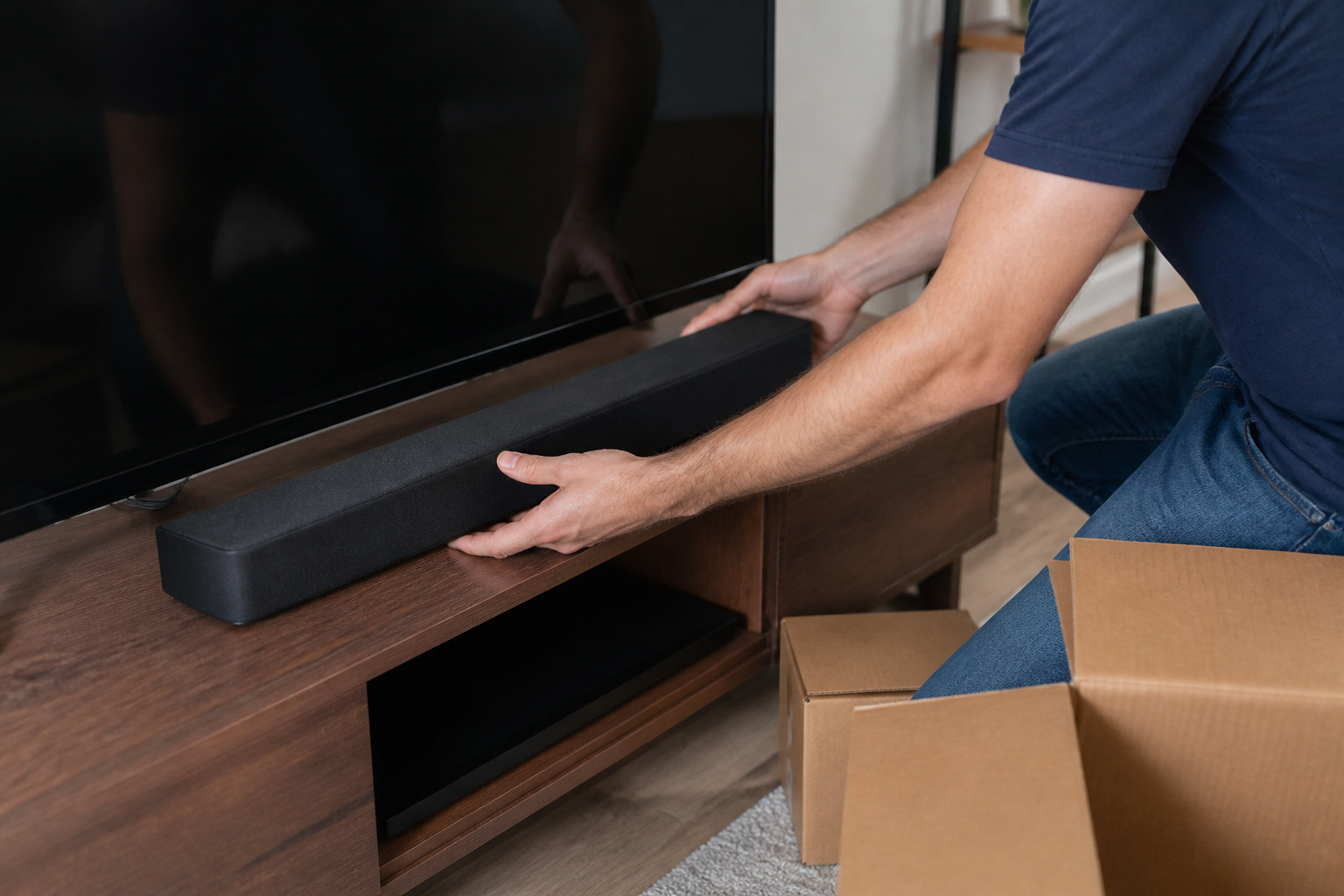
Sound is the cheapest big upgrade. For the lowest cost and effort, add a soundbar with a wireless subwoofer.
If you want better quality and room to grow, choose a small speaker system: a pair of front speakers, a center channel, and a subwoofer, powered by an AV receiver.
Our soundbar vs home theater system comparison shows which route fits your space and budget.
Recommended Products

New Dimensional Sound - Come home to the cinematic sound you’ve always wanted, and experience every heart-thumping, thrill-inducing, moment. With 4 channels backed by a booming wireless subwoofer and wireless rear speakers, this LG Soundbar delivers a big audio punch without taking up too much of your space—or budget. Dolby Digital and DTS Digital compatibility means you still get enhanced sound quality for all your shows, movies, music and more.

Why Choose TCL: TCL is a global leader in TVs and audio, combining innovative technology with reliable performance. Enjoy award-winning sound, durable design, and customer support that keeps your entertainment experience worry-free

【Enjoy Deep Bass from Dedicated Subwoofer】The deep rich bass from our new generation sound bar and subwoofer will activate every cell in your body.The large cavity space of the subwoofer makes the bass punchy and full of magnetic. The surround sound of soundbar and subwoofer collide with each other in every corner of your room like waves, which allowing you immersed in music, movie and gaming.
Understanding Home Theater Systems and Receivers
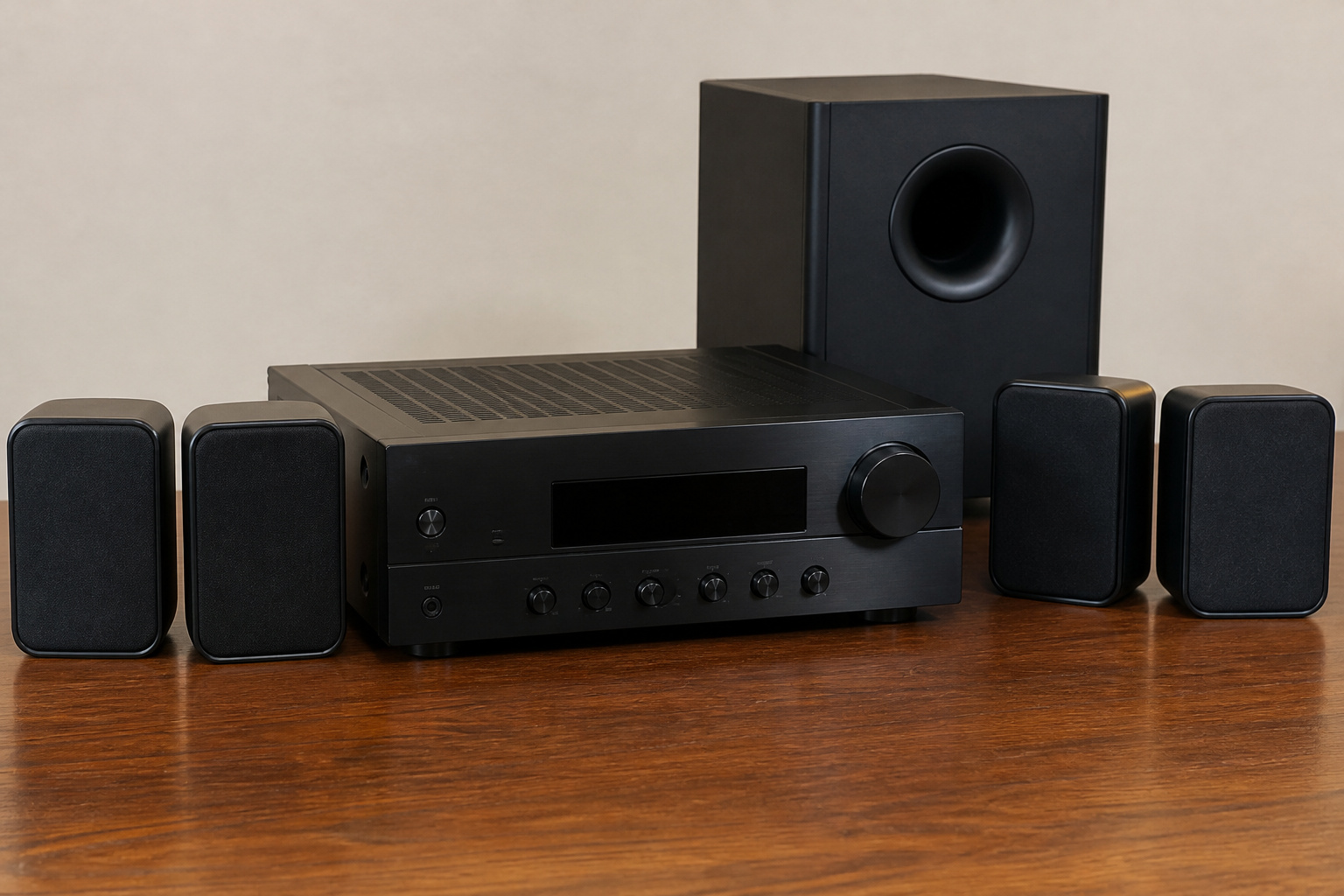
Home-theater-in-a-box systems bundle speakers and a receiver, which makes shopping simple but limits upgrades. Buying a receiver and speakers separately costs more upfront but lets you improve one piece at a time.
When choosing a receiver, check the number of HDMI inputs, support for HDMI eARC, and the channel count you want, such as 5.1 or 7.1.
Compact systems with small satellite speakers are a good fit when space is tight; wireless rear speakers can avoid running cables across the room. See wired vs wireless home theater speakers and 5.1 vs 7.1 audio systems.
Recommended Products
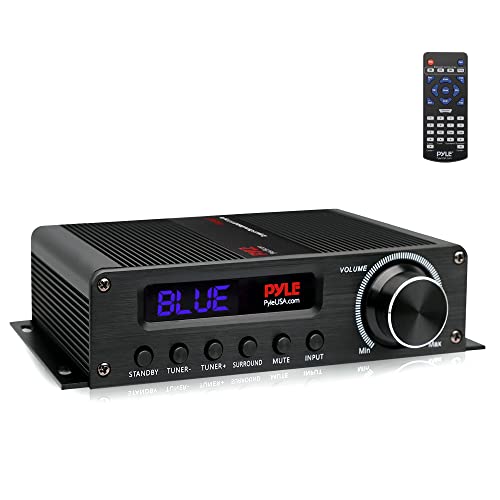
100 WATT POWER: The Pyle 5.1 Channel HiFi Audio Amplifier w/ 100W peak power gives your entertainment system a boost! Offers low distortion w/ acoustically accurate audio reproduction allowing you to enjoy crisp and high quality amplified audio
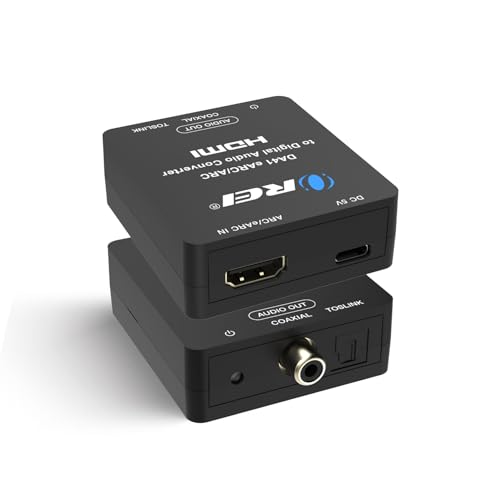
Converts the audio signal from TV ARC/ eARC source into digital audio output of Toslink (optical) and coaxial simultaneously. Simply Connect your TV HDMI ARC port to Input of the DA41 and connect your audio device to the Coaxial or Toslink.

HDMI Audio Extractor: Support one HDMI input source to one HDMI output + optical toslink SPDIF and analog 3.5mm stereo audio output. (Tips: SPDIF and 3.5mm audio support output separately to soundbar, amplifier, headphone and other audio receiver without connecting TV / Monitor) (ARC function: Support HDTV Input& Only for ARC/eARC Interface)
Cables, Mounting, and Cleanup
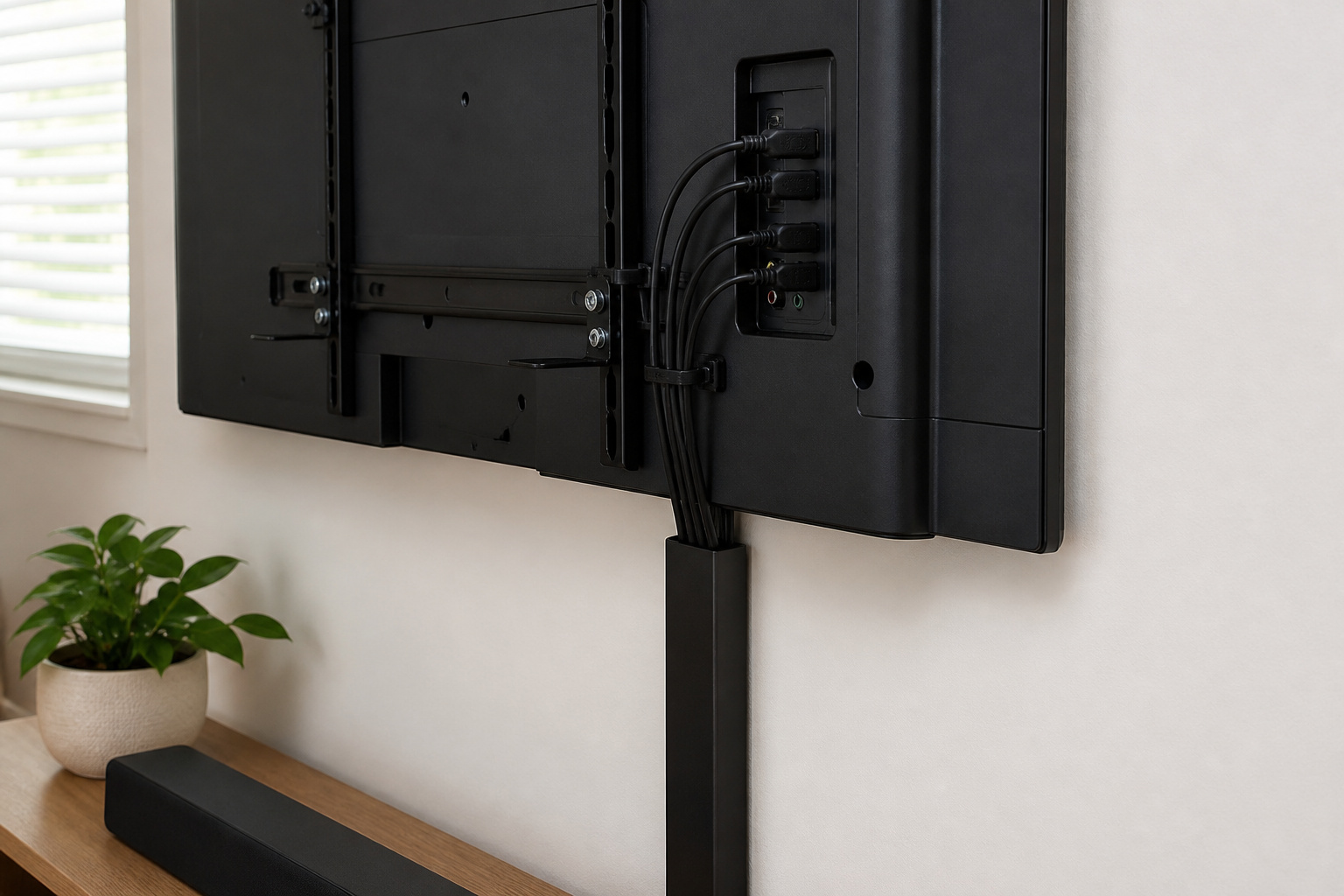
Do not overspend on cables; see HDMI cables explained. If you mount the TV, check height and stud placement first with our guides to mounting height and mounting mistakes.
Neat cable runs make a room look finished; see how to hide TV cables.
Recommended Products
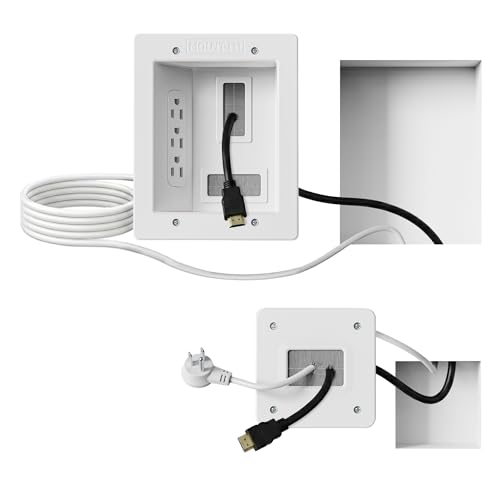
Organized home theater setup – Eliminate messy wires and give your entertainment area a clean, modern look. This in-wall cable management kit provides an easy way to power your TV and hide cables for a polished setup in living rooms, bedrooms, or home theaters.

Easy Installation – This DIY in-wall cable management kit makes setup quick and hassle-free, taking less than 30 minutes. With its pre-wired design, there's no need for an electrician or complex wiring. Everything you need for installation is included in the kit.

5-in-1 Power Hub – Say Goodbye to Cable Clutter: Our in wall cable management kit combines 3 AC outlets and dual PD20W USB-C & USB-A charging ports to power your TV, soundbar and streaming devices. This tv outlet wall kit keeps power connections organized without bulky power strips
Add Upgrades Over Time
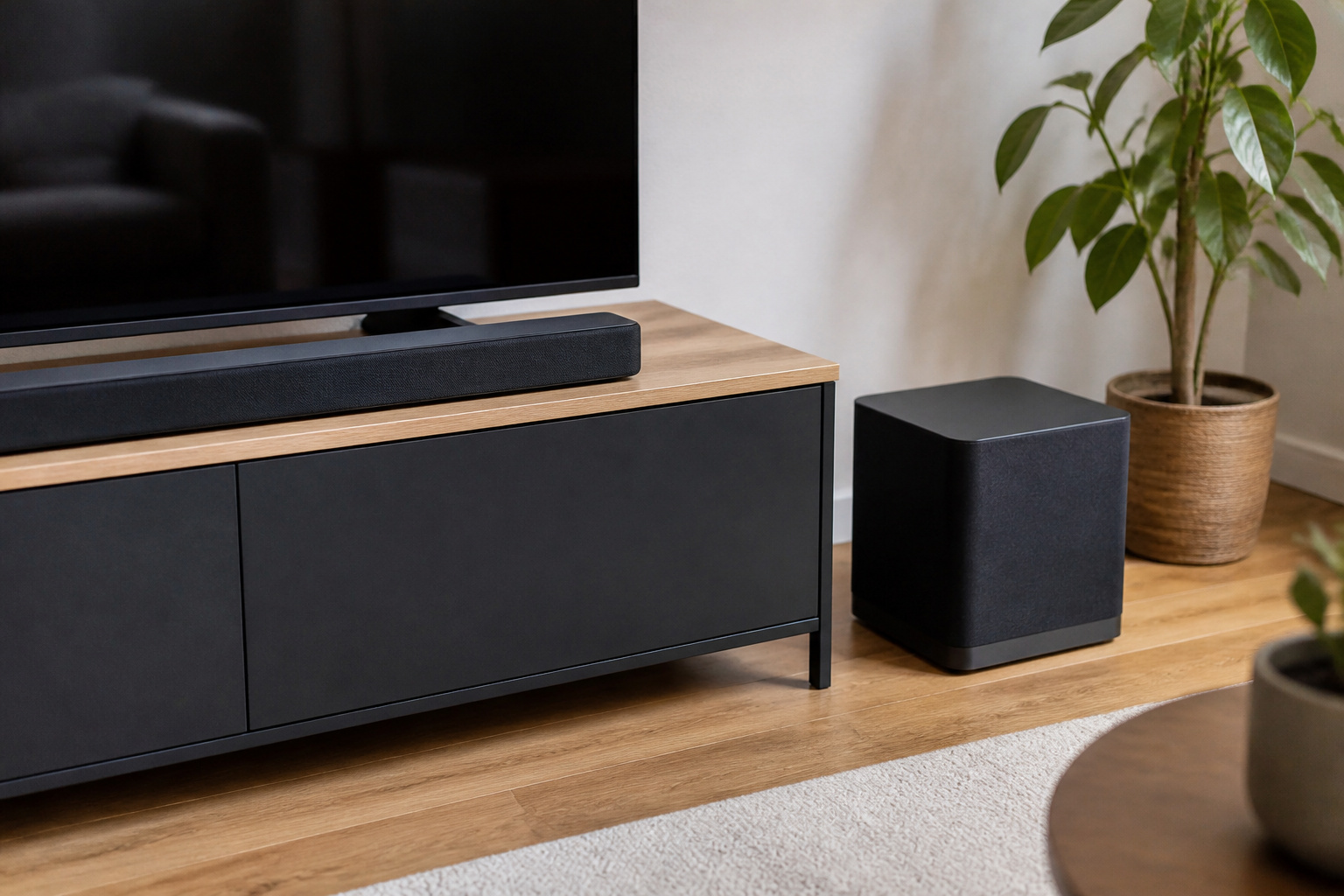
Start with a TV and soundbar, then add a subwoofer, surround speakers, or a receiver as budget allows.
Dolby Atmos can come later; see Dolby Atmos explained. A staged approach avoids paying for features you will not use.
Recommended Products

7.1Ch Smart Surround Sound System: The Ultimea Poseidon D80, a premium smart soundbar upgraded from the acclaimed D60, features 2 additional front surround speakers to provide a wider sound field and a more enveloping soundscape. With 8 high-performance drivers, including a powerful 6.5” wireless subwoofer, D80 creates an immersive 3D surround experience. (Note: The D80 does not support DTS decoding.)


7.1ch Home Theater Sound Bar for TV: Upgrade your TV audio with a 7.1-channel virtual surround sound system designed for movies, music, sports, and gaming. Poseidon D70 combines a sound bar, 4 surround speakers, and a subwoofer to create a wider, more immersive home theater experience than standard TV speakers.
Frequently Asked Questions
How much does a budget home theater cost?
It depends on what you already own. A decent TV plus a soundbar with a subwoofer is a common starting point, and each speaker you add increases the price. Set a budget and spend the largest share on the TV and front speakers.
Do I need an AV receiver?
Only if you want separate speakers. Soundbars do not need one, and some compact systems include a receiver.
Is a projector a good budget option?
It can be for large screens, but it needs a dark room and a suitable surface. For a bright living room, a TV is usually more practical.
What should I buy first?
A TV that fits the room. After that, a soundbar or front speakers with a subwoofer is the next-best improvement.
Can I build a home theater in a small room?
Yes. Choose a smaller screen suited to the distance, a compact sound system, and use room treatments like rugs and curtains.