The Ring Indoor Cam (2nd Gen) is a small plug-in camera that costs less than most security cameras, but the camera is only part of the real price. Whether it makes sense depends on how much you want it to remember, because Ring keeps live viewing free and puts recorded history behind a plan.
Here is what the camera does, what stays free, and who should look at something else.
What Is the Ring Indoor Cam (2nd Gen)?
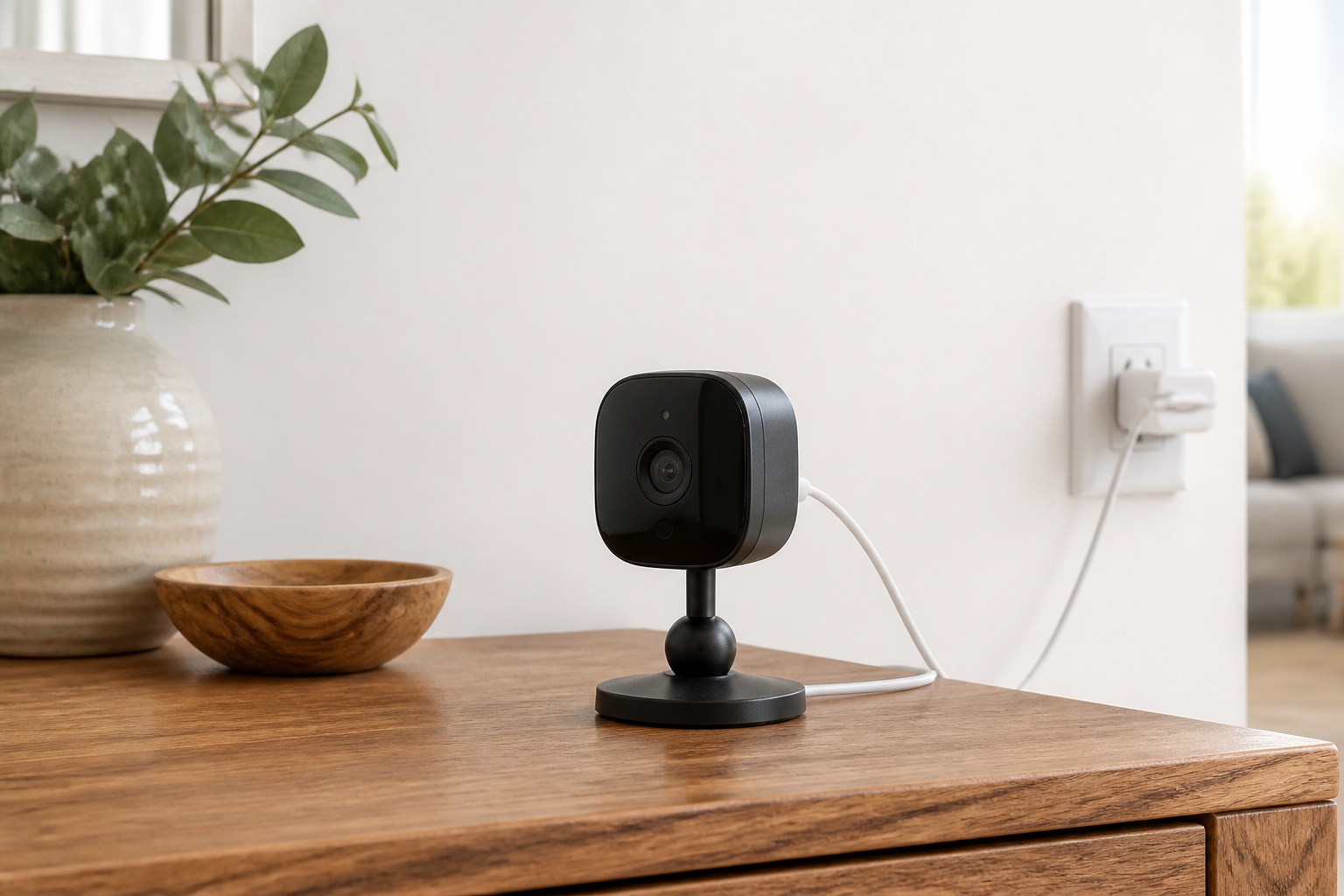
It is a compact, plug-in indoor camera from Ring, an Amazon company. According to Ring’s product page, it records 1080p HD video with a 143-degree diagonal field of view (115 degrees horizontal), color night vision, and two-way talk with noise cancellation.
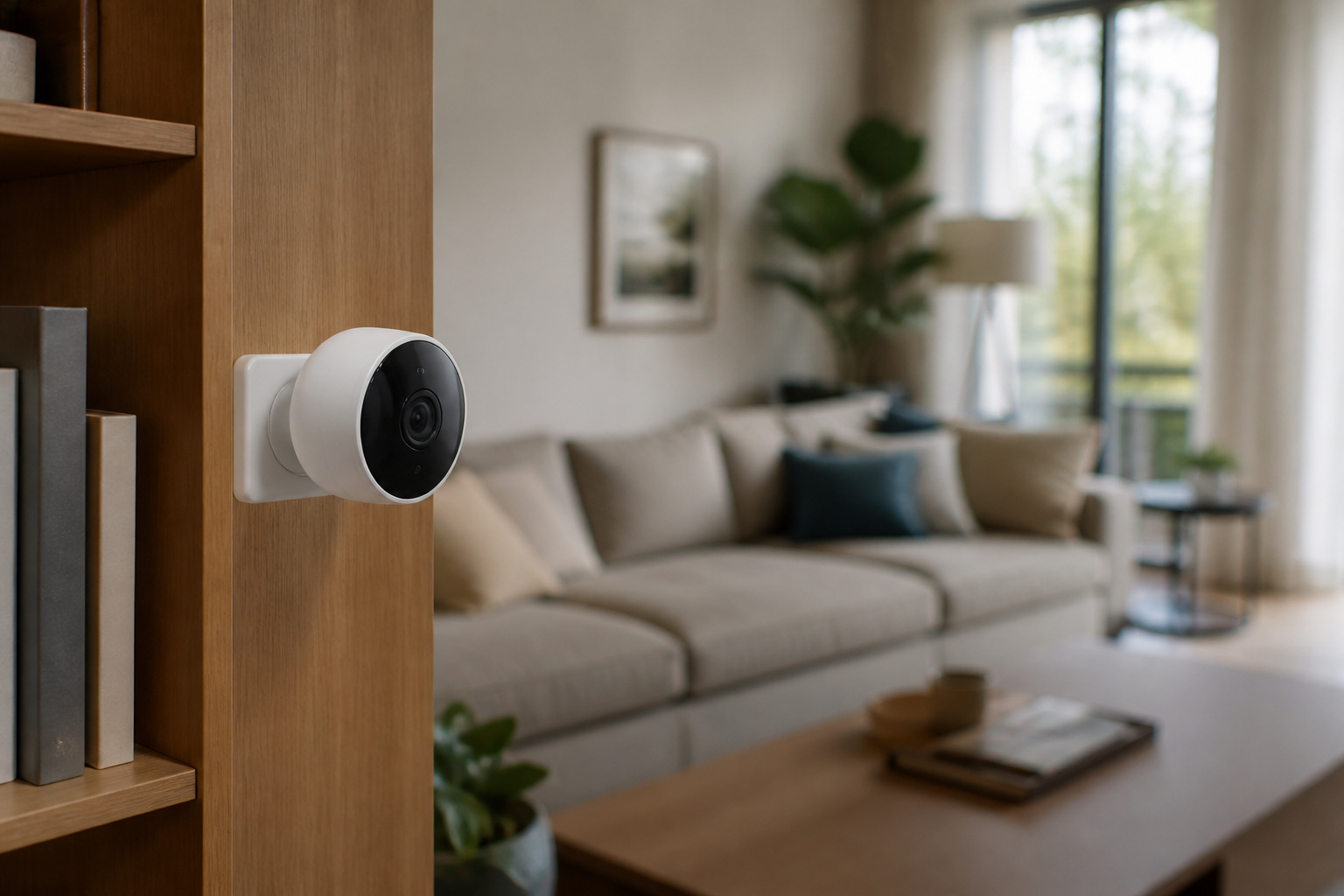
Power comes from a Micro USB cable with an adapter included, and the camera connects over 2.4 GHz Wi-Fi (802.11 b/g/n). It sits on a swivel mount with a ball joint, so it can stand on a shelf or be mounted high on a wall or ceiling beam.
What Does the Privacy Cover Actually Do?
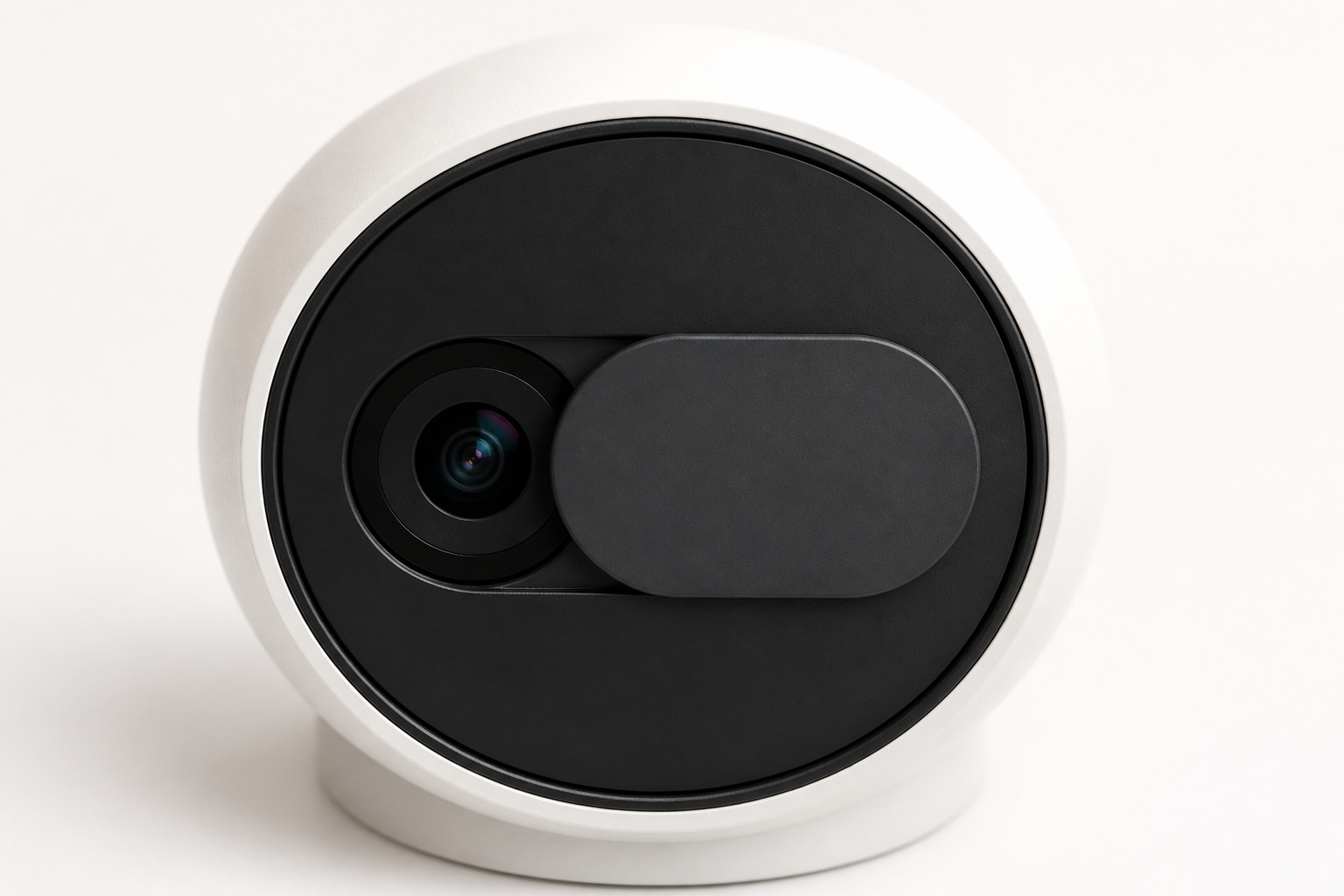
Ring includes a manual cover that slides over the lens. Per Ring, sliding it into place turns off the camera and the microphone, and swiveling it aside turns them back on.
Because the cover is physical, you can tell at a glance whether the camera is off. That makes it a good fit for a living room or home office where you want the camera running while you are away and covered while you are home.
What Works Without a Ring Plan?
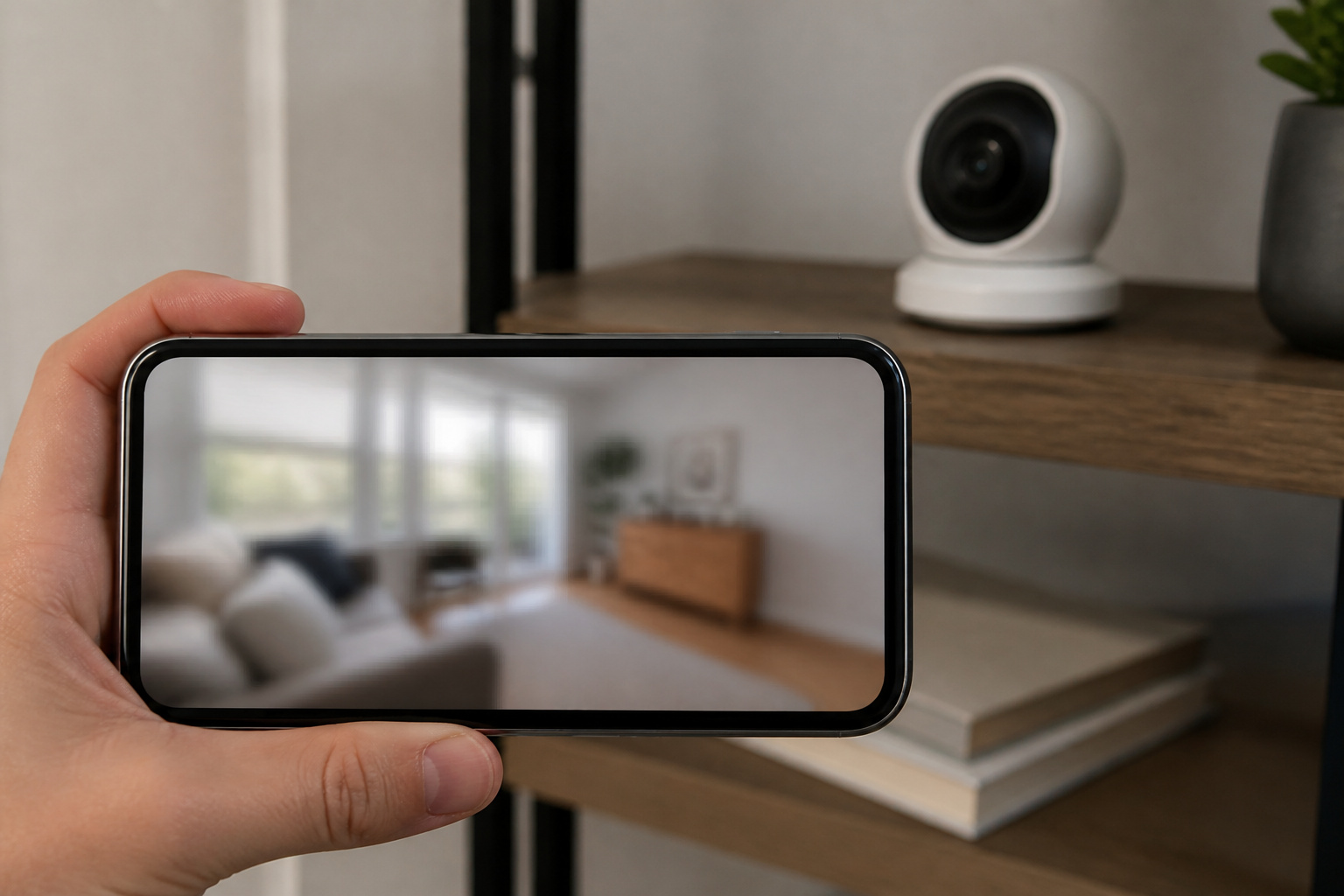
Ring says real-time motion notifications, Live View, two-way talk, privacy zones, and the privacy cover work without a subscription. Recorded video is different.
Per Ring’s product page, 24/7 recording, saved video history, sharing videos, and some AI features such as video descriptions need a plan. Ring lists saved motion event videos as kept for up to 180 days and 24/7 recordings for up to 14 days.
Ring renamed its Ring Home plans to Ring Protect plans in 2026, and the tiers are now named Ring Solo, Ring Multi, and Ring Pro, according to Ring’s plan support page. That page does not list prices, so check the current price on Ring before you buy and treat the plan as part of the cost.
Where Should You Put an Indoor Camera?
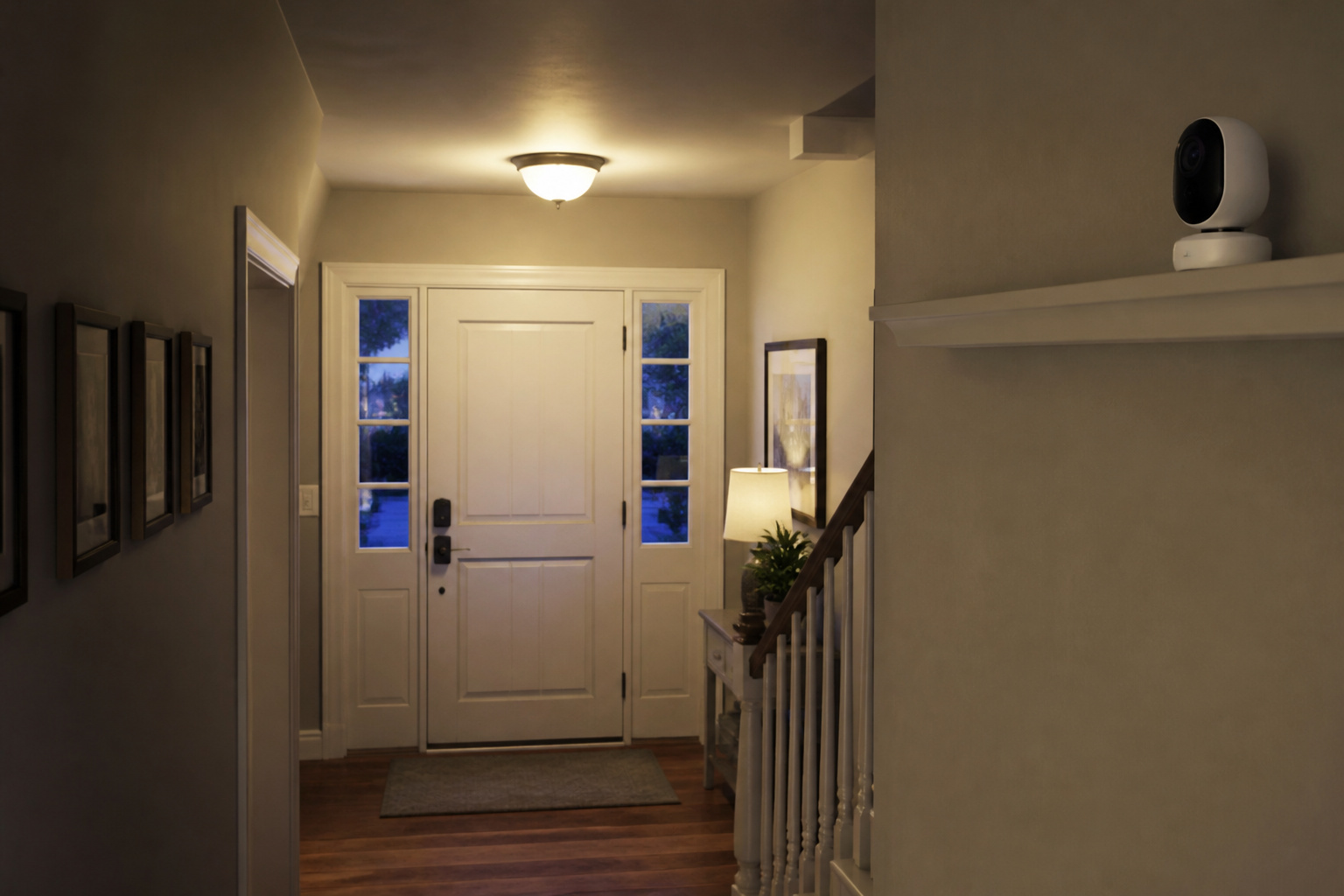
Point it at an entry point such as a front door, a hallway, or a ground-floor window path, rather than at the room where your household spends its time. Avoid bedrooms and bathrooms, and tell guests, house sitters, and caregivers that a camera is in use. Audio recording rules vary by state and country, so check yours.
Aiming the camera through a window usually causes glare at night, because the infrared light used for night vision reflects off glass. Place it back from the window or angle it away.
Because it uses 2.4 GHz Wi-Fi only, a spot near the edge of your router’s range can cause dropped video. If you rent, our no-drill smart home guide for renters covers camera placement without damaging walls, and our guide to home security camera systems explains storage and wired versus wireless options if you plan to add more cameras.
Who Should Skip the Ring Indoor Cam?
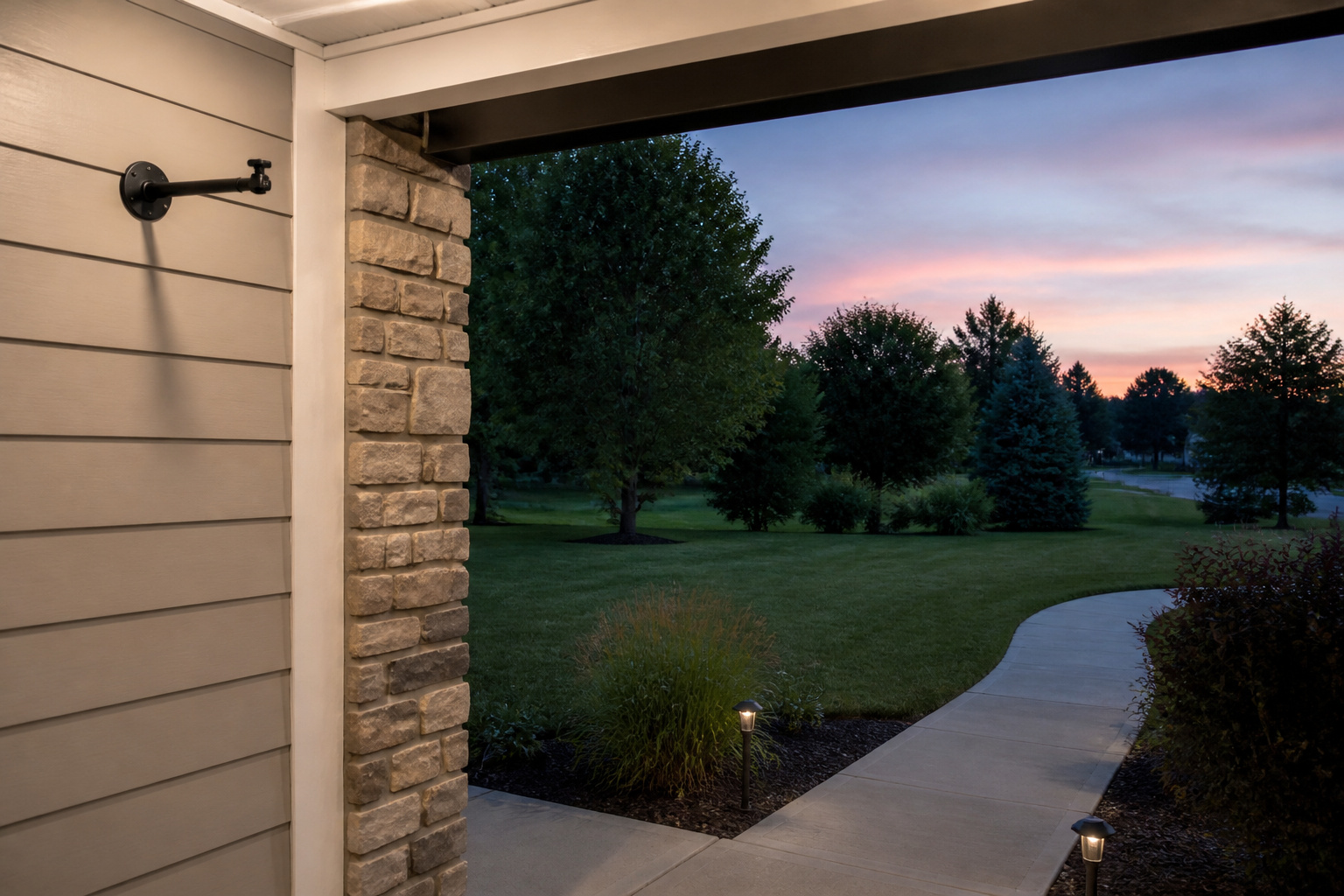
It is built for indoor use only, so look at an outdoor model for a porch or yard; our outdoor security cameras guide covers what matters there. Ring lists the camera as cable-powered, so it needs an outlet nearby.
If you want a history of recorded clips and do not want a monthly charge, compare the total cost against other brands first. Our comparison of Wyze, Ring, and Eufy looks at how each company handles subscriptions and where each has fallen short.
So Is the Ring Indoor Cam (2nd Gen) Worth Buying?
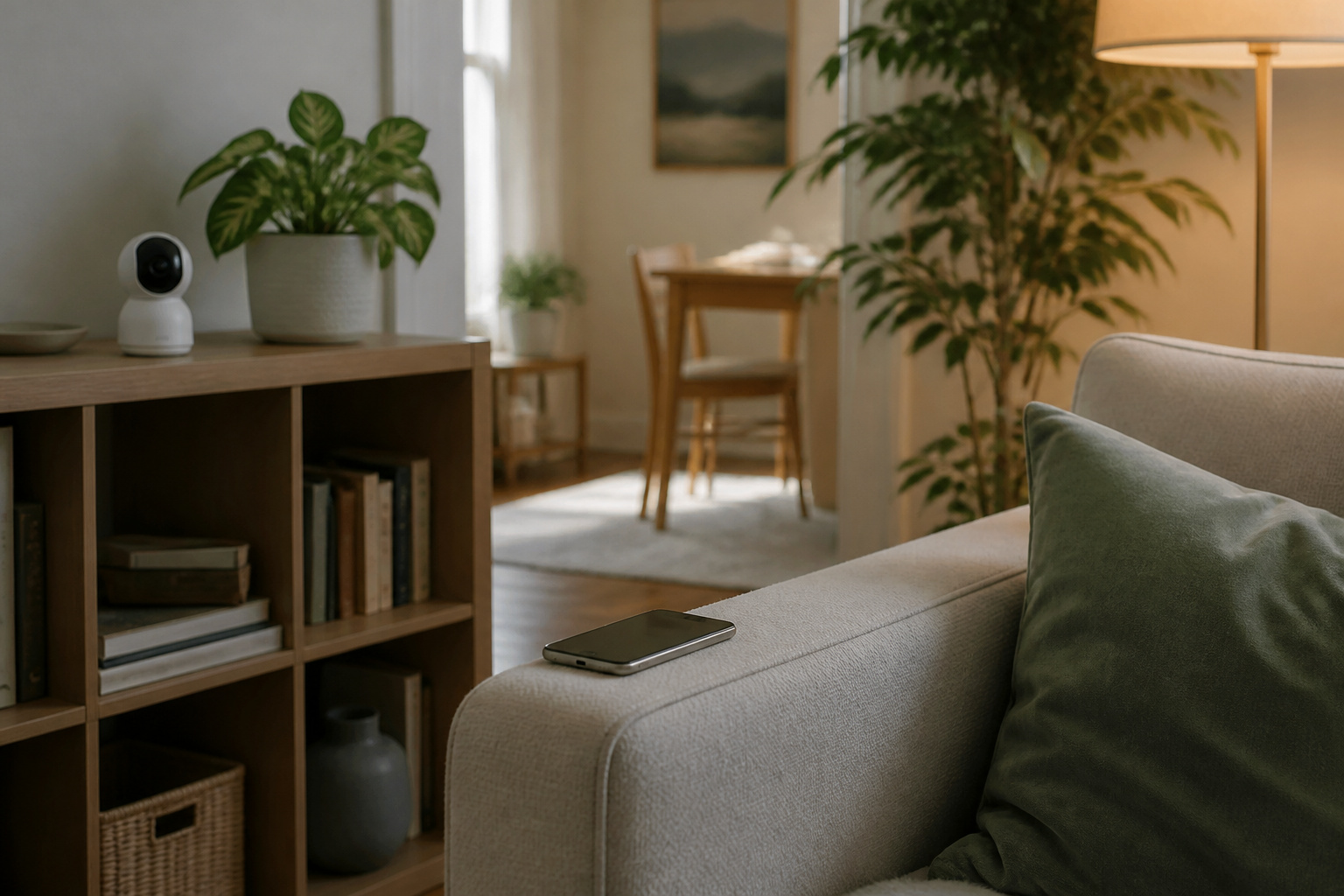
It is a good fit if you mainly want to check in on a room, talk to someone through the camera, and get a motion alert, since those features work without a plan. It becomes a better value the more you are comfortable paying for recorded history, and a weaker one if you want recordings but would rather not subscribe.
Frequently Asked Questions
Does the Ring Indoor Cam (2nd Gen) work without a subscription?
Yes, for the basics. Ring says Live View, real-time motion notifications, two-way talk, and privacy zones work without a plan. Recorded video, 24/7 recording, and sharing need one.
Can the Ring Indoor Cam be used outside?
No. It is sold as an indoor camera, so use a weather-rated outdoor camera for porches, garages without cover, and yards.
Is the Ring Indoor Cam wired or battery-powered?
It is plug-in. Ring includes a Micro USB cable and power adapter, so you need an outlet within reach or an extension.
Does the Ring Indoor Cam use 5 GHz Wi-Fi?
Ring lists 2.4 GHz (802.11 b/g/n) support, with a minimum upload speed of 2 Mbps. If your router combines both bands under one network name, the camera will normally connect on 2.4 GHz during setup.
How does the privacy cover work?
You slide the cover over the lens to turn off the camera and microphone, and swivel it aside to turn them back on. Because it is mechanical, you can see whether the camera is blocked.