The Roku Ultra is the top streaming player in Roku’s lineup, and it costs more than the rest for a reason. The question is whether the extras matter for how you watch, or whether a cheaper Roku or your TV’s built-in streaming does the same job.
Here is what the Ultra offers today, what each extra is actually for, and who should skip it.
What Is the Roku Ultra?
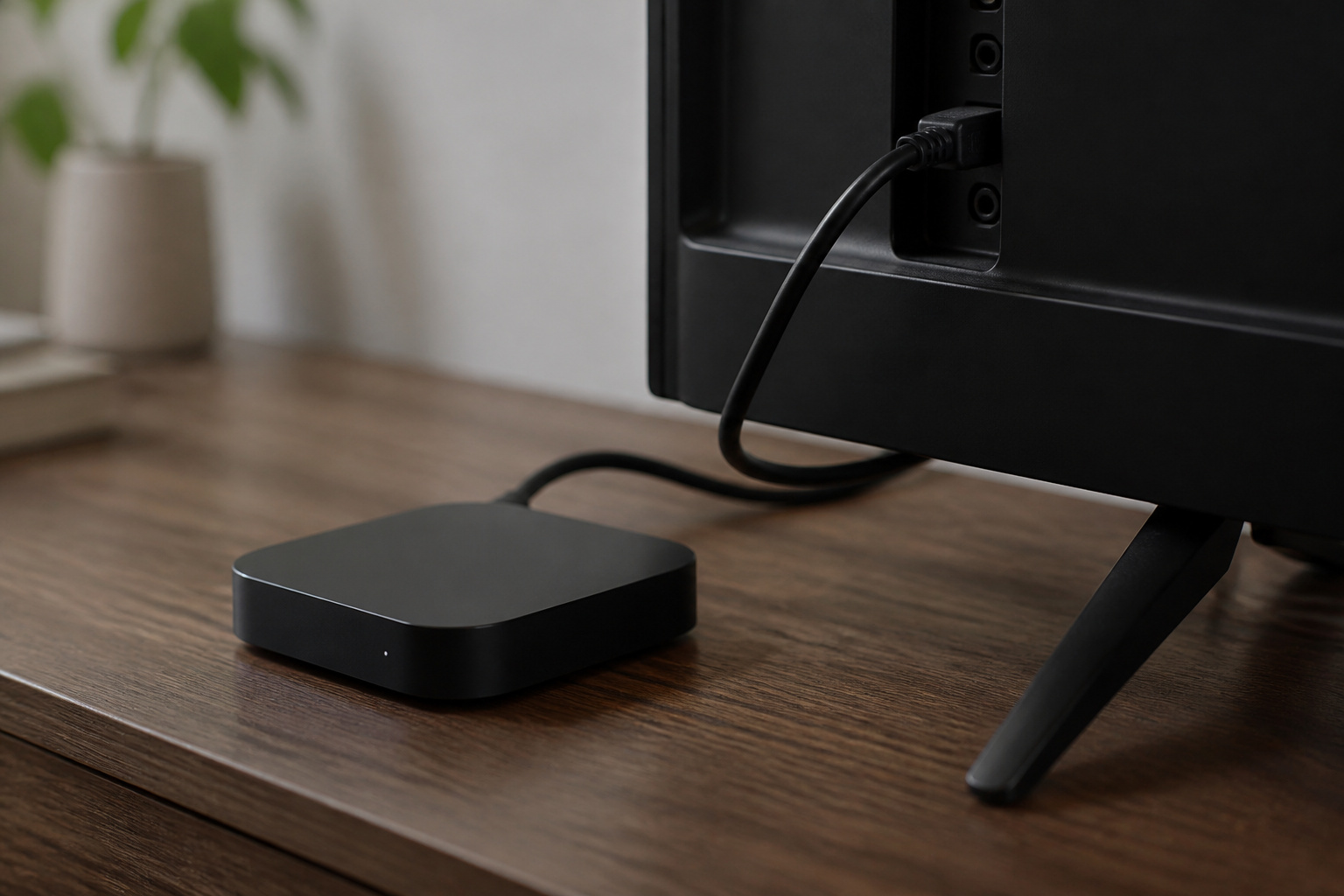
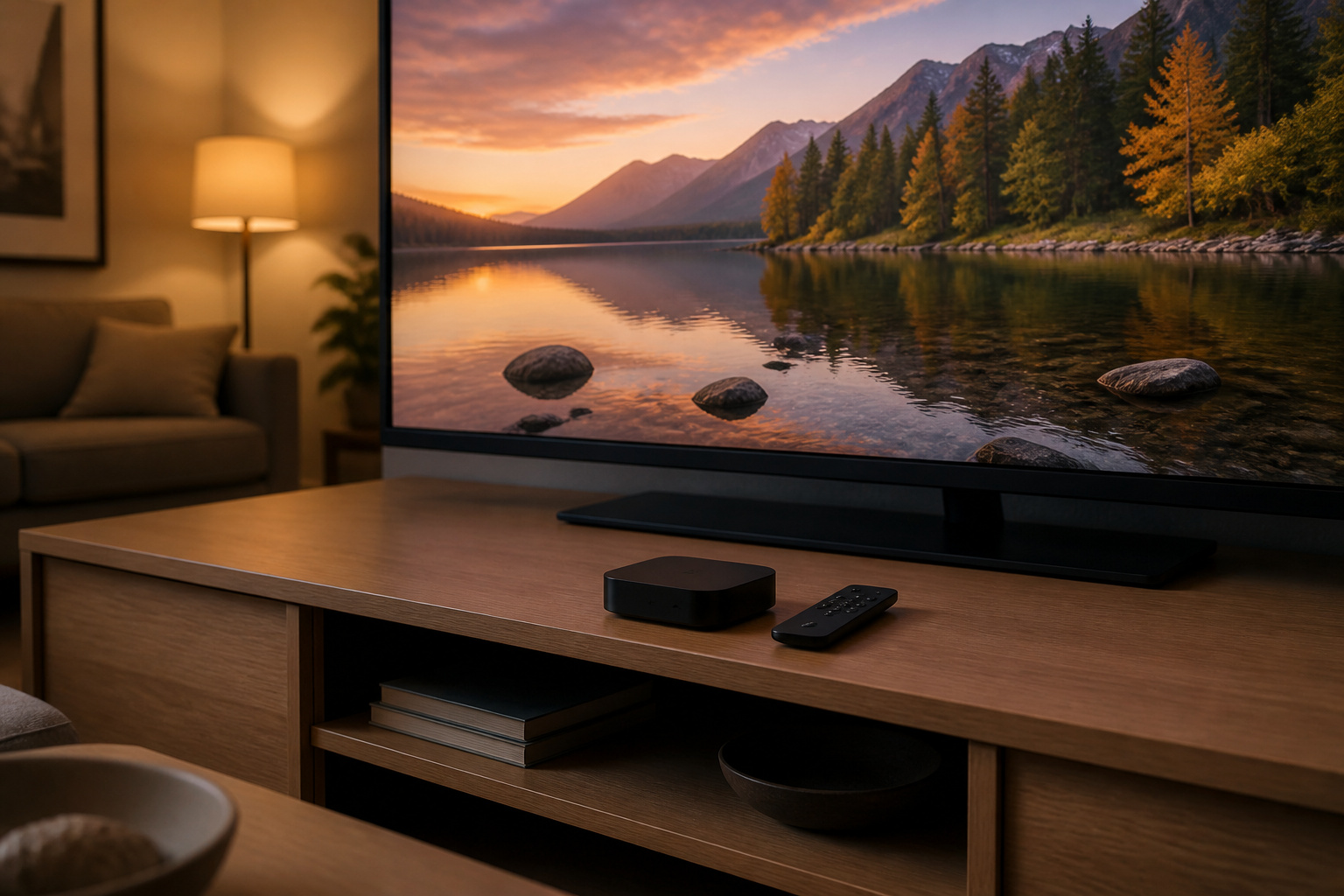
It is a small set-top streaming player that plugs into your TV over HDMI. According to Roku’s product page, the current Roku Ultra (model 4850R) streams up to 4K at 60 frames per second, supports Dolby Vision, HDR10, HDR10+, and HLG, and uses HDMI 2.1b. The box includes the player, a Voice Remote Pro, a USB-C charging cable, an HDMI cable, and a power adapter.
This page originally reviewed the 2020 Roku Ultra, which added Dolby Vision and Dolby Atmos support. Roku has since released newer versions, so make sure the model number on the listing matches what you expect before you order.

30% Faster Streaming
Experience cinema‑grade 4K, HDR10+, Dolby Vision, and Atmos with a rechargeable, backlit voice remote.
As an affiliate, we earn on qualifying purchases.
Recommended Products

Our best Wi-Fi: Enjoy fast, smooth TV streaming in any room in the house with our best Wi-Fi or choose

HD streaming made simple: With America’s number 1 TV streaming platform,* exploring popular apps—plus tons of free movies, shows, and live TV—is as easy as it is fun. *Based on hours streamed—Hypothesis Group

4K streaming made simple:With America’s number 1 TV streaming platform,* exploring popular apps—plus tons of free movies, shows, and live TV—is as easy as it is fun. *Based on hours streamed—Hypothesis Group
Does the Roku Ultra Support Dolby Vision and Dolby Atmos?
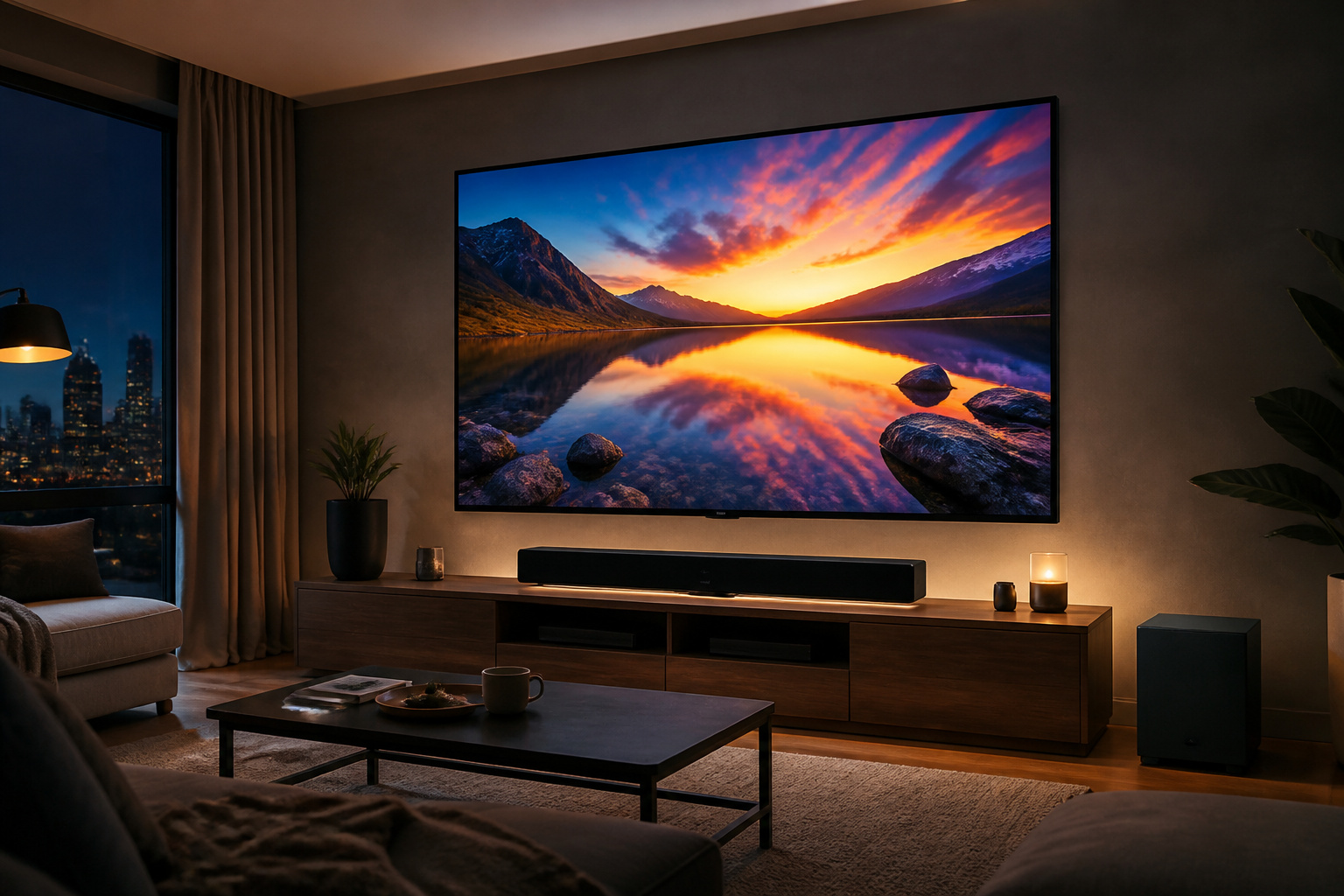
Yes, but both depend on the rest of your setup. Dolby Vision needs a TV that supports it, and an HDMI input that supports HDCP 2.2 for 4K. Roku lists Dolby Atmos decoding over HDMI and says it requires Atmos-compatible speakers, along with DTS Digital Surround pass-through.
If you watch on a TV without Dolby Vision or a basic set of TV speakers, those two features will not change anything you see or hear.
Recommended Products


True 8K Ultra HD: This Avidgram directional 4 port HDMI switch allows four HDMI sources to one HDMI display, specifically designed to handle 8K@60hz, 4K@120Hz, 1080p@240Hz, also supports HDMI 2.1, HDCP 2.3/2.2/1.4, HDR10, HDR10+, Dolby vision, 3D, CEC, high-speed 48Gbps video bandwidth.
Is Wired Ethernet Worth Using?
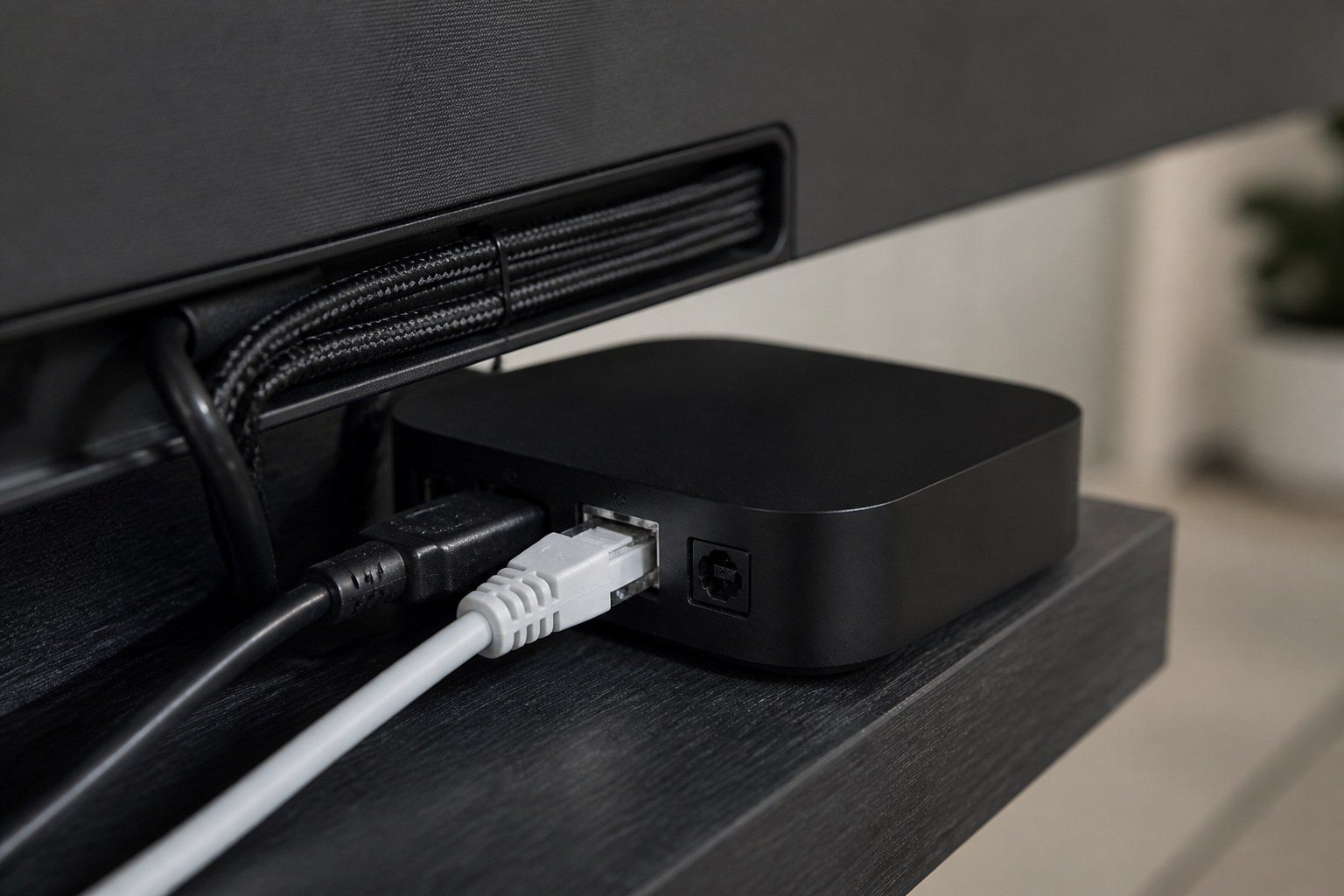
Roku lists dual-band Wi-Fi 6 (802.11ax) plus a 10/100 Ethernet port. Wi-Fi 6 is fast enough for most 4K streaming. The wired port is useful when your TV sits far from the router or your Wi-Fi is congested, since a cable removes wireless interference from the picture.
If your picture stalls even with a strong signal, our guide to why a smart TV keeps buffering walks through the usual causes.
Recommended Products

Designed for Outdoor & Direct Burial Installations – Heavy-duty double-shielded Cat8 Ethernet cable minimizes EMI/RFI interference and delivers stable long-distance performance. Waterproof, anti-corrosion PVC jacket allows safe direct burial and reliable use in outdoor or indoor environments.

40Gbps 2000Mhz High Speed: UGREEN Cat 8 ethernet cable supports bandwidth up to 2000MHz and 40Gbps data transmission speed, ensuring stable network speed for you to online gaming, surf the Internet, online HD video streaming, upload, download, and more.

Cat 6 performance at a Cat5e price but with higher bandwidth
What Does the Voice Remote Pro Add?
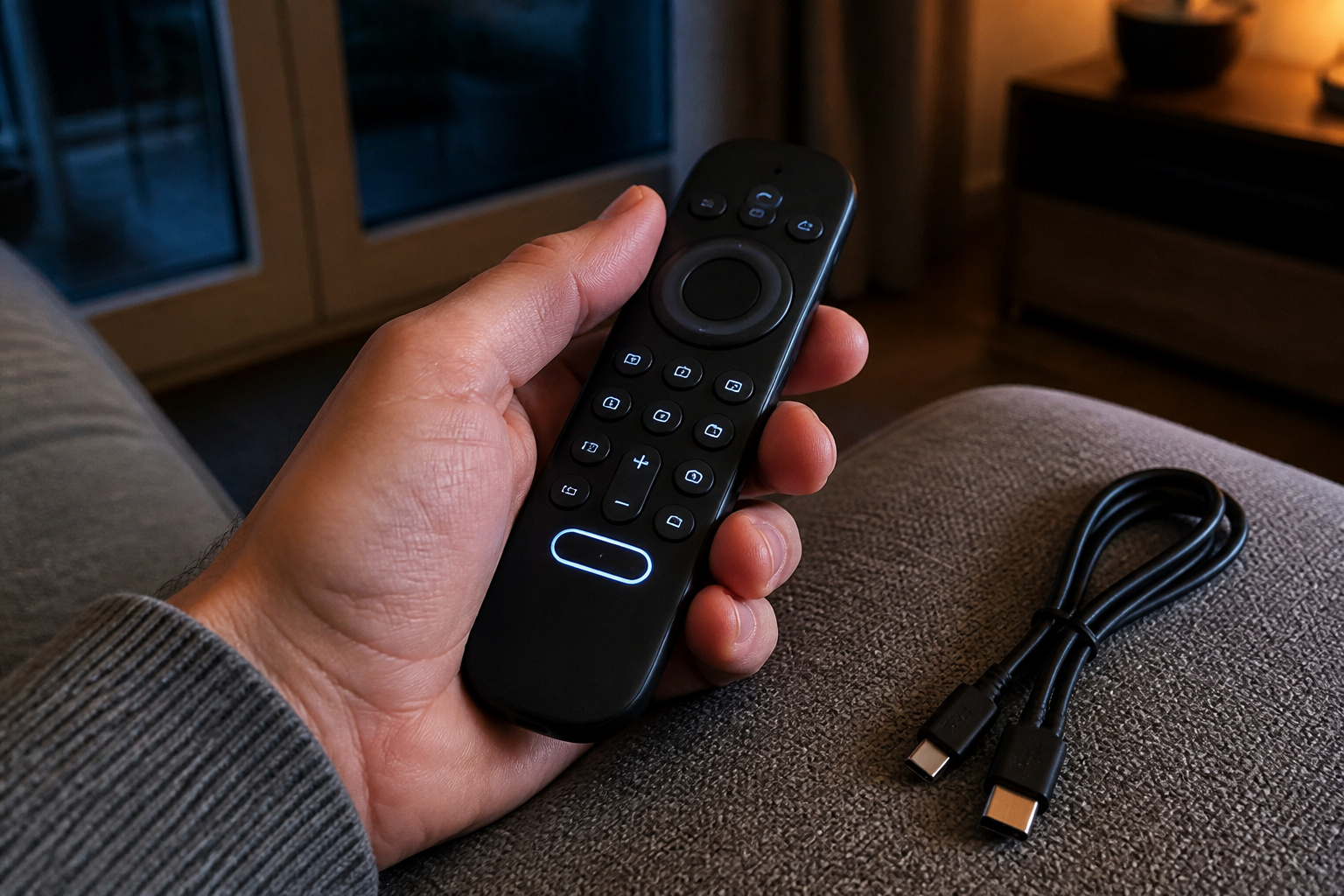
Roku lists the Voice Remote Pro (2nd edition) with backlit buttons, a rechargeable battery charged over USB-C, hands-free voice control with “Hey Roku,” and a lost remote finder. The player itself also supports Bluetooth streaming and a Headphone Mode that pairs wireless headphones directly to the Ultra for private listening.
A USB 3.0 port on the player lets you play your own media from a drive. The Ultra also works with Apple AirPlay and HomeKit, Google Home, and Alexa, per Roku.
Recommended Products

Stay powered for months: Keep your remote running for three months on a single charge. With 50% more battery life and USB-C charging, Roku Voice Remote Pro (2nd Edition) is the ultimate TV companion.

Easy voice search & control: Quickly search across thousands of top channels, play entertainment, control your streaming, and more with your voice
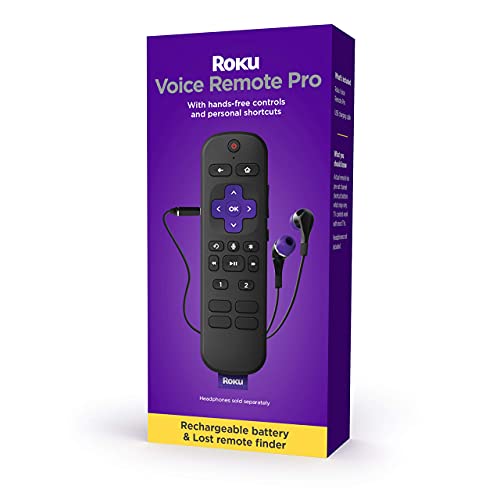
Rechargeable battery: Keep your remote powered with any standard USB charger, so you don’t have to worry about batteries
Should You Buy the Ultra or Use Another Streaming Option?
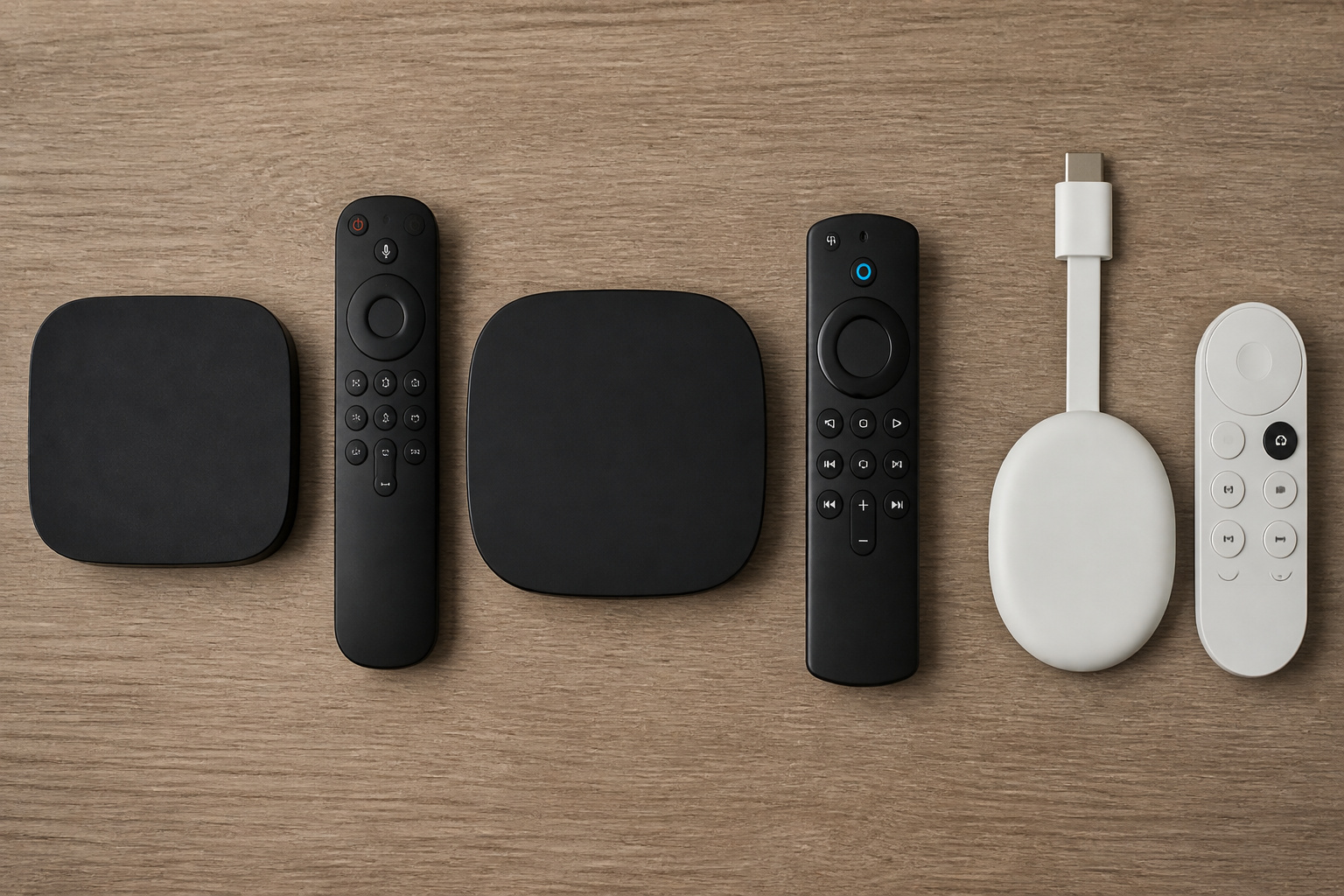
The Ultra makes the most sense if you want wired Ethernet, a USB media port, Bluetooth headphone listening, and a rechargeable remote with a finder on a 4K TV. If you only need apps and a sharp picture, a cheaper Roku player or a TV with Roku built in may cover it. Compare the specs on Roku’s lineup page before you decide.
If you have not picked a platform yet, our comparison of Roku, Google TV, and Fire TV looks at how the interfaces and ecosystems differ.
Recommended Products

Play Movies From Your NAS or PC Over the Network - Wi-Fi and Ethernet LAN both work, and the player scans your network and browses Windows SMB shared folders on its own. Smoothest up to 1080p; use USB or microSD for high-bitrate 4K.

MAKE YOUR TV SMARTER - Enhance any TV with the ability to play videos, music, and photo slideshows from a USB drive or MicroSD Card! It’s so simple and intuitive - anyone can use it. The Micca 4K is amazingly compact and affordable, get one for each TV in the house!

Optimized for Digital Signage: Suitable for digital signage use, fully supports all OptiSigns features and apps available on your subscription plan
So Is the Roku Ultra Worth Buying?
It is worth it if your setup can use what sets it apart: a 4K Dolby Vision TV, an Atmos sound system, a wired connection, or a USB drive of your own media.
If you have a basic TV and Wi-Fi that works, you are paying for features you will not use.
Frequently Asked Questions
Do you need a 4K TV for the Roku Ultra?
No, but you only get the benefit of 4K on a 4K TV. Roku lists HD output up to 1080p as well, and says 4K streaming requires an HDMI input that supports HDCP 2.2.
Does the Roku Ultra have an Ethernet port?
Yes. Roku lists a 10/100 Ethernet port in addition to dual-band Wi-Fi 6.
Can the Roku Ultra play files from a USB drive?
Yes. Roku lists a USB 3.0 port for local media playback.
Do you need special speakers for Dolby Atmos?
Yes. Roku says Dolby Atmos decoding over HDMI requires Atmos-compatible speakers or a soundbar. Without them, you will hear standard audio.
Can you use Bluetooth headphones with the Roku Ultra?
Yes. Roku lists Bluetooth streaming and a Headphone Mode that pairs headphones directly to the player. Roku does not list a headphone jack on the Ultra’s page.