Audio specs look like a wall of numbers, but only a few of them tell you something useful. This guide explains the common ones in plain terms, what they mean for what you hear, and which you can safely ignore.
Sample Rate
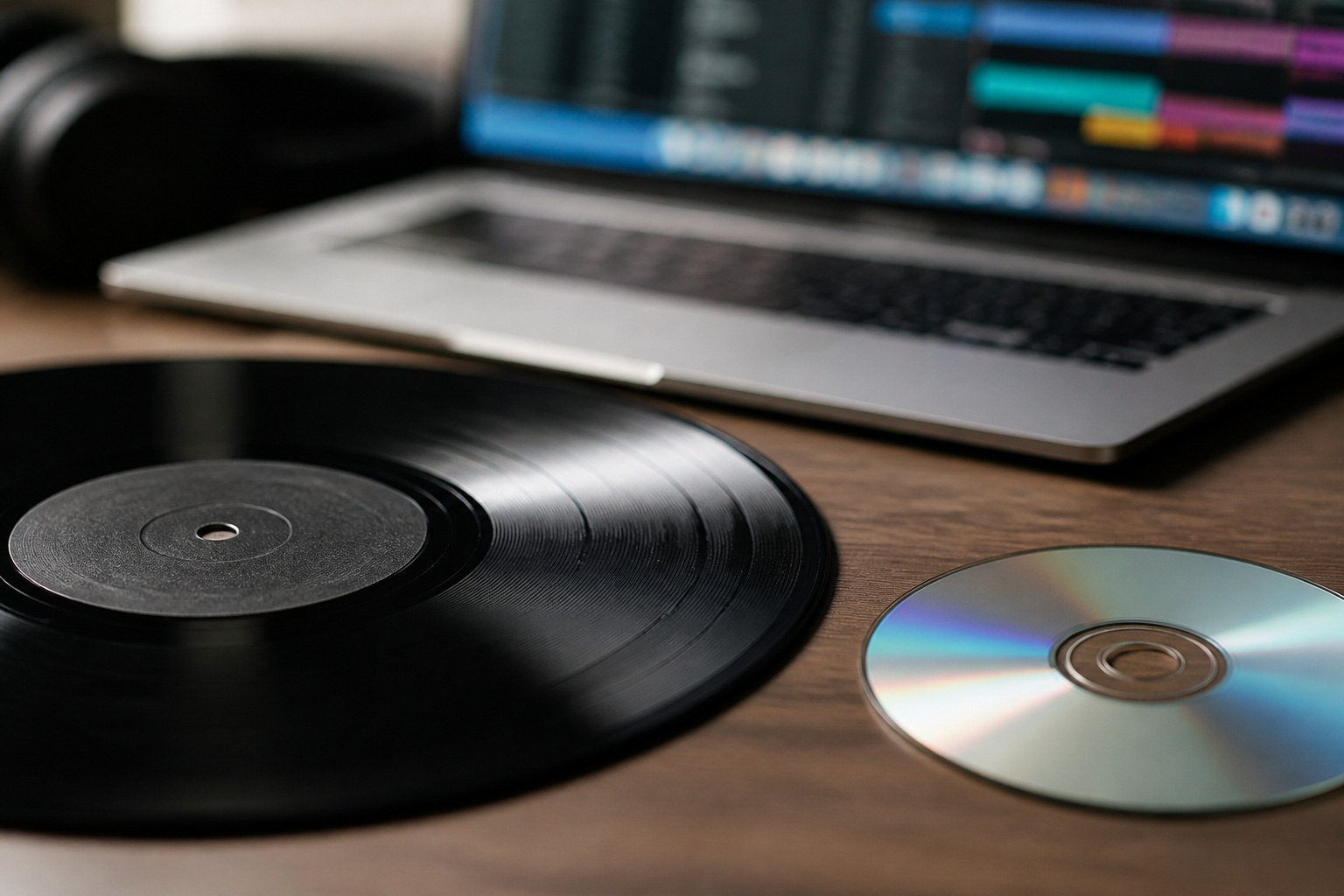
Digital audio is a series of snapshots of a sound wave. The sample rate is how many snapshots are taken each second.
CDs use 44.1 kHz, or 44,100 snapshots per second, and video often uses 48 kHz. Both capture the full range people can hear. Higher rates such as 96 kHz or 192 kHz add information that most listeners cannot detect.
Recommended Products

Pro performance with great pre-amps - Achieve a brighter recording thanks to the high performing mic pre-amps of the Scarlett 3rd Gen. A switchable Air mode will add extra clarity to your acoustic instruments when recording with your Solo 3rd Gen

The new generation of the songwriter's interface: Plug in your mic and guitar and let Scarlett Solo 4th Gen bring big studio sound to wherever you make music

Podcast, Record, Live Stream, This Portable Audio Interface Covers it All - USB sound card for Mac or PC delivers 48kHz audio resolution for pristine recording every time
Bit Depth
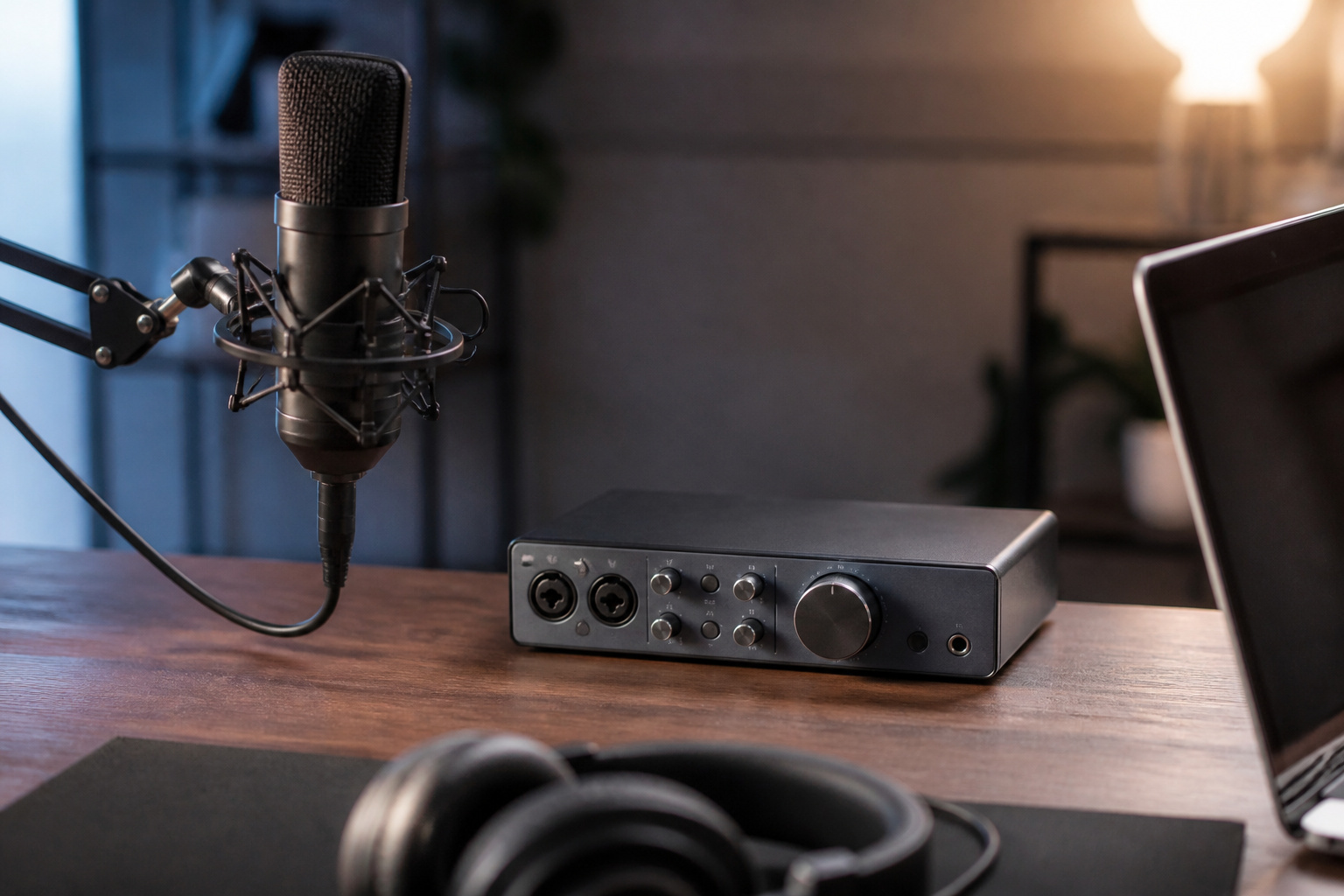
Bit depth is how precisely each snapshot is measured. 16-bit audio, the CD standard, has 65,536 possible levels, and 24-bit has more than 16 million.
The extra precision gives lower background noise and more headroom, which is valuable for recording and editing. For playback, 16-bit is already excellent for most music. Our guide to hi-res audio goes deeper.
Lossy vs Lossless
Lossy formats such as MP3 and AAC shrink files by discarding detail that is hard to hear. Lossless formats such as FLAC and ALAC keep everything and take more space.
The gap is small at high bitrates and larger at low ones, and it shows most on good equipment.
Recommended Products

1.[HiFi Lossless Sound with ESS DAC] Surfans F20 DAP is built with an ESS ES9018K2M DAC for clear, detailed high-resolution audio. It supports 32-bit/384kHz decoding, native DSD128, FLAC, WAV, APE, WMA, MP3 and more, giving you a portable HiFi MP3 player for serious offline music listening.

SMALL AND PORTABLE: This 1.8in small MP4 MP3 player is small and easy to carry, allowing you to enjoy music and videos anywhere. The ideal companion for your commute or outdoor travel

[Hi-Res Sound with ESS DAC] Built with the ESS ES9018K2M DAC, the H2 delivers clear, detailed sound for serious music listening. It supports DSD128, FLAC, WAV, APE, ALAC and other high-resolution formats, with 107dB SNR and low distortion for a richer experience than standard phone audio.
Frequency Response
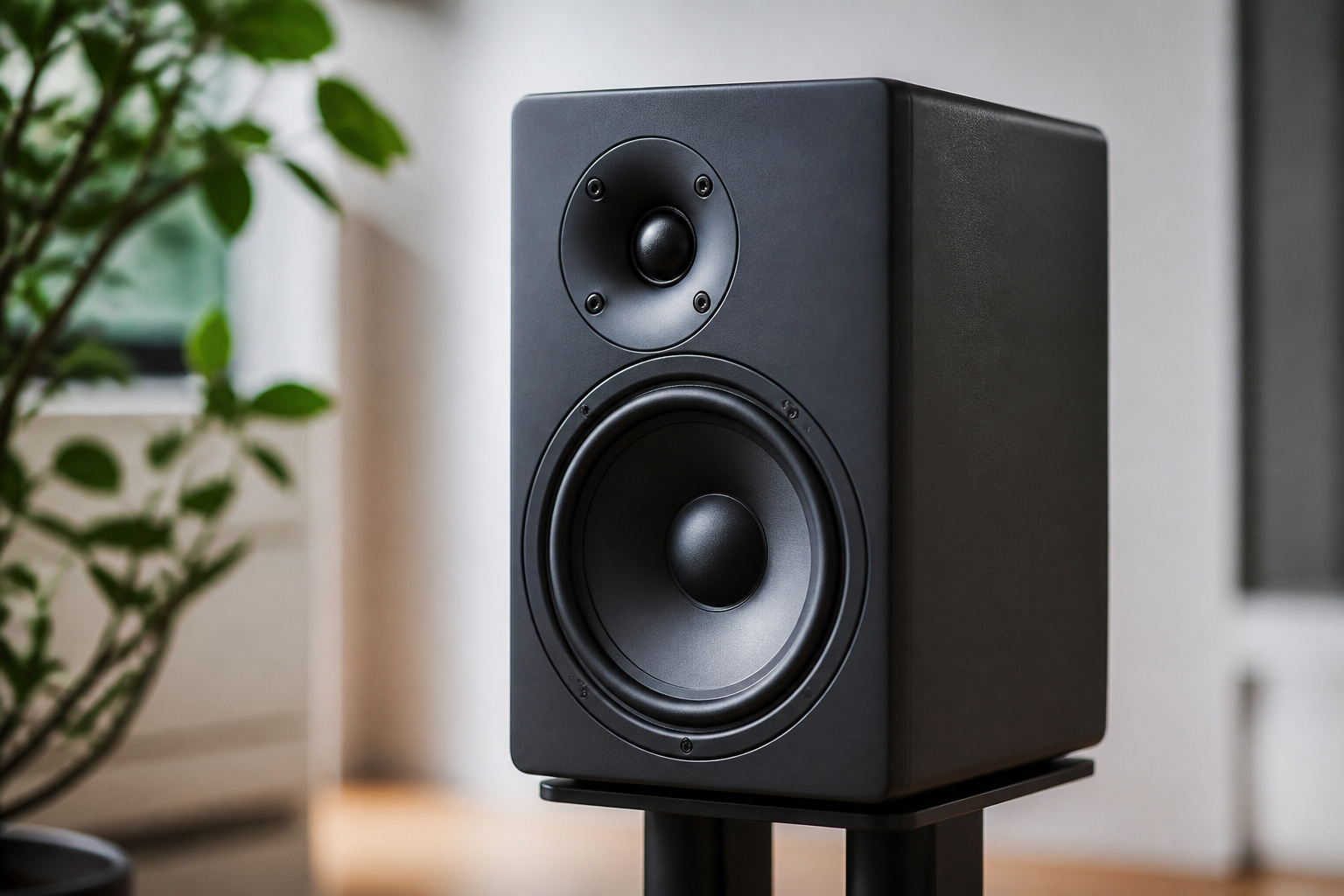
Frequency response shows which pitches a speaker or headphone can play, from low bass to high treble. Humans can hear roughly 20 Hz to 20 kHz.
A wide range is a good sign, but two products with the same range can sound very different because of how they treat each part of it. Treat it as a rough guide.
Recommended Products

High Output neodymium drivers deliver powerful sound.

Precision Artificial Ear IEC711 Frequency Response Curve Tester Artificial Ear 318-4 Headphone Tester

HEAR YOUR MIX WITH CLARITY: Whether you're recording, editing, monitoring, or creating content, these studio headphones deliver detailed sound for professional audio workflows
Impedance and Sensitivity

Impedance, measured in ohms, describes how much a speaker or headphone resists the signal, and sensitivity describes how loud it plays for a given power. Low sensitivity and high impedance mean you need more amplifier power to reach a good volume.
Mismatches can leave music quiet or distorted. Our guide on active vs passive speakers explains how amplifiers and speakers work together.
Recommended Products

Match high-impedance circuits with a 20,000 ohm piezoelectric crystal earphone that responds to small signals and provides a practical listening component for crystal radio projects.

Headphone Amplifier Support 16-600Ω impedance headphone help headphones with high impedance or low sensitivity to be better driven. Maximum power output:100mW@32Ω loaded/ 60mW@600Ω loaded

High impedance crystal earphone - very sensitive and works great with crystal radios
Signal-to-Noise Ratio and Distortion
Signal-to-noise ratio compares the music to the background hiss, and a higher number means cleaner sound. Many decent products list figures around 90 dB or more.
Total harmonic distortion shows how much unwanted sound is added, and lower is better. Both matter less than the balance and quality of the speakers or headphones themselves.
Using Specs Sensibly
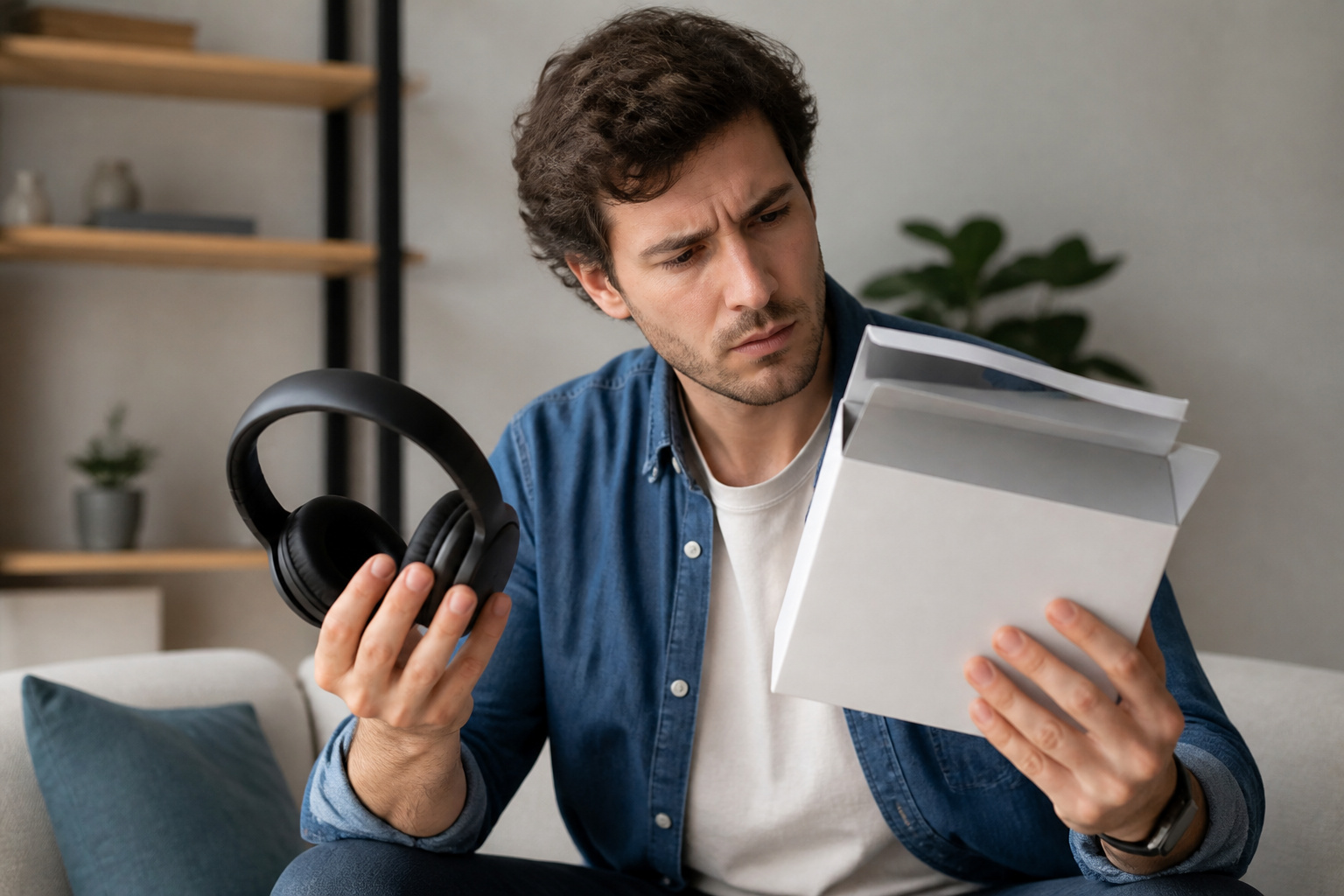
Specs help you avoid mismatches and spot bad products, but they do not tell you how something sounds. Use them to narrow choices, then rely on reviews and your own ears.
For the bigger picture of what shapes sound, read audio basics.
Frequently Asked Questions
What Sample Rate Should I Use for Music Streaming?
You usually do not need to choose. Streaming services send music at a standard rate, commonly 44.1 kHz or 48 kHz, and your device handles playback. Higher rates only matter if you have hi-res files and equipment that can play them.
Does Bit Depth Affect File Size Significantly?
Yes. A 24-bit file uses 50 percent more space than a 16-bit file at the same sample rate, and higher sample rates multiply that. Lossless files are also much larger than lossy ones.
Can Humans Hear 24-Bit Audio Better Than 16-Bit?
In normal listening, most people cannot reliably tell the difference. The extra bit depth is most useful in studios, where it gives more room for editing without adding noise.
Is 48 kHz Better Than 44.1 kHz for Listening?
Not in any way you would hear. Both cover the range of human hearing. 44.1 kHz is the music standard and 48 kHz is the video standard, so the choice mostly depends on the source.
Do I Need High-Res Audio for Headphones?
No. Good headphones and well-recorded music matter far more. Hi-res files can help on revealing equipment, but they will not fix a poor recording. See how to choose headphones to focus on what matters.