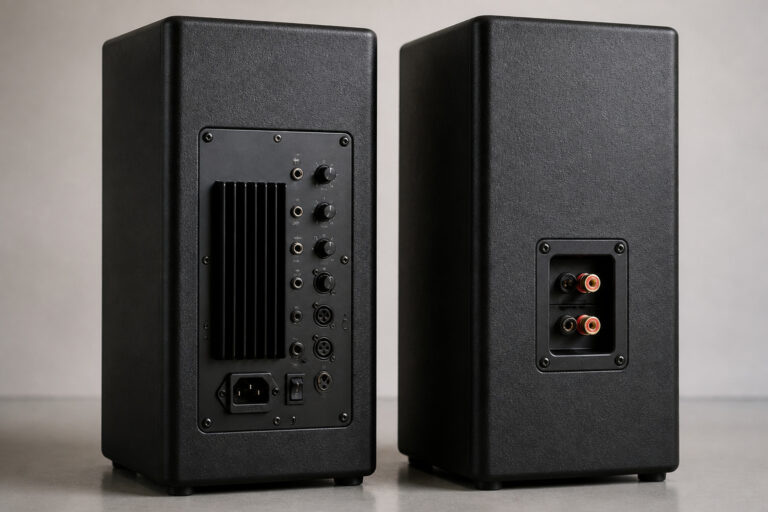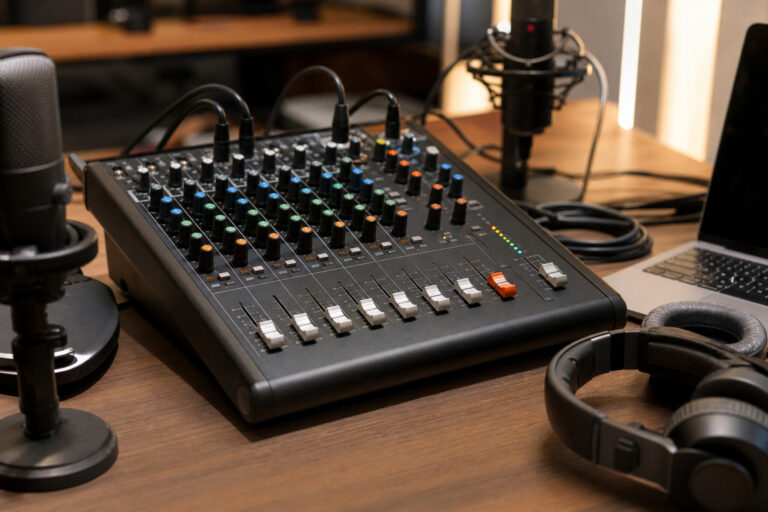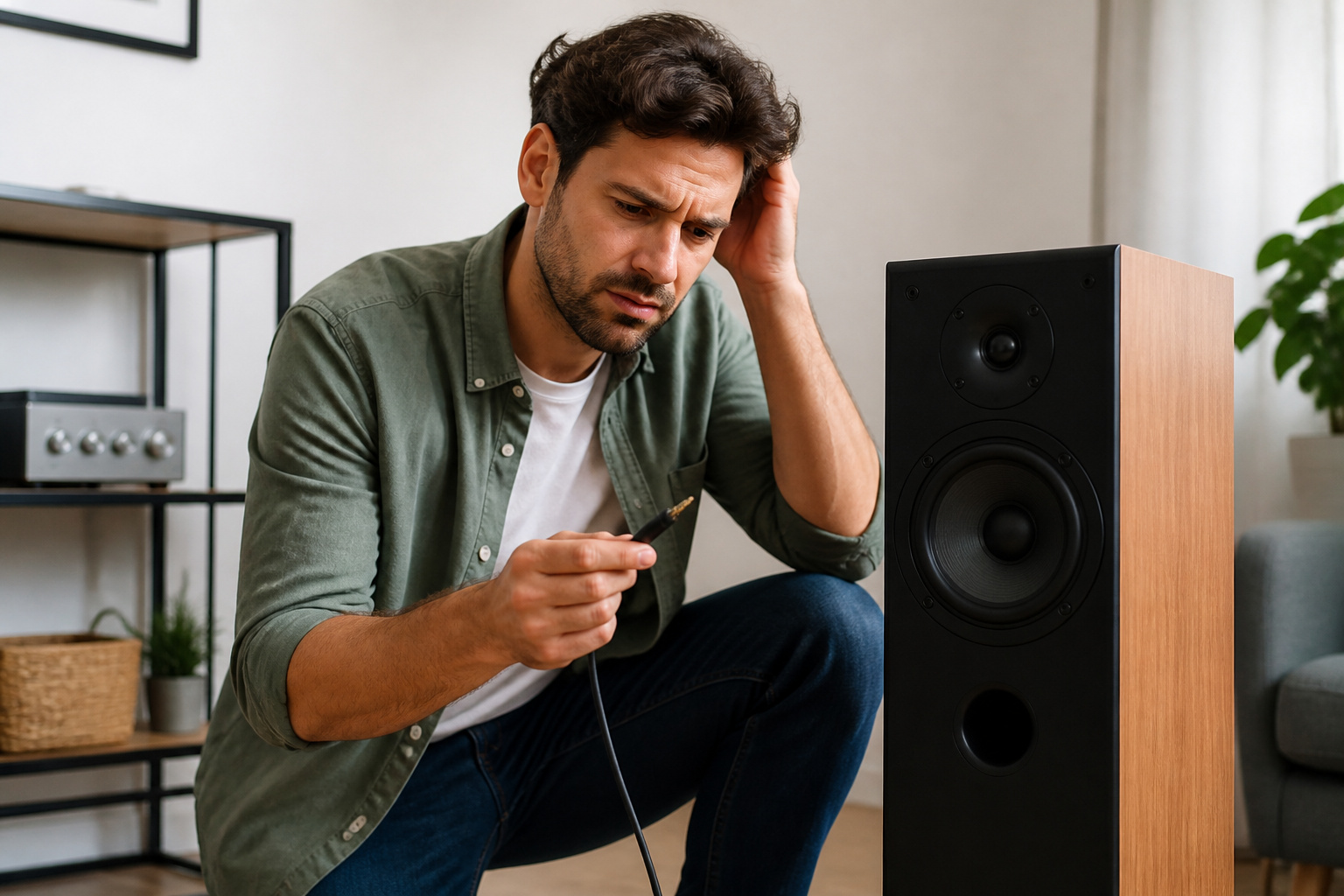
Distorted speakers usually point to one of a few causes: too much volume, a poor source, a bad cable, an overdriven amplifier, or a damaged speaker. Work through them in order, changing one thing at a time, and you can usually find the problem without buying anything.
Check the Volume First

Turn the volume down. If the sound clears, you were pushing the amplifier or speakers past their limit.
Speakers that distort only at high volume are not necessarily faulty, since small speakers in particular cannot play loud without distortion. Keep levels where the sound stays clean.
Test Another Source
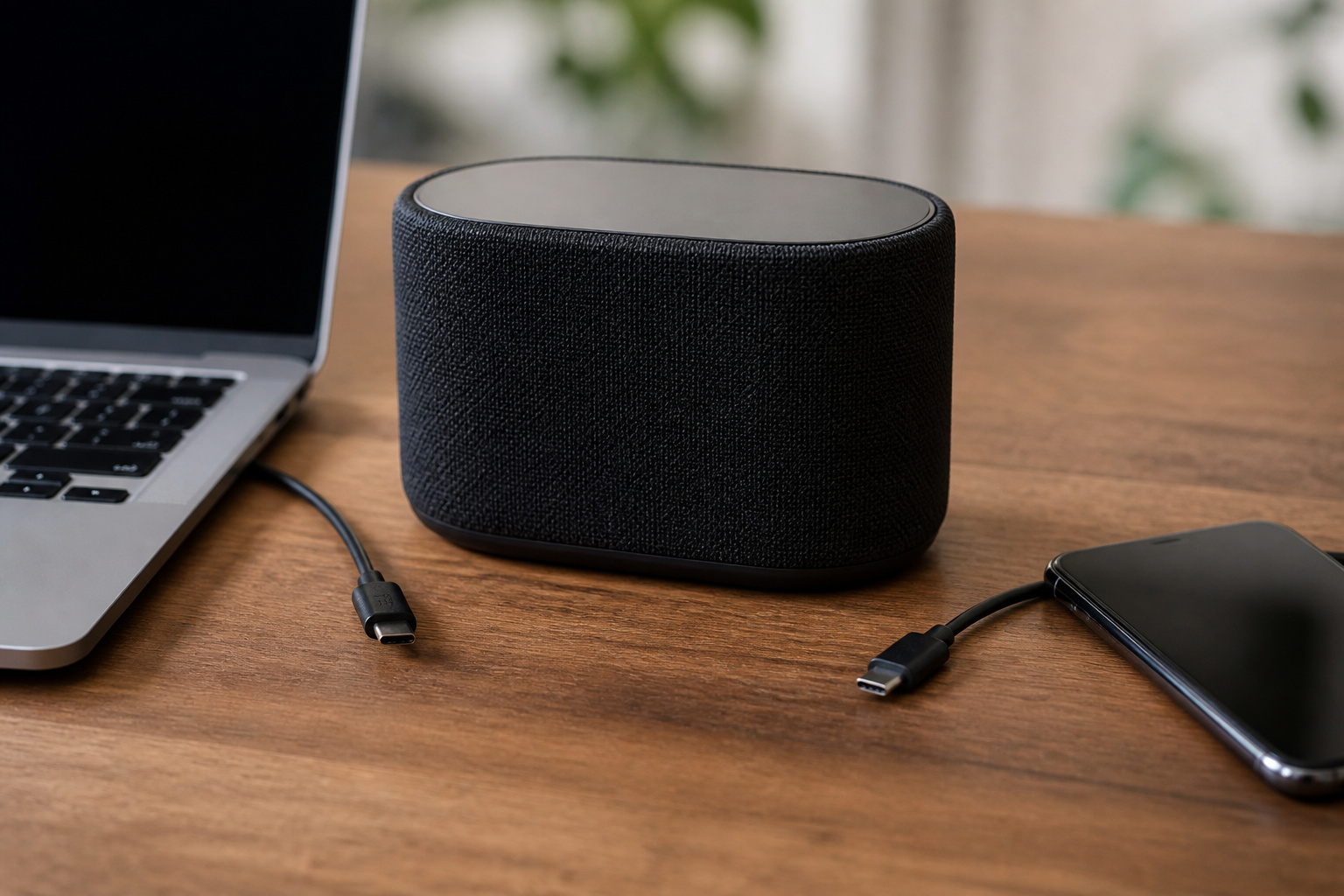
Connect a different phone, computer, or player. If one source sounds clean and the other does not, the speakers are fine and the problem is the source, the file, or the connection.
Low-quality files and weak Bluetooth connections can both sound harsh. Try a wired connection or a higher-quality file to compare. See audio basics for how source quality affects sound.
Inspect the Cables

Frayed wires, bent connectors, and loose plugs can all cause crackle and dropouts. Wiggle each connection while playing music, and if the sound crackles or cuts out, replace that cable.
Make sure speaker wires are firmly connected and that no stray strands touch each other.
Recommended Products

ETL Certified for Peace of Mind: This power cord features a pure copper core for stable power delivery, dependable durability, and safe daily use—ideal for home, office, and outdoor applications

This 1/4 TS 6.35mm male Plug to Bare Wire is used to connect audio equipment such as electric guitar and microphone with TS jack to speaker and amplifier to transmit mono signal. Widely used in sound engineering and meeting construction in public places.
Check the Amplifier
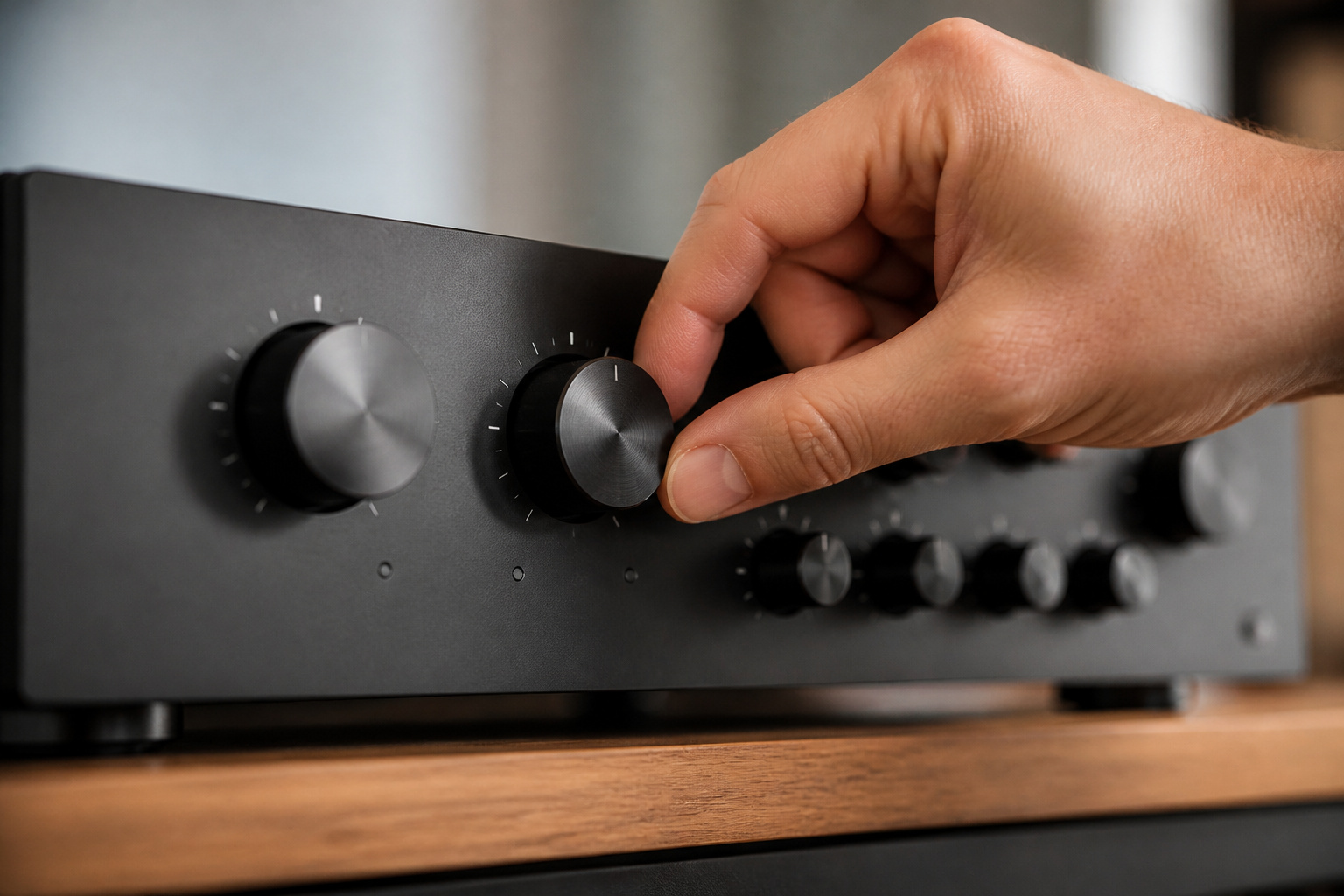
Too much gain or a volume level that pushes an amplifier into clipping sends distorted signal to the speakers, which is both ugly and hard on them. Turn gain or input levels down and use the volume control for loudness.
Match the amplifier’s power to the speakers’ rating, and check the amplifier’s minimum supported impedance against your speakers. Our guide on active vs passive speakers explains how amplifiers and speakers pair up.
Recommended Products

Adds subwoofer level controls to any head unit

Perfect Bass Control:Designed to solve the common issue of unsynced bass between the head unit and subwoofer, allowing you to adjust low frequency output instantly from the driver’s seat for a more balanced listening experience

Replacement Bass Knob & Remote Wire
Look at the Speakers
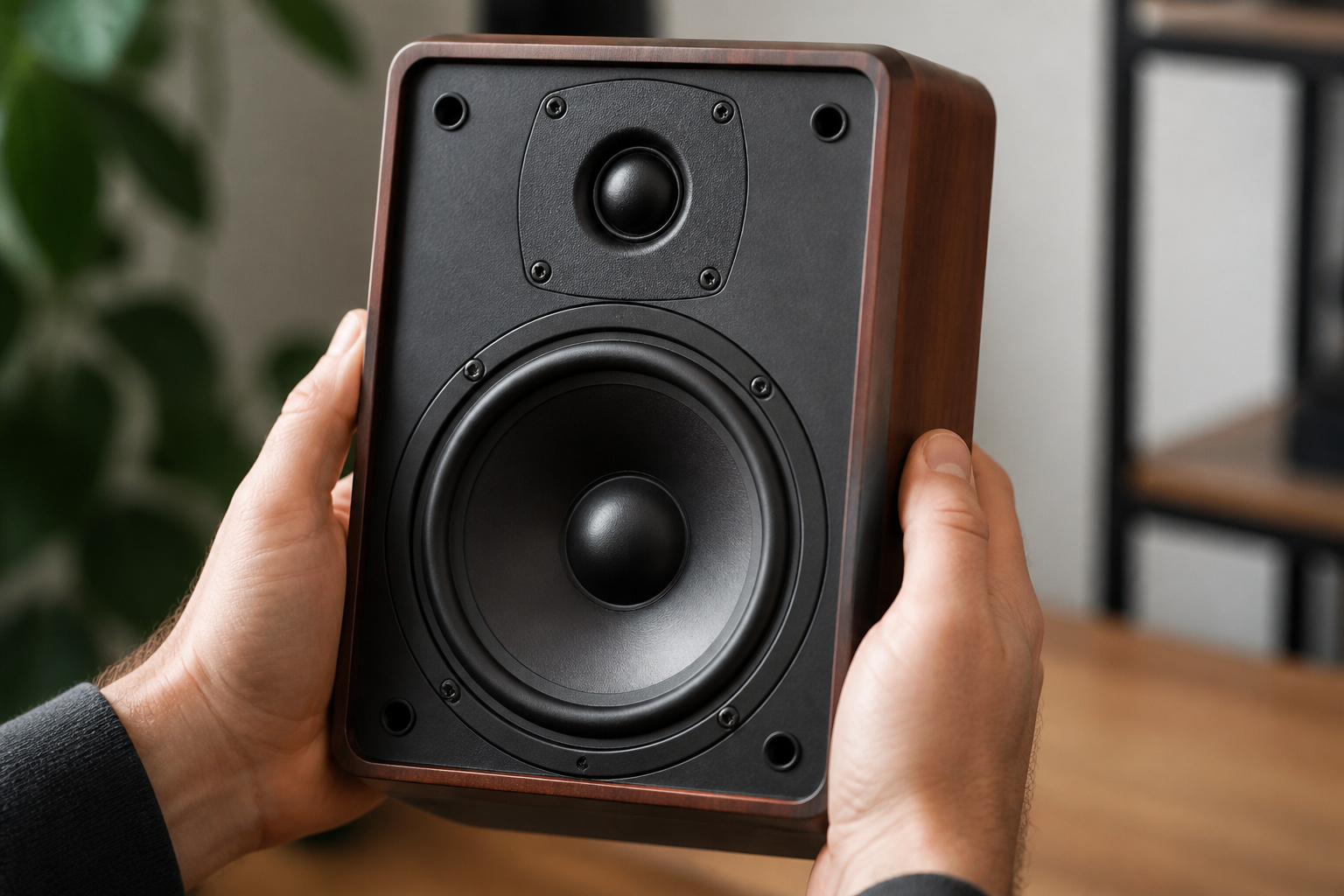
With power off, remove the grille and gently press the cone with your fingertips. Scratching or rubbing sounds suggest a damaged voice coil, and a torn or crumbling foam surround is a common problem in older speakers.
Rattles may come from loose screws or panels. Damaged drivers can often be repaired or replaced, though that is not always cost-effective.
Recommended Products

Easy to work with nozzle applicator makes precise bond

Speaker Repair Adhesive Combo Kit Part # MI-COMBO includes MI-2000, MI-1291, MI-3035, MI-1500 Loctite Epoxy.

Performance Restoration: Speaker glue is designed to solve the problems of cracking and debonding of speaker equipment. Unlike quick-drying repair adhesive, this speaker repair glue can form an elastic adhesive layer to ensure that the repaired speaker is flexible and strong. Detached surrounds to like-new strength.
Consider the Room

Sometimes the sound is not distortion at all, but boominess or harshness from the room. Corners and bare walls exaggerate bass and reflect treble.
Pull speakers away from walls and soften hard surfaces. See speaker placement and reducing echo.
Recommended Products

Exceptional Sound Absorption:These pyramid acoustic panels are engineered to effectively absorb sound waves, reducing echo and reverberation. With a high NRC (Noise Reduction Coefficient), they create a quieter, more acoustically balanced environment, ideal for recording studios, home theaters, and offices.

Soundproofing - Acoustic foam panels triangular grooves structure for better noise absorption, helps to reduce and absorb unwanted echoes, waves, reverb and flutter echoes for better recording effect.

Unique Design: Our decorative acoustic panels feature a designer leaf textured line, effortlessly blending modern minimalism with organic nature. Immediately enhances the sense of art atmosphere by sticking it on the wall.
Frequently Asked Questions
How Can I Clean My Speaker Cones Safely?
Use a soft, dry brush or a gentle puff of air to remove dust. Do not press on the cone. For stubborn marks, use a slightly damp microfiber cloth at the edges, and never spray liquid directly onto speakers.
Do Speaker Covers Affect Sound Quality?
Thick covers can block high frequencies and make sound duller, while thin acoustic fabric has little effect. Use grilles made for your speaker, and compare the sound with and without them.
Can Humidity Damage My Speakers Over Time?
Yes. Prolonged damp conditions can corrode connectors and affect cones and surrounds. Keep speakers out of damp basements and bathrooms where possible.
Why Do My Speakers Crackle When I Turn Them On?
A brief pop at power-on is common in some equipment. Continuous crackling points to a loose connection, a dirty jack, a damaged cable, or a failing component. Check and reseat the cables, and clean dusty connectors.
Is It Safe to Leave Speakers On Overnight?
Modern equipment is designed to be left on, and most powered speakers have standby modes. Turning equipment off when you are not using it saves power and reduces wear, and it is wise to switch off older amplifiers.