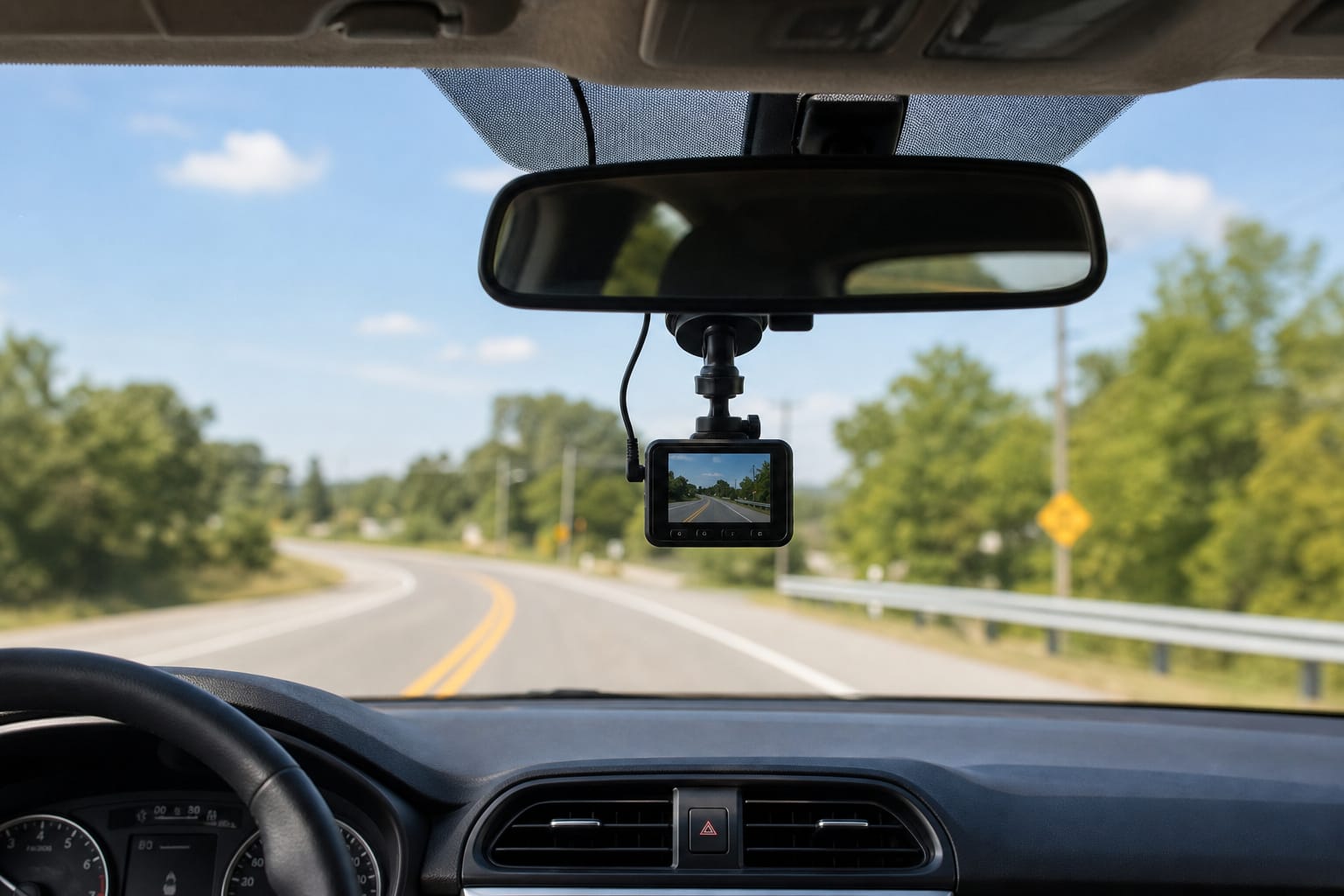
Where should you put your dash cam for the clearest view? Mount it right behind the rearview mirror, centered on the windshield.
That’s the sweet spot: it gives you a wide, unobstructed angle of the road ahead without blocking your own vision or inviting glare.
Finding the Right Spot on the Windshield
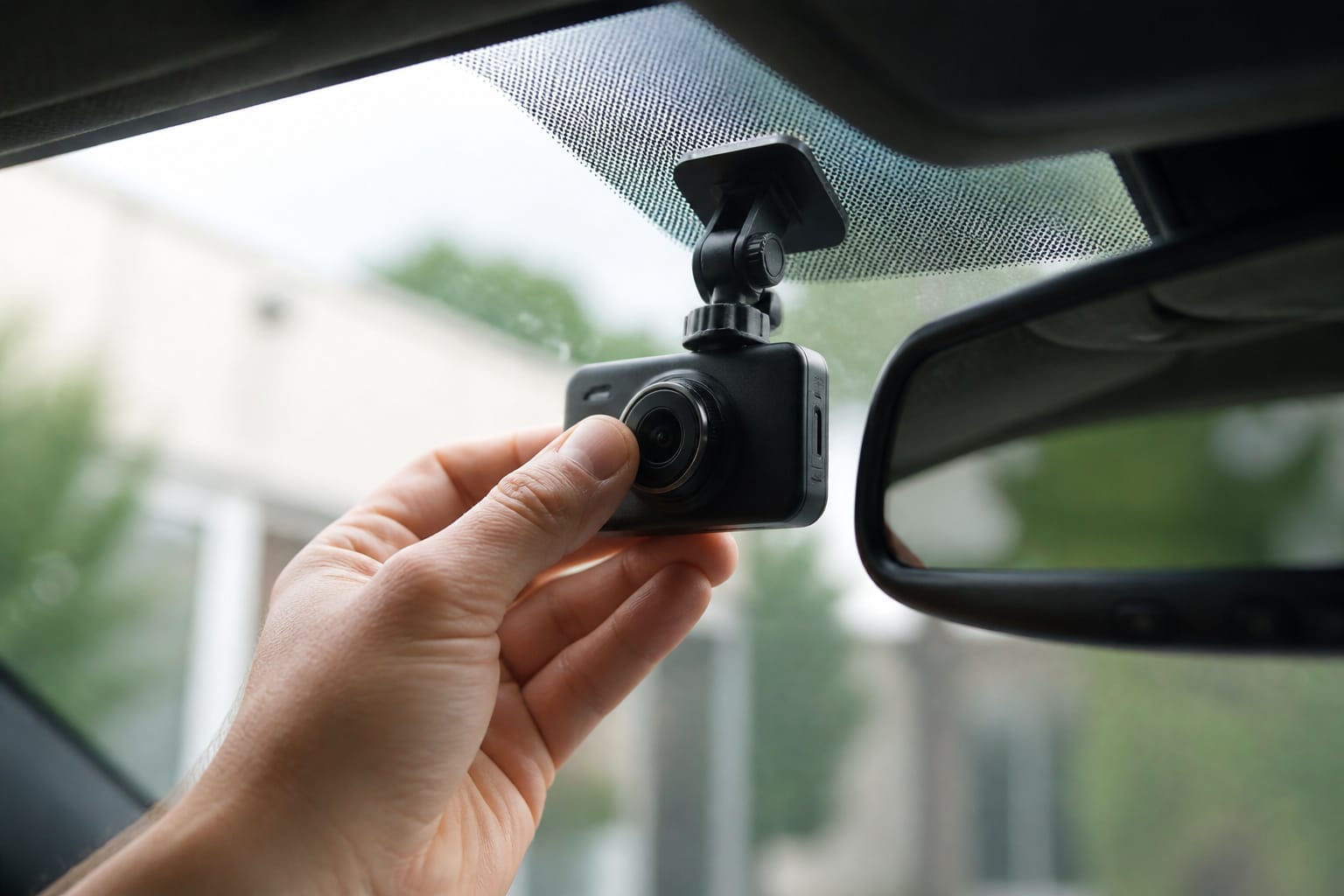
Mount it too low, and you’ll miss the horizon. If it’s too high, the glass curve distorts the image. If it’s too far left or right, your footage skews off-center. Stay centered, and stay high but not too high; about two inches below the roofline usually works best.
You want every detail sharp: license plates, road signs, pedestrian movements. A centered position captures lane markings cleanly, even in rain or fog. If you drive a truck or SUV, you might sit slightly higher, but the rule stays the same: keep the lens roughly level with your own eyeline, and tilt it down slightly if needed rather than pointing it at the hood.
Recommended Products

360 Degree Rotating Mount: Car dashboard and windshield mount holder with full 360-degree rotation capability for car DVR, GPS, and camcorder applications Flexible...
Mounting It So It Stays Put
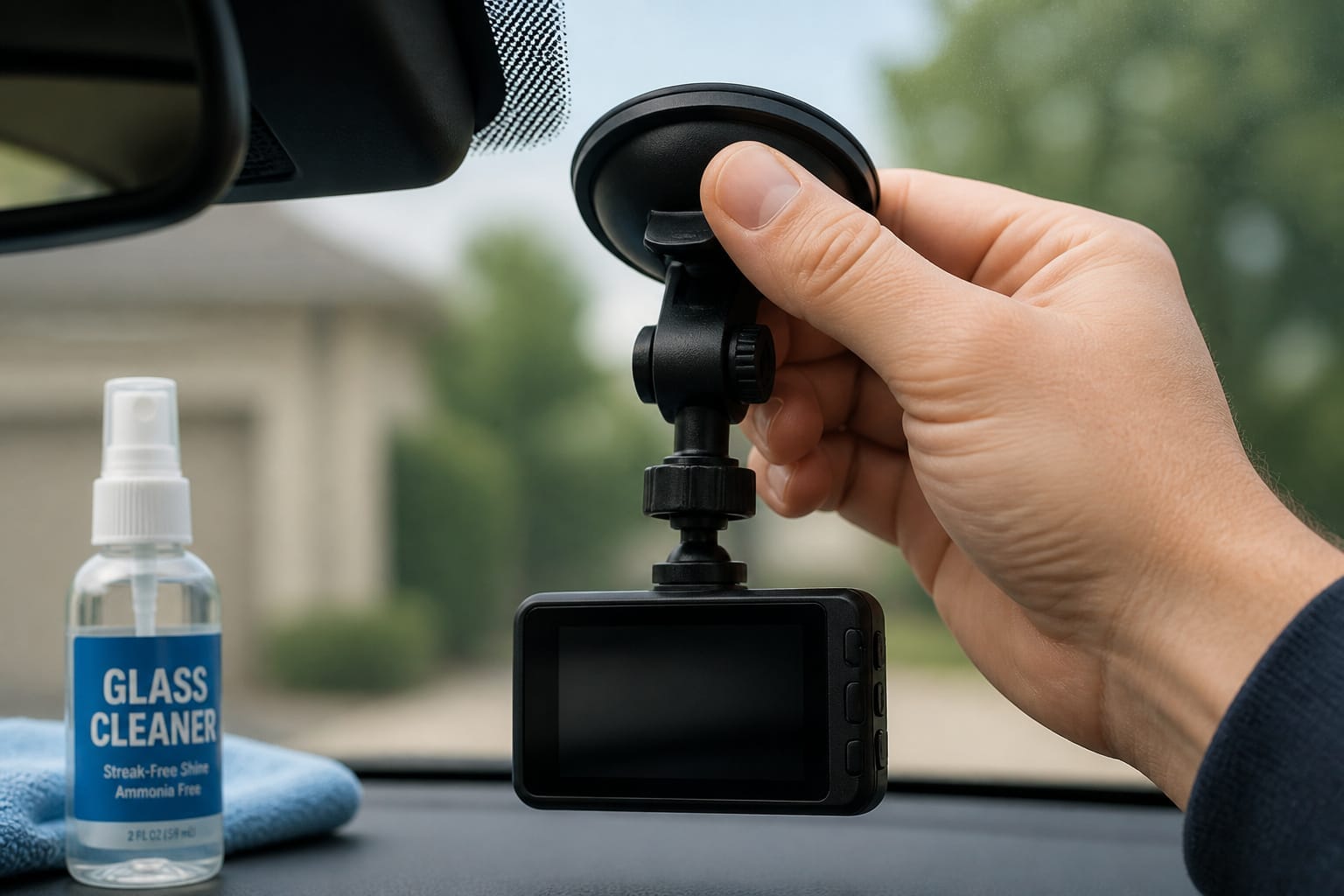
Make sure the suction cup grips clean glass. Wipe the spot first with rubbing alcohol to remove any dust or grease, then press firmly and hold for about ten seconds. A loose mount wobbles, and shaky footage from a slipping base is unusable.
Wind, bumps, and sharp turns will all blur a recording if the mount isn’t fully seated. Check it periodically and re-secure if it starts to loosen.
If you’re running a front and rear system, align both cameras with the same care. Center the rear unit on the back window with a clear line of sight, aimed at the lane directly behind you, not the sky, the trunk lid, or a rear wiper arm.
For more on whether a rear camera is worth adding in the first place, see our single vs. dual dash cam comparison.
Recommended Products

Triplinger Mount Compatible With ROVE R2-4K, R2-4K PRO & R2-4K DUAL Car Dash Cams, Compatible With Stealth 4K, Stealth 4K PRO, 360 J501, 360 J501C Dash Cam Series, Compatible With Insignia NS-DCDCHH2.

★S504 dash cam mount is the newest version, it is 1/2 smaller than the old model, compact and does not affect the sightline, size with 4 different joints suitable for most popular Apeman brand dash cam, such as Apeman dash cam, Ssontong dash cam, Biuone dash cam, iZEEKERdash cam, HaHoco dash cam, and most other car dash cameras.
Avoiding Glare and Reflections
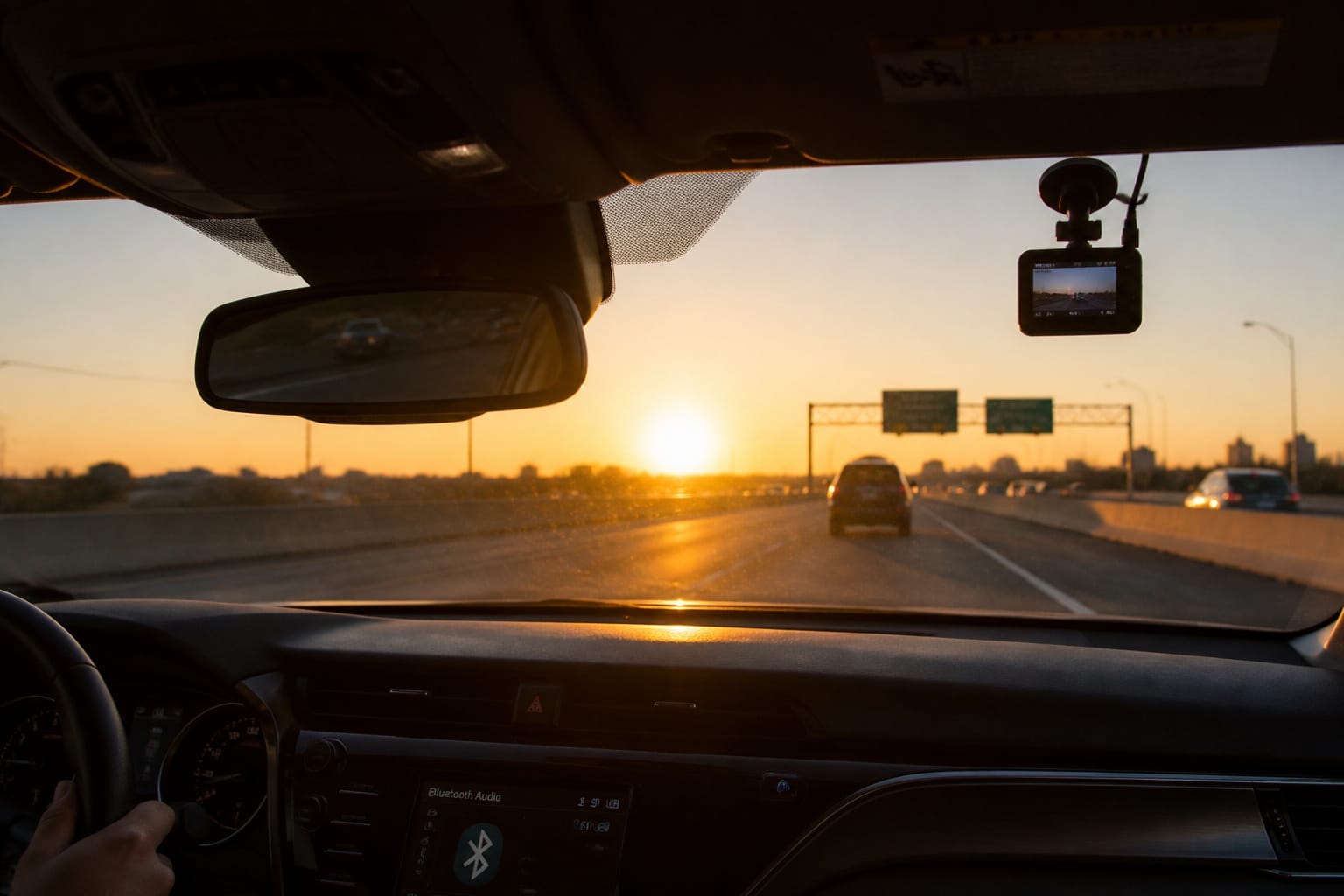
Avoid placing the camera near reflective trim or shiny dash surfaces. Sunlight bounces off chrome and glass, and reflections ruin clarity. At sunrise or sunset, glare can wash out or blind the lens.
Test the placement at different times of day and adjust the angle if the screen washes out during certain hours.
Recommended Products

Use this newly designed portable mini suction cup mount for your compatible Garmin Dash Cam

[Super Strong Adhesion Double Sided Tape]: Our dash cam mounting tape use high-strength adhesive, the stickiness is 40% stronger than others, the longer it stays, the stronger the adhesion. Ensuring that your dashcam windshield mount stays securely attached to the auto glass. No more worrying about your car camera device falling off due to insufficient stickiness
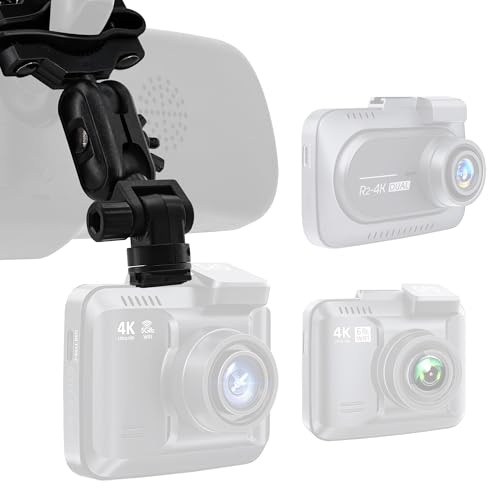
Wide Compatibility – Triplinger Dash Cam Mount Compatible With ROVE R2-4K, R2-4K PRO & R2-4K DUAL Car Dash Cams, Compatible With Stealth 4K, Stealth 4K PRO, 360 J501, 360 J501C Dash Cam Series, Compatible With Insignia NS-DCDCHH2. (NOT Compatible With ROVE R3)
Keeping the Wiring Clean
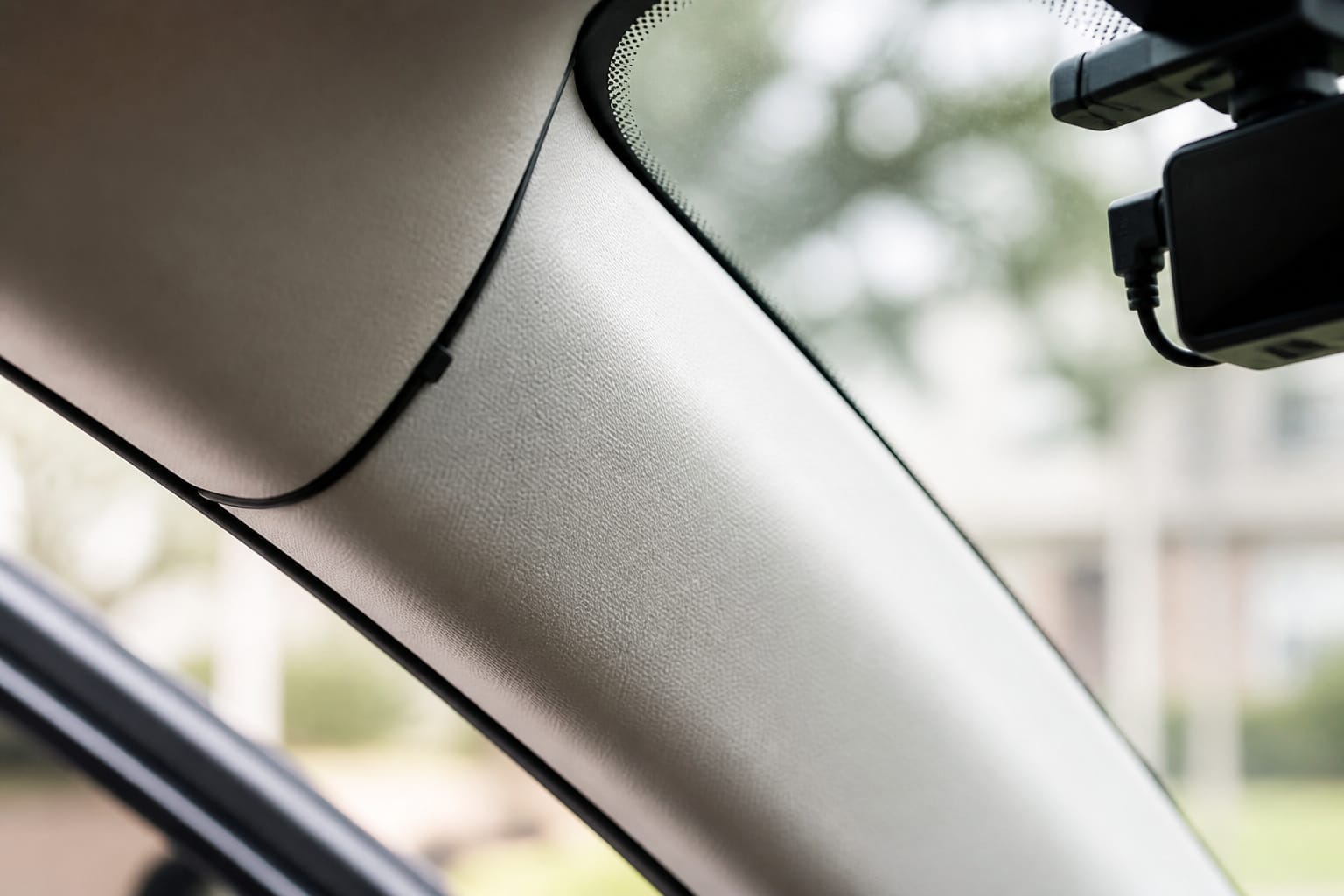
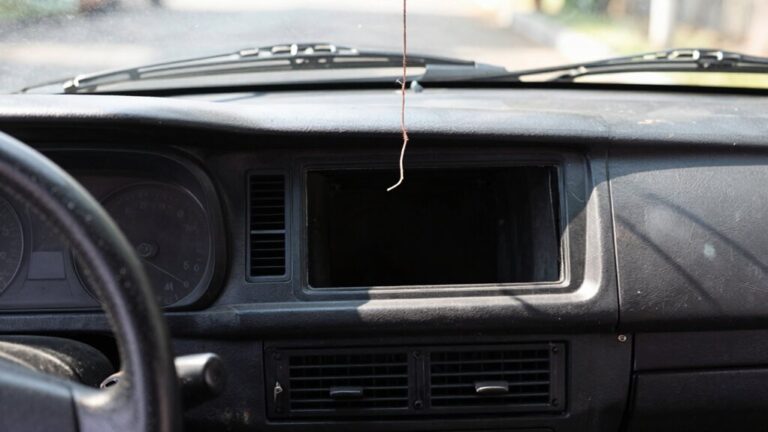
Once the camera’s placed, think about the cord. Route it along the headliner, then down the A-pillar. Tuck it under the trim, using clips or adhesive guides to keep it from dangling. A loose cord isn’t just messy; it can catch sunlight and throw glare into the lens, or snag and pull the camera out of position.
For a full walkthrough of routing wire cleanly to the fuse box or a hardwire kit, see our guide to hiding dash cam wires.
Your dash cam is a silent witness, and it needs the best seat in the car, not for comfort, but for the clearest possible record if something happens. Mount it right, test it in different lighting, and keep the wiring tidy, and you’ll get usable footage when it matters.
If storage is still a question once the camera’s in place, here’s how to size your memory card for how you actually drive. If you’re still shopping and want the full rundown of which features are actually worth paying for, our dash cam features guide covers that too.
Recommended Products

【Wide Compatible】Input:12V-24V; Output:5V/2A. With Type-C ports, this hardwire kit compatible with all of dash cams.

❖{Things to Know Before Purchasing} : This hardwire kit does not have ACC signal output and does not support dash cam with time-lapse recording function. If you need a hardwire kit that supports time-lapse recording, then this is not suitable for you. It simply charges the dash cam and does not trigger the time-lapse recording function

【Low Voltage Protection】Power cuts off automatically at 11.6V (23.2V for 24V input) to reserve engine-start power and safeguard your car battery.
Frequently Asked Questions
Can I Mount a Dash Cam on the Passenger Side?
Yes, though it’s less common. A passenger-side mount can work well for delivery drivers or anyone who wants a wider view of side-swipe risk at intersections, as long as it’s aimed toward the center of the road rather than straight out the side window. Mount it high on the windshield for the fullest view, and check your state’s windshield-obstruction rules before committing to the spot.
Do Dash Cams Work in Extreme Cold Weather?
Yes, most dash cams are rated for typical winter temperatures, though extreme cold can shorten battery-backed recording time and slow the electronics slightly. Keeping it powered via a hardwired connection rather than its internal battery helps, and wiping snow or frost off the lens before driving keeps the footage usable.
Is It Safe to Leave a Dash Cam Plugged in Overnight?
Generally yes, especially if the car is parked somewhere cool and dry. The bigger consideration is your car battery: if you’re using parking mode overnight, make sure your setup includes a low-voltage cutoff so it disconnects before draining the battery too far. Unplug the unit if the car will sit unused for an extended period.
Can a Dash Cam Drain My Car Battery?
Yes, if it’s left running in parking mode without a low-voltage cutoff, especially in an older car or one with a weaker battery to begin with. Most hardwire kits include this built-in protection, but it’s worth confirming before you rely on extended parking-mode recording.
Are Wireless Dash Cams as Reliable as Wired Ones?
Wired setups are generally a more dependable choice for continuous recording.
They don’t depend on a battery that can degrade or run low. A wireless or battery-powered unit without any cable is easier to install. It trades long-term reliability for convenience, particularly for parking-mode use where you want the camera powered the entire time the car sits.