Where you put your speakers affects sound as much as which speakers you buy.
A few simple placement rules can make a modest system sound much better, while a great system placed poorly can sound muddled.
These guidelines work for most living rooms and dedicated theaters.
Front Left and Right Speakers
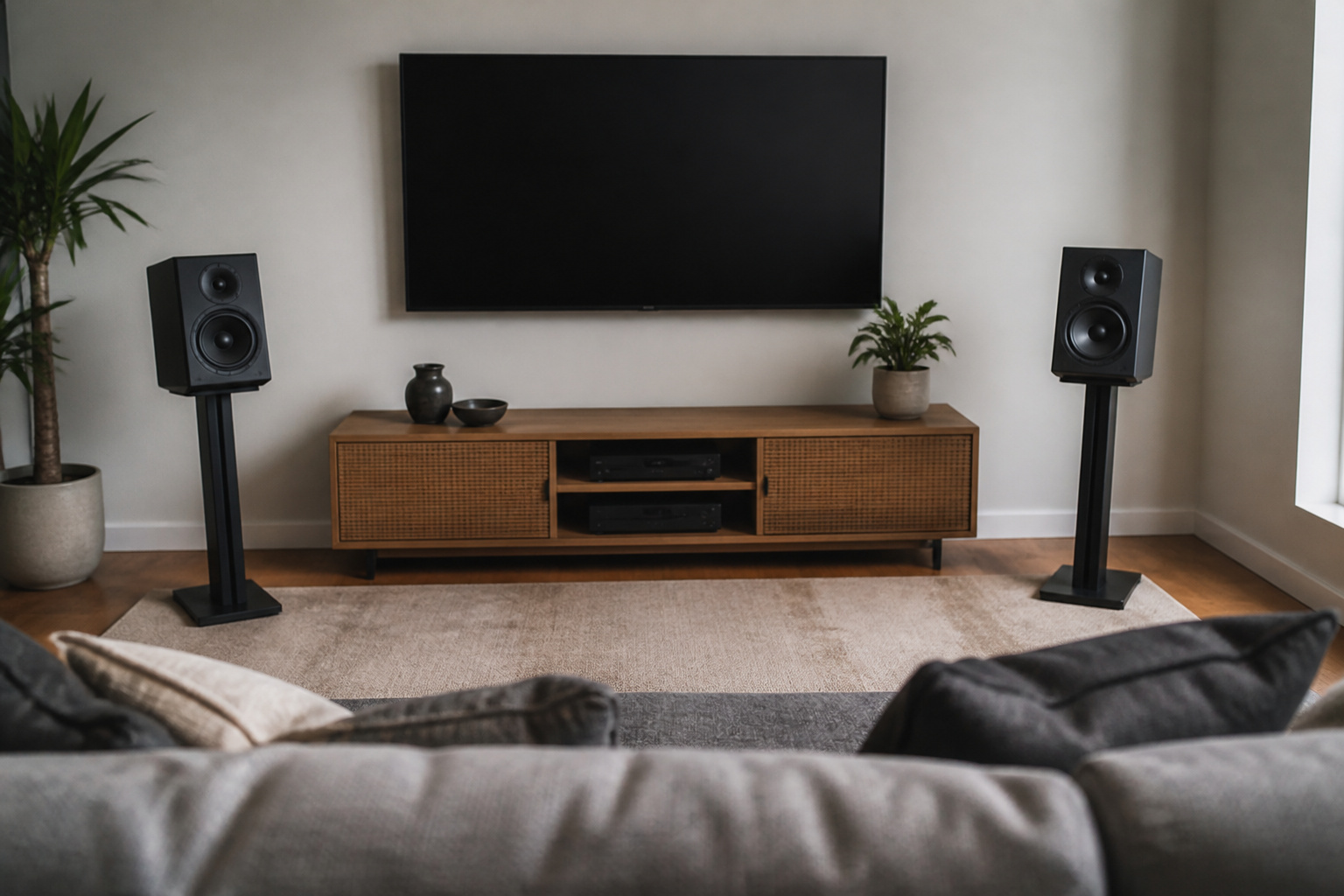
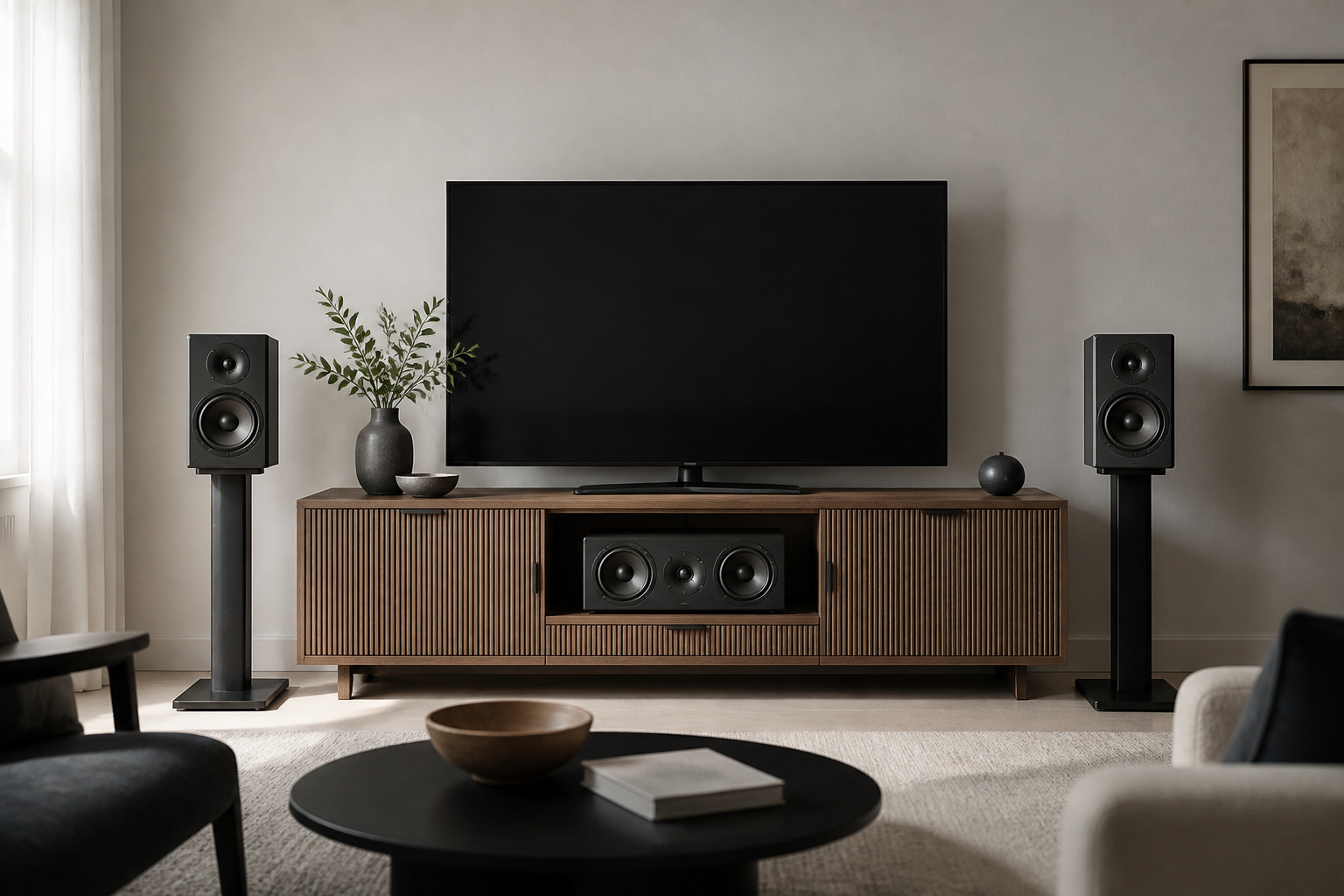
Place the front left and right speakers so they form an equilateral triangle with your main listening seat: the speakers are as far from each other as each is from you.
Aim them slightly inward toward your seat, and put the tweeters at about ear height when you are seated. Keep them a bit away from walls and corners to avoid boomy bass.
If you have bookshelf speakers, stands usually help more than putting them on a shelf or cabinet.
Recommended Products

EXPERIENCE AMAZING HOME THEATER SOUND WITH RICH, IMMERSIVE AUDIO – Featuring a 0.75" tweeter and a 5.25" Dynamic Balance driver, these passive bookshelf speakers deliver clear, balanced sound with deep bass, even at low volumes

2 x AUX INPUT - Convenient connection to any device that has a 3.5mm headphone output or dual RCA output. Connect to two devices via AUX at the same time, no plugging and switching needed.

BLUETOOTH WIRELESS - Popular classic bookshelf speakers now can be enjoyed without the hassle of wires. Simply connection to an iPhone, Android, Tablet, PC or Mac.
Center Channel
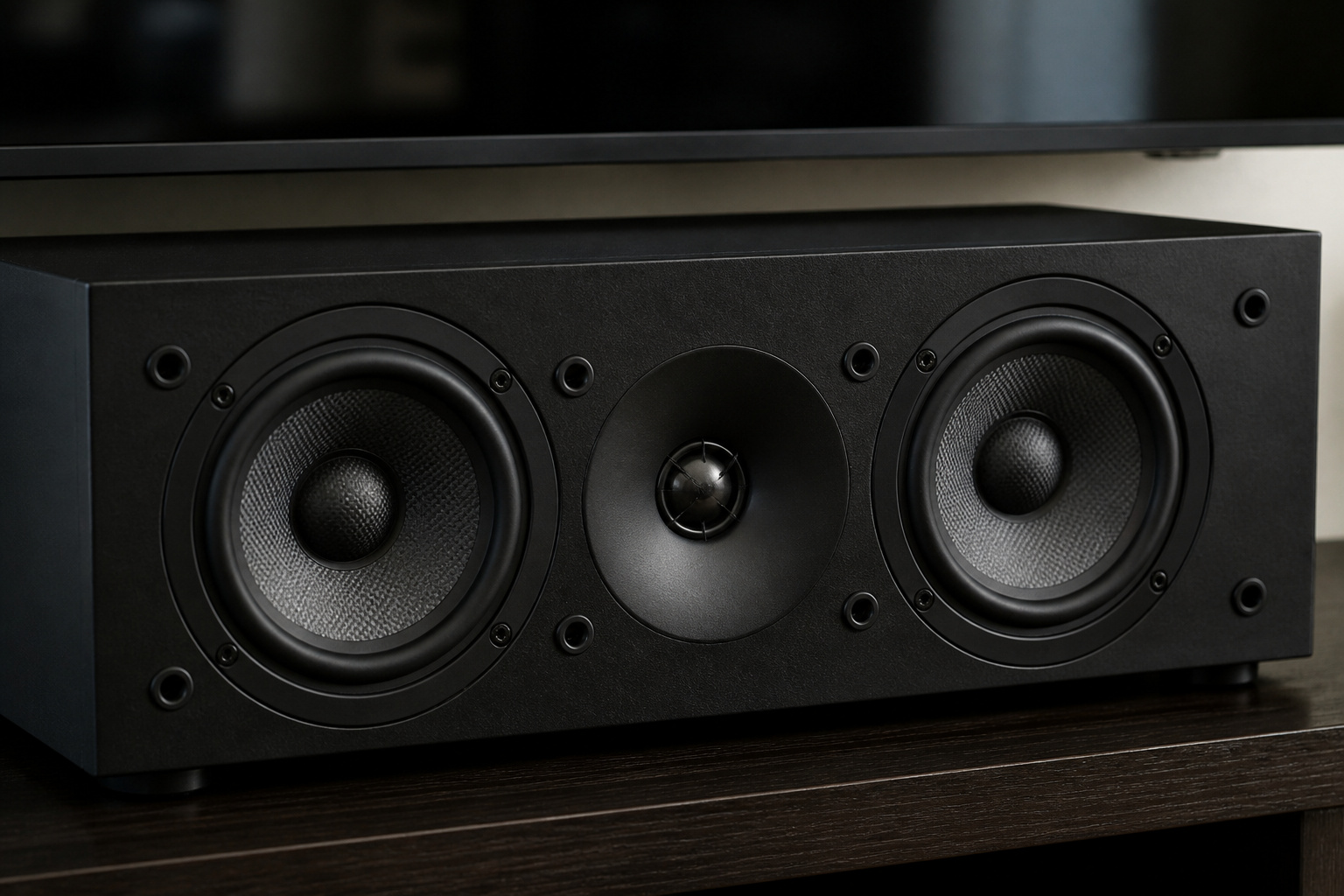
The center speaker carries most dialogue, so placement matters. Put it directly above or below the TV, centered, and angled toward your seat.
If it sits behind the TV’s front edge, the sound can be muffled, so line up its front with the front of the screen or stand.
If dialogue is still unclear, see our tips to improving TV sound.
Recommended Products

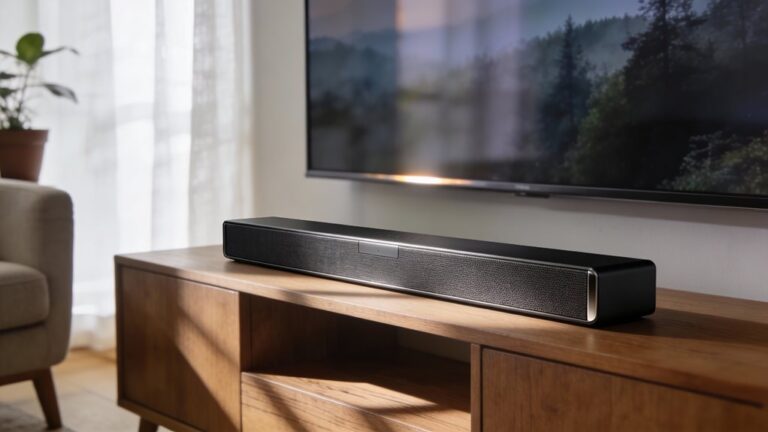
Unique Design - Our soundbar mounting bracket can hold a soundbar up to 15LBS/6.8KG. Compatible with wall mounts (fixed, tilt, full-motion mount), TV VESA up to 600x400mm. (For Sonos Beam, please refer to soundbar mount MD5426)

ide Compatibility: With strong metal construction, Perlegear soundbar mount can support up to 15 lbs for reliable stability. This sound bar mount fits most of sound bars and compatible with TV wall mount, TV cart, floor TV stand and tabletop TV Stand. ( Note: For tabletop TV stands, make sure your have enough clearance underneath the TV. ) For TVs under 83 inches, you can choose to mount the soundbar above or below the TV. For TVs larger than 83 inches, the soundbar will need to be mounted above the TV due to the lack of bracket length. The screws of the sound bar are only compatible with M4*16mm, M5*16mm, M6*16mm, and Key hole bolts.
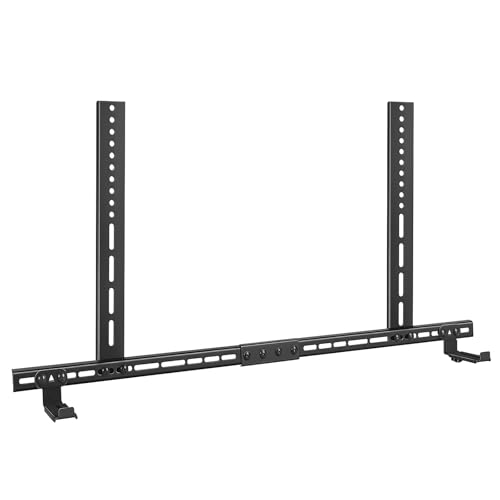
Universal Compatibility: The soundbar tv mount fits for Sonos,Samsung, Bose,Sony,Vizio, LG, JBL and More! It is suitable for different types of TV mount: fixed/ tilt/ full motion TV mount, compatible with TV VESA pattern from 200x100mm to 800x600mm.
Surround Speakers
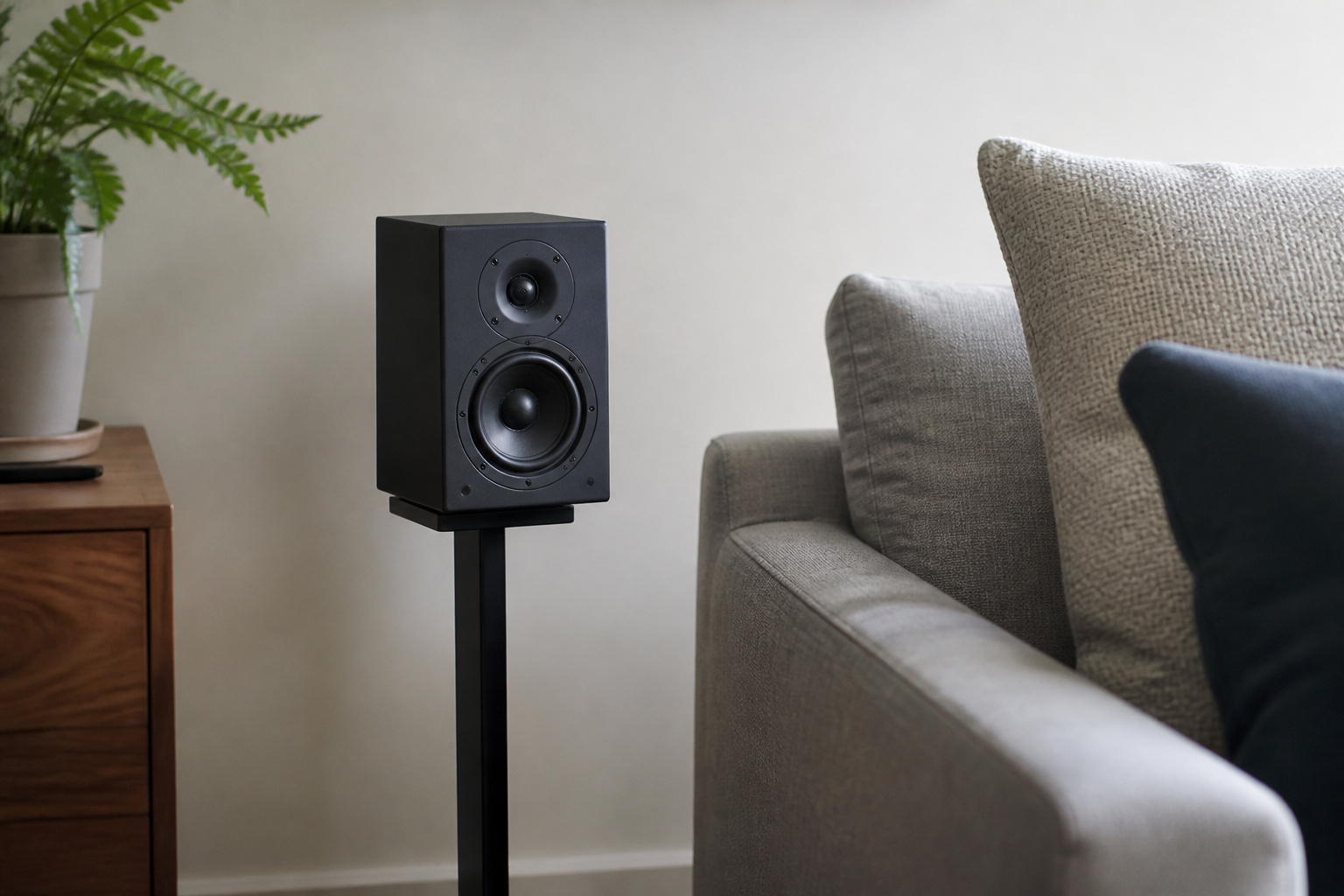
Side surrounds are typically placed to the left and right of the listening area, slightly above ear level. Rear surrounds, if you have them, go behind the seating area.
Aim for even coverage rather than loud effects aimed straight at your head. If wiring is a challenge, see wired vs wireless home theater speakers.
Recommended Products

VocalMatrix Algorithm: Powered by Ultimea’s VocalMatrix, the system intelligently extracts vocals and dynamically redistributes them across rear surround channels through 7.1 discrete outputs. By analyzing the original soundstage, it maintains accurate vocal positioning while preserving the surrounding ambient sound.

7.1ch Dolby Atmos Surround Sound System for TV: This 7.1ch sound bar features 3 main channels for crisp dialogue and 4 surround speakers. Power the rear right surround speaker to pair it wirelessly with sound bar. The setup delivers an immersive surround sound audio experience, making you feel fully engaged in the action. Note: Recommended for space of 108 to 270 ft².

【40Wx4 Bookshelf Speakers and 75w Center Speaker】: The surround sound system features four high-power and full-range speakers, including one 3-inch passive center speakers and two pair of 3-inch passive bookshelf speakers(four speakers are identical), allowing you to experience stunning surround sound from all angles.
Height Speakers for Atmos
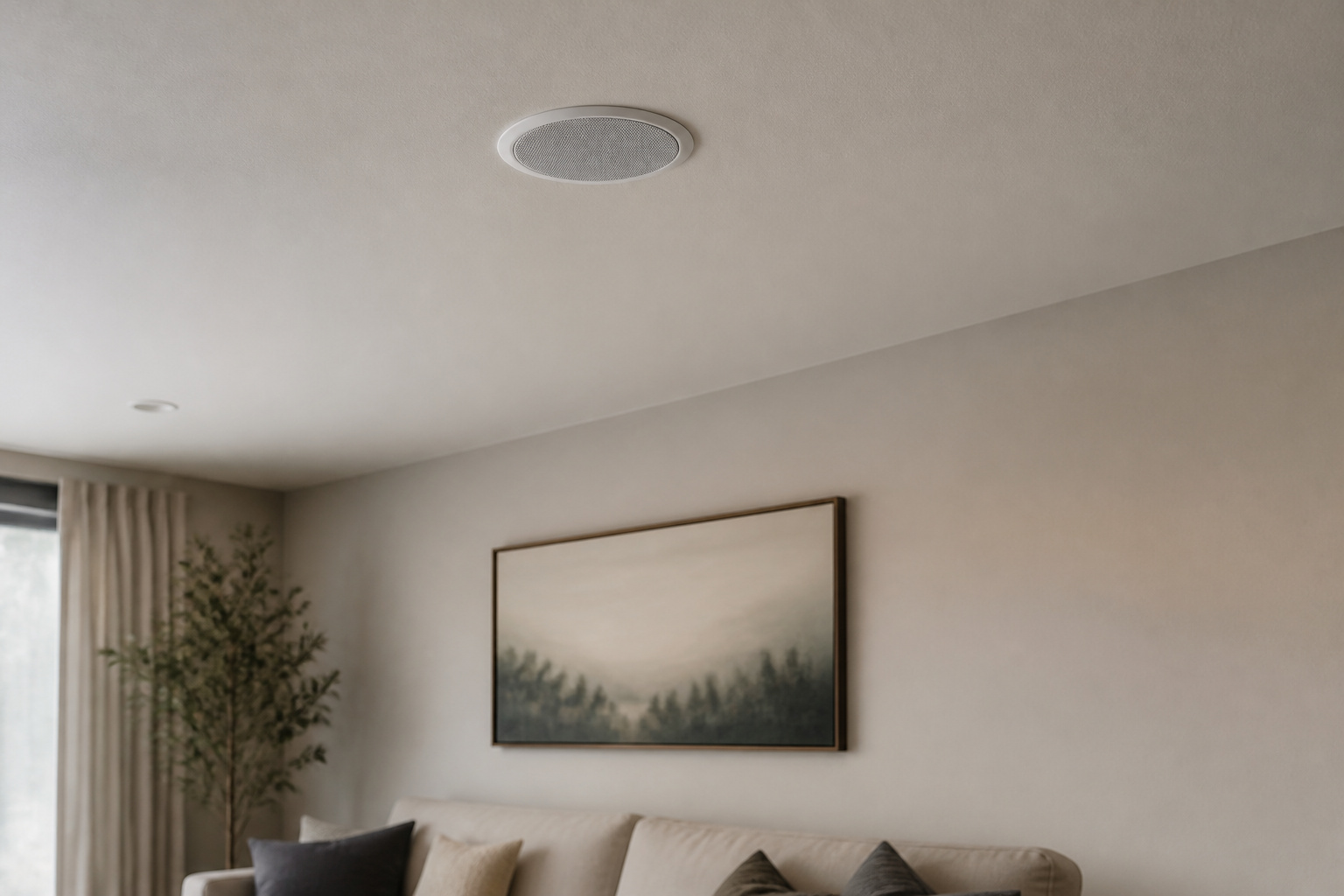
When using Dolby Atmos, place height speakers above the seating area, or use upward-firing modules instead.
Ceiling speakers are usually placed in front of and behind the main seat. See Dolby Atmos explained for layouts like 5.1.2 and 7.1.4.
Recommended Products


Next-Gen Wireless Freedom: The Skywave X40 delivers a fully wireless setup powered by dual 5GHz wireless transmission. Engineered with advanced RF and networking protocols, it ensures stable connectivity, minimizes interference and eliminates dropouts.

5.1.2ch Dolby Atmos Surround Sound: Designed as a surround sound system for TV, the Poseidon M90 combines 3 front channels, 2 wireless surround speakers, 2 height channels, and a wireless subwoofer to create immersive sound around and above you for movies, shows, sports, and gaming.
Subwoofer Placement
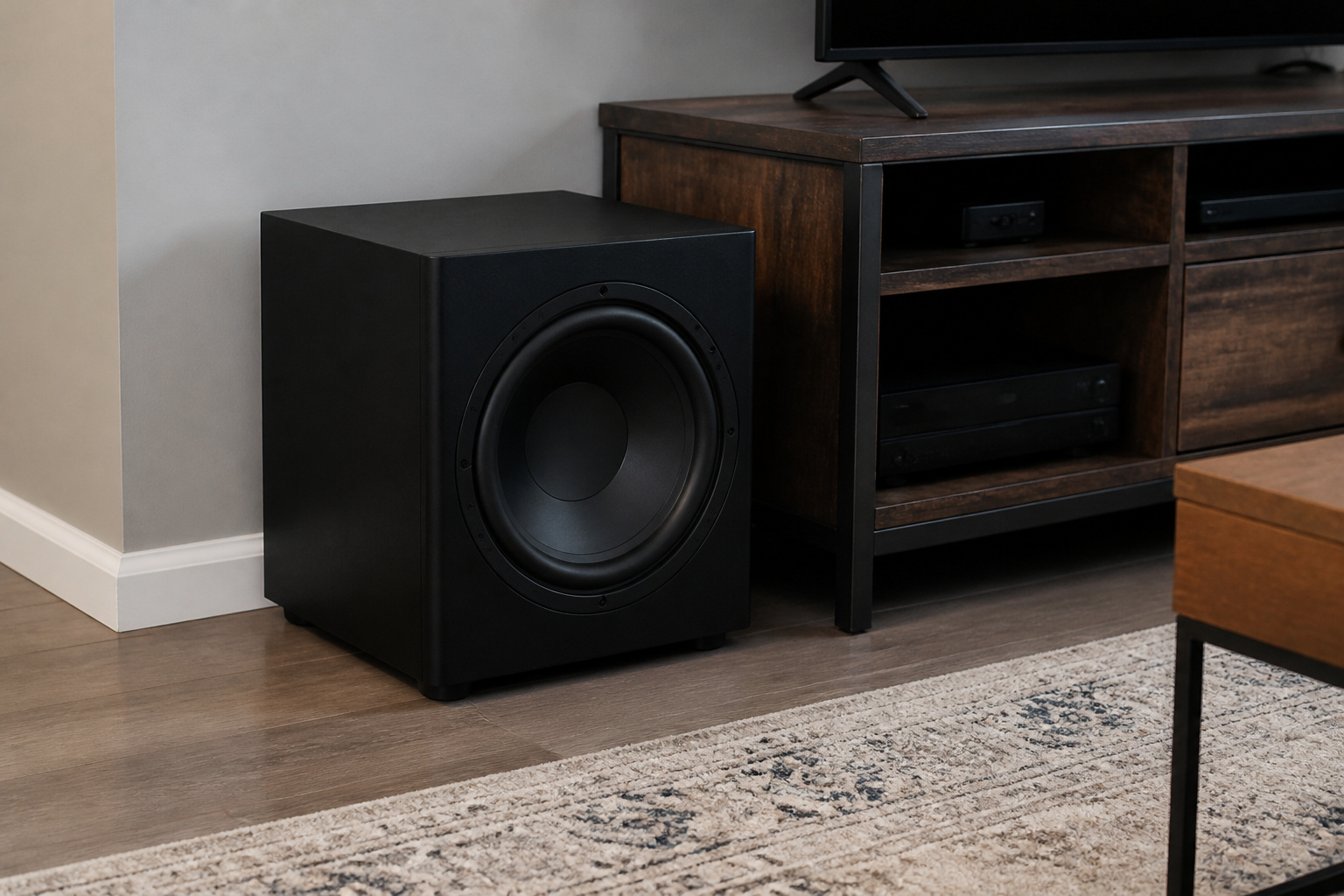
Bass depends heavily on the room. First, position the sub near the front of the room, then try other spots, listening for even, tight bass.
Corners add output but can sound boomy. Read “Do you really need a subwoofer?” for more tips.
Recommended Products
![Goalfish RCA Cable, 15FT RCA Male to Male Audio Stereo Subwoofer Cable [2Pack, Hi-Fi Sound] Nylon-Braided Auxiliary Audio Cord for Home Theater, HDTV, Amplifier, Hi-Fi Systems,Speakers (Grey)](https://m.media-amazon.com/images/I/413bUAhT2LL._SL500_.jpg)
⭐️Premium Sound Quality: These RCA to RCA Cable features a corrosion-resistant 24K gold-plated metal connectors, not only seamlessly transmitted, clear, high-quality stereo sound, but also consistent reliability and minimal signal loss.
![FosPower Digital Audio Coaxial Cable [24K Gold Plated Connectors] Premium S/PDIF RCA Male to RCA Male for Home Theater, HDTV, Subwoofer, Hi-Fi Systems - 10ft/2Pack](https://m.media-amazon.com/images/I/41xyQ0BTOsL._SL500_.jpg)
[MALE TO MALE] Connectors: 1 Digital Coaxial Audio male to Digital Coaxial Audio male 10ft cable.
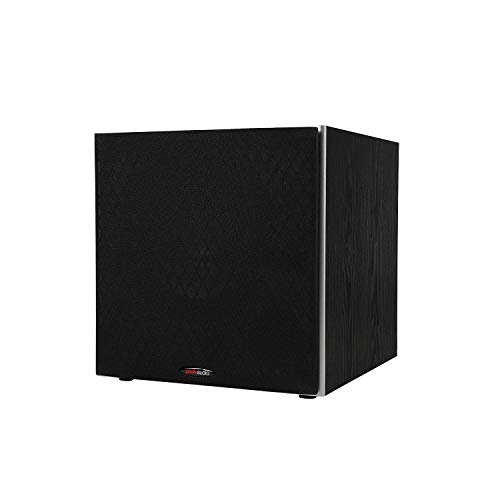
POWERED SUBWOOFER FOR EXTRA BASS & PUNCH – 10-inch Dynamic Balance woofer and configured directed port provide accurate bass depth that brings music and movies alive. The perfect home theater subwoofer for small-to-mid size rooms. Waterproof : No
Room and Seating
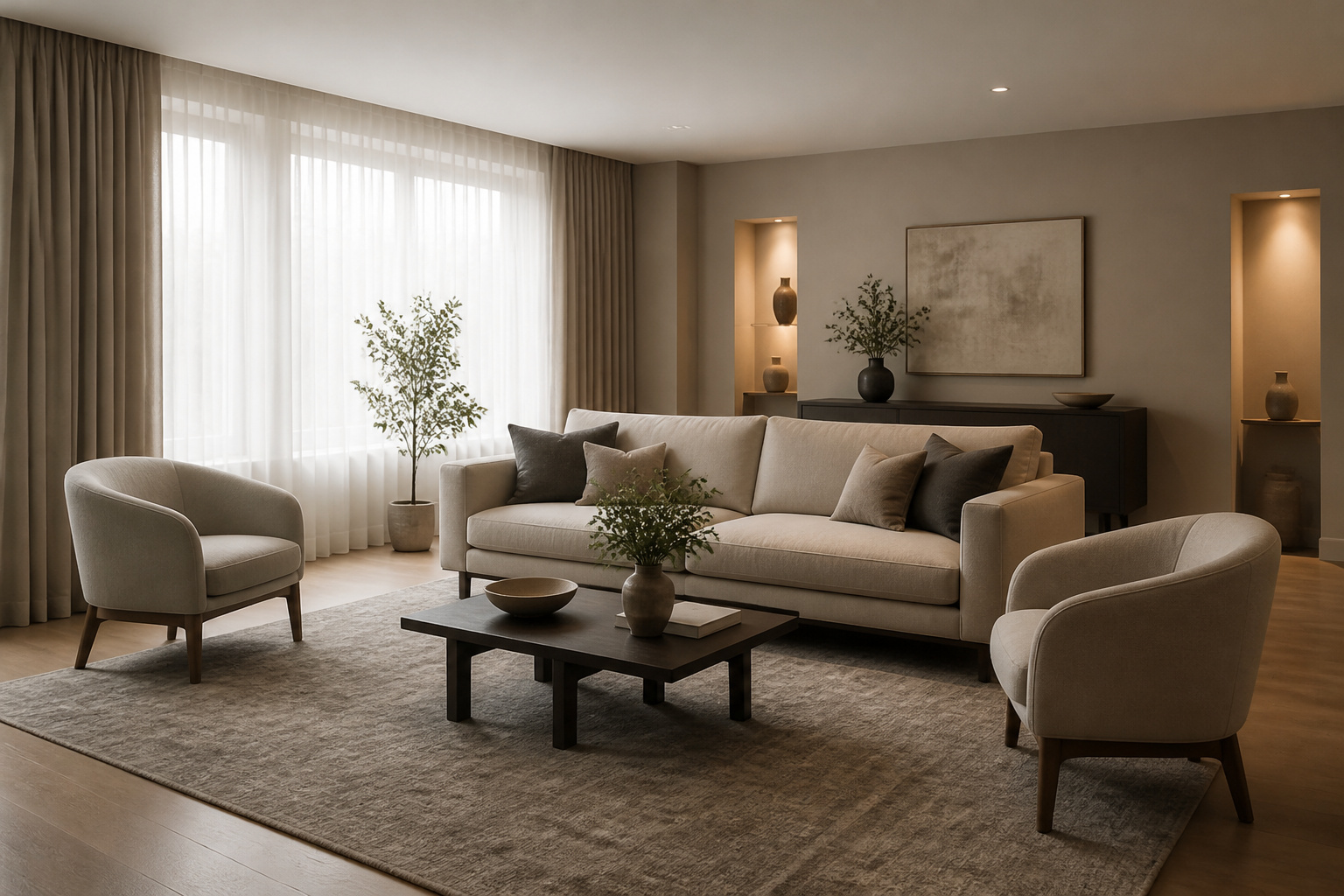
Sit away from the back wall, since reflections can muddy the sound. Soft furnishings, rugs, and curtains reduce echo.
Match placement to your layout; see best room layouts for home theater setups.
Frequently Asked Questions
How far apart should front speakers be?
Roughly as far apart as they are from your seat, forming an equilateral triangle. Small room adjustments are fine.
Should speakers be toed in?
Usually slightly toward the listening seat. Try toed-in and straight-ahead positions and keep the one that sounds clearer.
Where do I put the center speaker if I mount my TV on the wall?
Place it directly below the TV on a shelf, or use a wall bracket. Angle it toward your seat so dialogue stays clear. See best TV height for wall mounting.
Do speaker stands matter?
Yes. Stands put tweeters at ear height and reduce furniture vibrations, improving clarity.
Can I use a soundbar and rear speakers together?
Some soundbars support add-on rear speakers. Others do not, so check before buying.