Most TV regrets come from the same handful of mistakes. People buy based on the biggest number on the box, or a showroom picture that doesn’t reflect their living room.
Avoid these common errors, and you will be much happier with the TV you pick.
Buying the Wrong Size
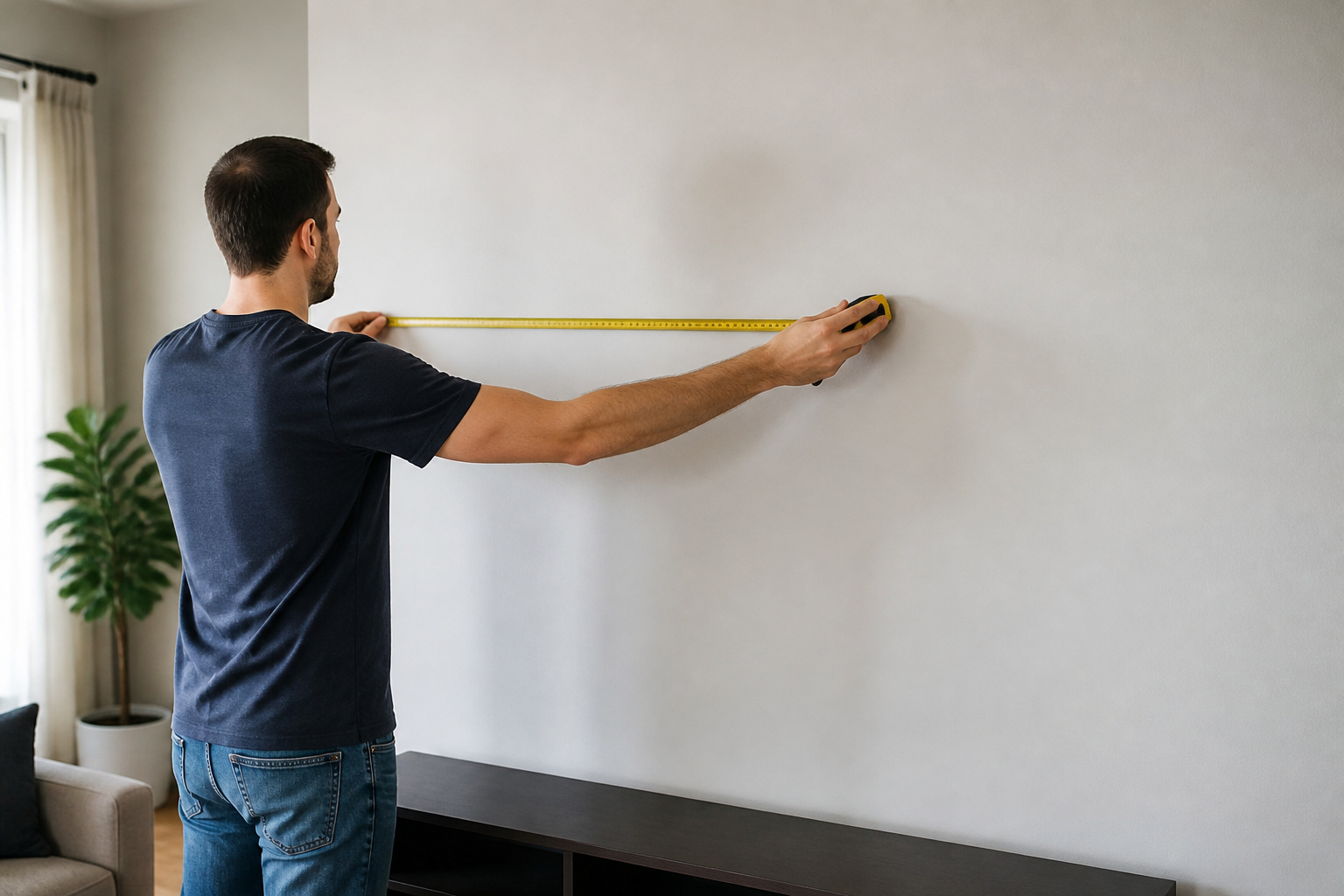
Buying too small is more common than buying too large. Measure your seating distance and use that to pick a size; our TV size guide has a simple formula.
Also measure the space, the stand, and the doorways.
Recommended Products

UNIVERSAL COMPATIBILITY: This product is a whole package of screws with washers and spacers. It includes M4, M5, M6, and M8 TV screws and spacers up to 80" TV, including curved TVs.

【ALL IN ONE PACK】Our tv wall mount screws kit is packed in a box, so each component can be identified and kept in place when not in use. Includes M4, M5, M6, and M8 screws, plus washers and spacers, covering the common sizes used in TV/ monitor wall mount installation.

Universal hardware pack contains M4, M5, M6, and M8 TV screws and spacers for mounting virtually all TV's up to 80". It'll ensure you aren't screwed when it comes to mounting your TV.
Trusting the Showroom Picture
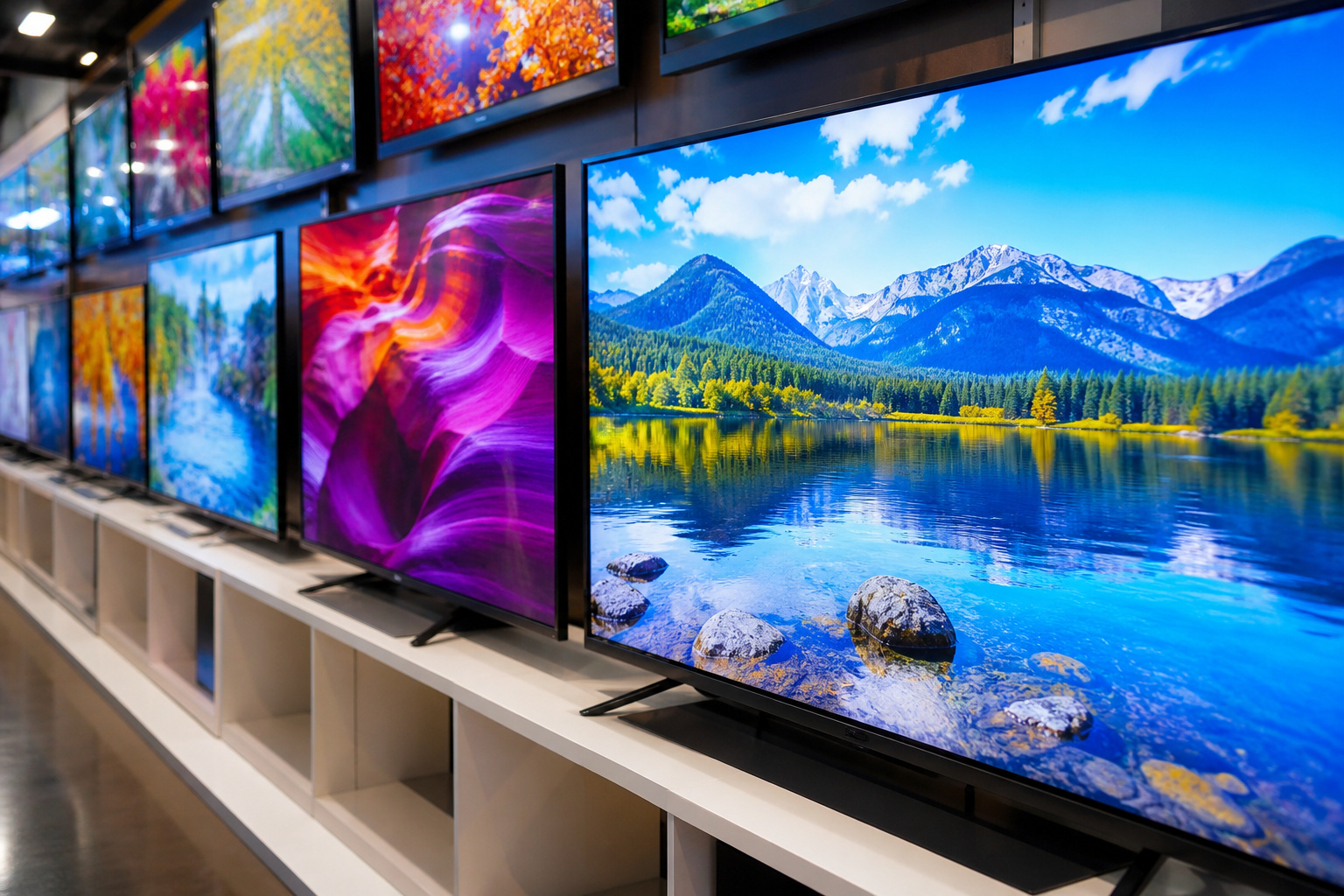
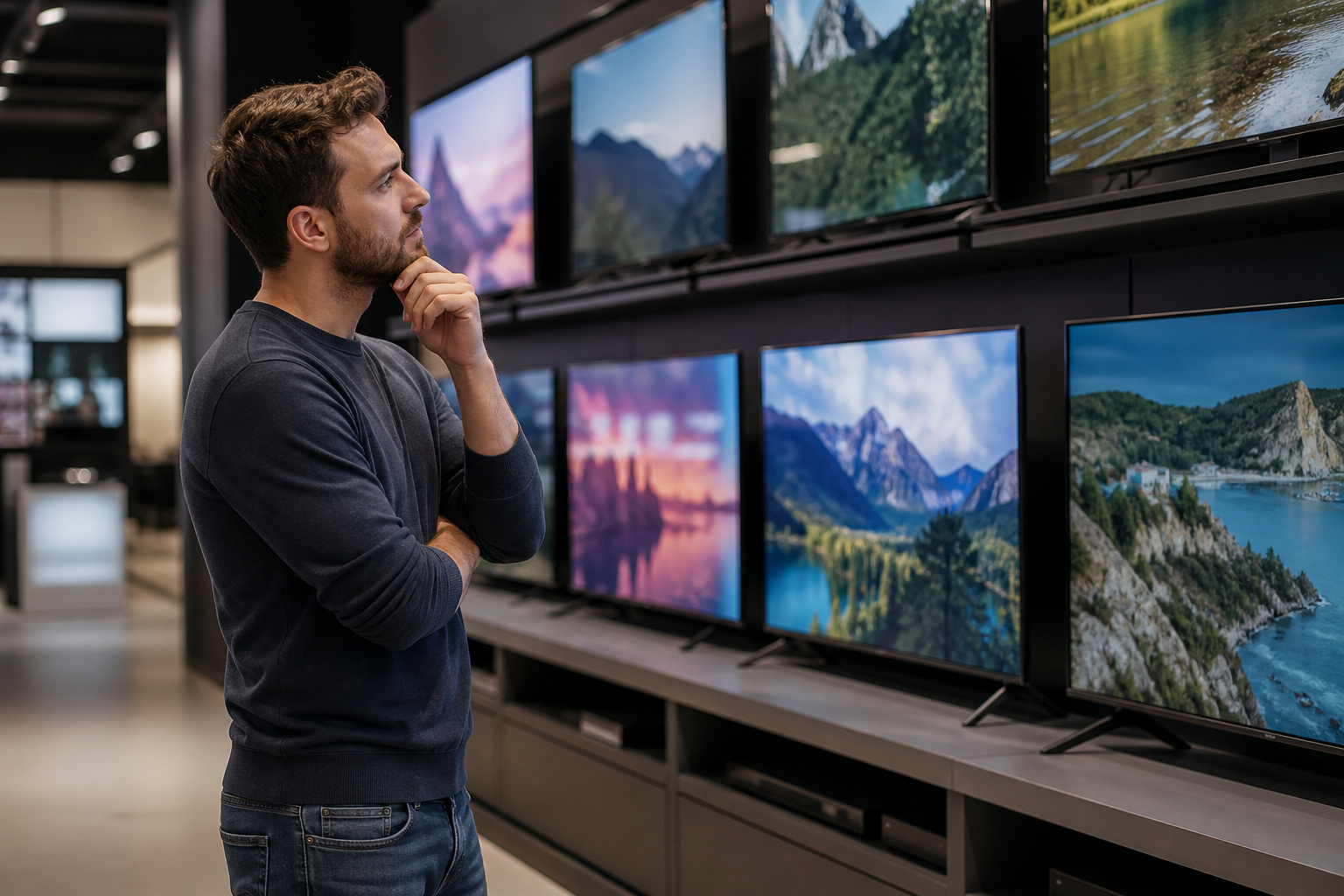
Store TVs are set to bright, vivid modes under strong lights, which makes every set look punchy. At home, the same picture can look very different.
Check reviews that test brightness and contrast, and plan to change the picture mode after you buy. Our TV settings guide shows where to start.
Ignoring the Panel Type
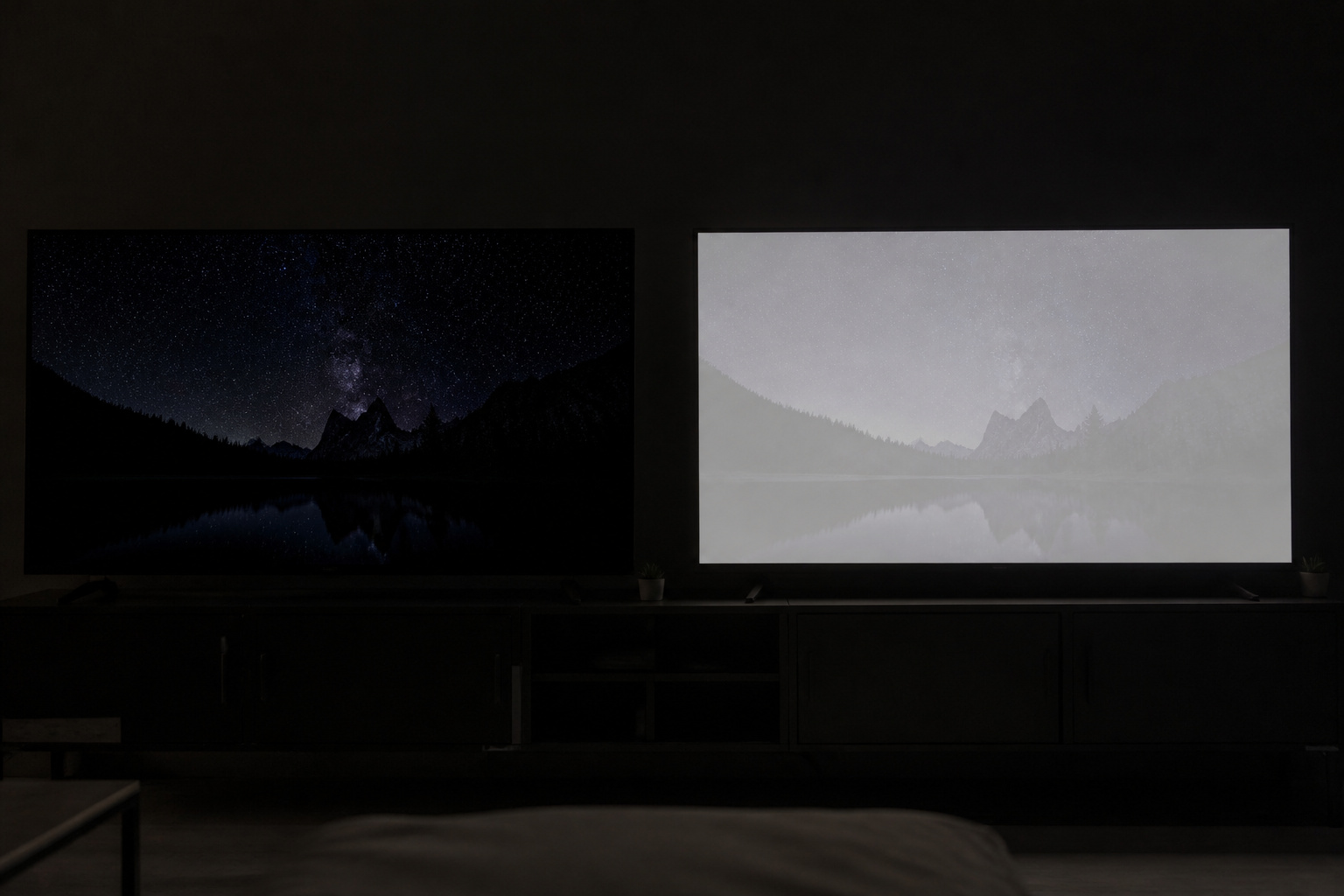
OLED, QLED, and LED sets suit different rooms. A dim room favors OLED or a good mini-LED set, while a bright room favors high brightness and glare control.
Match the technology to where the TV will live; see OLED vs QLED vs LED.
Paying for Specs You Cannot Use
Headline numbers can mislead. Refresh rates like 240 are often motion-processing claims, not real panel speeds, and 8K adds cost without a visible benefit at normal distances.
If you game, check the native refresh rate and HDMI 2.1 support, and skip 8K unless you have a very large screen. See 60Hz vs 120Hz and 4K vs 8K.
Recommended Products

【HDMI 2.1 Certification】Only 1% of HDMI cables on the market have passed HDMI 2.1 certification. Scan with the QR code Scanner app for verification

Top Technology--8K@60HZ: This 8K Ultra-High Speed 2.1 HDMI Cable uses the most cutting-edge technology, which is compatible with 8K@60HZ,4K@240HZ and 4K@120HZ clearly displays every particle, and accurately processes every signal source.
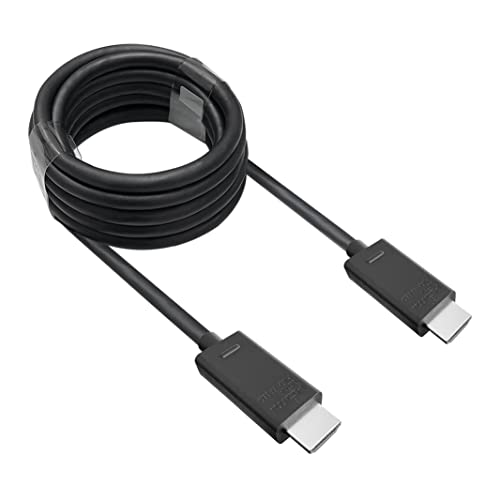
🎮ORIGINAL OEM🎮Best quality HDMI cable optimized for Xbox Series X & Xbox Series S
Forgetting About Sound and Connections
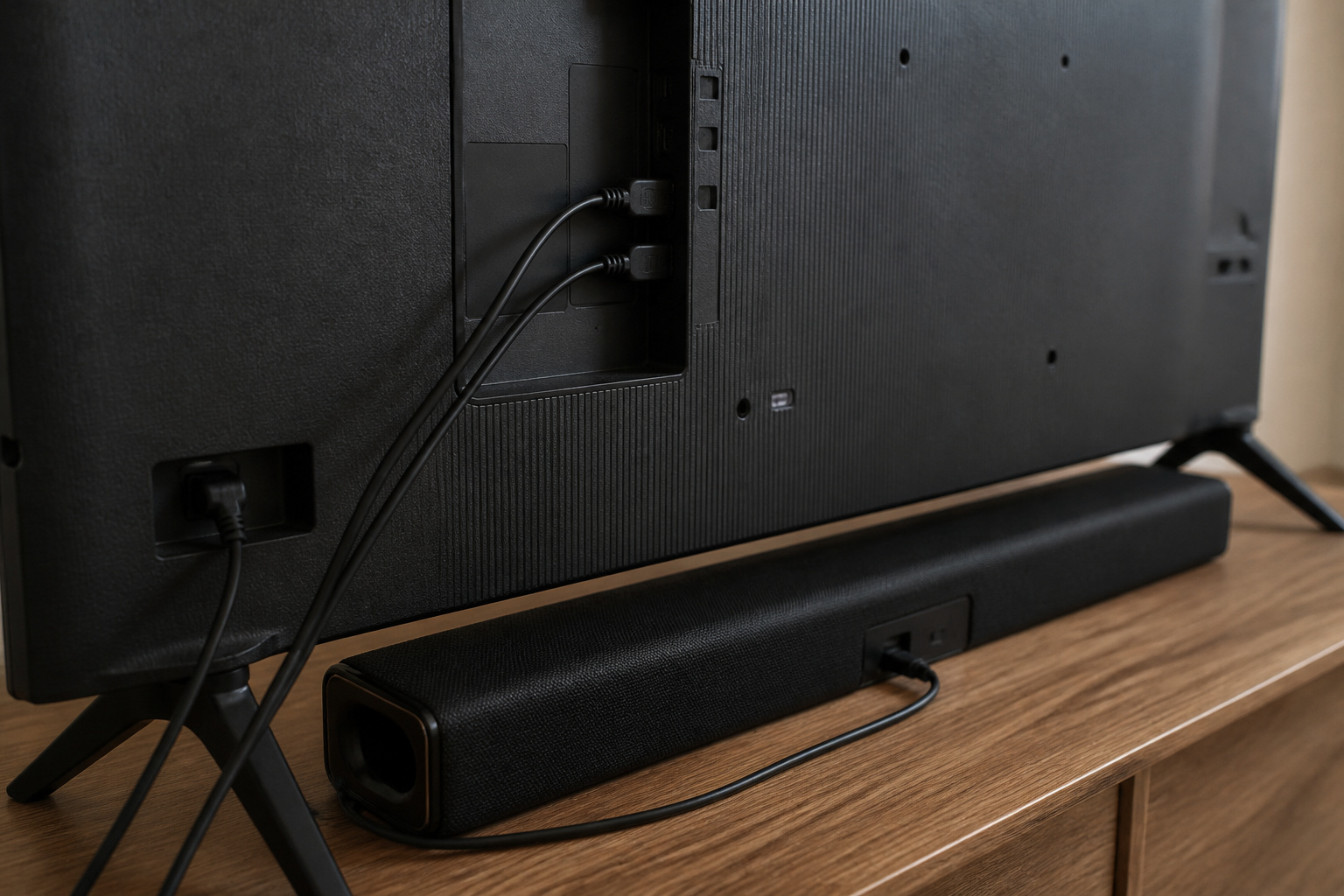
Thin modern TVs have small speakers, so plan on a soundbar or speakers if you care about dialogue and bass.
Check the number and type of HDMI ports, and whether one supports eARC for soundbars and receivers; see what eARC is and our guide to improving TV sound.
Recommended Products

【Support ARC/eARC on Audio】it is a standard HDMI 2.1 version cable,which are equipped with eARC technology. (Compatible with arc function) Supports the latest high-bitrate audio formats including DTS Master, DTS:X, Dolby Atoms, eARC. Provides enhanced support for your soundbar or AV receiver. Ultimate experience ,sounds like you were there.

ARC / eARC Audio Splitter 1 in 2 Out – Split audio from your TV’s HDMI ARC or eARC port to two soundbars, AV receivers, or audio systems simultaneously. Ideal for dual audio setups, home theaters, and multi-room sound distribution.
[Use for ARC/ eARC Audio] It is a certified HDMI 2.1 version cable,which are equipped with eARC technology. (Compatible with arc function) Supports the latest high-bitrate audio formats including DTS Master, DTS:X, Dolby Atoms, eARC. Provides enhanced support for your soundbar or AV receiver. In other words, your ears are in for a surprise. For audio to work correctly, make sure you plug the cable into HDMI ports marked with “ARC” or “eARC” on your TV and your soundbar/receiver.
Skipping the Smart Platform and Return Policy

The smart platform affects daily use, so look at what the TV runs and whether it suits you; see Roku vs Google TV vs Fire TV.
Check the retailer’s return window, so you can still swap a TV with bad uniformity or dead pixels.
Recommended Products
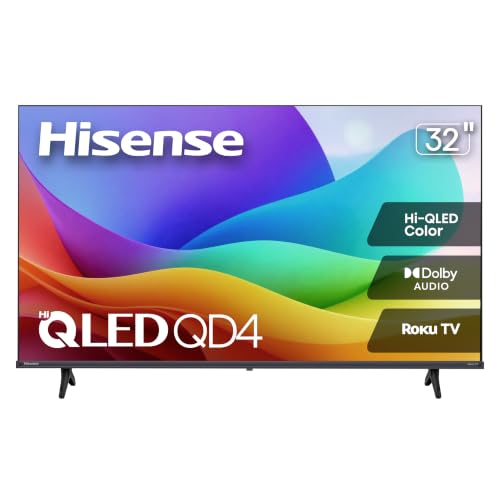
Hi-QLED Color: Hi-QLED technology makes every shade, scene and skin tone look true-to-life, rendering every scene convincingly real, just as the creator intended.

Better suited for desktop placement 1. 【Officially Licensed Roku TV Built-In】 No extra streaming stick or box needed. This projector comes with official Roku TV built-in, giving you instant access to thousands of streaming channels, including Netflix, Hulu, YouTube, Prime Video, Disney+, and Apple TV. The simple, intuitive home screen puts all your favorite apps in one place — just turn it on, connect to WiFi, and start watching. No complicated setup, no clutter.

【Applicable model series】This infrared remote control for Hisense Smart Google TV Series A6 A65H A6H A7 U6 U6H U7H U8H U8K U7 U6K U8 UX U75K U76 A76K L9 A65K A4K A7H L5H U7K. ( NOTE: Not compatible with Google Chromecast remote control, Google TV remote control, and Google TV streaming)
Frequently Asked Questions
What is the biggest TV buying mistake?
Choosing size and features based on the store display instead of your room, seating distance, and viewing habits.
Is it better to buy a TV in store or online?
Both work. Store visits help with size and look, while online offers more selection and prices. Either way, confirm the return policy.
Do I need to buy an extended warranty?
Usually not. Check whether your credit card already extends the manufacturer warranty, and weigh the cost against the TV’s price.
When is the best time to buy a TV?
Prices often drop before major sale events like Black Friday and in the months after new models launch. Compare current prices before you commit.
Should I buy last year’s model?
Often yes. Previous-generation models usually offer very similar picture quality for less, as long as they have the ports and features you need.