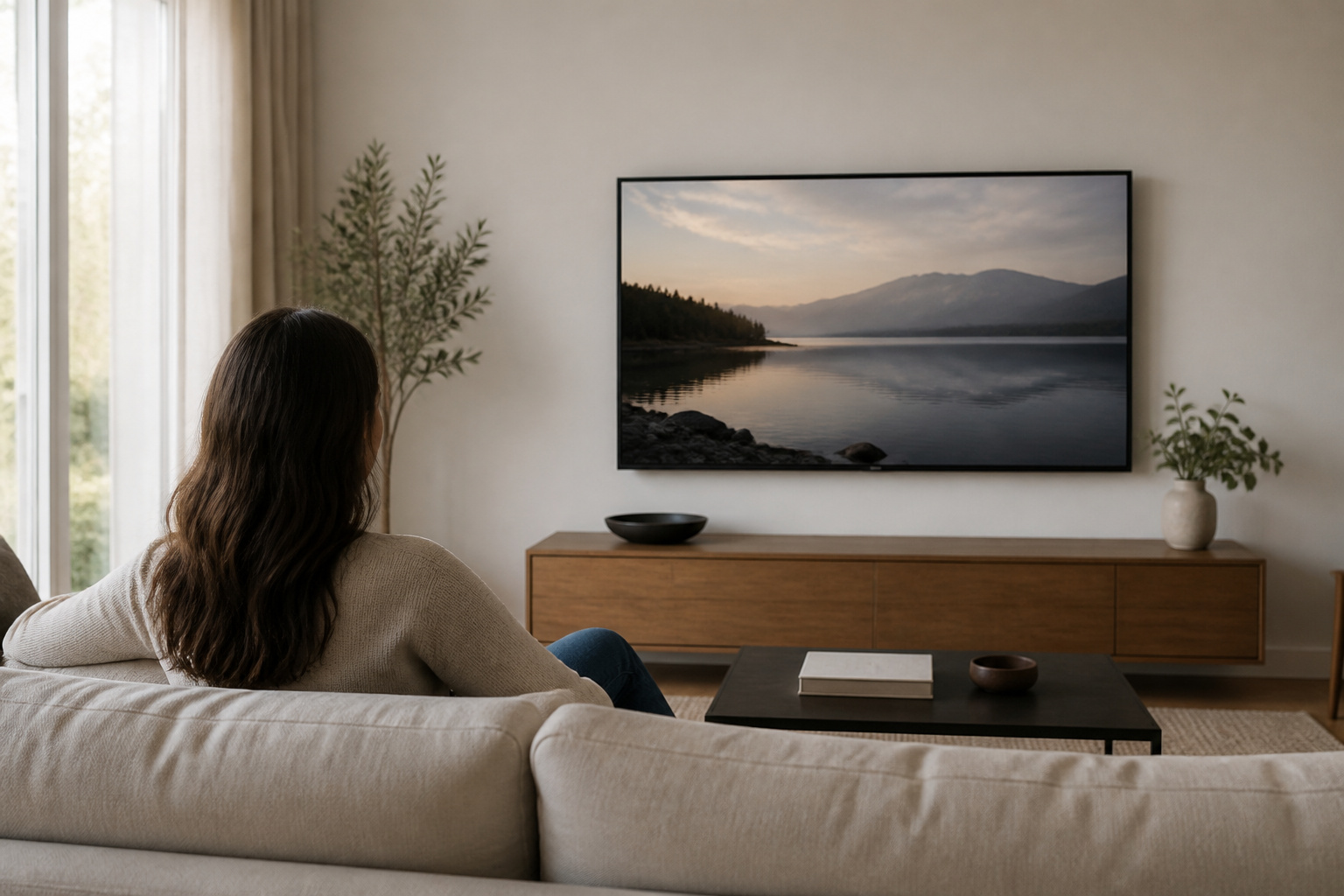
The best height for a wall-mounted TV puts the center of the screen at about eye level when you are seated. That is lower than many people expect.
Mounting too high is one of the most common setup mistakes, and it strains your neck over a long movie.
The Basic Rule
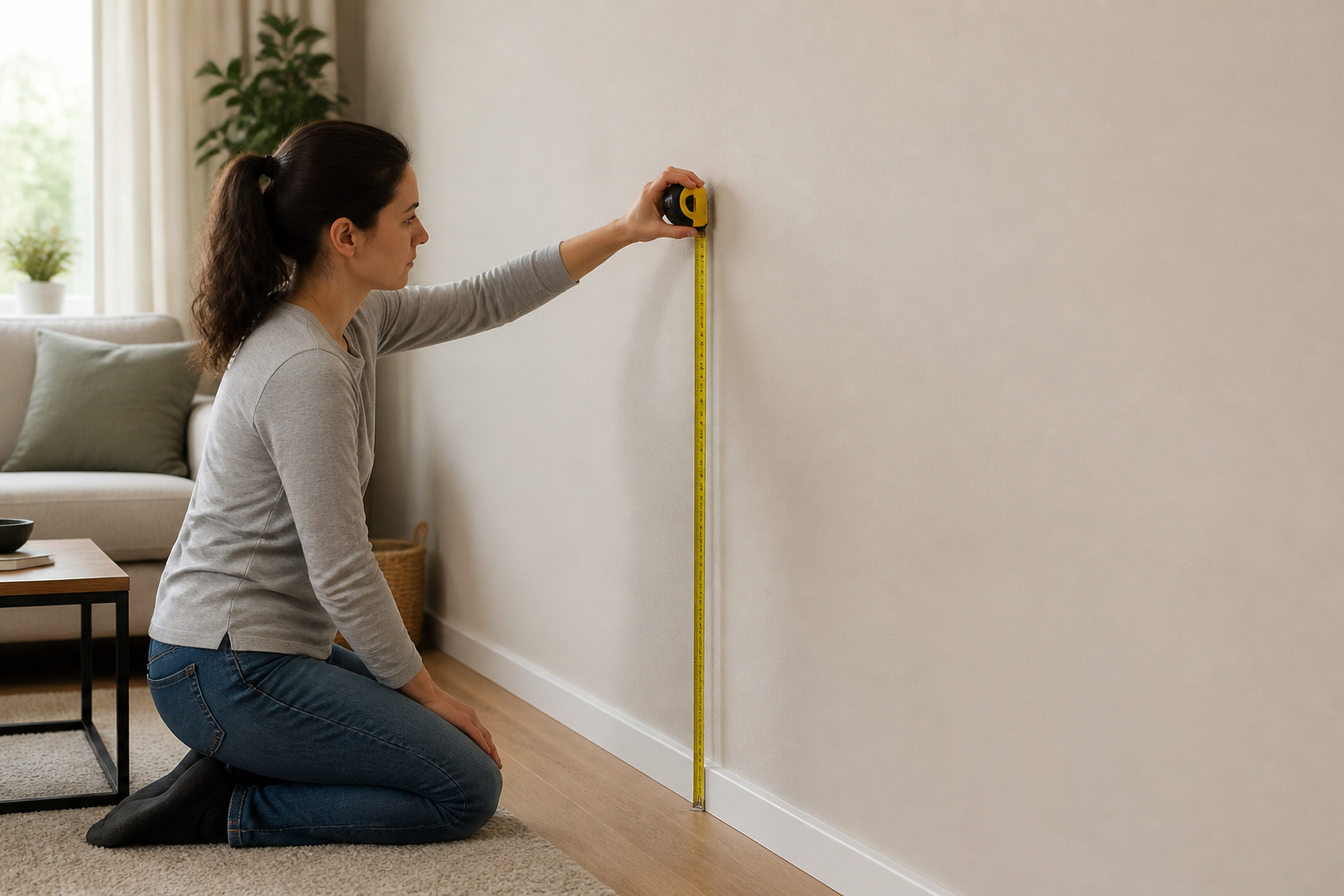
Sit in your normal viewing seat and measure from the floor to your eye level. For most living room seating, that is roughly 40 to 45 inches. Mount the TV so the center of the screen sits at or just above that height.
For a 55-inch TV, the bottom of the screen ends up around 24 to 28 inches off the floor in many setups, but measure for your own seating.
Adjusting for Your Room
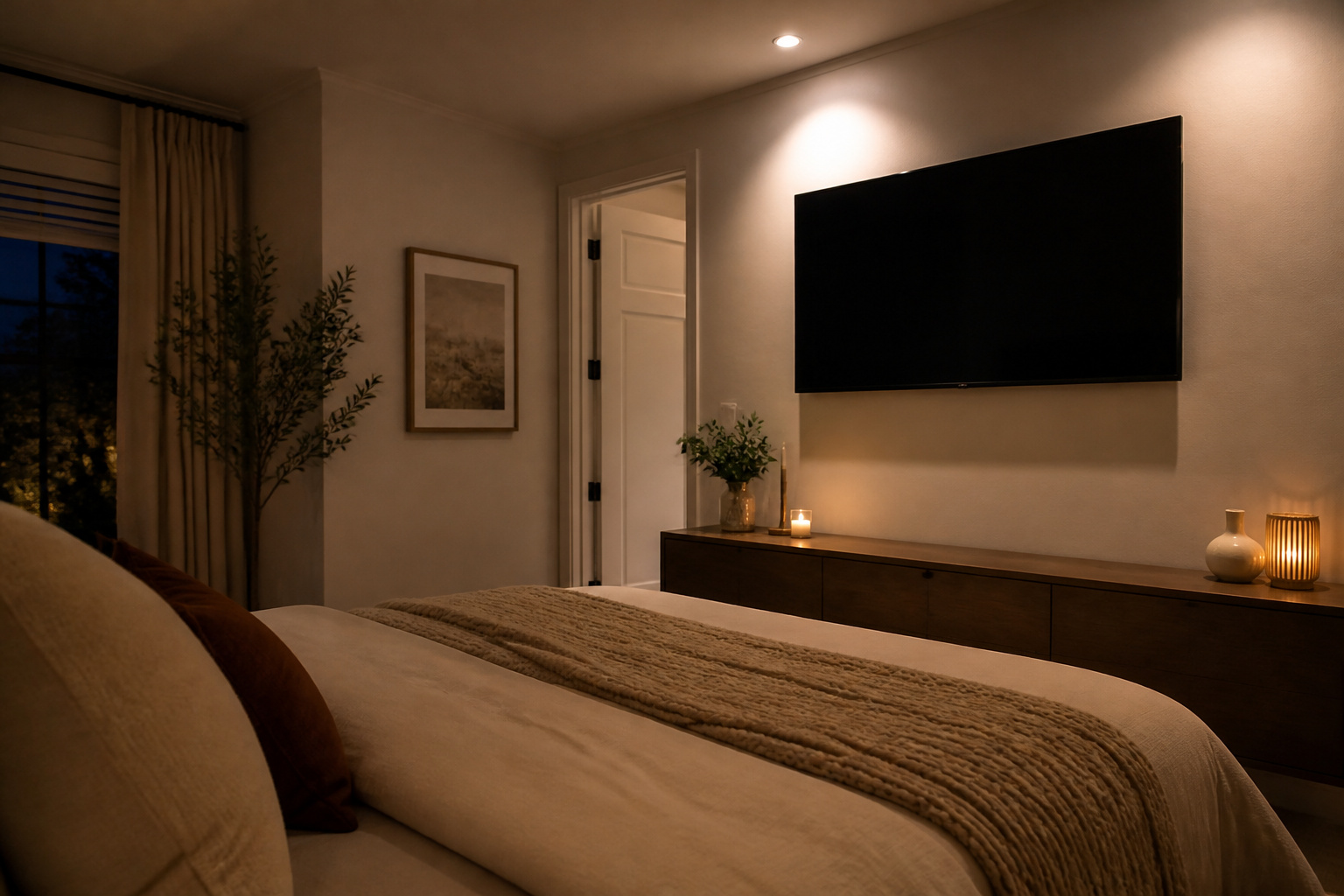
Taller seating, such as a bar stool or a recliner pushed back, changes the ideal height. If you often watch lying down in a bedroom, mount the TV higher or use a tilting mount.
In rooms with several seats, aim for the center-most seat. For layout help, see best room layouts for home theater setups.
Recommended Products

Universal Design: This TV Mount fits most 37"-95" LED/LCD/OLED/Plasma TVs up to 132 LBS, TV Bracket fits VESA patterns from 150 x 100 to 600 x 400mm. And This Tilt TV Wall Mount can be installed on 8" to 24" wood stud walls and concrete/brick walls conveniently. Warm Tips :Please confirm your TV VESA before order

WIDE DESIGN: The tilted TV wall mount is compatible with most 23" - 60" TVs up to 115lbs / 52 kg, fits 60 inch, 55 inch, 50 inch, 43 inch, 42 inch, 40 inch TVs, etc. with VESA mounting patterns 75x75mm up to 400x400mm. Please check VESA, TV weight, wall stud location and possible blocked cable/input. The tilting TV mount can be installed on 8″, 12″ or 16″ wood studs, concrete, or brick walls. Do not install the mount on drywall alone.

[Sturdy and Safe] You can relax knowing your TV is securely mounted to the wall with this UL-certified TV wall mount, which holds up to 132 lbs without a hitch. Its solid design keeps your TV steady, no wobbling or slipping here! Plus, we’ve got you covered with 10 years of support for this product.
When You Must Mount High
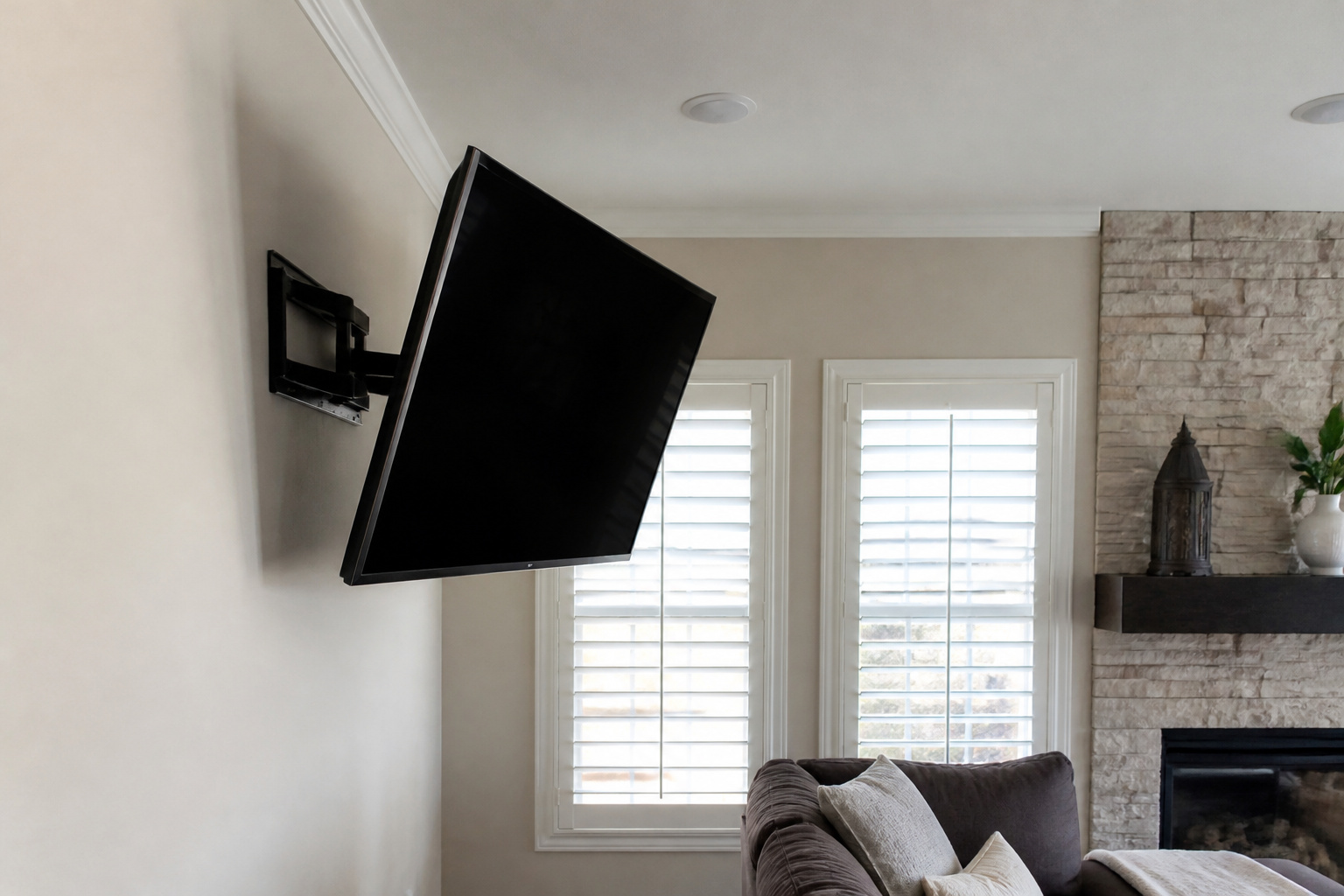
Sometimes a high position is unavoidable, such as over a fireplace or in a bar. A tilting or pull-down mount angles the screen toward your eyes and reduces glare.
Higher mounting also hurts picture quality, since many TVs lose contrast and color at steep angles, particularly VA panels; see OLED vs QLED vs LED.
Recommended Products

UNIVERSAL DESIGN: Tilt TV wall mount is for 37" - 85" TVs weight up to 132lbs / 60 kg. our tilt TV mount has a compatible faceplate that fits VESA 200X100mm (8"x4") 200X200mm (8"x8") 300X200mm (12"x8") 300X300mm (12"x12") 400X300mm (16"x12") 400X400mm (16"x16") 600 x 400 mm (23.6"x16"). Please check VESA (Mounting hole pattern on the back of TV and please be advised that it can't fit 100x100mm), TV weight, wall stud location and possible blocked cable/input.
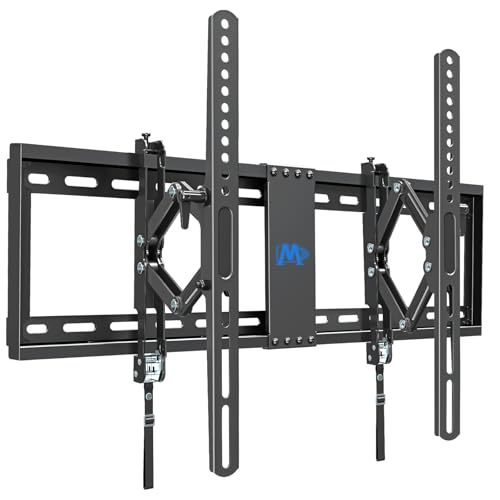
Universal Design TV Mount: Advanced tilt TV wall mount fits for most 42-90 inch TVs up to 120 lbs. with MAX VESA of 600mm x 400mm and 16", 18", 24" wood studs spacing. Please check the TV VESA, TV weight, compatible wall types (wood studs spacing or concrete wall) and possible blocked input before purchasing

Universal Compatibility: Our tilting TV wall mount fits most 24" to 65" TVs weighing up to 99 lbs. Features a universal VESA plate compatible with patterns from 100x100mm (4"x4") up to 400x400mm (16"x16"). Always verify your TV's VESA pattern, weight, and wall type before purchase.
Consider the Soundbar and Center Speaker
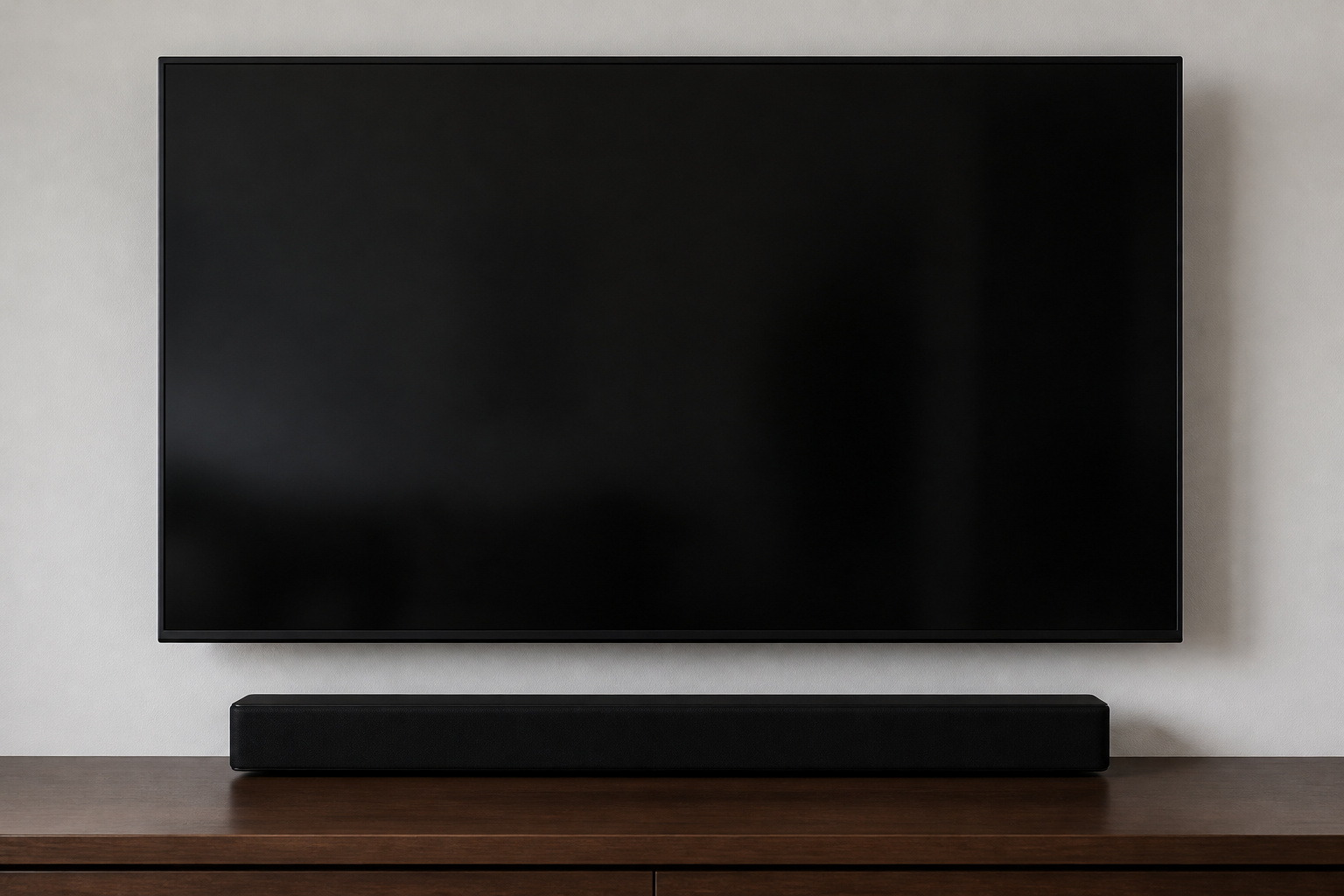
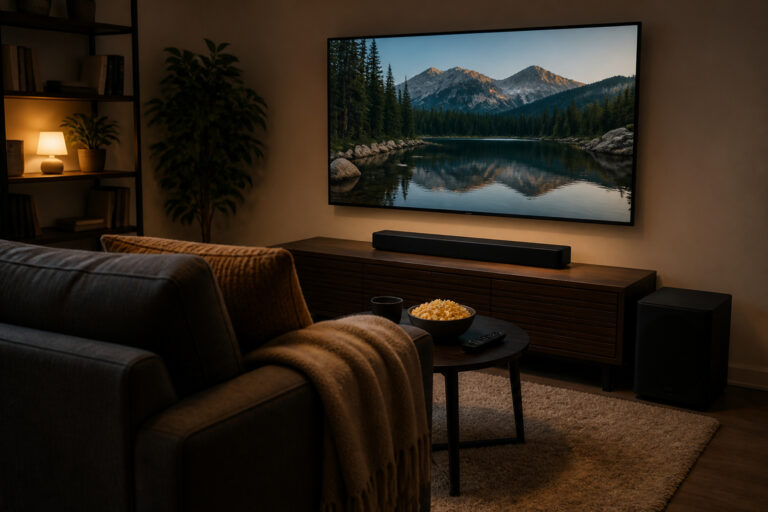
If you plan to add a soundbar, leave room below the TV for it. A center speaker should sit as close to the screen as possible.
See soundbar placement tips and home theater speaker placement.
Recommended Products

Sound Bar Compatibility: The soundbar TV mount supports most soundbars up to 15 lbs from Samsung, Polk, Sony, Vizio, Bose, JBL and more. Soundbar mount is compatible with TV wall mount, TV cart, TV stand, ceiling TV mount.

Unique Design - Our soundbar mounting bracket can hold a soundbar up to 15LBS/6.8KG. Compatible with wall mounts (fixed, tilt, full-motion mount), TV VESA up to 600x400mm. (For Sonos Beam, please refer to soundbar mount MD5426)

Universal Compatibility:The Soundbar Wall Mount fits for Sonos,Samsung, Bose,Sony,Vizio, LG, JBL and More!
Test Before You Drill
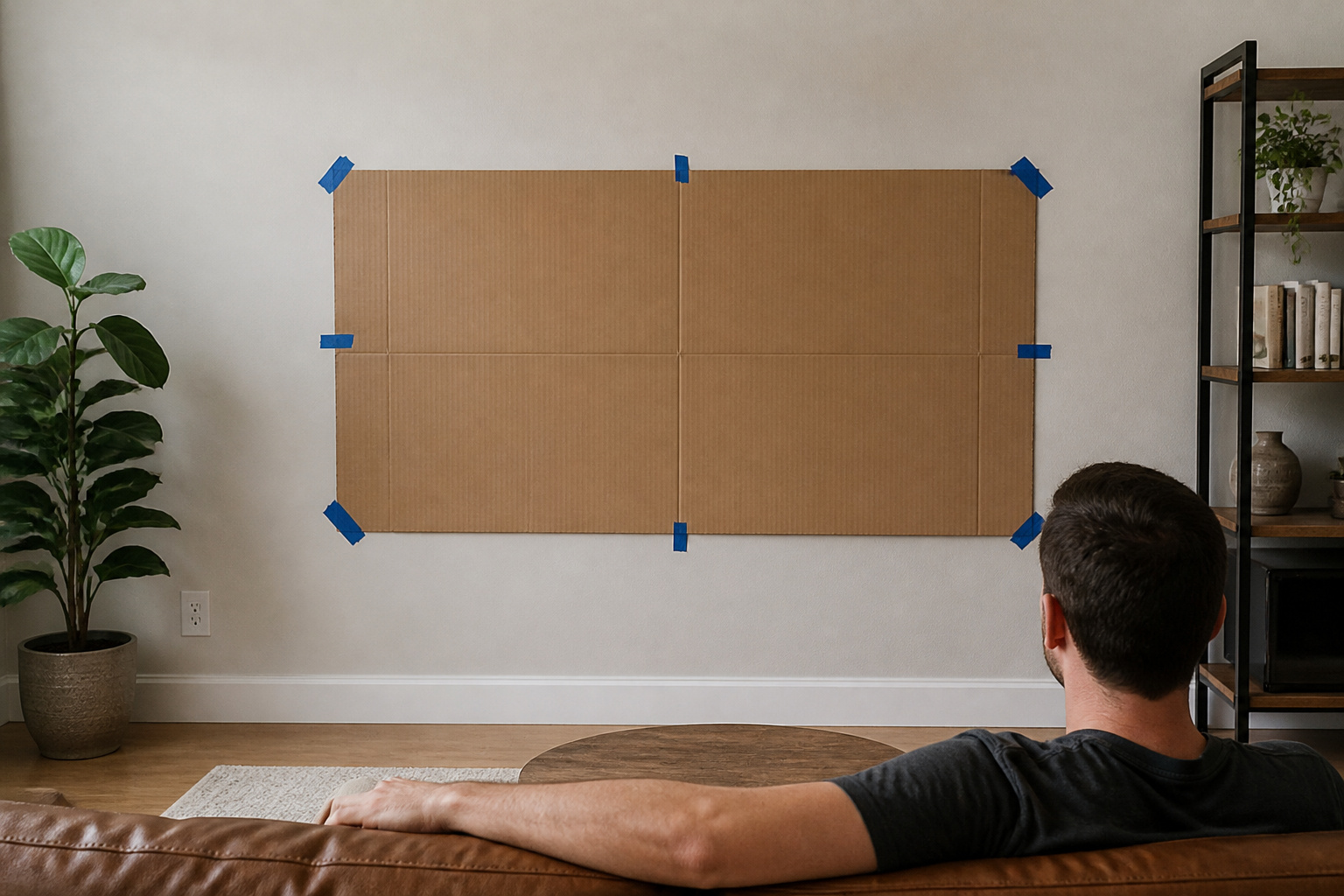
Use painter’s tape or cut a cardboard template the size of your TV and tape it to the wall. Sit where you usually watch and check the height.
Once it feels right, mark the studs and mount. See TV wall mounting mistakes and how to hide TV cables for the next steps.
Frequently Asked Questions
How high should I mount my TV?
Center the screen at your seated eye level, which is often around 40 to 45 inches from the floor.
Is it bad to mount a TV too high?
It can cause neck strain and reduce picture quality at steep angles. Use a tilting mount if you must go higher.
How high should a TV be in a bedroom?
Slightly higher than a living room, since you may watch from bed. A tilting mount helps.
Does screen size change the height?
The center of the screen stays near eye level, so larger TVs extend higher and lower around that center point. See TV size guide.
Should I put a TV above a fireplace?
Only if heat and height are acceptable. Check the manufacturer’s guidance or consider an alternate location.