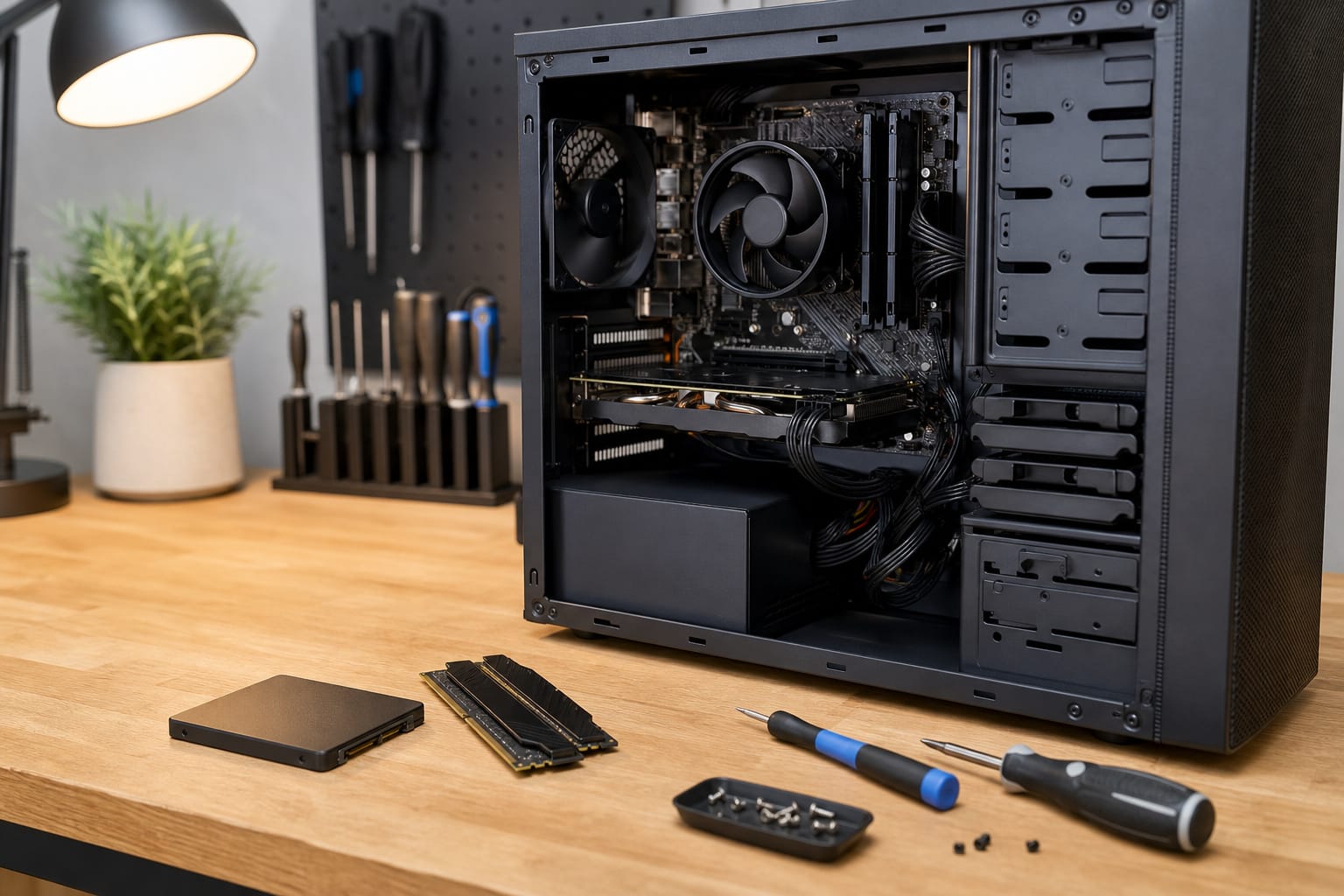
A slow computer isn’t always dead. Upgrading storage or memory can make an older machine feel much faster, but only if the machine supports it and is still worth the investment.
This guide covers what to check first, which upgrades help most, and when to stop spending.
Check What Your Computer Allows First
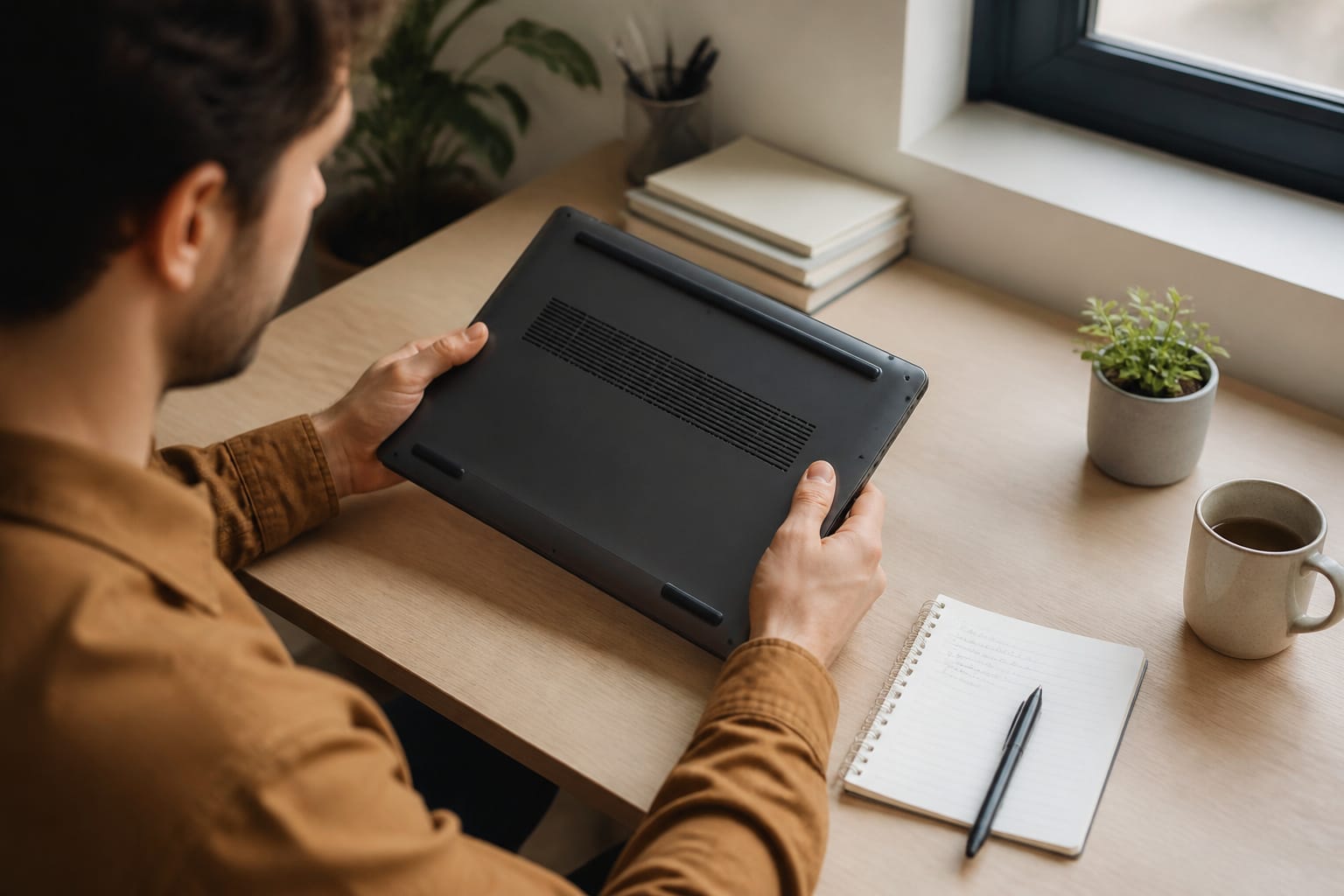
Before you buy any parts, find out what your exact model supports. Most desktops accept standard RAM and storage, and many older laptops do too. Many thinner laptops solder RAM to the board and sometimes storage as well, which means neither can be changed. Macs with Apple silicon build memory into the chip package, so you can’t upgrade memory, and most Mac laptops do not have user-replaceable storage either.
Search for your model number plus the word specifications or service manual to see what’s replaceable. Also check the operating system situation: Windows 10 support ended on October 14, 2025, so a machine that cannot run Windows 11 is on borrowed time no matter how fast you make it. Our guide to how long a computer should last explains the dates.
Recommended Products
Flat clamping arm kit is specifically designed for the RAM Tough-Tray laptop holder

Boosts System Performance:16GB DDR4 laptop memory RAM kit (2x8GB) that operates at 3200MHz to improve multitasking and system responsiveness for smoother performance
Swap a Hard Drive for an SSD
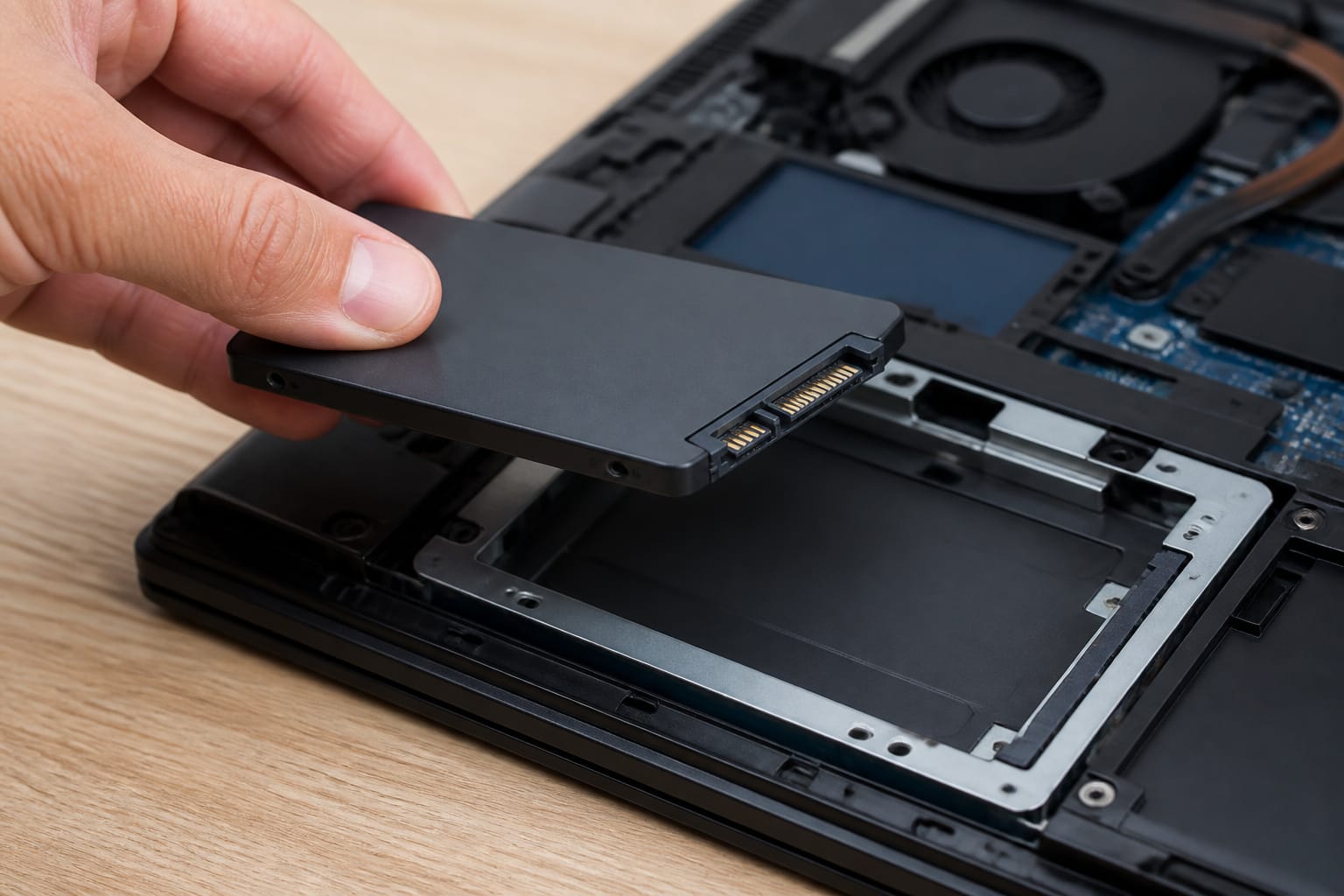
If your computer still boots from a spinning hard drive, replacing it with a solid-state drive is usually the most noticeable upgrade. Startup, app launches, and file operations get faster because an SSD has no moving parts to wait on. Check whether your machine takes a 2.5-inch SATA drive or a smaller M.2 drive, and confirm the type before buying.
Back up your files first. Then either clone the old drive to the new one with the software most SSD makers provide, or install the operating system fresh on the new drive. Our guide to SSD versus HDD storage explains the differences in more detail.
Recommended Products

Capacity 256GB Latest SATA 3 Controller

Upgrade your laptop or desktop computer and feel the difference with super-fast OS boot times and application loads
Upgrade your laptop or desktop computer and feel the difference with super-fast OS boot times and application loads
Add RAM If You Are Running Short
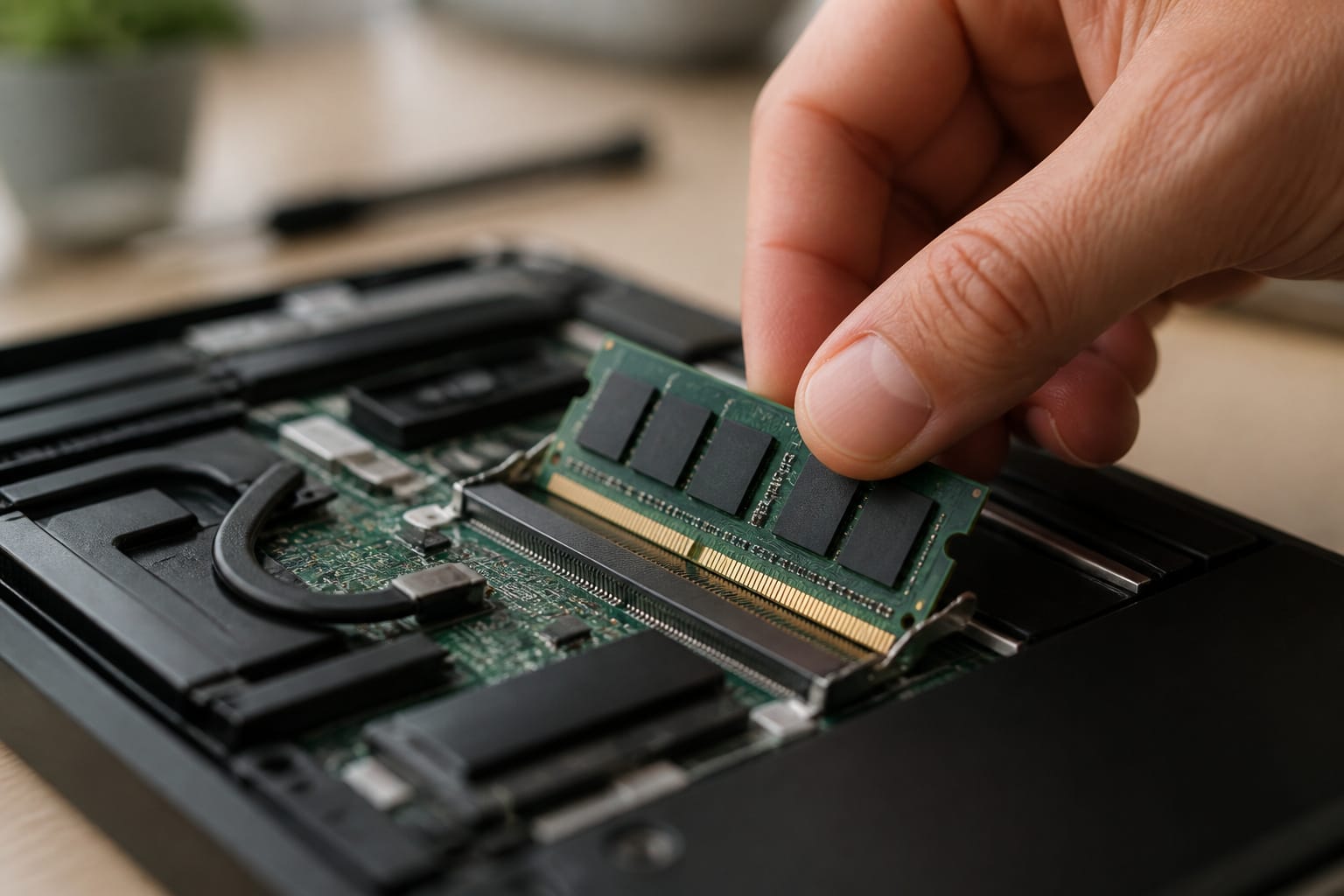
More memory helps when the computer slows down because it has run out of it, not when the processor or drive is the limit. Open Task Manager on Windows or Activity Monitor on a Mac while you work normally. If memory stays near full, extra RAM will likely help.
RAM has to match your machine. Check the type, DDR3, DDR4, or DDR5, and the size, such as the shorter SODIMM sticks that laptops use versus the longer desktop DIMMs. Also check the maximum your motherboard supports. Our guide on how much RAM you need helps you choose a target.
Recommended Products

Genuine Samsung DDR4 Memory RAM | Product may be M471A1G44CB0-CWE, M471A1G44AB0-CWE, M471A1G44BB0-CWE or an equivalent Samsung part number identical in specifications and performance

Capacity – Single Module 8GB Speed up to 2400MHz Non-ECC Unbuffered 260-Pin 1.2V SODIMM.

DDR4 8GB 3200MHz (PC4-25600) CL22 SODIMM 260-Pin Laptop Notebook Memory
Clean the Dust and Fix Cooling
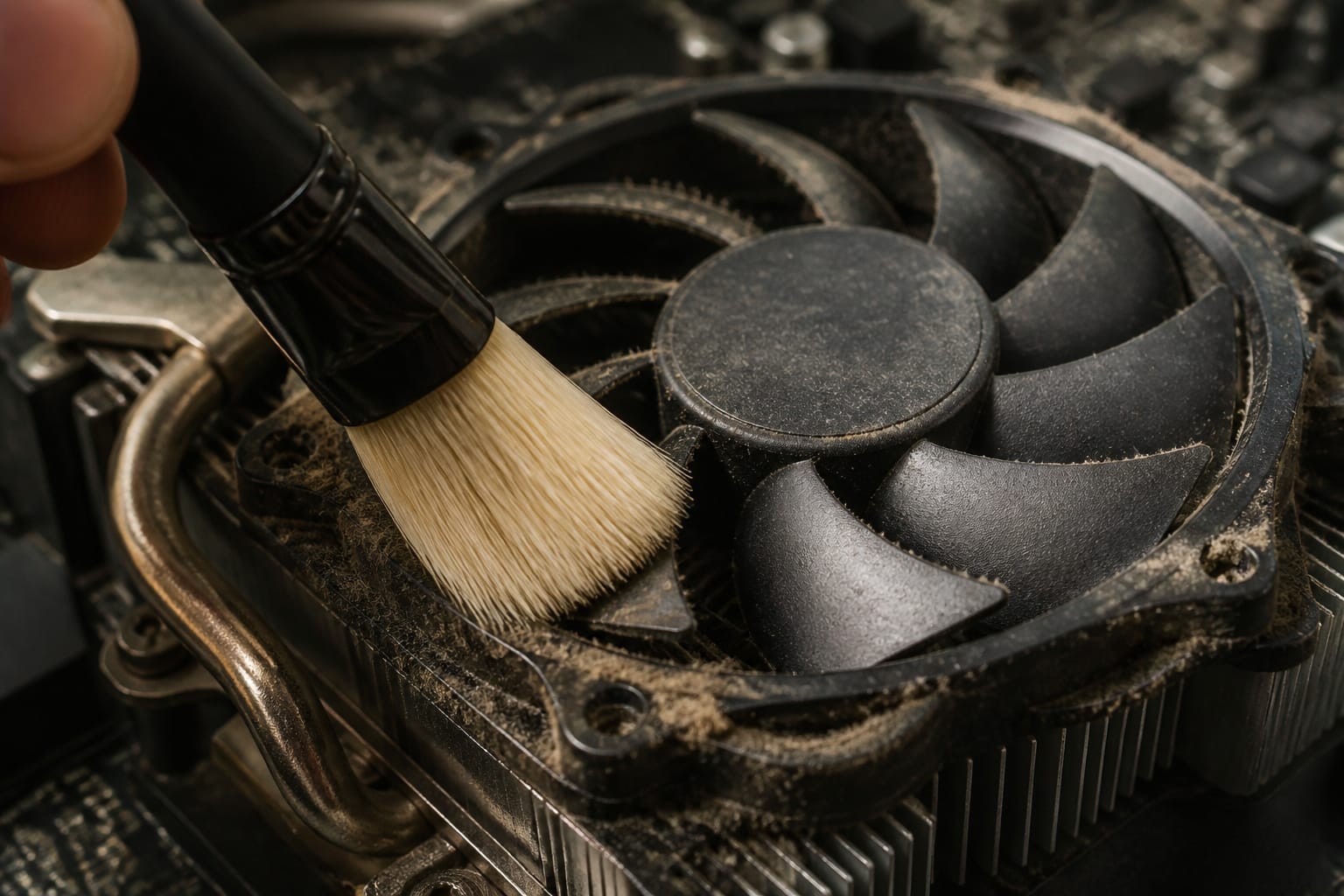
A machine that runs hot slows itself down to protect its parts. Clean the vents and fans with short bursts of compressed air, while holding the fan still.
On a machine several years old, the thermal paste between the processor and its cooler can dry out, so if temperatures stay high after cleaning and you are comfortable opening the case, reapplying paste is a reasonable next step.
The habits in our guide to making your computer last longer keep the problem from returning.
Recommended Products

CONSISTENT QUALITY: Our thermal paste packaging design has evolved over time, but the formula has remained the same, ensuring reliable performance.

SAFETY APPLICATION: BSFF is metal-free and non-conductive, which eliminates any risk of short circuit and adds more protection to the CPU and VGA card.

NEXT-LEVEL THERMAL PERFORMANCE: MX-7 features a performance-optimized, dense, and highly viscous consistency. Its high filler content ensures exceptional heat transfer
Software Fixes and the Windows 11 Question
Before spending anything, try the free fixes: uninstall programs you no longer use, trim startup apps, install pending updates, and keep some free space on the drive. Our guide to keeping your computer running smoothly walks through them.
If the machine cannot run Windows 11, you have three realistic choices. You can enroll in Microsoft’s paid Extended Security Updates program, which, as of September 2026, covers eligible Windows 10 PCs through October 12, 2027.
You can switch to a lightweight Linux distribution, which can run well on older hardware but means learning new software and may not run your Windows programs. Or you can replace the computer. Each choice has a cost, so decide before you buy upgrade parts.
Recommended Products

1. 9-in-1 Linux:32GB Bootable Linux USB Flash Drive for Ubuntu 24.04 LTS, Linux Mint cinnamon 22, MX Linux xfce 23, Elementary OS 8.0, Linux Lite xfce 7.0, Manjaro kde 24(Replaced by Fedora Workstation 43), Peppermint Debian 32bit (being replaced by MX Linux 32bit) for older PC, Pop OS 22, Zorin OS core xfce 17. The versions you received might be latest than above as we update them to latest/LTS when we think necessary.

✅For beginners, refer image-7, its a video boot instruction, and image-6 is "boot menu Hot Key list"

Portable Kali Linux: Carry the power of Kali Linux on a bootable USB drive for seamless cybersecurity.
When an Upgrade Is Not Worth It
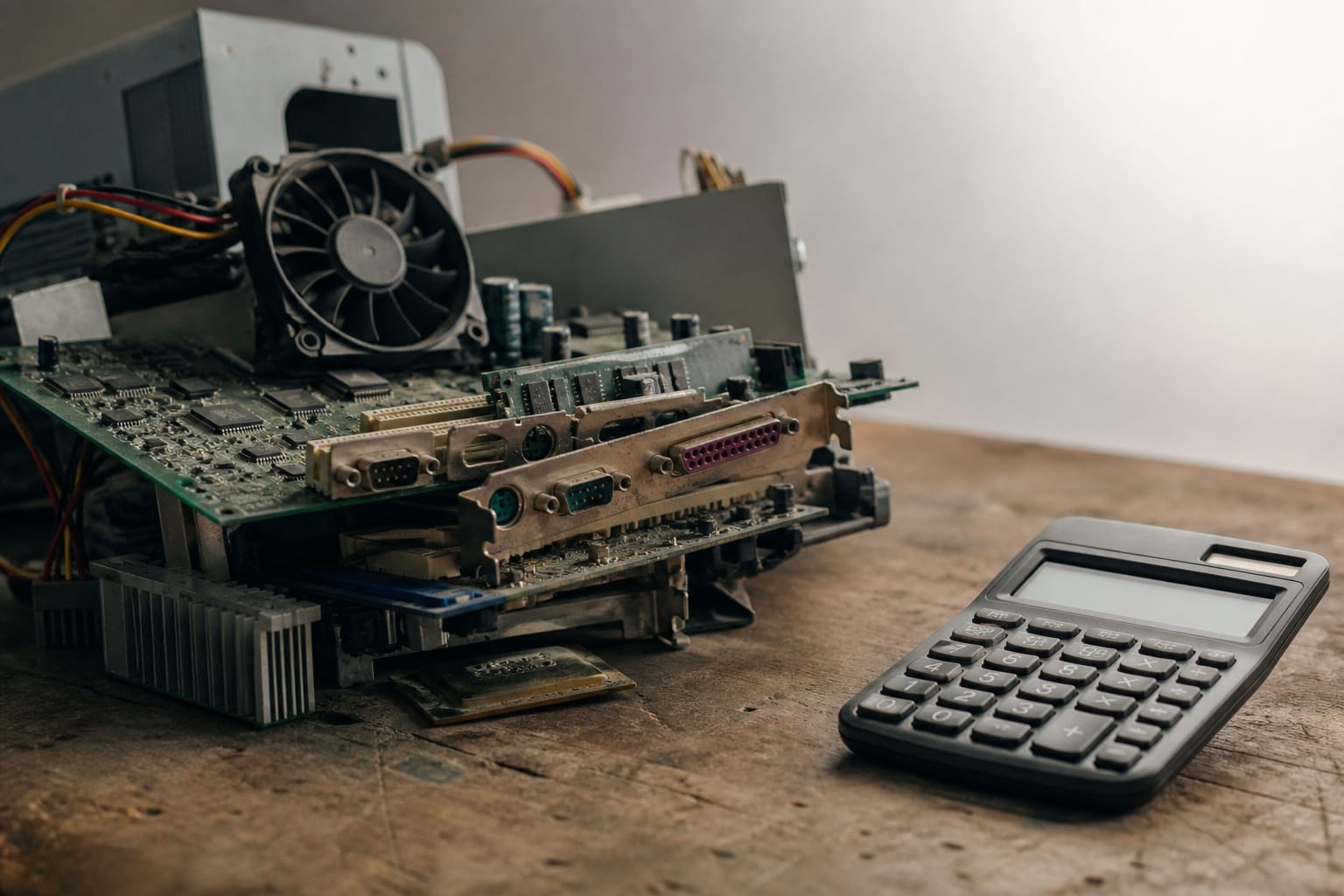
Most laptop processors cannot be changed, and on desktops a new processor must fit the motherboard’s socket and be supported by its firmware.
If the processor is the problem, or fixing the machine requires a new motherboard, the cost usually approaches the price of a replacement. The same applies to a machine that has lost software support.
In those cases, see the signs it is time to replace your computer and compare prices before you commit.
Frequently Asked Questions
How long will an upgraded old computer last?
Upgrades make a machine faster but do not reset its software support clock. An SSD or extra RAM can add useful years on a supported machine, but the operating system’s support date still decides how long the computer stays safe to use online.
Is it worth upgrading a 10-year-old computer?
Sometimes, but check Windows 11 compatibility first. Many PCs sold a decade ago lack a supported processor or TPM 2.0. That leaves them dependent on paid Extended Security Updates. An SSD may still make such a machine pleasant to use for basic tasks, but the money is wasted if you expect it to last several more years.
Can upgrading RAM fix a slow internet connection?
No. Internet speed depends on your plan, router, and Wi-Fi signal. More RAM helps the computer handle many open programs and tabs, but it does not make your connection faster. If pages load slowly, restart the router and test the connection from another device.
Will a new operating system make my old PC faster?
Not usually. A newer version of Windows generally asks more of old hardware, and Windows 11 will not install on unsupported machines. A lightweight Linux distribution can run faster on old hardware, but it changes the software you use.
Can I upgrade the CPU on any old computer?
No. Most laptop processors are soldered to the board. On a desktop, the new processor must fit the motherboard socket and be supported by the firmware. Cooling and power supply matter too. Check your motherboard model before buying.