

A plan with “senior” or “55+” in the name sounds like a bargain, but it is not always the best deal. Some senior plans are a regular plan with a new label, some include far more data than most older adults use, and some are only sold in certain states. The right choice depends on how you use your phone, who you call, and whether you want extra safety services.
This guide explains how senior plans work, who qualifies, what to compare, and what to skip. It does not quote monthly prices, because carriers change them often. Check each carrier’s own page for today’s rates before you sign up.
Are Senior Cell Phone Plans Actually Cheaper?

Not always. Reviewers who have compared them note that a senior label is no guarantee of value. Senior plans from the big three carriers can cost more than regular plans from smaller carriers, and Mint Mobile’s 55+ plan has been described as virtually the same as its regular plan of similar size.
Many senior discounts also depend on conditions. T-Mobile’s 55+ pricing requires autopay, and some low promotional rates, including Lively’s basic plan, can rise after a few months. The safest habit is to compare the base price of each plan with and without the senior discount, then add any extras you actually want.
Recommended Products

Only Compatible with Lively Phone Service: The Jitterbug Smart5 is only compatible with Lively phone service; plans include unlimited talk, text and 24/7 access to Lively’s caring team

Simple operating system for operate easier, Sound clear and loud
Who Qualifies for a 55+ or AARP Plan?

Age cutoffs differ by carrier. The table below summarizes how the main senior options work. Details change, so confirm eligibility on the carrier’s site.
| Plan | Who qualifies | Network | What to watch for |
|---|---|---|---|
| Consumer Cellular | Age 50 and up for its AARP-linked unlimited plan, with AARP membership and at least two lines | AT&T or T-Mobile | AARP members get a 5 percent discount. Some users in Verizon-dominant areas report weaker service. |
| Mint Mobile 55+ | Age 55 and up | T-Mobile | Prepaid, and annual billing may mean paying the full amount up front. |
| T-Mobile 55+ plans | Age 55 and up | T-Mobile | Autopay is required for the senior rate, and the data allowance is larger than many seniors need. |
| AT&T Unlimited 55+ | Age 55 and up | AT&T | Has been offered only in limited states, so check availability for your ZIP code. |
| Verizon 55+ plan | Age 55 and up | Verizon | Has also been limited by state, and autopay may be required. |
| Lively | Open to anyone, built around older adults | Reported to run on Verizon | Health and safety services cost extra, and you can now bring your own phone. |
AARP has no minimum membership age, though its programs focus on people over 50. If you are on a limited income, the federal Lifeline program is a separate option. It is based on income at or below 135 percent of the federal poverty line, or enrollment in programs such as Medicaid, SSI, SNAP, or federal housing assistance.
How Much Data Does a Senior Really Need?

Less than most “unlimited” plans assume. If you mostly call, text, check email, and use maps, a small data allowance is usually enough, especially when you are home on Wi-Fi. Streaming video and constant video calls over cellular are what drive heavy use.
Before choosing, look at your past usage. Your current carrier’s app or bill shows how much data you used each month. Pick a plan a little above your typical month, not your busiest one. Unlimited plans are worth it only if you stream or use hotspot often. Also check what happens when you run out. Some low-cost plans simply stop data until the next billing cycle, while larger plans slow your speed after a high-speed allotment is used.
Recommended Products

𝗔𝗳𝗳𝗼𝗿𝗱𝗮𝗯𝗹𝗲 & 𝗥𝗲𝗳𝗶𝗹𝗹𝗮𝗯𝗹𝗲 𝗣𝗵𝗼𝗻𝗲 𝗦𝗜𝗠 𝗖𝗮𝗿𝗱: Experience true affordability with SpeedTalk Mobile's prepaid Pay As You Go subscription plan. We offer low rates for text, data, and minutes, whether used individually or in any combination. For only $5 per month, enjoy 100 Texts, 100 Minutes Talk, and 100 MB Data of 5G 4G LTE (including MMS) for a 30-day period. No worries if you exceed your credits — the plan will automatically renew once all allotted credits have been used.

𝗔𝗳𝗳𝗼𝗿𝗱𝗮𝗯𝗹𝗲 & 𝗥𝗲𝗳𝗶𝗹𝗹𝗮𝗯𝗹𝗲 𝗣𝗵𝗼𝗻𝗲 𝗦𝗜𝗠 𝗖𝗮𝗿𝗱: Experience true affordability with SpeedTalk Mobile's prepaid Pay As You Go subscription plan. We offer low rates for text, data, and minutes, whether used individually or in any combination. For only $18 per month, enjoy Unlimited Talk & Text + 11GB Data of 5G 4G LTE (including MMS) for a 30-day period. No worries if you exceed your credits — the plan will automatically renew once all allotted credits have been used.

This item is not eligible for refund, resale, or return. Available for sale within the United States only.
Should You Choose Prepaid or Postpaid?
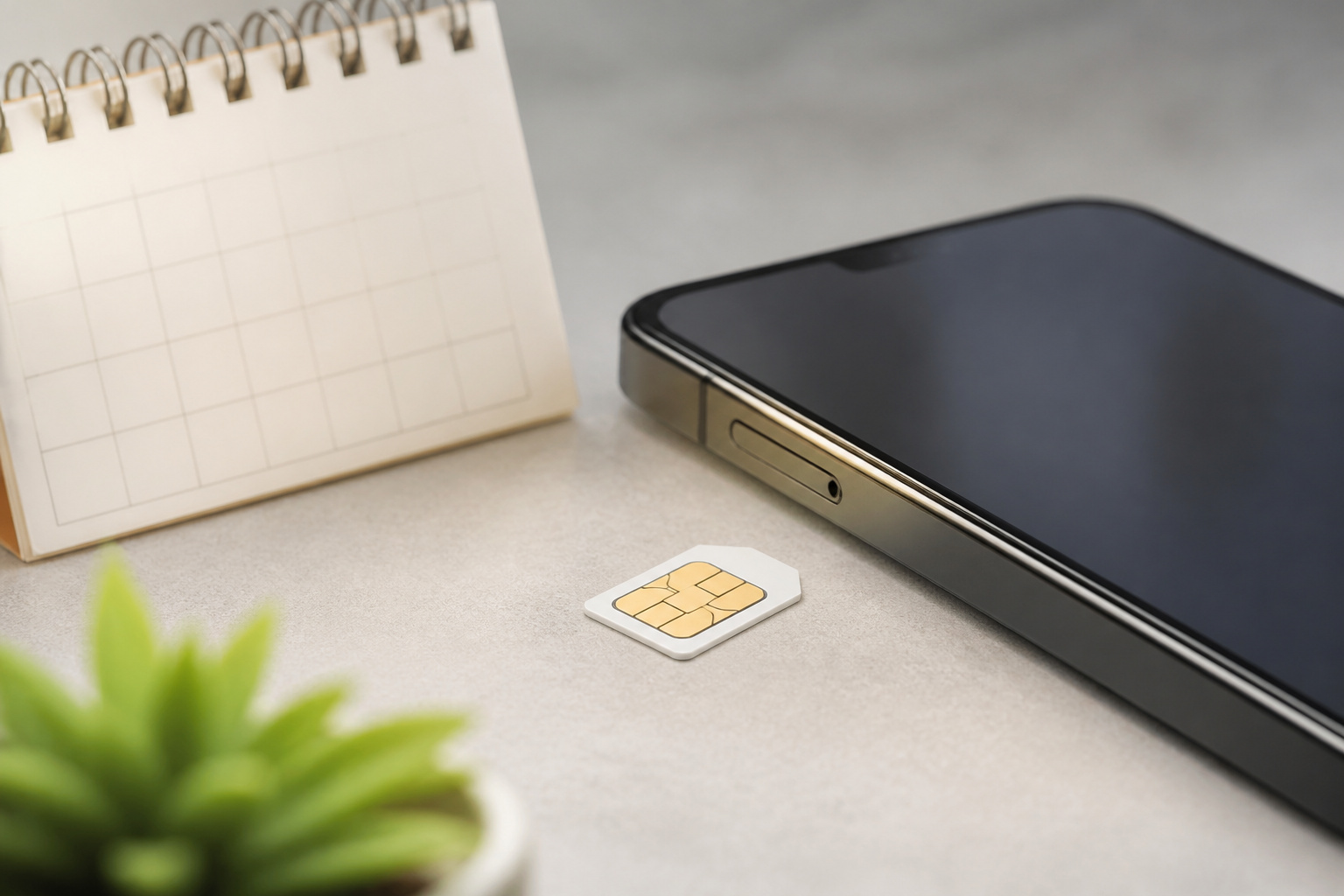
Prepaid plans have no contract, so they are easy to leave and simple to budget for. Postpaid plans bill you after you use the service and often bundle a financed phone, locking you in until it’s paid off.
For someone who already owns a phone and wants predictable bills, prepaid is usually the simpler choice. Be careful with annual prepaid deals. They can lower the monthly cost, but they ask for a large payment at the start, which is hard on a fixed income. If a carrier offers a trial, try a month first to confirm coverage at home before committing to a year.
Recommended Products

Carrier: This phone is locked to Verizon, which means this device can only be used on the Verizon wireless network. A Verizon plan is required to activate this device. Activating is easy, upon receipt go to the Verizon Website and select “Activate” and follow the prompts. **NOT COMPATIBLE WITH VERIZON POST PAID**

Carrier: This phone is locked to Tracfone, which means this device can only be used on the Tracfone Wireless network. A Tracfone plan is required to activate this device. Activating is easy, upon receipt go to the Tracfone Website and select “Activate” and follow the prompts, just 3 steps.

Simple operating system for operate easier, Sound clear and loud
Do You Need Lively’s Health and Safety Services?

It depends on whether you want a call button or a nurse line badly enough to pay for it every month. Lively’s service tiers add features on top of basic talk and text. Urgent Response connects you with trained agents, Lively Link keeps a caregiver in the loop, and the top tier adds a nurse line and a care advocate. Ask Lively, a service that helps with tasks like texting or adding contacts, and Lively Rides, which books a ride when you dial 0 on a Jitterbug phone, are available on all plans.
These services cost extra, so compare them to what you already have. Many newer phones and watches offer emergency SOS and fall detection built in, and a medical alert device can be a separate purchase. If you want a phone with big buttons and a call-for-help button in one package, Lively is built for that. If you just want a regular smartphone, a standard plan plus a safety device may cost less.
For help at home beyond the phone, our guide to home security for seniors covers alarms, cameras, and door locks that work well for people living independently.
How Do You Pick a Phone That Is Easy to Use?

The phone matters as much as the plan. Look for a large, bright screen, adjustable text size, loud speakers, and a simple home screen. Both iPhone and Android offer larger text, voice control, and magnification, so you do not need a special senior phone to get them. Our Android phone buying guide and iPhone buying guide walk through the choices.
If you wear hearing aids, check the phone’s hearing aid compatibility rating. Phones are rated M3 or M4 for how well the microphone setting avoids interference, and T3 or T4 for telecoil use, with 4 being the better rating. The rating is listed in the phone’s specifications. If you can, try the phone with your hearing aids before you buy.
Battery life also affects daily comfort. A good charger and a longer cable you can reach from a chair make a real difference, and our phone charger and cable guide explains what to look for.
How Can You Block Scam Calls and Texts?

Scam calls hit older adults often, so protection is worth checking before you pick a carrier. Most carriers offer a free or paid spam-blocking tool. AT&T’s ActiveArmor app is one example. Phones also have built-in features that silence unknown callers or send them to voicemail.
Tools help, but habits matter more. Do not give out personal or bank details to someone who calls you first, and do not press buttons or reply to unexpected texts. If a caller claims to be a bank, a government agency, or a relative in trouble, hang up and call back using a number you already trust. Ask a family member to help turn the filters on when you set the phone up.
Is a Family or Shared Plan Worth It?

Often yes, if you live with family or have a spouse or adult child willing to share an account. Extra lines usually cost far less than a separate single line, and a shared account lets a trusted relative help with billing and settings. Consumer Cellular’s AARP-linked plan, for example, is built around two or more lines.
The tradeoff is that you are tied to the account holder’s choices. Make sure everyone on the plan agrees on who pays, who can change the plan, and what happens if the account holder leaves it. For a single person, a solo prepaid or senior plan is usually simpler.
What About International Calling and Roaming?

If you call family abroad or travel, check international features before you sign up. Some plans include calling to Canada and Mexico, while others charge for it or sell add-on packages. Roaming rules differ widely, so ask what texting, data, and calling cost in each country you plan to visit.
For calls to relatives overseas, free apps such as WhatsApp or FaceTime over Wi-Fi often cost nothing and avoid international rates altogether. If you travel often, a plan with international roaming included may be worth a higher base price. For a trip, our guide to unlocked phones for travel compares carrier travel plans, travel eSIMs, and local prepaid SIMs.
Recommended Products

Cell Phone Plan includes FOUR (4) Tri-punch sim cards for cell phones with multi-carrier connections. That means you get a choice of the best cell phone carriers in the USA and around the world. No contract, No Activation Fees!

Orange Holiday World Sim can be used in over 250 countries. Please refer to the Zone table for details.

We recently increased high-speed data allotments on every plan (but kept the same low pricing)! You may see a 20GB sticker on the front of your 23GB SIM Kit, rest assured your plan will have all 23GB of data loaded each month.
Frequently Asked Questions
What is the cheapest way to get a phone plan as a senior?
Usually a prepaid plan with a small data allowance, paired with a phone you already own. Compare the base price of regular and senior plans, then check whether the discount needs autopay or a minimum number of lines.
At what age can you get a senior discount on a cell plan?
Most carrier senior plans start at 55, while Consumer Cellular’s AARP-linked plan starts at 50 and requires AARP membership. Lively is open to anyone.
Do I need a special senior phone?
No. A regular iPhone or Android phone with larger text, voice control, and magnification works well. A simplified phone such as a Jitterbug suits people who want physical buttons and a call-for-help feature, and Lively now lets you bring your own phone if you prefer.
How do I know if a phone works with my hearing aids?
Look for the hearing aid compatibility rating in the phone’s specifications. M3 or M4 relates to the microphone setting and T3 or T4 to telecoil use, and higher is better. Trying the phone with your hearing aids before buying is the surest check.
How do I judge a carrier’s customer support?
Look for phone support you can reach without a long menu, in-person help if you want it, and clear billing. Call the support line before you sign up and see how easy it is to reach a person. Read recent reviews from other older customers, and check coverage at your home before committing.
Closing Thoughts
Start with how you use your phone, then compare plans on the base rate, data, network coverage at home, and the extras you truly want. Senior and AARP discounts are worth checking, but they should be the tiebreaker, not the reason you choose. If safety services matter, price them separately so you know what you are paying for.
Plan details change often, so confirm eligibility, network, and current terms with the carrier before you buy.