Ever wonder why your TV’s sound feels flat, muffled, or just plain off? You’re not imagining it. Most modern TVs are built thin and sleek, which means tiny speakers crammed into narrow spaces. These speakers can’t move enough air to deliver deep bass or clear highs.
Sound gets trapped, thin, or harsh. You hear voices, but they lack warmth. Explosions feel weak. Music sounds distant. Your ears strain to catch dialogue, especially during quiet scenes. Background noise drowns out speech. It’s frustrating. You’re watching, but not really hearing.
You can fix this. Start by checking your TV’s audio settings. Turn off auto volume or dynamic range compression. These features squash sound to keep loud parts quiet, but they also kill detail. Instead, switch to standard or movie mode.
Adjust the equalizer. Boost midrange slightly: this is where voices live. Cut extreme highs if they sting your ears. Lower the bass if it rumbles without punch. Every TV varies, so tweak gently. Listen. Adjust. Repeat.
Now, reposition your TV. Don’t shove it into a cabinet. Enclosed spaces trap sound and create echoes. Pull it forward. Leave space behind and above the speakers.
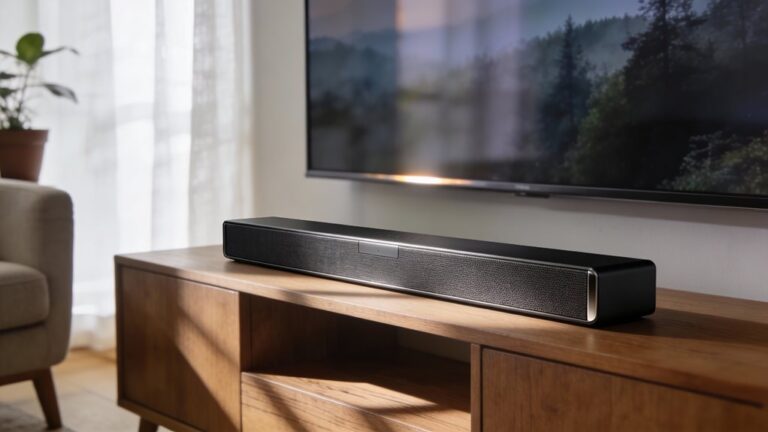
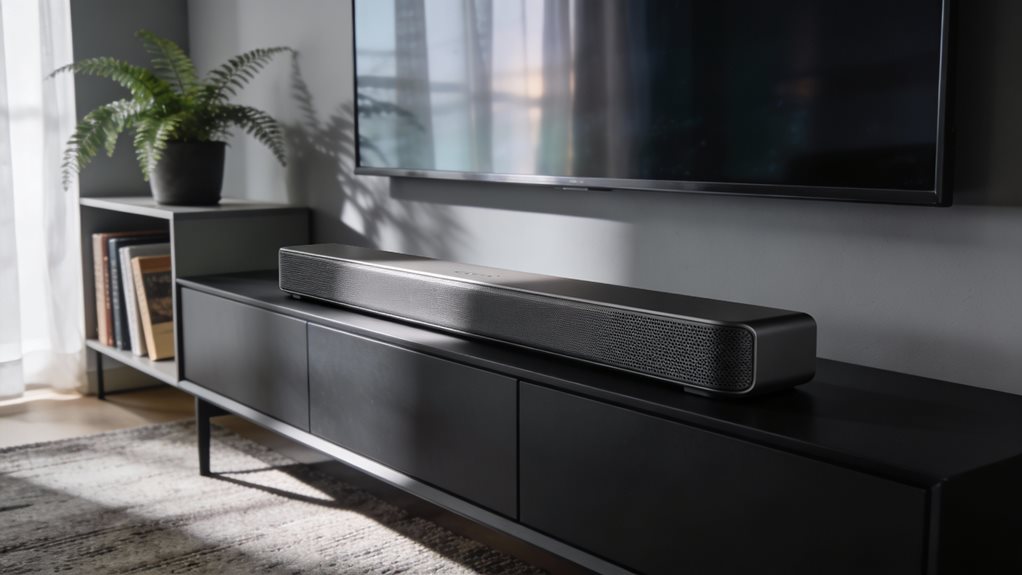
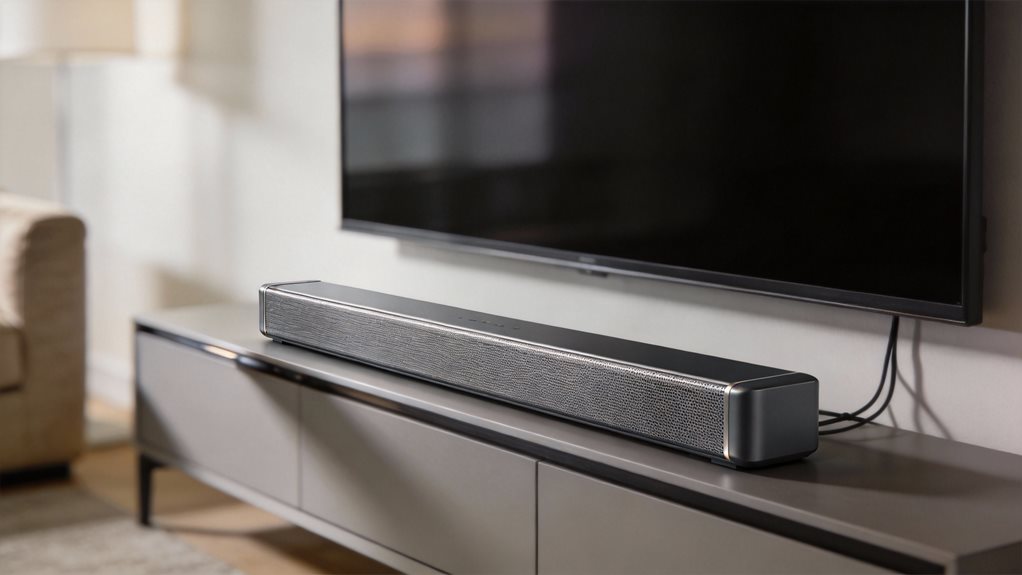
If your TV hangs on the wall, sound fires into drywall, not your ears. Angle it slightly down. Or better yet, add a soundbar to elevate your audio quality. A good soundbar costs less than a gaming console and transforms everything. It fires sound toward you, not down into the floor. Dialogue sharpens. Music swells. You feel the thunder in action scenes.
Still not enough? Try rear speakers or a subwoofer. Even a small sub adds depth. You don’t just hear explosions, you feel them in your chest. Surround sound wraps around you. A helicopter flies from left to right. Rain patters behind you. It’s immersive. For optimal performance, consider room calibration features that optimize sound for your specific space. A dedicated subwoofer with proper wireless connectivity allows you to place bass enhancement anywhere in your room without cable constraints. Most home theater systems include multiple speakers for a truly immersive audio experience.
Setup’s easy. Most systems connect wirelessly. Just plug in, sync, and go.
Cables matter too. Use HDMI ARC or optical audio to link your TV to a soundbar or receiver. This bypasses the TV’s weak internal processing. You get cleaner, fuller sound. Avoid the TV’s headphone jack or Bluetooth for main audio: it compresses quality.
Finally, train your ears. Listen to familiar shows. Notice how dialogue cuts through. Hear the rustle of clothes, the clink of glasses. Music has layers now. Bass lines thump. Strings soar. You’re not just watching. You’re inside the scene.
You don’t need a home theater. Just smarter choices. Better sound is within reach. You’ve got this.
Frequently Asked Questions
What Causes Audio Delay Between TV and Soundbar?
You get audio delay when your TV and soundbar process sound at different speeds. It happens because signals travel through various steps, such as Bluetooth, apps, or internal processing. Each step adds tiny lags.
You fix it by syncing them manually. Check your TV’s audio settings. Turn on Audio Sync or Lip Sync. Use HDMI cables—they’re faster. Adjust delay in small clicks. Test with speech-heavy scenes. Smooth timing feels natural. You’ve got this.
Can Bluetooth Affect My TV Sound Quality?
Yes, Bluetooth can mess with your TV sound, like a wobbly tightrope walk between devices. You stream audio wirelessly, but signals sometimes stumble. Compression cuts detail. Interference from Wi-Fi or walls causes hiccups.
For smoother sound, move devices closer. Avoid obstacles. Use Bluetooth 5.0 or higher. Or skip it. Plug in with HDMI or optical cables. That locks audio in step, clean and clear, like a drum hitting right on beat.
Why Does Volume Change During Commercials?
Commercials blast louder because networks crank the volume to grab you. You flinch. You grab the remote. But don’t just mute. Fix it.
Turn on your TV’s “Auto Volume” or “Loudness Equalization” in settings. It smooths spikes and keeps sounds steady. Commercials stay loud, yes, but not ear-piercing. You stay calm. Smooth audio flows. No more jolts. Just steady, clear sound, wave after wave.
Is Speaker Placement Important for TV Audio?
Yes, speaker placement matters more than you think. It’s like putting your ears in the sweet spot of a concert.
Place your TV away from walls to avoid muffled booms. Center it at ear level when you sit. Don’t tuck it in a corner. Angle soundbars toward you. Keep speakers clear of clutter.
Good placement makes voices clear, effects sharp, and music full. You’ll hear every word, just like you’re meant to.
Do Audio Settings Differ by Content Type?
Yes, audio settings differ by content type. You should adjust them. Watching a movie? Boost the surround sound. Streaming music? Crank the treble. Playing games? Tighten the bass. Each type needs its own tune.
Your TV’s “Movie,” “Music,” or “Game” mode helps. Use them. Don’t let dialogue drown. Don’t let explosions boom too loud. Match the mode to the moment.
You’ll hear every word, note, and beat—clear, balanced, alive.