No computer comes with an official lifespan. Instead, its lifespan is set by third-party deadlines from the operating system and battery manufacturer, and wear and tear on the parts.
A computer’s lifespan usually ends when one of those deadlines passes, not on a particular birthday. This guide explains what those deadlines look like for Windows PCs, Macs, and Chromebooks, so you can judge how much time yours likely has left.
What Actually Ends the Life of a Computer
Four things tend to end a computer’s useful life. The first is software support. Once your operating system stops receiving security updates, every newly discovered flaw stays open on your machine, which becomes a real risk as soon as you go online.
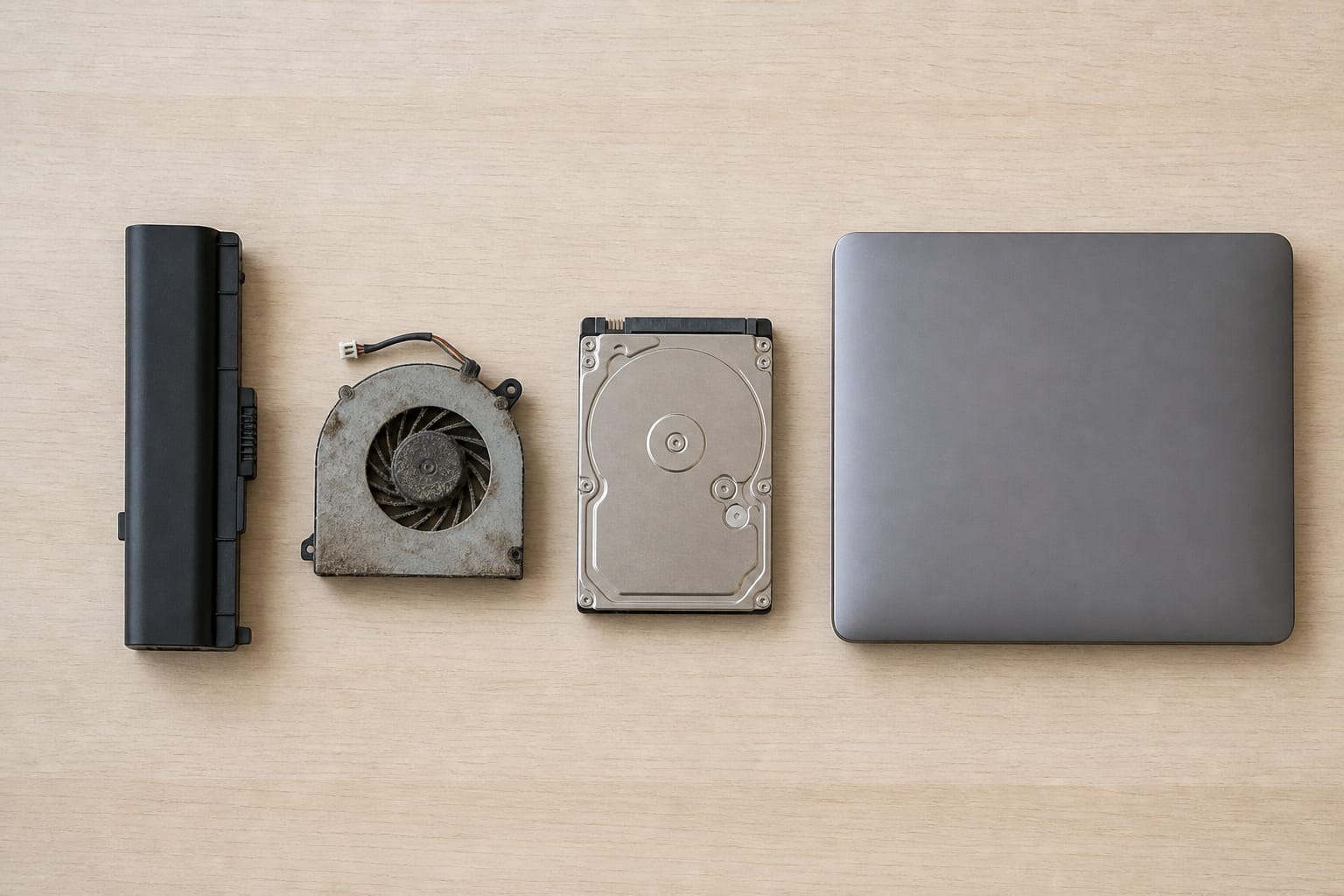
The second is the battery, which wears down with use and usually fails first. The third is hardware failure, such as a dying drive, a cooling fan, or a cracked hinge. The fourth is the job getting bigger: newer websites, apps, and video calls ask more of a machine than they did when it was new.
Only the first of these has a hard date attached, which is why the next three sections start there.
Recommended Products

【Specifications】Model: JPFMR Voltage: 11.4V Capacity: 42Wh/3500mAh Battery type:. Also comes with installation tools

Specifications: Replacement Battery for Dell laptop Replacement Battery; Our 3HWPP Battery Replacement for Dell 68wh Standard Rechargeable battery Type 3HWPP 15.2V; Voltage: 15.2V; Capacity:68Wh; Cells:4 cells; Color: Black;Condition: New; Battery lasts: 3-6 hours, Packages includes: 1x 3HWPP Battery,2 x Free Screwdrivers,1x Instruction for Laptop battery

Voltage: 14.8V Cells: 4-cell Grade A cells ensure fast charges and low power consumption; Built-in circuit protection ensures both safety and stability.
Windows PCs: Support Windows Instead of Expiration Dates
Microsoft supports each Windows version for a fixed period. Windows 10 launched in 2015, and regular support ended on October 14, 2025, so a PC bought around the launch got roughly a decade of operating system support.
Microsoft now sells a paid Extended Security Updates program for eligible Windows 10 PCs, and as of September 2026, its own page says that coverage runs through October 12, 2027. ESU delivers only critical security updates, with no technical support and no new features. Microsoft’s Windows 10 ESU page has the current enrollment details.
The bigger deadline hits PCs that cannot run Windows 11 at all. Windows 11 needs a 64-bit processor with at least two cores at 1 GHz or faster, 4 GB of RAM, 64 GB of storage, UEFI firmware with Secure Boot, and TPM 2.0.
The processor must be on Microsoft’s supported list, which means Intel 8th generation or newer or AMD Ryzen 2000 or newer. Microsoft’s PC Health Check app tells you in a minute whether your machine qualifies.
If it doesn’t, the PC’s ESU program sets the remaining life, instead of how well it still runs. The Windows 11 specifications page lists the full requirements.
Recommended Products

★【𝗨𝗹𝘁𝗿𝗮-𝗙𝗮𝘀𝘁 𝗪𝗶𝗙𝗶 𝟲】 - This USB WiFi adapter for laptop and desktop PC delivers up to 38% faster 5GHz and 43% faster 2.4GHz speeds compared to standard AC600 WiFi adapters. Ideal for 4K streaming, online gaming, and video conferencing with zero lag or buffering.
![Webroot Premium 2026 with Allstate Identity Protection | 10 Device, 1 Year | Antivirus and Internet Security Software, Advanced Dark Web Monitoring, Password Manager | NEW [Online Code]](https://m.media-amazon.com/images/I/41bWDBWN2mL._SL500_.jpg)
IDENTITY THEFT PROTECTION for up to 10 family member's mobile phones, laptops, desktops, Chromebooks and tablet, safeguards your personal and financial information with rapid alerts on identity threats.

Macs: Hardware Service Has Dates, Software Support Does Not
Apple publishes exact rules for repairs. A Mac becomes vintage when Apple stopped selling it more than 5 and less than 7 years ago, and obsolete after 7 years, at which point Apple stops hardware service and service providers can no longer order parts.
Mac laptops can get a battery-only repair for up to 10 years after Apple stopped selling them, subject to parts availability, which matters because a fresh battery is often all an older MacBook needs. Apple’s vintage and obsolete products page lists every affected model.
What Apple does not publish is a fixed period for macOS updates. Older Macs do eventually stop receiving the newest macOS release, so check which version a used Mac can run before you buy it.
Chromebooks: The One Category With a Printed Date
Every Chromebook has an Auto Update Expiration date, after which Google stops sending ChromeOS and security updates. Since 2024, Chromebooks on platforms released in 2021 or later receive updates for 10 years.
The catch is that the support clock starts when the platform launches, not when you buy the device, so a brand-new Chromebook may come with less than 10 years of updates.
Look up the exact model on Google’s Auto Update policy page before buying, especially a used one. A Chromebook past its date keeps working, but it no longer receives updates.
Batteries and Parts Wear Out on Their Own Schedule
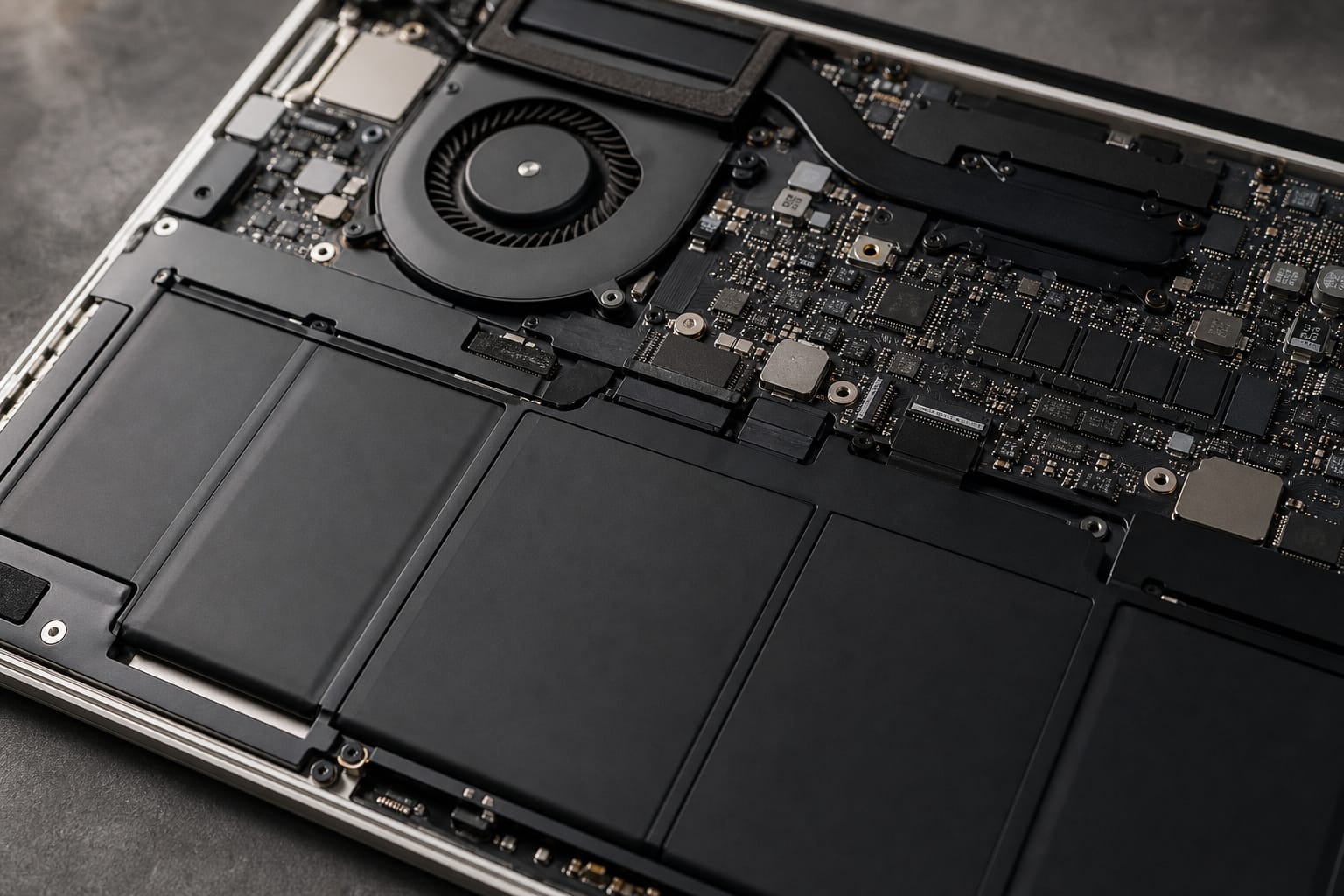
Apple designs its Mac laptop batteries to keep up to 80 percent of their original capacity after 1,000 complete charge cycles. Most lithium-ion laptop batteries age similarly: they continue working, but hold less charge over time.
Batteries are replaceable, which is often cheaper than buying a new computer. Inside the case, moving parts such as spinning hard drives and cooling fans tend to wear out first, while hinges and charging ports take the most physical abuse. Regular care slows this wear, and our guide to making your computer last longer covers the habits that matter most.
Recommended Products

【Precision screwdriver set】-- 40Pcs screwdriver set has 30 screwdriver bits which are phillips PH000(+1.2) PH000(+1.5) PH00(+2.0) PH0(+3.0) PH1(+4.0), flathead -0.8 -1.2 -1.5 -2.5 -3.0, torx T1 T2 T3 T4 T5, torx security TR6 TR7 TR8 TR9 TR10 TR15 TR20, triwing Y000(Y0.6) Y00(Y1.5) Y0(Y2.5) Y1(Y3.0), pentalobe P2(0.8) P5(1.2) P6(1.5), MID 2.5, with a screwdriver handle, a double-ended spudger, a long spudger, 3 triangle spudgers, Tweezers, a cleaning brush and a suction cup with SIM card thimble.
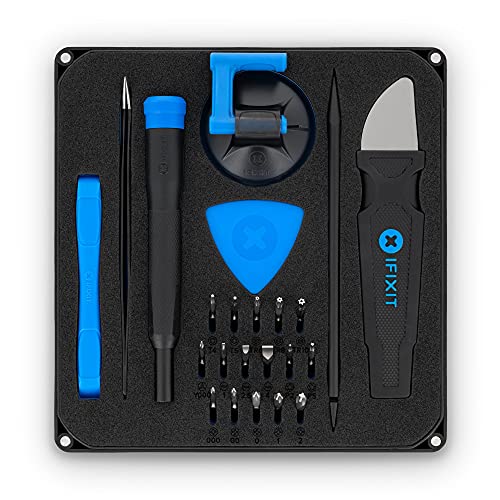
COMPLETE: This set contains a variety of tools - Besides various opening tools, it includes 16 precision bits (4 mm) and a precision screwdriver with a magnetic bit socket, knurled grip, and swivel top for easy operation.

LMQ 22 pcs opening pry tools kit for smart phone,laptop,computer tablet,electronics, apple watch, iPad, iPod, computer, LCD screen, battery and more disassembly and repair.
How to Get the Most Years Out of a Computer

Check the support date before you buy, not after. For a Windows PC, confirm it can run Windows 11. For a Mac, check the model year against Apple’s vintage list and the macOS versions it can run. For a Chromebook, look up its expiration date.
Then buy a little above the minimum. The Windows 11 requirements of 4 GB of RAM and 64 GB of storage describe the floor, not a comfortable machine. Our guides on how much RAM you need and on SSD versus HDD storage explain where to aim.
Upgrading your storage or memory can add years to a computer that supports it, as our guide to upgrading an old computer explains. When support ends, or repairs no longer make sense, the signs say it’s time to replace your computer.
Recommended Products

[Powerful AI Performance] The Intel Core i7-1355U processor features 10 cores and dynamic speeds up to 5.0 GHz alongside integrated AI acceleration to optimize your daily computing. This reliable processing power ensures responsive multitasking and efficient performance so you can handle work, study, and everyday tasks with ease.


VALUE & PERFORMANCE MINI PC - GMKtec Nucbox M6 Ultra Series is equipped with the powerful AMD Ryzen 5 7640HS processor. This CPU is an upper mid-range processor (APU) of the Phoenix product family. It has 6 SMT-enabled Zen 4 cores (12 threads) running at 4.3 GHz base speed to turbo boost 5.0 GHz.With a TDP Boost of 45W-60W, the Ryzen 7640HS CPU is more energy efficient and delivers a 30% Performance increase over previous AMD Ryzen 7 6800H, 6600U.
Frequently Asked Questions
How many years should a laptop last?
There is no official number. A laptop should last as long as it keeps receiving security updates and its battery still holds enough charge. The Windows 10 timeline is a useful example: about a decade of operating system support for a PC bought at launch, although batteries and other parts often wear out sooner.
Do desktops last longer than laptops?
Usually, because desktops have no built-in battery and use standard replaceable parts. A desktop with a failing drive or power supply can often be repaired cheaply, while a laptop with a soldered part may not be repairable at all. They are still both subject to the same operating system support dates.
Is it safe to keep using a computer after support ends?
It still runs, but it stops receiving fixes for newly discovered security flaws, which raises your risk every time you go online. Microsoft sells Extended Security Updates for eligible Windows 10 PCs as a stopgap. The safer long-term option is to update to Windows 11 if the PC qualifies, or replace it.
How do I check whether my PC can run Windows 11?
Run Microsoft’s PC Health Check app, or open Settings and then Windows Update to see whether the upgrade is offered for your PC. The most common blockers are a TPM 2.0 chip or Secure Boot that is turned off in the firmware settings, and a processor that is not on Microsoft’s supported list.
How long do Chromebooks last?
Chromebooks on platforms released in 2021 or later receive 10 years of updates from the platform’s launch date, and older models have shorter windows. The exact date for any model is on Google’s Auto Update policy page.