A work-from-home computer has to handle video calls all day, stay secure, and be comfortable enough to use for hours.
Raw power matters less than reliability, a good display, and security. This guide covers what to look for and how to set up safely.
Check What Your Employer Requires

Before buying, ask whether your employer provides a device or requires specific hardware, software, or operating systems.
Many employers supply a managed laptop, and using it for work keeps company data off personal equipment. If you use your own computer, follow your employer’s security policy.
Recommended Products

Heavy-duty Material: made of durable PVC material, waterproof and wear-resisting, providing great protection for your school or work supplies; Great for over 9 years old


Aluminum Body & Plug and Play: Crafted from premium aluminum alloy for superior heat dissipation and durability. Enjoy true plug-and-play convenience—no drivers or software needed. Simply connect the transmitter to your source (like a camera or laptop) and the receiver to your display. Experience stable, high-definition wireless projection within seconds, perfect for presentations, teaching, or home theater setups
Core Specs

For a Windows laptop in 2026, a current Core i5 or Ryzen 5, 16 GB of RAM, and an SSD of at least 256 GB, ideally 512 GB, handle video calls, documents, and many browser tabs comfortably.
Eight GB works for lighter roles but fills up quickly during calls. See how much RAM you need and whether you need a powerful computer for office tasks.
Recommended Products

Designed for Business & Productivity: Powered by a 10th Gen Intel Core i5-10310U processor with up to 4.4GHz, the Dell Latitude 5410 delivers reliable and efficient performance for professionals, students, and remote workers.

Microsoft Authorized Refurbished, 14 inch Non Touch Display Laptop

Dell Latitude 5420 14" Business Laptop | Dell Certified Refurbished
Display, Webcam, and Audio

You will look at the screen all day, so choose a sharp 1080p display of at least 14 inches, or plan for an external monitor.
A 1080p webcam and a good microphone enhance calls, and a headset with a microphone often beats built-in audio in a noisy room.
Connectivity
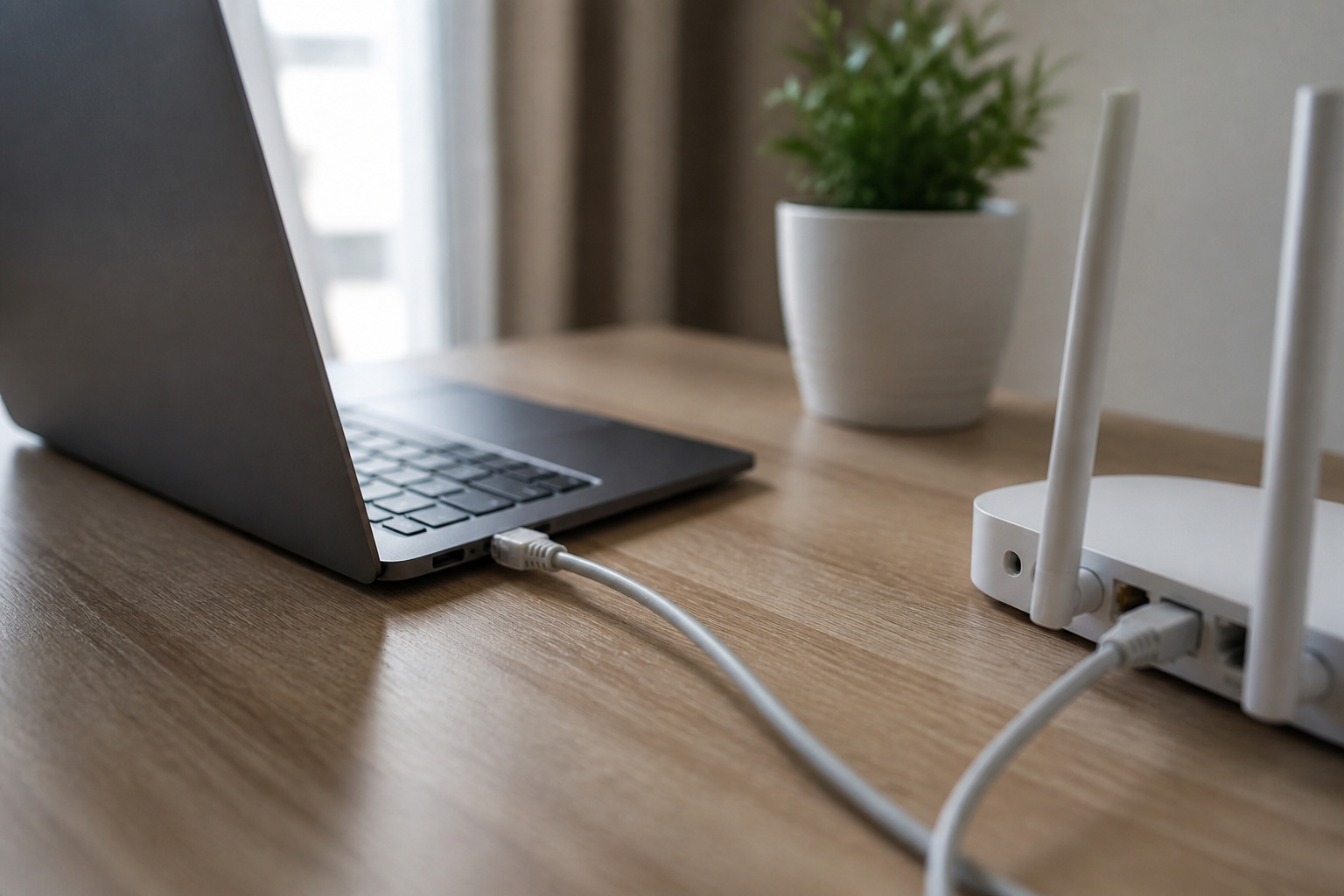
Wi-Fi 6 or newer works well for most homes, but a wired Ethernet connection is more stable for calls and large uploads. Use a USB-C or USB Ethernet adapter if the laptop has no port.
You do not need a dedicated line, but a reliable connection matters. Check ports for a second monitor: HDMI or USB-C with video output.
Recommended Products

𝐇𝐢𝐠𝐡-𝐒𝐩𝐞𝐞𝐝 𝐔𝐒𝐁 𝐄𝐭𝐡𝐞𝐫𝐧𝐞𝐭 𝐀𝐝𝐚𝐩𝐭𝐞𝐫 - UE306 is a USB 3.0 Type-A to RJ45 Ethernet adapter that adds a reliable wired network port to your laptop, tablet, or Ultrabook. It delivers fast and stable 10/100/1000 Mbps wired connections to your computer or tablet via a router or network switch, making it ideal for file transfers, HD video streaming, online gaming, and video conferencing.

Dual USB-A/C Port Design: This USB hub with ethernet adapter features dual connectors for both USB C and USB A devices, ensuring wide compatibility across laptops, tablets, and smartphones. It includes 1x Gigabit Ethernet port and 3x USB A 3.0 ports, all usable at the same time for smooth and efficient connectivity. 📌Note: When using USB-A to connect devices, please ensure the USB-C is securely attached to the USB-A connector.

[Expansion Ports] The USB C to Ethernet Adapter expands the device to three USB 3.0 ports and one Gigabit Ethernet port. Provides you more peripheral ports while maintaining a stable network connection, plug and play, no driver required.
Security Basics
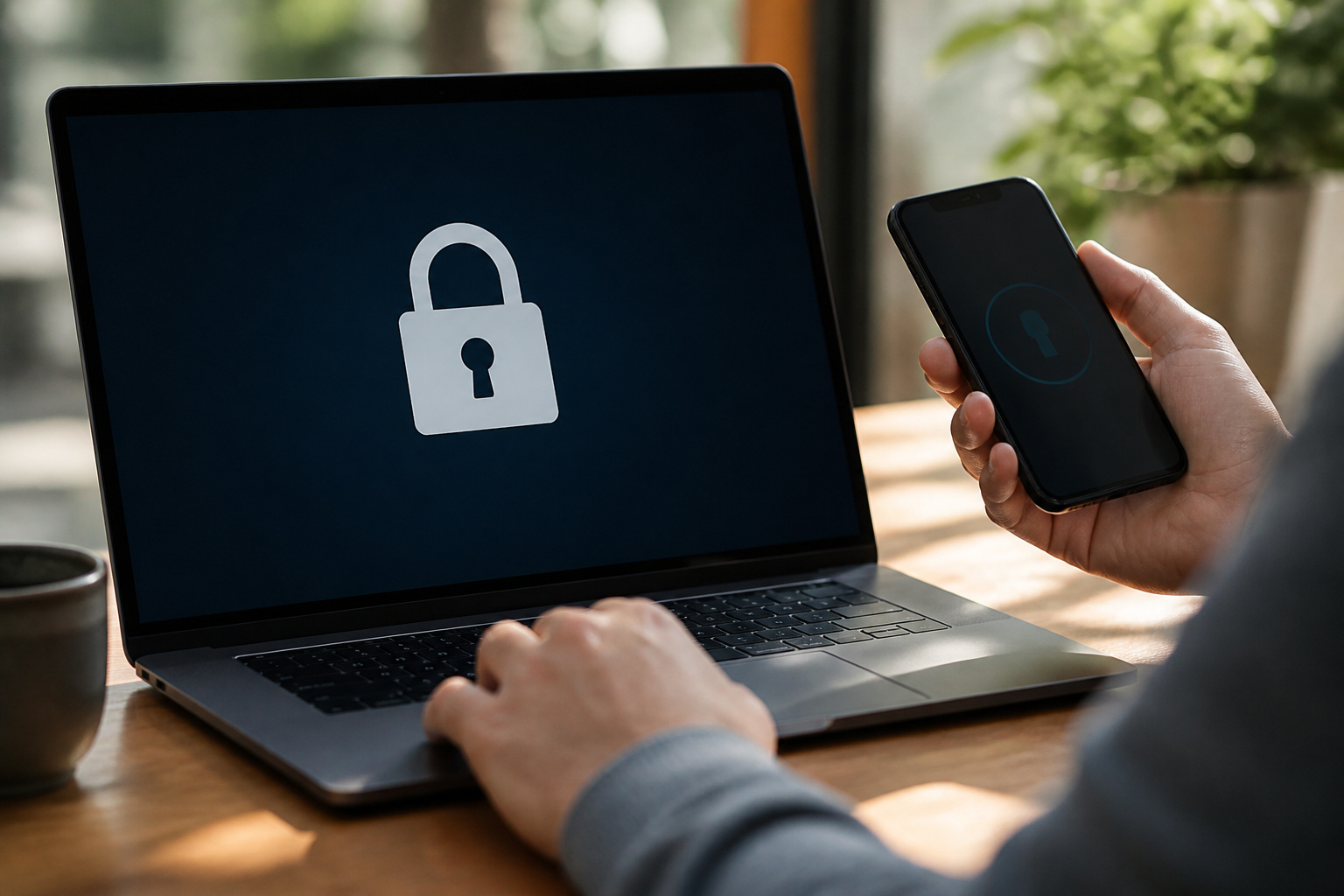
Security agencies such as CISA recommend multi-factor authentication for remote access, and your employer will likely require a VPN or approved remote access tool.
Keep the operating system and apps updated using Microsoft Defender, which is built into Windows. Keep work files separate from personal ones.
Support for Windows 10 ended on October 14, 2025, so use Windows 11 or another supported system. Our guide to keeping your computer running smoothly covers maintenance.
Recommended Products
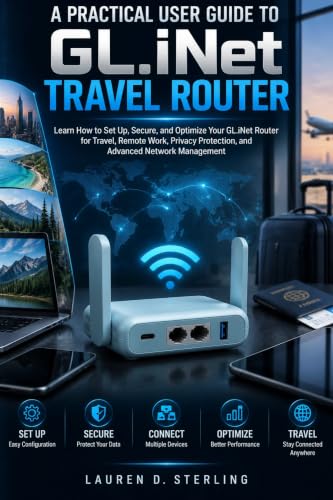

【Compatible with 30+ VPN service providers】Pre-installed with OpenVPN and WireGuard. OpenVPN speeds up to 150 Mbps; WireGuard speeds up to 355 Mbps. ***NO Wi-Fi function***

Secure Remote Work for Two : Includes two travel routers, so a colleague or family member can also connect remotely.
Comfort and Setup
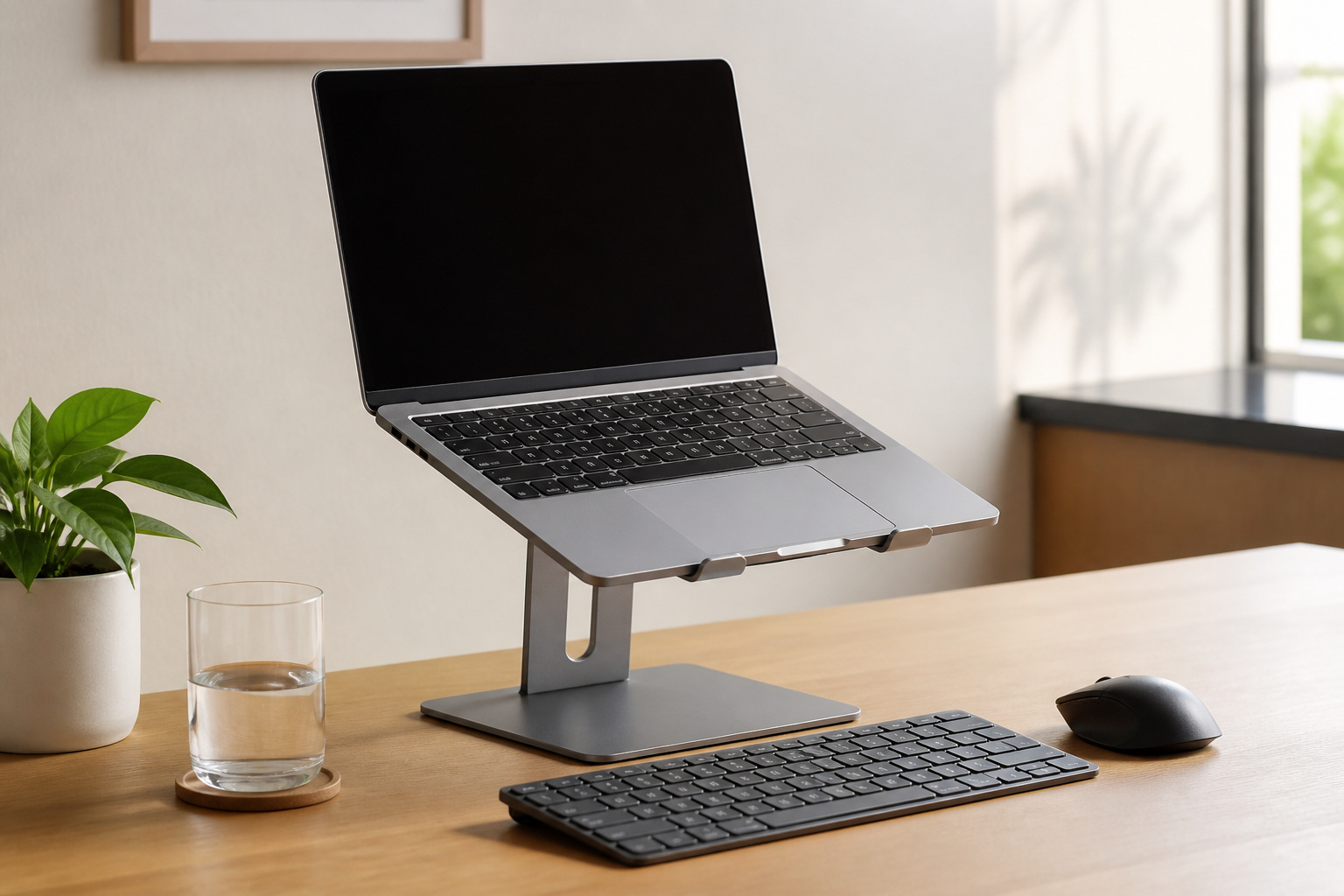
A laptop stand, external keyboard, and mouse improve posture for long days, and a second monitor helps with multitasking.
Back up your work using the 3-2-1 rule described in our guide to making your computer last longer.
Frequently Asked Questions
Can I use a tablet instead of a laptop for work from home?
For light work such as email, documents, and video calls, yes, with a keyboard. Heavy multitasking and desktop-only software need a laptop.
Do I need a dedicated internet line for remote work?
No, but you need a reliable connection. Use Ethernet when possible, and make sure your plan has enough upload speed for video calls.
Is antivirus software necessary for work-from-home computers?
Use the security tools your employer requires. On a personal Windows PC, Microsoft Defender is built in and performed at the top of independent tests in 2026.
Can I use my personal computer for remote work safely?
Often, if your employer allows it. Keep it updated, use multi-factor authentication, keep work and personal files separate, and follow the company’s policy.
How often should I update my work computer?
Turn on automatic updates and restart when prompted. Delaying updates leaves security holes open.