You do not need to pay for the most expensive computer to get a good one. Spend your money on the parts that affect daily use and skip the ones that don’t.
This guide shows where that line falls, and how 2026 prices change the picture.
Know What You Need Before You Shop

Overspending usually starts with buying a machine for tasks you never do. List what you will actually use the computer for, and match the specs to those tasks.
Our guide to choosing the right computer for your needs walks through this step by step, and our guide to whether you need a powerful computer for office tasks shows how little light work requires.
Recommended Products

Elegant and Durable: Crafted from waterproof, scratch-resistant PU leather, this laptop tote combines a soft yet sturdy texture with chic design. Its high-quality materials ensure longevity, making it perfect for daily use.

【Easy to set up】The PC bundle package, including desktop computers, monitors. You can enjoy the process of installation without trouble. The components have been pre-built and tested, so all you need to do is connect the cable and immediately start and run the desktop

Model: Dell OptiPlex 7050 Small Form Factor (SFF)
Spend on the Parts That Matter
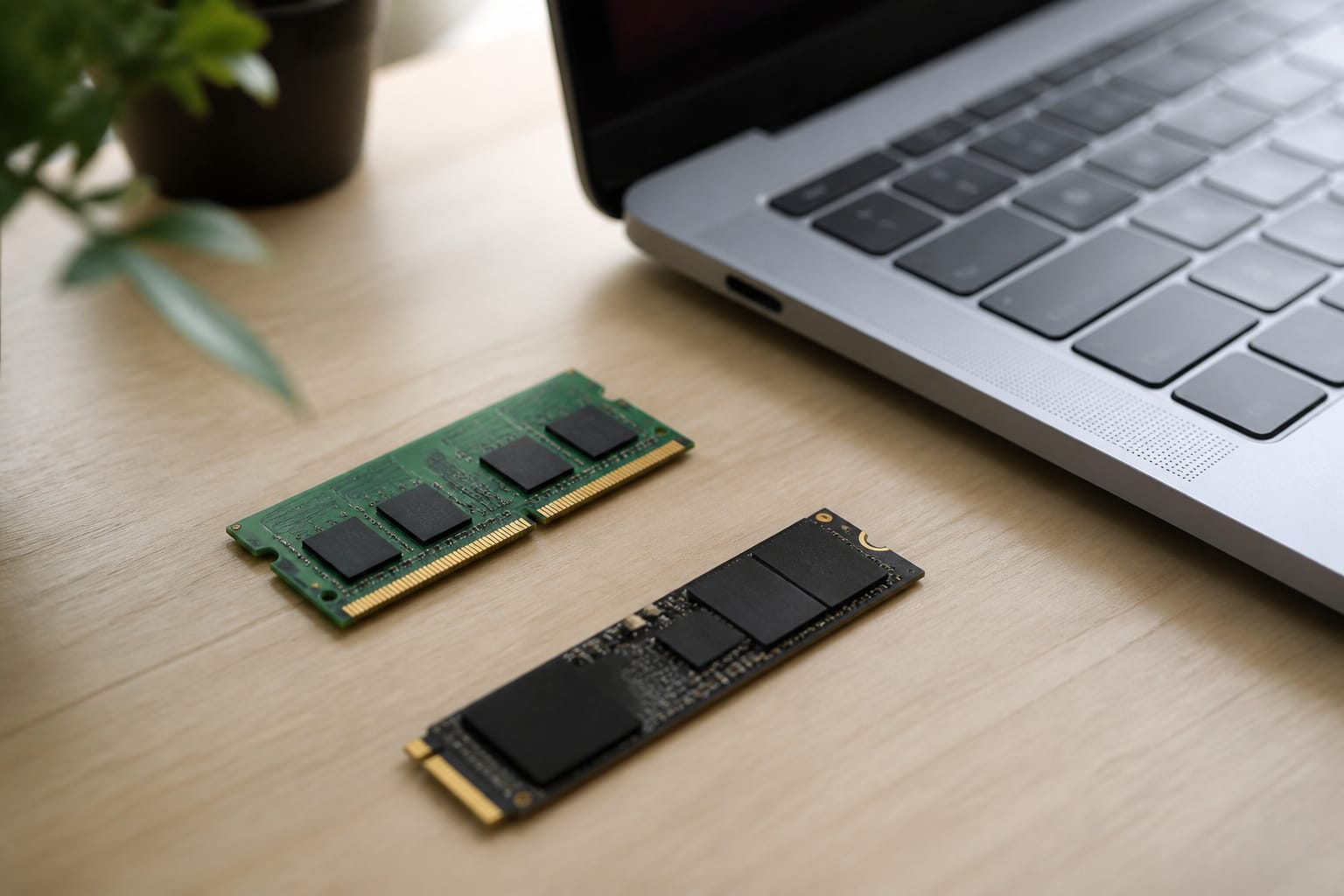
For most people, the specs that affect daily speed are enough memory, a real SSD, and a current-generation mid-range processor.
In 2026, treat 8 GB of RAM as the floor and 16 GB as the sensible target, with at least a 256 GB SSD. Paying more for a top-tier processor rarely changes how email, browsing, and documents feel. See what computer specs really mean for more details.
Recommended Products
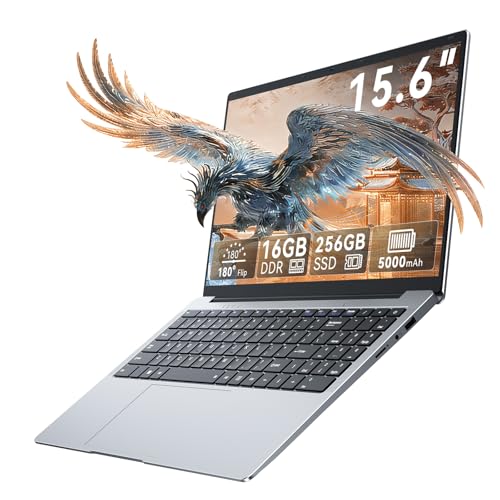
【Seamless Everyday Performance with Win11】Tackle your daily digital tasks with ease. This laptops is equipped to handle web browsing, video conferencing, document editing, and streaming with reliable efficiency. This student laptop comes with the genuine Win11 operating system pre-installed, offering a modern, secure, and user-friendly experience right out of the box, so you can start working or learning immediately.


COMFORTABLE EXPERIENCE - WIPEMIK P15 laptop is easy to set up and ready to use out of the box. Enjoy entertainment on the 15.6 inches 1080P FHD IPS display, boasting an impressive screen-to-body ratio for 5mm narrow bezels all around. Built-in 4 stereo speakers let you hear clear.
Skip the Extras You Will Not Use
Touchscreens, premium audio, RGB lighting, and dedicated graphics add cost without helping basic tasks.
A touchscreen is useful if you draw or use a stylus, and a graphics card matters for gaming and 3D work. Pay for them only if your tasks need them.
Understand 2026 Pricing
Memory and storage costs have risen because AI data centers are absorbing supply. Analysts, including IDC and Gartner, have forecast higher average PC prices in 2026.
Some manufacturers cut specs instead of raising prices, so compare the spec sheet, not just the price. See when to buy a computer for how to time a purchase in this market.
Lower the Price Without Lowering the Quality
Last year’s model, open-box units, and refurbished machines from the manufacturer or a seller with a warranty can cut the price substantially.
Check support dates, since a PC that cannot run Windows 11 has a limited future; our guide to refurbished computers explains what to check.
Compare total prices across stores using our guide to getting the best deal online.
Recommended Products

Dell OptiPlex 3040 Small Form Factor Desktop PC, Intel Core i3-6100 up to 3.7GHz, 8GB RAM, 256GB SSD, WIFI

[INTEL POWERED CONTENT] - Built with a 8th Generation Hexa-Core Intel i5 and 32GB of DDR4 RAM; Modern, Windows 11 ready, with 4K support, Executive multitasking, media streaming and smooth, multi-tab web browsing; Perfect as an all-purpose multimedia computer; built for content creators; Plenty of RAM and Mass storage for photo and video editing powered by Intel HD 630

Powerful 8th Generation Processor - The Dell OptiPlex 7060 desktop computer is powered by an Intel 6-core 8th Generation i7-8700 processor, which can reach up to 4.60 Ghz, enabling efficient multitasking.
Frequently Asked Questions
Can I upgrade my computer later?
Often on desktops and some laptops, but many thin laptops solder memory and storage to the board. Check the model’s specifications before you rely on upgrading, and see upgrading an old computer.
Is refurbished a good option?
Yes, from the manufacturer or a seller that includes a warranty. Confirm Windows 11 support on PCs.
How long do computers usually last?
There is no fixed number. They last as long as they keep receiving updates and handle your work. See how long a computer should last.
Are Macs worth the extra cost?
They can be if you prefer macOS or use software built for it. For basic browsing and documents, a lower-cost Windows laptop or Chromebook will do the job.
Do I need antivirus software?
Microsoft Defender, the antivirus built into Windows, ranked among the top performers in independent tests in 2026, so most users don’t need paid software. Keep the system updated and be careful with downloads and links.