If your headphones sound flat or thin, the fix is often free. Dirty ear tips, low-quality streaming, a poor seal, or a bad equalizer setting can make a good pair sound ordinary. Here are the changes worth trying before you spend money on a new pair.
Clean the Ear Pads and Tips
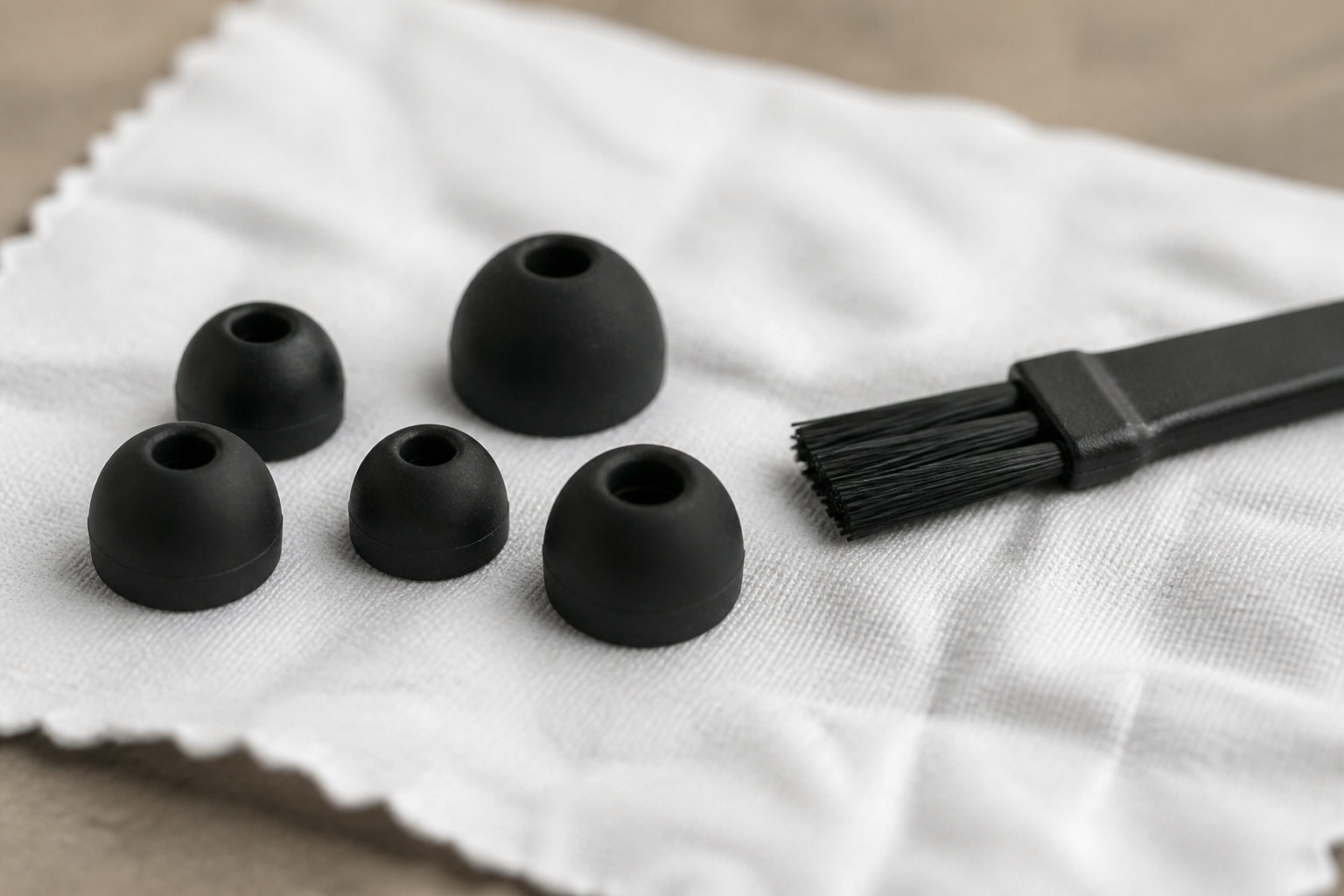
Earwax and dust clog the small mesh covers on earbuds and compress the sound over time. Gently brush mesh with a dry soft brush, and replace ear tips that are stiff or worn.
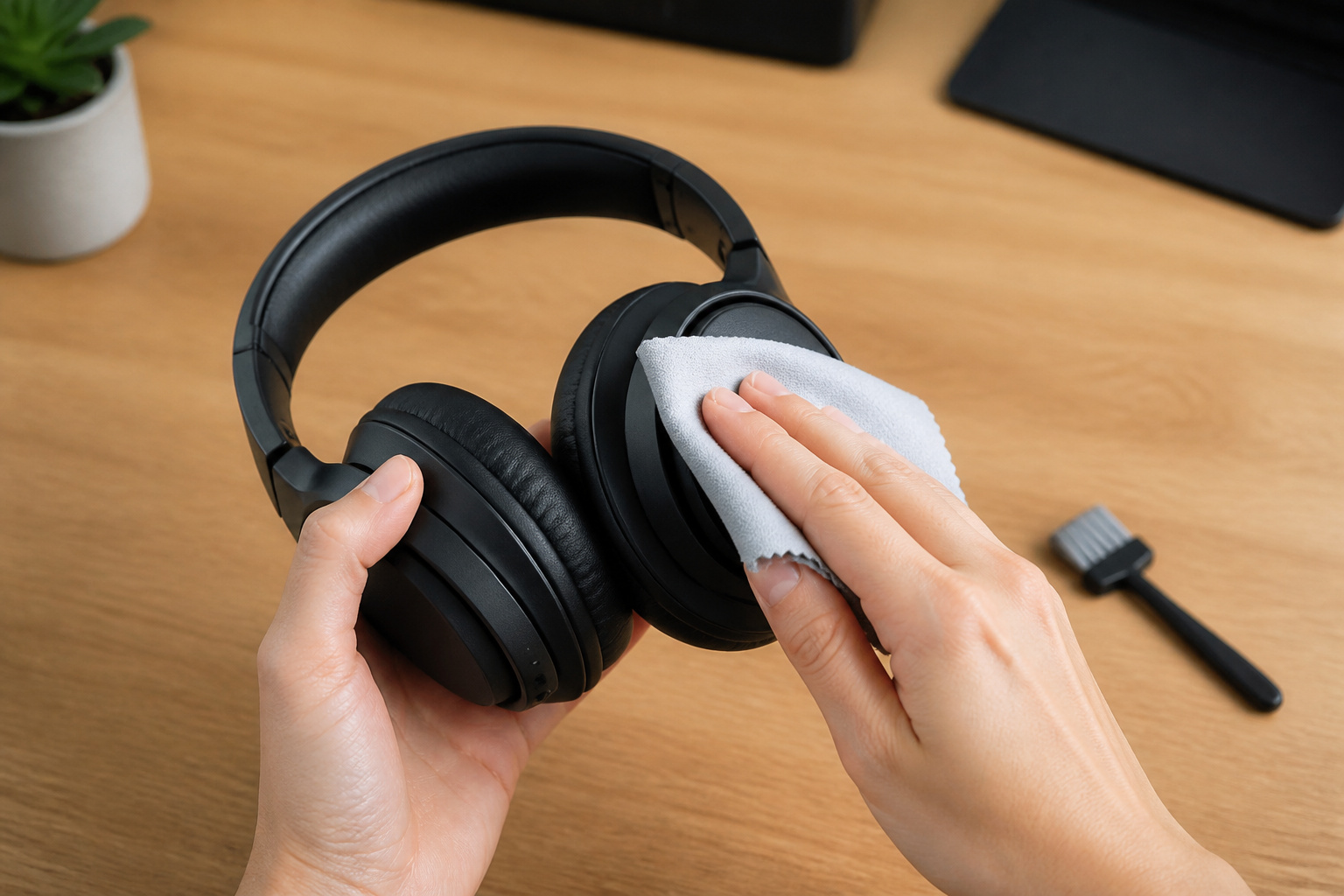
For over-ear models, wipe the pads with a slightly damp cloth. If the pad foam has flattened or the cover is cracking, replacement pads often restore both comfort and bass.
Recommended Products

High elasticity, light-weight, soft and comfortable touching
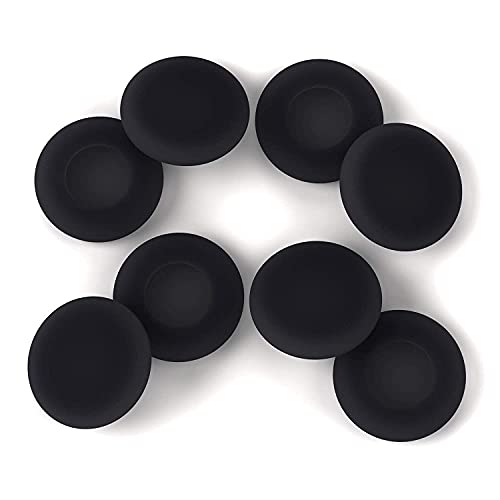
High elasticity, light-weight, soft and comfortable touching

【Compatible Device】These Silicone Eartips fit for prowerbeats pro ,beats x,urbeats,DO NOT fit for powerbeats 1.2,3.
Check Your Source Quality
Streaming apps often default to lower quality to save data. Open the audio settings in your app and choose the highest quality setting, or a lossless option if your service offers one.
Poorly compressed files or low-bitrate downloads sound worse no matter how good the headphones are. See what hi-res audio is for what higher-quality files can and cannot do.
Adjust the Equalizer
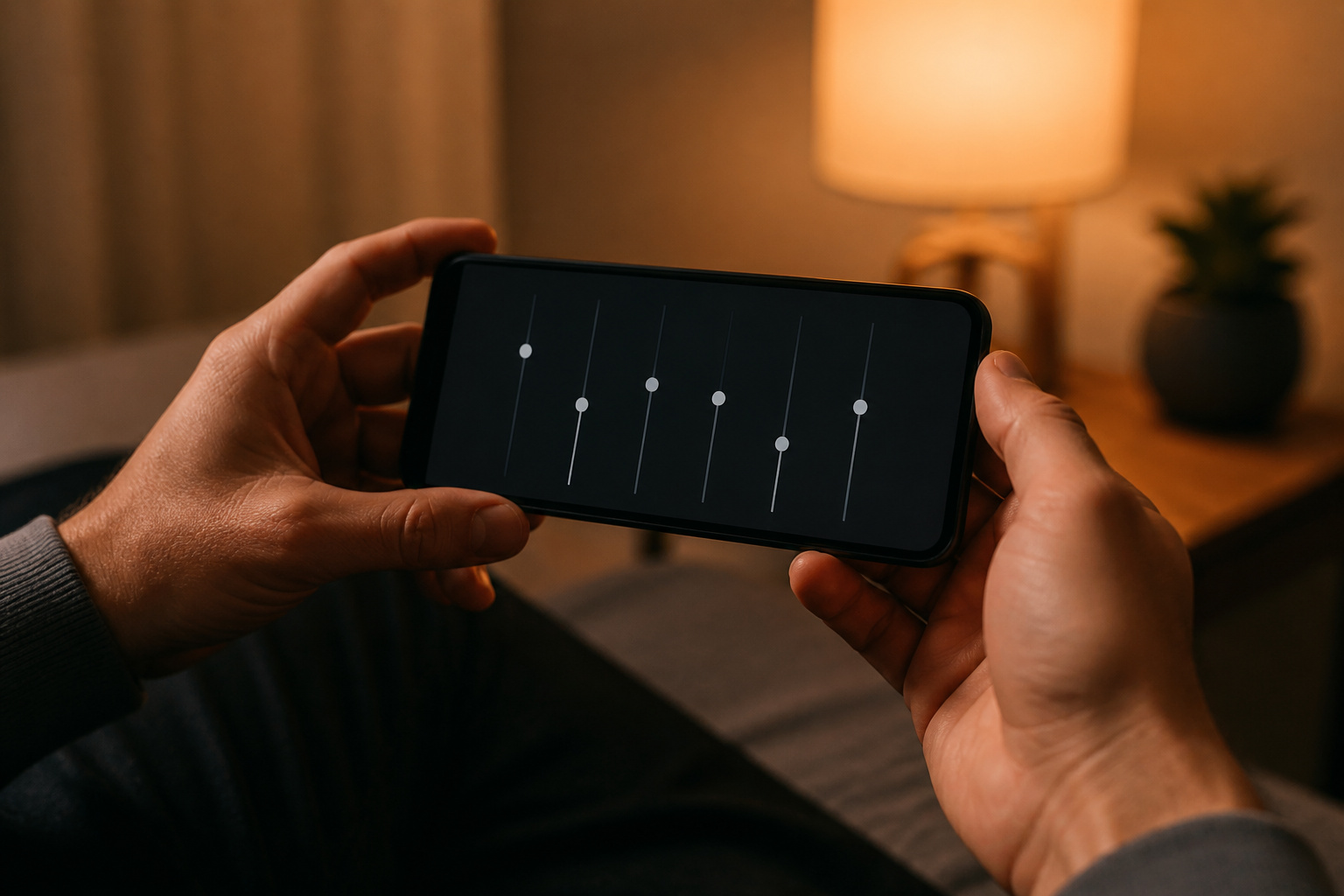
Most phones and music apps include an equalizer. Make small changes, since a slight lift to bass or treble goes a long way and large boosts cause boomy or harsh sound.
Try one adjustment at a time, listen to songs you know well, and save the setting that sounds best. Many wireless headphones also have an app with their own equalizer.
Recommended Products

Hybrid Active Noise Cancelling: 2 internal and 2 external mics work in tandem to detect external noise and effectively reduce up to 90% of it, no matter in trains or offices.

loud volume boost

Hear your Voice Level with Variable Mic Monitoring
Improve the Fit and Seal
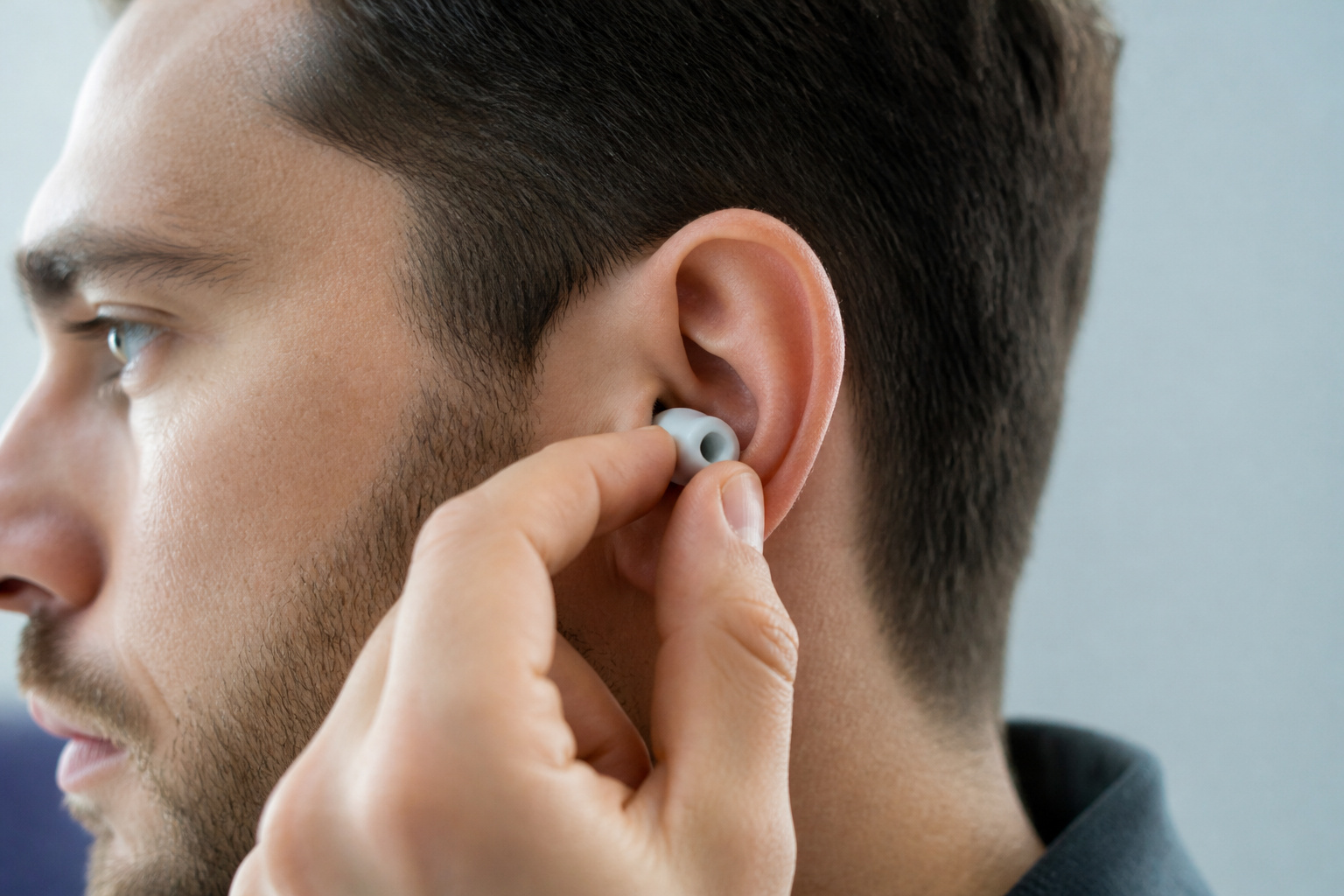
For earbuds, bass depends heavily on the seal. If bass sounds thin, try a different tip size or a foam tip.
For over-ear and on-ear models, adjust the headband so the pads rest evenly against your head without pressing too hard. A leaky seal loses bass and lets in outside noise, which makes you turn up the volume.
Recommended Products
![[6 Pairs] Earphone Tips New bee 12pcs Replacement Earbud Tips | Blocking Out Ambient Noise Memory Foam Earbuds Inner 4.9mm for in-Ear Headphones with 5mm-7mm Tips (Black, S/M/L)](https://m.media-amazon.com/images/I/41ugOgjVjrL._SL500_.jpg)
Slow rebound earphone, enhance the comfort of the headset to wear. Available and general; Soft and fitting your ear, long time to wear without swelling.
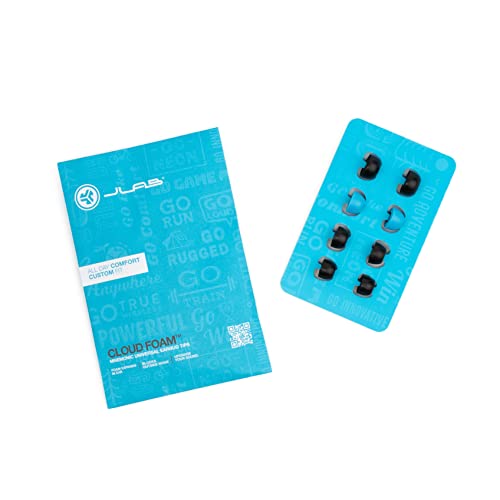
Function: Cloud Foam memory foam eartips expand to fill your ear canal for a custom, secure fit that improves passive noise isolation and all-day comfort compared to standard gel tips.

Comfortable Foam Earbud Tips: Foam earbud tips naturally wear out over time with regular use. For the best fit and performance, we recommend replacing your earbud tips every 4–6 months with fresh ear bud replacement tips.
Try a Wired Connection
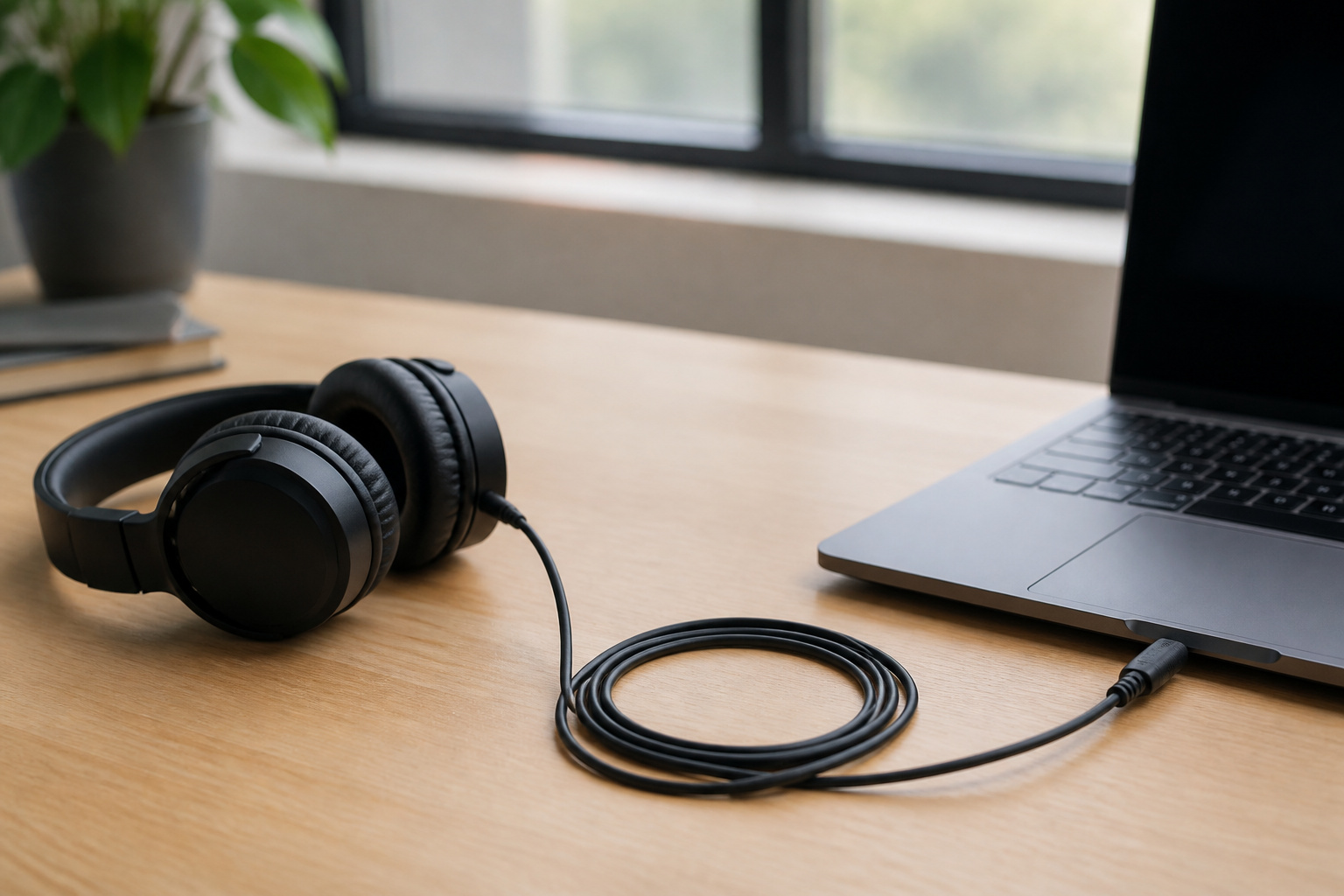
Bluetooth compresses audio, and basic codecs can sound slightly flat. If your headphones support a cable, try a wired connection to compare.
Our guide on wired vs Bluetooth headphones explains the differences, and Bluetooth codecs shows how to get better wireless quality if your devices support it.
Recommended Products
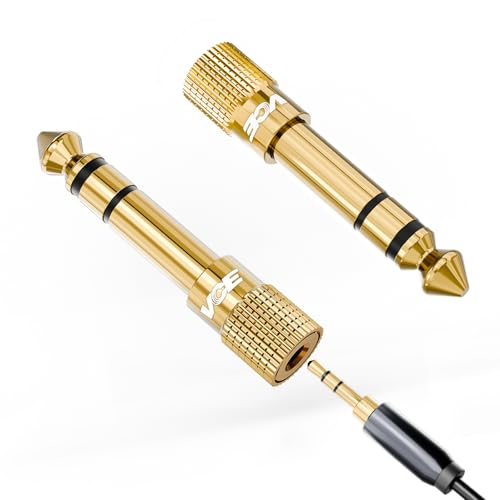
Seamless Audio Connection: 1/4'' to 3.5mm Audio Jack Adapters allow a 6.35mm stereo port to connect a 3.5mm plug aux cable.

Universal Compatibility: This headphone audio adapter compatible with most of the type c phones Compatible with iPhone18/ iPhone 17/iPhone Pro/ iPhone 16/iPhone 16 Pro/ iPhone 15/ 15 Pro/ 15 Pro Max, Galaxy S21 Ultra/ S21 Plus/ S21 5G 2021, Google Pixel 5, 4, 4 XL, 3, 3 XL, 2, 2 XL, S20 FE 5F 2020, S20 5G, S20 Plus, S20 Ultra, Note 20, Note 20 Ultra, Note 10, Note 10+, Galaxy Tab S5e, Tab S6, Huawei P40 Pro, P30 Pro, P20 Pro, Mate 20 Pro, Mate 30 Pro, Mate 40 Pro, HTC, More

Multi-function USB-C to 3.5mm Audio Dongle: This compact aux to usb c adapter can connect your usb c devices without audio jack to headphones, headset, speakers and other audio devices. enabling you to answer phone calls, pause playback, and control volume directly from your headphones
Consider an Add-On DAC or Amp
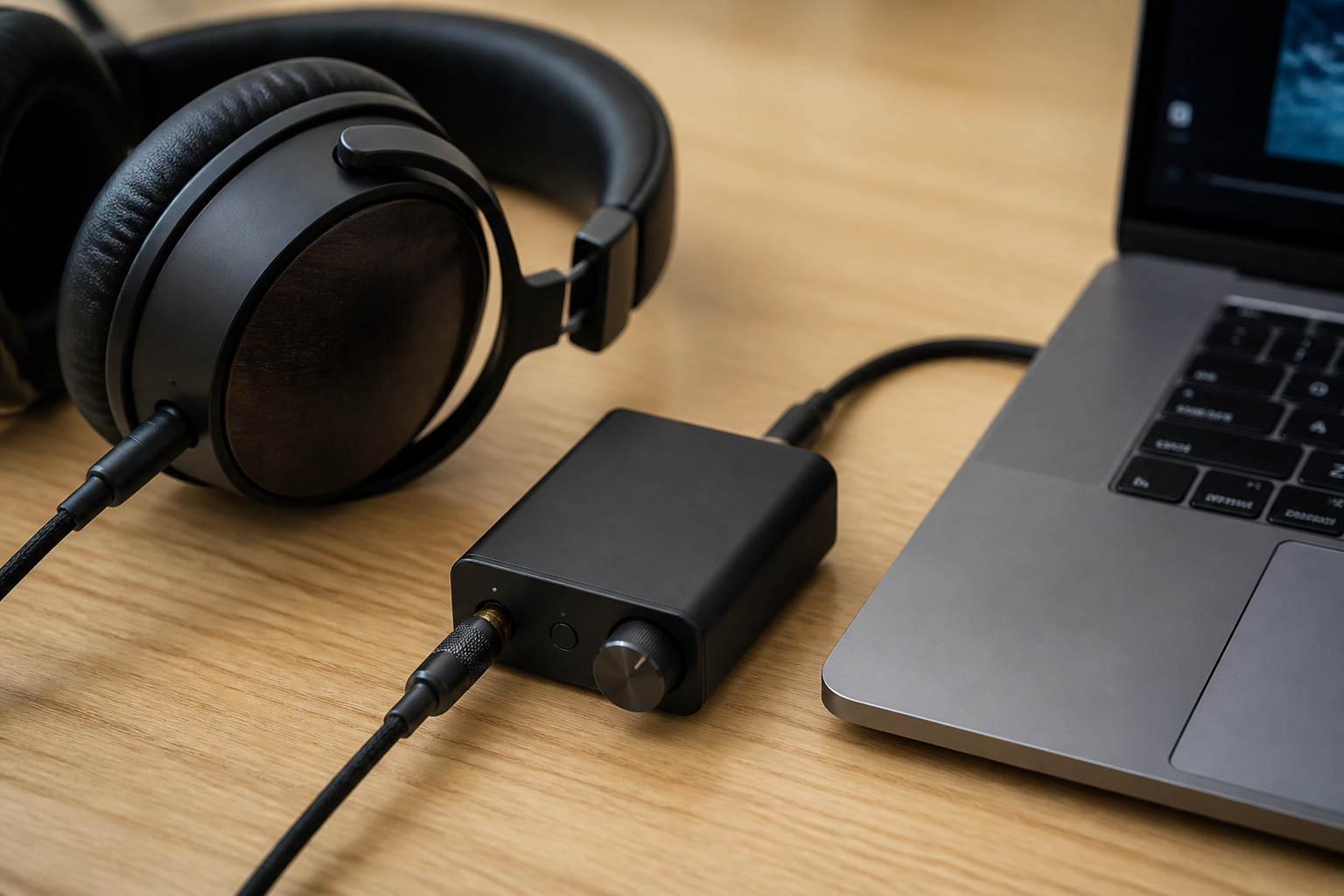
If a phone or laptop has a weak headphone output, a small external USB DAC or headphone amplifier can improve clarity and volume. Most everyday headphones do not need one.
The benefit is usually largest with high-impedance headphones or a source with poor built-in audio. Try the free changes above first.
Recommended Products

The upgraded version of Fosi Audio Q4 adds microphone function, K5 Pro headphone DAC amp combo, next-generation audio converter with unrivaled internals, more outstanding performance, and richer audio details. Born for Gaming. K5 Pro stereo DAC headphone amplifier is perfect for your home gaming system, equivalent to an external sound card, suitable for PS5/Computers/PC/MAC/active speakers, etc

Versatile Entry-Level: The Fosi Audio Q4 is an entry-level DAC and headphone amp, featuring USB, Optical, and Coaxial inputs, plus RCA and 3.5mm outputs. It drives headphones from 16Ω to 200Ω, enhances audio quality, and connects to speakers or amplifiers

High-Resolution USB-C DAC Amp: Connect Black Pearl to iPhone and iPad models with USB-C, Android and HarmonyOS devices, and Mac and Windows computers to upgrade the sound of wired IEMs and headphones. Supports PCM up to 32-bit/384kHz and DSD256 for clean, detailed high-resolution playback
Frequently Asked Questions
How Do I Clean My Headphones Without Damaging Them?
Power them off, then wipe ear cushions with a cloth that is slightly damp, not wet. Use a dry cotton swab or soft brush on small openings and mesh. Never spray liquid on the headphones or let moisture into the speaker openings. Let everything dry fully before wearing them.
Can Software Updates Improve Headphone Sound Quality?
Sometimes. Wireless headphones with a companion app can receive firmware updates that fix connection bugs or tweak sound tuning. Keeping your phone’s operating system and music app updated also helps with codec support and streaming quality. Updates rarely transform the sound, but they can solve problems.
Why Do My Headphones Sound Different on Various Devices?
Each device has its own sound chip, output level, and default audio processing. Some add bass boost or limit volume, and Bluetooth codec support varies by device. That is why the same headphones can sound warmer or brighter depending on what they are connected to.
Is It Safe to Use Third-Party Equalizer Apps?
Generally yes if you download from an official app store and review the permissions the app requests. An equalizer only changes how audio is processed, not your hardware. Avoid large boosts and keep the volume reasonable to protect both your ears and your headphones.
Do Headphone Stands Affect Audio Performance?
No. A stand does not change how headphones sound. It keeps them tidy and helps protect the headband and cable from damage, which can extend their life. For better sound, focus on fit, source quality, and settings.