Buying a new computer costs a lot, so the real question is whether you can make your current machine reliable and safe again without spending too much.
The signs below fall into three groups: the computer is no longer supported, it is physically failing, or it cannot do your work. The first is the most serious because no repair fixes it.
It No Longer Receives Security Updates
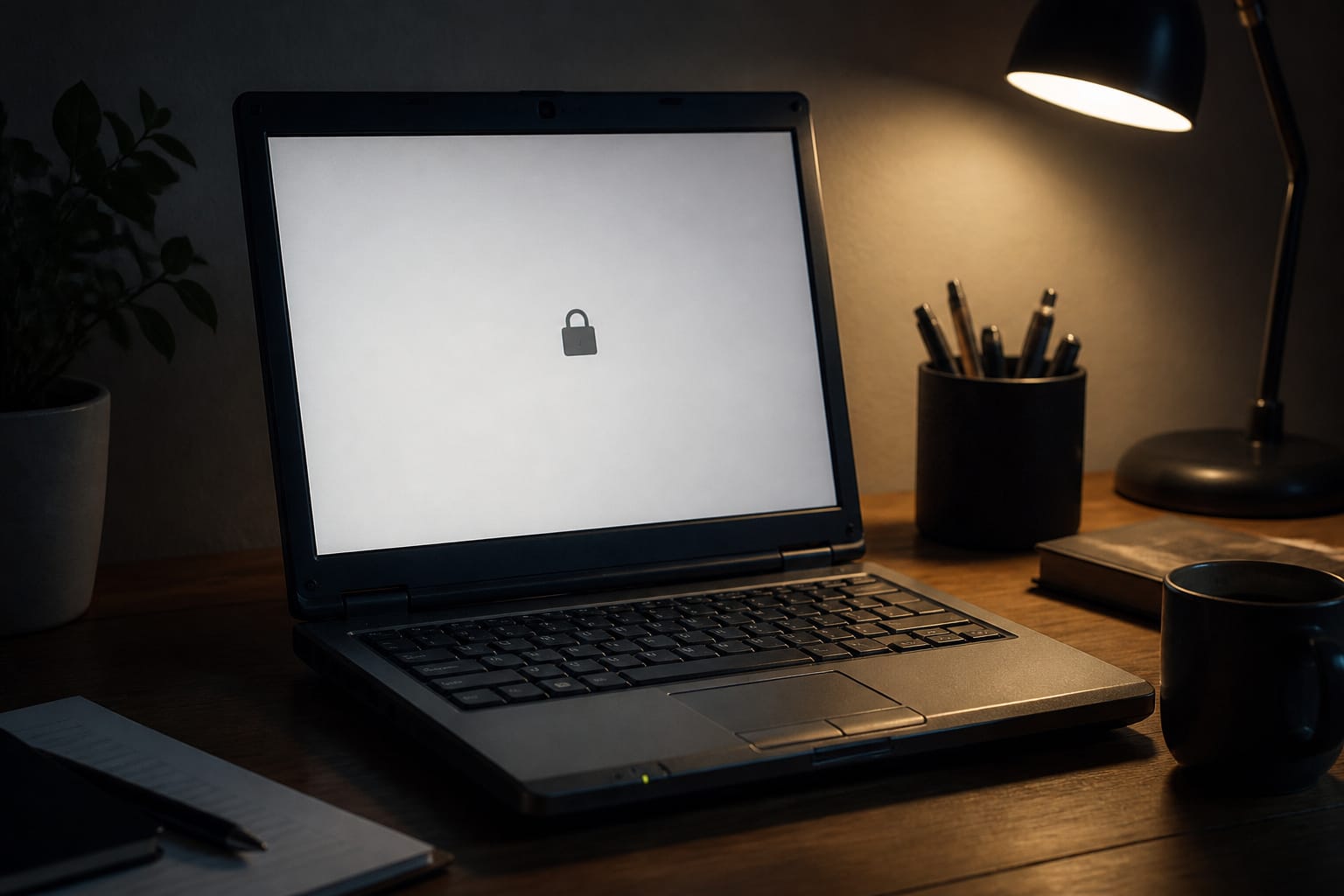
A computer that stops getting security updates is a risk every time it’s online. On Windows, regular support for Windows 10 ended on October 14, 2025. Microsoft sells Extended Security Updates for eligible Windows 10 PCs, and as of September, 2026, its own page says coverage runs through October 12, 2027, with security fixes only and no technical support. If Microsoft’s PC Health Check app says your PC cannot run Windows 11, that paid program is a bridge, not a long-term plan.
The same question applies to other systems. Apple stops offering hardware service for Macs that it discontinued more than seven years ago. Older Macs also eventually stop receiving the newest version of macOS, so check which versions yours can run.
Chromebooks have a printed Auto Update Expiration date on Google’s Auto Update policy page. Our guide to how long a computer should last explains these dates in detail.
Recommended Products

★【𝗨𝗹𝘁𝗿𝗮-𝗙𝗮𝘀𝘁 𝗪𝗶𝗙𝗶 𝟲】 - This USB WiFi adapter for laptop and desktop PC delivers up to 38% faster 5GHz and 43% faster 2.4GHz speeds compared to standard AC600 WiFi adapters. Ideal for 4K streaming, online gaming, and video conferencing with zero lag or buffering.
![Webroot Premium 2026 with Allstate Identity Protection | 10 Device, 1 Year | Antivirus and Internet Security Software, Advanced Dark Web Monitoring, Password Manager | NEW [Online Code]](https://m.media-amazon.com/images/I/41bWDBWN2mL._SL500_.jpg)
IDENTITY THEFT PROTECTION for up to 10 family member's mobile phones, laptops, desktops, Chromebooks and tablet, safeguards your personal and financial information with rapid alerts on identity threats.

The Battery or Hardware Is Failing
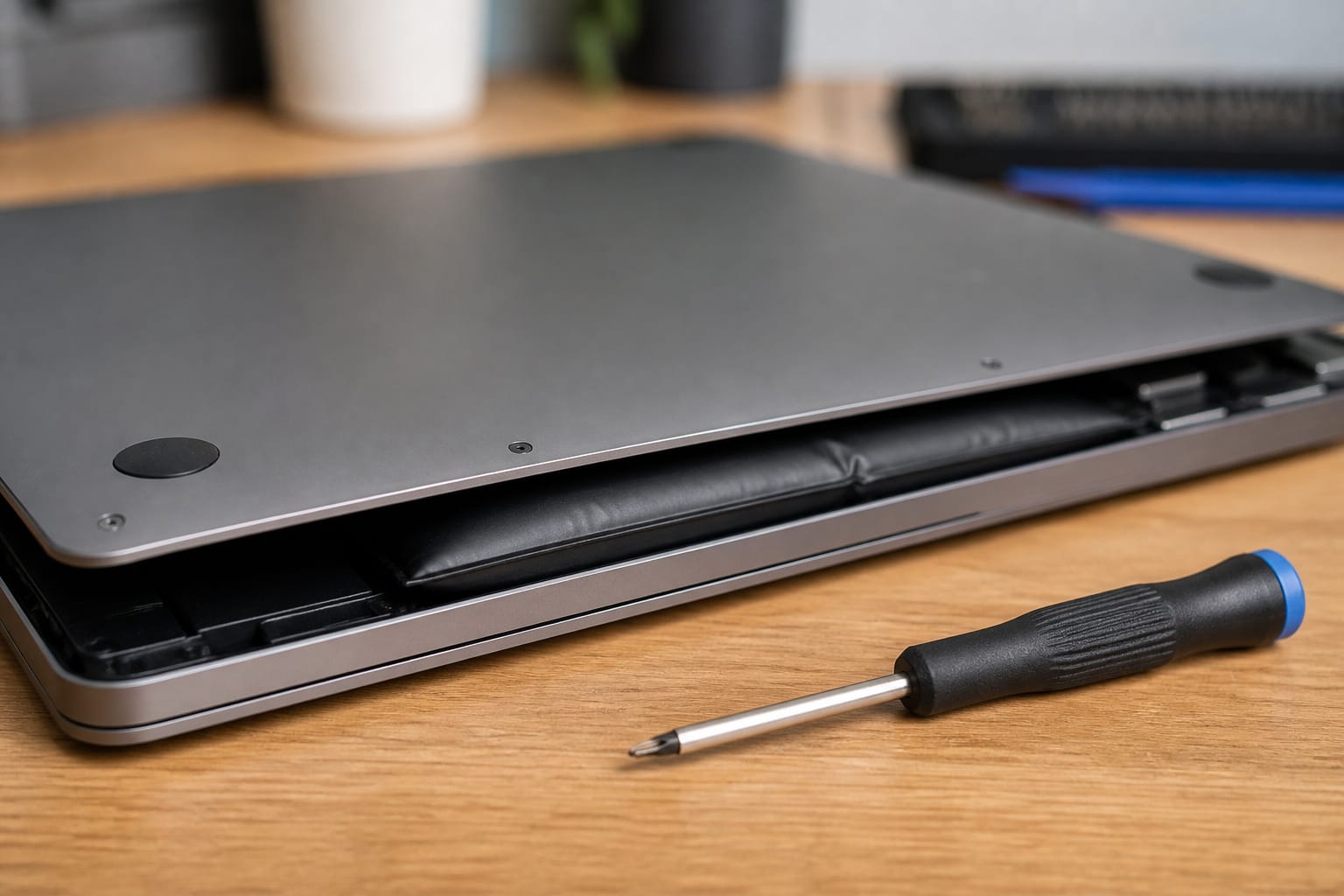
A swollen battery is a safety issue, not just a nuisance. If the case bulges or the trackpad is pushed up from underneath, stop using and charging the computer and have it serviced. Other signs of real hardware trouble include repeated blue screens or unexpected restarts, drive errors, a machine that overheats and shuts down even after you clean the vents, a cracked hinge, and ports that no longer charge or connect.
A battery that no longer holds a charge is not automatically a reason to replace the computer. A new battery is often far cheaper, and Apple offers battery-only repairs on Mac laptops for up to 10 years after it stopped selling them, subject to parts availability.
Recommended Products

Package Contents and Policies: HT03XL Battery, 2 Screwdrivers, User Manual for L11119-855 battery. For assistance with the HTO3XL Hp Laptop Battery or the hp ht03xl rechargeable li-ion battery, please visit our product detail page. Note: Both HT03XL and HW03XL are compatible with HP Pavilion 15 17 Series. But HT03XL Battery is not compatible with HW03XL
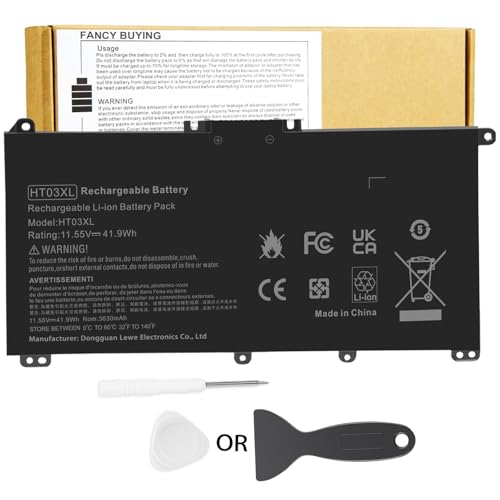
Battery Model: HT03XL ,Battery Type: Polymer. Voltage: 11.55V Capacity: 41.9WH ; Cells: 3-cell; Color: Black, Packages includes: 1x HT03XL battery , with two auxiliary installation tool and user manual;ht03xl for l11119-855 hp battery,for hp spare l11119-855 battery,for hp pavilion 15 battery replacement

♣Battery type: Li-ion; Capacity: 2200mAh/33WH; Cells: 4-cell; Voltage: 14.8V. The battery is durable and has overcurrent protection, anti-overcharge, anti-overdischarge and temperature control functions.
It Cannot Keep Up With Your Work

Slowness alone does not prove a computer is finished. Restart it, open only the apps you normally use, then check Task Manager on Windows or Activity Monitor on a Mac.
If memory or disk usage sits near its limit, a RAM or SSD upgrade may fix the problem, and our guide to upgrading an old computer explains what to check first.
Our guide to keeping your computer running smoothly covers software problems, such as having too many startup apps.
If the processor is the bottleneck, or the machine cannot be upgraded, replacement is the honest answer. The same goes for work that has outgrown the machine, such as current video-call software, large spreadsheets, or photo and video editing.
Recommended Products
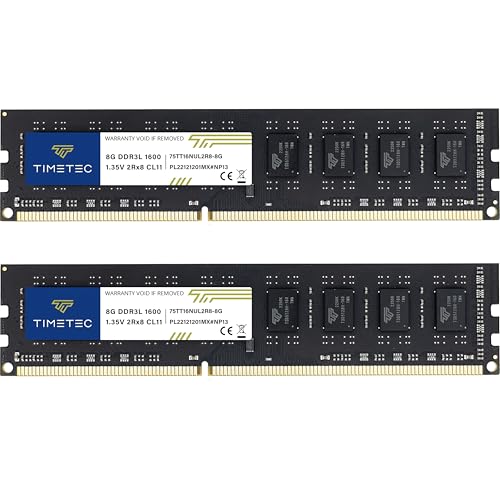
[Color] PCB color may vary (black or green) depending on production batch. Quality and performance remain consistent across all Timetec products.

Office Gaming Mini PC - UPGRADED GMKtec Nucbox M5 Ultra Series is equipped with the powerful AMD Ryzen 7 7730U processor, 8 Cores/16 Threads, Base 2.00GHz (Power Saving Quiet Mode) with Turbo Boost up to 4.50GHz (Performance Mode) in BIOS settings, Based on the ZEN 3+ architecture, this small but powerful mini pc delivers satisfying results in productivity, office work, and gaming. 35% Performance increase over AMD Ryzen 5 7430U/ Ryzen 7 5700U, 5600U, 5560U, 5500U.

[Specs] DDR3L / DDR3 1600MHz PC3L-12800 / PC3-12800 204-Pin Unbuffered Non ECC 1.35V CL11 Dual Rank 2Rx8 based 512x8
Repair or Replace: A Simple Way to Decide

Get a repair price, then compare it with the price of a comparable replacement. A common rule of thumb is that a repair costing about half of a comparable new machine signals it’s time to replace, especially if the computer is also several years old.
Repairs that usually make sense are a battery, a storage drive, or extra RAM on a machine that still receives security updates. Repairs that are hard to justify are a failed motherboard or a cracked screen on an older machine, and any major repair on a machine that has already lost software support.
Recommended Products

LENGHT: Use this versatile 5ft (1.5m) power cable to reach your gear & deliver safe reliable power Perfect for Monitors computers and other gadgets
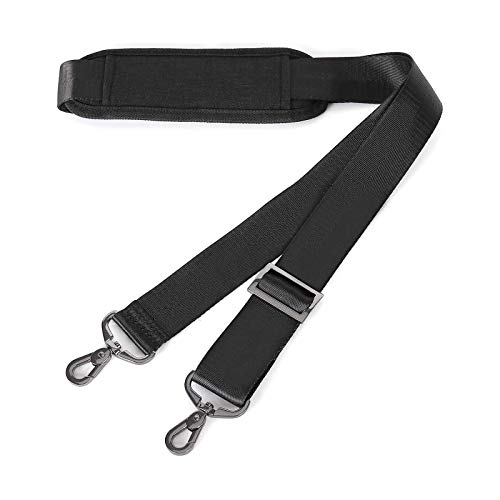
The comfort padded shoulder strap can be adjusted between 31.5 inch to 56 inch (80cm to 142 cm) in length, 1.5 inch in width. The easy adjustment in length allows for the perfect fit.

【Power Product Type】 : Max 65W 45W (compatible) AC Input: 100 - 240V 50 - 60Hz, Output: DC 5V/3A, 9V/3A, 12V/3A, 15V/3A, 20V/2.25A, 20V/3.25A. Connector size: USB Type-C
Before You Retire the Old Computer

Back up everything first, following the 3-2-1 rule that CISA recommends: three copies, on two types of storage, with one off-site. Open a few backed-up files to confirm they work. Then sign out of accounts and deauthorize any software licenses tied to the machine.
To wipe it, go to Settings, System, Recovery. Reset this PC with the Remove everything option on Windows 11. Recent Macs have Erase All Content and Settings in System Settings.
For recycling, Best Buy accepts laptops and desktops from residents, with daily limits per household that vary by item and by store, and it charges a fee for monitors, so check its current rules before you go.
Many manufacturers and city e-waste programs also accept old computers, and you can also donate a machine that still works well after you wipe it.
Recommended Products

Easily store and access 2TB to content on the go with the Seagate Portable Drive, a USB external hard drive
Easily store and access 1TB to content on the go with the Seagate Portable Drive, a USB external hard drive.Specific uses: Personal
Easily store and access 4TB of content on the go with the Seagate Portable Drive, a USB external hard drive.Specific uses: Personal
Choosing What Comes Next

When you are ready to buy, start with our guide to choosing the right computer for your needs. If budget is tight, read whether refurbished computers are worth buying and when the best time to buy a computer falls.
Frequently Asked Questions
Is it worth upgrading parts instead of buying new?
It depends on whether the computer is still supported. If a machine still receives security updates but has a spinning hard drive, an SSD is usually the most worthwhile upgrade.
If a machine has lost support or needs a new processor, spend your money on a replacement.
Can I recycle my old computer for free?
Often, yes. Best Buy accepts laptops and desktops from residents at no charge, with limits per household per day, while monitors carry a fee. Other options include municipal e-waste drop-offs and manufacturer take-back programs. Wipe the drive before you hand it over.
Should I back up my data before replacing my computer?
Yes. Keep a copy on an external drive and a copy in cloud storage, and open a few files from each to confirm they work before you wipe anything.
How long should a computer last?
There is no fixed number. A computer lasts as long as it keeps receiving security updates, its battery still works, and it can do your tasks. See our guide on how long a computer should last for the support dates that matter.
What should I do if my laptop battery is swollen?
Stop using and charging the laptop, do not press on or puncture the battery, and take it to the manufacturer, an authorized repair shop, or an e-waste facility that handles lithium batteries.