
Smart home automation comes down to five kinds of devices: voice assistants, lighting, thermostats, security gear, and appliances. Each does a different job, and most work on their own before you ever connect them to anything else.
Here is what each category actually does, how the pieces talk to each other, and where a first-time buyer should begin.
What Counts as Smart Home Automation?
A device counts as part of a smart home when you can control it from a phone or by voice and, ideally, set it to act on its own through schedules, sensors, or your location. The word “automation” is the second half of that: a smart bulb you only switch on from an app is remote control, while a bulb that turns on when a door opens is automation.
You do not need all five categories. Most people start with one and add from there, which is why the order you buy in matters more than how many devices you own.
What Does a Voice Assistant Actually Do?

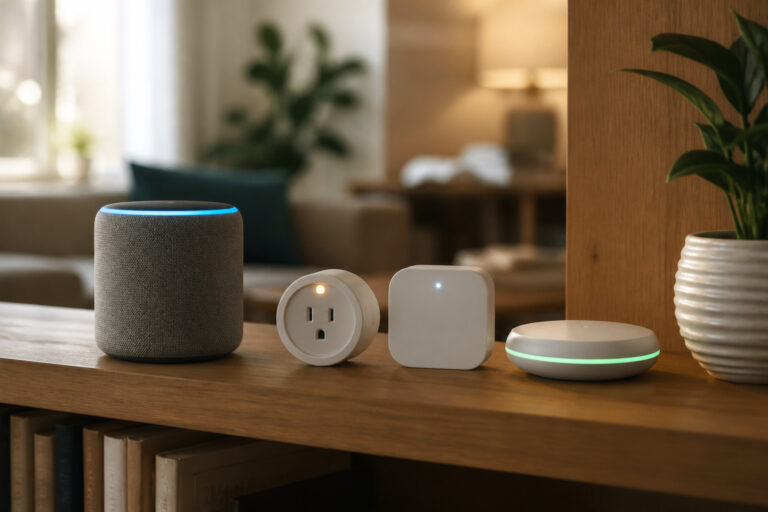
Amazon Alexa, Google Assistant, and Apple’s Siri let you control compatible devices by speaking. You need something that listens, such as a smart speaker, a smart display, or your phone, and the assistant interprets what you said and sends the command to the device.
The most useful feature is the routine. It’s a set of actions triggered by one phrase or event. For example, a “good morning” routine might raise the lights and adjust the thermostat. If you haven’t picked an assistant yet, our comparison of Alexa, Google Home, and Apple HomeKit explains how they differ, and our smart speaker guide covers the hardware side.
How Do Smart Lights Work?
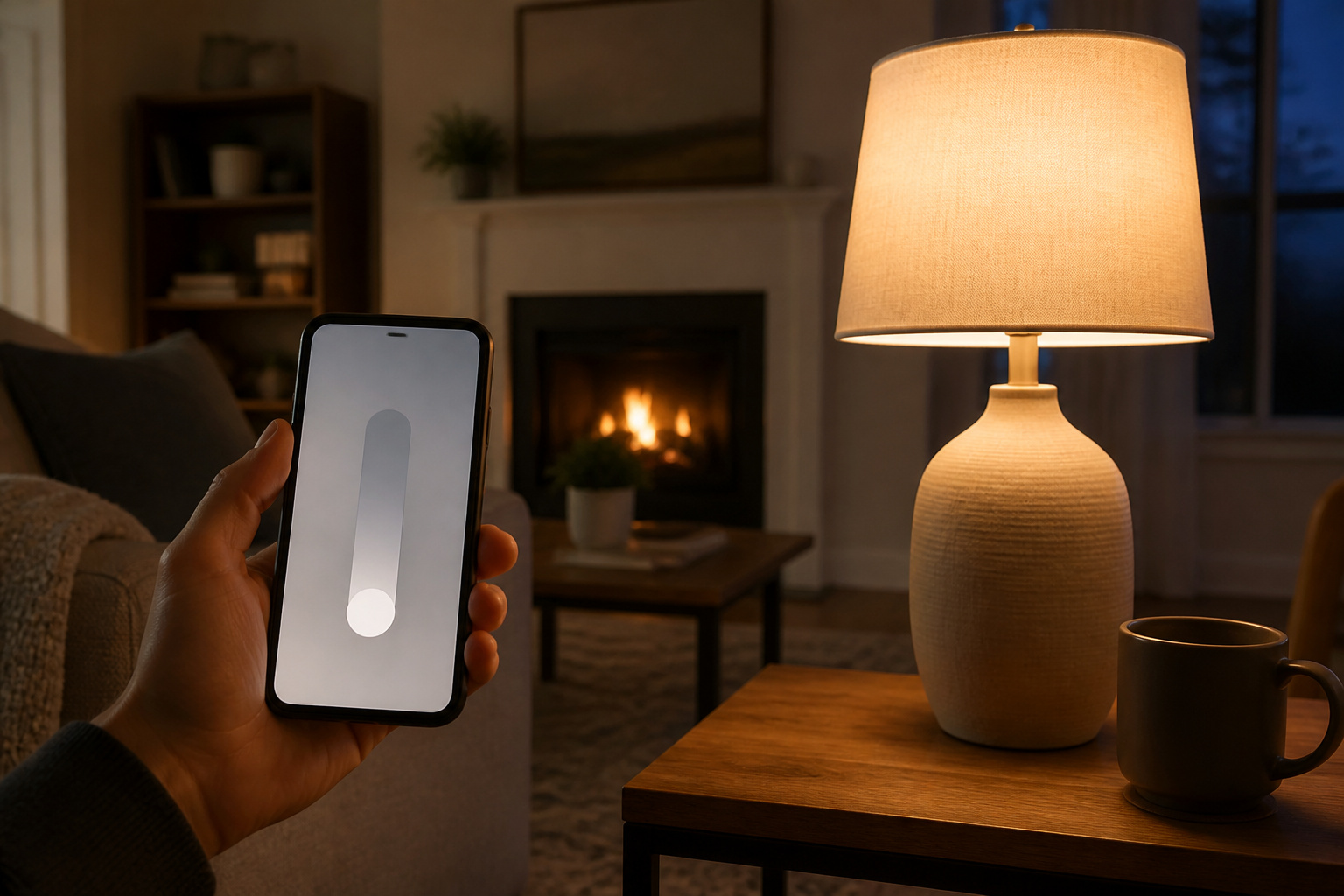
Smart lighting comes in two forms. Smart bulbs are LED bulbs with built-in wireless connectivity, and you control each one or a group. Smart switches replace the wall switch and control whatever fixture they are wired to, which is useful when a fixture holds several ordinary bulbs.
Both support schedules, scenes (saved combinations of brightness and color), and geofencing, which uses your phone’s location to act when you arrive or leave. One practical catch: a smart bulb only responds when the wall switch stays on, so people often tape over the switch or use a switch cover.
Do Smart Thermostats Save Money?
Usually a little, and not for everyone. The EPA’s ENERGY STAR program says certified smart thermostats save about 8 percent of heating and cooling bills, or roughly $50 per year, on average. ENERGY STAR notes that savings can be greater with extreme seasonal temperatures and smaller in temperate climates or in homes occupied all day.
That means a smart thermostat pays for itself slowly, so buy one for the scheduling and remote control as much as the savings. Our smart thermostat guide and the Nest versus Ecobee comparison go deeper on what separates the models.
What Do Connected Security Devices Cover?
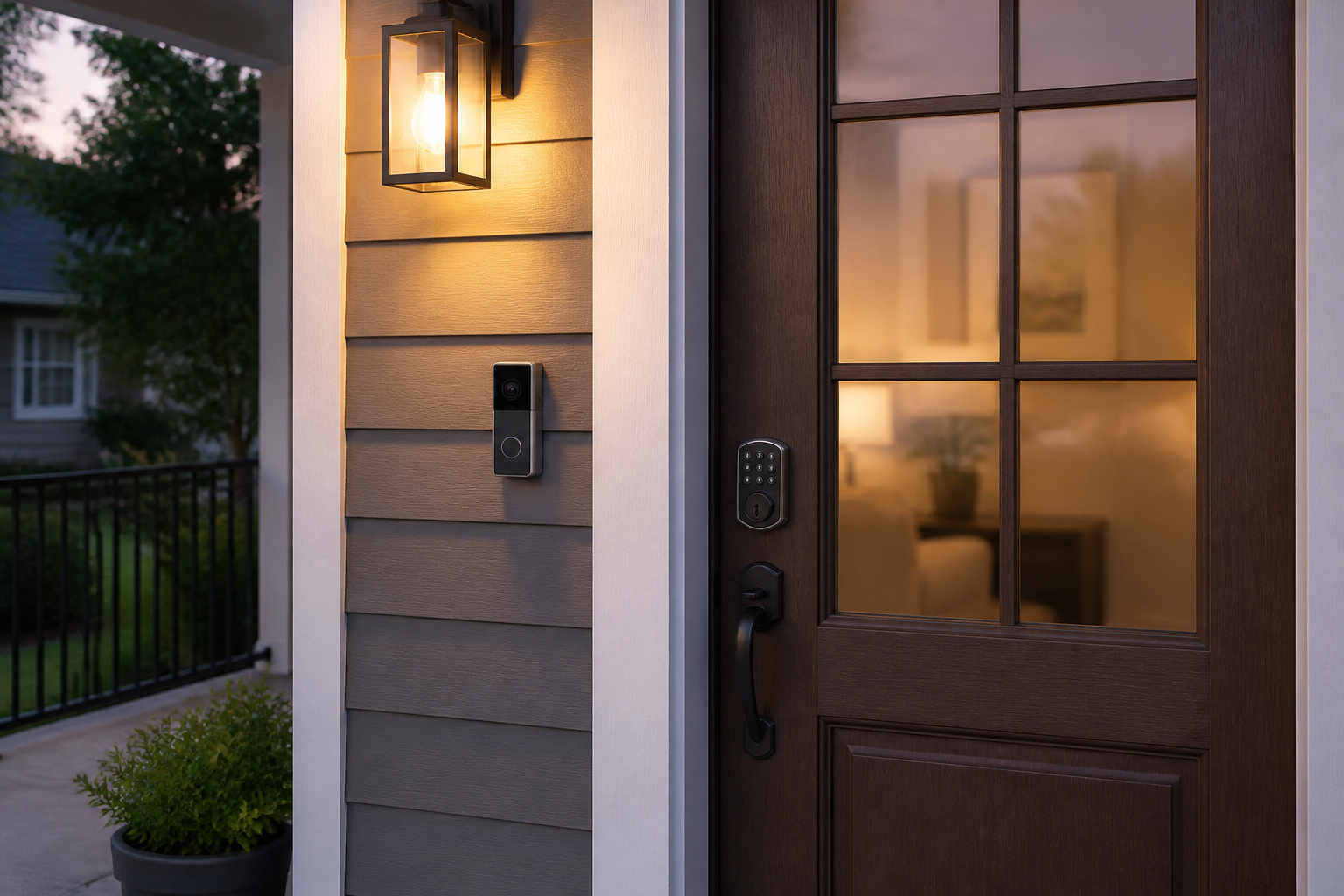
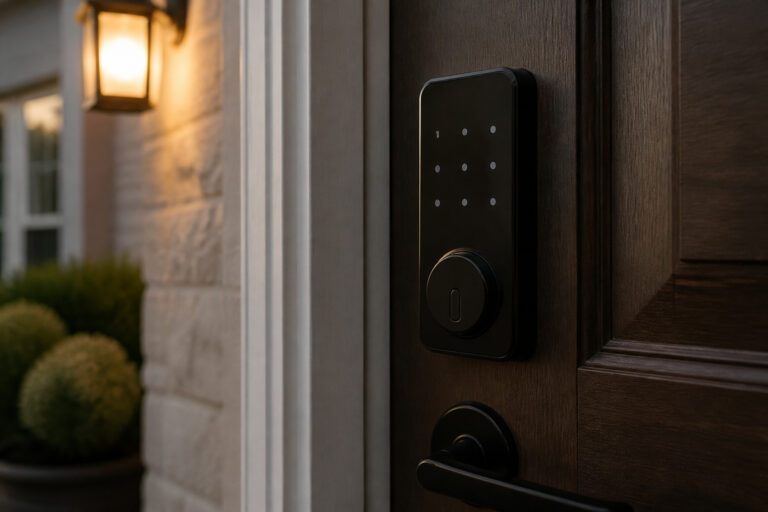
Common categories are smart locks, security cameras, video doorbells, motion and entry sensors, and smoke or carbon monoxide detectors. They can send you alerts and show live video, but alerts alone are not a response. A professionally monitored alarm is a separate service with its own cost.
Because these devices guard your home, treat their accounts like any other sensitive login. Use a unique password, turn on two-factor authentication where it is offered, and keep the firmware updated. Our guide on whether smart home devices are safe from hackers covers the real risks. For specifics, see our guides to smart locks, video doorbells, outdoor security cameras, and what home security systems really cost.
Are Smart Appliances Worth It?
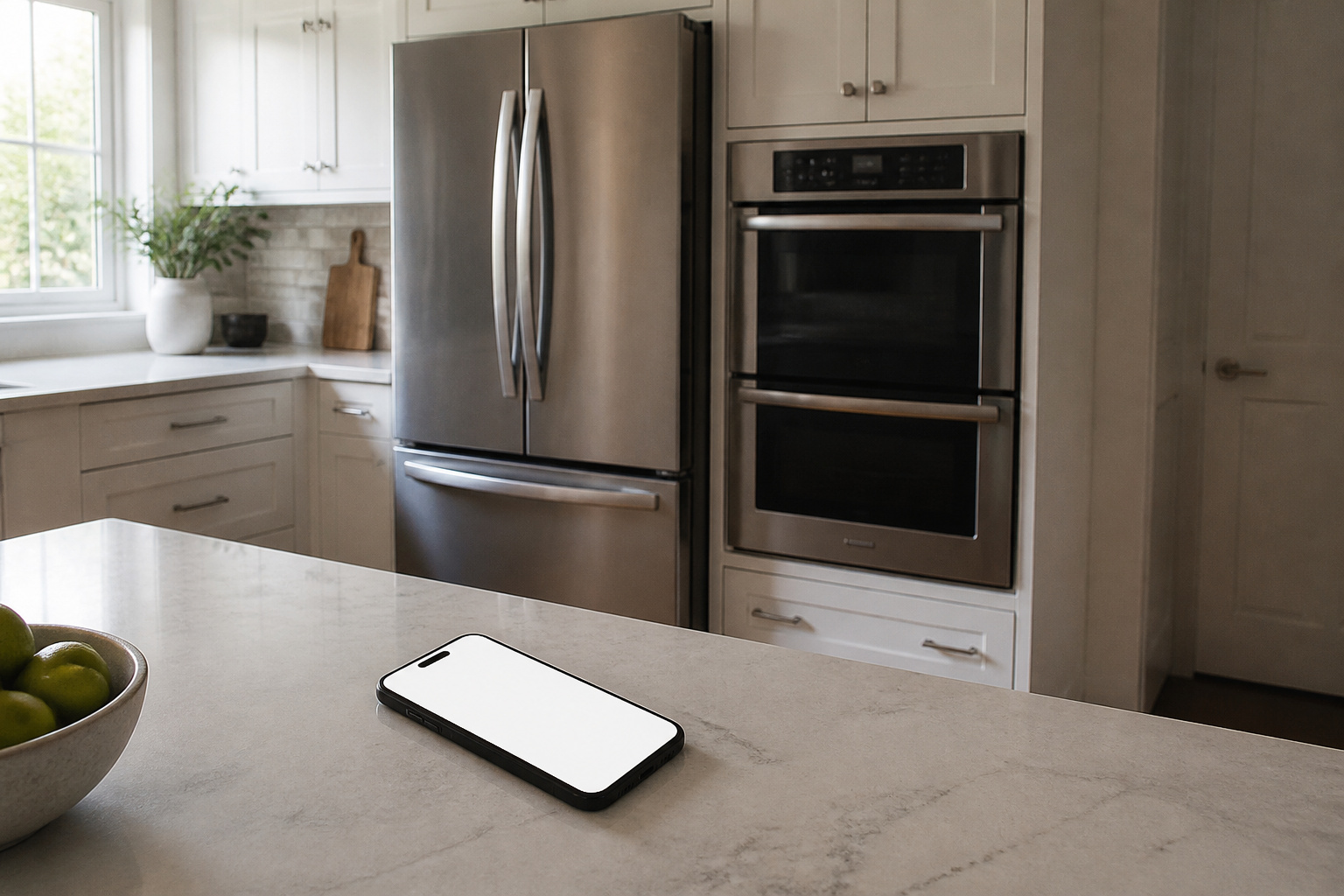
Smart refrigerators, ovens, washers, dryers, and dishwashers typically add remote start, cycle-finished notifications, and app-based diagnostics. Features differ by brand and usually depend on the manufacturer’s app rather than a shared standard.
Because appliances last for many years, the main risk is that the app or cloud service outlives the company’s interest in supporting it. Most buyers are better off choosing an appliance for how well it cleans, cools, or cooks, and treating the smart features as a bonus.
How Do These Devices Talk to Each Other?
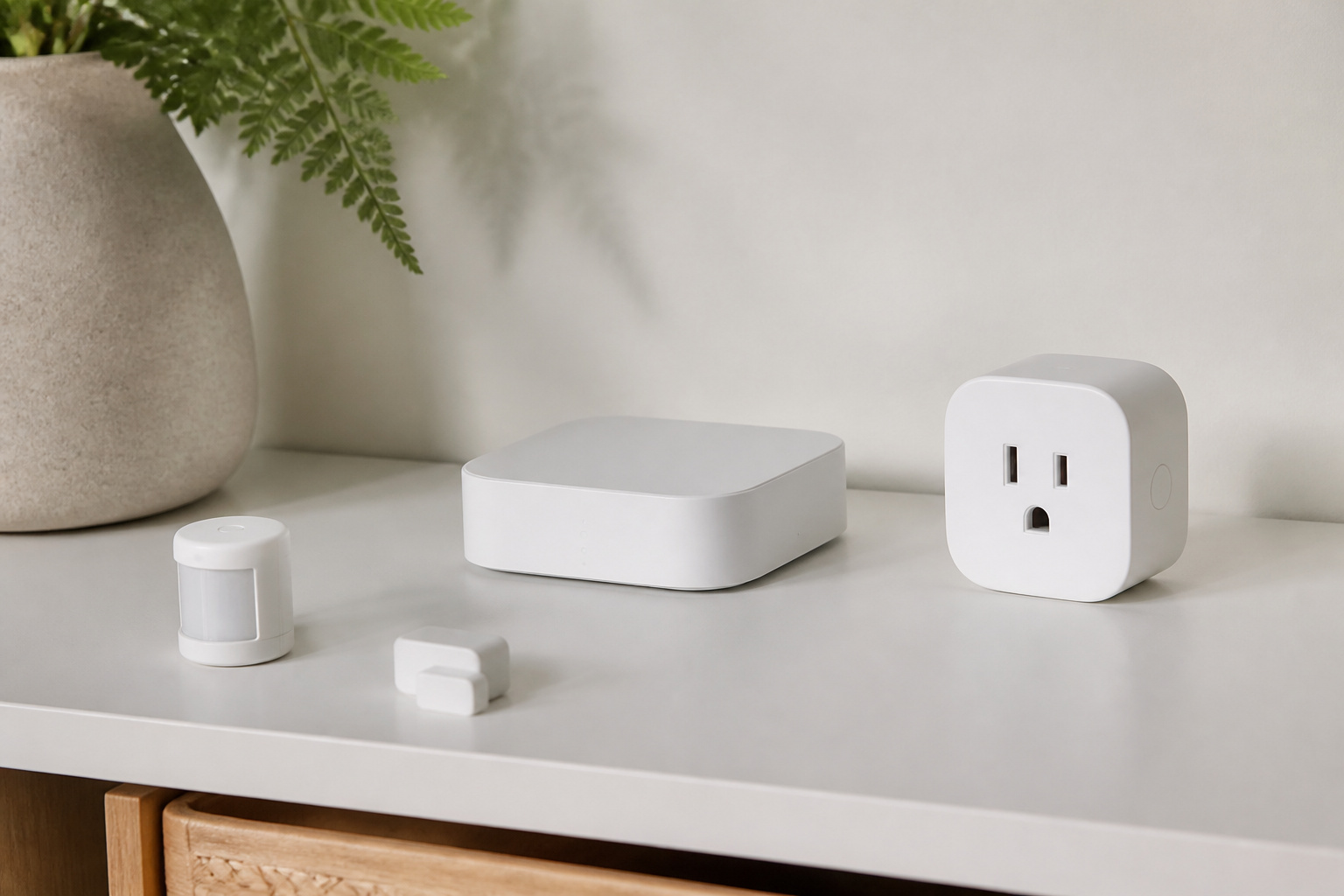
Most devices connect over Wi-Fi, while others use low-power radio standards such as Zigbee and Z-Wave, which usually need a hub. Matter is a newer standard designed to let devices from different brands work together. Our guide to Matter, Zigbee, and Z-Wave explains what each one means for you.
If you plan to mix brands, read our guide on mixing brands in a smart home first, and see whether you need a smart home hub before buying one.
Where Should You Start?
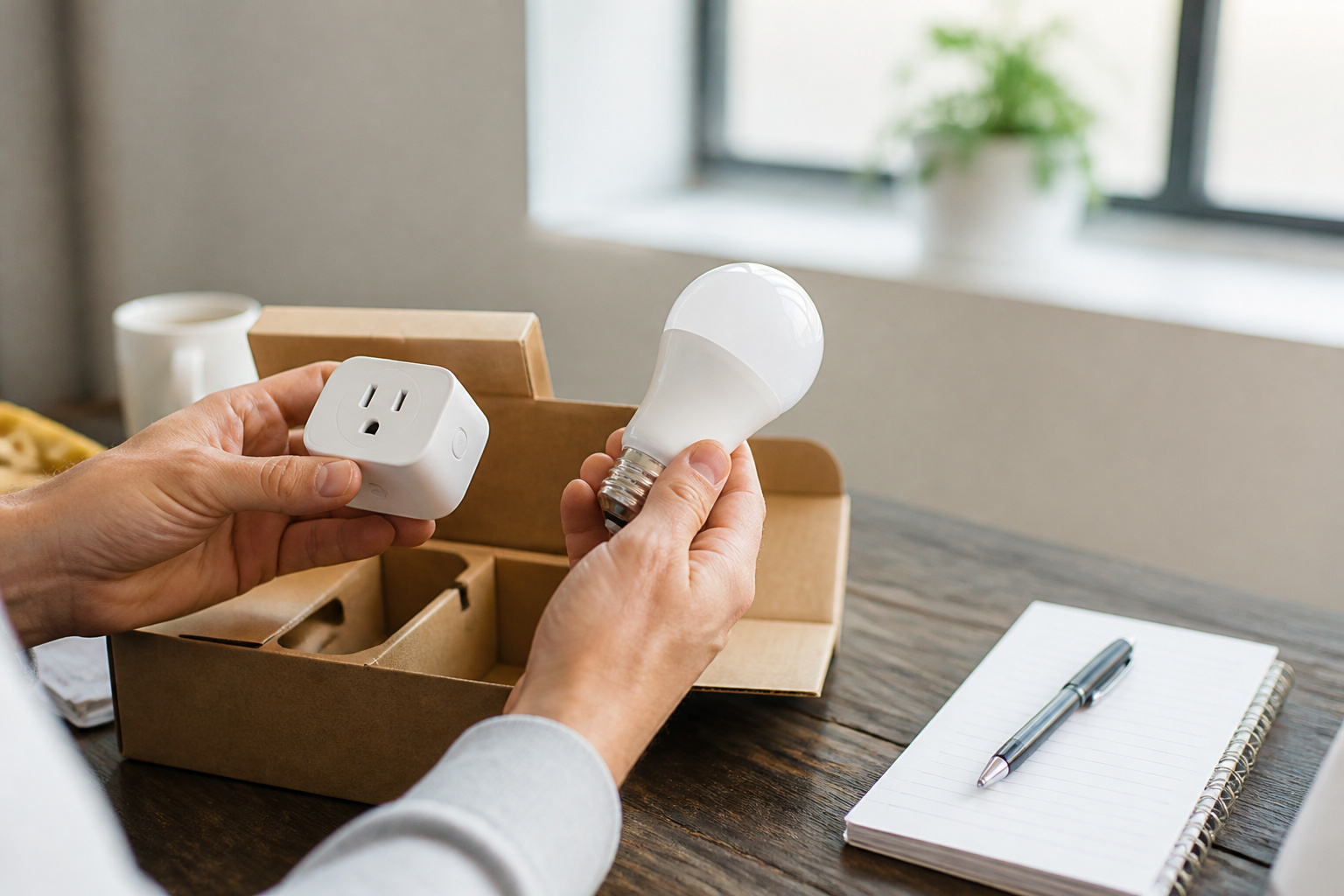
Start with the problem you want solved: lights you forget to turn off, a thermostat you never program, or a front door you want to monitor. Buy one device for that, make it work well, and add from there. Our guide to building a smart home on a budget suggests an order, our cost breakdown shows how the totals add up, and our worth-it guide covers the trade-offs. Renters should read the no-drill guide.
Frequently Asked Questions
Does smart home automation lower your energy bills?
Sometimes. ENERGY STAR says certified smart thermostats save about 8 percent of heating and cooling costs on average, and scheduled or motion-activated lights can cut wasted use. Results depend on your climate, your habits, and how often you are home.
Can you use smart devices in an older home or a rental?
Yes. Many devices are wireless and need no new wiring, and plug-in or battery-powered gear is easy to remove. Check your Wi-Fi coverage first, and get your landlord’s approval before any permanent change.
What are the privacy concerns with smart home devices?
Many devices collect usage data, and cameras and microphones can capture sensitive moments. Review each company’s privacy settings, turn off features you do not use, and secure your accounts with strong, unique passwords.
What happens during a power or internet outage?
It depends on the device. Battery-powered devices keep working briefly, and devices that process commands locally can keep running without internet. Anything that relies on the cloud, such as remote access and voice commands, stops until service returns.
Can devices from different brands work together?
Often, but not always smoothly. A voice assistant or hub can bridge brands, and standards such as Matter, Zigbee, and Z-Wave improve compatibility. Check a device’s compatibility list before you buy.