When voices do not match lip movements, the problem is almost always a processing delay somewhere between your source, TV, and speakers.
Usually, a setting adjustment fixes it. This guide walks through the common causes.
Why Audio and Video Fall Out of Sync
Video processing in a TV, especially with upscaling and motion features, can take longer than audio processing. If audio goes out through a soundbar, receiver, or Bluetooth device, that adds another delay.
When the chain isn’t balanced, either the picture or the sound arrives late.
Turn on Game or PC Mode and Reduce Processing
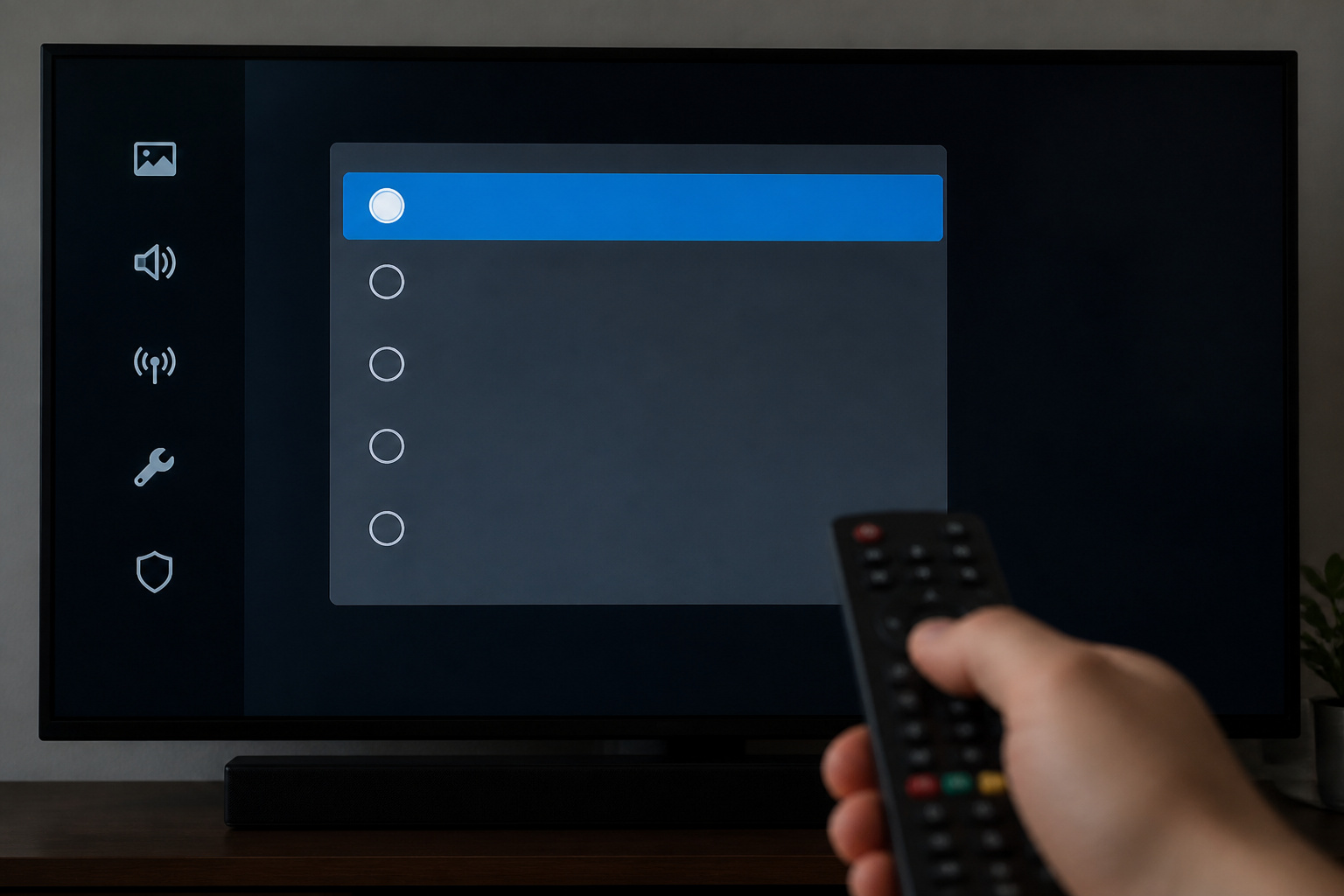
Switching to Game mode or turning off extra picture processing lowers video delay. This is the quickest fix when sound arrives before the picture.
See our TV settings guide for what these modes do.
Recommended Products
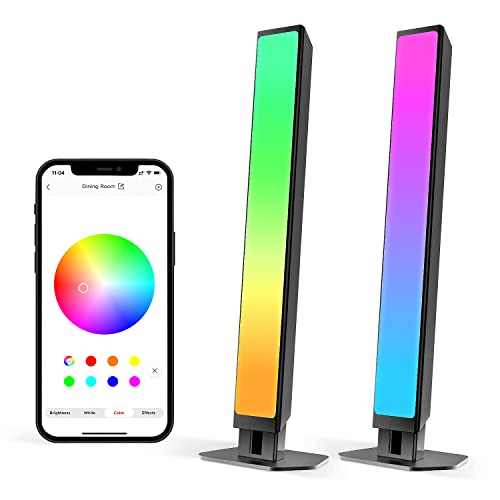
Immersive Lighting Experience: The Smart Light Bars unlock a new home theater entertainment experience that easily syncs with your TV audio with 16 million colors, 27 preset scenes, and multi-modes to enhance your movie and game experience.

GO WIRELESS, ANYWHERE – AirFly Pro 2 transforms any headphone jack into a Bluetooth 5.3 transmitter or receiver. Stream audio from airplane screens, gym TVs, or gaming consoles to your AirPods, or other wireless headphones. Flip the switch to receive mode and play music from your phone through your car or boat’s AUX port—no wires, no limits.

Wireless Freedom - Say goodbye to tangled cords with the Twelve South AirFly. Listen to audio from in-flight entertainment, gym equipment, gaming devices, or any 3.5mm audio jack to your AirPods, earbuds, or wireless headphones.
Use the Audio Delay or Lip-Sync Setting
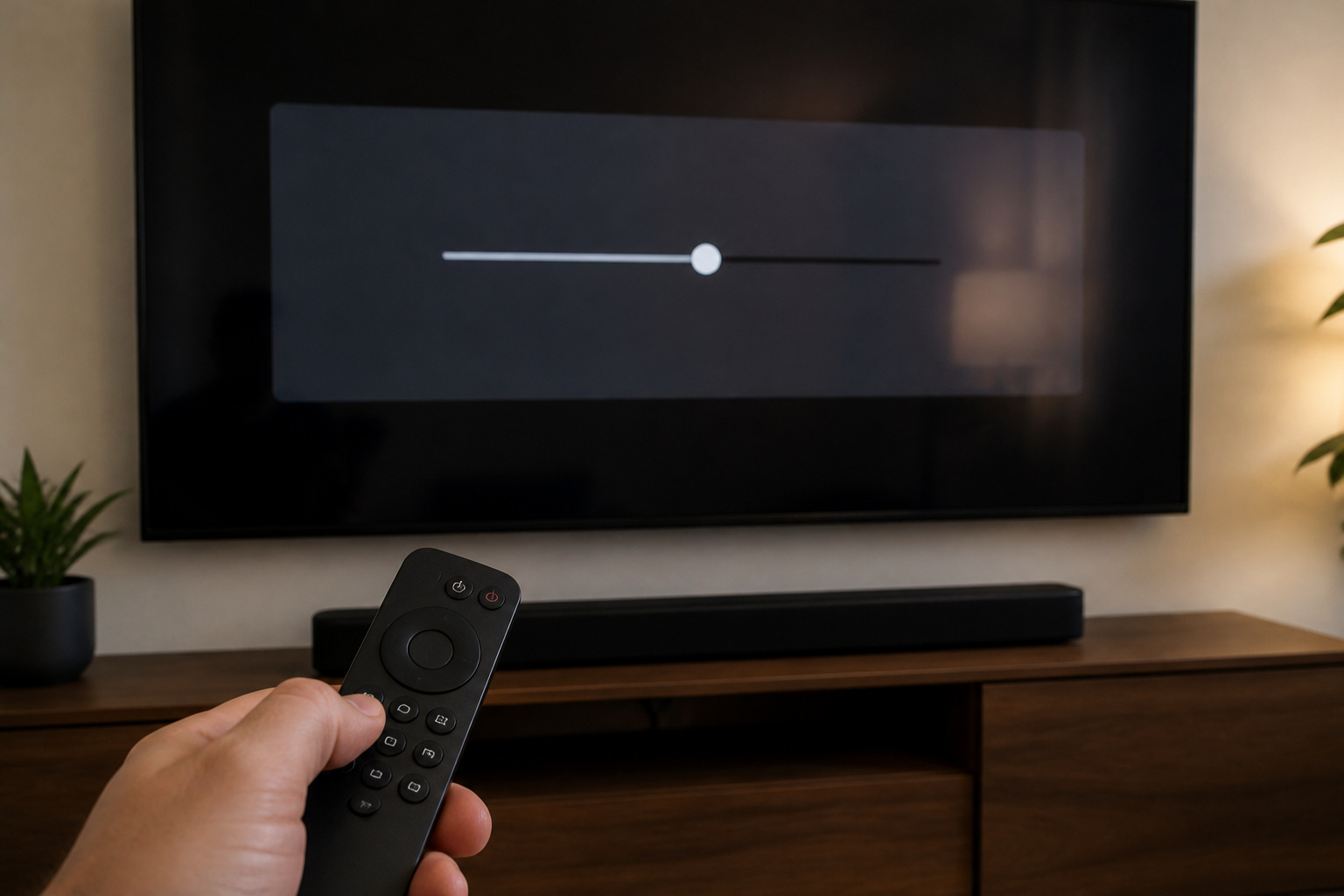
Most TVs, soundbars, and receivers have an audio delay or lip-sync adjustment. Add a small delay if sound arrives early, or reduce it if it arrives late, adjusting in small steps until speech matches.
Some devices also have an auto lip-sync feature that works over HDMI.
Recommended Products

PROZOR 192KHz Digital to Analog Audio Converter: Converts coaxial or Toslink/SPDIF digital PCM audio signals to analog L/R RCA and 3.5mm jack audio simultaneously ——⚠️Set TV audio output format to PCM | 📌Adjust TV volume via settings or output devices | 📌Optical output not supported

【HDMI Audio Extractor】The HDMI audio extractor can extract audio from HDMI signal and transmit it to AV receiver through optical or 3.5mm Cable.(Note: Devices do not support ARC and eARC.TV is not supported as the input source,otherwise product doesn't p video.)

Digital to Analog: DAC audio converter is designed for converting coaxial or toslink digital PCM audio signals to analog L/R RCA and 3.5mm Jack audio simultaneously. ( Not support Analog to Digital)
Check the Connection Type
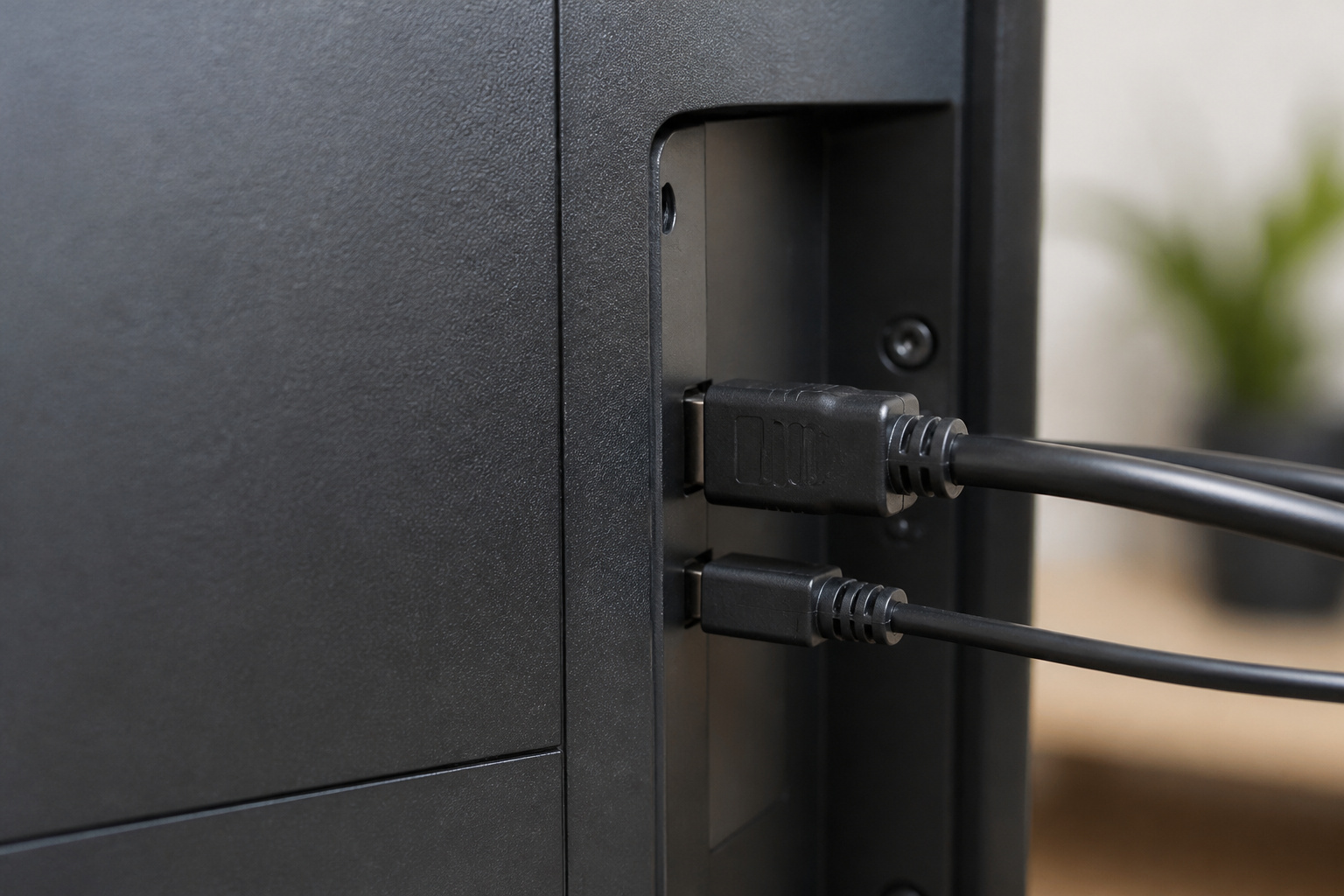
HDMI ARC or eARC, optical, and Bluetooth all handle delay differently. Bluetooth typically adds noticeable lag, so avoid it for movies if you can.
Optical cannot carry some formats and may cause delays when switching formats. If you use a soundbar or receiver, try eARC; see what eARC is and how to connect a soundbar to any TV.
Recommended Products

【Support ARC/eARC on Audio】it is a standard HDMI 2.1 version cable,which are equipped with eARC technology. (Compatible with arc function) Supports the latest high-bitrate audio formats including DTS Master, DTS:X, Dolby Atoms, eARC. Provides enhanced support for your soundbar or AV receiver. Ultimate experience ,sounds like you were there.

Check the Audio Format
Switching between surround and stereo can create delay, particularly with streaming apps. Try setting the output to PCM or stereo to see if sync improves.
Recommended Products

[📺eSynic Professional ARC/eARC Audio Extractor]----:Our eSynic Professional eARC/ARC to 3.5mm& L/R Audio Extractor Support From HDTV eARC/ARC to 3.5MM Headphone & L/R Stereo Audio System [Only Work With HDTV ARC/eARC Interface and Not Support Others HDMI Devices]

PROZOR Optical to RCA Converter: This digital to analog audio converter transforms SPDIF digital audio signals into analog L/R RCA audio, ensuring high-quality sound output ——⚠️Set TV audio output format to PCM | 📌Adjust TV volume via settings | 📌Optical output not supported

【Analog to Digital Audio Converter】Upgrade your existing audio devices with a reliable analog-to-digital converter. Transform RCA L/R or 3.5mm AUX audio signals into optical Toslink or coaxial digital output for modern soundbars, speakers and audio systems.
Update, Restart, and Isolate the Problem
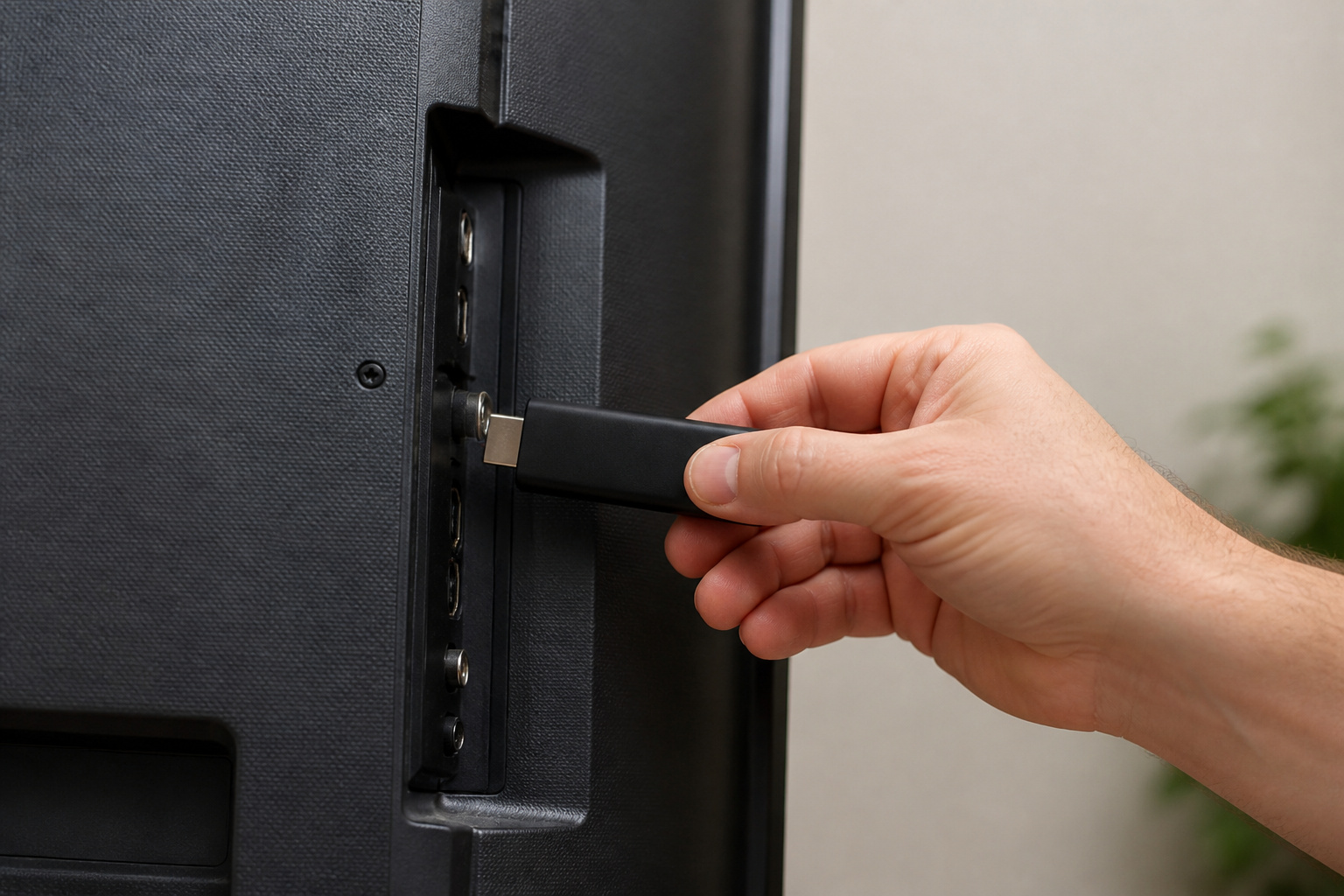
Update firmware on the TV, soundbar, and streaming device, then restart each.
Test the same video on a different app or device to see whether the delay is in one source or all of them. If it is only one app, the app is the problem.
Recommended Products
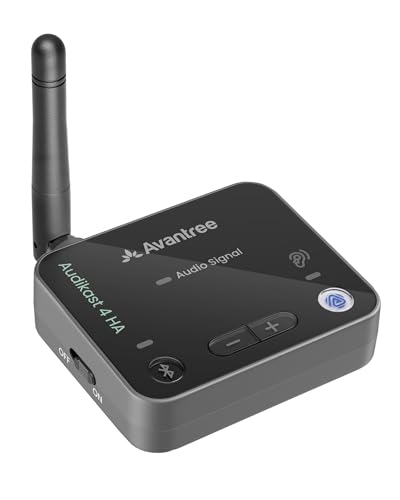
【FOR SELECTED AURACAST HEARING AIDS】 The Audikast 4 HA is designed specifically for Auracast-enabled hearing aids shown in the product images, for direct TV audio streaming with an Auracast TV streamer.

High Speed Programming: The CH341A USB programmer delivers flashing speeds 2 to 3 times than ATMEGA8 based 25 series programmers, significantly reducing wait times during BIOS firmware updates and EEPROM chip programming tasks.

Frequently Asked Questions
Why is the audio ahead of the video?
The TV is processing video more slowly than audio. Turn on Game mode or add an audio delay.
Why is audio behind the video?
The audio path, such as Bluetooth or a soundbar, is adding delay. Reduce delay or use a wired connection.
Does Bluetooth cause lip sync problems?
Often, especially on older devices. Low-latency Bluetooth codecs or a wired connection help.
Can a cable cause sync problems?
Rarely, but a bad HDMI cable can cause drops. See HDMI cables explained.
Does the problem affect all apps?
If only one app is off, reinstall or update it. If all apps are affected, adjust TV or audio device settings.