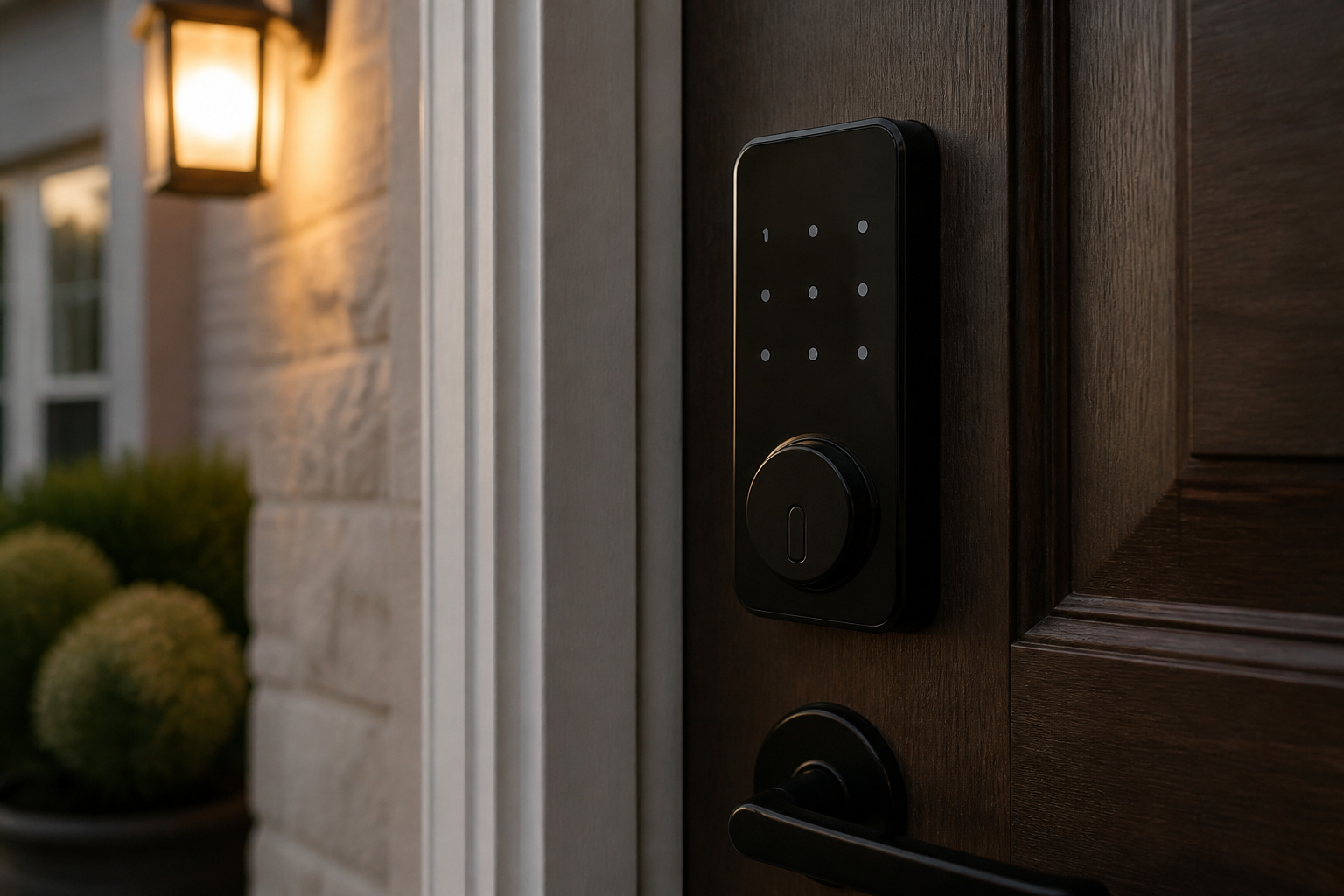
The Yale Assure Lock 2 is a popular retrofit smart deadbolt, but “the Assure Lock 2” is really a family of locks. Touchscreen or keypad, keyed or key-free, Bluetooth-only or with a Wi-Fi module: the version you buy determines what the lock can do.
Here is how the versions differ, what the hardware does well, and what it leaves out.
What Is the Yale Assure Lock 2?
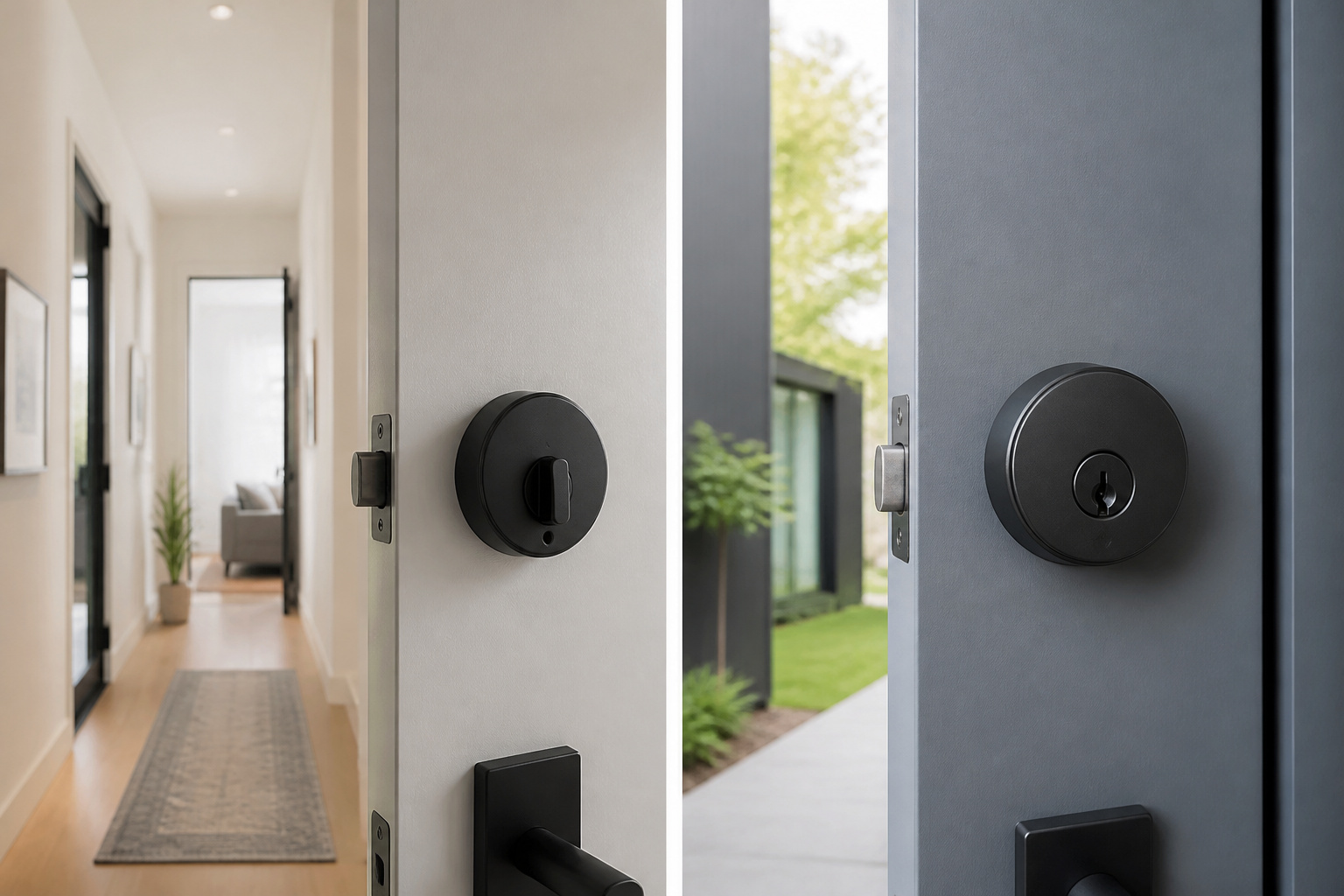
It is a battery-powered smart deadbolt that replaces the lock on a standard door. In its review (updated February 2024), Tom’s Guide described a minimalist design about 30 percent smaller than the original Assure Lock, with a responsive keypad that holds up to 250 codes and a matte, fingerprint-resistant finish.
Bluetooth is built in, so you can lock and unlock from your phone when you are nearby. The reviewer found the lock easy to use, with a solid, smooth throw and a shared app that also runs August locks.
Which Version Should You Choose?
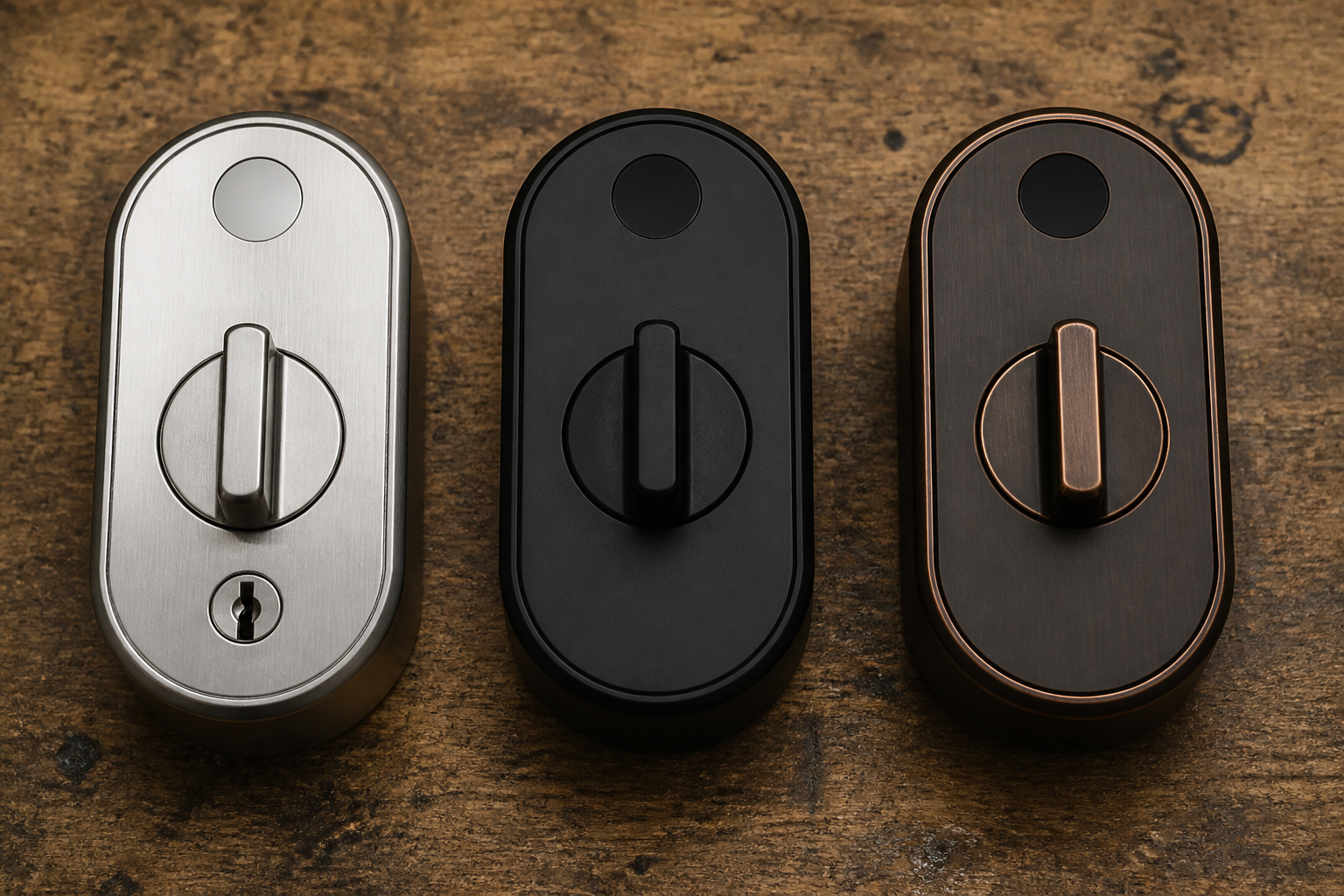
Tom’s Guide reports touchscreen and physical-button keypad models, each available keyed (with a keyhole) or key-free, in finishes such as satin nickel, black suede, and bronze. Model numbers follow a pattern: YRD450 is the touchscreen line, and “WF1” in a retailer listing such as Ferguson’s YRD450-WF1 means the Wi-Fi module is included.
If you want fingerprint entry, retailers also list a separate fingerprint touchscreen version of the Assure Lock 2 with Wi-Fi, so check the exact model number before you order. The version we link for this page is the touchscreen with Wi-Fi in black suede (YRD450-WF1-BSP), and you can see that listing on Amazon.
Do You Need the Wi-Fi Module?
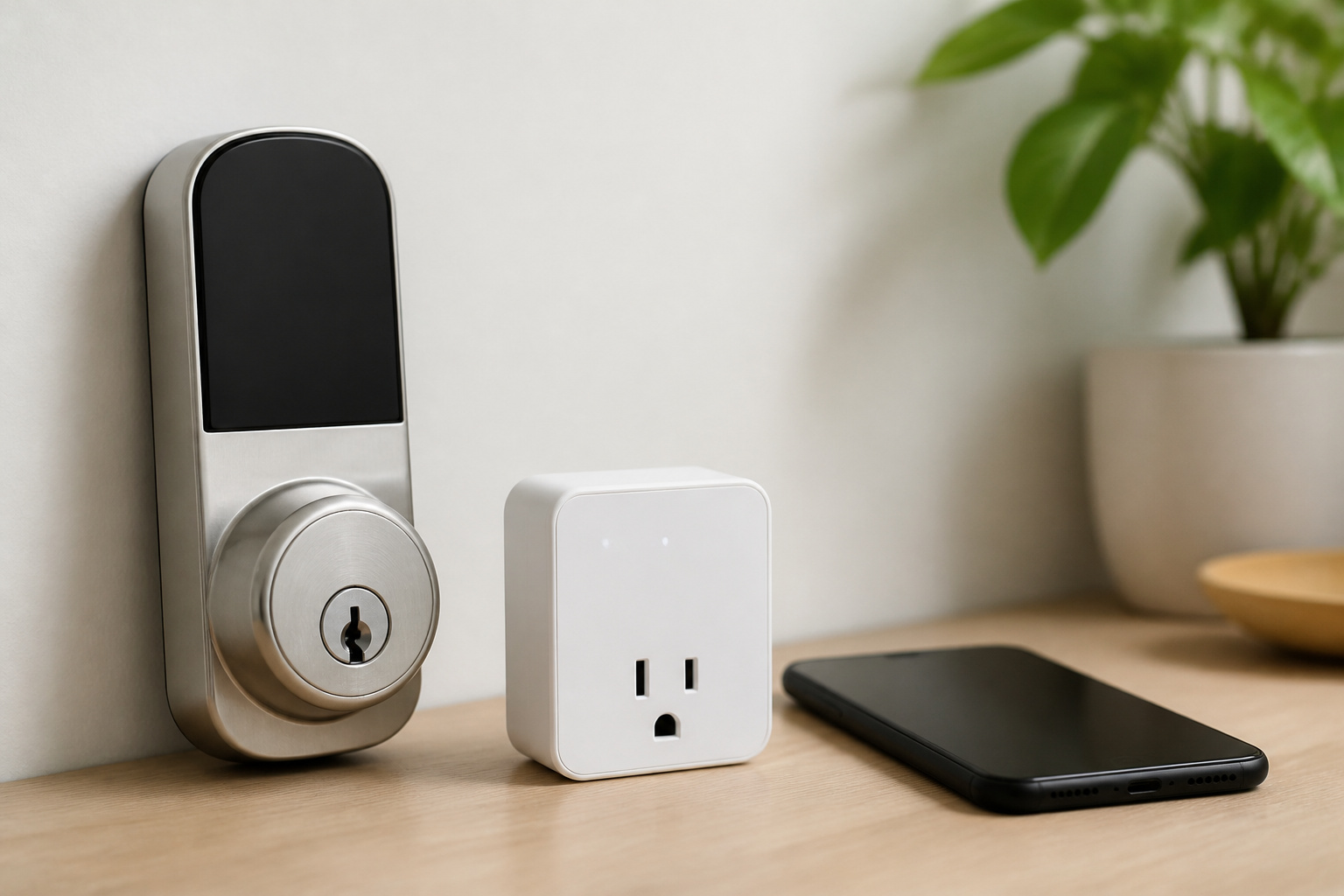
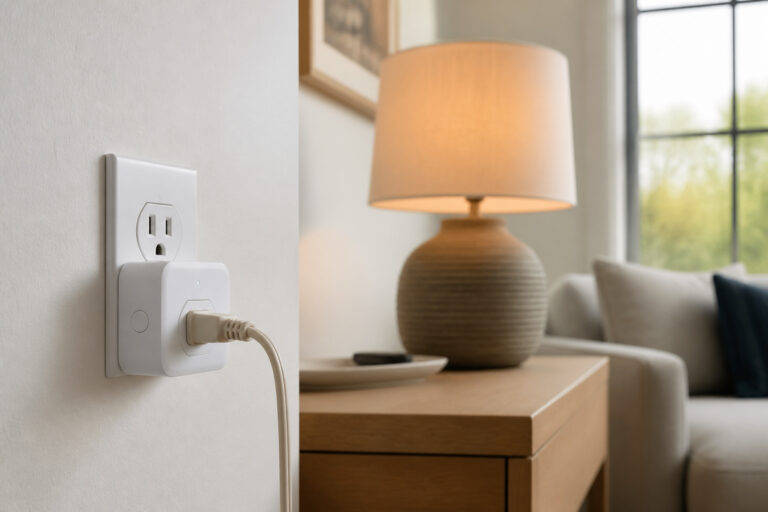
Only if you want to control the lock when you are away from home. With Bluetooth alone, the lock works when your phone is near. The Wi-Fi module connects it to your home network without a hub, enabling remote control and voice assistants. Tom’s Guide reported that the Wi-Fi module drains the AA batteries noticeably faster than the other modules and also lists Z-Wave and Matter module options.
Tom’s Guide reports compatibility with Alexa, Google Home, and Apple HomeKit. If you have not picked an ecosystem yet, our comparison of Alexa, Google Home, and Apple HomeKit covers the differences, and our guide on whether you need a smart home hub explains when a Z-Wave module makes sense.
What Happens When the Batteries Die?
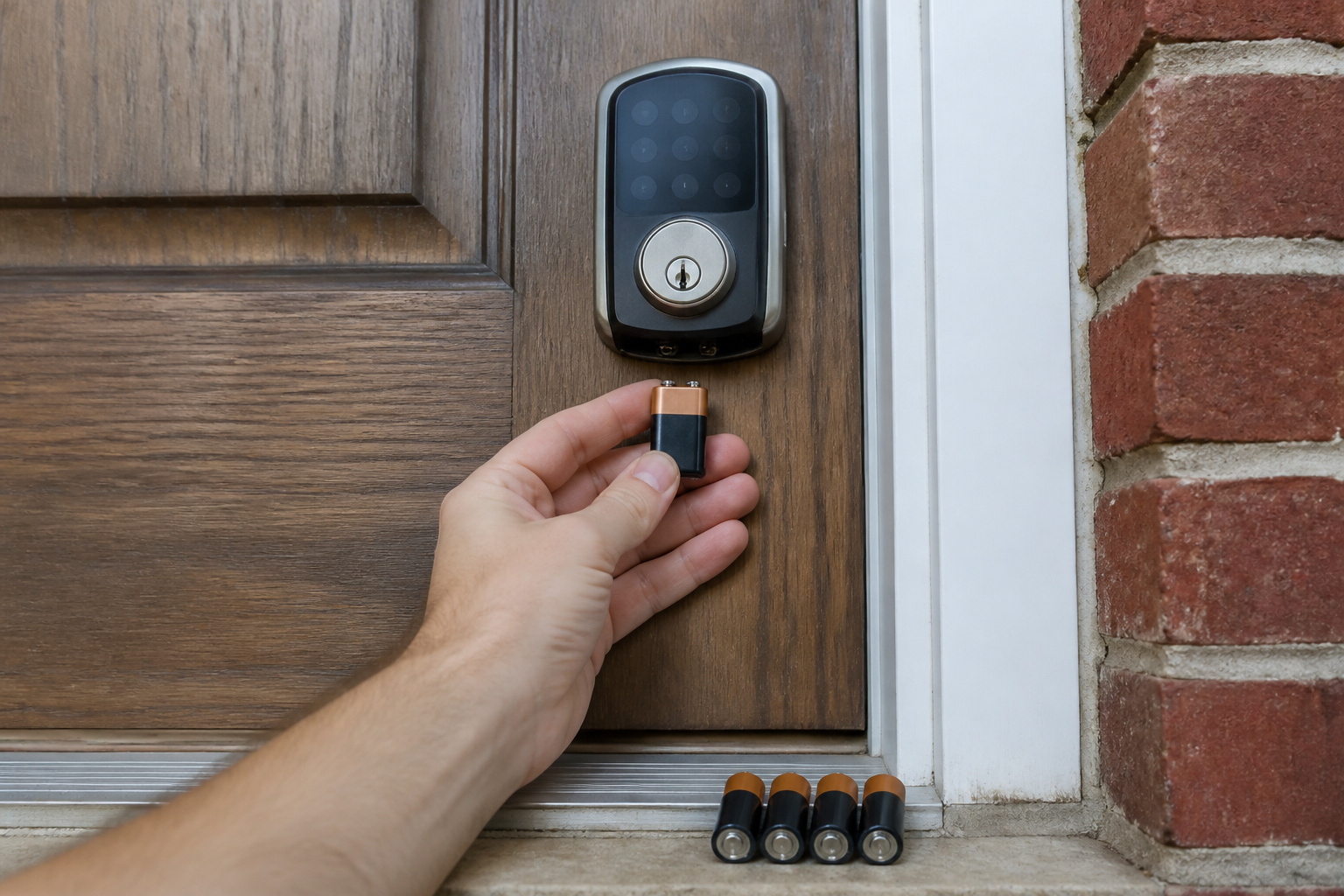
The lock runs on four AA batteries. Tom’s Guide noted that holding a 9-volt battery to the bottom of the exterior keypad temporarily powers the lock, so a dead battery should not lock you out. Keyed versions also come with a physical key, but key-free versions have no keyhole, so keep fresh batteries on hand.
Our guide to whether smart locks are actually safer than traditional locks covers lock grades, backups, and why the strike plate matters more than the electronics.
How Hard Is It to Install?
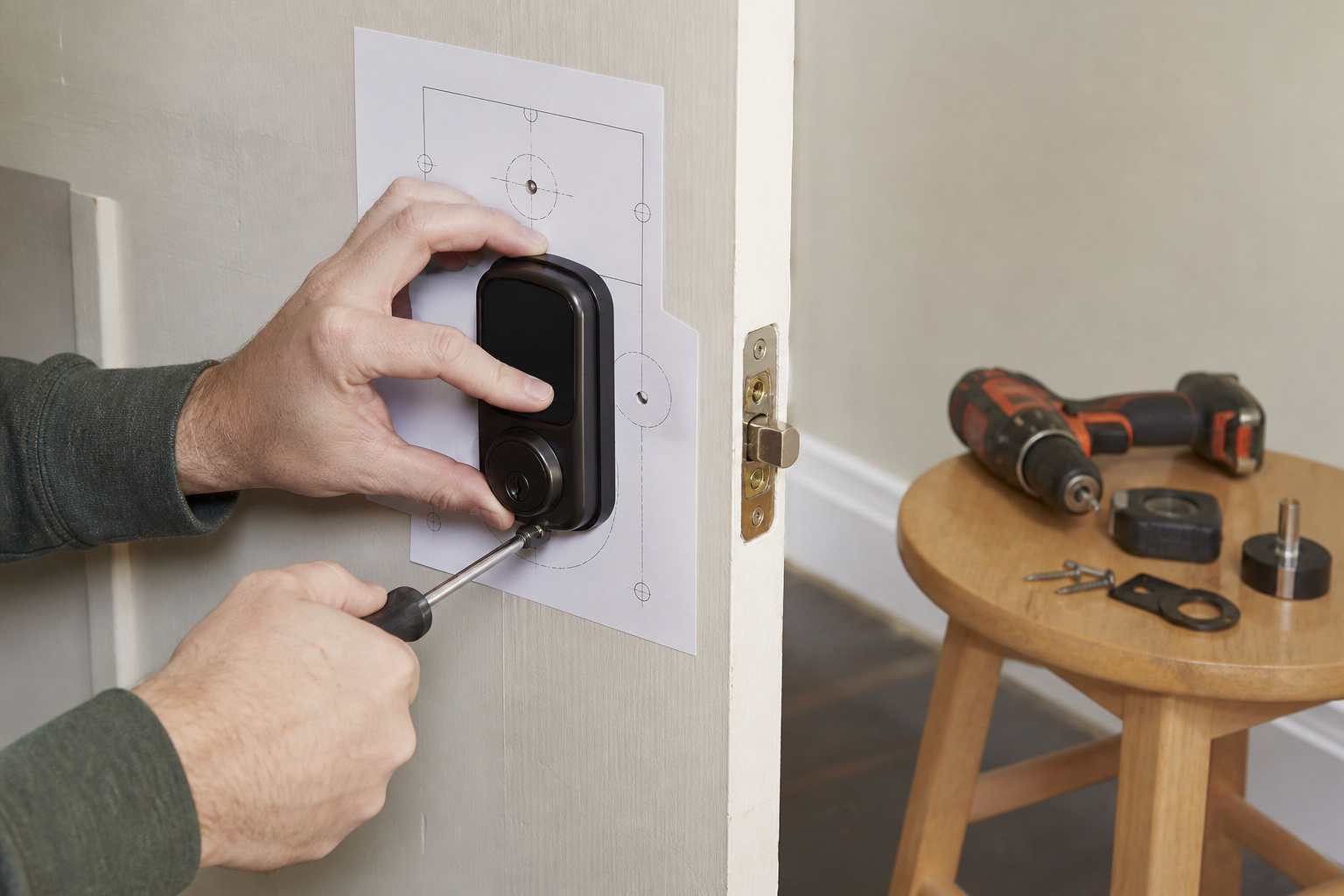
Tom’s Guide called installation fairly simple and said it took about 30 minutes, with paper templates and short in-app videos. An optional Doorsense module mounts in the doorframe and tells the lock whether the door is closed or ajar.
What Is the Assure Lock 2 Missing?
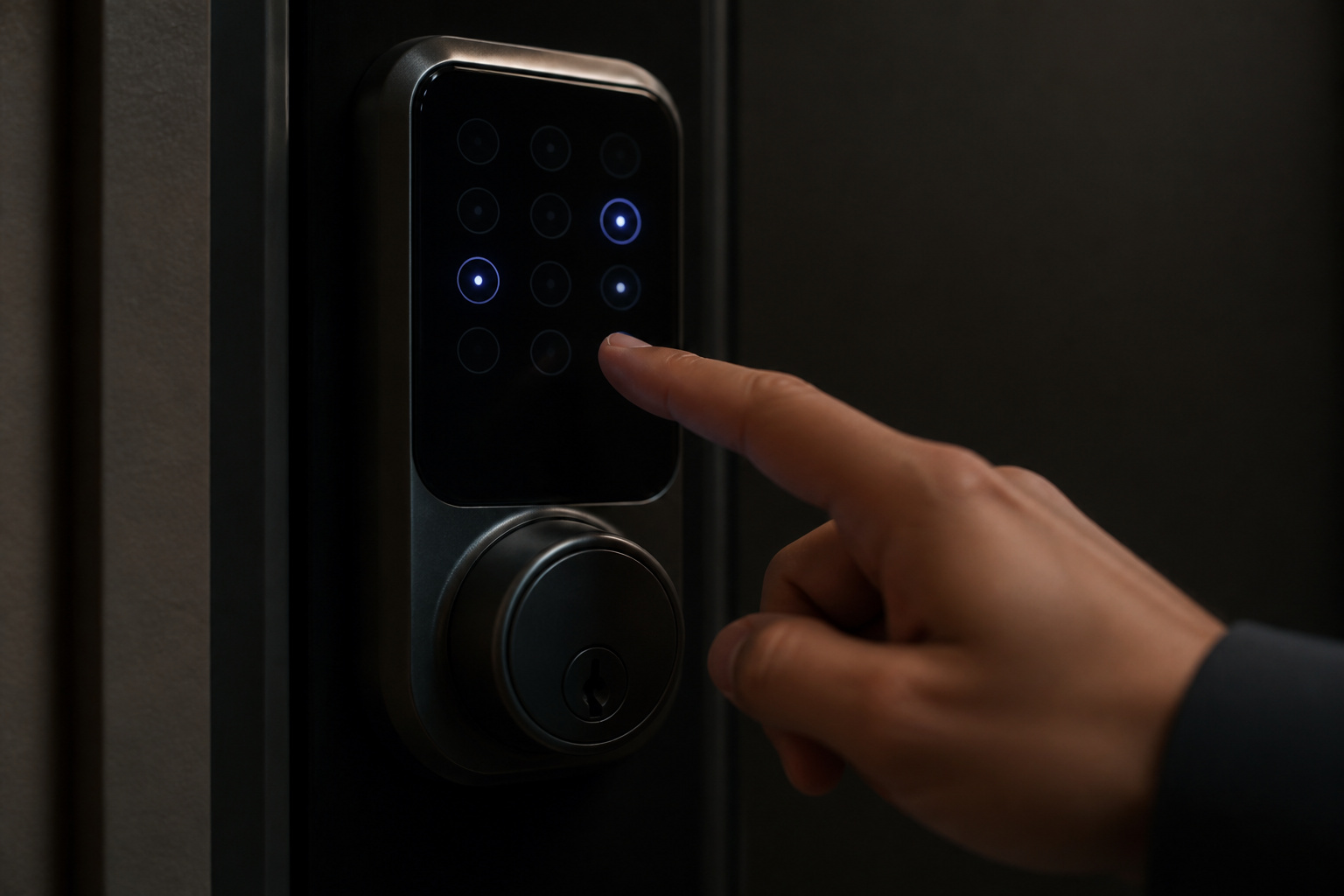
Tom’s Guide listed several limits on the model it reviewed: the keypad backlight only wakes after you tap the Yale logo, there is no fingerprint reader or tap-entry, there is no way to obscure the passcode, and auto-unlock has no second check, which made the reviewer a little uneasy. The reviewer also noted no Ring integration and no polished brass finish.
So Is the Yale Assure Lock 2 Worth Buying?
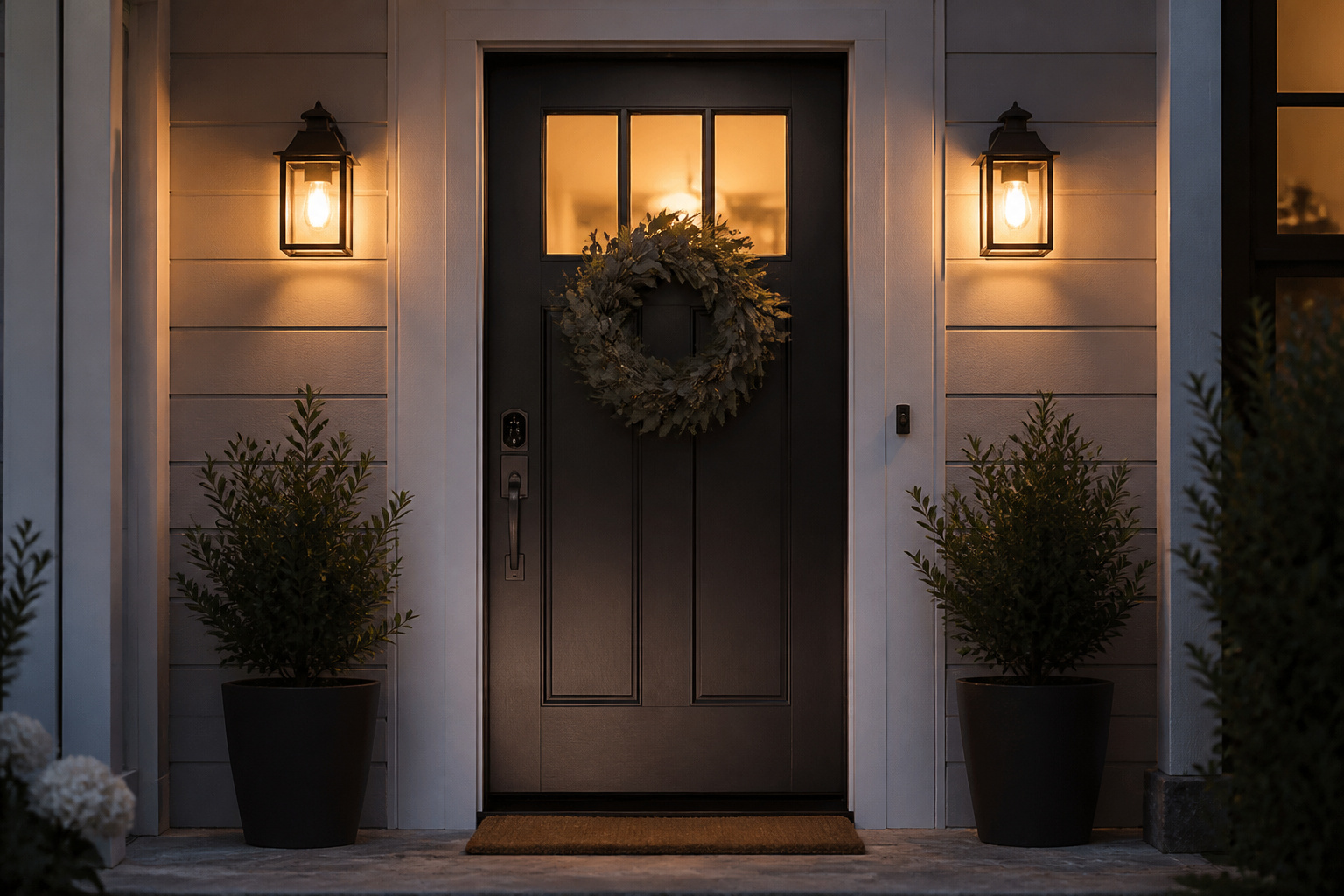
Tom’s Guide called it a very well-rounded and attractive smart lock that lacks some features of rivals, such as fingerprint ID and tap-to-unlock. It is a good fit if you want a clean keypad lock with solid ecosystem support. Skip it if fingerprint entry is a must, or pick the fingerprint model.
Frequently Asked Questions
Does the Yale Assure Lock 2 need Wi-Fi?
No. Bluetooth is built in. Wi-Fi is an optional module that adds remote control and voice assistants without a hub.
Does it work with Alexa, Google Home, and HomeKit?
Tom’s Guide reports compatibility with all three. Exact support depends on the module, so confirm it for the version you buy.
Does the key-free version have a key?
No. Key-free models have no keyhole. Keyed models include a physical key as a backup, and a 9-volt battery can power the lock temporarily on either type.
How many access codes can it store?
Tom’s Guide reports up to 250 codes on the model it tested.
What batteries does it use?
Four AA batteries. The Wi-Fi module drains them faster than the other connectivity options.