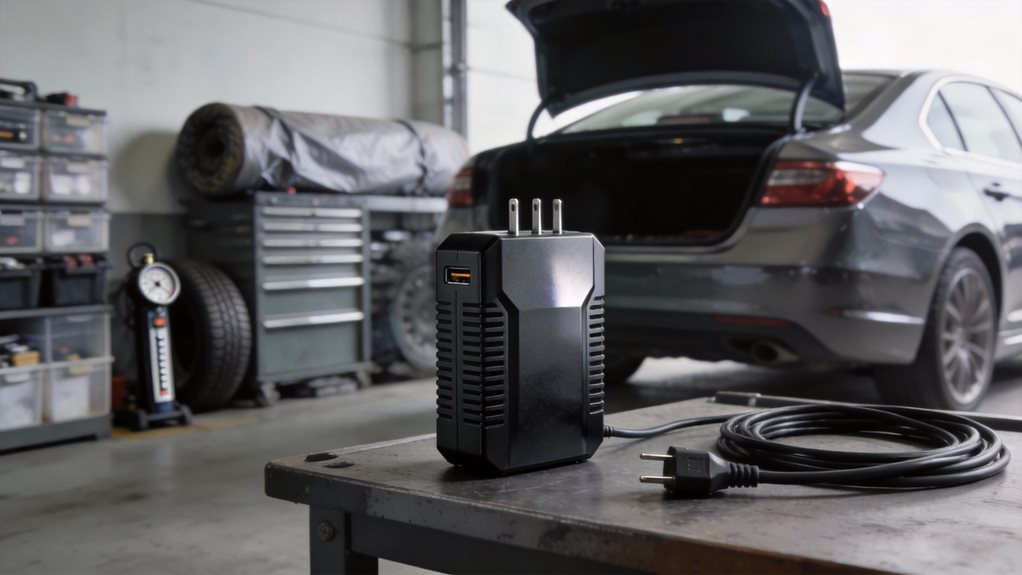
Ever wonder how you can charge your laptop or power a mini fridge right from your car? You can, and it’s easier than you think.
Grab a car power inverter and turn your car’s DC power into AC power, the kind your home devices use. But not all inverters are the same. Picking the right one means knowing what you need and how much power you’ll actually use. If it’s just phones and tablets you’re charging, though, you likely don’t need an inverter at all: see our guide to which car USB ports are worth upgrading first.
Matching Wattage to Your Devices
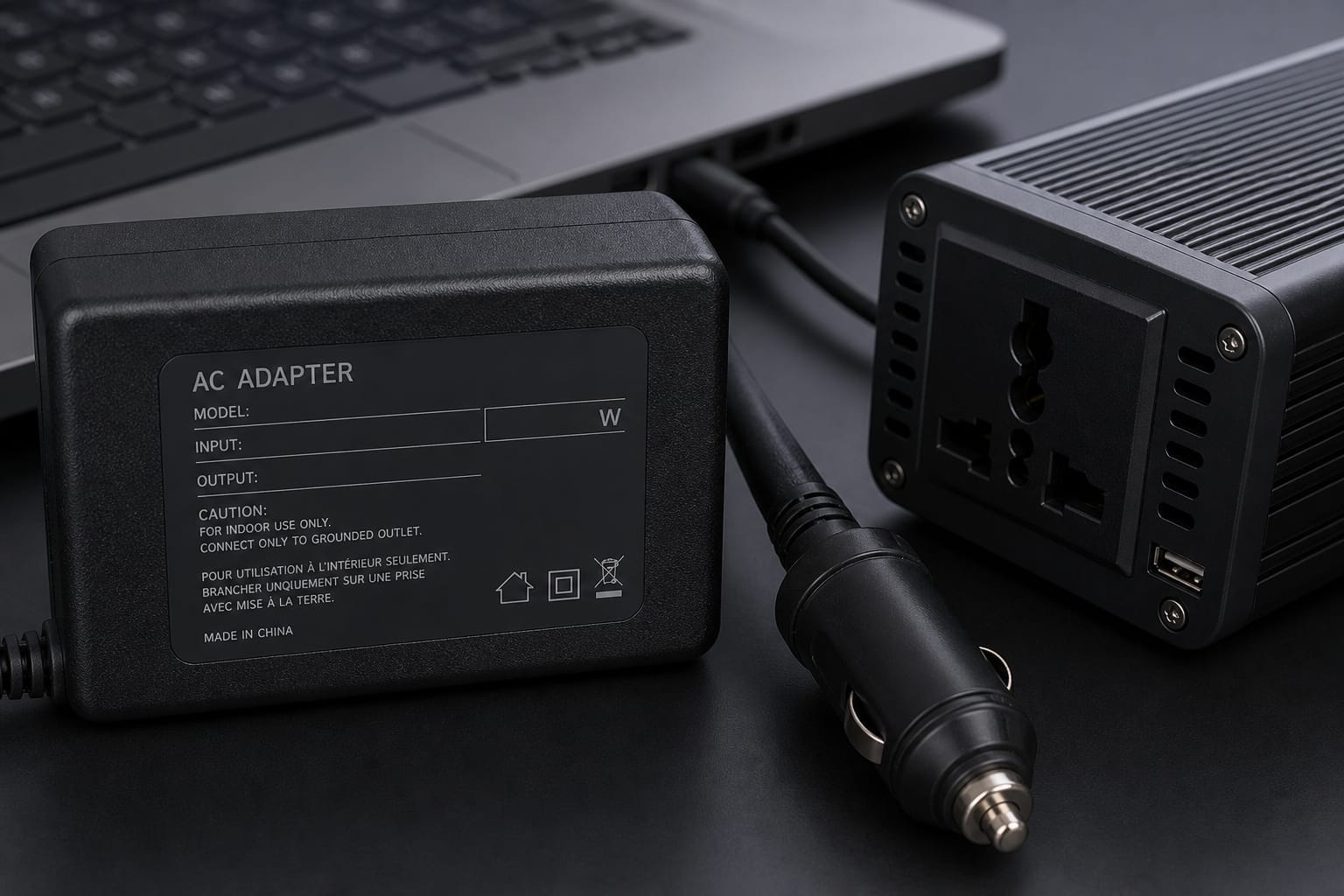
Start by thinking about what you’ll plug in. A phone charger? That’s easy; just 10 to 15 watts. A laptop? Maybe 60 to 90 watts. A mini fridge? That could be 50 to 100 watts running, but it might spike to 150 watts when it first kicks on.
You’ve got to account for that surge, not just the steady draw. Always check the label on your device or its manual for wattage. If you only see amps and volts, multiply them; volts times amps equals watts. Simple math. Big difference.
Products Worth Considering
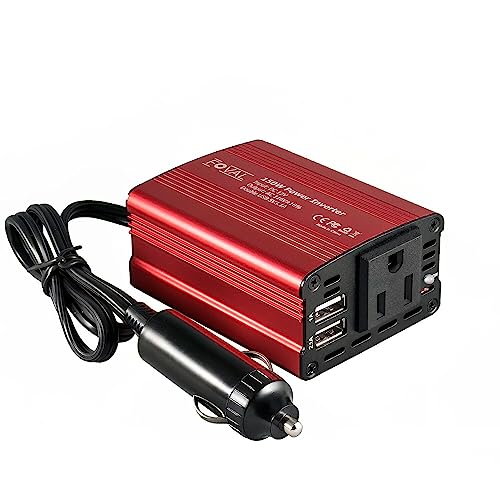
Premium 150w car power inverter: Plug in the car cigarette lighter, offering 150 Watts of continuous 12V DC to 110V AC power output, this car adapter for plug outlet equipped with 2 USB ports and 1 AC outlets, easy charging multi charging devices in the vehicle

Digital Nomad Mobile Silent Pod: Features passive cooling via fanless heat sinks, producing 0 dB of noise. It outputs a pure sine wave current identical to standard mains power, ensuring a safe power supply for precision equipment

[Rapid 3-Device Charging] Equipped with a powerful 150W AC outlet, an 18W USB-A, and a high-speed 30W USB-C PD port, this car inverter allows you to power your laptop, tablet, and phone simultaneously. Whether you're on a business trip or a family vacation, it ensures all your essential gear—from drones and cameras to CPAP machines—remains fully charged and ready for action
Sizing the Inverter Correctly
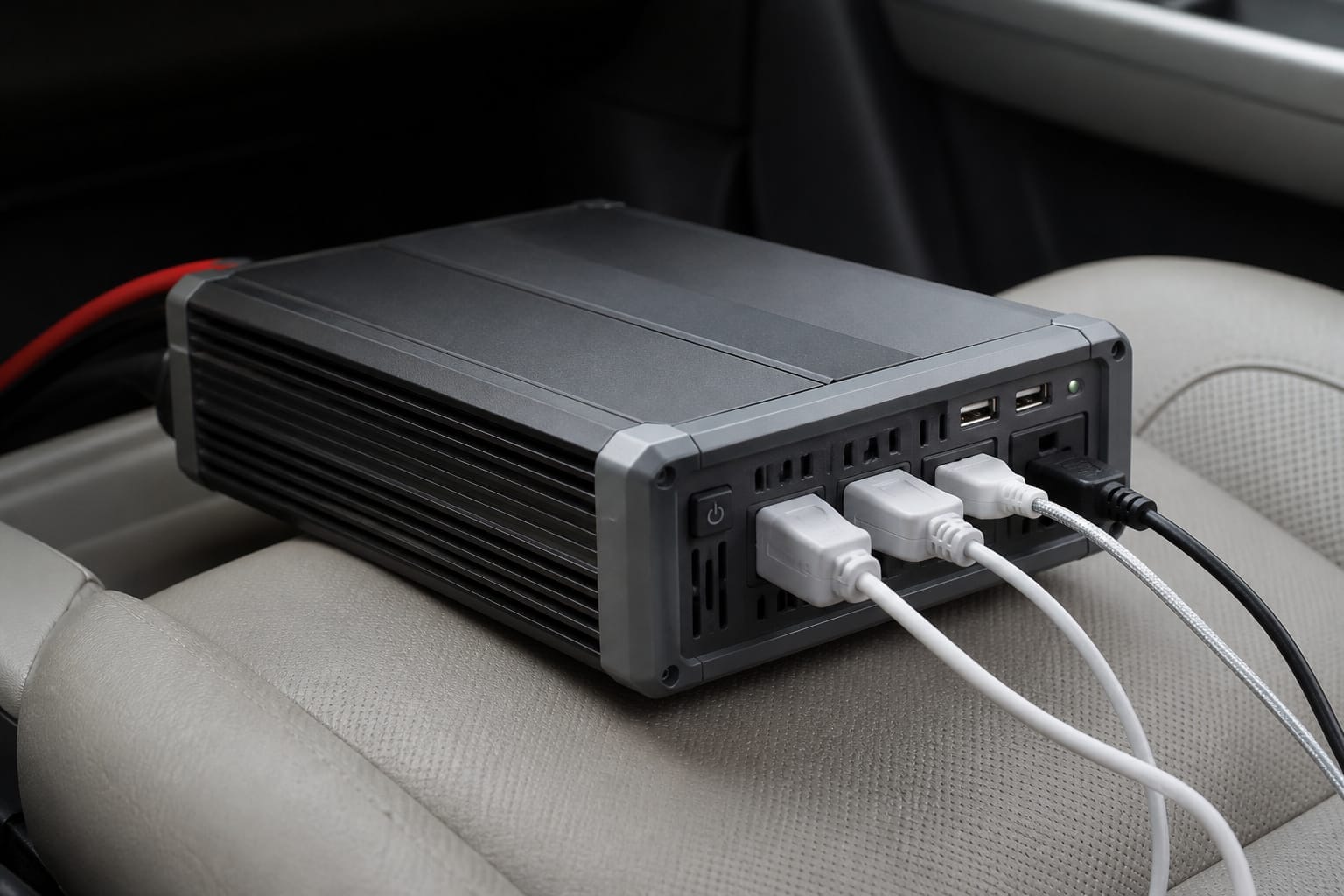
Now pick an inverter that can handle more than your total wattage. Add up all the devices you’ll use at once, then add 20 to 25% extra. If your gadgets need 120 watts total, go for at least a 150-watt inverter. Better safe than sorry.
Underpowering fries circuits. Overpowering? That’s fine. The inverter only provides the power needed.
Size matters, but so does shape. A 300-watt inverter fits most needs, including phones, tablets, laptops, even small TVs. Need more? A 1000-watt unit runs coffee makers, small microwaves, or power tools.
But big inverters drain your battery fast. Run the engine when using high-wattage gear. Don’t kill your car’s battery trying to power a blender for smoothies.
Products Worth Considering

〖Premium150W Power Inverter〗Car Power Inverter Provides 150 watts continuous DC to AC power and 300 watts of peak power. Great for charging string lights, laptop, breast pump, CPAP machine, nebulizer, game console, TV, DVD players, lights, iPad, and other electronic devices.
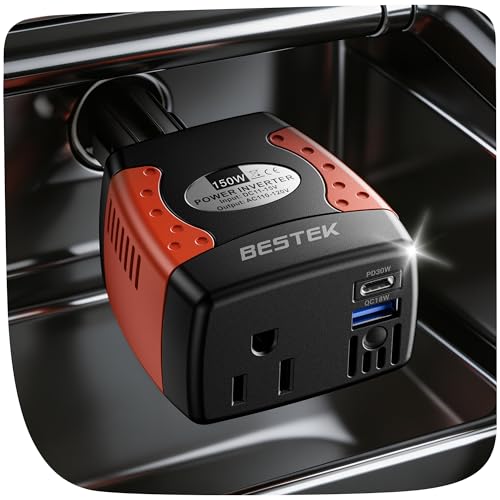
【Independent 48W Fast Charging】Features 30W PD USB-C and 18W QC USB-A that power. Charge a laptop at full speed while your phone fast-charges simultaneously — neither port slows the other. An essential upgrade for any family road trip.

Ampeak portable Car plug in adapter Power Inverter with 2 USB 2.4A ports and an AC outlets convert 12V DV to 120V AC, perfect for car charging electronic & accessories devices like laptops, phone, lighting string use in car, RVs, trucks
Outlets, Sine Wave Type, and Installation
Look at the outlets too. Most inverters have USB ports and standard AC plugs. Some have two AC outlets. That’s handy if you’re charging a phone and running a fan at the same time.
Pure sine wave inverters are smoother and safer for sensitive electronics like laptops or medical devices. Modified sine wave works fine for basic tools or lights, but it can hum or buzz.
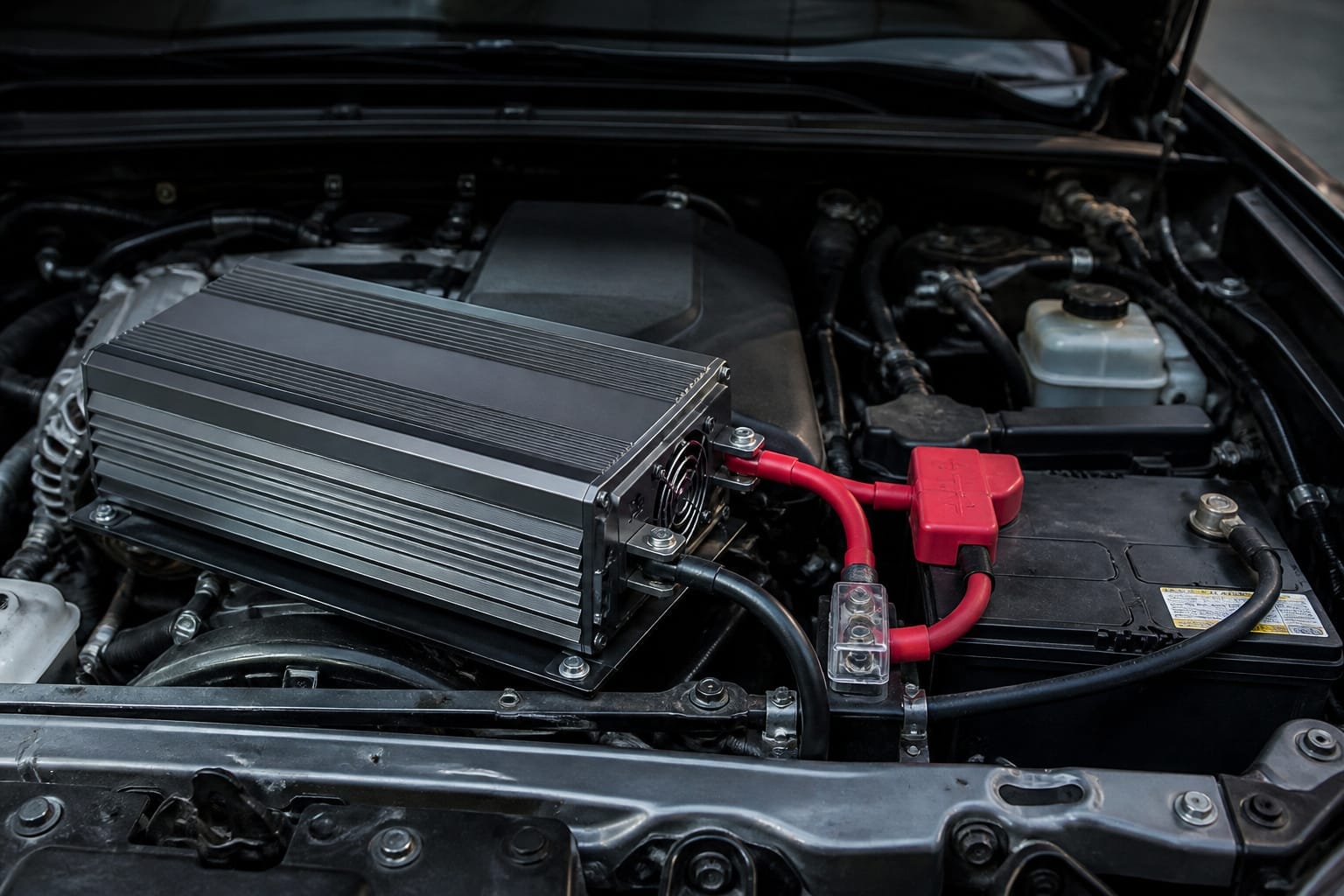
Plug it in through the cigarette lighter for small loads, under 150 watts. For anything stronger, hardwire it to the battery. That’s safer and more stable. Use thick cables and proper fuses. Don’t skip safety.
Keep it cool. Heat kills electronics. Place the inverter where air flows. Not under a blanket. Not in direct sun. Let it breathe.
You’re ready. Match your needs, respect the watts, and power up smart. Your car becomes a mobile outlet. Simple. Useful. Yours.
Products Worth Considering

BESTEK 300W Pure Sine Inverter (Patent Number US D818,853 S): Designed for your devices that require careful protection, provide 300W continuous DC to AC power and 700W of peak power featuring 2 AC outlets and 2 USB charging ports, great for Christmas gift, charging string lights, laptop, speakers, camera, nebulizer, game console, kindle, iPad and other

【𝟏𝟎𝟎𝟎 𝐖𝐚𝐭𝐭 𝐈𝐧𝐯𝐞𝐫𝐭𝐞𝐫】--- This pure sine wave inverter can provide 1000W continuous clean DC to AC power (2000W surge) with >91% efficiency, which strongly and effectively reduces conversion loss and protecting sensitive electronics (LEDs, Laptops, CPAPs, Microwave Oven) from damage. Handles heavy startups (Kettles, Power Tools) effortlessly. For RV, Home, Solar, Emergencies.
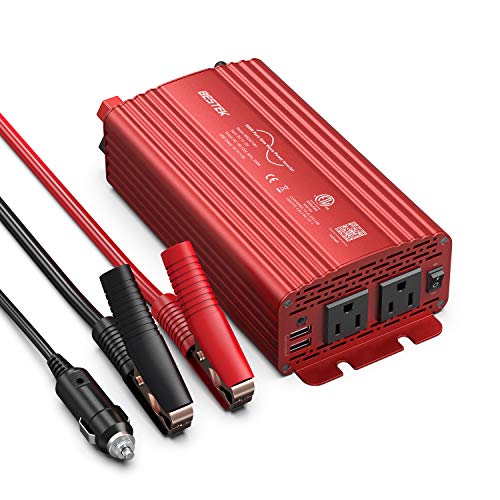
BESTEK 500W Pure Sine Wave Car Inverter:Its output waveform is same as the AC power waveform of mains power grid which delivers a smoothly-varying sine wave for sensitive electronics provided by the electric utility.Perfects for off-grid system,Lower THD,Less wear,Strong inductive Loads Capability.It has little interference with radios, communication and precision equipment.It's also recommended by most cordless tool manufacturer that a pure sine wave inverter is used to ensure long battery life
Frequently Asked Questions
Can I Leave the Inverter Plugged In If the Car is Off?
No, you shouldn’t leave it plugged in when the car’s off. It drains your battery, even on standby. Unplug it after use. If you forget, your car might not start.
Small draw adds up fast. Think of it like a slow leak in a tire, silent but dangerous. Protect your battery. Stay smart. Unplug. Reconnect only when the engine’s running.
Simple habit, big payoff. Keep power where you need it, on the road, not wasted.
Will a Power Inverter Drain My Car Battery?
Yes, it will drain your battery, like a slow tire leak. You leave it plugged in, the inverter sips power even when off. Don’t let that happen. Unplug it when the car is off.
A 10-watt draw can kill a full battery in days. Bigger inverters mean a faster drain. Check your device needs. Match wattage smart. Protect your ride. Stay charged. Stay ready.
Are Modified Sine Wave Inverters Safe for Laptops?
Yes, modified sine wave inverters are usually safe for laptops. You’ll plug in, power up, and work just fine. Most laptops adapt well to the uneven flow.
But some sensitive electronics might buzz or overheat. For long drives or pricey gear, go pure sine wave. It’s smoother, cleaner power, like home current. Your laptop runs cooler, quieter, longer.
When in doubt, check your charger. If it says “do not use with modified sine,” obey. Choose wisely. Stay charged. Stay safe.
How Do I Ground a Car Power Inverter Properly?
You ground a car power inverter by connecting its grounding terminal to your vehicle’s metal chassis with a thick wire, like 10-gauge. Use a wrench to secure the bolt tightly. Scrape paint off the metal spot.
Keep the wire short and direct. No kinks. No loops. Power flows clean. Your devices stay safe. Ground right, run right.
Can I Use an Inverter With a Solar Charger?
Yes, you can use an inverter with a solar charger. Just make sure they match.
Plug the inverter into your battery, and let the solar charger refill it. Keep wires short and connections tight. Use a charge controller. It protects your battery.
Run low-watt devices like phones or lights first. Watch the voltage. If it dips below 12.2V, stop.
Pair a 100W solar panel with a 300W inverter. That’s smart. Balance power in and power out.