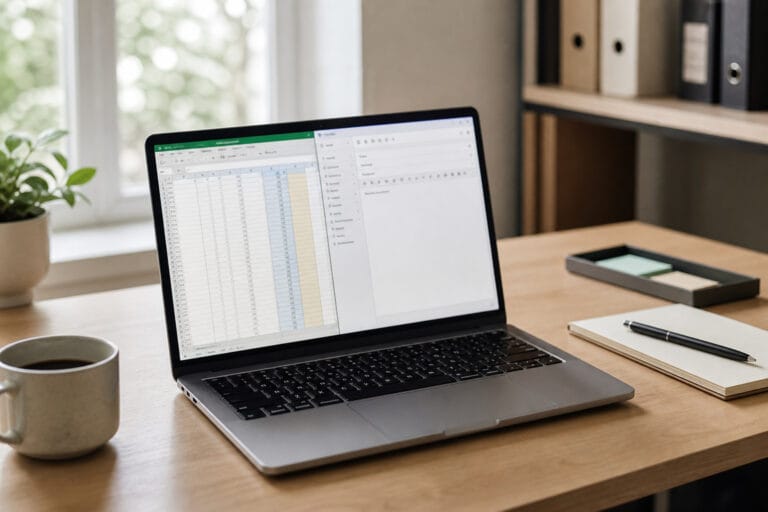
A cheap computer can be a good purchase or an expensive mistake, and the difference is a handful of specs, not the price.
This guide covers what budget machines cut, which specs to insist on, and how memory-driven price increases in 2026 change the math.
What You Give Up at the Low End

Manufacturers reach a lower price point by cutting where shoppers are least likely to look: a slower processor, amount of RAM, slow eMMC flash storage instead of a real SSD, a dim or low-resolution display, a plastic body, and a keyboard and trackpad that feel cheap.
None of these ruins a computer for email and web browsing. Together, though, they decide how the machine feels after a year of software updates and heavier websites.
The Specs That Decide Whether It Is Usable

Aim for 8 GB of RAM, a real SSD rather than eMMC, a current-generation Intel or AMD processor, and a 1080p display. Windows 11 lists 4 GB of RAM and 64 GB of storage as its minimums, but those numbers describe the floor the operating system will install on, not a machine that feels comfortable with a browser full of tabs and a video call running.
Our guides explain the numbers in more detail: how much RAM you need, SSD versus HDD storage, and what computer specs really mean.
Recommended Products
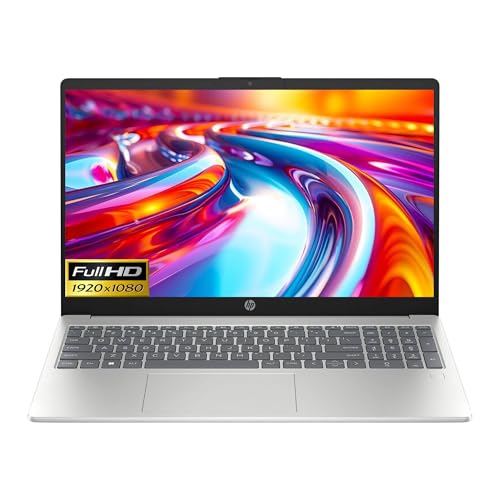
Intel i3-n305 (up to 3.8 ghz with Intel turbo boost technology, 6 mb l3 cache, 8 cores)(beats i5-1135G7); Intel 4k graphics; Windows 11 home; fingerprint reader

[Powerful Daily Performance] Equipped with a dual-core 6500Y processor (Turbo up to 3.4GHz), this laptop ensures smooth web browsing, video streaming, and document handling. Multitask effortlessly between email, spreadsheets, and presentations without lag. and multitask between applications like email, spreadsheets, and presentations without slowdowns.

【Reliable Performance for Work & Study】Powered by Pentium Gold 6500Y processor with up to 3.4GHz performance, this laptop computer handles daily tasks smoothly, including web browsing, document editing, online learning, and multitasking.
Why 2026 Is an Unusual Year for Cheap Laptops
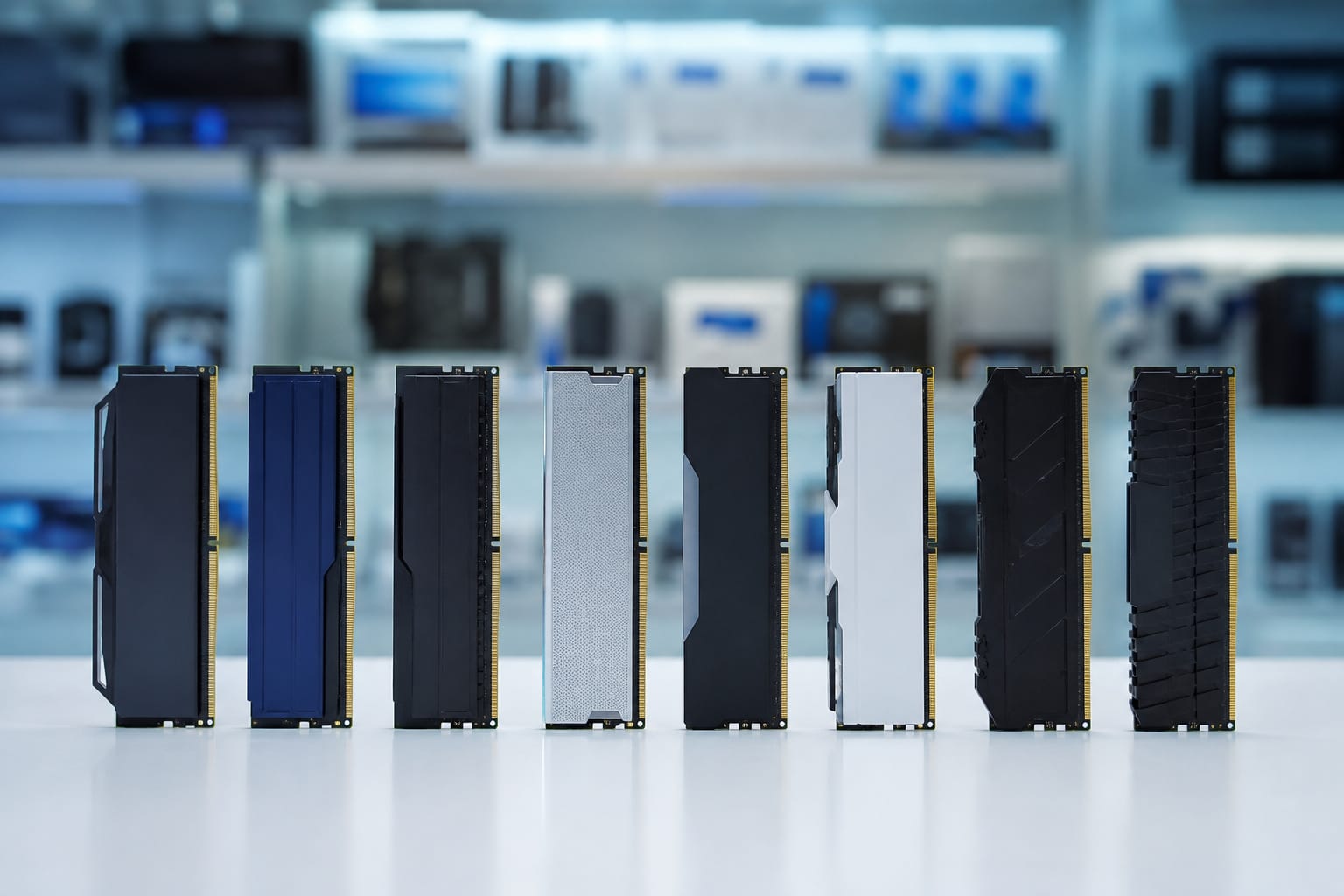
Memory prices have climbed this year because AI data centers are absorbing a large share of the world’s RAM and flash supply. Consumer Reports reported that makers of mid-range and low-end laptops often respond with de-spec strategies, keeping the sticker price steady while shipping less, such as 8 GB of RAM instead of 16 GB or a dimmer screen. Analysts including IDC and Gartner forecast higher average PC prices in 2026, with estimates ranging from single-digit to well above 10 percent.
The practical lesson is to read the spec sheet even on a model line you know. The same price may buy less than it did last year, and a laptop that looks identical in photos can hide a weaker configuration.
Repairs and Upgrades Are Often Off the Table
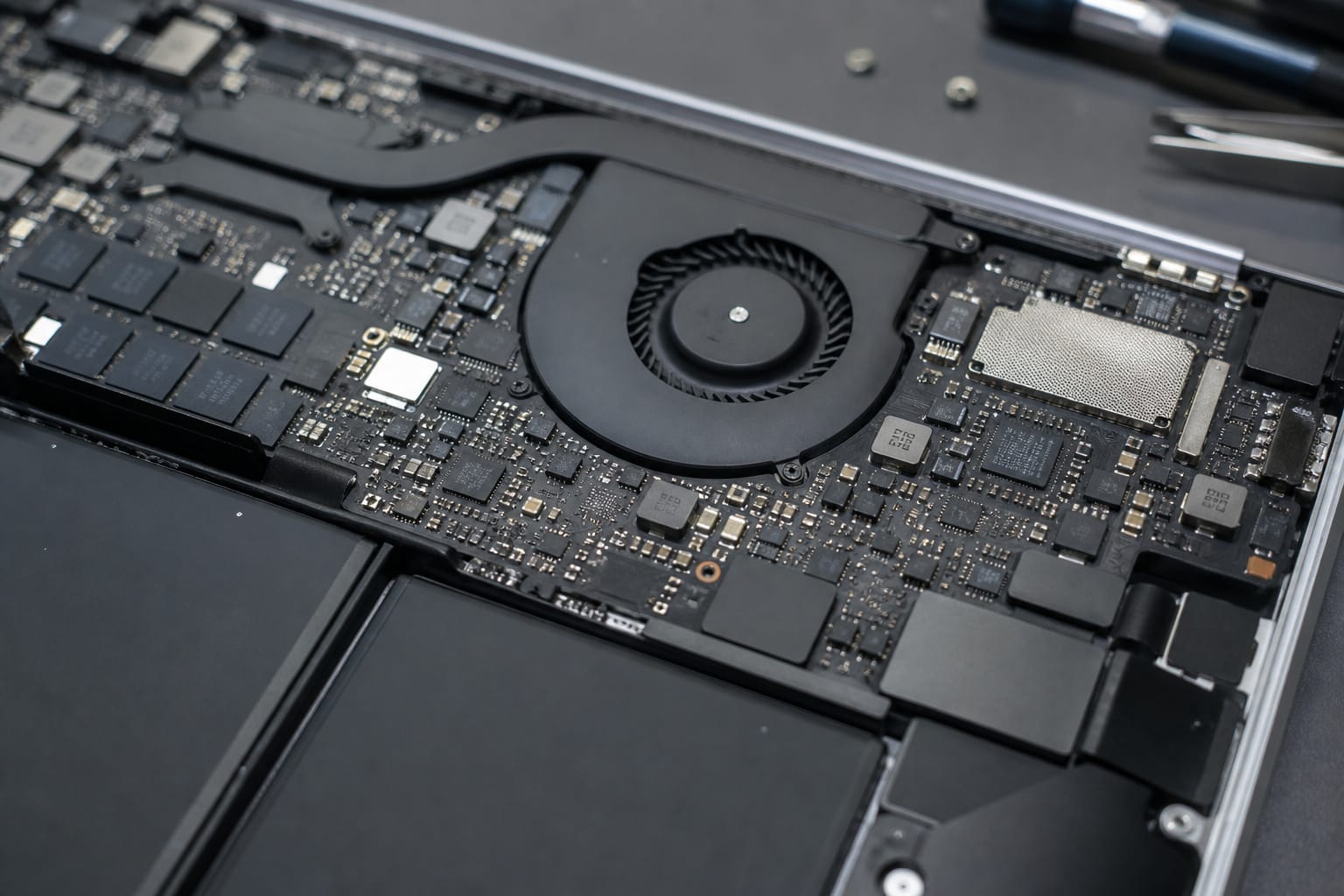
Many budget laptops solder the RAM to the board, and some solder the storage too, so you cannot fix a weak configuration later. That makes it more important to buy enough memory and a real SSD up front.
Our guide to upgrading an old computer explains how to check what a given model allows before you commit.
Recommended Products

[Specs] DDR3L / DDR3 1600MHz PC3L-12800 / PC3-12800 204-Pin Unbuffered Non ECC 1.35V CL11 Dual Rank 2Rx8 based 512x8
[Specs] DDR3L / DDR3 1600MHz PC3L-12800 / PC3-12800 204-Pin Unbuffered Non ECC 1.35V CL11 Dual Rank 2Rx8 based 512x8

Better Options Than the Cheapest New Laptop
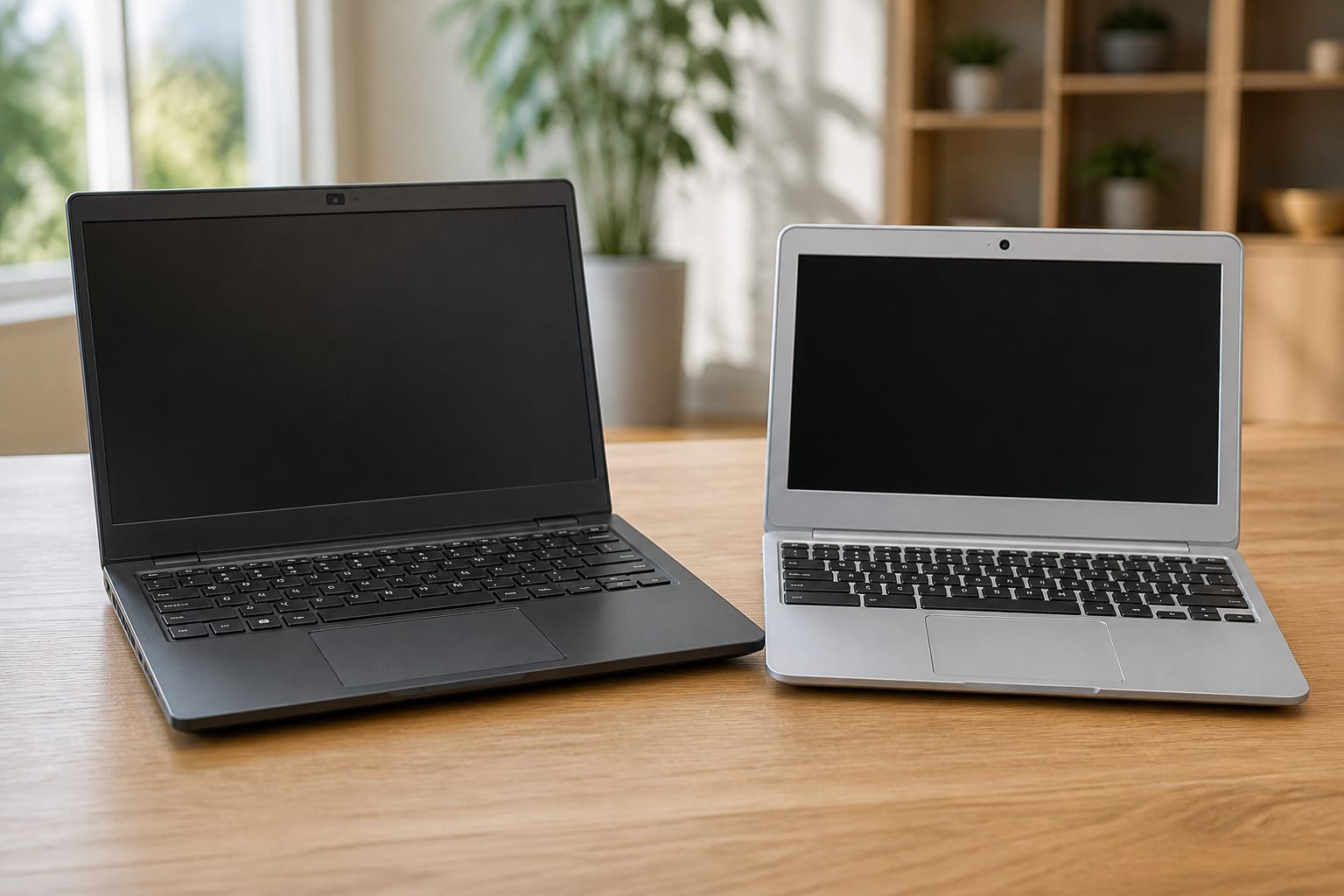
If the cheapest new laptop model seems underpowered, there are three alternatives. A refurbished business laptop from a seller that includes a warranty often has better build quality and a better keyboard for the same money; see whether refurbished computers are worth buying.
A Chromebook suits browser-based work, as long as you check its Auto Update Expiration date, which our guide on how long a computer should last explains.
Or wait for a sale on last year’s model, as covered in when to buy a computer.
Recommended Products

-Efficient Business Laptop: Powered by 11th Gen Intel Core i5-1145G7 Quad-Core Processor (2.6GHz base, up to 4.4GHz Turbo Boost), ideal for office tasks and light multitasking.

Certified Refurbished – Tested & Certified to Work Like New – Each laptop undergoes rigorous functionality testing, thorough cleaning, detailed inspection, and professional repackaging. Comes with all essential accessories, a minimum 90-day warranty, and may arrive in a generic box for efficient delivery with secure and well-protected packaging. Only top-rated sellers meeting Amazon's strict quality standards are authorized to offer Certified Refurbished products on Amazon.com.

When a Cheap Computer Is the Right Choice

A low-cost machine makes sense when the work is light, and the stakes are low: email, web browsing, streaming, and documents; a secondary computer for a kitchen or guest room; a first computer for a child; or a short-term need.
It makes less sense as your only computer for work or school, where slowdowns cost you time every day. The mistakes that trip up most shoppers are listed in our guide to common computer buying mistakes.
Recommended Products

Model: Dell OptiPlex 7050 Small Form Factor (SFF)

WIRELESS CONNECTION SUPPORT 3 DEVICE - Upgrade Tri-mode wireless mouse (BT 5.0/3.0+2.4Ghz). It can connect 2 device through BT, and 1 device through 2.4GHz USB Receiver, freely switches between 3 devices with 1 mouse. Note: You can't control three devices at the same time.

【Plug and Play for Home/Office/School】The wireless computer mouse features 2.4GHz connectivity, delivering a stable, interference-free connection up to 32ft. Designed for 𝐦𝐞𝐝𝐢𝐮𝐦 𝐭𝐨 𝐥𝐚𝐫𝐠𝐞 𝐬𝐢𝐳𝐞𝐝 𝐡𝐚𝐧𝐝𝐬, it ensures comfortable use all day. Simply plug in the USB-A receiver for instant pairing—no drivers needed. 📌📌 If the mouse isn’t suitable, place the USB receiver in the battery compartment and return both.
Frequently Asked Questions
Can cheap computers run modern games?
Some games, yes. Cheap computers rely on integrated graphics, so lighter games such as Minecraft run acceptably at lower settings, while demanding titles will struggle or not run at all. If gaming matters, look for a dedicated graphics card. It’s rare at the very low end.
Do budget laptops have good webcams?
Often not. Many budget laptops use low-resolution webcams that look grainy in dim rooms. An inexpensive external webcam is a simple fix if video calls matter to you.
Are cheap computers easy to repair?
Usually not. Glued batteries, soldered memory, and plastic housings that crack when opened make repairs harder than on business-class laptops. Check whether the battery and storage are replaceable before you buy, and look for the manufacturer’s service manual online.
Do low-cost computers support dual monitors?
Many do, through an HDMI port plus a USB-C port that supports video output. Check the spec sheet for video output ports, because not every USB-C port can drive a display.
Can I upgrade a cheap computer’s RAM?
Sometimes. Some models have a slot you can fill, while others have all the memory soldered to the board. Search for your exact model plus the word specifications to find out, and confirm the memory type before you buy.