A computer feels fast when its slowest part is not holding the others back. Speed comes from a handful of components working together, plus how well the system is maintained.
This guide explains what makes a computer fast for everyday use and how to find the bottleneck in a machine that feels slow.
The Processor
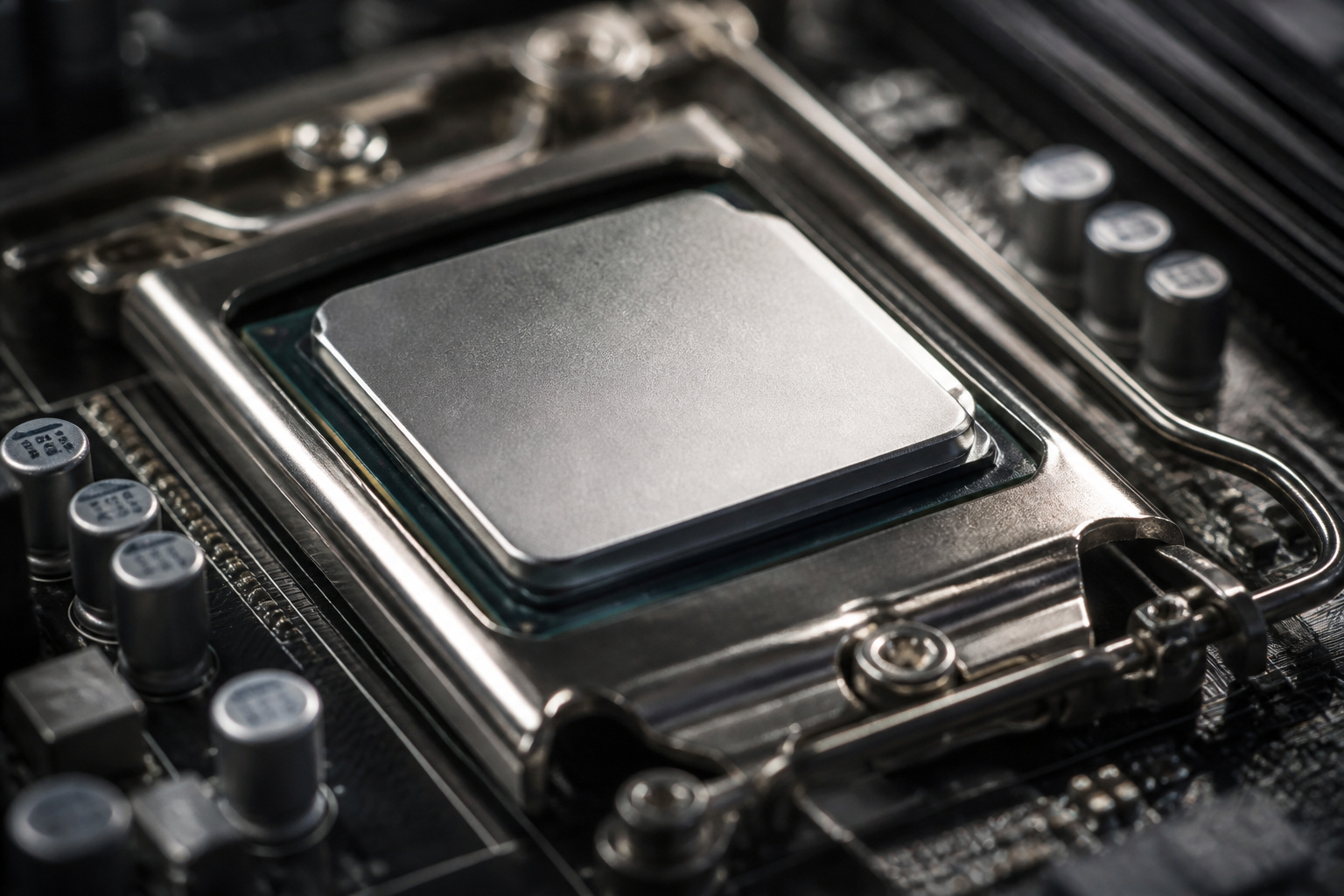
The processor performs the calculations. More cores let it handle more tasks at once, and a newer generation does more work per second at the same clock speed.
But many everyday apps use only one or two cores, so extra cores help mainly when you multitask or run heavy software such as video editing and games.
A current mid-range Core i5 or Ryzen 5 is fast enough for everyday use. See what computer specs really mean for how to read processor names.
Recommended Products

Pure gaming performance with smooth 100+ FPS in the world's most popular games

Can deliver fast 100 plus FPS performance in the world's most popular games, discrete graphics card required

The Socket AM5 socket allows processor to be placed on the PCB without soldering
Memory and Storage
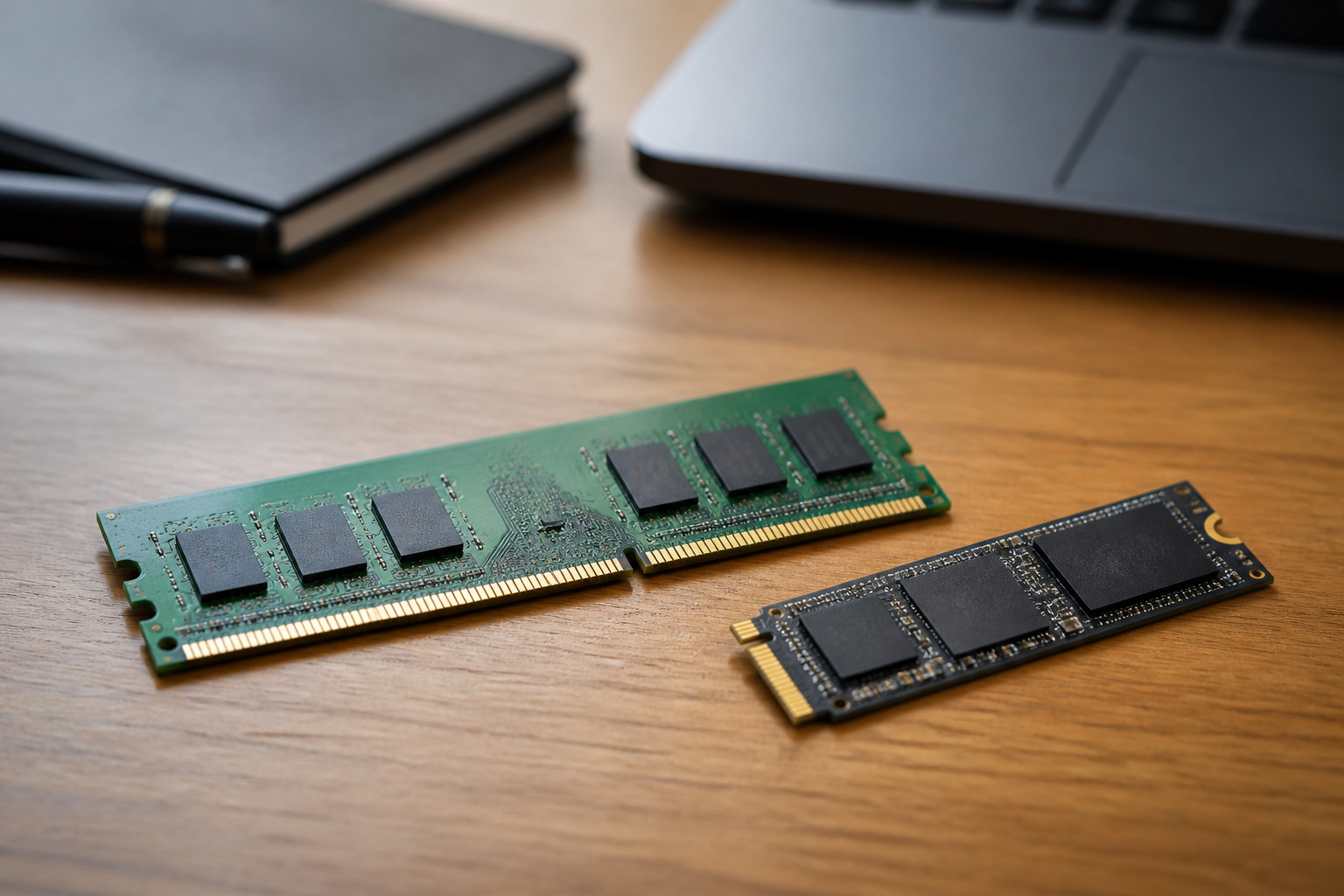
Two parts have the biggest effect on how responsive a computer feels.
RAM holds your open programs, and when it runs out, the computer slows sharply.
Storage determines how quickly the system starts and files open, and a solid-state drive is much faster than a hard drive.
Our guides on how much RAM you need and SSD versus HDD storage give the numbers.
Recommended Products

VALUE & PERFORMANCE MINI PC - GMKtec Nucbox M6 Ultra Series is equipped with the powerful AMD Ryzen 5 7640HS processor. This CPU is an upper mid-range processor (APU) of the Phoenix product family. It has 6 SMT-enabled Zen 4 cores (12 threads) running at 4.3 GHz base speed to turbo boost 5.0 GHz.With a TDP Boost of 45W-60W, the Ryzen 7640HS CPU is more energy efficient and delivers a 30% Performance increase over previous AMD Ryzen 7 6800H, 6600U.

OFFICE & GAMING MINI PC : GMKtec Nucbox M5 Ultra equipped with the AMD Ryzen 7 7730U, 8 Cores/ 16 Threads.With Turbo Boost up to 4.50GHz. Based on the ZEN 3+ architecture, this small but robust mini PC excels in productivity tasks, daily office work, and smooth 1080p gaming, 35%+ higher performance compared to previous AMD Ryzen 5 7430U / Ryzen 7 5700U/5600U/5560U models.

VALUE & PERFORMANCE MINI PC - GMKtec Nucbox M6 Ultra Series is equipped with the powerful AMD Ryzen 5 7640HS processor. This CPU is an upper mid-range processor (APU) of the Phoenix product family. It has 6 SMT-enabled Zen 4 cores (12 threads) running at 4.3 GHz base speed to turbo boost 5.0 GHz.With a TDP Boost of 45W-60W, the Ryzen 7640HS CPU is more energy efficient and delivers a 30% Performance increase over previous AMD Ryzen 7 6800H, 6600U.
Heat and Throttling

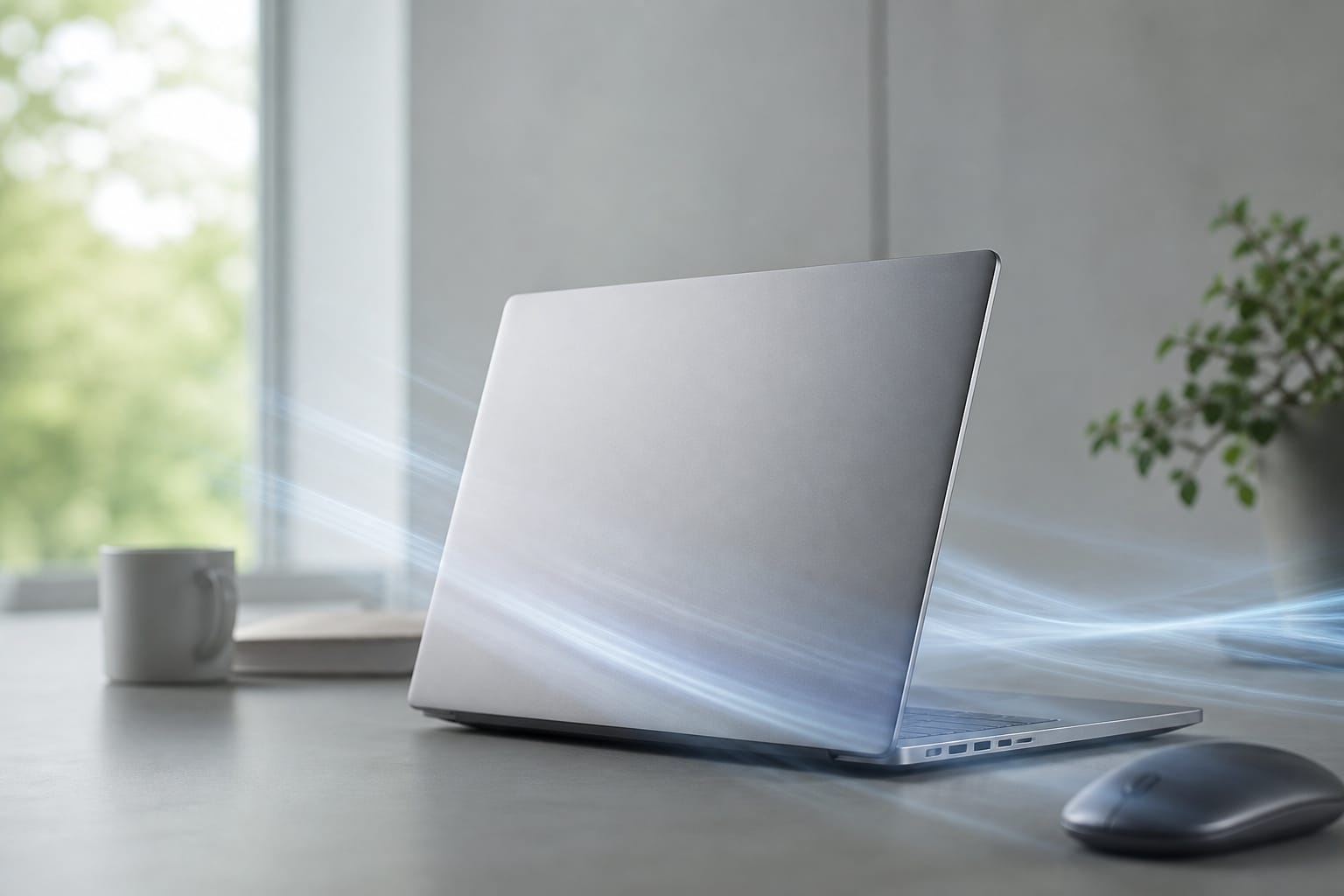
Processors slow down when they get too hot, which is called thermal throttling. Dust-clogged vents, a laptop used on a soft surface, and dried thermal paste on older machines all raise temperatures.
Cleaning the vents and using a hard surface often restores speed. Our guide to making your computer last longer explains how.
Software and Background Load
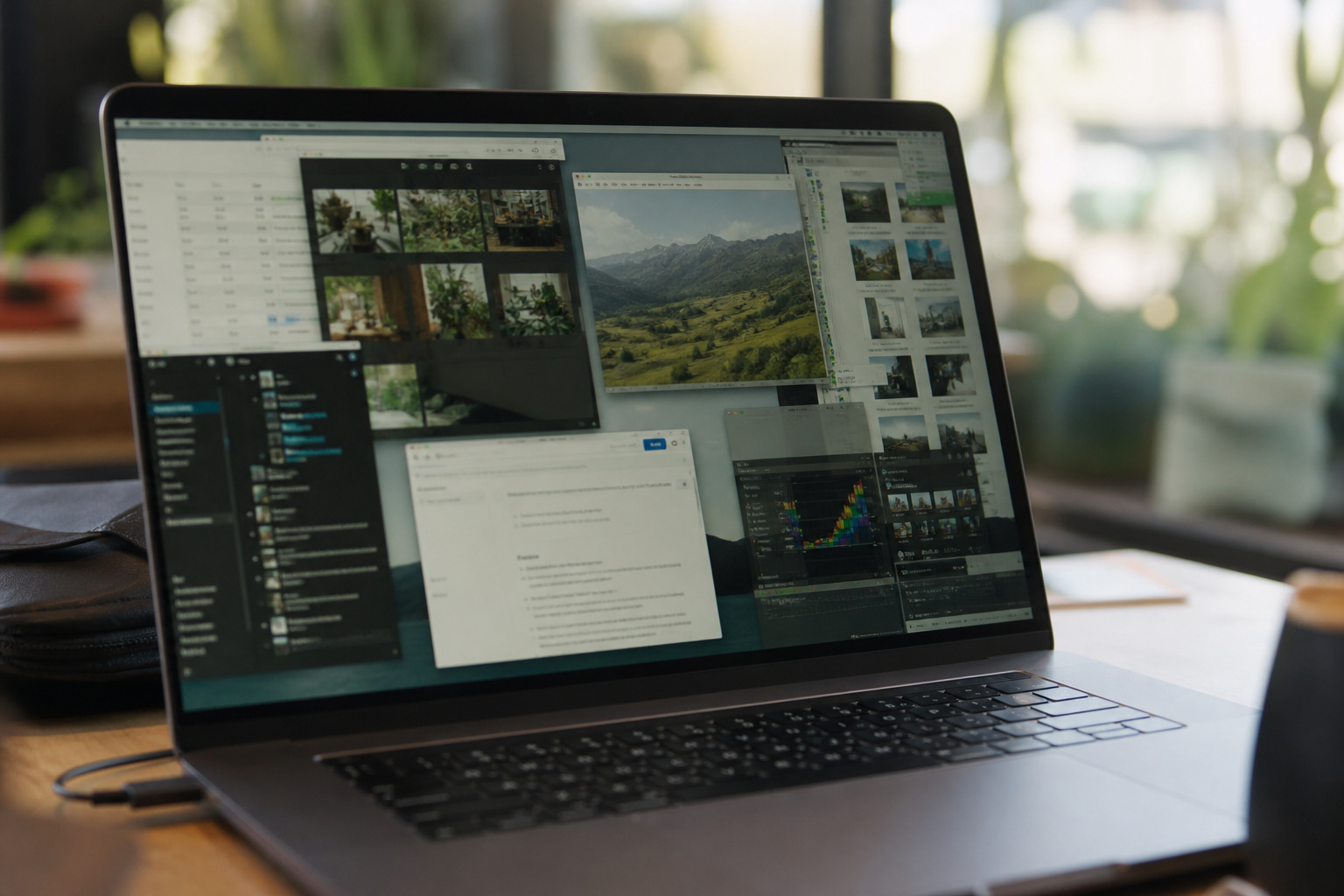
Programs that start with the computer, too many browser tabs and extensions, and a nearly full drive all slow a machine down.
Restarting regularly and trimming startup apps costs nothing, and our guide to keeping your computer running smoothly walks through the steps.
Network Speed
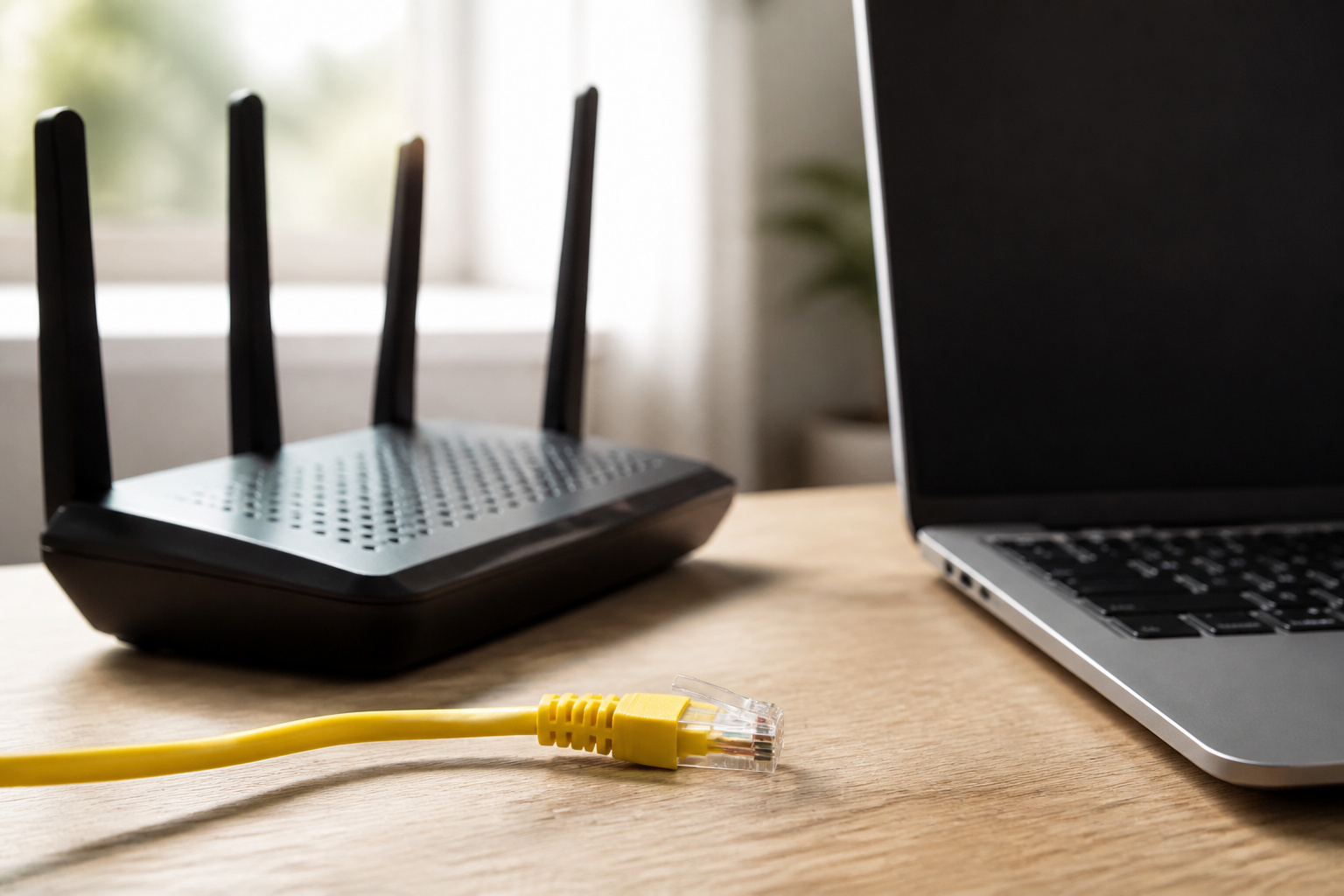
Slow-loading pages are often a network problem, not a computer problem.
Wi-Fi 6 or newer helps if your router supports it, and a wired Ethernet connection is the most stable option for large downloads and video calls.
A faster computer cannot make a slow internet plan faster.
How to Find the Bottleneck

Open Task Manager on Windows or Activity Monitor on a Mac and watch what reaches its limit while the computer feels slow.
High memory use points to RAM, constant disk activity on a hard drive points to an SSD upgrade, and a processor stuck at full load suggests either heavy software or heat.
If nothing helps, see the signs it is time to replace your computer.
Recommended Products


HIGH-SPEED PERFORMANCE: Achieves read speeds up to 550MB/s, significantly reducing load times and boosting overall system responsiveness.
Frequently Asked Questions
How much RAM do I need for basic tasks?
8 GB handles browsing, email, and streaming, and 16 GB is more comfortable when you keep many tabs and apps open at once.
Is an SSD better than a hard drive for speed?
Yes, by a wide margin. An SSD cuts startup and app launch times and makes the whole system feel more responsive.
Does having more cores always improve performance?
No. Many everyday apps use only a few cores. More cores help when you multitask or run software designed to use them.
Can a better cooling system make my computer faster?
If the computer is throttling because of heat, yes. Clean vents and good airflow let the processor hold its full speed.
Does the brand of the processor affect speed?
Intel and AMD both make fast chips. Compare specific models and generations using benchmarks rather than choosing by brand.