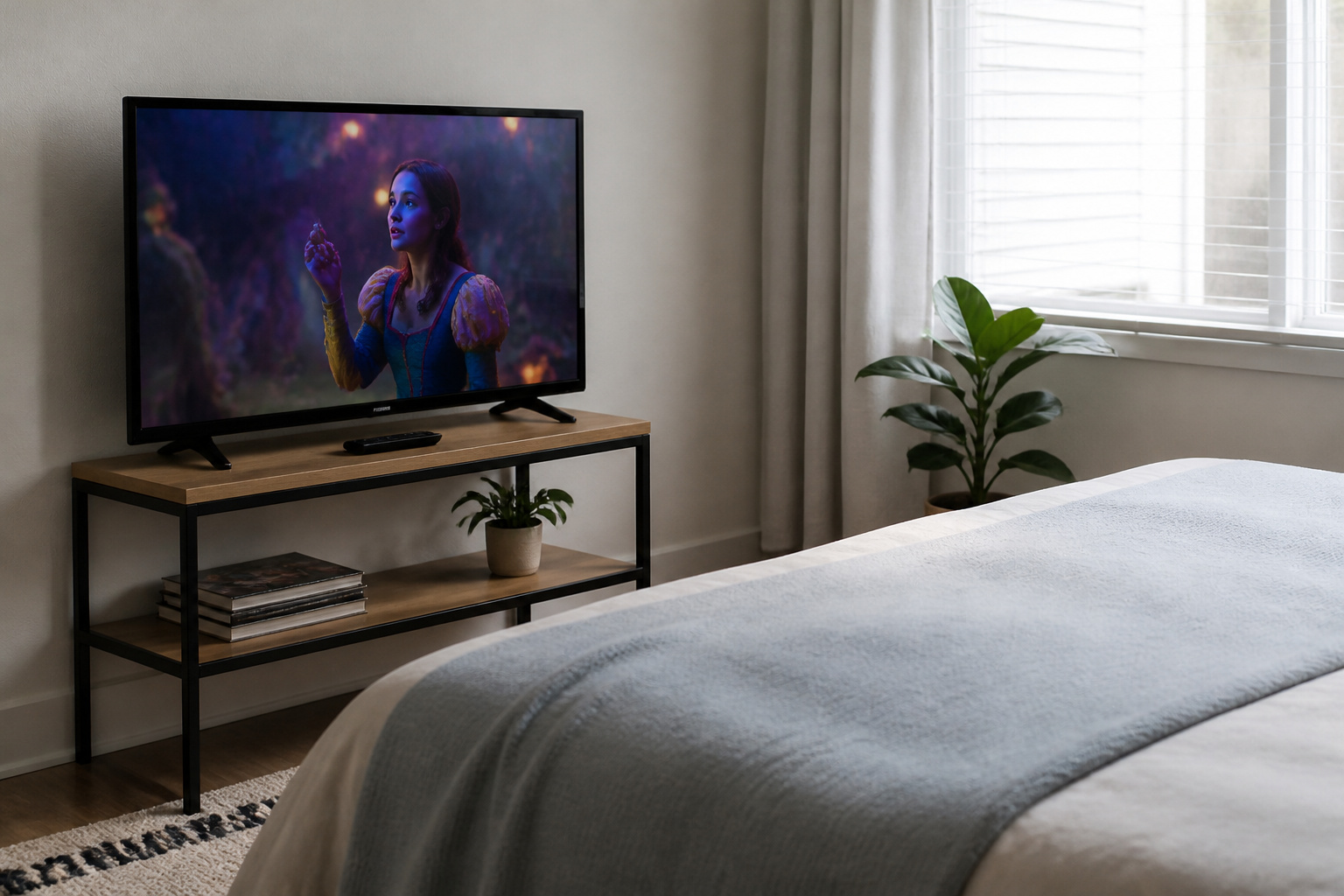
A cheap TV can be a good buy or an expensive mistake, depending on what you expect.
Budget sets have improved a lot, and for a bedroom, kitchen, or casual viewing, they are often more than enough.
The key is knowing which features get cut at lower prices so you are not surprised later.
What You Get at a Low Price
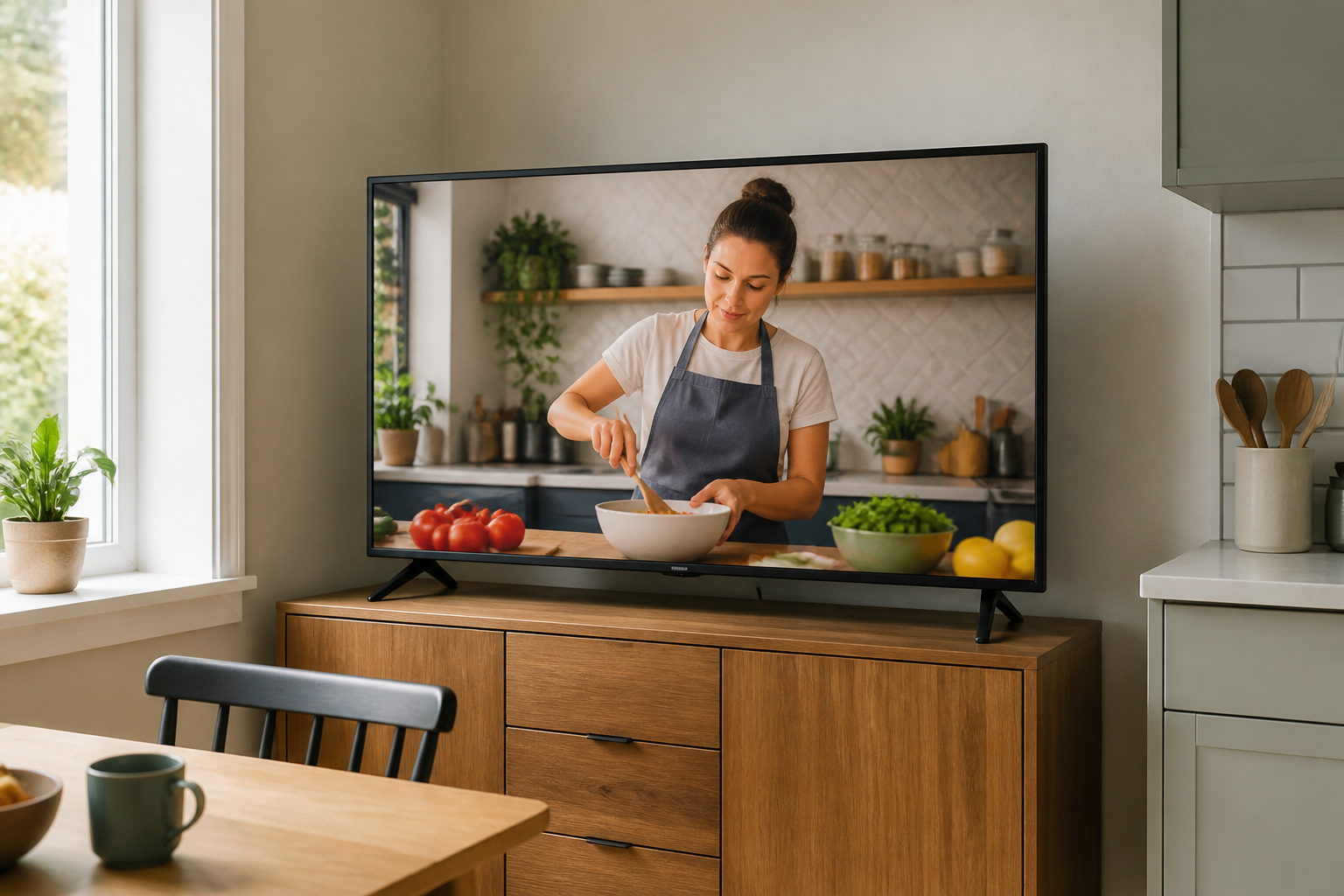
Even inexpensive TVs today typically offer 4K resolution, a built-in smart platform, and support for the major streaming apps.
For streaming shows and sports in a reasonably lit room, that is plenty. If you mostly watch in daylight or use the TV as a second set, budget models make a lot of sense.
Recommended Products
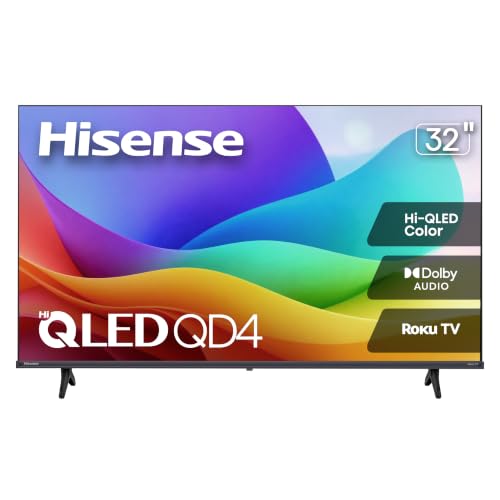
Hi-QLED Color: Hi-QLED technology makes every shade, scene and skin tone look true-to-life, rendering every scene convincingly real, just as the creator intended.

Breathtaking picture: Sharp 4K brings out rich detail on our 50" flat screen TV, while the QLED screen and HDR10 create bright, accurate colors. Roku Smart Picture cleans up incoming TV signals, optimizes them, and chooses the right picture mode.

Get more from your TV – With 4K Ultra HD, enhanced brightness, and clear audio, the Amazon Ember 4-Series upgrades your entertainment.
What You Give Up

Budget TVs save money mainly on the panel and processor. Expect lower peak brightness, weaker contrast with limited or no local dimming, and narrower viewing angles.
HDR support may exist but look unimpressive in practice, since the TV cannot get bright enough. Motion handling is often basic, and built-in speakers are usually thin.
Smart platforms can also feel slower. For a closer look at HDR limits, see our HDR explainer.
Gaming and Sports on a Budget
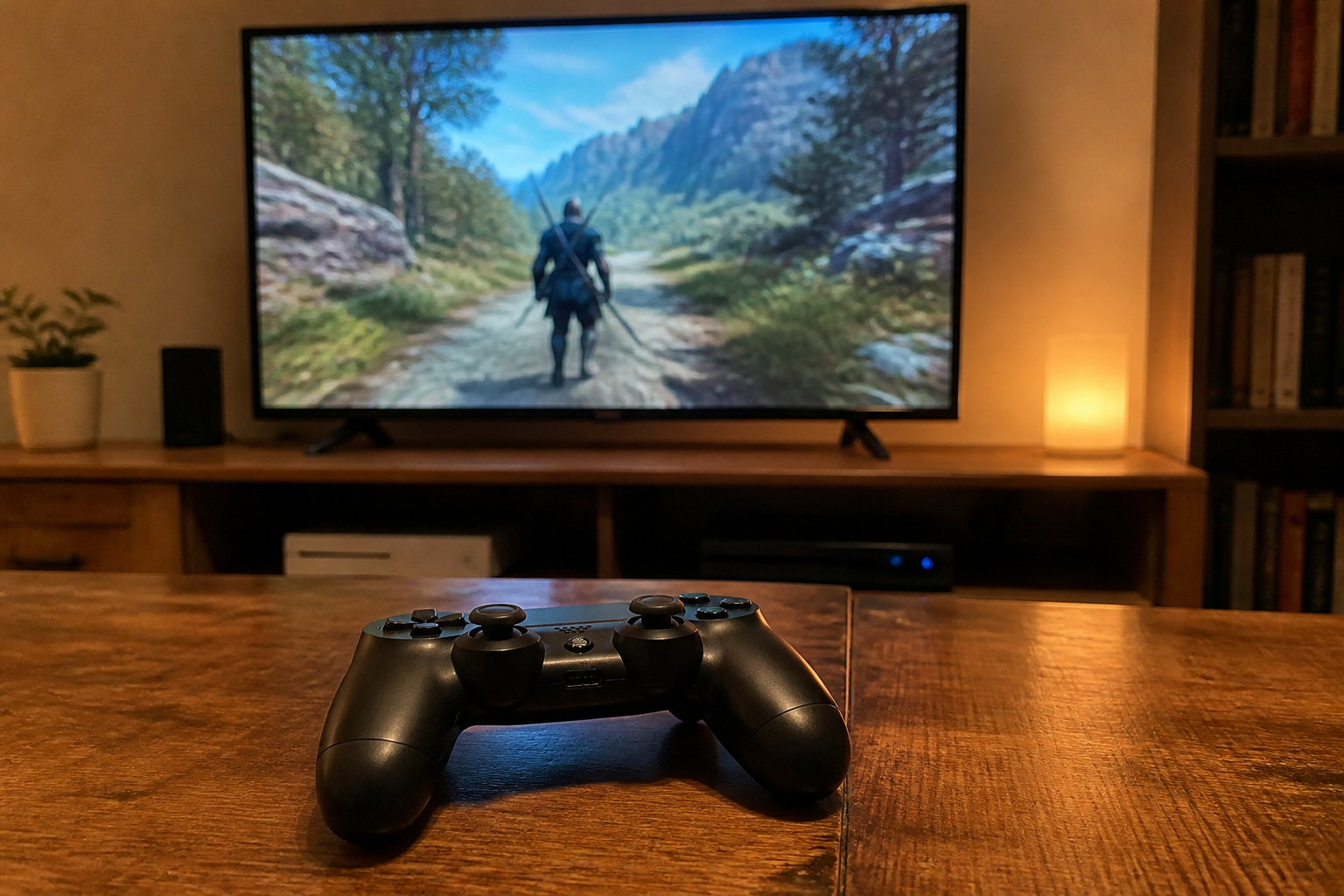
Many cheap TVs are 60Hz and only have HDMI 2.0, so they cannot do 4K at 120 frames per second for consoles.
If you game or watch a lot of fast sports, look for a model with a native 120Hz panel, HDMI 2.1, and variable refresh rate. These features typically appear in mid-range sets.
See 60Hz vs 120Hz for details.
Recommended Products

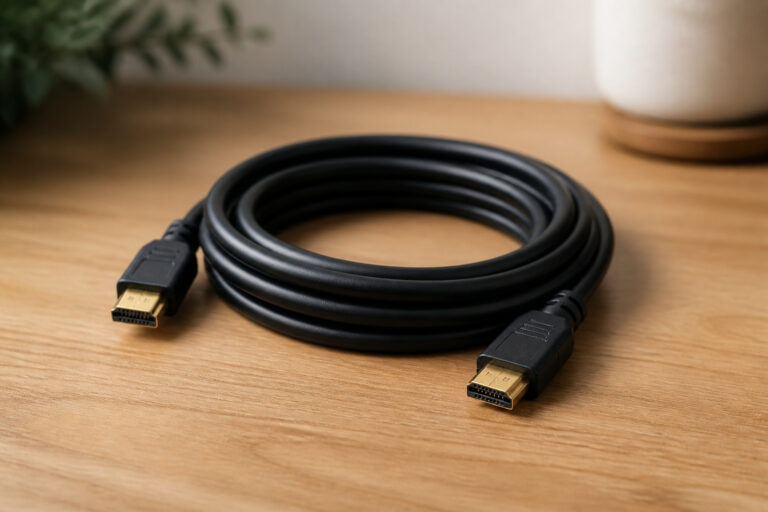
Real 8K HDMI certified cable: The HDMI cables pass HDMI 2.1 Certified. The HDMI Cable delivers 10K 8K@60Hz and 4K@240Hz higher resolution, 4 times higher than 4K@60Hz. The advanced technology makes a remarkable improvement in image clarity and sharpness

【HDMI 2.1 Certification】Only 1% of HDMI cables on the market have passed HDMI 2.1 certification. Scan with the QR code Scanner app for verification
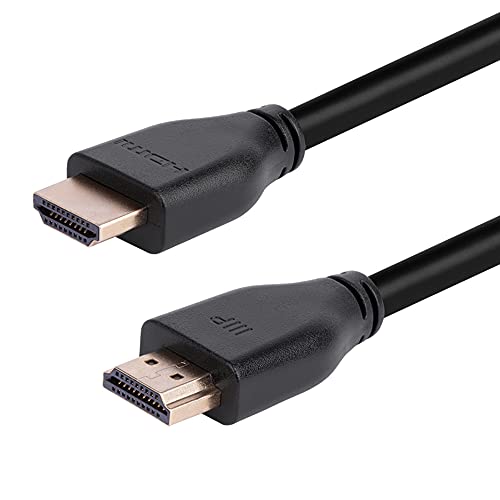
48Gbps Bandwidth: These cables feature up to 48Gbps bandwidth, which allows them to support high bandwidth dependent content and features, such as Dynamic HDR, Dolby Vision, Dolby Atmos, and DTS:X.
Where to Spend a Little More
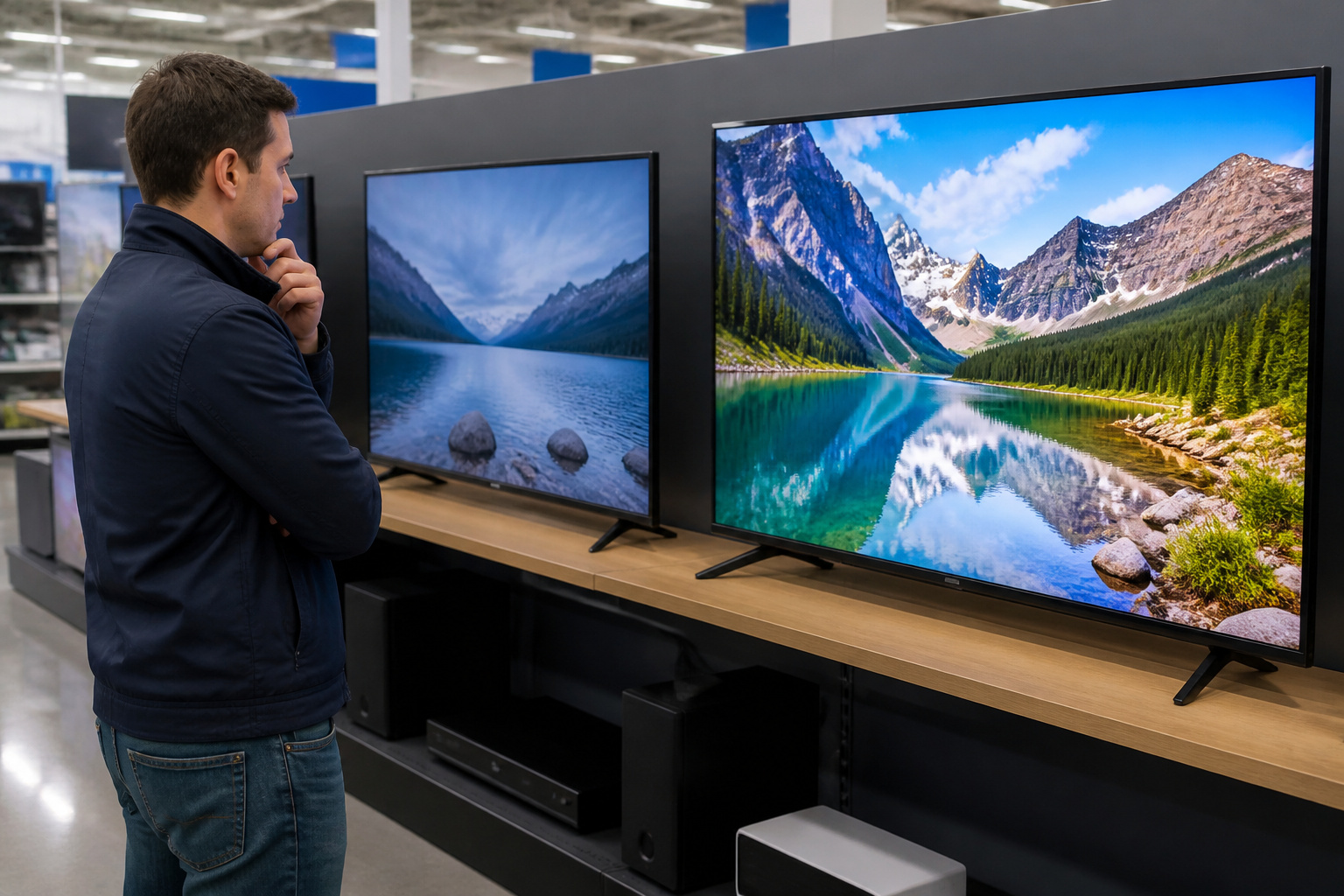
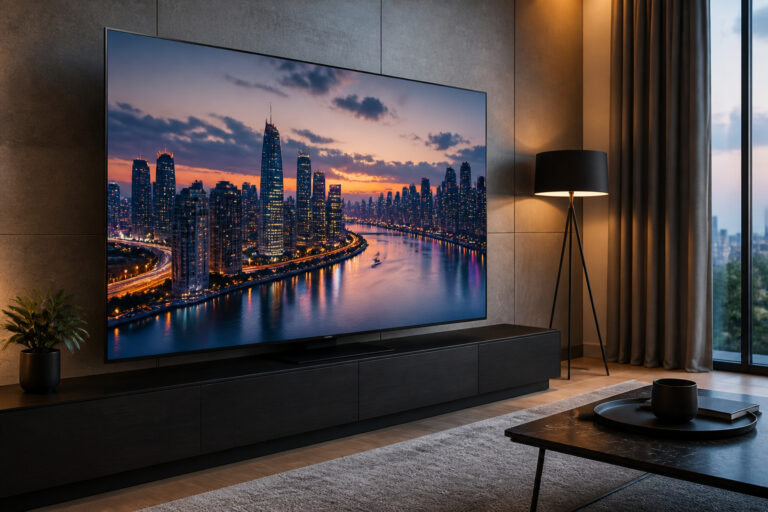
If your budget stretches, prioritize the panel and local dimming over extra smart features, because a better picture is what you want.
A mid-range TV with good dimming often looks far better than the cheapest option, and it usually costs only a little more.
Our OLED vs QLED vs LED comparison explains the tiers. Plan on better sound too, using a basic soundbar or one of the tips in our guide to improving TV sound.
How Long Will a Cheap TV Last?
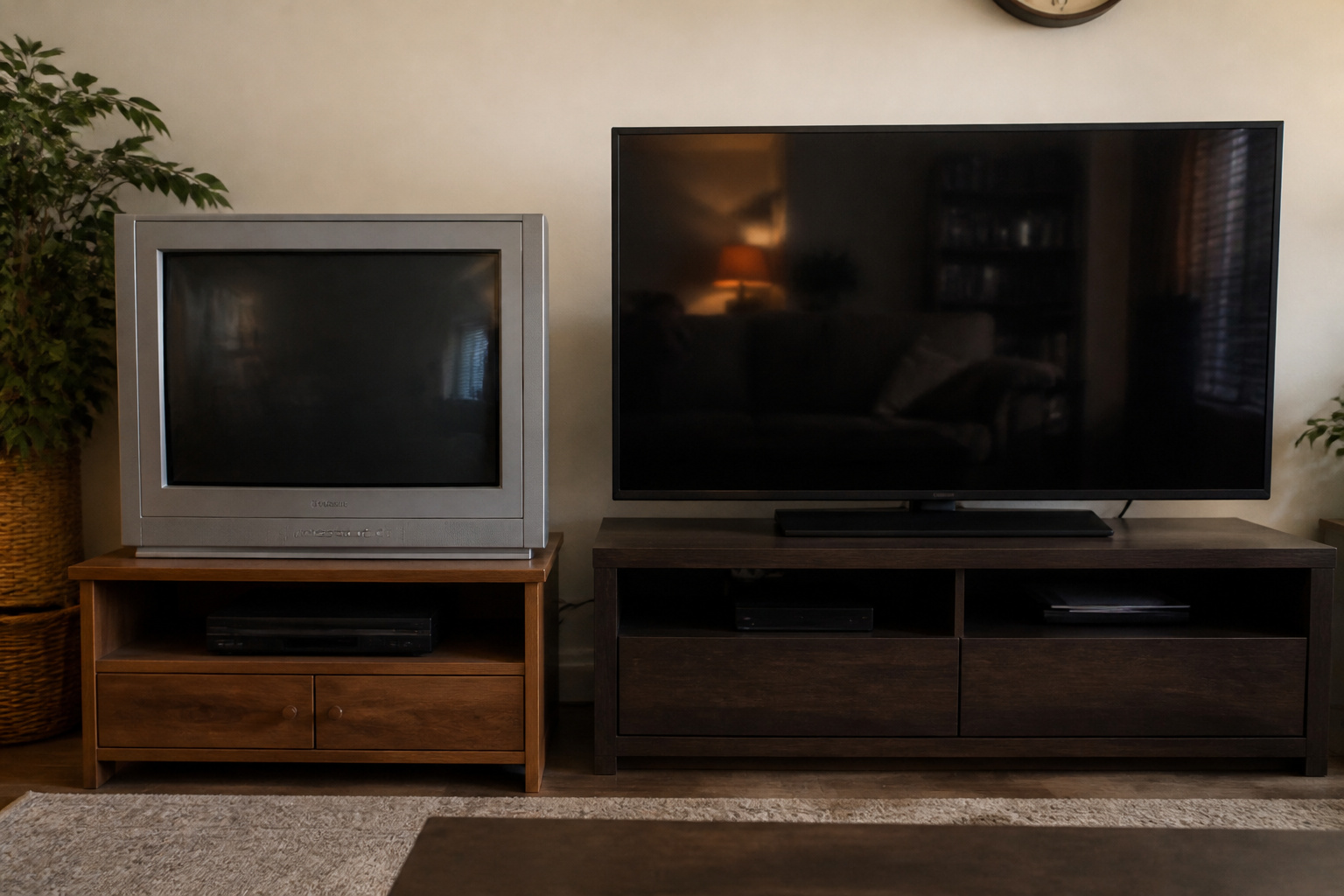
A budget TV can last many years, but cheaper components and software support may age faster.
See how long modern TVs last, what drives the lifespan, and how to extend it.
Frequently Asked Questions
Is it worth buying a cheap TV?
Yes, for casual viewing, secondary rooms, or tight budgets. If you watch movies in the dark or game seriously, a mid-range set is a better value.
Are cheap TVs less reliable?
Not necessarily, but they use less expensive components and often get shorter software support, so they feel dated sooner.
What features matter most on a budget TV?
Panel type, local dimming, HDMI ports, and a smooth smart platform. These affect everyday use more than headline specs like a high refresh rate claim.
Should I buy an extended warranty?
Often not for budget TVs, since the warranty cost can be a large share of the price. Check what your credit card or retailer already covers.
Is a bigger cheap TV better than a smaller good TV?
Not always. Larger budget sets can look washed out. Compare picture quality, not just inches; our TV size guide helps you decide how big you really need.