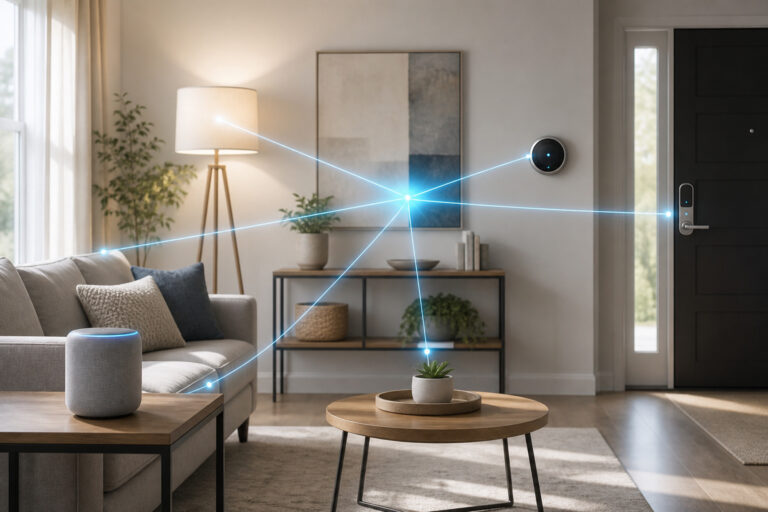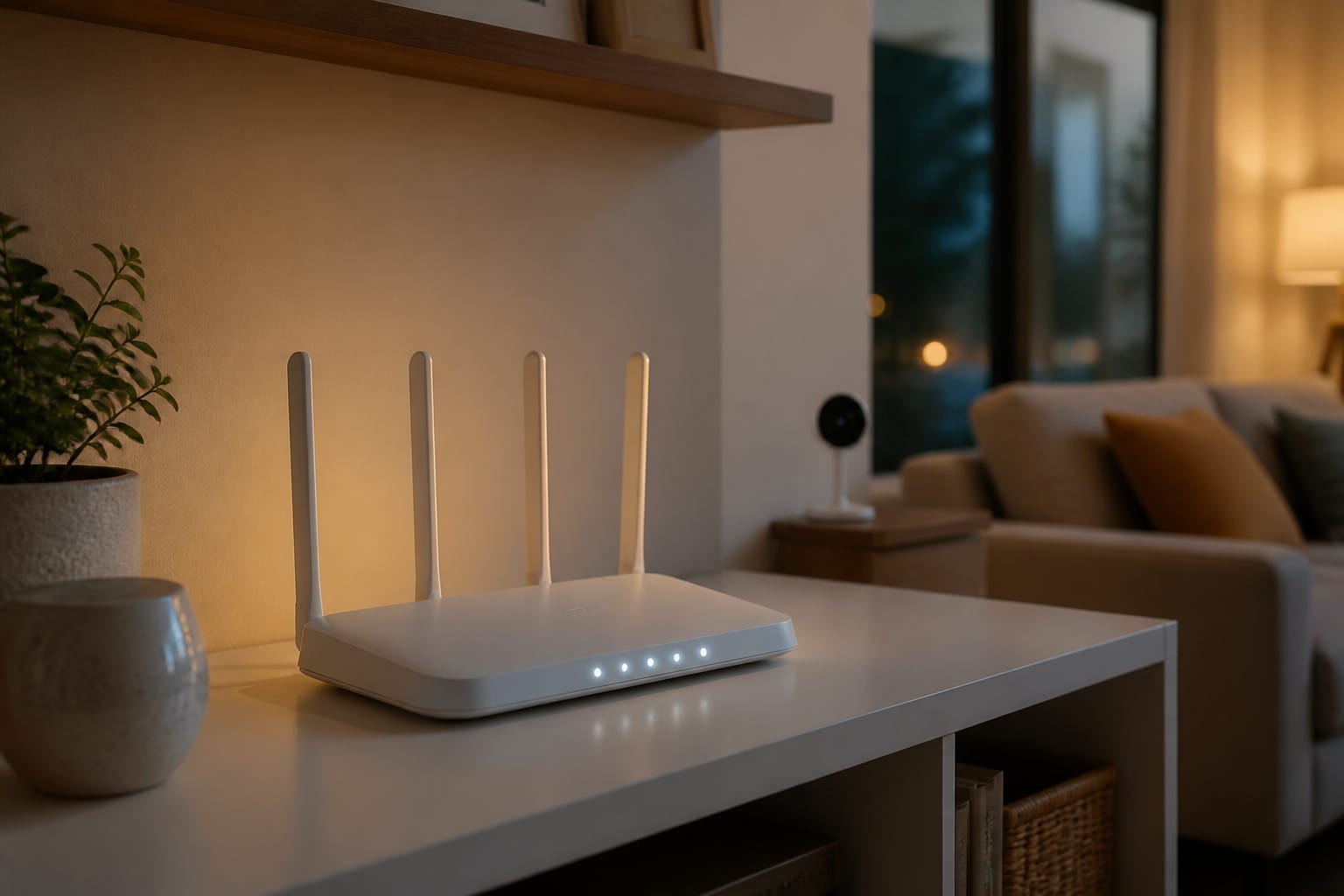
The headlines about hacked baby monitors and hijacked doorbell cameras are real, but they’re not the whole picture. Some of the fear around smart home security is overblown, and some of it is genuinely understated.
Here’s what the actual data says about how often smart home devices get attacked, which ones are at risk, how attacks happen, and what meaningfully reduces the odds it happens to you.
The Real Numbers Behind the Headlines

Security researchers at Bitdefender and Netgear tracked an average of 29 attack attempts per household per day against connected home devices in 2025.
Globally, over 820,000 IoT cyberattacks happen daily, and SonicWall recorded a 107% surge in IoT-specific attacks comparing the first half of 2024 to the first half of 2023. Those numbers sound alarming, and they are meant to.
But “attack attempt” doesn’t mean “successful breach.” Most of these are automated scans, bots probing the internet for any device with a weak or default password, not a person specifically targeting your house. The volume is high because it costs attackers almost nothing to try.
Recommended Products

Which Devices Are Actually Most at Risk
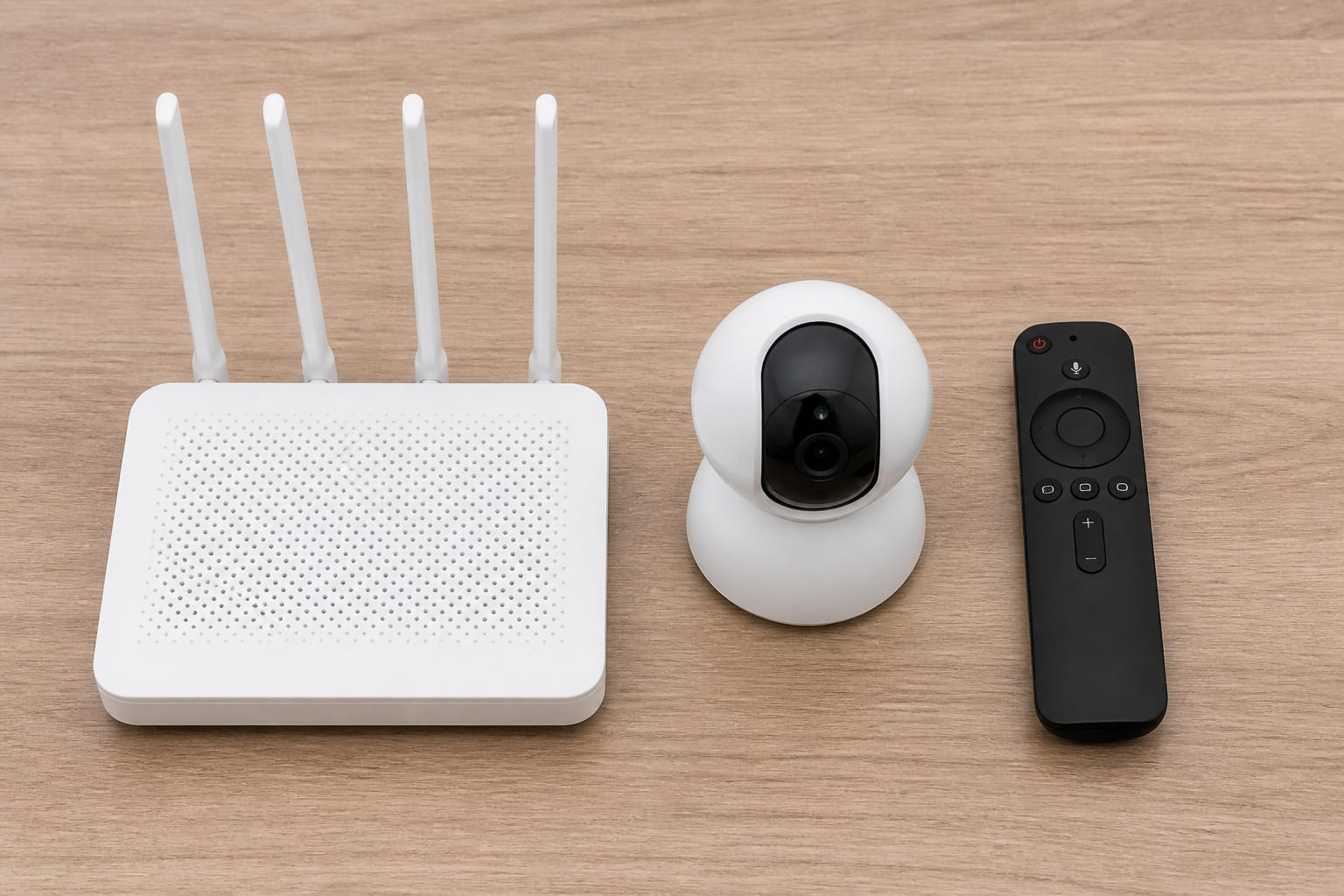
Not all smart devices carry the same risk. Routers are by far the most targeted piece of home tech, involved in more than 75% of IoT security incidents and over half of critical vulnerabilities found in home networks, largely because a compromised router gives an attacker a foothold into everything else on the network.
Behind routers, IP cameras carry a 62% vulnerability rate in security research, smart TVs 55%, and connected printers 48%.
Notice what’s missing from that list: smart plugs, bulbs, and most sensors. These devices are low-value targets because compromising one gets an attacker very little: no camera feed, no microphone, no door lock.
That doesn’t mean they’re risk-free (a compromised plug can still be used as a foothold into your network), but it does mean the fear should be weighted toward cameras, locks, and your router, not spread evenly across every connected gadget in the house.
Recommended Products

DUAL-BAND WIFI 6 ROUTER: Wi-Fi 6(802.11ax) technology achieves faster speeds, greater capacity and reduced network congestion compared to the previous gen. All WiFi routers require a separate modem. Dual-Band WiFi routers do not support the 6 GHz band.
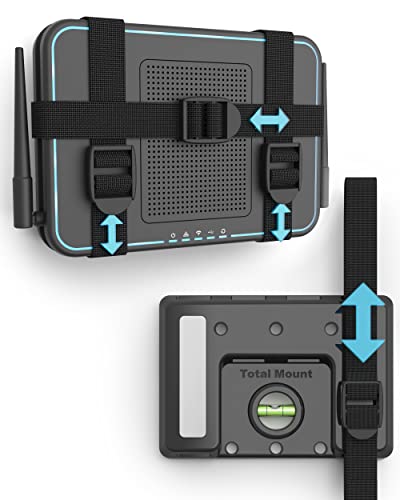
DESIGNED IN THE USA.

【AC1200 Dual-band Wireless Router】Simultaneous dual-band with wireless speed up to 300 Mbps (2.4GHz) + 867 Mbps (5GHz). 2.4GHz band can handles some simple tasks like emails or web browsing while bandwidth intensive tasks such as gaming or 4K video streaming can be handled by the 5GHz band.*Speed tests are conducted on a local network. Real-world speeds may differ depending on your network configuration.*
How These Attacks Actually Happen
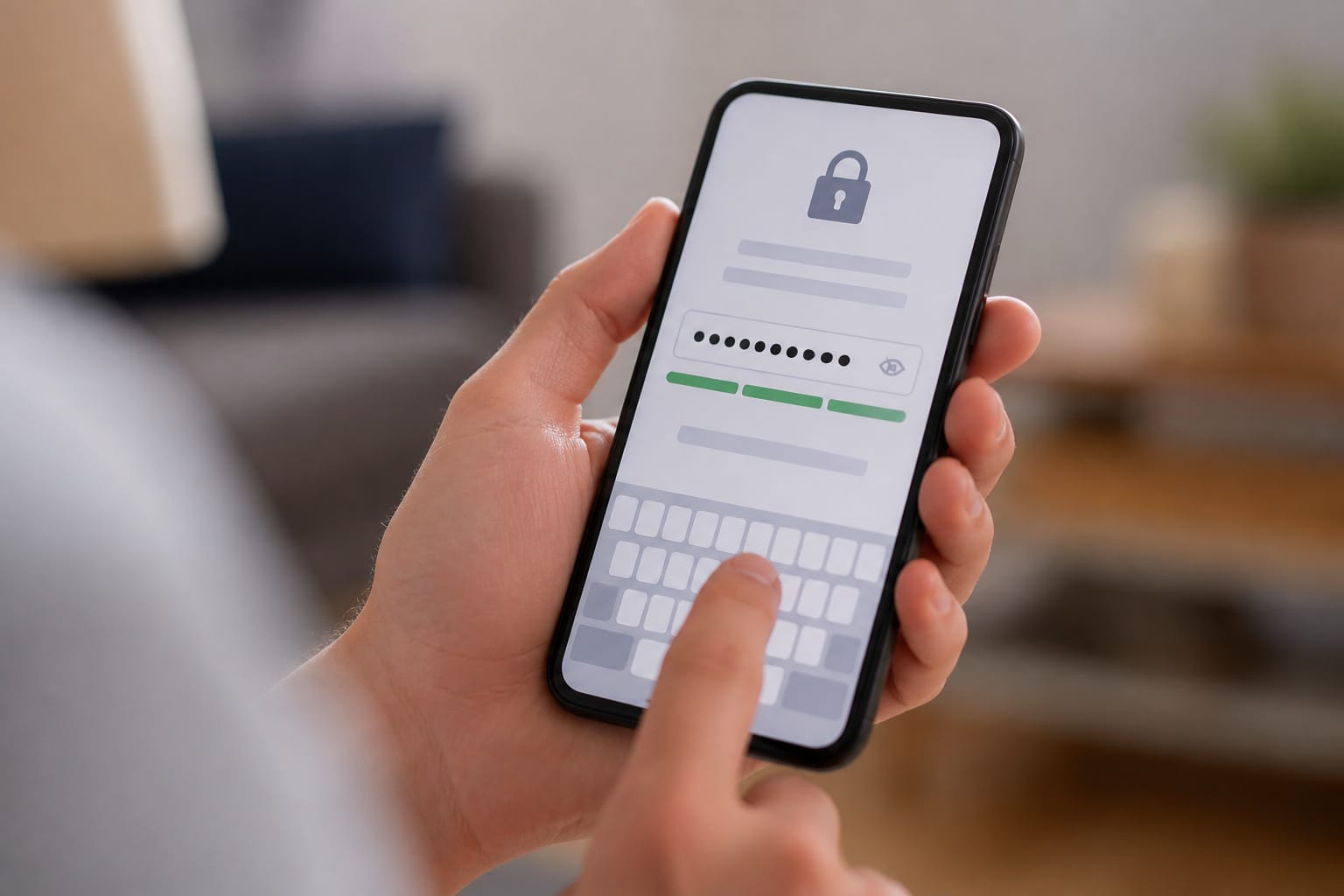
The mechanics behind most successful attacks are mundane, not sophisticated. Security research puts real numbers on this: roughly 35% of IoT devices still ship with default credentials enabled, meaning the username and password are the same “admin/admin” combination as every other unit off the factory line.
About 33% lack any real mechanism to receive software updates, so a vulnerability found after the device ships can never be patched. And 98% of IoT network traffic travels unencrypted, meaning anyone with access to the network path can intercept data.
Malware families exploit exactly these gaps at scale. Mirai, Mozi, and Gafgyt together account for roughly 75% of IoT malware infections, and botnets built from compromised smart devices, like the BadBox 2.0 network that compromised more than 10 million devices, are used for large-scale attacks that have nothing to do with your specific household.
Your camera doesn’t need to be individually targeted to end up conscripted into one of these networks; it just needs to be one of the easy, unpatched ones a scanning bot finds.
Real Incidents Worth Knowing About
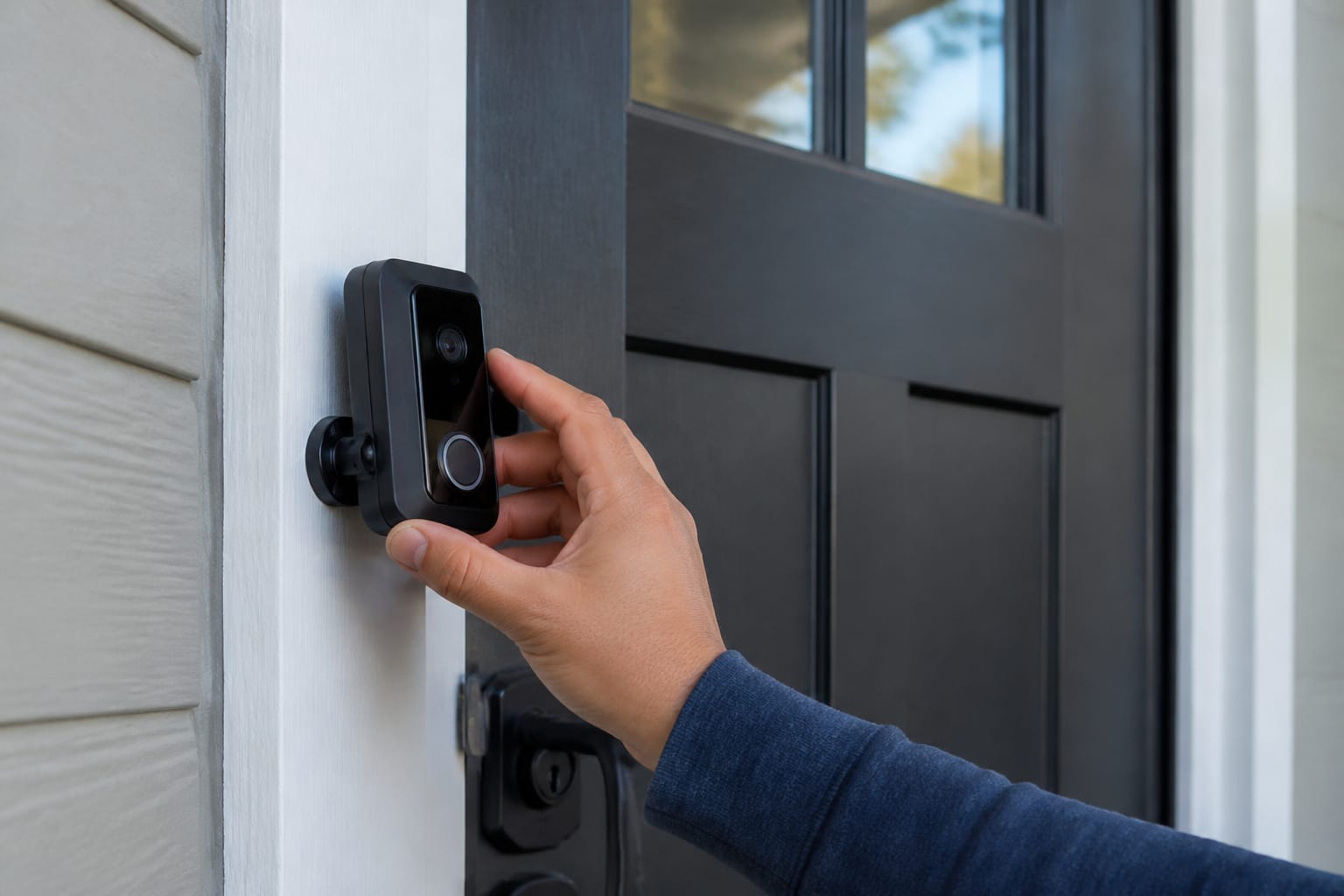
A handful of documented incidents illustrate the failure modes, and none of them involve a hacker breaking sophisticated encryption.
In one widely reported Ring camera incident, an intruder accessed a camera in a child’s bedroom after the homeowner had reused a password from a different, previously compromised account, not because Ring’s own security was broken.
A flaw in the Kalay IoT platform, used by many camera and video-doorbell brands, at one point allowed unauthorized access to live camera feeds. A vulnerability in Samsung’s SmartThings platform allowed remote unlocking of connected doors under specific conditions. Researchers have demonstrated that certain smart locks can be physically bypassed with nothing more than a strong magnet.
There’s also a longevity problem the FTC has flagged directly: an FTC review found that 88.5% of smart products don’t disclose how long they’ll receive software security support, which means many buyers have no way of knowing whether the device they’re installing today will still be receiving security patches in three years.
Recommended Products

ENDLESS POWER FROM SOLAR ENERGY: Just 45 minutes of direct sunlight powers the camera for a full day of use, while the built-in battery lasts up to 180 days on a single charge during cloudy days. Solar charging requires temperatures above 32°F.△

Mini camera, max performance — Mini 2K+ is our third-generation compact plug-in camera, delivering sharper 2K video resolution and improved audio clarity, so you can see and hear more of what matters.

Outdoor 4 is our most affordable wireless smart security camera yet, offering up to two-year battery life for around-the-clock peace of mind. Local storage not included with Sync Module Core.
What Actually Keeps a Smart Home Safe
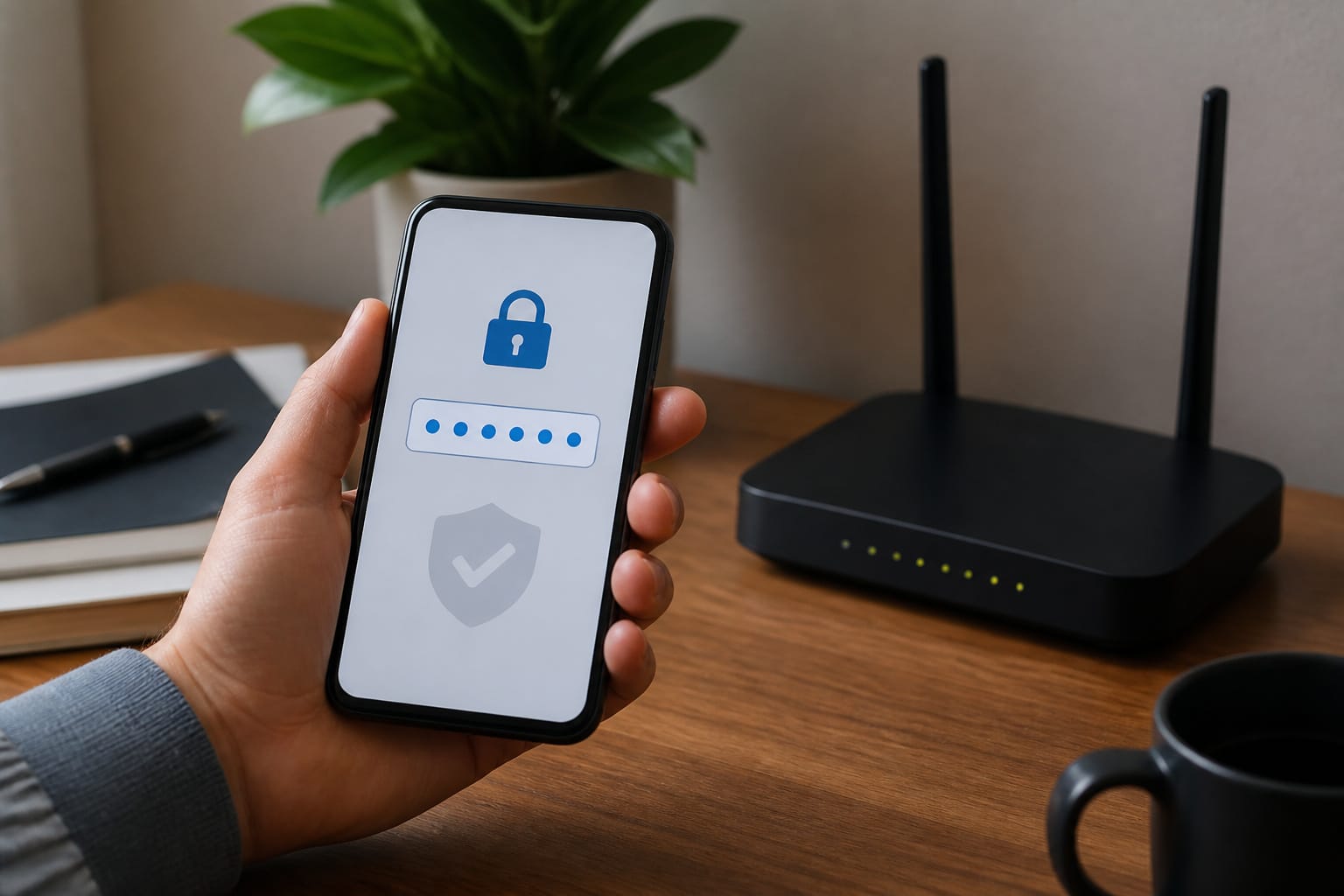
The good news is that fixes for almost all of the above are not technical and don’t cost anything extra. In order of impact:
- Change default passwords immediately on every device, especially the router, and never reuse a password from another account
- Turn on two-factor authentication wherever the manufacturer offers it, particularly for camera and lock apps
- Keep firmware updated, ideally with automatic updates enabled, since most successful attacks exploit known, already-patched vulnerabilities on devices that were never updated
- Put smart devices on a separate guest network from your computers and phones, so a compromised smart plug can’t be used as a stepping stone to more sensitive devices
- Check a device’s update-support window before buying, not after, since a device with no clear update policy is a device you can’t actually secure long-term
Recommended Products

New-Gen WiFi Standard – WiFi 6(802.11ax) standard supporting MU-MIMO and OFDMA technology for better efficiency and throughput.Antenna : External antenna x 4. Processor : Dual-core (4 VPE). Power Supply : AC Input : 110V~240V(50~60Hz), DC Output : 12 V with max. 1.5A current.


GIGABIT ETHERNET PORTS: Features 5 x 1.0Gbps Ethernet ports for high-speed connectivity. Auto-negotiating ports detect the optimal speed for connected devices and work with existing Cat5e or Cat6 Ethernet cables.
Which Devices Deserve Extra Caution
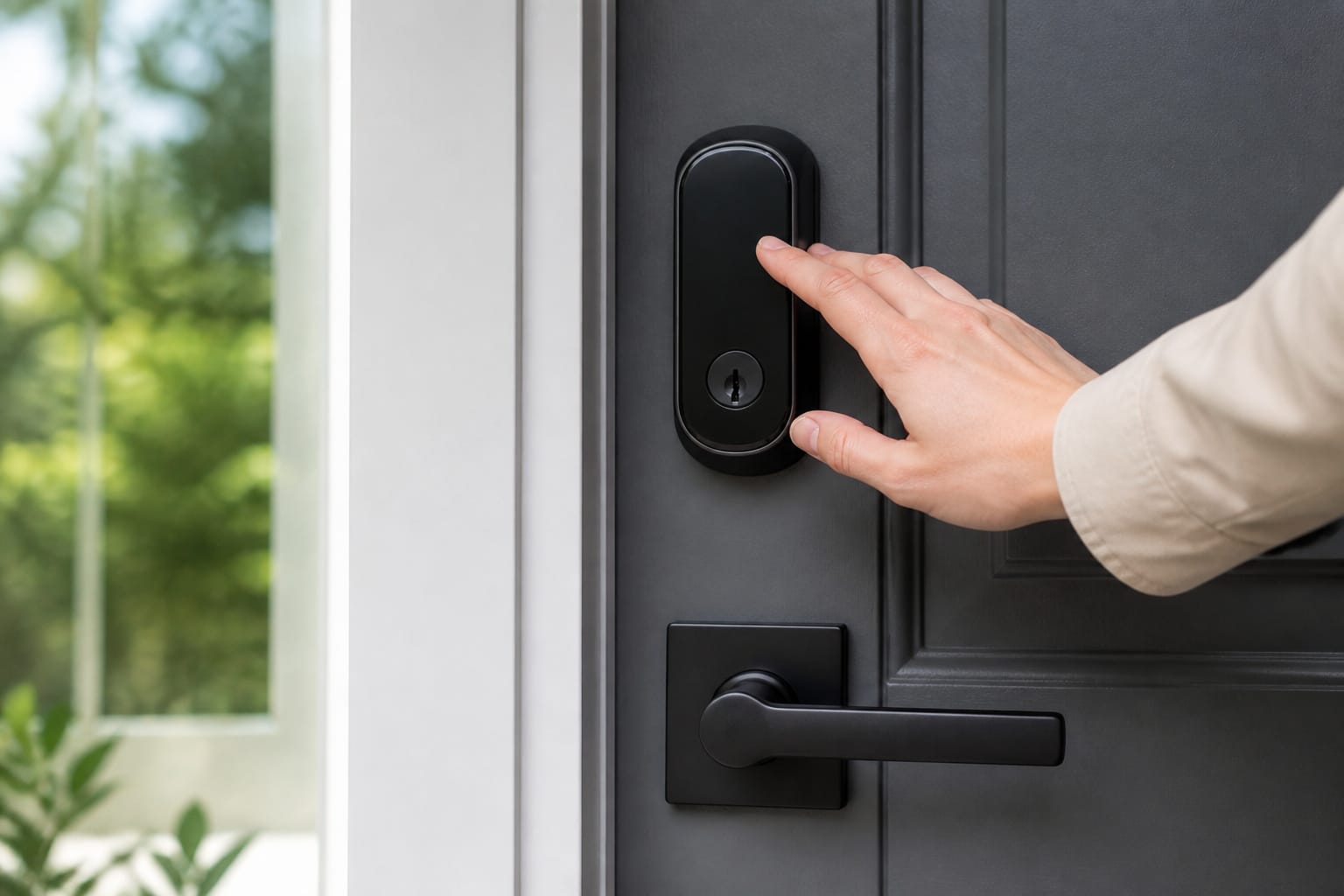
Given where the real risk concentrates, it’s worth being more selective specifically about cameras, locks, and your router than about lower-stakes devices like plugs or bulbs.
That means buying from manufacturers with a track record of shipping security updates, not necessarily the cheapest option on the shelf, and treating your router’s own security (updated firmware, a strong admin password, and its own firewall settings) as the actual foundation everything else depends on.
Recommended Products


Ultra-Fast Wi-Fi for Extreme Gaming – AX10000 speed machine that delivers Wi-Fi Speeds to 10 Gbps: 4804 Mbps (5 GHz Gaming) plus 4804 Mbps (5 GHz) plus 918 Mbps (2.4 GHz)¹
Frequently Asked Questions
Are smart home devices safe enough for everyday use?
For most households, yes, provided you take the basic steps: changing default passwords, keeping firmware current, and separating IoT devices onto their own network. The risk is real but very manageable, and it’s concentrated in cameras, locks, and routers rather than spread evenly across every device.
Which smart devices are actually the biggest security risk?
Routers first, since a compromised router exposes everything else on the network, followed by IP cameras and smart TVs. Plugs, bulbs, and most sensors carry comparatively little risk on their own.
Do I need a separate network for smart home devices?
It’s one of the highest-impact, lowest-cost steps you can take. Most modern routers support a guest network option that isolates IoT devices from your phones and computers, so a compromised smart plug can’t reach more sensitive devices.
How do I know if a device will keep getting security updates?
Check the manufacturer’s support page or product listing before buying, and be wary of brands that don’t publish an update policy. The FTC has found that most smart products don’t disclose this, so it’s worth looking for one that does.
Is it worth paying more for a “name brand” smart device over a cheaper alternative?
For cameras, locks, and anything directly connected to your router, generally yes. The price difference often reflects a longer track record of shipping security patches, which matters more over the device’s lifetime than it does on day one.