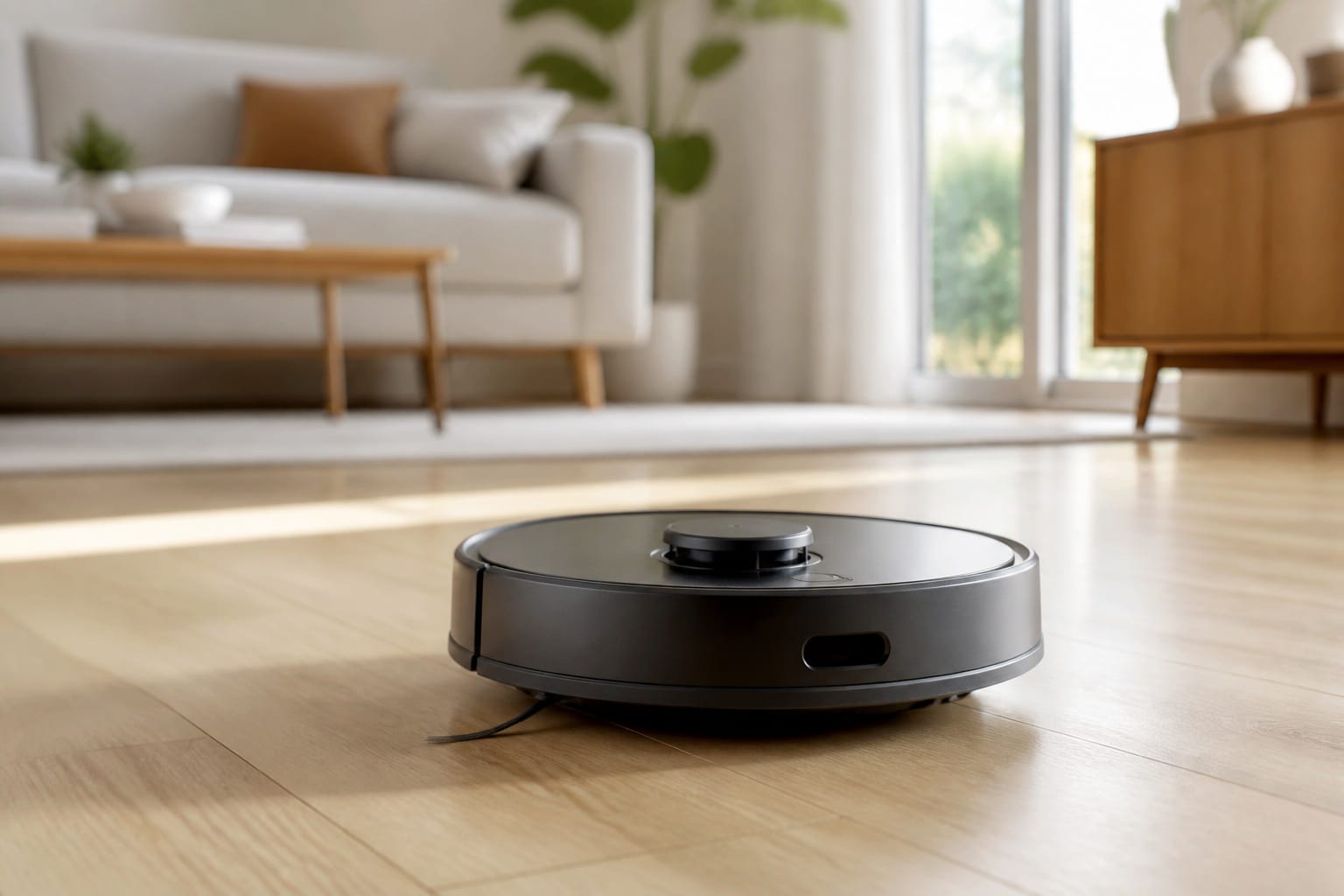
A robot vacuum is sold on one promise: you stop vacuuming, and the floors stay clean anyway. That promise mostly holds up, but which model actually delivers on it comes down to a handful of specs that most listings bury under marketing language, not the ones splashed across the box.
Suction numbers have climbed from around 2,000 Pa a few years ago to 20,000 Pa and beyond, without a proportional jump in real-world cleaning. Self-emptying bases are now common at every price tier. Navigation has quietly become the single biggest difference between a robot that actually cleans your floor plan and one that bounces around it.
Here’s what the navigation tech, the suction specs, the filtration standards, and the real ongoing costs actually mean, so you can tell a genuinely good robot vacuum from a good marketing page.
Navigation: Why LiDAR Beats a Bump-and-Turn Robot
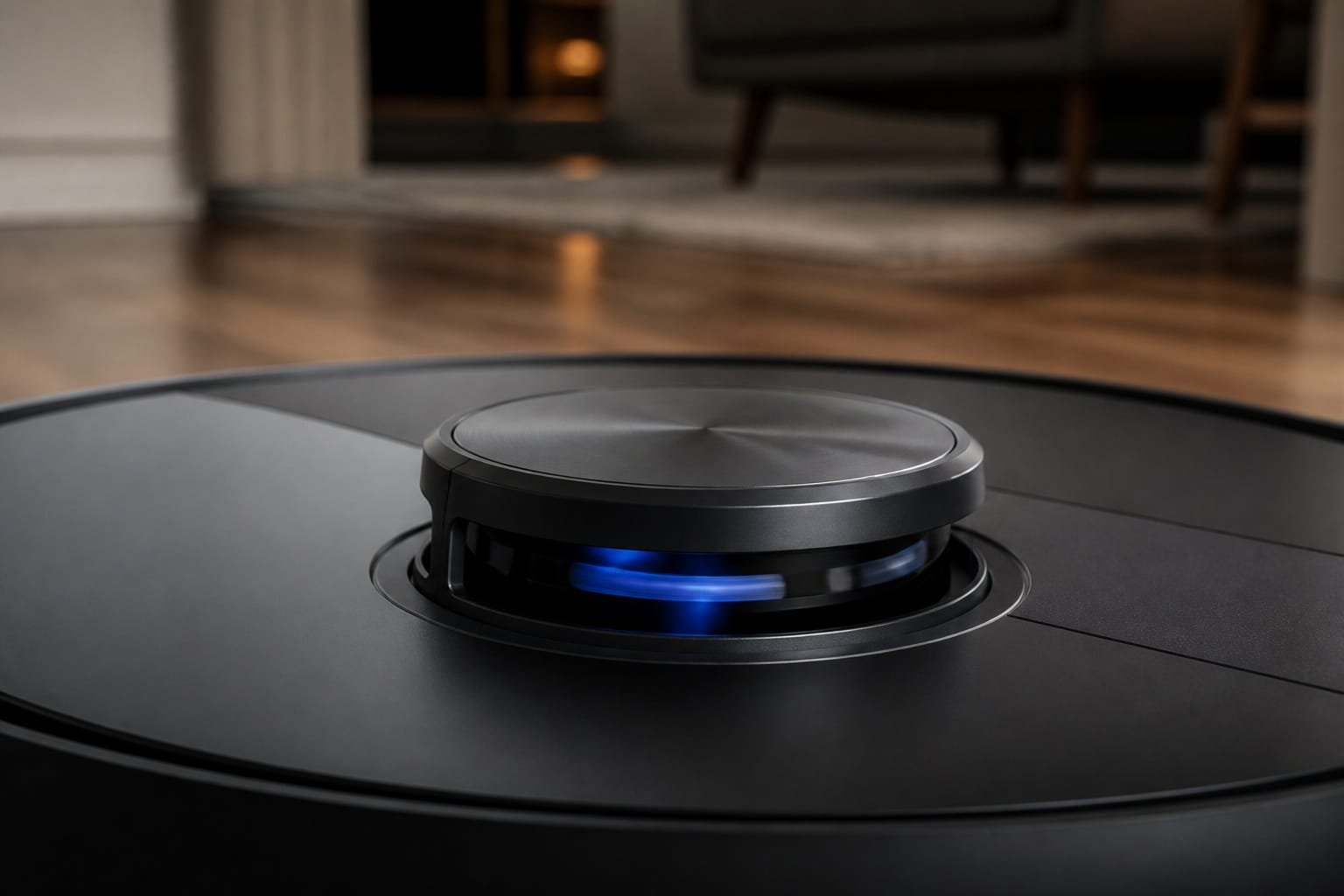
Cheap robot vacuums still get by on gyroscopes and accelerometers, essentially estimating their own movement rather than mapping the room. It’s the cheapest system to build, and it shows: coverage is inconsistent, and the robot has no real memory of your floor plan from one cleaning to the next.
LiDAR navigation is the meaningful upgrade. A spinning laser turret measures distance to walls and furniture with millimeter-level precision and builds a real floor plan, one that works identically in full daylight or a pitch-dark room, since the laser generates its own reference point instead of relying on ambient light. That’s why LiDAR robots clean in straight, organized rows instead of the random crisscross pattern older vacuums are known for.
Camera-based navigation, often called vSLAM, takes a different approach: it uses visual landmarks such as door frames and furniture edges to place itself on a map. It needs decent lighting to work well and maps somewhat slower than LiDAR, but it adds something LiDAR alone can’t: object recognition. A camera can tell the difference between a phone charger cord, a sock, and a pet accident, and steer around each one appropriately instead of just registering “obstacle.”
For most households, that trade-off points toward a hybrid system, LiDAR for the mapping backbone, a camera layered on top for obstacle identification. That combination matters most in homes with pets or kids, where the floor is rarely as clear as a showroom.
Recommended Products

𝗨𝗹𝘁𝗿𝗮-𝗣𝗼𝘄𝗲𝗿𝗳𝘂𝗹 𝗗𝗲𝗲𝗽 𝗦𝘂𝗰𝘁𝗶𝗼𝗻: HyperForce 8,000 Pa lifts dust, hair, and debris from floor cracks and deep within carpets — for spotless floors, every time

【2-in-1 Mopping and Vacuuming】 The ROPVACNIC Robot S1 integrates advanced electronically controlled mopping technology, significantly enhancing both cleaning efficiency and effectiveness, which makes your floors remain free from footprints, dirt, and dust throughout the day. It features an upgraded high-capacity water tank with a four-stage personalized water adjustment system, enabling it to address various stains across different settings according to user requirements.

𝗨𝗽 𝘁𝗼 𝟳-𝟵 𝗪𝗲𝗲𝗸𝘀 𝗛𝗮𝗻𝗱𝘀 𝗙𝗿𝗲𝗲 𝗖𝗹𝗲𝗮𝗻𝗶𝗻𝗴: With a 2.7L sealed dust bag, the RockDock Plus efficiently collects pet hair, dirt, and debris without the need for constant emptying. This means longer cleaning cycles and more time between maintenance, ensuring your home stays consistently clean.
Suction Power: What the Pascal Number on the Box Actually Tells You
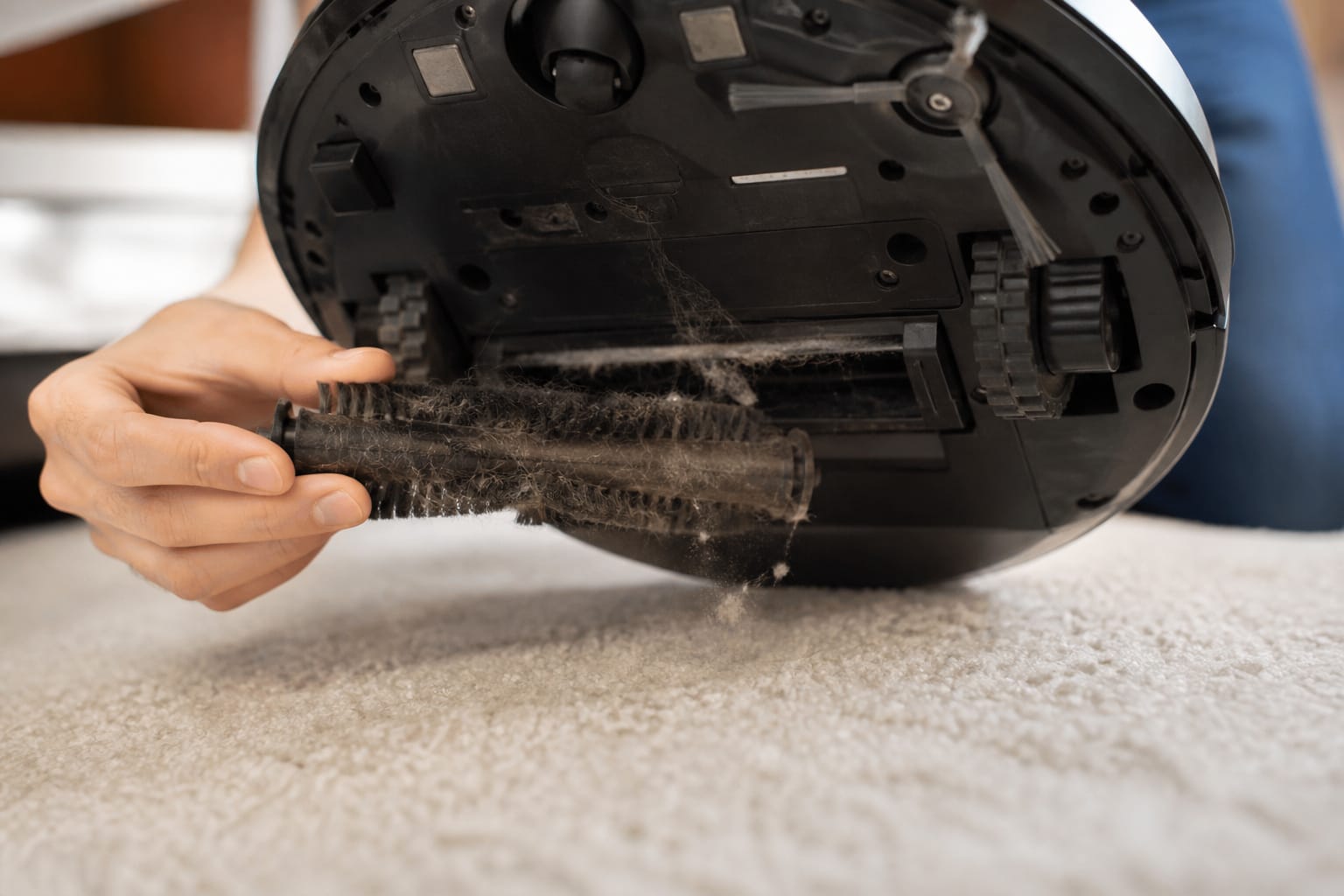
Suction is measured in Pascals (Pa), a unit of pressure, and the number on the box is almost always the peak reading taken at the motor, not what actually reaches the floor through the brush and hose. Real-world suction typically runs 20 to 40 percent below the advertised figure once you account for that path.
As a rough guide: 1,500 to 3,000 Pa is enough for routine cleaning on bare hardwood or tile. Homes with pets or mixed hard floor and low-pile carpet generally want 4,000 to 6,000 Pa. Thicker carpet and heavier pet shedding call for 6,000 to 10,000 Pa or more. Past roughly 12,000 to 20,000 Pa, the gains on typical residential carpet get marginal, and the extra suction mostly justifies a higher price tag rather than a cleaner floor.
Pa ratings are also self-reported by manufacturers with no standardized independent test, which is part of why the numbers have inflated so fast. It’s worth knowing that iRobot deliberately doesn’t publish Pa ratings for its Roomba line at all, arguing that brush design, sealing, and airflow matter more than the headline number, and independent testers have found the company’s models competitive with higher-Pa competitors on real carpet. The number is a starting point for matching a vacuum to your floors, not the deciding factor on its own; brush roll design and how well the nozzle seals against the floor do as much of the actual work.
Recommended Products


【Excellent Suction Power】Our pool vacuum for inground pools is equipped with an independent water pump motor boasting a maximum power of 45,000 Pascals, ensuring exceptional suction capabilities. It can thoroughly eliminate various debris and garbage, such as sand, leaves, and stubborn dirt, from the pool surface.

Dual-Mode Water Spray System: Window cleaner robot features both a two-way automatic spray and a manual water spray option. This delivers a fine mist evenly across the glass surface for improved cleaning efficiency and reduced water marks compared to traditional single-direction sprayers.
Self-Emptying Bases and HEPA Filtration: What You’re Really Paying For
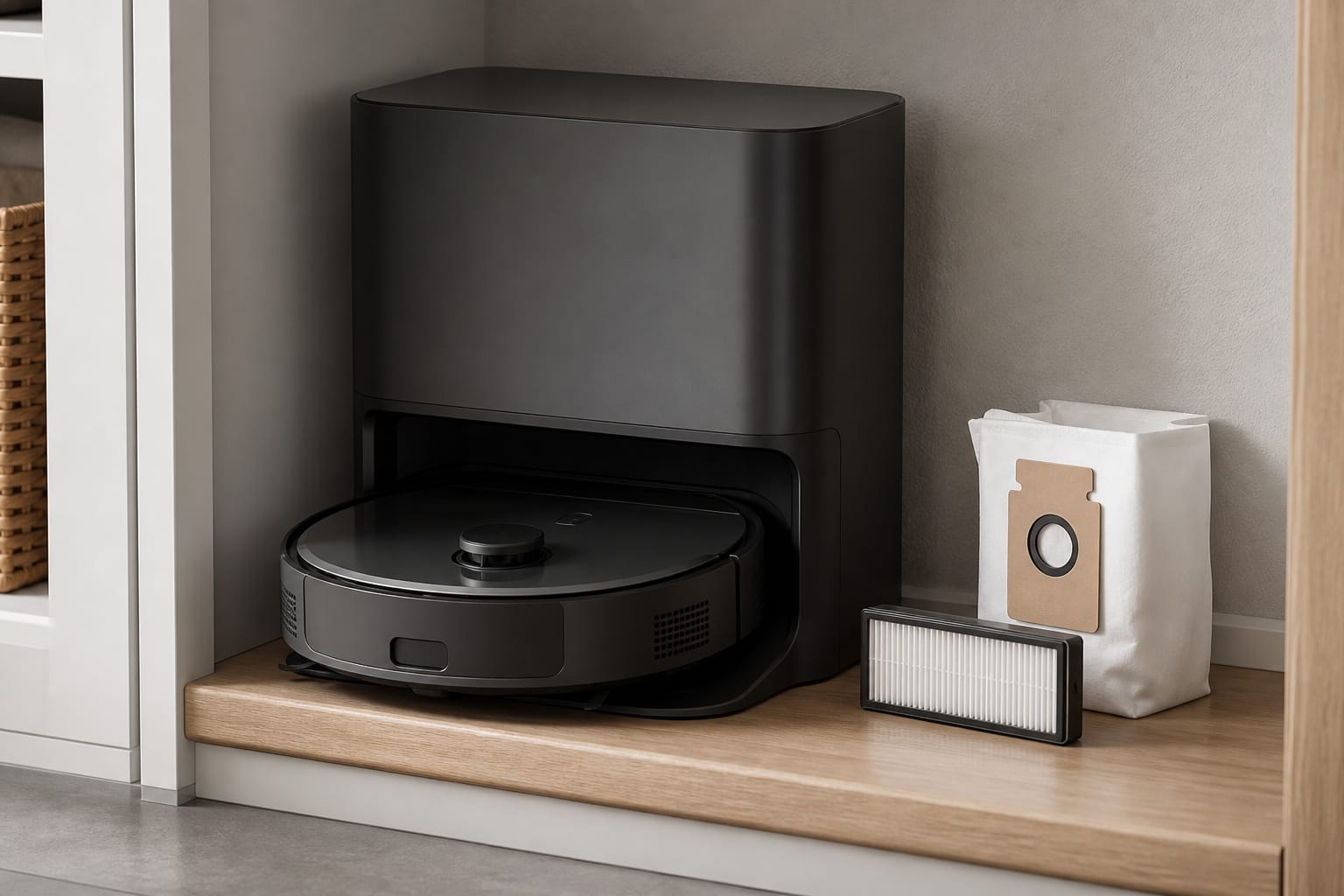
A self-emptying base is the single feature that most changes what it’s like to actually live with a robot vacuum. Instead of pulling out and hand-emptying a small onboard bin after every run, the robot docks and dumps its debris into a sealed bag or bin in the base, which typically holds 30 to 90 days of dirt depending on the model and household. That turns “empty the vacuum” from a weekly chore into something you do a handful of times a year.
It’s not free, though. Replacement bags for the base typically run $10 to $15 each, and that’s a real recurring cost worth factoring into the total price of ownership rather than just the sticker price at checkout.
Filtration is the other spec worth reading carefully, especially for allergy sufferers. True HEPA, the term with an actual certified standard behind it, captures at least 99.97 percent of particles down to 0.3 microns, which covers most dust, pollen, and pet dander. Some budget models advertise “HEPA-style” or EPA-rated filters instead, which typically capture only 85 to 95 percent at that same particle size, a real difference for anyone with allergies or asthma in the house. If filtration matters to your household, look specifically for the word “true” or a stated 99.97 percent figure rather than assuming HEPA-adjacent language means the same thing.
Recommended Products

INCREDIBLE SUCTION: Powerful Shark suction picks up dirt and debris on all floor types—tackling even the toughest of messes in your home.

LEAVES NO SPOT MISSED: Matrix Clean uses a precision grid taking multiple passes over debris leaving no spots missed.
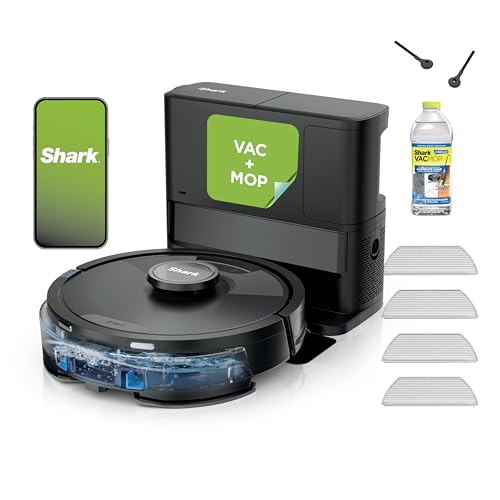
INCREDIBLE SUCTION AND SONIC MOPPING: First, it’s an ultra-powerful whole home vacuum on carpets and floors that empties its own dustbin. Second, it’s an ultra-powerful vacuum that sonic mops hard floors at the same time.
Mopping, Multi-Floor Mapping, and Real-World Battery Life
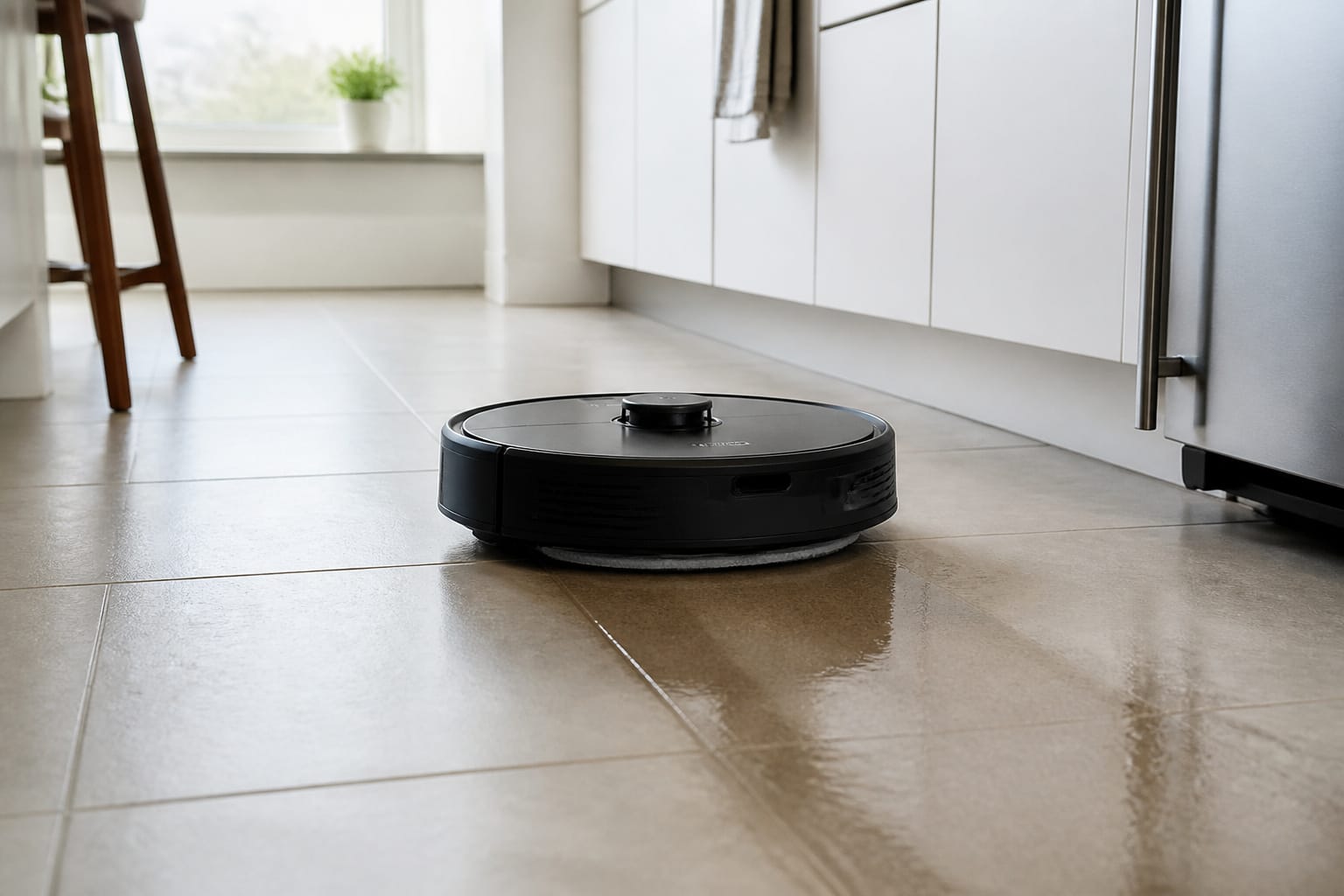
Combo vacuum-and-mop units range widely in how seriously they mop. The most basic approach uses a swap-in mop bin you manually attach, which works but is a hands-on step that partly defeats the point. Better models use a spinning or vibrating pad that actively scrubs the floor, and the best of those self-wash and air-dry the pads at the base station between runs, so you’re not storing a damp, dirty mop pad in a dock. Premium models add hot-water mopping and automatic detergent dosing, genuinely closer to a mop-and-bucket clean than earlier vacuum-mop hybrids managed.
Multi-floor mapping is a smaller but useful detail for anyone with more than one level: most mid-range and premium models store four to five separate floor maps and switch between them automatically when you move the robot and base to a different level, so you’re not re-mapping the house every time.
Battery life on most current models runs 90 to 150 minutes per charge, which covers a typical single-level home in one pass. For larger homes, look specifically for auto-recharge-and-resume, where the robot returns to the dock mid-job, tops off, and picks up exactly where it left off rather than restarting the whole cleaning cycle.
Recommended Products
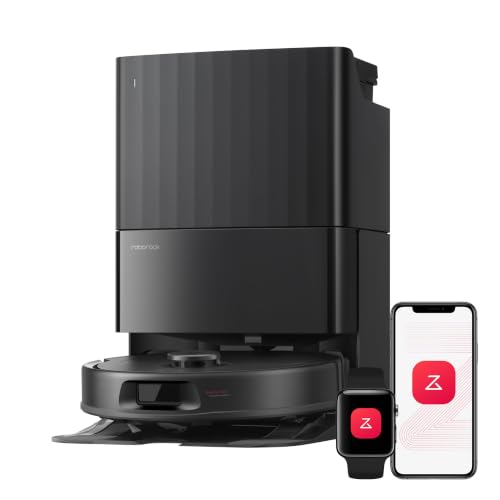
𝗔𝗹𝗹-𝗶𝗻-𝗢𝗻𝗲 𝗗𝗼𝗰𝗸 𝗳𝗼𝗿 𝗛𝗮𝗻𝗱𝘀-𝗙𝗿𝗲𝗲 𝗖𝗹𝗲𝗮𝗻𝗶𝗻𝗴 - The upgraded dock automatically empties dust into a sealed 2.7L bag that lasts 7–9 weeks, while 167℉ high-temperature self-cleaning helps refresh the mops after each use and 113℉ warm air drying keeps them ready for the next clean, making everyday floor care effortless for busy and pet-friendly homes

THE ULTIMATE COMBINATION OF VACUUMING, MOPPING, AND HANDS-FREE CARE – The first cleaning robot featuring a 2-step hot mopping system combines SprayForce AI pre-treatment, a self-cleaning PowerSpin roller mop, 4x stronger suction*, SealForce Technology for deeper carpet cleaning, and an AutoWash

26,000Pa Powerful Suction for Deep Cleaning: Powered by a high-speed motor, MOVA P10 Pro Ultra Gen2 delivers 26,000Pa strong suction—easily capturing large debris, pet hair, and fine dust from hard floors, floor gaps, and long-pile carpets. This robot vacuum cleaner provides powerful, low-noise performance for whole-home deep cleaning.
What Actually Determines Price
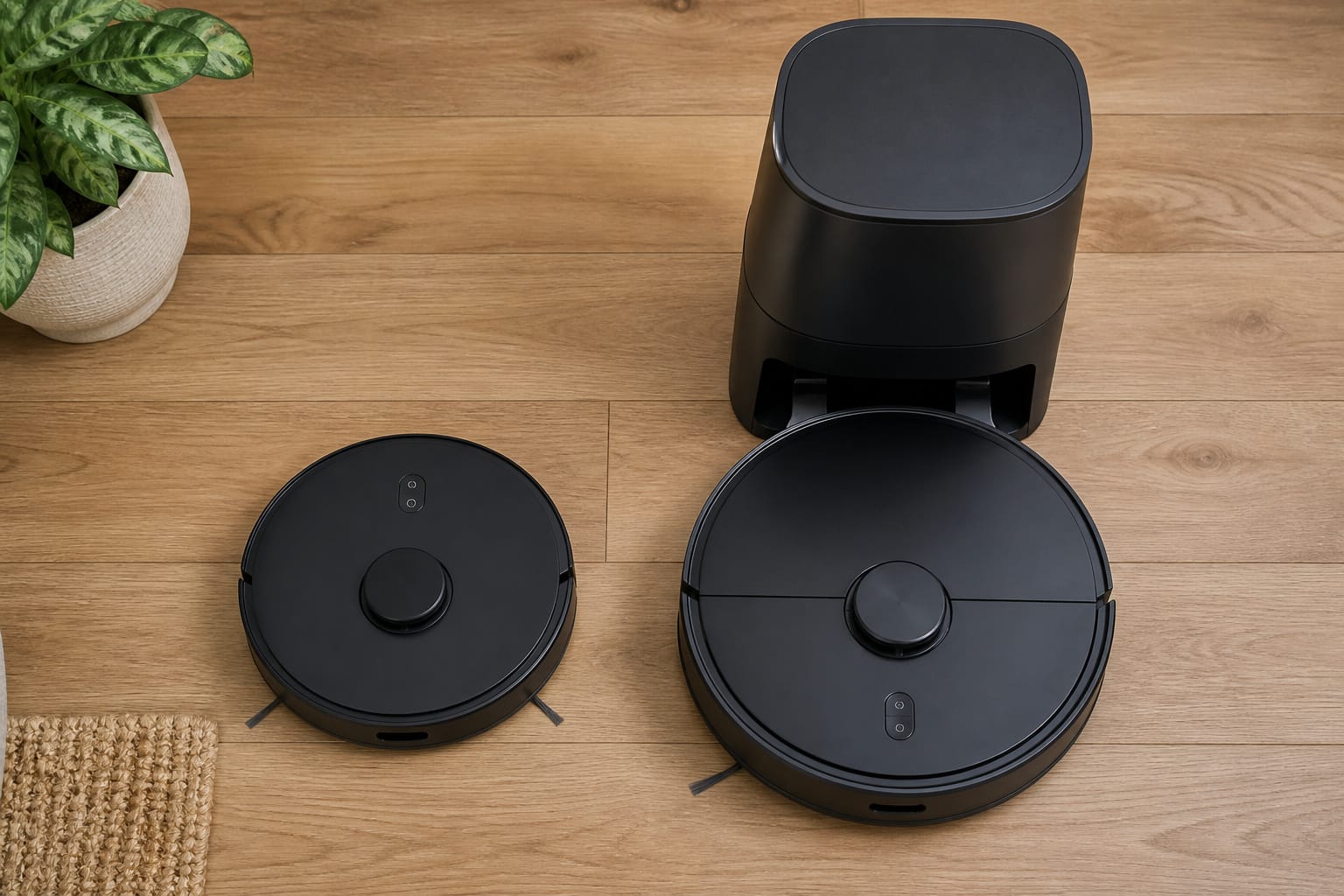
The price tiers have shifted noticeably. LiDAR navigation, once a premium-only feature, now shows up in models under $300, along with basic app control and scheduling. That’s genuinely changed what a budget robot vacuum can do compared to a few years ago.
The $300 to $600 range is where most of the real value sits for typical households: self-emptying and self-washing mop docks, more capable navigation software, and multi-floor mapping all show up here now, features that used to require spending closer to $1,000. Above $600, you’re mainly paying for longer-term durability, hot-water mopping, retractable LiDAR turrets for under-furniture cleaning, and mechanical extras like threshold-climbing chassis rather than a fundamentally different cleaning result on typical floors.
Whatever tier you land in, budget for ongoing costs beyond the sticker price: base bags, mop pads, replacement filters, and eventually a new brush roll or side brush. None of that shows up in the listing price, but it’s a real part of what the robot actually costs to own. For a broader sense of what a full smart home setup costs beyond any single device, see our breakdown of smart home costs.
Recommended Products
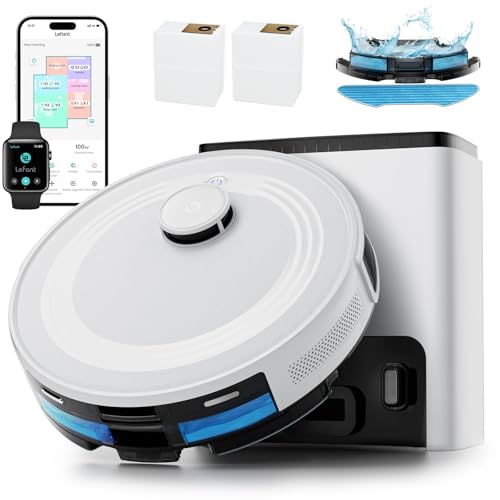
🐾【360° LiDAR Precision Mapping and Navigation】 The Lefent M2 Plus robot vacuum cleaner uses the most advanced LiDAR mapping technology to scan and identify various complex home layouts at 360°, LiDAR quickly maps your home, avoids obstacles and cleans in neat rows, even in the dark and intelligently planning cleaning routes to minimize unnecessary repetition or missed spots.
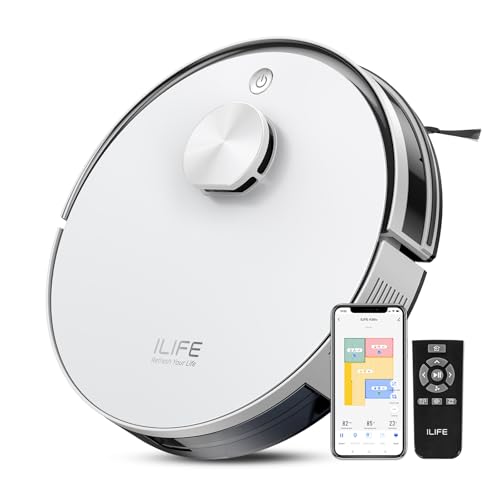
Up to 10,000Pa Strong Suction: Experience deep cleaning with up to 10,000Pa ultra-strong suction in Spot Mode. The A30s robot vacuum effortlessly lifts dirt, debris, and pet hair from carpets and hard floors. Customize the suction power directly from the ILIFE Clean app for a personalized clean
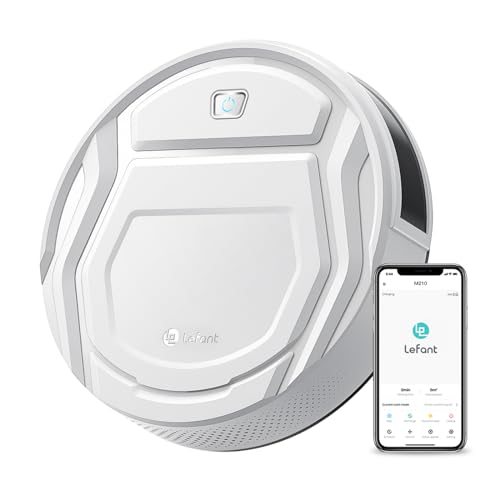
This Lefant M210 robotic vacuum cleaner is good for families with pets.
So, Are They Actually Worth It?
For most households, yes, provided the model is matched to the actual floor plan rather than picked on suction numbers alone. The real value isn’t that a robot vacuum cleans better than you would with an upright; it’s that it cleans consistently, on a schedule, without you having to remember to do it. That consistency is what actually keeps floors dust-free between the deeper cleans a robot still can’t fully replace, like edge work along baseboards or a genuine deep-clean on heavily soiled carpet.
Most robot vacuums still run primarily through their own manufacturer app rather than a universal standard, so check compatibility with your existing setup before buying if voice control or a single home app matters to you; our explainer on the Matter standard covers where that’s headed and how spotty support still is model to model. If you’re deciding whether a hub or a manufacturer app is enough to run one device like this, our guide on whether you need a smart home hub walks through that decision. And since a robot vacuum builds and stores a literal map of your home’s layout, it’s worth a quick read of what that mapping data actually gets used for in our breakdown of smart home privacy.
If you’re automating other corners of the house alongside the floors, a smart lock handles the front door the same way a robot vacuum handles the floor: on a schedule, without you thinking about it. For the bigger-picture question of whether all of this is worth the investment as a whole, see our guide on whether a smart home is actually worth it.
Frequently Asked Questions
Do robot vacuums actually work on thick carpet?
Yes, but pick suction and brush design for the job. Low-pile carpet is handled well by most mid-range models in the 4,000 to 6,000 Pa range. Thicker or high-pile carpet needs both higher suction, generally 8,000 Pa or more, and navigation software that’s willing to slow down and pass over the same section more than once. Very deep shag or plush carpet remains the one floor type where a robot vacuum is a genuine compromise compared to an upright.
How often do I need to clean or replace the filter?
Most manufacturers recommend replacing the filter every two to three months, more often in a home with pets or heavy dust. A clogged filter doesn’t just reduce air quality benefits, it also drags down suction, since the motor has to work harder to pull air through it. Setting a recurring reminder is the easiest way to avoid the gradual, easy-to-miss performance drop that comes from a filter nobody remembered to swap.
Can a robot vacuum fall down the stairs?
Essentially never, if the unit is functioning normally. Every robot vacuum sold today has cliff sensors on its underside, typically four to six of them, that detect a sudden drop-off and stop or reverse before reaching the edge. The more common real-world failure isn’t a fall, it’s a dirty or obstructed cliff sensor causing the robot to stop short of areas near a stairway landing that it should be cleaning; wiping those sensors down periodically is part of normal maintenance.
Do robot vacuums need Wi-Fi to work?
No, not for basic cleaning. Nearly every model can start a cleaning cycle from a physical button on the robot itself with no internet connection at all. What Wi-Fi actually unlocks is scheduling, remote start, room-specific cleaning from the app, voice assistant control, and firmware updates. If any of those matter to you, confirm the model connects to your home’s Wi-Fi band, since some budget robots only support 2.4GHz networks and won’t connect to a 5GHz-only network.
How much does a robot vacuum actually cost to own over time, not just the sticker price?
Budget for more than the purchase price. Self-empty base bags run $10 to $15 and typically need replacing every one to three months depending on the household. HEPA filters generally need replacing every two to three months. Mop pads and side brushes wear out roughly every few months of regular use, and a main brush roll typically lasts six months to a year before it needs replacing. None of that is expensive individually, but it adds up to a real ongoing cost worth factoring in before comparing two models purely on their listed price.