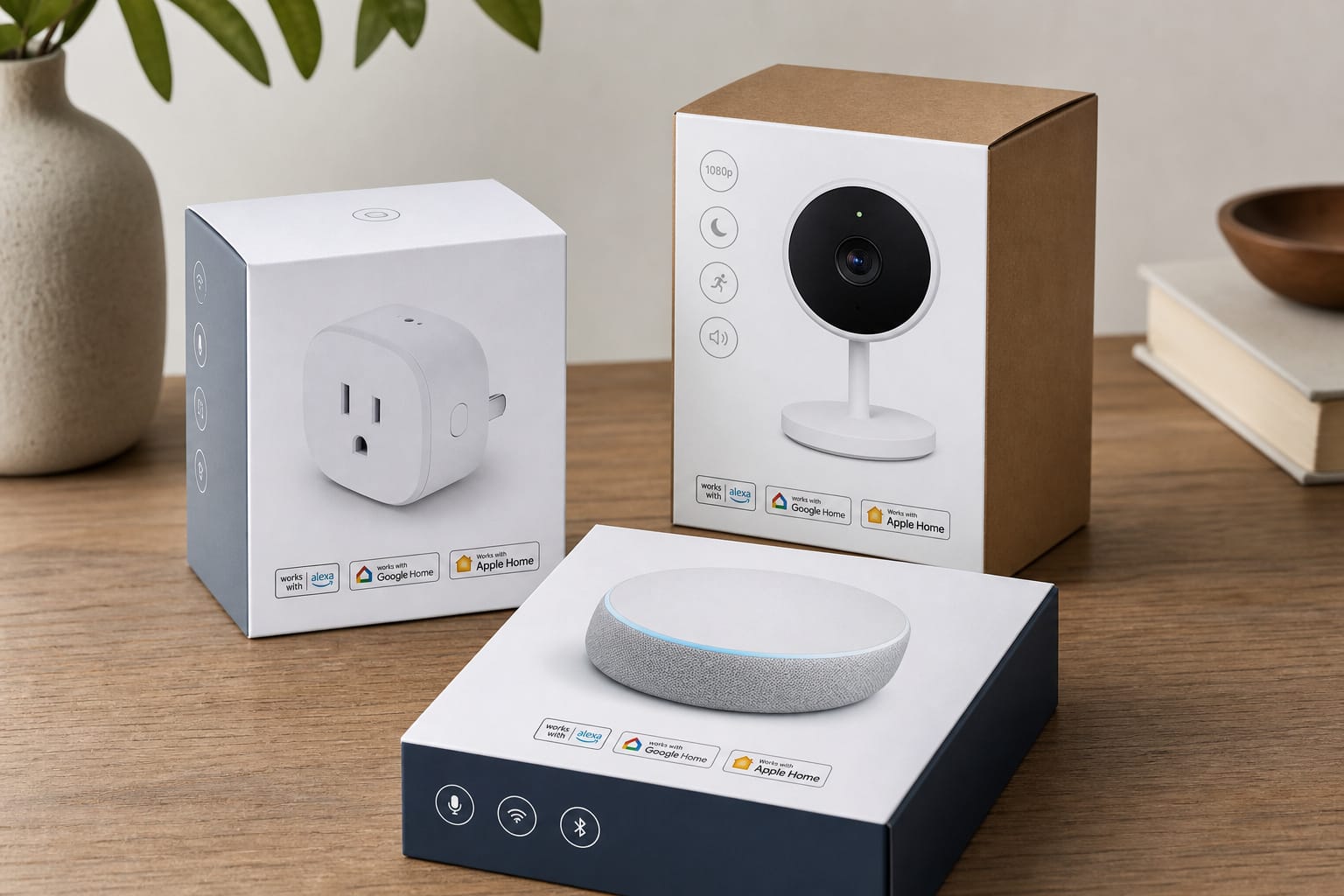
“Works with Alexa,” “Works with Google Home,” and “Works with Apple Home” look like three versions of the same badge, and buying guides tend to treat them that way.
They’re actually three separate certification programs, run by three different companies, with different requirements and meanings, and one of them (Alexa’s) has a sibling badge that is constantly confused with it.
Here’s what each badge actually verifies, how Matter changed the rules, and how to check real compatibility before buying, rather than after.
Three Different Badges, Three Different Things
Each of the three major platforms runs its own certification program, and a device has to pass each one individually to earn that specific badge, at least historically.
“Works with Alexa” (WWA) is Amazon’s certification confirming a device responds reliably to Alexa commands and reports its status back correctly. “Works with Google Home,” Google’s equivalent (renamed a few years back from “Works with Hey Google” to reduce confusion), verifies the same basic idea for Google’s ecosystem. “Works with Apple Home” (renamed from the older, more familiar “Works with HomeKit” label around the release of iOS 16) confirms compatibility with Siri and the Apple Home app specifically.
None of these three badges implies the other two. A device can legitimately carry a Works with Alexa badge and have zero Google Home or Apple Home support, and this is extremely common, not an edge case.
Checking for the specific badge that matches your specific ecosystem, not just any “smart home compatible” language, is the actual thing worth doing before buying.
“Works with Alexa” vs. “Alexa Built-In”: Not the Same Claim
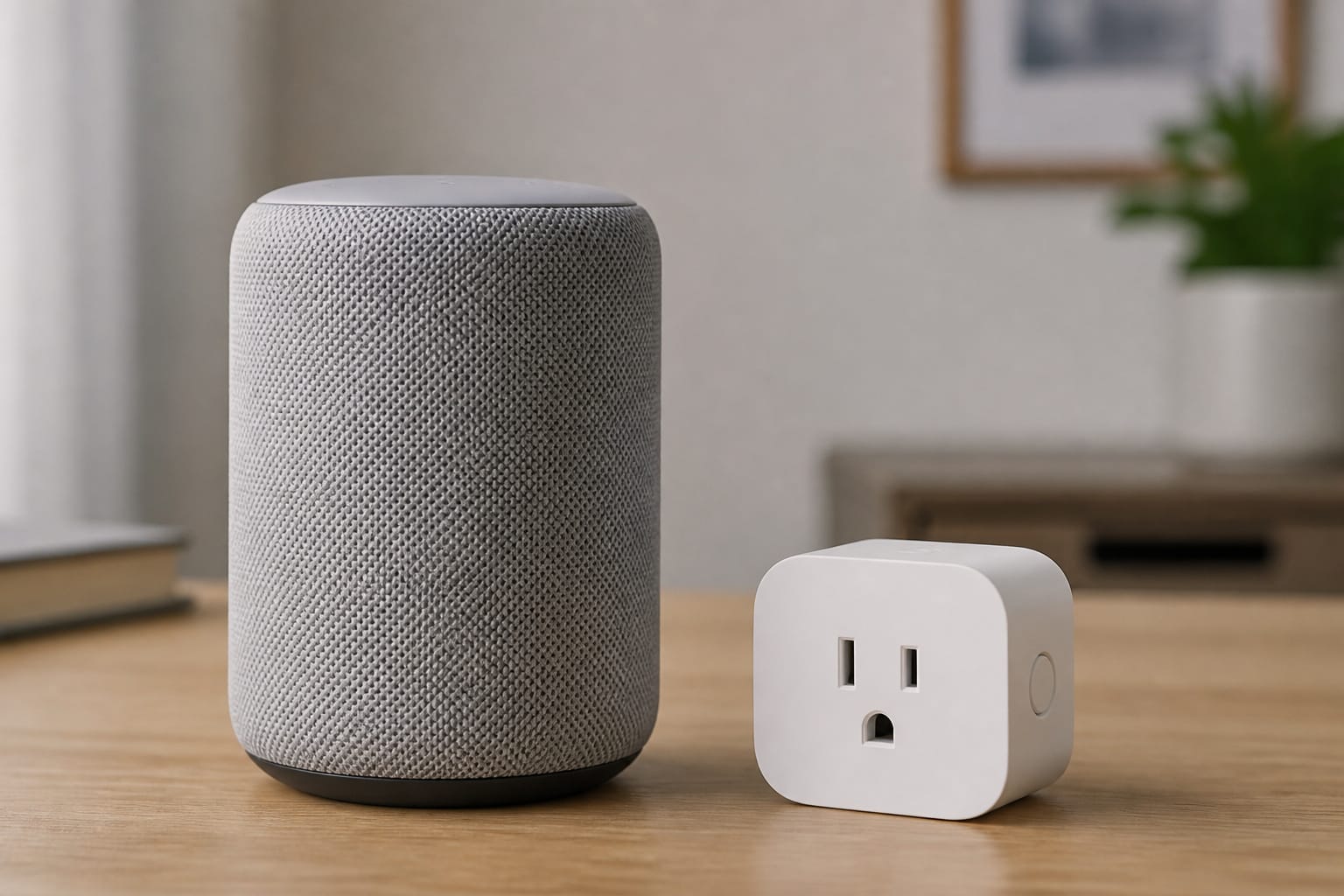
This is a genuinely common point of confusion worth clearing up directly. “Alexa Built-In” (ABI) means the device itself contains a microphone, speaker, and the Alexa Voice Service running on it; it is, functionally, an Alexa device, the same category as an actual Echo speaker.
“Works with Alexa” (WWA) means something different: the device can be controlled by Alexa, through a skill, a local hub, or Matter, but doesn’t have Alexa running on it and isn’t something you talk to directly.
A smart plug with a Works with Alexa badge is something you tell Alexa to turn on. A soundbar with Alexa Built-In is something you talk to directly, the same way you’d talk to an Echo.
Mixing these up leads to a genuinely common disappointment: buying a “smart” device expecting to talk to it directly, only to find out it’s a WWA device that only responds through a separate Alexa speaker elsewhere in the room.
Recommended Products

Stability Upgrade: Supports Bluetooth or WiFi connection, which is more stable and faster than plugs that can only be connected through WiFi. No disconnection worries, control all your home appliances and devices anytime & anywhere.

Warm Tips: To use Alexa and Google Home for voice control, please connect the plug with the “Smart Life” app first. Then go to Me > Third-Party Services to link with Alexa/Google. Note: Direct connection to Alexa is not supported.

Warm Tips: To use Alexa and Google Home for voice control, please take a minute to connect the Smart Home plug with the Smart Life App first.
Matter Changed What These Badges Actually Require
Before Matter, earning all three “Works with” badges meant a manufacturer had to build and separately certify three different integrations, one per platform, which is a real reason so many older devices only support one or two ecosystems rather than all three.
As of January 2025, Apple began accepting Matter certification itself as sufficient proof for the Works with Apple Home badge, without requiring an additional Apple-specific test, for device categories Apple currently supports through Matter (lights, locks, outlets, sensors, thermostats, and several others). Google and Samsung were expected to follow with similar streamlined processes for their own badges around the same timeframe.
The practical effect: a genuinely Matter-certified device is now meaningfully more likely to pick up all three major badges with less manufacturer effort than it used to take, which is part of why Matter support is worth checking for directly, covered in more depth in our explainer on what Matter actually is.
It isn’t a guarantee across every device category yet; some specialty categories still lag, covered in our comparison of Matter, Zigbee, and Z-Wave, but the direction is toward badges converging rather than staying siloed the way they were a few years ago.
The Skill/Action Problem: When “Compatible” Means “Barely”
Not every path to voice control goes through official certification, and this is where a lot of buying disappointment actually comes from. A manufacturer can build an Alexa skill or a Google Home integration without going through the full Works with Alexa or Works with Google Home certification process at all; the skill or action works, technically, but it’s a lighter-weight integration that hasn’t been vetted for reliability, response speed, or full feature support the way a certified WWA device has.
In practice, this shows up as a device that requires an awkward, specific phrase instead of a natural one: “Alexa, ask [Brand] to turn off the lights” instead of the simpler “Alexa, turn off the lights” that a properly certified device supports.
If a listing only claims general “Alexa compatibility” or “works with the Google Assistant” without displaying the actual certified badge, it’s worth treating that as a lighter, less reliable integration rather than assuming it’s equivalent to a certified device.
This is exactly the kind of gap that led Chamberlain’s MyQ platform, for example, to rely on a workaround through IFTTT rather than genuine certified Alexa support, covered in more detail in our smart garage door opener breakdown.
Recommended Products

Voice control: Kasa smart plugs that work with Alexa and Google Home Assistant. Enjoy the hands free convenience of controlling any home electronic appliances with your voice via Amazon Alexa or Google Assistant

LONG WI-FI RANGE AND IP64: Long Wi-Fi range up to 300 feet with IP64 weather resistance, protecting against dust and splashes of water. Waterproof cover is attached to protect it from dirt when not in use. Supports up to 15A/1875W.

【Easy Setup, One Control】With Matter, Skip the step of downloading and registering multiple manufacturers' apps every time you buy a new device. Instead, head straight to certified smart home platforms like Apple Home, Alexa, Google Home, SmartThings, or AiDot to control all your Matter devices.【TIP】Matter-certified hub or controller (HomePod, Echo Dot, Nest, SmartThings Hub) is required for Apple Home/Alexa/Google Home/SmartThings platforms. Alternatively, the AiDot app can be used without hub
How to Actually Verify Compatibility Before You Buy
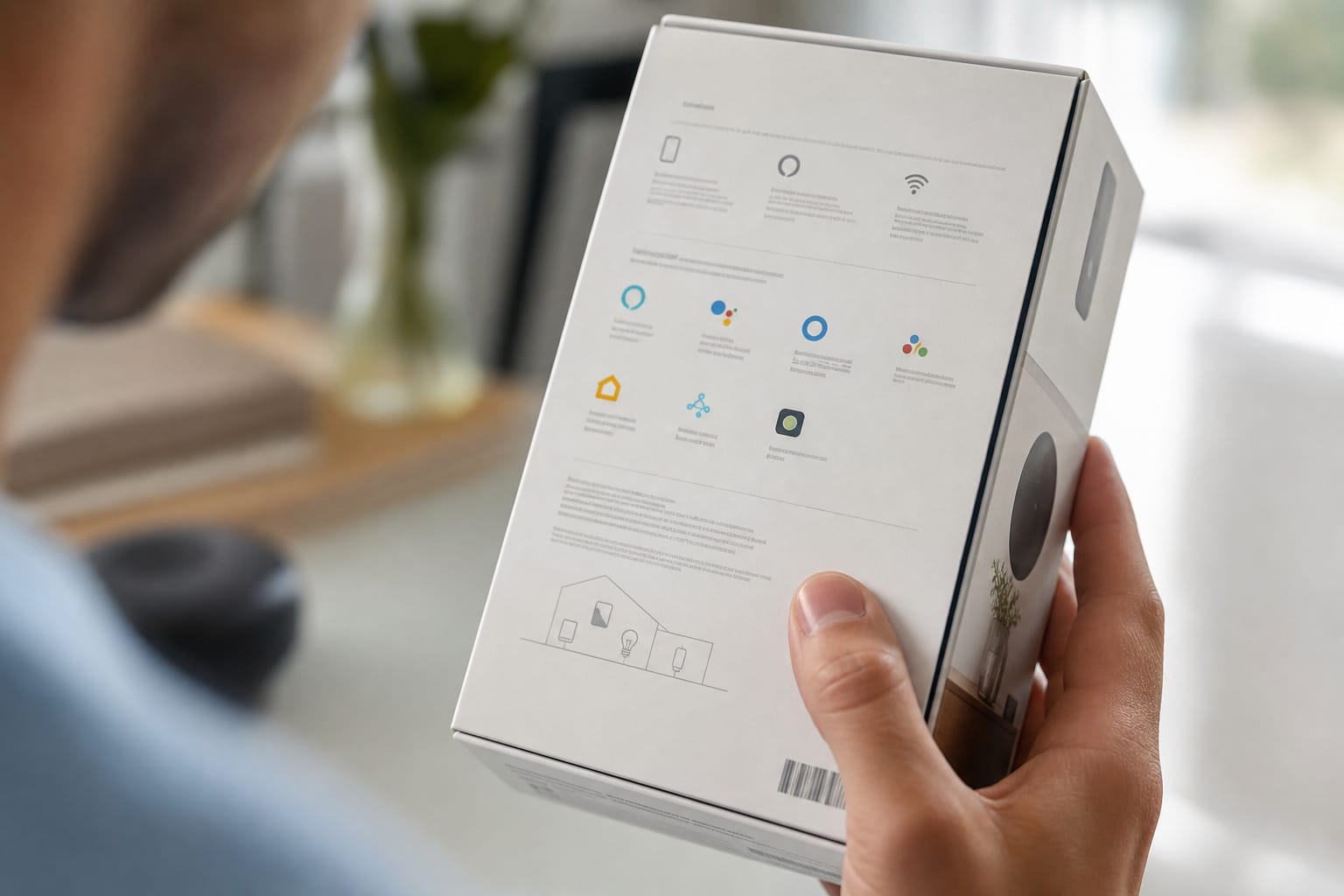
Look for the actual badge graphic, not just compatibility language in the product description, on the listing images or product page rather than trusting bullet-point text alone, since bullet points are easier to write loosely than a certified badge is to earn.
For Matter specifically, check for the Matter logo directly, which is the strongest single signal of broad cross-platform support given the certification changes covered above. If a specific voice phrase or command structure is mentioned in reviews or the manual, that’s often a sign of a skill-based integration rather than a fully certified one.
When in doubt, checking the platform’s own compatible-device directory (Amazon’s Works with Alexa store, Google’s Works with Google Home directory, or Apple’s own compatible accessories list) directly is more reliable than trusting a third-party retailer’s listing, which can occasionally overstate compatibility.
This matters most before committing to devices in bulk; our budget starter kit guide covers why picking an ecosystem before buying anything is worth doing first, and our guide to mixing brands covers what to expect once you’re combining devices from different manufacturers inside one ecosystem.
Recommended Products

【Matter: All-Round Compatibility】With Matter, users are no longer tied to specific platforms and works with all certified smart home platforms, such as Apple Home, Amazon Alexa, Google Home and Samsung SmartThings. You can control all your smart home devices from a single app, reducing the need for multiple apps for different devices.

【Award-Winning Smart Plug】The Tapo P400M was named Best Outdoor Smart Plug by Wirecutter in 2026 for its independently controllable dual outlets, durable IP65 weather resistance, and response Matter compatibility, among other standout features.

【Flexible Scheduling & Timer】Effortlessly reduce energy usage with automatic device shutdown after a set time. For example Chrismas Tree, TV, Lamp, Fan, Humidifier,Blenders, Lightbulbs
Frequently Asked Questions
Does “Works with Alexa” mean the device has Alexa built in?
No, and this is the most common confusion with this badge. “Works with Alexa” means the device can be controlled by Alexa through a skill, hub, or Matter; it doesn’t contain a microphone or run Alexa itself. “Alexa Built-In” is the separate badge for devices that actually have Alexa running on them, like a smart speaker or soundbar you talk to directly.
If a device has one “Works with” badge, does it work with the other two ecosystems too?
Not automatically. Each badge represents a separate certification with a different company, and a device can legitimately support one ecosystem while having no support at all for the other two. Matter certification has made it more likely for a device to pick up multiple badges with less manufacturer effort, but it’s not a universal guarantee yet, especially in less common device categories.
What’s the difference between a certified badge and a listing that just says “Alexa compatible”?
A genuine badge means the device passed the platform’s official certification process for reliability and full feature support. Loose language like “Alexa compatible” in a product description without the actual badge graphic often means a lighter, uncertified skill-based integration, sometimes requiring an awkward specific phrase rather than a natural voice command. Look for the actual badge image on the listing, not just descriptive text.
Did Apple rename the HomeKit badge?
Yes. The badge and app previously known as “Works with HomeKit” and “Home” were rebranded to “Works with Apple Home” around the release of iOS 16, partly to reduce confusion once Matter devices could also work with Apple’s ecosystem without going through Apple-specific HomeKit certification alone.
What’s the most reliable way to confirm a device works with my ecosystem?
Check the platform’s own official compatible-device directory (Amazon’s Works with Alexa store, Google’s Works with Google Home directory, or Apple’s compatible accessories list) rather than relying solely on a retailer’s product listing. Looking for the actual certified badge graphic on the packaging or listing images, rather than loose compatibility language in the description, is the next most reliable signal.