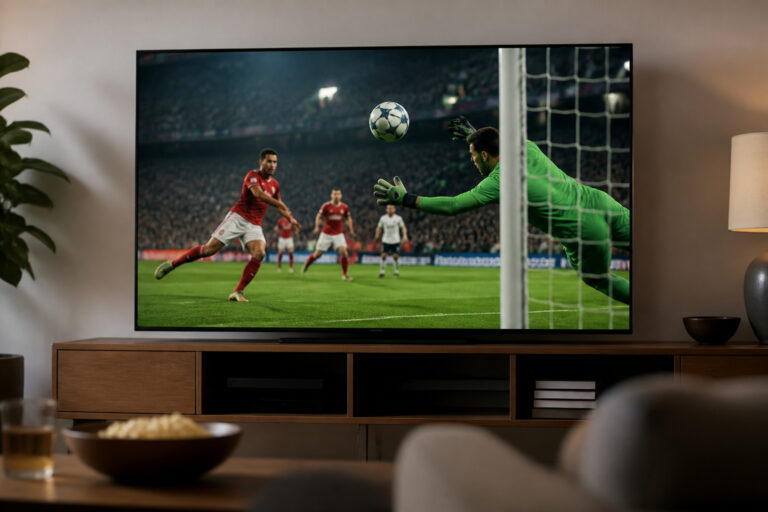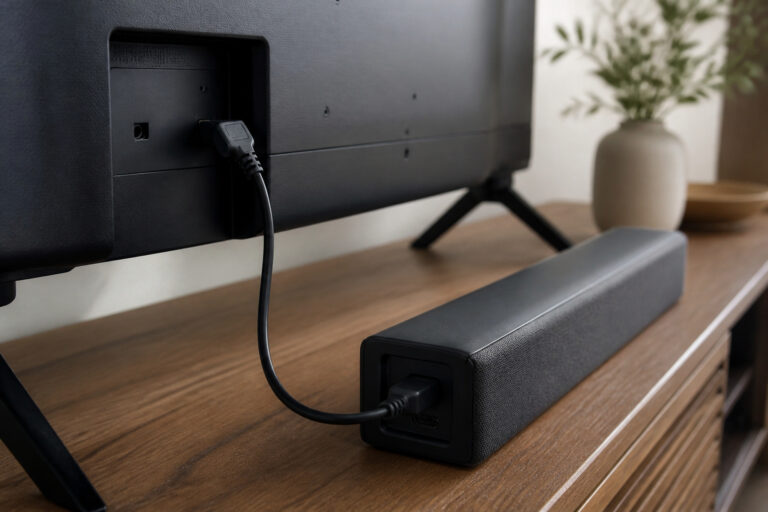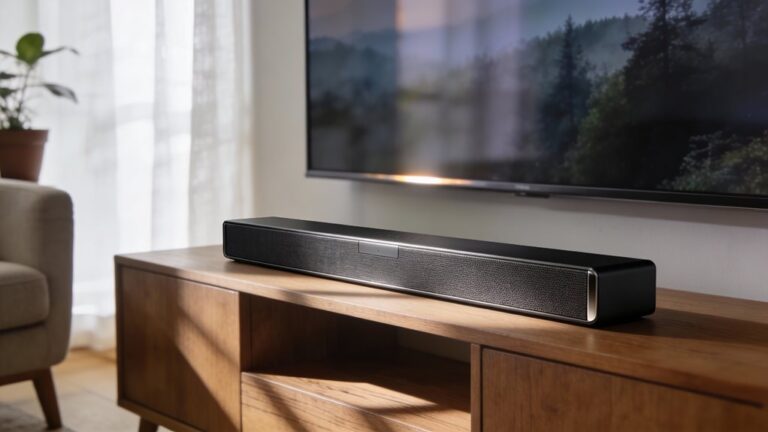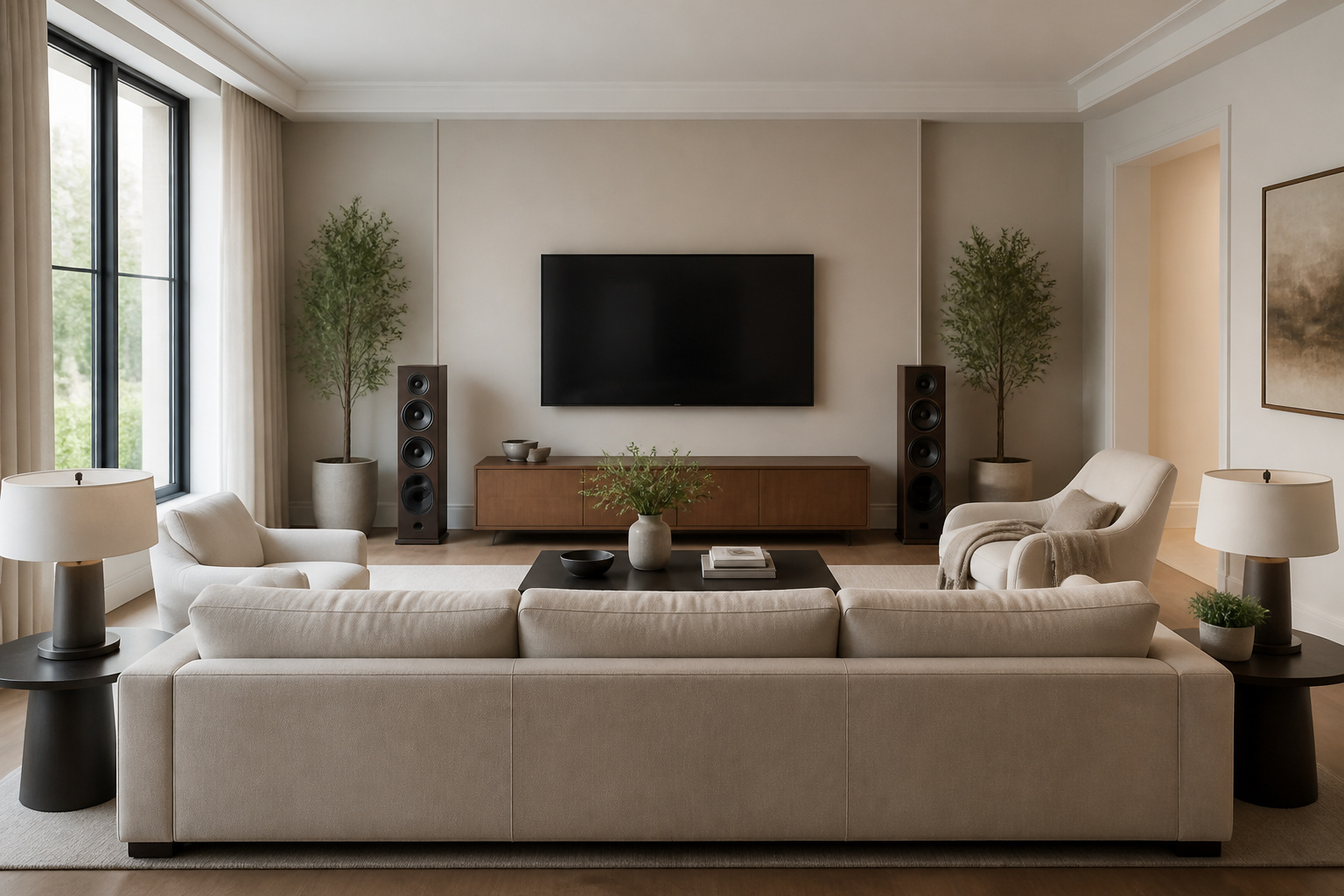
Room layout shapes what you see and what you hear. Where you place the screen, seats, and speakers affects viewing angles, glare, and bass.
You can improve a living room or theater with a few layout choices before you buy anything new.
Choose the Screen Wall
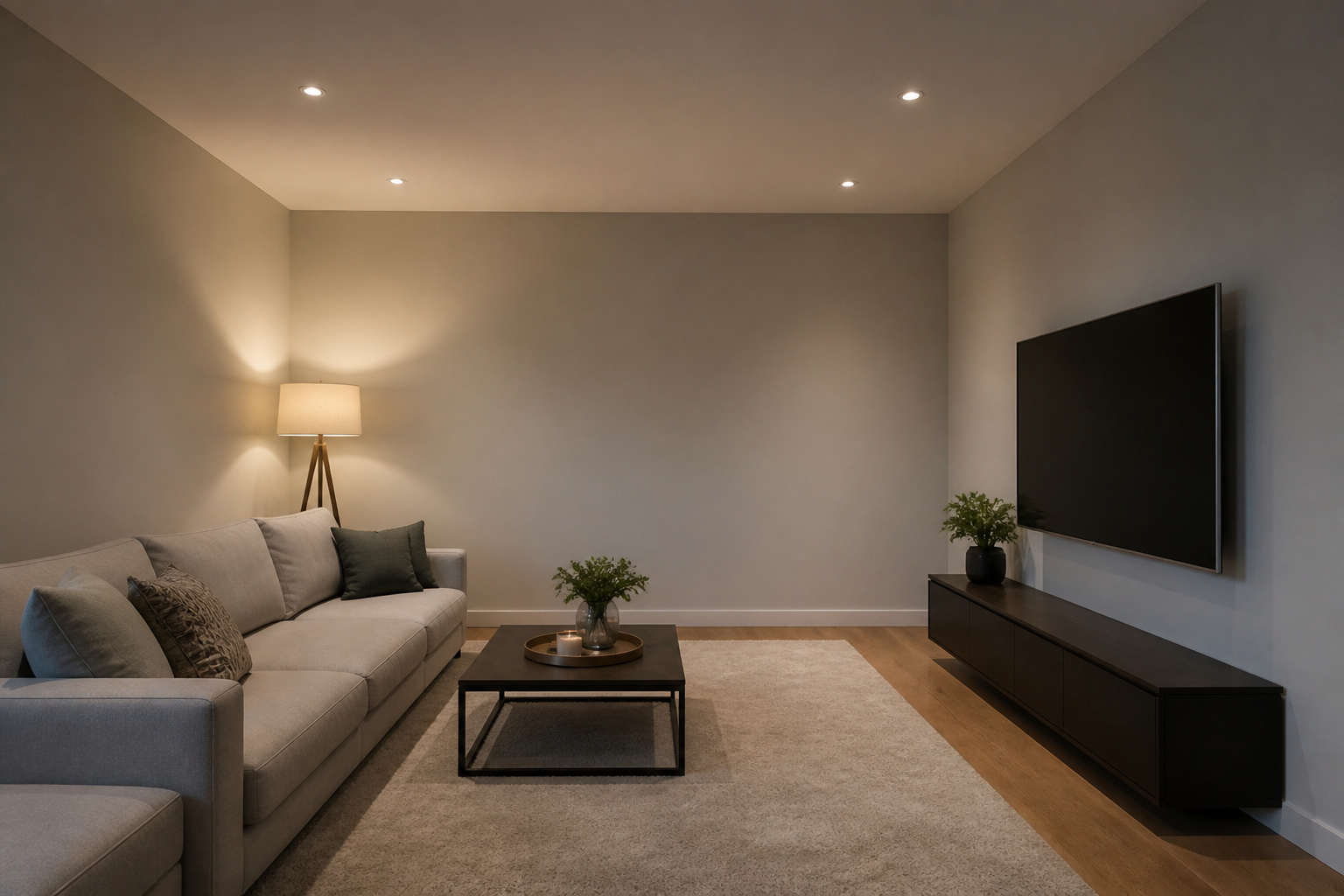
Put the screen on the wall that lets you sit at a comfortable distance with a clear view from every seat. In a rectangular room, the shorter wall often works well because it places seats closer to the screen and keeps viewing angles tight.
Avoid placing the screen directly opposite a large window, which causes glare. See our guide to what TV size to buy for the optimum size versus distance match.
Recommended Products

Room Divider Curtains: Curtains can be a temporary solution to create new spaces without building walls, harmoniously dividing your room and creating personal space. Widely used in patio glass doors, bedrooms, living rooms, offices, closets, bars. hooks curtains are suitable for both curtain track and ceiling curtain track / rod.

The Film Room Decor Curtains - Jekeno movie curtains are made polyester soft silky extra durable innovative microfiber fabric, this fabric is thinner than ordinary fabrics, it will not fade for a long time and it Can achieve 70% shading effect, decorate your bedroom.

【New way of Magnetic Fasteners + Heat-Resistant Hook Loop Tape 】Fix The Blackout Curtains With 2 Way - Heat-Resistant Hook Loop Tape + Magnetic Closure.Hook & Loop Strips Are Used For Fix On The Top Of The Window, Magnetic Closure Are Used For The Curtain Beside And The Bottom.1 Pair Magnetic Closure Include 1Pcs Metal Board With Thermal Adhesive Tape+1Pcs Black Magnet Board Without Adhesive Tape.Metal Board Stick On The Frame of Your Window,The Blackout Window Cover Will be Clamped Between The Metal Board And Black Magnet Board. Each Part Can Be Tightly Connected Together To Easily Fixed,Removed And Portable.
Seating Distance and Height
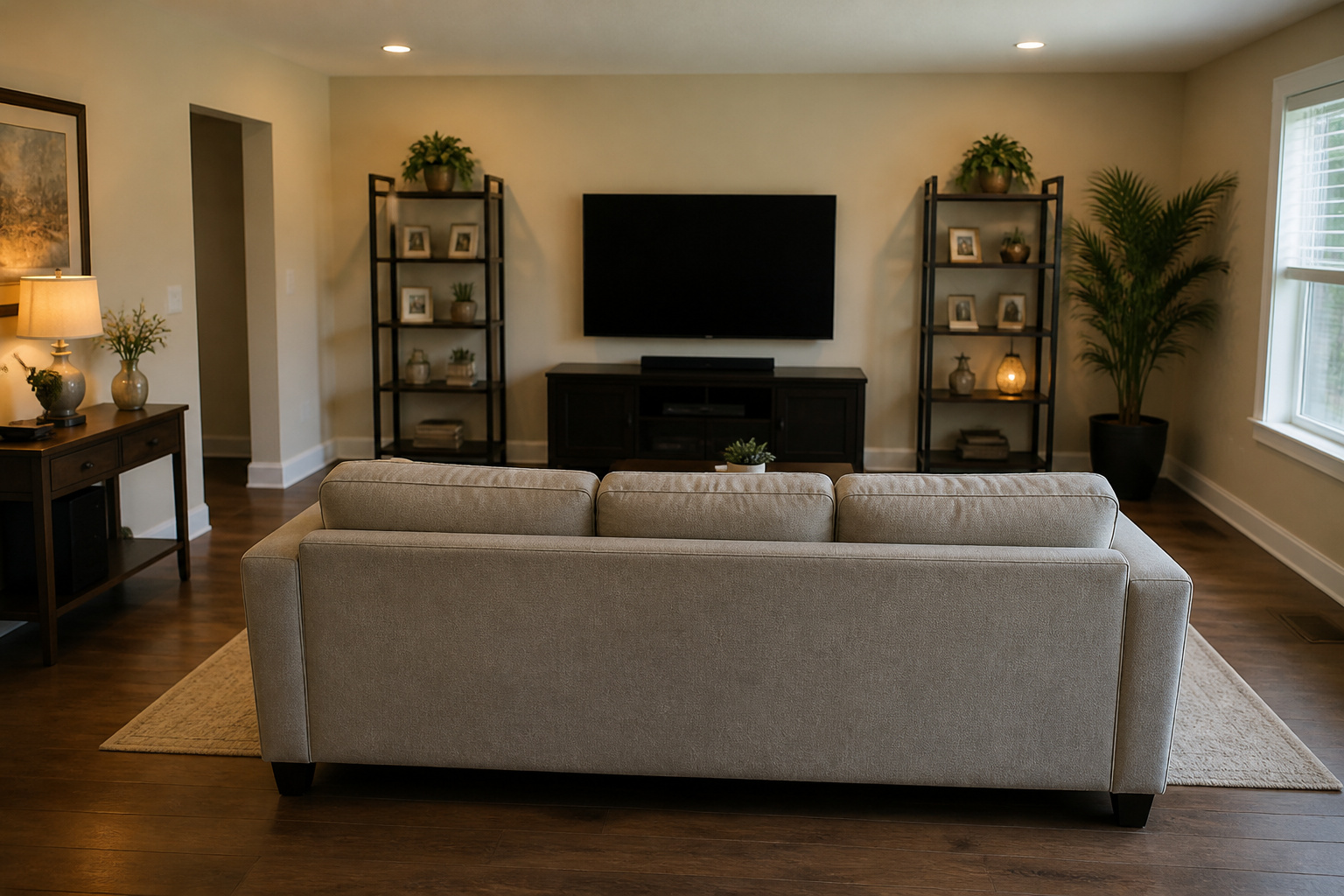
Sit far enough back to take in the whole screen without turning your head, and keep your eyes near the middle of the screen. A TV mounted too high strains the neck; see best TV height for wall mounting.
Avoid putting your main seat against the back wall, since reflections muddy sound and bass builds up.
Controlling Light
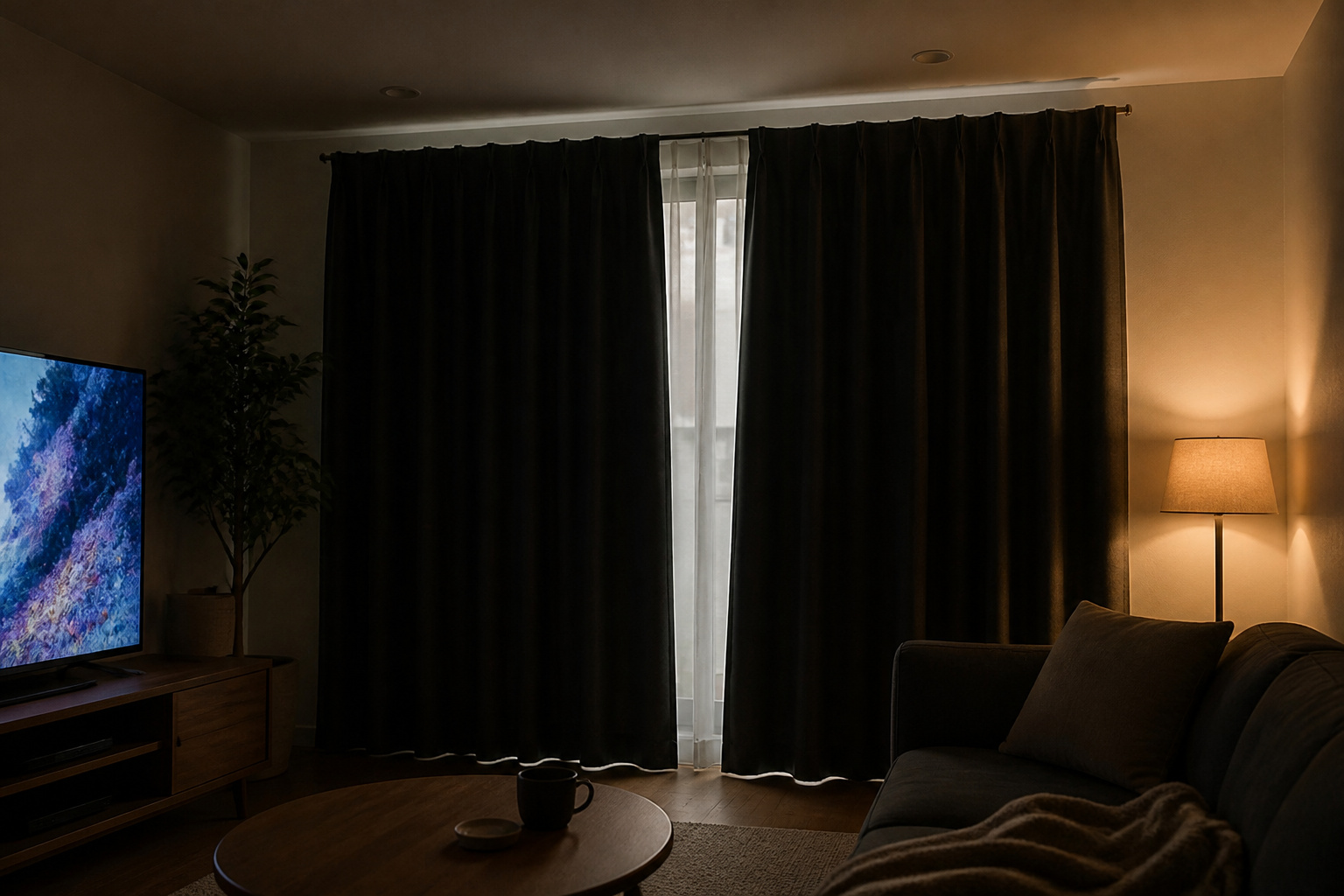
Light is the enemy of contrast. Use blackout curtains or blinds, and avoid lamps that reflect on the screen.
Bias lighting behind the TV can reduce eye strain and make the picture look deeper. If the picture still looks dim or washed out, see why a TV looks too dark.
Recommended Products
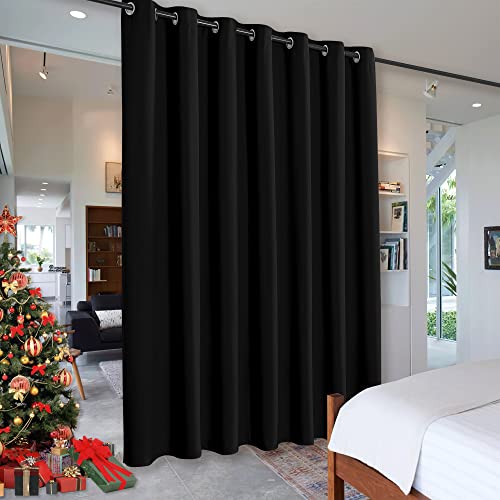
WELL MADE - Sold as 1 panel. Sizes - 8.3 ft Wide x 12 ft Long ( W 100 x L 144 inch). 14 Metal Silver Grommets on the top with inner diameter 1.6". Both side are same color. ONLY CURTAIN INCLUDE.

Luxury Velvet Décor: These 300 GSM curtains drape with a fluid, heavyweight fall that catches light beautifully. Rich jewel tones and soft neutrals complement modern, classic, or luxe interiors—transforming living rooms, bedrooms, and dining spaces into refined sanctuaries.

Item Package Dimension: 13L x 10.8W x 6.4H inches
Speaker Layout
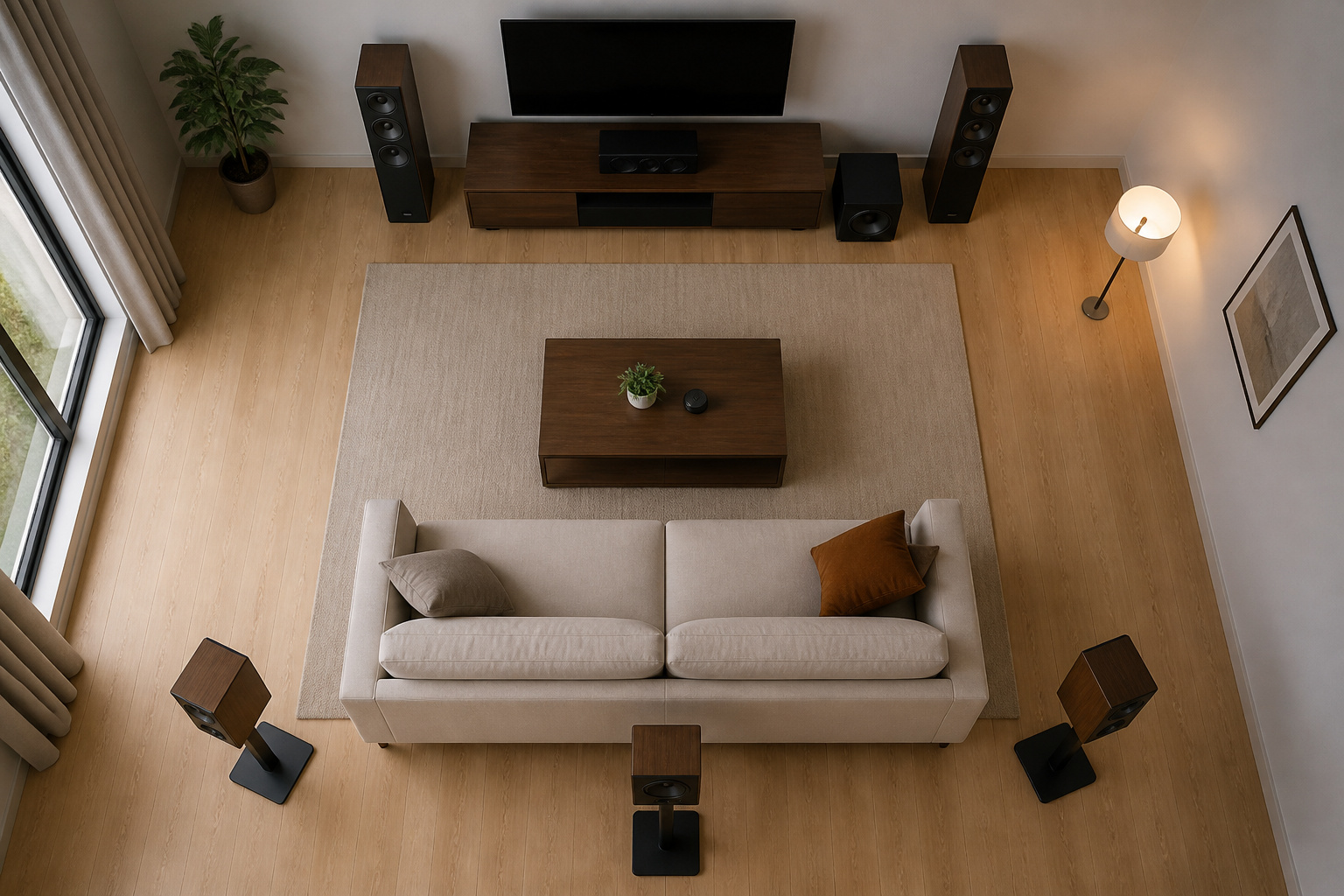
Position the main speakers at an equal distance facing the main seat. Place the center speaker at the screen, and place the surround speakers beside or behind the seating area.
For details, see speaker placement for home theater. If you cannot run wires, consider wireless speakers.
Recommended Products
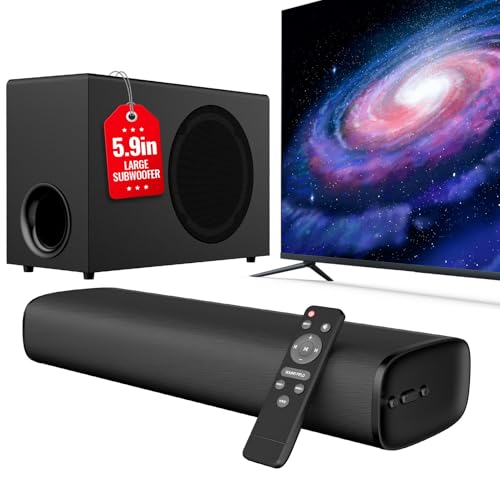
110W Room-Filling Sound & 5.9" Bigger Subwoofer: Experience cinematic audio with 110W peak power and a 5.9-inch dedicated subwoofer. The larger cavity design delivers 2x deeper bass than standard built-in TV speakers, creating a true 2.1 channel surround sound experience for movies, music, and gaming.

Bring Home Epic Sound - Experience a new dimension of sound with our 5.1 channel Home Theater Soundbar. Transform your room into a dynamic home theater with sound projected through left, right, center and rear speakers. You’ll hear—and feel—every nuance, from superb voice clarity to thrilling sound effects.

VocalMatrix Algorithm: Powered by Ultimea’s VocalMatrix, the system intelligently extracts vocals and dynamically redistributes them across rear surround channels through 7.1 discrete outputs. By analyzing the original soundstage, it maintains accurate vocal positioning while preserving the surrounding ambient sound.
Reduce Echo and Clutter
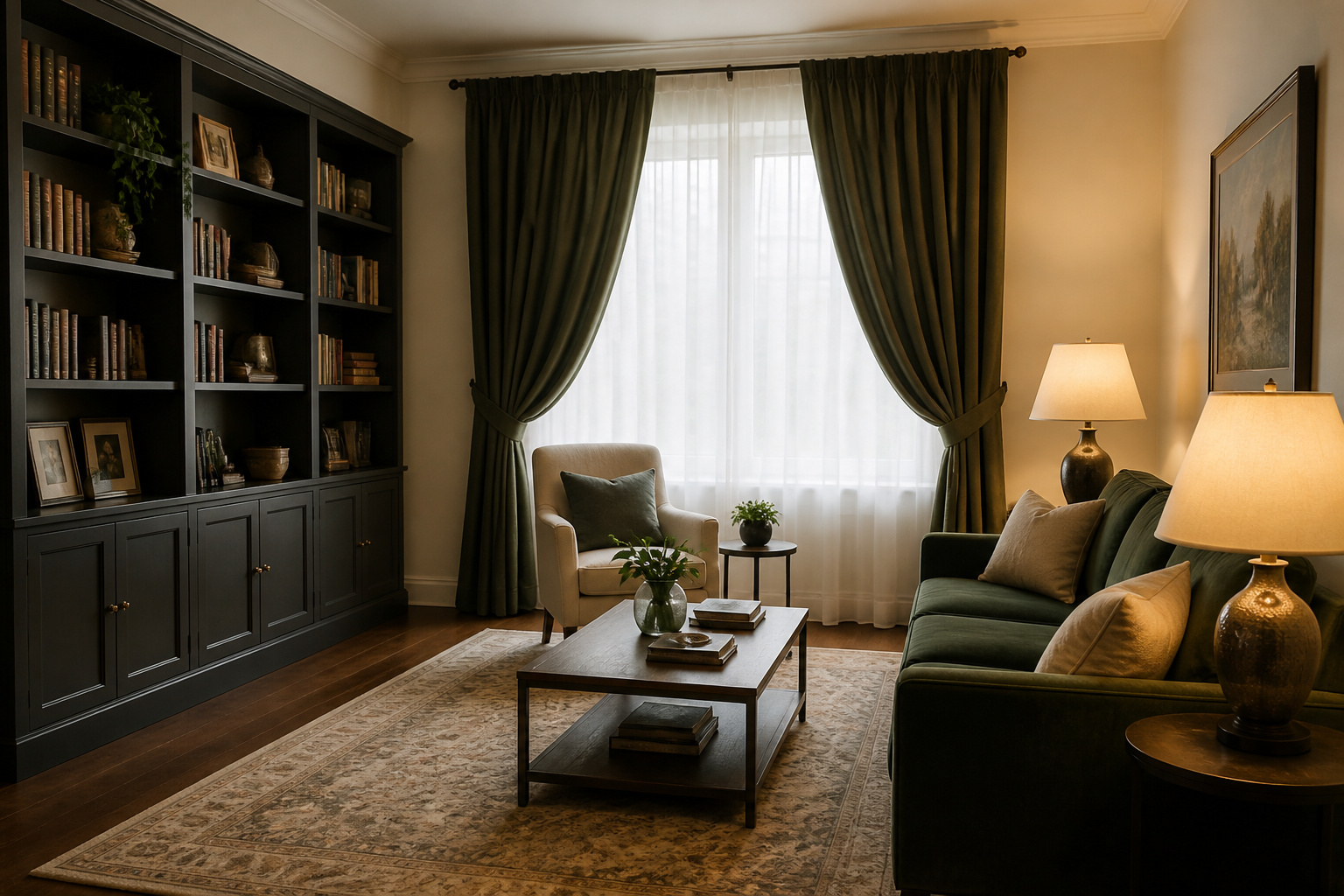
Rugs, curtains, upholstered furniture, and bookshelves absorb and scatter sound, which keeps dialogue clear.
Keep cables tidy; see how to hide TV cables. A clean, symmetrical layout generally sounds better and looks better.
Frequently Asked Questions
Where should I put the TV in a living room?
On a wall without direct window glare, with seating at a distance suited to the screen size.
Should my seat be in the middle of the room?
Often yes. Sitting slightly away from the back wall gives more balanced sound and less bass buildup.
How do I reduce glare?
Use curtains, adjust lamps, and choose a matte or anti-glare screen if your room is bright.
What if the room is not symmetrical?
Aim for balance as best you can. If your receiver or soundbar has room correction features, use them.
Do I need acoustic panels?
Not initially. Rugs and curtains help a great deal, and you can add panels later in a dedicated room.