When dialogue is hard to follow or movie scenes sound flat, you don’t always need a new TV.
A few settings adjustments and some low-cost changes can make a noticeable difference, and you can save a bigger upgrade for later if you want one.
Start with the free fixes below.
Check the TV’s Audio Settings
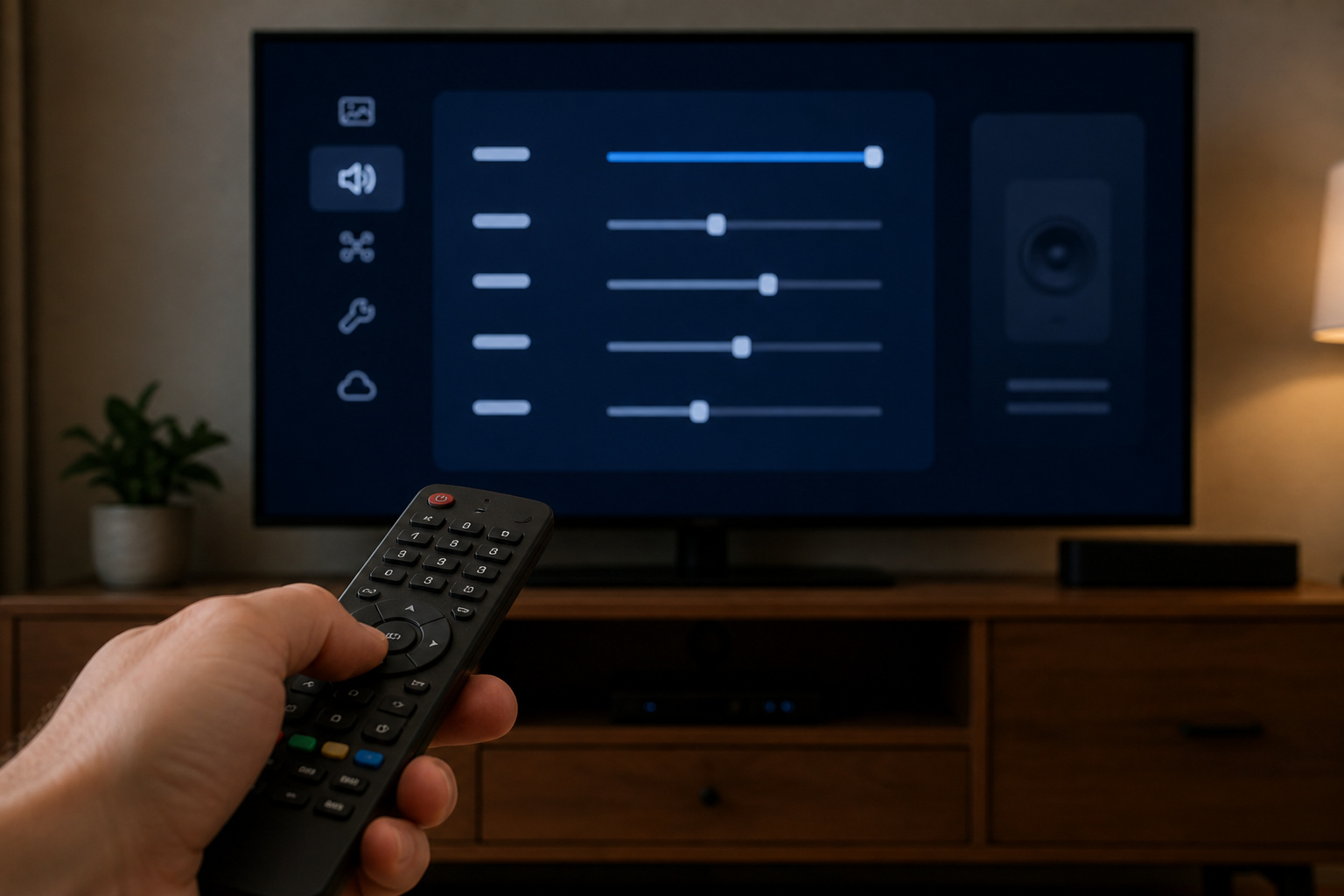
Open the sound menu and look for modes labeled Clear Voice, Dialogue Enhancer, Speech, or Night mode. These raise voices relative to background effects, which helps most with thin TV speakers.
Turn off virtual surround and extra sound effects if they make speech sound hollow. If the TV has an equalizer, a small mid-range boost often helps voices. For connection or delay issues, see why TV audio is out of sync.
Check the Source Audio Settings
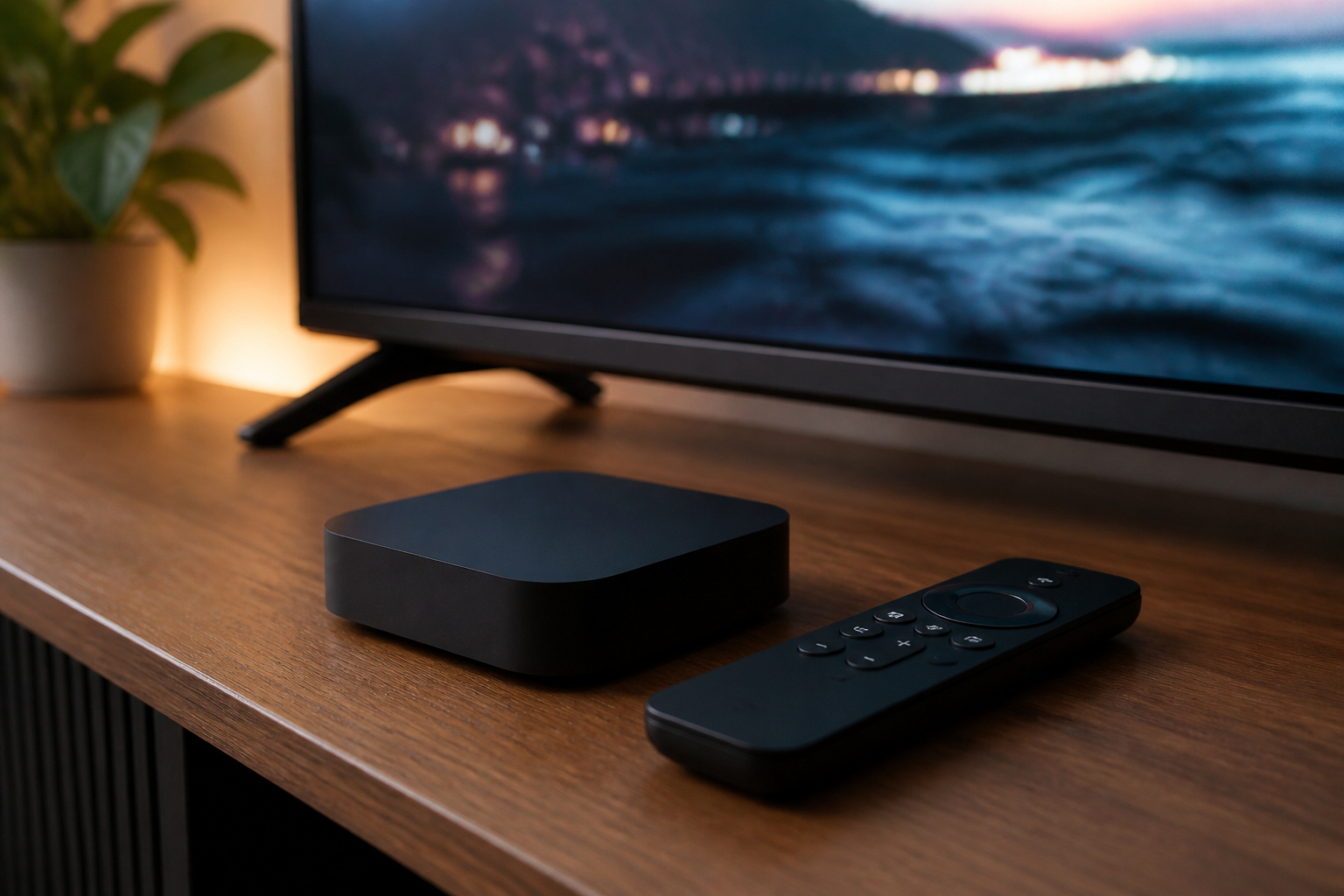
Streaming apps and devices have their own audio settings. If you only use your TV speakers, set your streaming box or app to stereo, because surround downmixing can make dialogue sound quiet.
If you use a soundbar or receiver, set the output to the format they support. Our eARC guide explains how audio gets from the TV to your speakers.
Recommended Products

3.5mm to 2RCA Audio Cable: UGREEN 3.5mm to 2RCA stereo cable is suitable for plugging the 3.5mm connector into the headphone jack of your mobile device and the 2 RCA connector to the port on your sound system. This RCA to Aux cable from UGREEN is a perfect choice for audio connections both in professional or domestic settings

Buy with Confidence: If you receive a defective one (like wavy lines, no sound/picture) or you have any problems with the adapter, please contact us in the first place to get efficient customer service for replacement or other assistance.

Listen music wireless: Connect with computer speakers, home stereo systems or other speaker systems via the 3.5 mm or RCA cable, then pair with the Bluetooth audio devices such as smartphones or tablet for streaming music.
Improve the Room
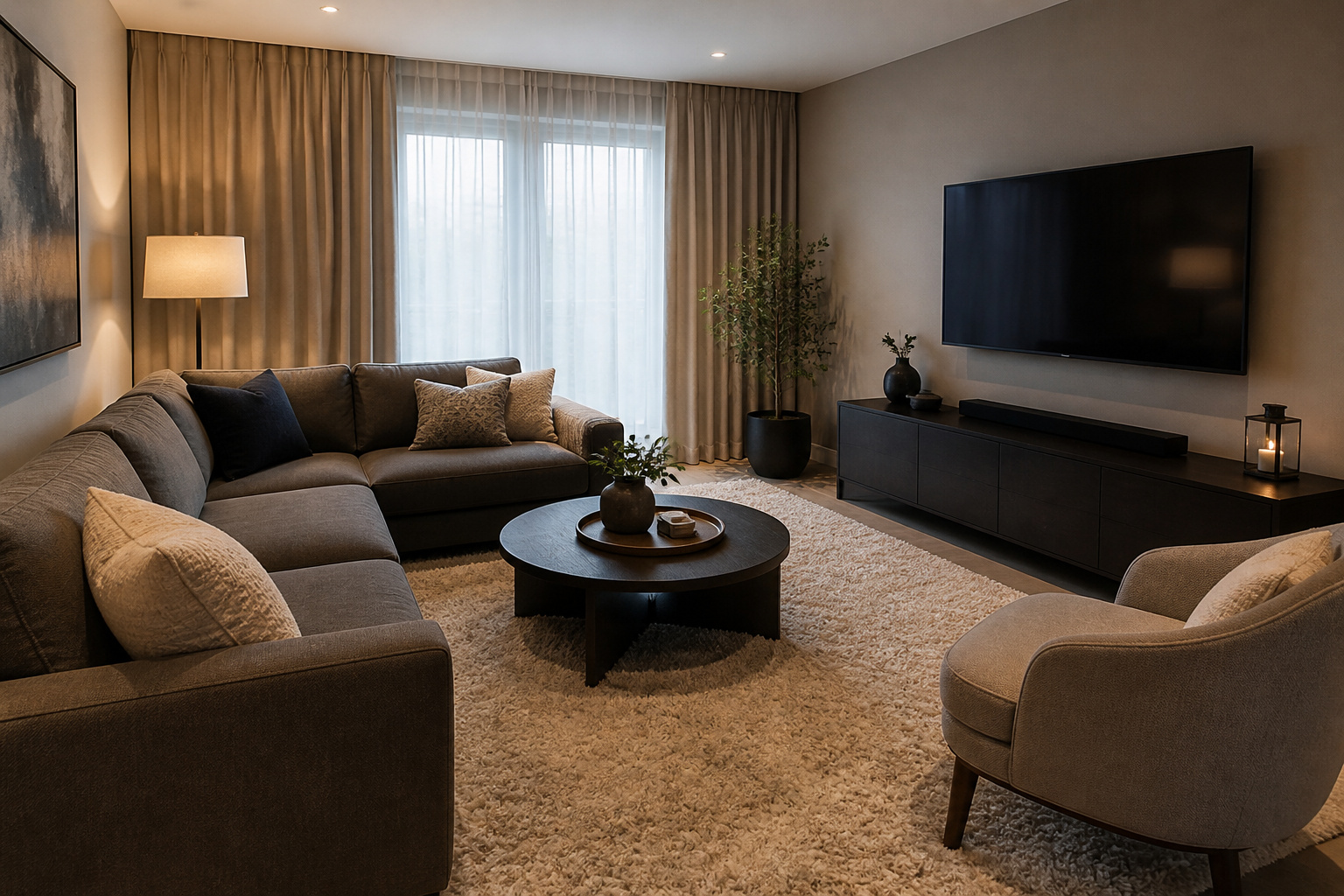
Hard, bare rooms reflect sound and blur dialogue. Rugs, curtains, and soft furniture soak up echo.
Keep the TV speakers unblocked, and avoid putting the TV in a recessed cabinet that muffles the sound.
Recommended Products

High-Quality Wall Panels: Our acoustic panel set is crafted with high-density polyester fiber, premium medium-density fiberboard, and a solid wood veneer. This combination provides an elegant look, superior sound damping, and excellent sound deadening, significantly improving room acoustics

Superior Acoustic Treatment: These sound-absorbing foam panels effectively dampen echoes and reverberations for enhanced audio clarity and quality

PROFESSIONAL SOUND ABSORBING PROPERTIES – Our acoustic foam panels are expertly designed to reduce noise pollution by absorbing sound rather than blocking it. They minimize echoes and unwanted background noise, creating a cleaner, more focused audio environment. Unlike soundproofing, acoustic foam specifically manages reverberation, making it ideal for studios, recording booths, control rooms, and radio stations. Use our foam to eliminate standing waves and flutter in spaces of any size, ensuring professional-grade sound quality for your projects.
Add a Soundbar
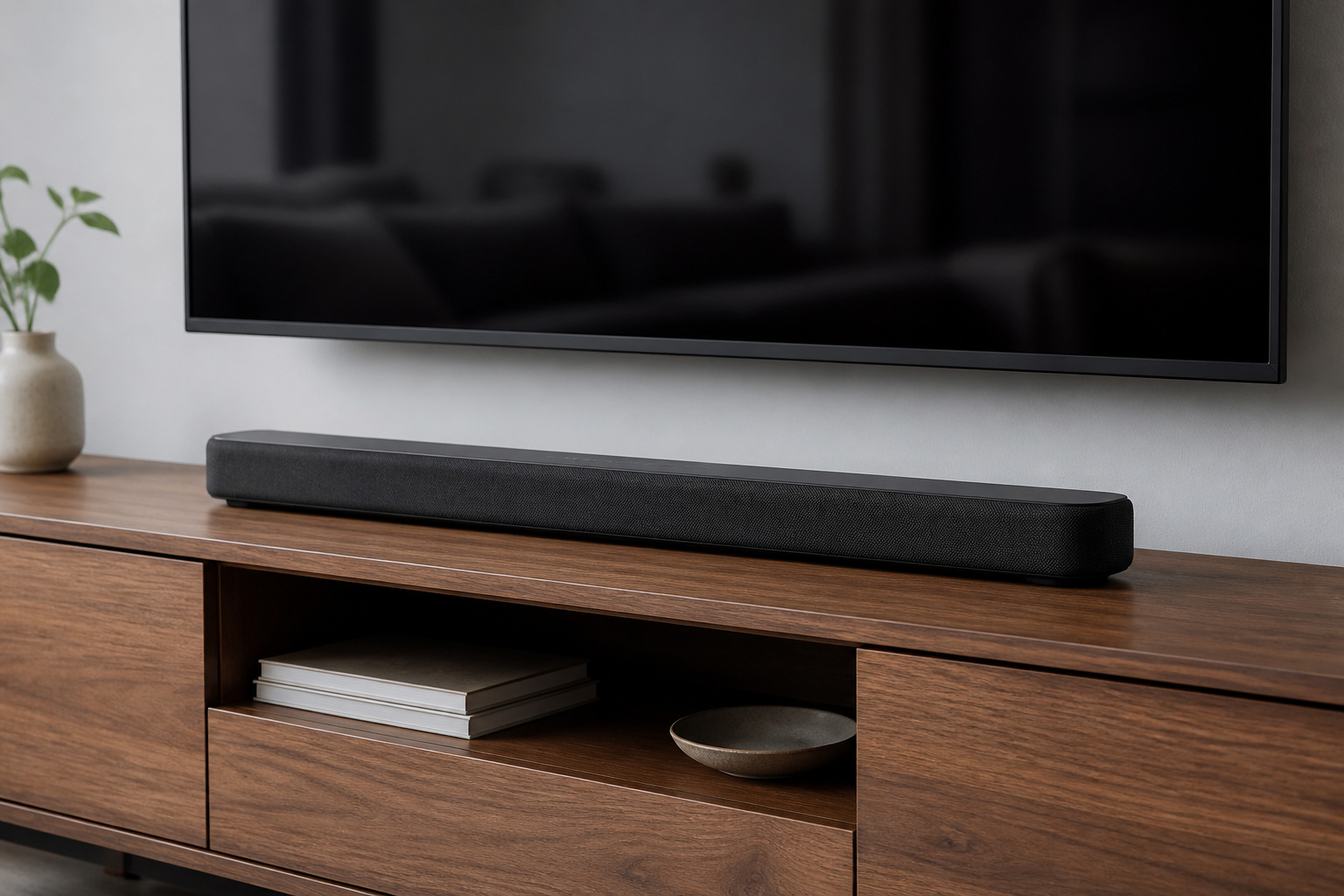
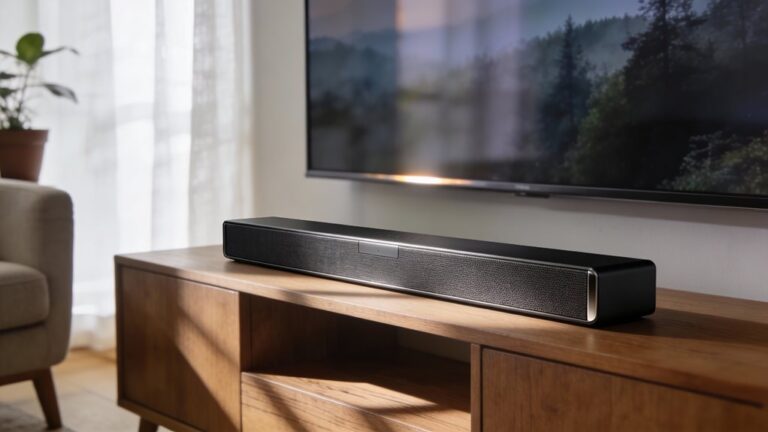
A soundbar is the easiest major upgrade, and even an inexpensive one usually improves dialogue and bass. Look for a dialogue mode and, for deeper bass, a wireless subwoofer.
See our comparison of a soundbar vs home theater system and the guide to connecting a soundbar.
Recommended Products

EXTRA CLEAR VOICES POWERED BY A DEDICATED CENTER: Hear every word with a dedicated, built-in center channel speaker that enhances dialogue clarity. Plus, feel the power of rumbling bass with a wireless subwoofer.

Why Choose TCL: TCL is a global leader in TVs and audio, combining innovative technology with reliable performance. Enjoy award-winning sound, durable design, and customer support that keeps your entertainment experience worry-free

TOTAL IMMERSION, FOR EVERYTHING YOU PLAY: The Bose Dolby Atmos Soundbar features shockingly immersive sound for its size and utilizes proprietary TrueSpace technology so you can feel everything you watch like you're in the theater
Use Speakers or Headphones
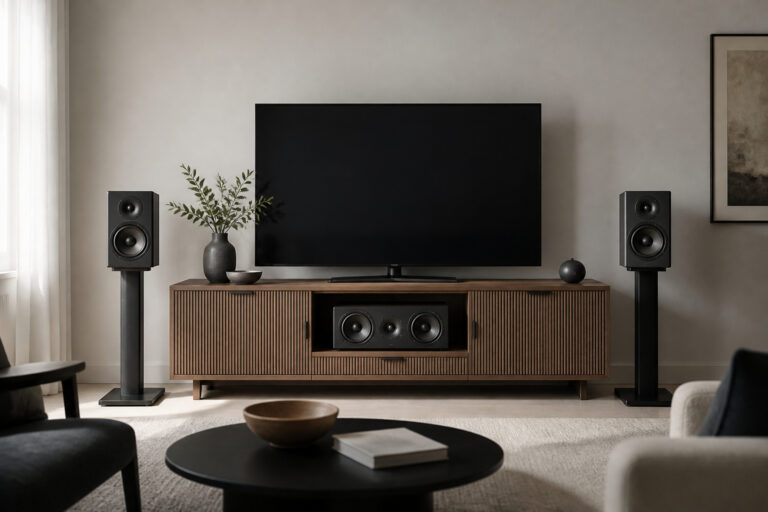
If you prefer a stereo setup, a pair of powered speakers or a small receiver with bookshelf speakers sounds better than most TVs.
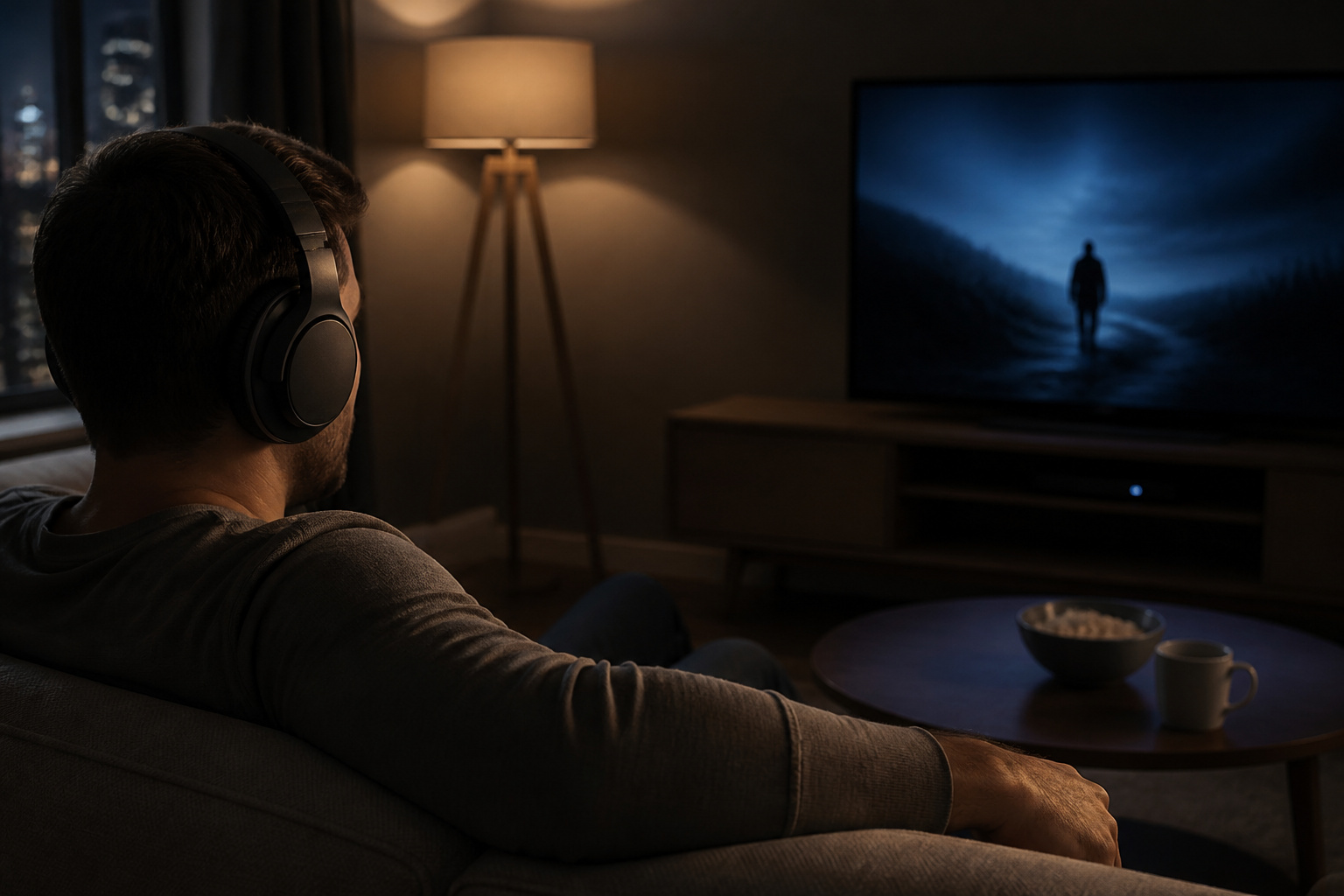
For late-night viewing, wireless headphones avoid disturbing others; check for lip-sync delay on Bluetooth models. For a longer-term plan, see how to build a home theater on a budget.
Recommended Products

2 x AUX INPUT - Convenient connection to any device that has a 3.5mm headphone output or dual RCA output. Connect to two devices via AUX at the same time, no plugging and switching needed.

𝐏𝐨𝐰𝐞𝐫𝐞𝐝 𝐁𝐥𝐮𝐞𝐭𝐨𝐨𝐭𝐡 5.3 𝐁𝐨𝐨𝐤𝐬𝐡𝐞𝐥𝐟 𝐒𝐩𝐞𝐚𝐤𝐞𝐫𝐬: Pair the bookshelf speakers with your smartphone, tablet, Mac, or PC to play music wirelessly, no need to deal with messy wires.To use your turntable with our Bluetooth speakers: Your turntable must have Bluetooth transmitter/output(for connecting Bluetooth speakers and headphones). If your turntable only has a Bluetooth receiver/input (like most built-in speaker turntables for connecting mobile phones), it won’t work with our speakers. Check your turntable’s specs before ordering!
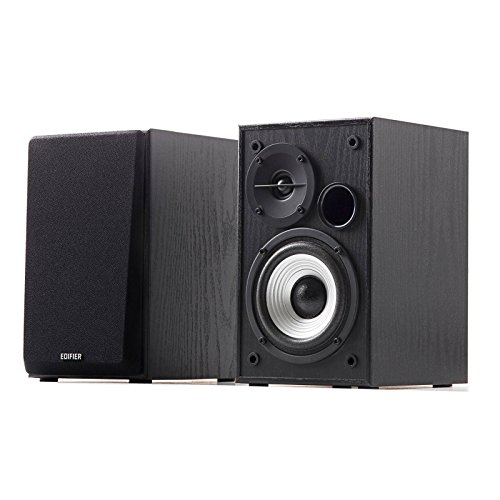
24 WATTS RMS POWER OUTPUT - Active bookshelf speaker system with 24W total power output with calibrated, flared bass reflex port in front.
Frequently Asked Questions
Why does TV dialogue sound so muffled?
Thin TVs have small speakers that point down or backward, which weakens voices. Dialogue modes and a soundbar help.
Is a soundbar better than TV speakers?
Almost always. A soundbar has larger drivers and better placement, which improves clarity and bass.
Can I improve sound without buying anything?
Yes. Adjust the TV’s sound mode, turn off virtual surround, and soften the room with rugs and curtains.
Will a cheap soundbar help?
Often. Even basic soundbars usually improve speech clarity over built-in speakers.
Do I need to replace my TV for better sound?
No. Adding a soundbar or speakers is a better value than replacing a TV purely for sound.