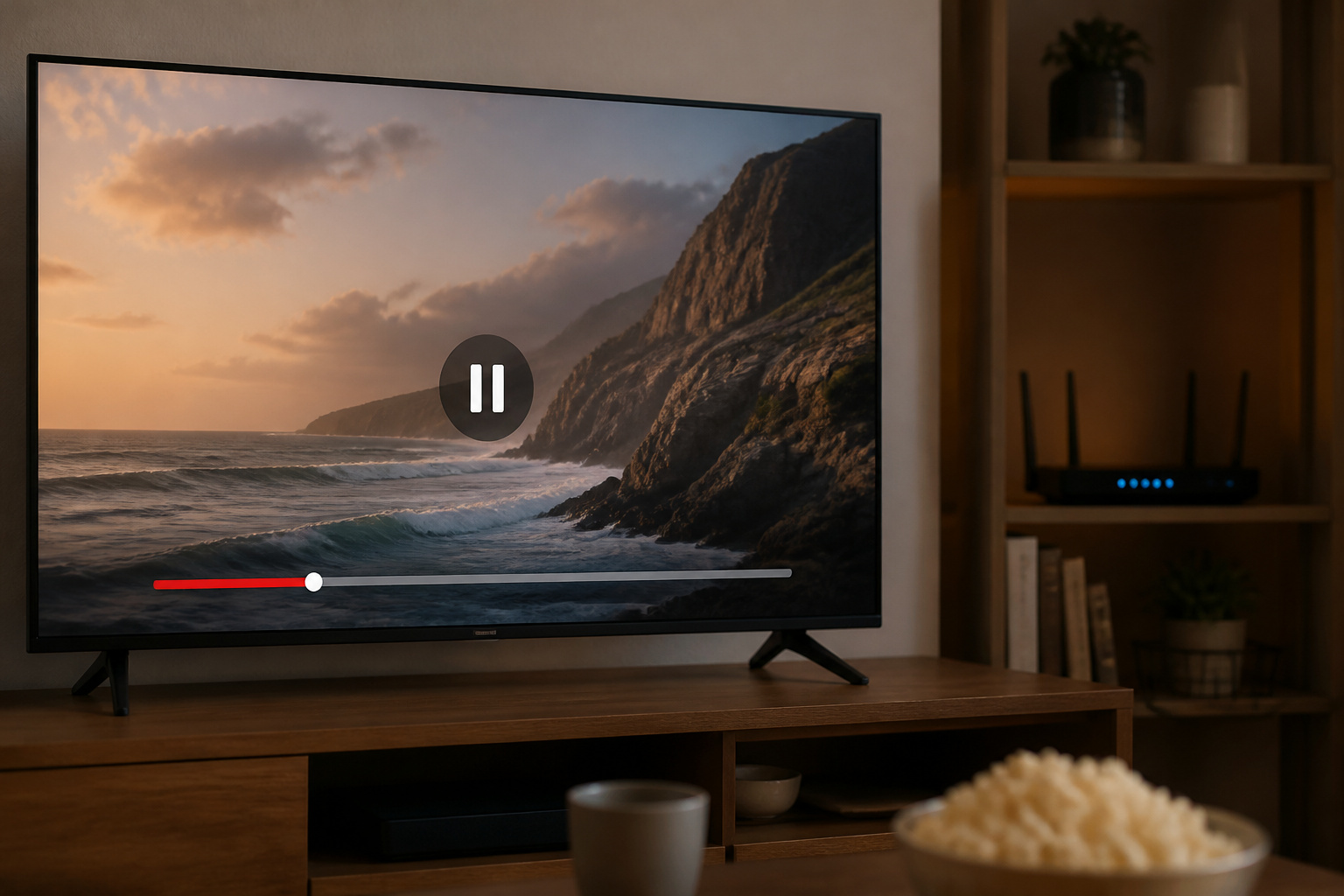
Buffering happens when your TV cannot download video as fast as it plays it. The cause is usually Wi-Fi, your internet speed, or the app, not the TV itself.
Here is how to find out and fix it.
Check Your Internet Speed
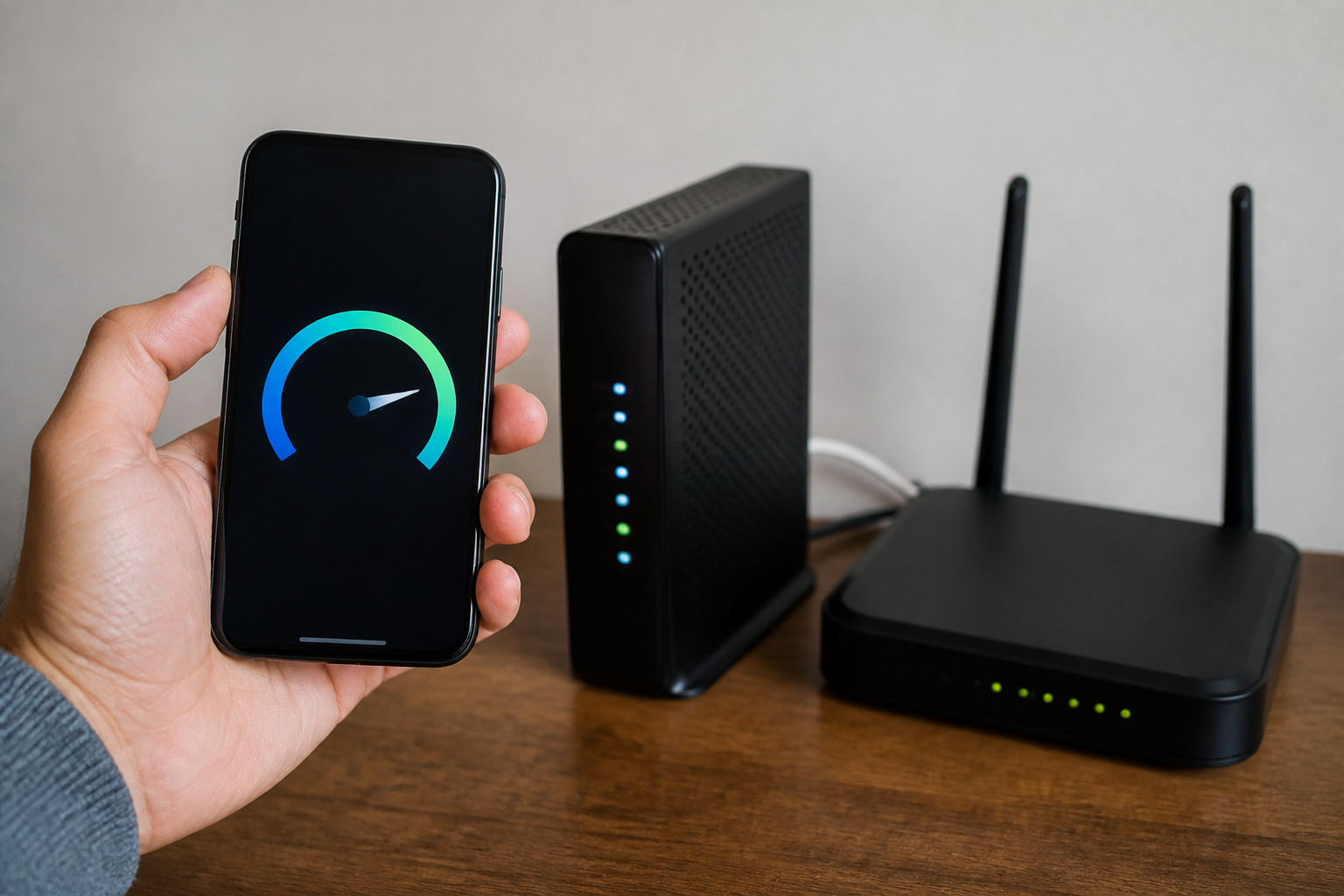
Netflix recommends at least 15 Mbps for 4K and 5 Mbps for 1080p HD. Other services can differ, so check your service’s help page. If several devices stream at once, you need more.
Test your speed using the TV’s browser or a phone on the same Wi-Fi, and compare it to what your plan provides. If speeds are low, restart your modem and router and contact your provider if the problem persists.
Improve the Wi-Fi Signal
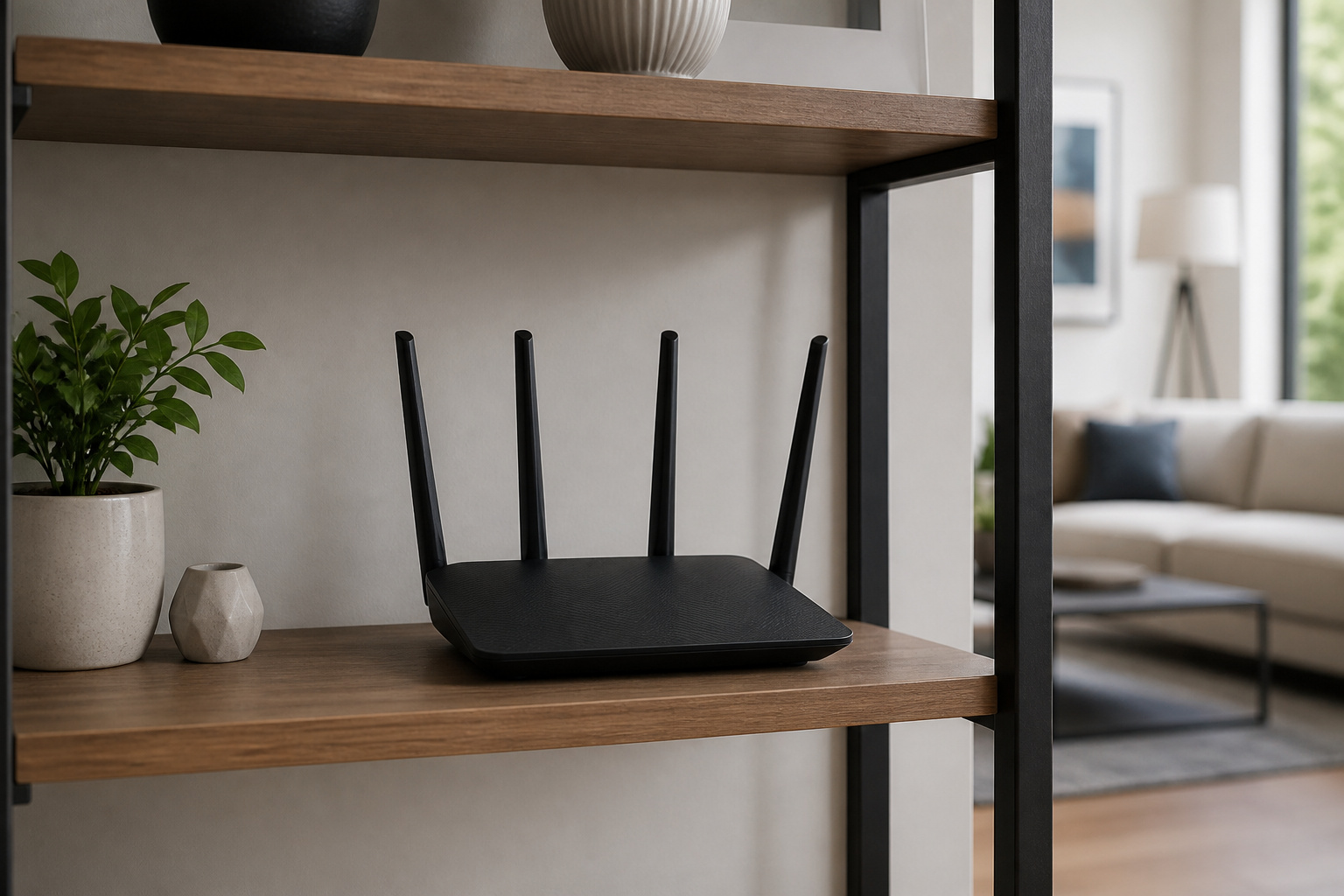
Weak Wi-Fi is the most common cause. Move the router closer to the TV, avoid placing it behind thick walls or inside cabinets, and use the 5 GHz band for less interference.
If the TV is far from the router, a mesh system or Wi-Fi extender can help. Many TVs also have an Ethernet port, and a wired connection is the most reliable fix.
Recommended Products

𝐃𝐮𝐚𝐥-𝐁𝐚𝐧𝐝 𝐖𝐢𝐅𝐢 𝐄𝐱𝐭𝐞𝐧𝐝𝐞𝐫 𝐰𝐢𝐭𝐡 𝟏.𝟗 𝐆𝐛𝐩𝐬 𝐓𝐨𝐭𝐚𝐥 𝐁𝐚𝐧𝐝𝐰𝐢𝐝𝐭𝐡 - Extend your home network with speeds of up to 1300 Mbps (5 GHz) and up to 600 Mbps (2.4 GHz). ◇
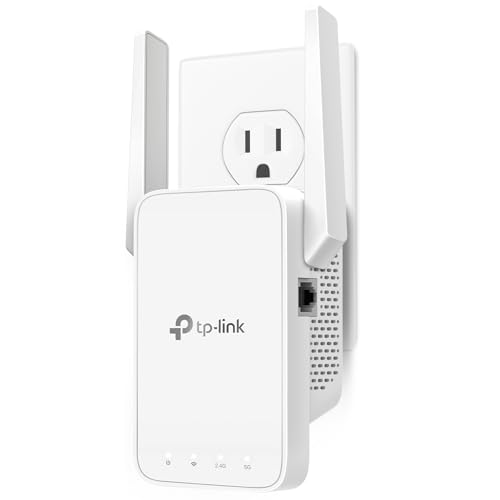
𝐒𝐭𝐫𝐨𝐧𝐠𝐞𝐫 𝐖𝐢-𝐅𝐢 𝐢𝐧 𝐄𝐯𝐞𝐫𝐲 𝐂𝐨𝐫𝐧𝐞𝐫 - Enjoy extended coverage with strong performance powered by Adaptive Path Selection and simple setup using One-Touch Connection. Perfect for everyday users looking to eliminate dead zones.
Restart Devices and Close Background Apps
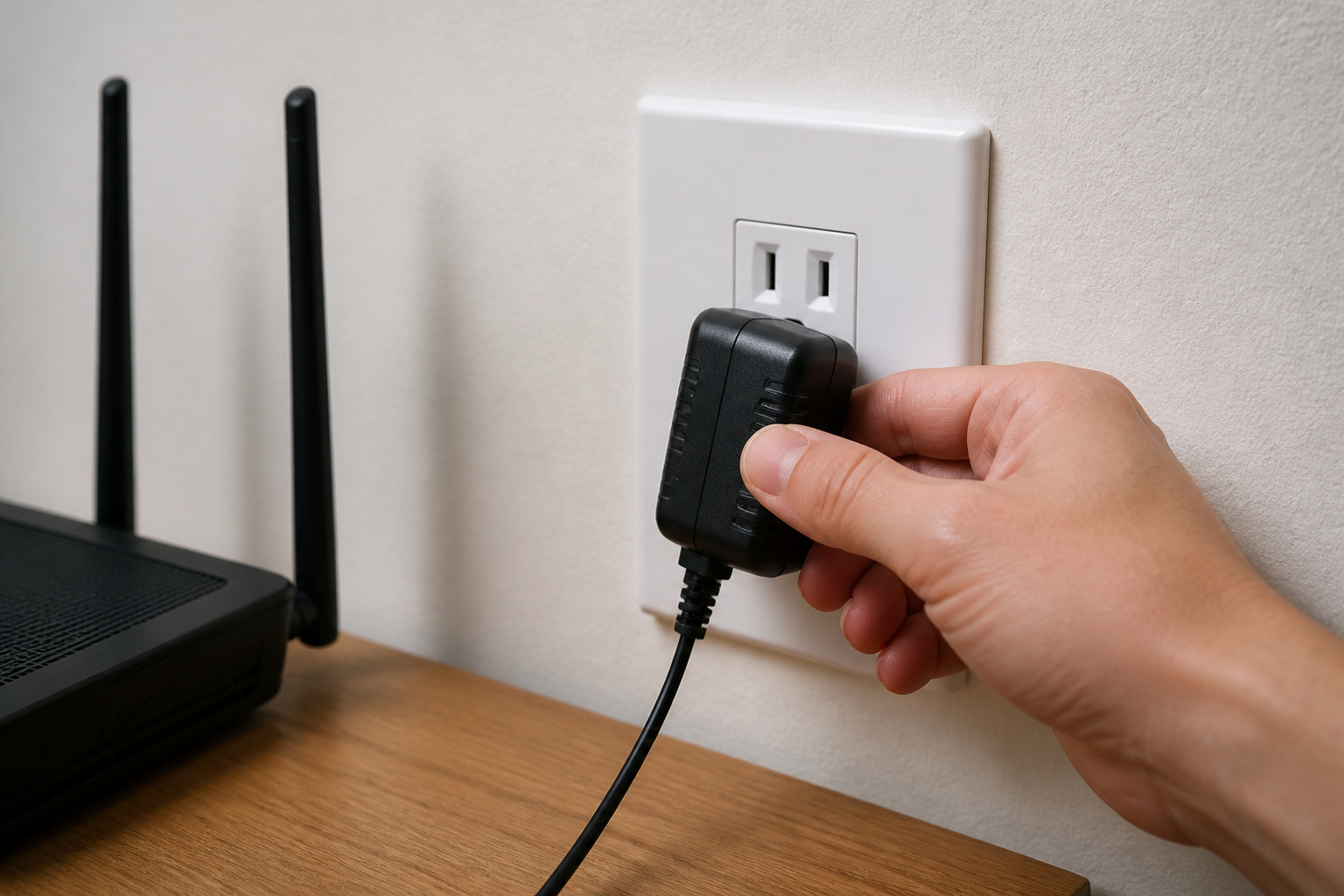
Power-cycle the TV, router, and any streaming stick. Unplug for about a minute, then plug back in.
Close apps you aren’t using, since memory-limited TVs can struggle with several apps open.
Update Apps and Software
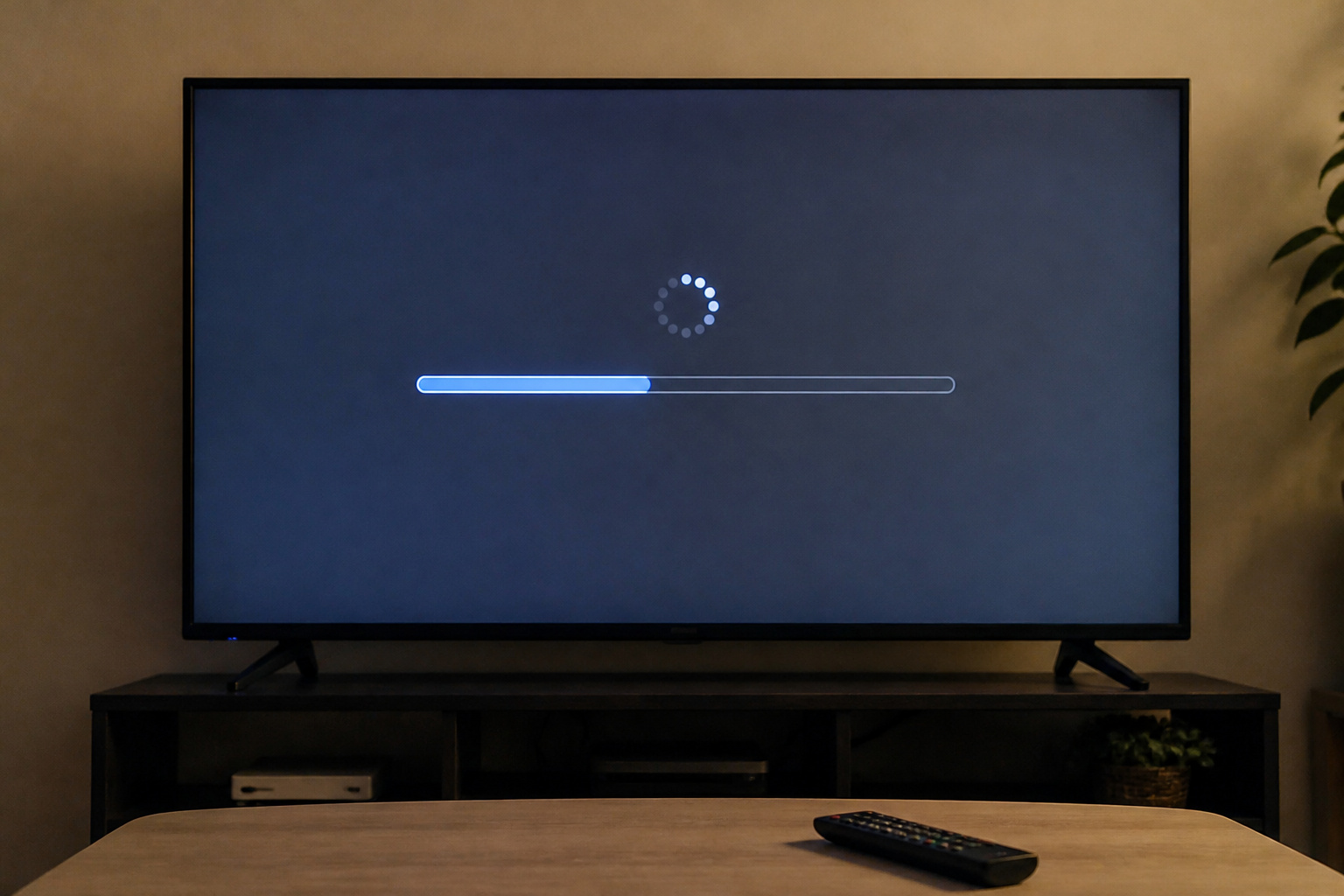
Out-of-date apps and firmware can cause performance problems. Update both the app and the TV software. If only one app buffers, reinstall it or clear its cache.
Slower, older smart TVs sometimes benefit from a streaming stick; see Roku vs Google TV vs Fire TV.
Recommended Products

Compatible models: Compatible with all screwless Samsung TVs

【Suitable for TV models】: Compatible with Samsung screwless TVs.
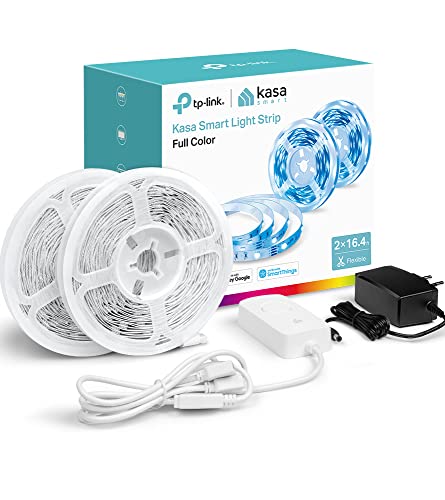
HIGH BRIGHTNESS & SATURATION: The 32.8ft. LED light strip features customization up to 16 million colors with high brightness & saturation for the best lighting throughout your home. 2.4 GHz WiFi required.
Lower the Streaming Quality
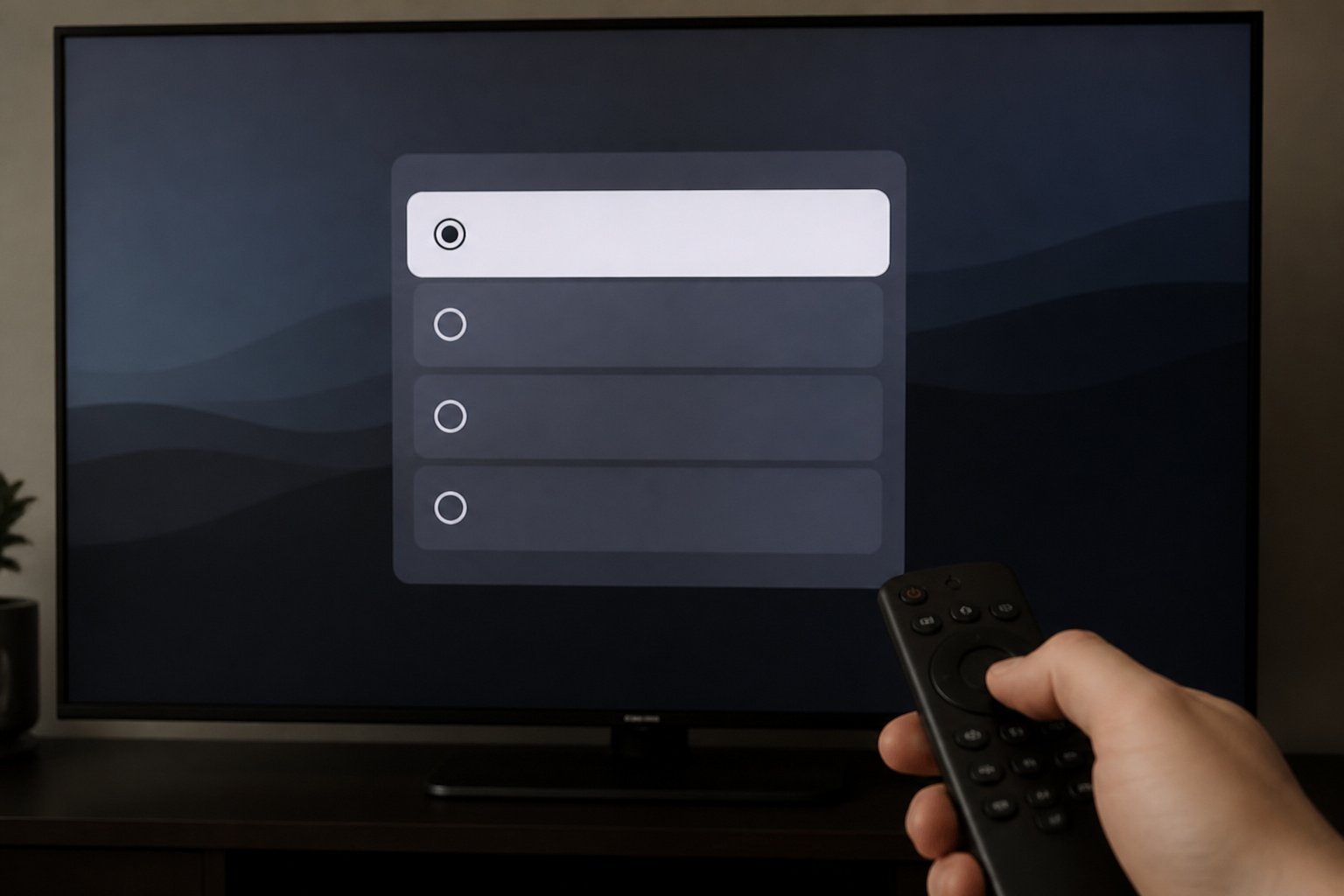
If your connection cannot sustain 4K, set the app’s playback quality to a lower setting. This reduces buffering at the cost of some sharpness.
Lower quality can also explain softness; see why a TV looks blurry.
Recommended Products

【1080P 60FPS Video Capture Card】 This HDMI game capture card is based on USB3.0 high speed transmission port, input resolution up to 4K@30HZ, output resolution up to 2K@30Hz or 1920×1080@60Hz. Type c and USB interface can meet most of the devices in daily life. Easily meet the online capture, real-time recording, online meetings, live gaming and other functions, so you have a better visual enjoyment. Note: For capture use only; requires capture software to function and is not intended for direct screen casting to a monitor or TV

Switch TV Dock Adapter - Support nintendo switch 1 and oled and steam deck and nintendo switch 2 tv dock mode paly. Compatible with switch 2 the latest firmware 21.0.0 version update.

FLEXIBLY SOLVES DISTANCE ISSUES: This HDMI extender easily extends hard-to-reach HDMI ports in the tight spaces behind your TV, reducing strain on your TV’s HDMI port and protecting your device’s ports from wear and tear
Check for Network Congestion
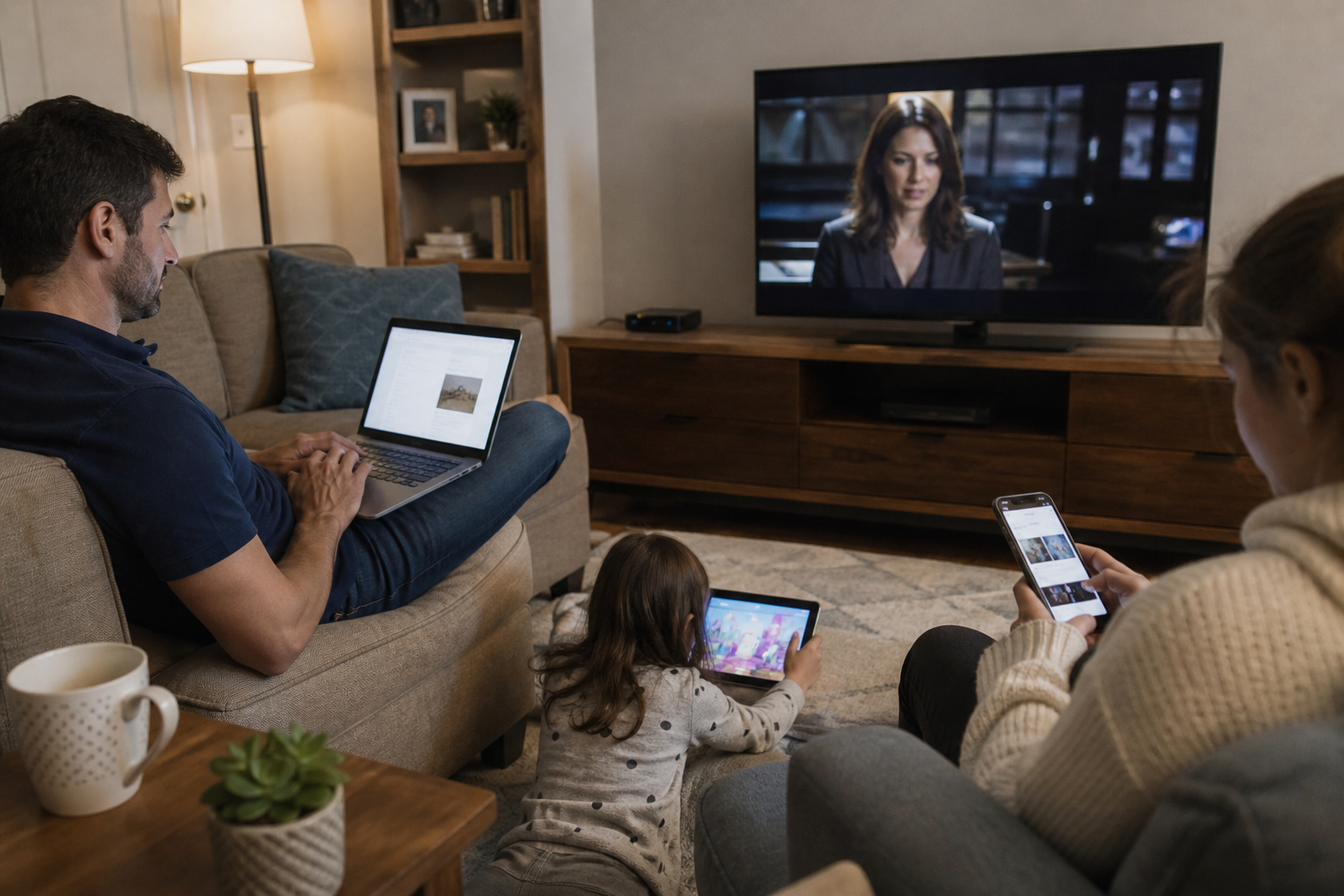
Large downloads, cloud backups, or gaming on the same network can slow streaming, especially in the evening.
Pause heavy activity or enable quality-of-service settings on your router if available.
Frequently Asked Questions
How much internet speed do I need for 4K streaming?
Netflix recommends at least 15 Mbps for 4K. Other services can differ, so check your service’s help page, and plan for more if multiple devices stream at once.
Is Ethernet better than Wi-Fi for a smart TV?
Yes. A wired connection is usually more stable and faster if you can run a cable.
Why does only Netflix or one app buffer?
The app may need an update or a cache clear, or the service itself may be having problems.
Can an old TV cause buffering?
Yes. Older processors and limited Wi-Fi can struggle. A streaming stick often helps.
Does a VPN cause buffering?
It can, because it adds overhead. Disable it to test.