Where you put your speakers changes how they sound as much as which speakers you buy. The basics are simple: put them at ear level, form a triangle with your seat, keep them away from corners, and adjust a little at a time. This guide walks through each step and how to fine-tune the result by ear.
Start at Ear Level With a Triangle
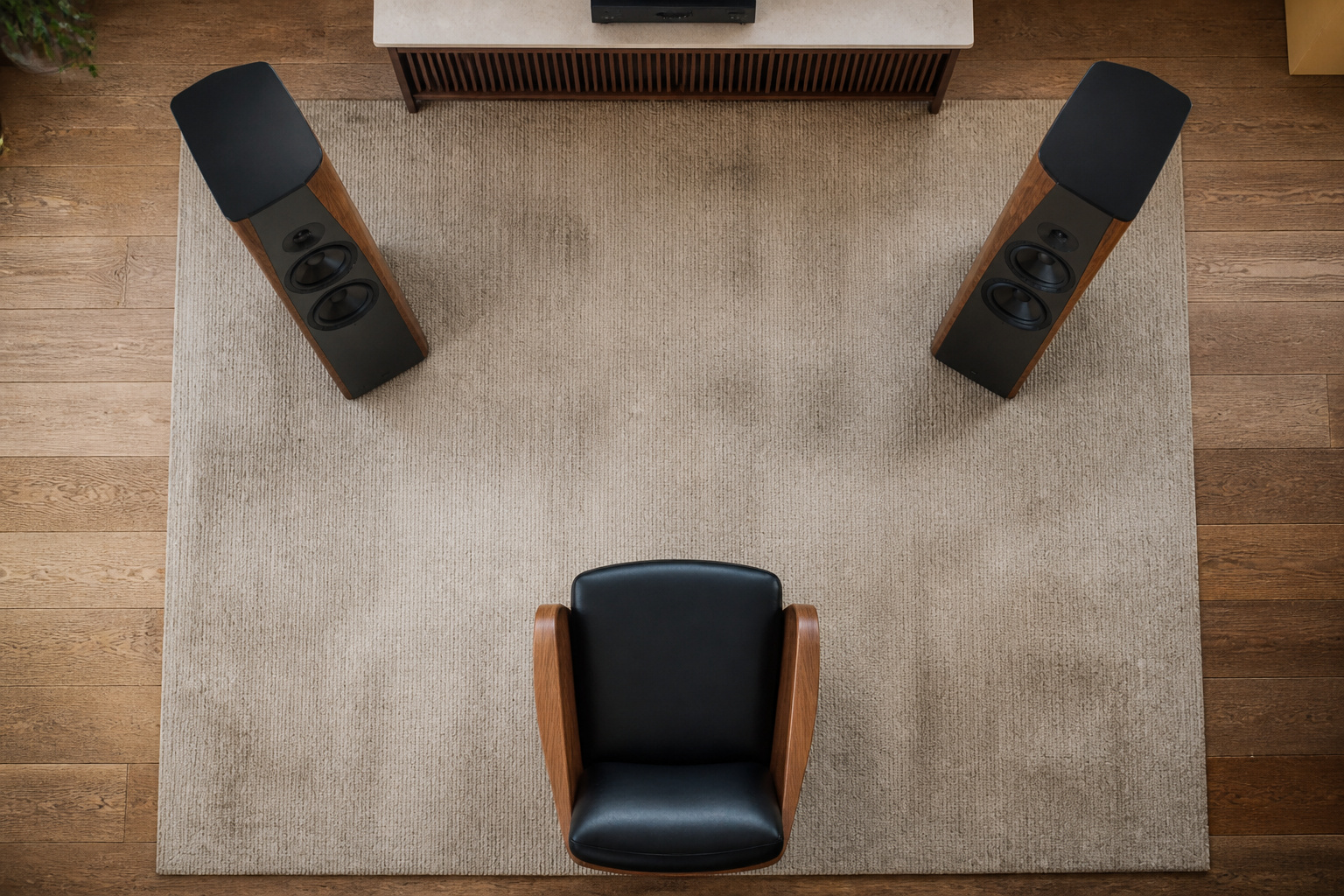
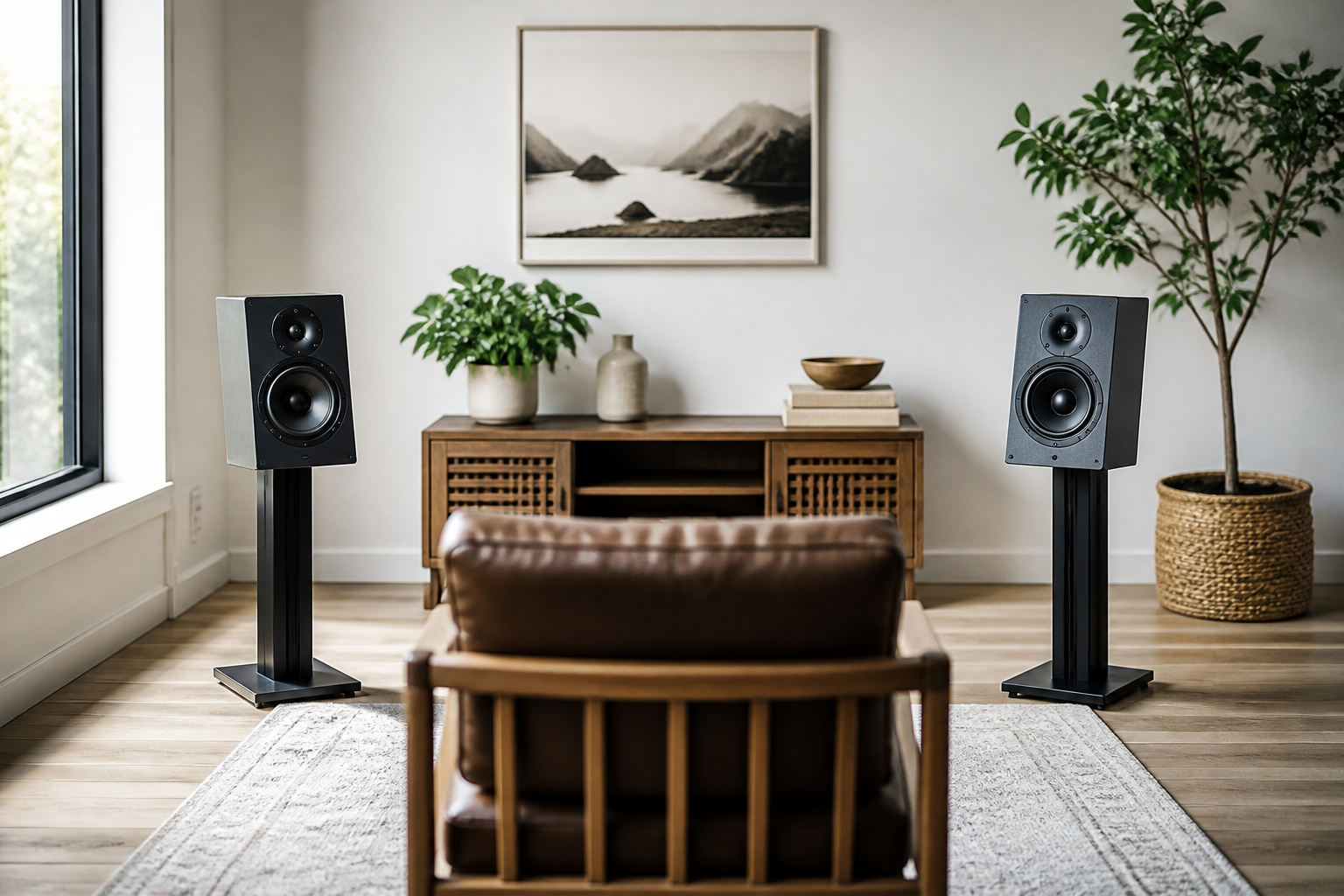
Place the speakers so the tweeters, the small drivers that handle high frequencies, are about level with your ears when you are seated. Then arrange the two speakers and your listening seat so they form a rough equilateral triangle, with the speakers about as far from each other as they are from you.
For most rooms, that means the speakers are somewhere between three and eight feet apart, depending on room size. Symmetry matters, because it helps voices and instruments appear in a stable image in front of you.
Recommended Products

Wide Compatibility: The PERLESMITH speaker stands feature an adjustable width of 4.5" to 9", making it compatible with most small bookshelf and satellite speakers up to 11 lbs. These speaker stands are compatible with Bose, Harman Kardon, Polk, JBL, Sony, and more. Please note: it is not suitable for round or irregularly shaped speakers.

Height Adjustable: Customize your sound thanks to 10 inches of height adjustment. Now you can mount your speakers directly at ear level, just twist the collar and adjust from 28 to 38 inches. No tools required!

Height Adjustable Speaker Stands:This speaker stands use the collar to adjust height from 30.0" to 39.1" to get your sound speakers the desired height and enjoy stereo or surround sound. Placing the bookshelf speakers stands on the appropriate height can also reduce reflections to give you a purer and more clear sound.
Keep Speakers Away From Walls and Corners
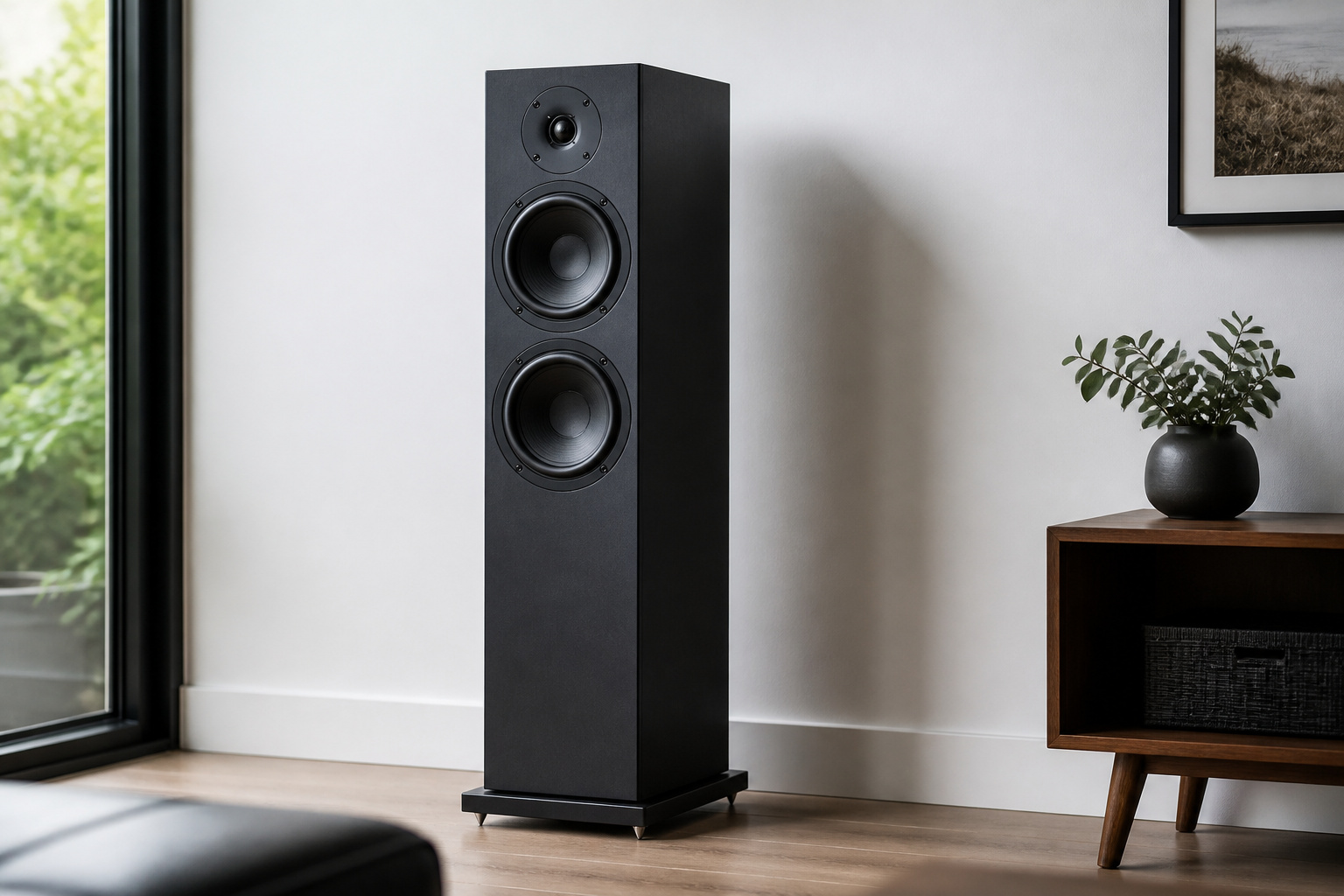
Walls and corners reinforce bass, which is why speakers placed tight against them often sound boomy and muddy. Pull speakers away from the wall behind them as a starting point, and keep them an equal distance from the side walls so the sound stays balanced between left and right.
Some speakers are designed to sit near a wall, usually those with ports on the front or a compensation switch, so check the manual.
Recommended Products

ENHANCES AUDIO PERFORMANCE: This sound isolation pads for speakers studio monitor and subwoofer, isolates any vibration generated from the speakers or the desk up. Gives your audio clarity much better, bring you a better sound.

Enhanced Sound Clarity: Saiqiang speaker isolation pads can reduce vibrations and resonance, providing cleaner, more accurate sound from your studio monitors. Speaker pads size: 13x10.65x1.8 Inch for 6.5-8 Inch Large Speakers.
Enhanced Sound Clarity: Saiqiang speaker isolation pads can reduce vibrations and resonance, providing cleaner, more accurate sound from your studio monitors. Speaker pads size: 8" X 6.3" X 1.4" for 3-5 Inches Speakers
Angle and Distance
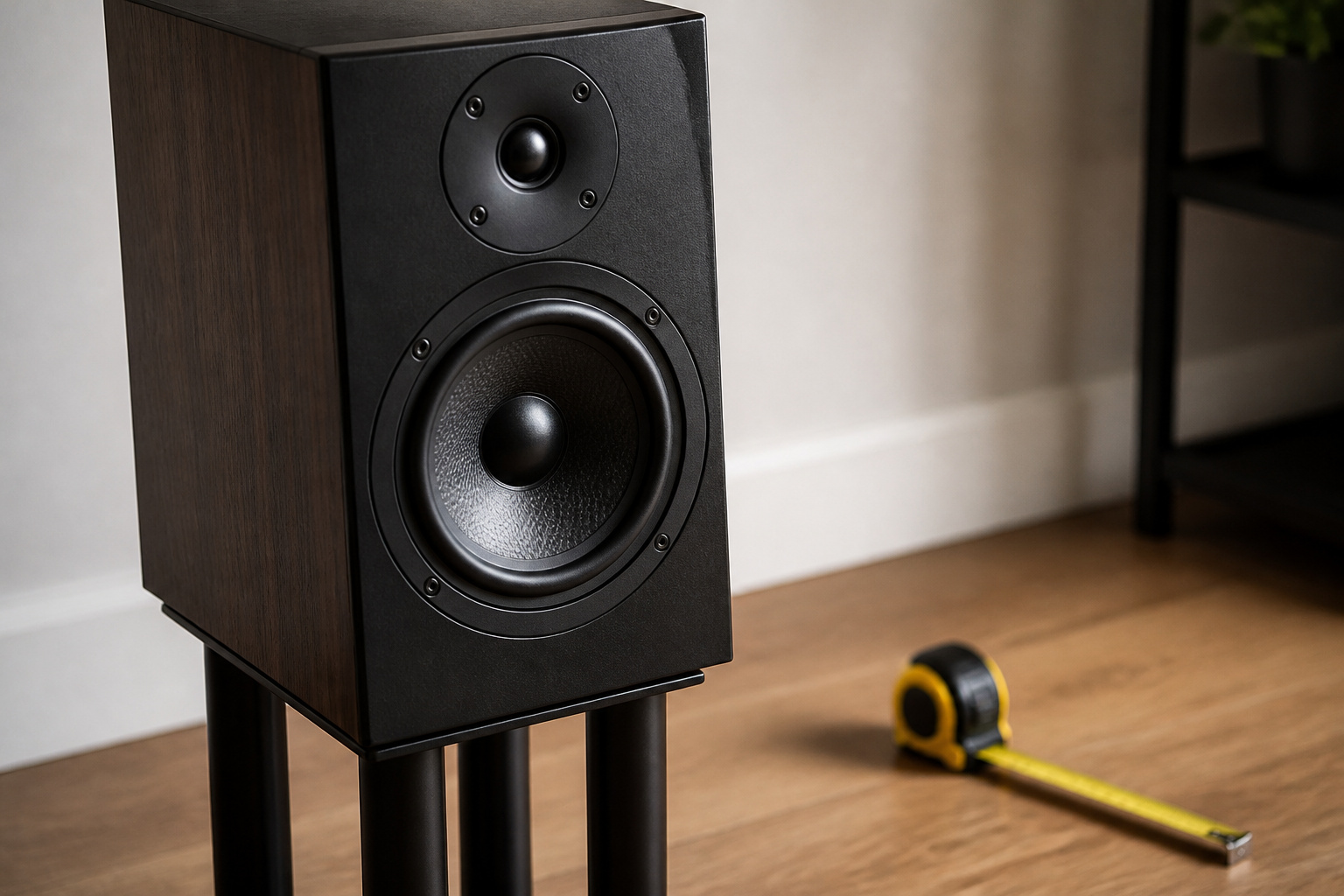
Turning the speakers slightly inward, called toe-in, aims the tweeters at your ears and tightens the center image. Start with a small angle and adjust until voices sit firmly between the speakers.
Too much toe-in can make the sound narrow, and none can make it wide and vague. If the stereo image collapses, the speakers may be too close together, and if there is a hole in the middle, they may be too far apart.
Recommended Products
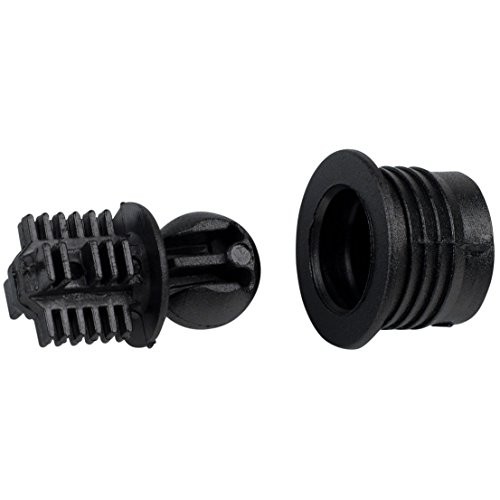
Hole dimensions: 7/16" for the ball, 1/2" depth. 9/16" for socket into cabinet, 1/2" depth.

Press-fit grill guides

Attach speaker grill to cabinet
Avoid Shelves, Cabinets, and Reflective Surfaces
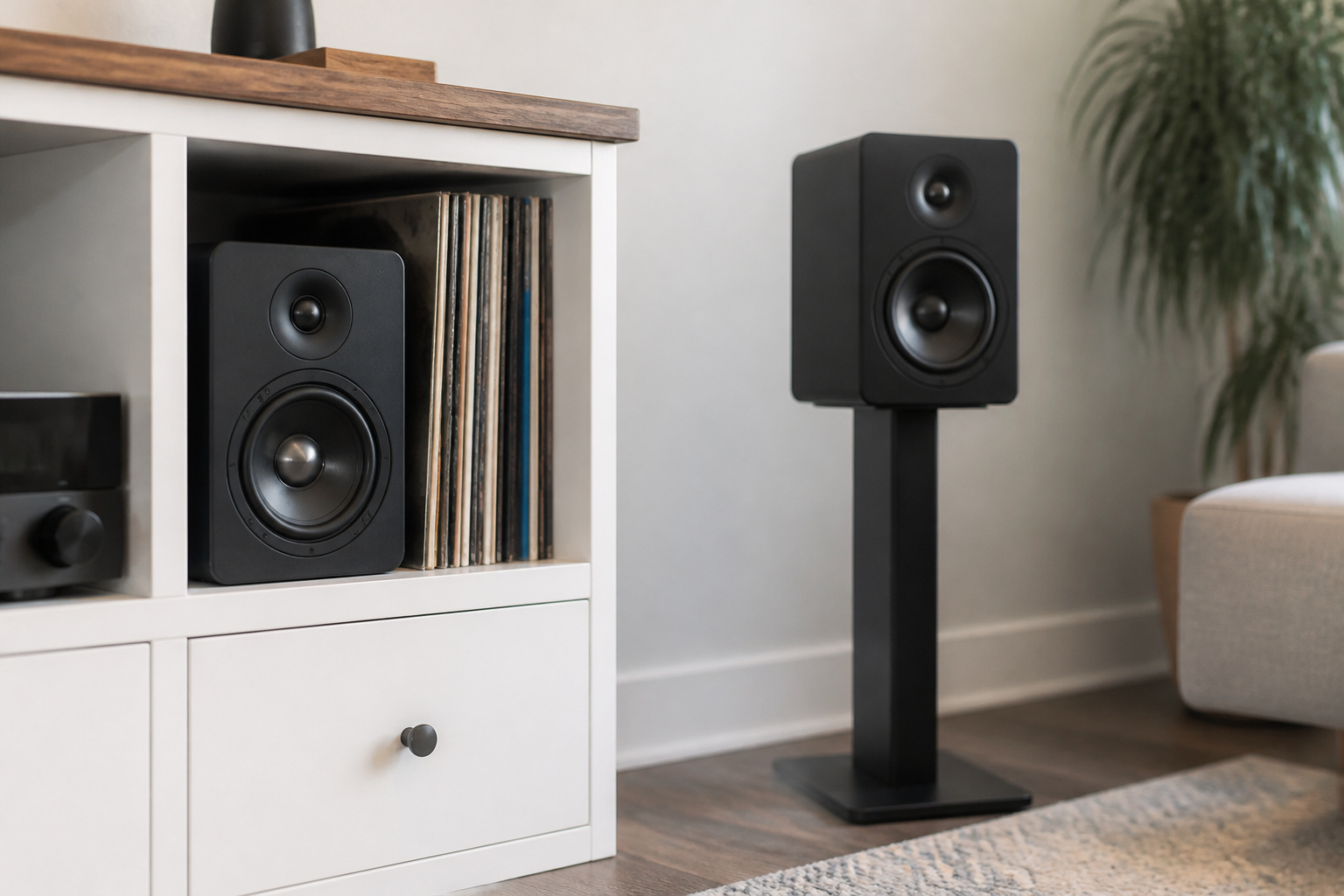
Speakers pushed inside a cabinet or crowded on a shelf sound muffled and boomy because the enclosure traps and colors the sound. If you have to use a shelf, leave open space behind and above the speaker. Hard surfaces such as glass, bare walls, and windows reflect sound and blur detail, so rugs, curtains, and bookshelves can help. Our guide on reducing echo in a room covers this, and improving sound in a small room helps if space is tight.
Stands help bookshelf speakers by lifting them to ear level and keeping them away from furniture. Isolation pads under the speakers also reduce vibration passed into a desk or stand.
Recommended Products

【ADVANCED VIBREDUX HD FOAM】: Experience the acoustic excellence of Vibredux HD foam with JVJVJ's Studio Monitor Isolation Pads. Perfect for bookshelf speaker stands and desktop speaker stands, they offer superior sound proof foam for audio clarity.

【ADVANCED VIBREDUX HD FOAM】: Experience the acoustic excellence of Vibredux HD foam with Ekkogo's Studio Monitor Isolation Pads. Perfect for bookshelf speaker stands and desktop speaker stands, they offer superior sound proof foam for audio clarity.

SMPad 5 is made out of the highest quality acoustical foam (50kg/m^3 density).
Placing a Subwoofer
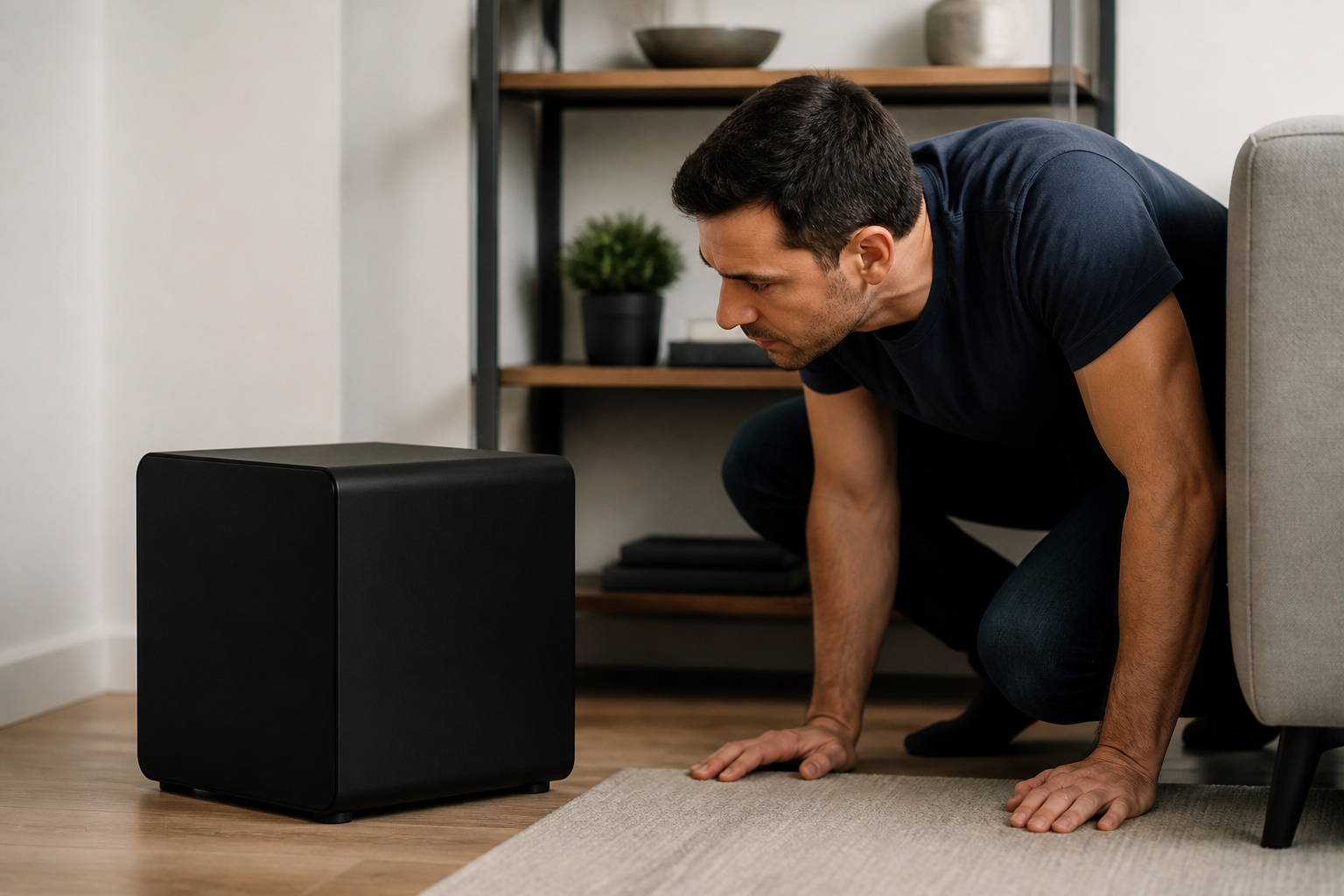
Do not assume a subwoofer belongs in a corner. A useful trick is to put the subwoofer temporarily in your listening seat, play bass-heavy music, and crawl around the room to find where the bass sounds smoothest.
Then place the subwoofer at that spot. Our guide to subwoofers explains when you need one.
Recommended Products


Audiophile Grade Signal Performance: Adopting standard 75-ohm impedance and 99.99% high-purity OFC core, this subwoofer cable lowers signal loss and audio distortion. It delivers stable, clean digital audio signals, ideal for entry-level Hi-Fi systems and home theater setups.

[SUBWOOFER CABLE WITH ZERO HUMMING] With FosPower's single RCA male to single RCA male cable, remove the humming noise coming from your audio. This cable is great for connecting audio components with a single RCA Port/jack, such as a subwoofer speaker to a stereo receiver, an audio component or surround sound system.
Fine-Tune by Ear
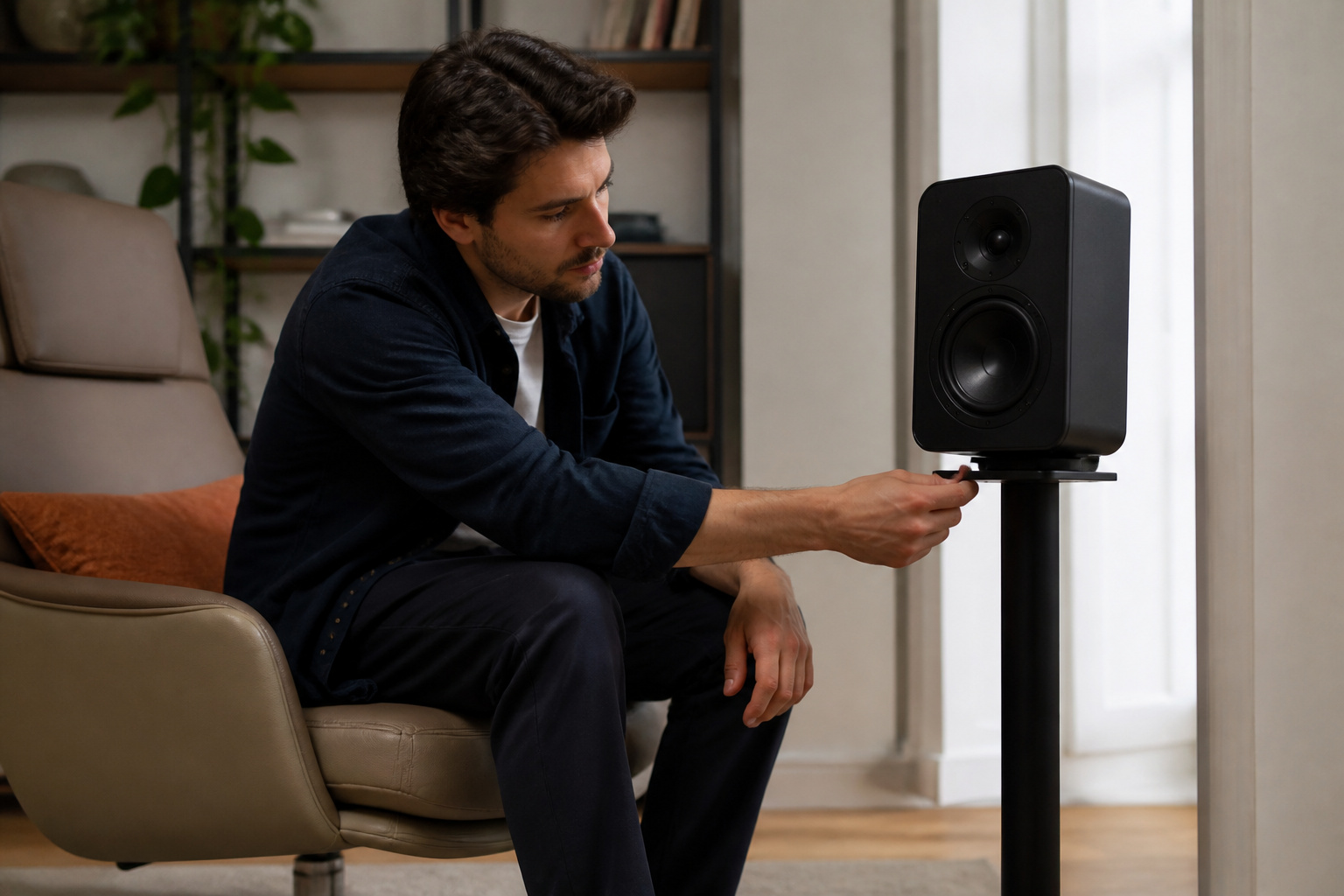
Play a recording you know well, ideally one with a clear voice and a simple instrument. Move one speaker an inch or change the angle slightly, and listen again. Small changes can produce clear improvements.
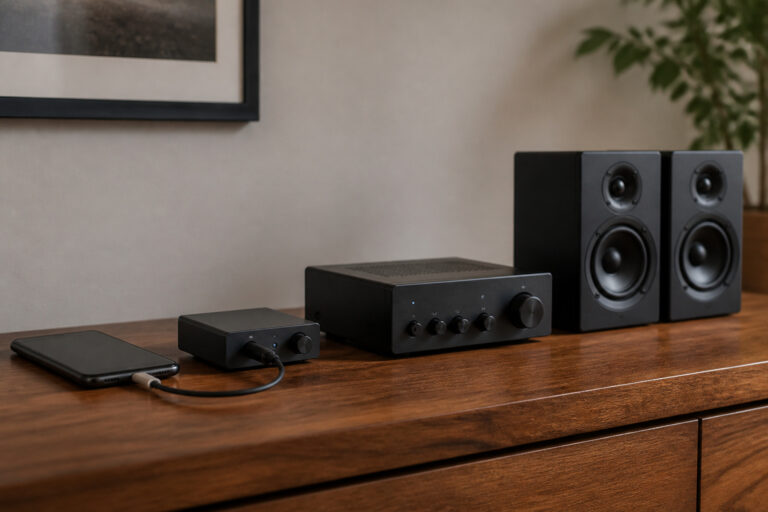
Keep cables tidy and avoid tight coils that can pick up interference. For help matching speakers to a room, read how to choose the right audio setup for your room, and bookshelf vs floor-standing speakers if you are still choosing a pair.
Frequently Asked Questions
Can Speaker Placement Affect Bass Response in a Room?
Yes. Placing speakers close to walls and corners boosts bass and can make it boomy, while pulling them into open space makes bass lighter and tighter. Room size and shape also create spots where bass is stronger or weaker, so moving a speaker a foot or two can change the sound noticeably.
Should I Angle Speakers Toward the Ceiling for Better Sound?
No. Aim speakers at your ears, with tweeters at ear level when you are seated. Speakers angled up send high frequencies above you and reduce clarity. If they sit too low, tilt them slightly upward or use stands to raise them.
Do Wall Colors Influence Audio Clarity From Speakers?
No. Paint color does not affect sound. The material and surface do: hard, flat surfaces reflect sound, while soft, uneven surfaces such as curtains, rugs, and furniture absorb or scatter it.
Is It Safe to Place Speakers Near Windows?
It is safe, but not ideal for sound. Glass reflects sound and can vibrate at high volume, which blurs detail. If you must place speakers near a window, use thick curtains and aim the speakers so the sound does not hit the glass directly.
Can Carpeted Floors Change How Speaker Audio Sounds?
Yes. Carpet absorbs high frequencies and reduces reflections, which makes a room sound warmer and less harsh. Bare floors reflect more sound, making it brighter and livelier. If a room sounds too bright, add a rug. If it sounds dull, remove some soft furnishings or use a harder surface between speakers and seat.