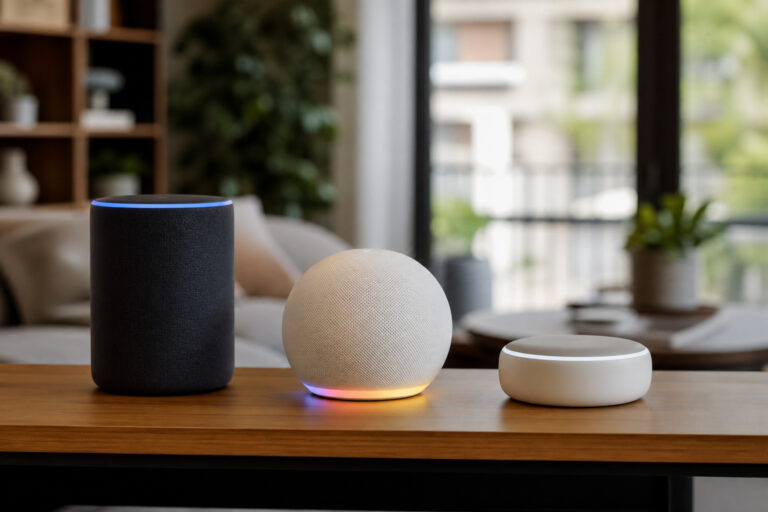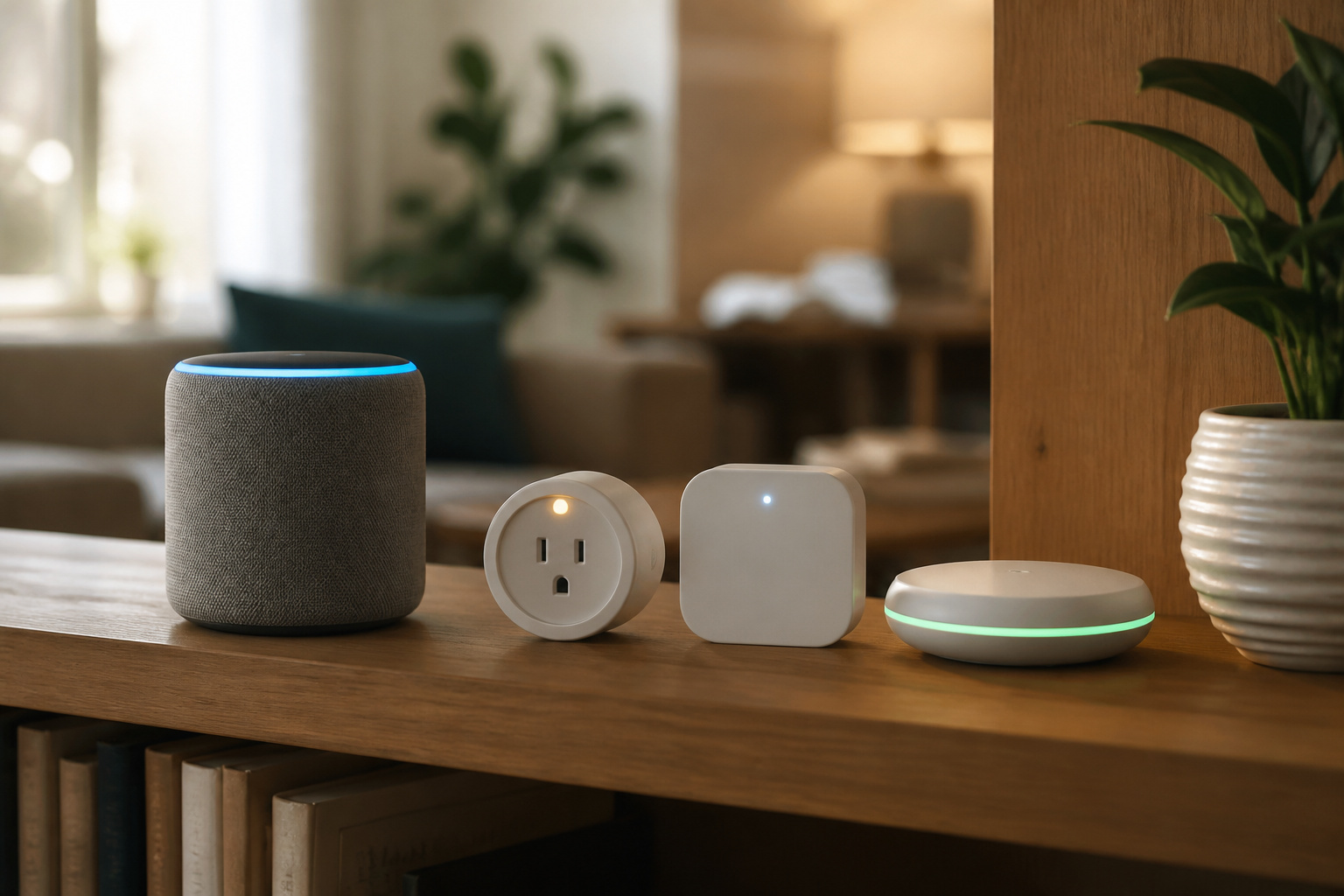
Somewhere between the smart plug you bought on a whim and the video doorbell your neighbor recommended, most people end up with a smart home that’s less a system and more a pile of different brands. That’s not a mistake; it’s just how most smart homes actually get built, one device at a time, over years. The question is whether it can all work together, or whether you’ve quietly created five separate smart homes that happen to share a router.
The short version: yes, you can mix brands, and it works better today than it ever has. But “works together” means different things depending on which two brands you’re pairing, so here’s what actually determines whether your setup cooperates or fights itself.
The Short Answer
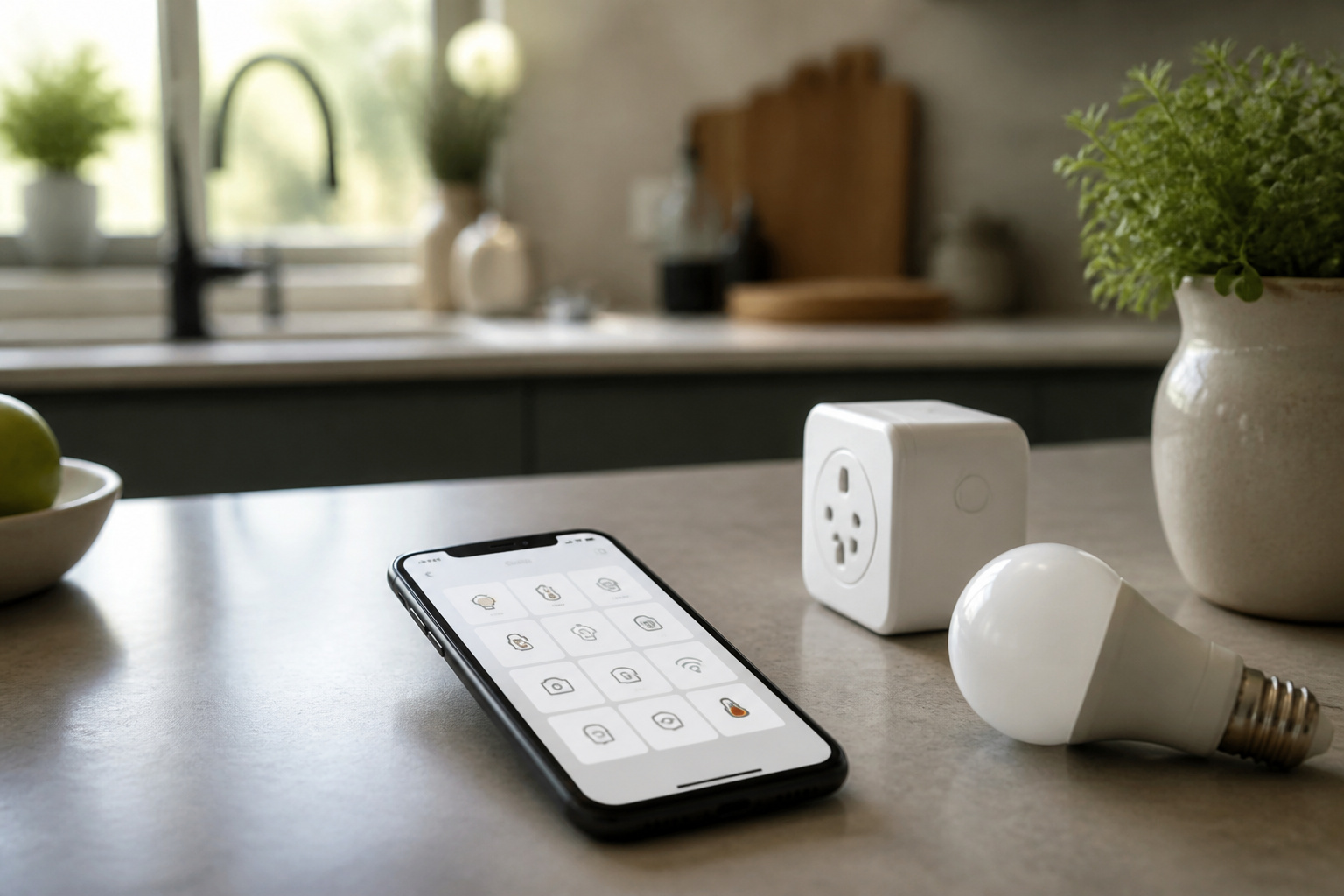
Most modern smart home devices from different brands can be controlled from the same voice assistant and app, especially if they’re Matter-certified. What doesn’t automatically happen is deeper integration: automations that reference multiple brands, shared routines, or one company’s advanced features working through another company’s app. You get basic control across brands easily. You get seamless, feature-complete integration only with the right combinations.
What Determines Compatibility
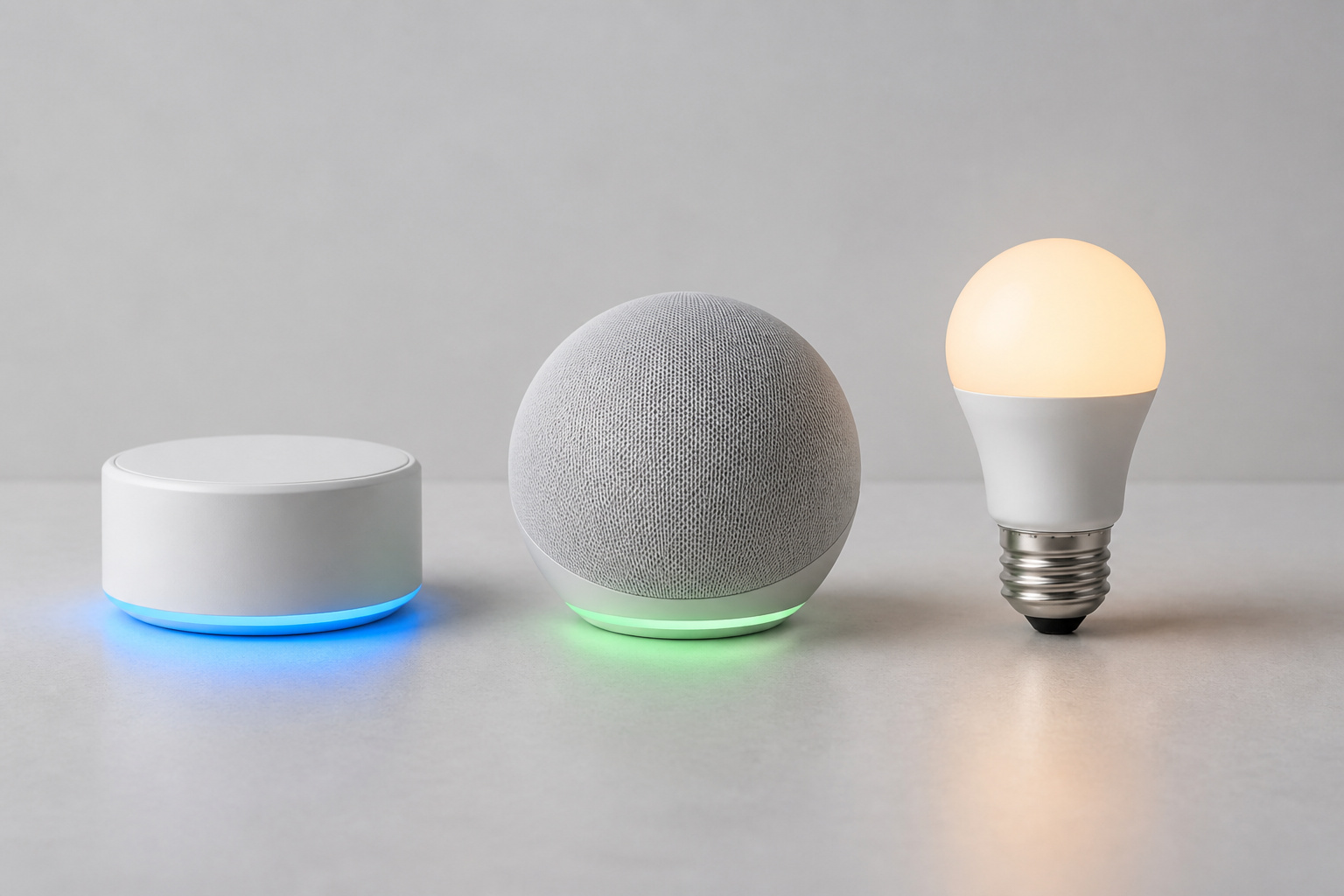
Three separate things decide whether two devices from different brands will cooperate, and they’re easy to conflate.
The wireless protocol is the physical language a device speaks: Wi-Fi, Zigbee, Z-Wave, Bluetooth, or Thread. Two devices on incompatible protocols with no shared translator generally can’t talk to each other at all.
The ecosystem is the voice assistant and app layer: Alexa, Google Home, or Apple Home. A device can use a perfectly compatible protocol and still not show up in the app you actually use, if the manufacturer hasn’t built support for that specific ecosystem.
The certification is the deciding factor now: whether a device carries an actual “Works with Matter,” “Works with Alexa,” “Works with Google Home,” or “Works with Apple Home” badge, rather than just claiming vague smart-home compatibility. A device without a specific certification for your ecosystem may connect, but often with reduced functionality: on/off control but no scenes, no scheduling, no status reporting.
Recommended Products

[Multi-Protocol Hub with Matter Bridge] The M3 is a versatile hub supporting Aqara Zigbee and Thread devices. It integrates third-party devices into the Aqara Home app. Supports advanced Matter bridge functionality, enabling Aqara-exclusive scenes and signals to sync with Matter ecosystems such as Home Assistant for seamless integration. Supports up to 127 Aqara Zigbee devices (** Not third-party Zigbee devices) and 127 Thread devices (Repeaters are needed).

[Multi-Protocol Hub with Matter Bridge] The Aqara Hub M200 is a versatile smart hub that supports multiple advanced features, acting as a Matter Controller, Thread Border Router, and Matter Bridge. It integrates third-party devices into the Aqara Home app. With advanced Matter bridging functionality, it syncs Aqara-exclusive features with ecosystems like Home Assistant, Apple HomeKit, Alexa, and Google Home for seamless integration. Supports up to 40 Aqara Zigbee devices and 40 Thread devices.

Connect & control your smart home — Easily link thousands of compatible devices from leading brands to create a connected home environment for lighting, comfort, voice assistants, energy use, and more.
Matter: The Great Equalizer
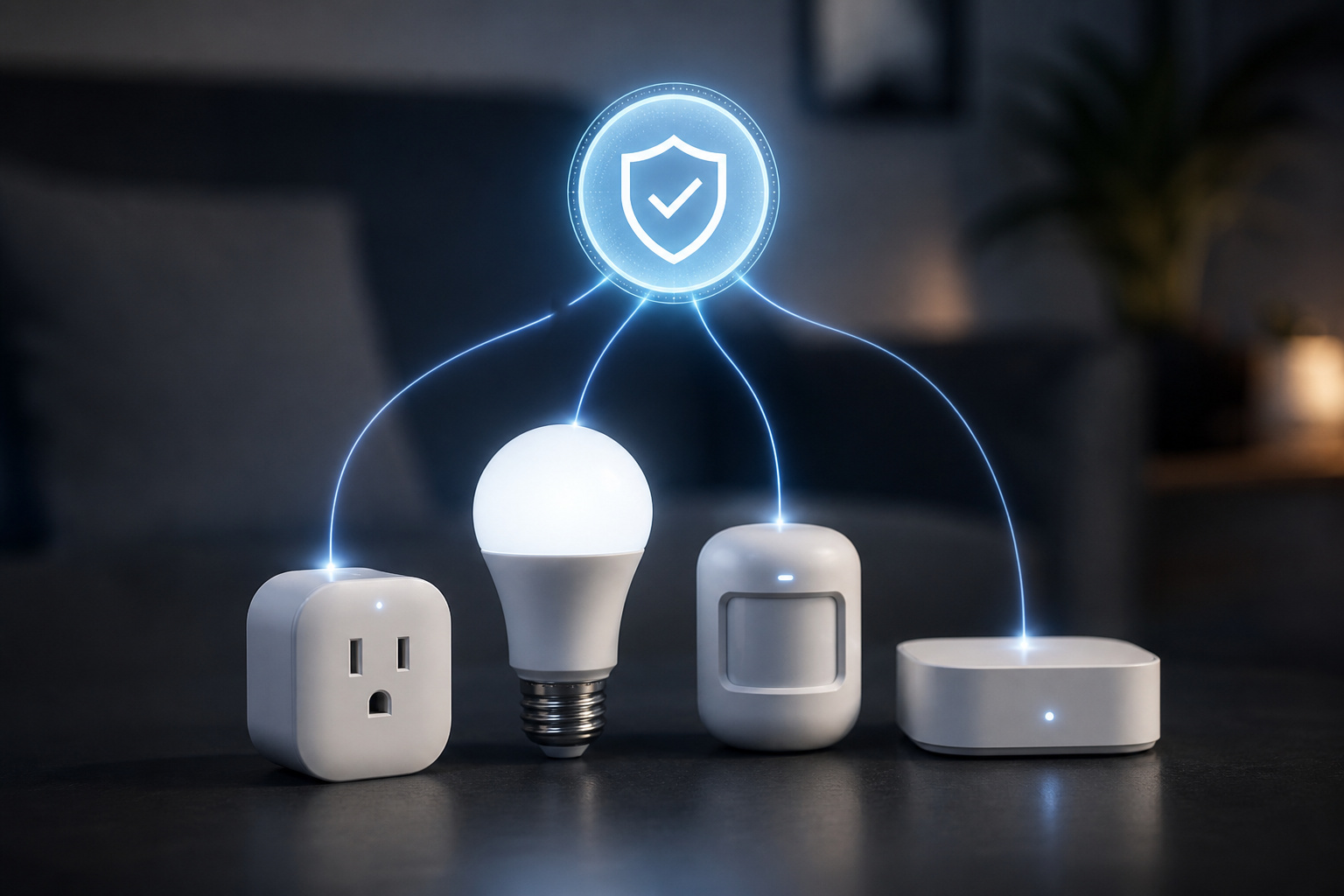
Matter, which we cover in more detail in our explainer on what Matter actually is, exists specifically to solve the brand-mixing problem. A Matter-certified device speaks one shared language that Alexa, Google Home, Apple Home, and Samsung SmartThings all understand natively, which means the device behaves the same way no matter which ecosystem you set it up in.
In practice, this is the single biggest reason mixing brands works better in 2026 than it did even a couple of years ago. Before Matter, a device built primarily for Google Home might technically connect to Apple Home but drop half its features doing it. A Matter-certified device from the same manufacturer doesn’t have that problem. It’s the same product everywhere.
The catch is that Matter adoption isn’t universal yet. Plenty of perfectly good devices still on shelves predate Matter certification, and older devices already installed in your home mostly aren’t getting retrofitted. So “Matter fixes brand mixing” is true going forward, not retroactively.
Recommended Products

【Matter: All-Round Compatibility】With Matter, users are no longer tied to specific platforms and works with all certified smart home platforms, such as Apple Home, Amazon Alexa, Google Home and Samsung SmartThings. You can control all your smart home devices from a single app, reducing the need for multiple apps for different devices.

【Complet Compatibility with Matter】Control from anywhere with your favorite smart home platform including Apple HomeKit, Amazon Alexa, Google Assistant, Samsung SmartThings or through the Kasa Smart and Tapo App.

RGBIC Gradient Lighting with 16 Million Colors: The IC chip controls each RGB LED independently, creating smooth color changing light effects that single-color ceiling lights cannot match. Pick from 26 preset scenes and 8 dynamic effects for movie nights, holiday decorations, or a calming glow in your kids room.
Where Mixing Still Gets Messy
Security devices are the biggest holdout. Cameras, video doorbells, and smart locks from different brands often still require their own dedicated apps for advanced features like facial recognition, package detection, or detailed activity history, even when basic viewing works through a shared platform.
Multi-step automations that span brands can be unreliable. “When the door unlocks, turn on the hallway lights, and if it’s after 10pm, lower the thermostat” is a routine that might involve three different manufacturers, and the more brands a single automation touches, the more likely one link in that chain lags or fails silently.
Advanced features usually stay locked to their own app. A robot vacuum’s room-by-room cleaning schedule, a smart lock’s guest-code management, or a thermostat’s detailed energy reports typically only live in that brand’s dedicated app, even when the basic on/off function shows up everywhere else.
Recommended Products

Wi-Fi Compatibility: Connects to Wi-Fi and pairs with your Lockly Bluetooth smart lock for convenient remote access and control from anywhere.

Track It, Find It, Stay in Control — The luggage lock supports Dual-System, connects with Apple Find My Or Google Find Hub to help locate your lock and luggage. When nearby, use Bluetooth to play a sound and find it faster, while supported network features help you locate it when it is farther away (Note: Supports Apple or Android devices—not both at once.)

Compatibility: Veise G2 Wi-Fi gateway is compatible with smart locks using DD Lock App or TT Lock App. One gateway can be paired with multiple door locks of the same account (Note: Other Apps are not compatible)
Practical Combinations That Work Well
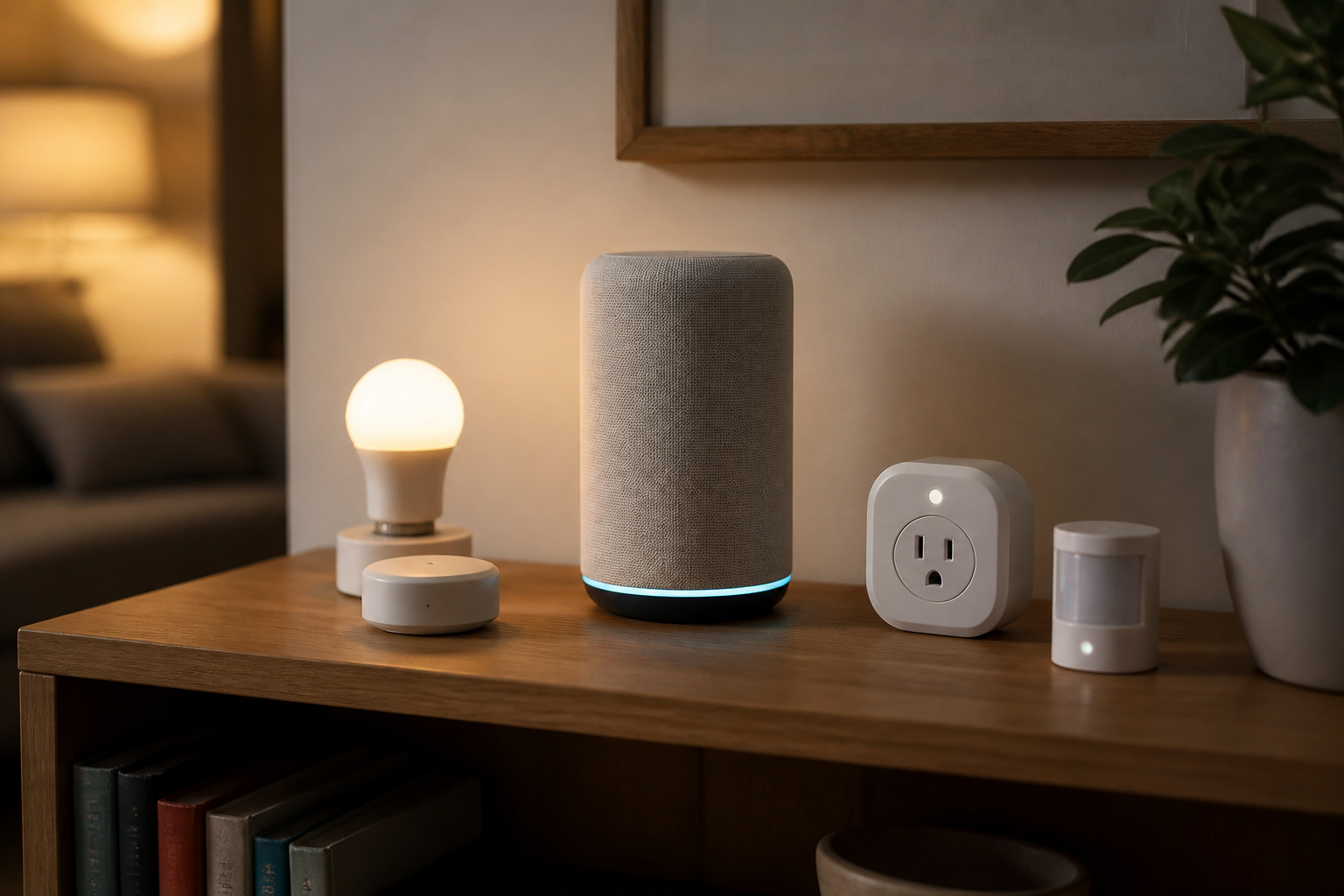
A single voice assistant with Matter-certified devices from multiple brands is the most reliable combination available right now. Pick Alexa, Google Home, or Apple Home as your primary hub, then prioritize Matter certification when you shop, regardless of manufacturer.
Simple device categories mix more easily than complex ones. Plugs, bulbs, and basic sensors from different brands tend to cooperate well, since their functionality is straightforward enough that there’s little advanced behavior to lose in translation.
One brand for security, another for everything else is a common and reasonable split. Since security devices are the category most likely to want their own dedicated app anyway, there’s less lost by keeping that brand separate from your general smart-home ecosystem.
Recommended Products

【Easy Setup, One Control】With Matter, Skip the step of downloading and registering multiple manufacturers' apps every time you buy a new device. Instead, head straight to certified smart home platforms like Apple Home, Alexa, Google Home, SmartThings, or AiDot to control all your Matter devices.【TIP】Matter-certified hub or controller (HomePod, Echo Dot, Nest, SmartThings Hub) is required for Apple Home/Alexa/Google Home/SmartThings platforms. Alternatively, the AiDot app can be used without hub

【2-in-1 Smart Outlet & Night Light】Innovative space-saving design combines a smart plug with an integrated night light, perfect for hallway, bedrooms, hallways, adults, and kids room. Control appliances remotely via app while enjoying gentle 30lm ambient lighting – eliminates the need for separate devices. (2.4GHz WiFi Only, not support 5GHz)

【Powerful Smart Matter】Linkind 120V smart light bulb is certified for Matter platform used for integrating all your smart home devices into one control system, fitting for users with multiple smart gadgets. It eliminates the need for switching between multiple apps, enhancing your smart home experience. It works seamlessly with Matter-certified hubs (HomePod, Echo, Nest etc.) allowing for multi-platform control, or directly via AiDot app with no extra hubs needed, offering flexible usage for different home setups.
When Mixing Brands Is a Bad Idea
If you’re chasing a specific advanced feature (detailed automation logic, granular scheduling, or tight integration between two specific device types), staying within one manufacturer’s own ecosystem is usually the more reliable path, at least until Matter support for that feature catches up.
If you have zero patience for troubleshooting, a single-brand setup fails less often simply because there are fewer seams where things can go wrong. Mixing isn’t unreliable, but it does introduce more places a bug or a firmware mismatch could show up.
Recommended Products

SMART UPGRADE: Transform your home by upgrading to a smart switch that works seamlessly with Alexa, providing convenient voice control for an enhanced living experience

App-Guided Install: The Kasa or Tapo app guides you through step-by-step setup. Requires neutral wiring and 2.4 GHz Wi-Fi. Consulting an electrician is recommended if you’re unfamiliar with electrical wiring

App-Guided Install: The Kasa or Tapo app guides you through step-by-step setup. Requires neutral wiring and 2.4 GHz Wi-Fi. Consulting an electrician is recommended if you’re unfamiliar with electrical wiring
The Bottom Line
Mixing brands in a smart home isn’t the compatibility minefield it used to be. For most people, most of the time, picking devices with the right certification badge for your primary voice assistant, and leaning on Matter wherever it’s available, gets you a setup that mixes brands freely without feeling held together with tape. The exceptions are advanced, brand-specific features and complex multi-brand automations, where staying closer to one ecosystem still pays off.
The practical rule: shop by certification badge, not by brand loyalty, and don’t assume every feature will follow a device across ecosystems. Check before you build an automation around it.
Frequently Asked Questions
Do I Need the Same Brand for Everything to Work?
No. Basic control (on/off, simple scheduling, voice commands) works across brands as long as devices share a compatible ecosystem or protocol. Same-brand setups mainly help with advanced, brand-specific features.
Will Mixing Brands Slow Down My Smart Home?
Not meaningfully. Response speed depends more on whether a device processes commands locally or through the cloud than on how many different brands are involved.
Can Two Different Voice Assistants Control the Same Device?
Often yes, if the device supports both. It’s more common with Matter-certified devices, which are built to work with multiple ecosystems by design rather than as an afterthought.
How Do I Know If a Device Will Work With My Setup Before Buying?
Check the product listing or box for an explicit “Works with Matter,” “Works with Alexa,” “Works with Google Home,” or “Works with Apple Home” badge. A vague claim of “smart home compatible” with no specific certification is worth double-checking before you buy.
What Happens If I Mix Brands and Something Doesn’t Work?
Usually it’s a missing certification rather than a hard incompatibility. Check whether the device is Matter-certified, whether a firmware update is available, and whether the specific feature you want is supported through your particular ecosystem versus only the manufacturer’s own app.