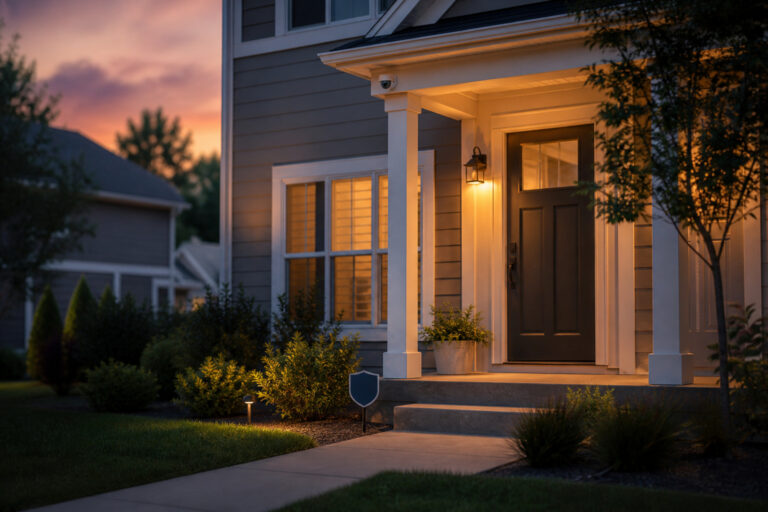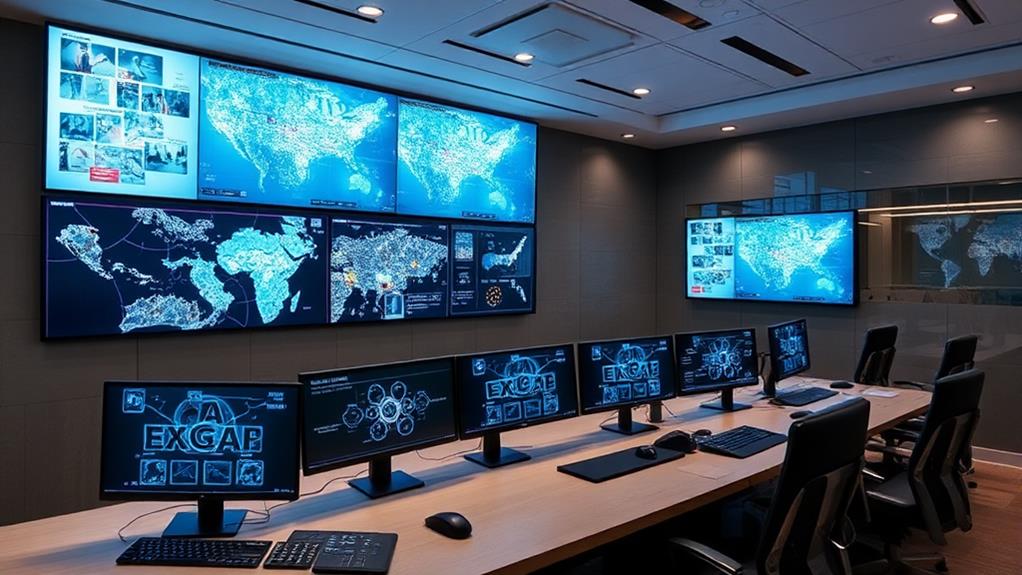
Geofencing in security systems uses virtual boundaries to enhance protection and automation. It relies on GPS or RFID technology to define these boundaries, allowing for the monitoring of movement within a specified area.
When a GPS or RFID-enabled device crosses this virtual perimeter, the system can trigger alerts or initiate automated actions like locking doors. You can customize and manage these functions through user-friendly software interfaces, often integrated with smart home devices for heightened security.
Challenges include accuracy issues and privacy concerns, but the benefits can be substantial. Familiarity with setup and integration requirements will expand your understanding.
Main Points
- Geofencing uses GPS or RFID to create virtual perimeters around specific geographic areas for security purposes.
- When a device crosses a geofence boundary, the system can trigger alerts or automated security actions.
- Integration with smart home devices allows for actions like locking doors or activating cameras when the geofence is breached.
- Real-time notifications are sent to users via mobile apps, enabling remote security management.
- Geofencing improves security by enabling customized responses and monitoring through user-configurable software platforms.
Understanding Geofencing Technology
Geofencing technology is a powerful tool that transforms how we interact with the world by creating virtual boundaries around specific geographic areas. This technology can be integrated with smart home devices to automate security measures, such as activating cameras or alarms when a device enters or exits a designated zone.
Typically, this involves using GPS or RFID (Radio Frequency Identification) to define the perimeters. Once you set up a geofence, it can monitor movement within a space, allowing for automated responses like sending alerts or controlling smart devices. This technology finds applications in various fields, from marketing to security.
In security systems, geofencing helps you enhance surveillance by notifying you of unauthorized access. Understanding how geofencing operates empowers you to leverage its capabilities for improved safety and operational efficiency.
Components of a Geofencing System
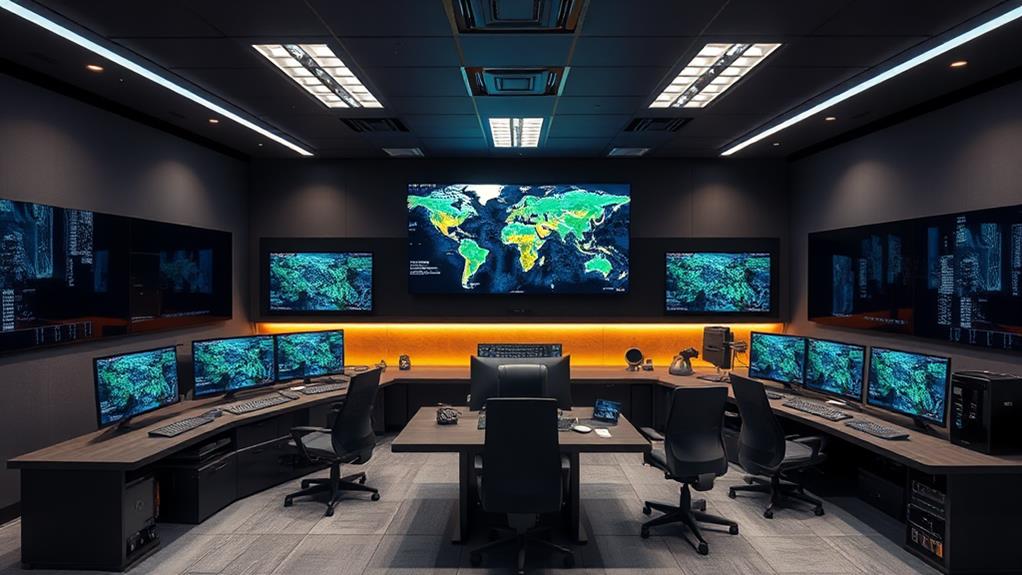
Explore the core of a geofencing system, and you’ll discover several vital components that work in harmony to create an effective security solution. At the heart of it is the GPS or RFID technology, which provides the necessary location data. This data interfaces with software platforms that define the virtual boundaries, or “geofences,” on digital maps.
These platforms often include a user-friendly dashboard, enabling you to customize and monitor these geofences easily. To bolster security, some systems integrate wireless security cameras that provide visual monitoring within the geofenced zones. Sensors and devices within the defined area communicate with the system, triggering alerts or actions when a breach occurs.
Mobile applications also play an important role, facilitating real-time notifications and remote management. Together, these components guarantee a thorough and responsive geofencing security system, enhancing safety and control.
Recommended Products

🏆 【Improved Features for 2026】 2K UHD video & full-color night vision, free cloud storage, support for 2.4G & 5G WiFi, 1-6 months battery life, work with Alexa, IP66 waterproof and dustproof. Cameras for Home Security

2K HD Live Video, Picture & Color Night Vision: The security cameras wireless outdoor provide a degree wide angle, 2K quality video and image. Regarding night vision, it has two modes, full color night vision and infrared night vision with a 33ft visible range. Whether it is night or day, it will provide a clear wide video of any area you wish to monitor. With the included app, the system’s live or recorded video can be accessed anywhere at any time. (Not support 5GHz WiFi)
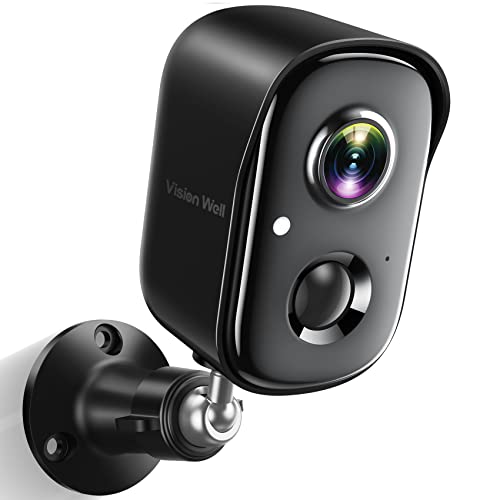
Rechargeable & Waterproof & Wire-Free: This wireless rechargeable outdoor/indoor camera can provide 1 to 5 months of worry free use for once charge. The security cameras wireless outdoor with IP65 waterproof can work in any weather. Since the WIFI cam is completely wireless, no power cords or network cable is needed, allowing install virtually anywhere with the provided, bracket and screw.
Setting Up a Geofence
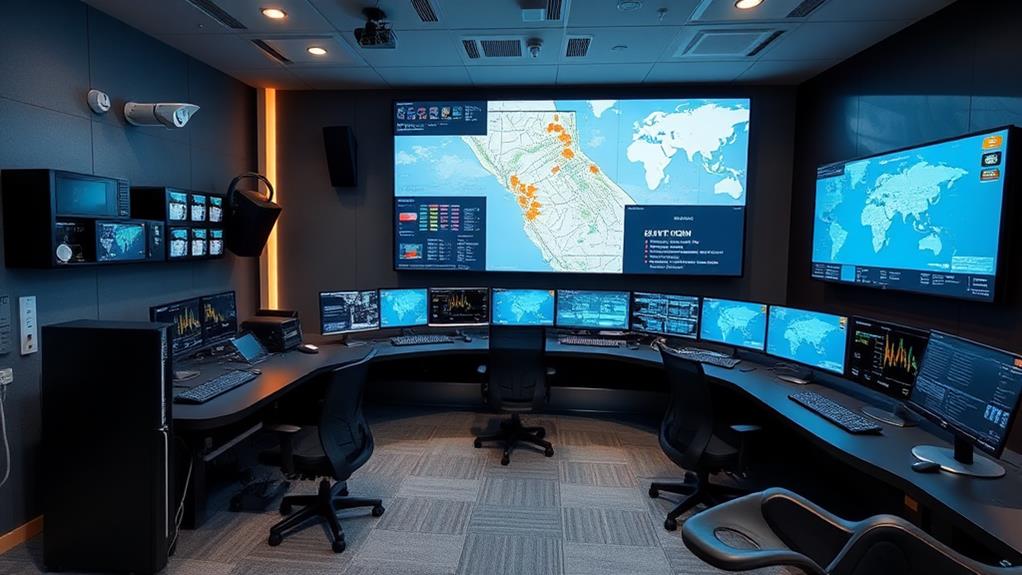
Understanding the components of a geofencing system sets the stage for effectively setting up your geofence. First, choose the geographical area you want to monitor. This could be a defined radius around a location or a specific polygon shape on a map. Use mapping software or your security system‘s interface to define this boundary. It is essential to recognize that smart home solutions often come with built-in geofencing capabilities, making the integration process seamless.
Next, integrate your geofence with your security system. Confirm your devices, such as GPS-enabled phones or tracking units, are compatible and connected. You’ll need to configure these devices to communicate with your geofence.
Recommended Products

4.3" Color Touchscreen — Security for the Whole Family. Just tap "Arm" or "Disarm". See your alarm system's status, time, and alerts—all at a glance. Kid & senior friendly with a multi-language menu. A wireless house alarm that works for everyone, not just the tech-savvy. For home or business.

INTUITIVE TOUCHSCREEN CONTROL: The responsive touchscreen hub makes everyday home security simple. View system status and quickly switch between Stay Arm, Away Arm, Disarm, and SOS modes directly from the security panel—clear, convenient control for every family member.

【Easy DIY Installation & NO Monthly Fees】-- Get ready to protect your home security right out of the box, Set up in minutes all by yourself, No wiring or drilling required. Also we have paired the main unit with the sub-unit successfully before departure, so that you can control your home alarm system no subscription easily. Our WiFi Alarm System is a one-time purchase at no extra fee and provides 24-hour comprehensive protection for your home security.
Triggering Security Responses
Once your geofence is set up, you can start triggering specific security responses when a device enters or exits the defined area. These responses can range from sending notifications to activating alarms.
When a mobile device crosses your geofence boundary, the system can automatically alert you via text or email. This immediate notification keeps you informed of any potential security breaches.
You can also program the system to trigger actions like locking doors, adjusting lighting, or even contacting local authorities. Many smart security solutions offer products related to smart home security that integrate seamlessly with geofencing technology.
This automation minimizes the need for manual intervention, ensuring quick responses. By integrating with other smart devices, geofencing enhances security measures, tailoring them to your location and needs. It provides a seamless, efficient way to manage security dynamically.
Recommended Products

WiFi Smart Home Alarm System: The robust WiFi siren hub integrates with the Tuya app via 2.4GHz WiFi, serving multiple smart applications like motion sensors and door sensors. Customizearming/disarming delays, alarm duration, and timers. Control your security with voice commandsthrough APP. As a comprehensive WiFi home alarm, it's pre-programmed before shipping, delivering exceptional value without compromise.

Simple set up and easy to use

TUYA SMART/SMART LIFE APP REMOTE CONTROL: Download the "Tuya Smart" or "Smart life" app to control your wifi smart siren directly through your mobile device. Supports setting alarm volume, alarm duration, viewing alarm records, smart linkage, sharing and other functions.
Benefits of Geofencing in Security
In today’s digital age, geofencing offers significant benefits for enhancing security systems. It allows you to create virtual boundaries around specific locations, improving control over security measures. By integrating video doorbell solutions, you can enhance your home security with real-time monitoring and alerts.
Geofencing can help you monitor activities in real-time, ensuring prompt responses to potential threats. Its integration with other technologies, like cameras and alarms, enhances overall effectiveness. Here are three key benefits:
- Increased Awareness: Knowing when someone enters or exits a designated area keeps you informed and vigilant.
- Cost-Effectiveness: Automating responses reduces the need for constant physical surveillance, saving resources.
- Customizable Security: Tailor alerts and actions to match specific needs, providing flexibility and precision.
Challenges and Considerations

Implementing geofencing in security systems presents some challenges and considerations that you shouldn’t overlook. First, accuracy is essential. Geofencing relies on GPS or RFID, which may not always be precise, especially in urban areas where signals can bounce off buildings. This can lead to false alarms or missed detections.
Privacy concerns also arise, as geofencing involves tracking the location of individuals. You must guarantee compliance with data protection regulations and secure consent from those being monitored. System integration can also be complex. Geofencing needs to work seamlessly with existing security infrastructure, which might require technical expertise.
Finally, consider the cost. While geofencing can enhance security, the initial setup and maintenance can be expensive, so budget accordingly.
Frequently Asked Questions
How Does Geofencing Affect Battery Life on Mobile Devices?
When you use geofencing on your mobile device, it can impact battery life. Geofencing relies on GPS, Wi-Fi, and cellular data to determine your location. Constantly running these services in the background uses more power, causing your battery to drain faster. You might notice a significant decrease in battery life if geofencing is always active. Managing settings, such as turning off geofencing when not needed, can help conserve battery power.
Can Geofencing Be Used for Personal Safety Applications?
You can use geofencing for personal safety applications by setting virtual boundaries around specific locations, like your home or school. Once you’ve defined these zones using GPS or RFID technology, your device can alert you when someone enters or leaves. This can be especially helpful for tracking children or elderly family members. You’ll receive notifications on your phone, ensuring you’re aware of their whereabouts and can respond promptly to any unexpected changes.
How Accurate Is Geofencing in Urban Environments?
In urban environments, geofencing’s accuracy can be affected by dense buildings and infrastructure. You might notice that GPS signals, essential for geofencing, can sometimes be blocked or reflected by tall structures, leading to what’s called “signal multipath.” This can reduce accuracy, typically ranging from 5 to 10 meters. However, using Wi-Fi and cellular data can improve precision. Despite these challenges, geofencing remains an effective tool for location-based services in cities.
What Industries Benefit Most From Geofencing Technology?
You’ll find geofencing technology benefiting industries like retail, logistics, and agriculture the most. In retail, it enhances customer engagement through location-based promotions. Logistics companies use geofencing to track fleet movements, ensuring timely deliveries. In agriculture, it helps monitor equipment, improving efficiency. Geofencing creates virtual boundaries using GPS or RFID, triggering actions when devices enter or exit these areas. This versatility offers numerous applications across various sectors, optimizing operations and enhancing customer experiences.
Are There Privacy Concerns Associated With Geofencing?
When you’re dealing with geofencing, privacy concerns can arise, as this technology tracks a user’s location within a defined geographic area. Personal data, like your movements, can be collected and stored, potentially leading to misuse. Companies should implement strict data protection policies, ensuring transparency about how data is used. You should be aware of privacy settings, opting out if necessary, to maintain control over your information and prevent unauthorized access.