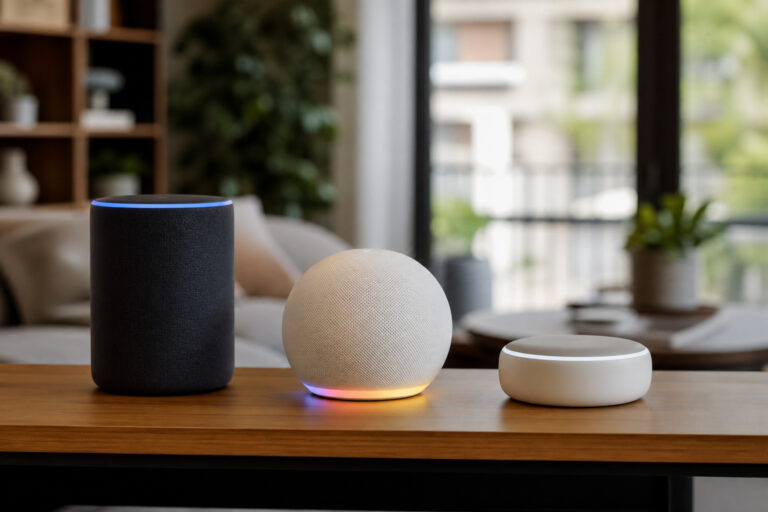
Ask five smart home shoppers whether they need a hub and you’ll get five different answers, mostly because the word “hub” has quietly changed meaning over the last few years. It used to mean a dedicated box you bought on purpose, plugged into your router, and configured before anything else worked. Now it might already be sitting on your kitchen counter disguised as a speaker.
So the honest answer to “do you need a smart home hub” is: it depends what you already own and what you’re trying to do. Here’s how to actually figure that out, instead of guessing.
What a Smart Home Hub Actually Does
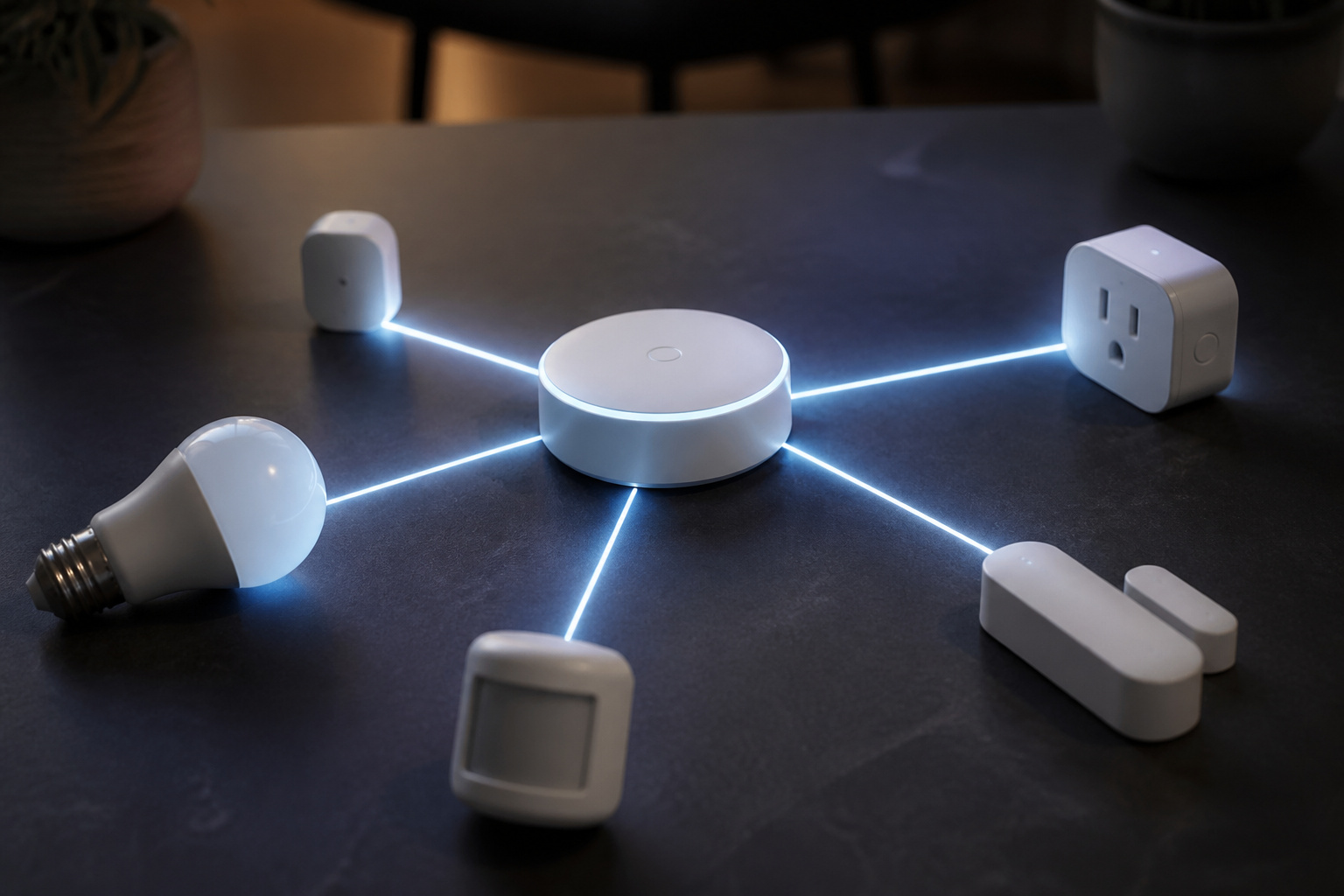
A hub is the piece of your setup that translates between devices and lets them talk to each other, and to you, without every single gadget needing its own app, its own cloud connection, and its own login.
At a basic level, a hub does three things: it connects to devices that don’t use standard Wi-Fi (Zigbee, Z-Wave, or Thread radios, for example), it lets those devices respond to voice commands and automations, and it gives you one place to control everything instead of ten separate apps.
Without a hub, a battery-powered sensor or lock that uses Zigbee or Thread simply can’t talk to your phone directly. It needs a translator in the middle. That’s the job a hub does.
Recommended Products

[Multi-Protocol Hub with Matter Bridge] The M3 is a versatile hub supporting Aqara Zigbee and Thread devices. It integrates third-party devices into the Aqara Home app. Supports advanced Matter bridge functionality, enabling Aqara-exclusive scenes and signals to sync with Matter ecosystems such as Home Assistant for seamless integration. Supports up to 127 Aqara Zigbee devices (** Not third-party Zigbee devices) and 127 Thread devices (Repeaters are needed).

Multi-Protocol Smart Hub with Matter Bridge – The M100 is a versatile smart hub compatible with Thread devices and Aqara Zigbee (** Not third-party Zigbee devices), supporting up to 20 Aqara Zigbee devices and 20 Thread devices. As a Matter Bridge, it connects Aqara Zigbee products to other smart home ecosystems, compatible with Apple Home, Amazon Alexa, Home Assistant, etc. Note: Use a 5V⎓0.5A power adapter (not included) and keep the product continuously powered during use.

[Multi-Protocol Hub with Matter Bridge] The Aqara Hub M200 is a versatile smart hub that supports multiple advanced features, acting as a Matter Controller, Thread Border Router, and Matter Bridge. It integrates third-party devices into the Aqara Home app. With advanced Matter bridging functionality, it syncs Aqara-exclusive features with ecosystems like Home Assistant, Apple HomeKit, Alexa, and Google Home for seamless integration. Supports up to 40 Aqara Zigbee devices and 40 Thread devices.
Do You Already Have One Without Knowing It?
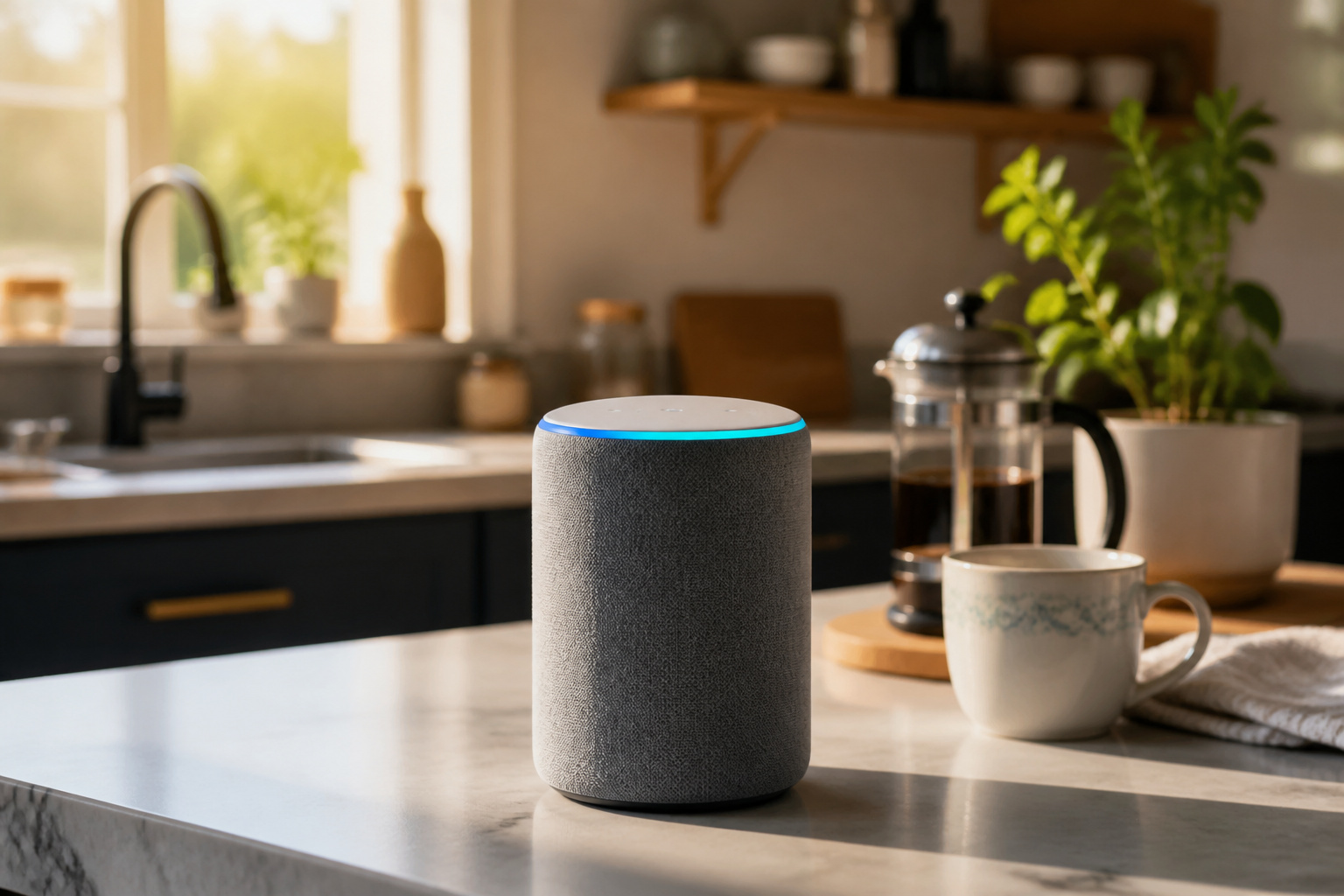
This is the part that trips people up. If you own a recent smart speaker, smart display, or streaming box from Amazon, Google, or Apple, there’s a good chance it’s already acting as a hub, specifically as a Thread border router, which is exactly what we covered in our explainer on Matter.
An Echo (4th generation or newer), a Nest Hub or Nest Audio, a HomePod mini, or a recent Apple TV can all already bridge Thread devices into your existing ecosystem. If that’s your setup, you may not need to buy anything extra at all. You just need to make sure the devices you buy are Matter-certified so they can use the hub you already have.
Where this breaks down is Zigbee and Z-Wave. Those are older, still very common protocols, and most smart speakers do not bridge them. If a device’s box says Zigbee or Z-Wave and doesn’t mention Matter or Thread, your existing speaker won’t be enough.
Signs You Actually Need a Dedicated Hub
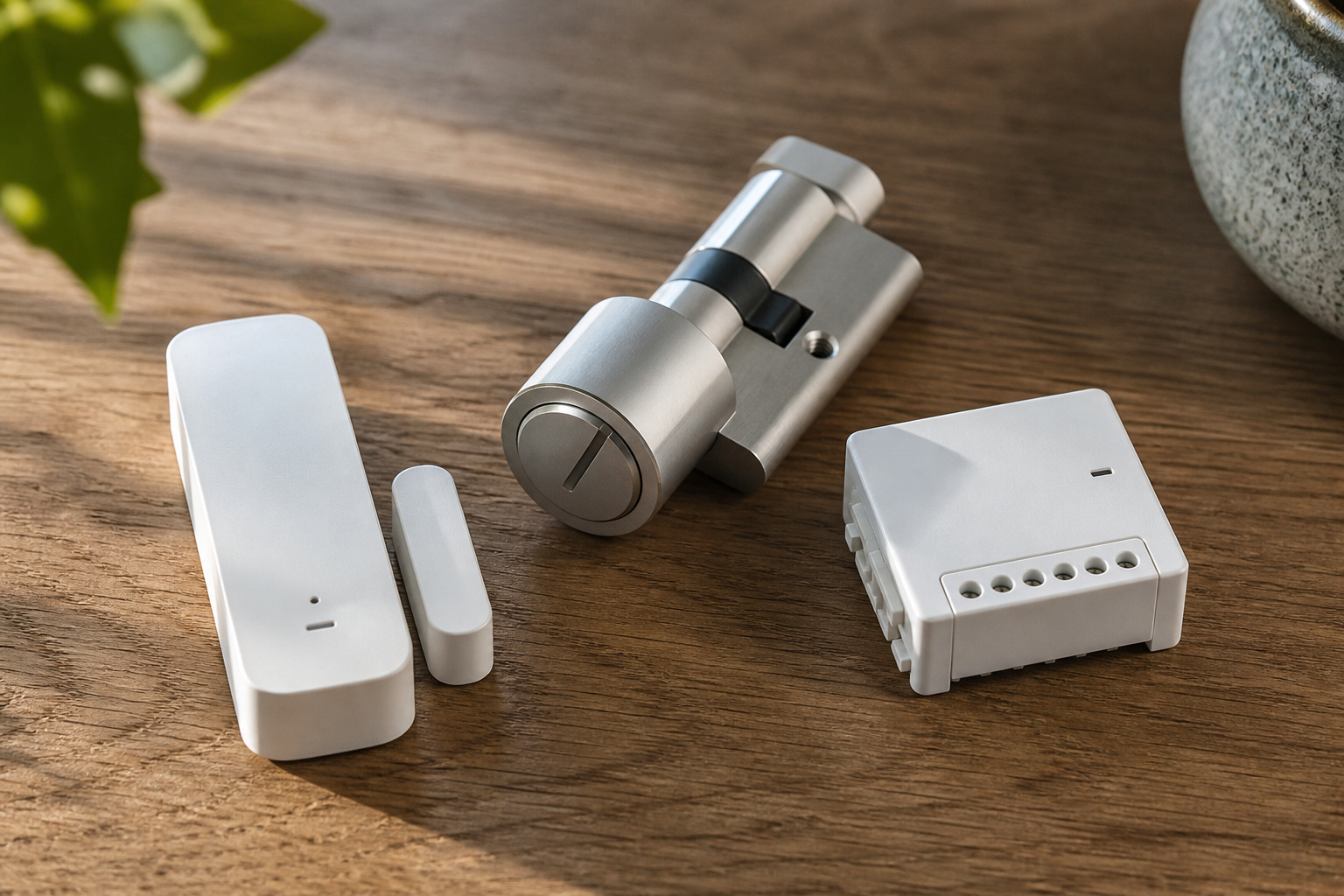
You’re buying Zigbee or Z-Wave devices. These protocols predate Matter and still show up in some of the best-reviewed sensors, locks, and switches on the market. If a product page mentions either one specifically, you’ll need a hub built to support it: SmartThings, Hubitat, and most Zigbee/Z-Wave-branded hubs handle both.
You want automations to keep working when your internet goes down. Cloud-dependent setups stall out during an outage. A dedicated local hub, especially one that runs automations on-device, keeps your lights, locks, and routines working even if your connection drops.
You’ve outgrown a single ecosystem’s app. If you’re juggling a mix of brands and protocols and constantly hunting for which app controls what, a hub built specifically to unify everything (rather than a voice assistant that happens to also do some of this) tends to be more reliable at scale.
You want more advanced automation logic than “if this, then that.” Dedicated hub platforms generally offer deeper rule-building than what’s built into Alexa or Google Home routines.
Recommended Products

Connect & control your smart home — Easily link thousands of compatible devices from leading brands to create a connected home environment for lighting, comfort, voice assistants, energy use, and more.

Powered by SmartThings: Connect, monitor, and automate your home through the SmartThings app. Build a reliable, unified smart home using Samsung's proven ecosystem

【Supports adding up to 128 sub-devices】Zigbee Bridge Pro supports adding sub-devices increased from 32 to 128.
Signs You Probably Don’t
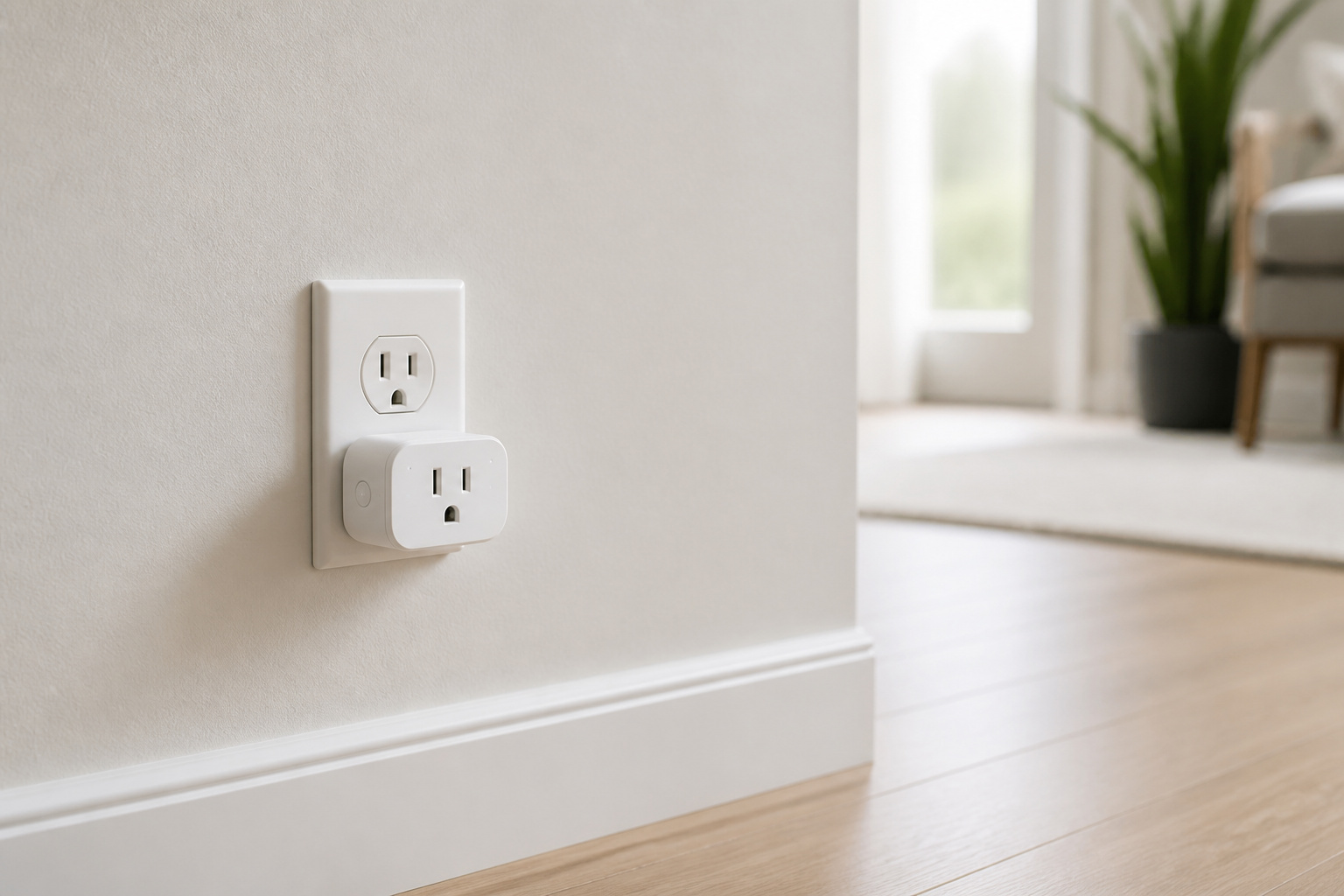
You’re just starting out. If you own zero or one or two smart devices, buying a dedicated hub before you know what you actually want is putting the cart before the horse. Start with Matter-certified devices and whatever speaker or display you already own.
Everything you’re buying is Wi-Fi or Matter-certified. Plenty of smart plugs, bulbs, and cameras connect straight to your Wi-Fi network and need no translator at all. If that describes your shopping list, a hub adds a step without adding a benefit.
You already have a Thread border router (see the section above) and nothing in your cart uses Zigbee or Z-Wave. In that case, a second hub is redundant hardware solving a problem you don’t have.
Hub Options: What’s Actually Available
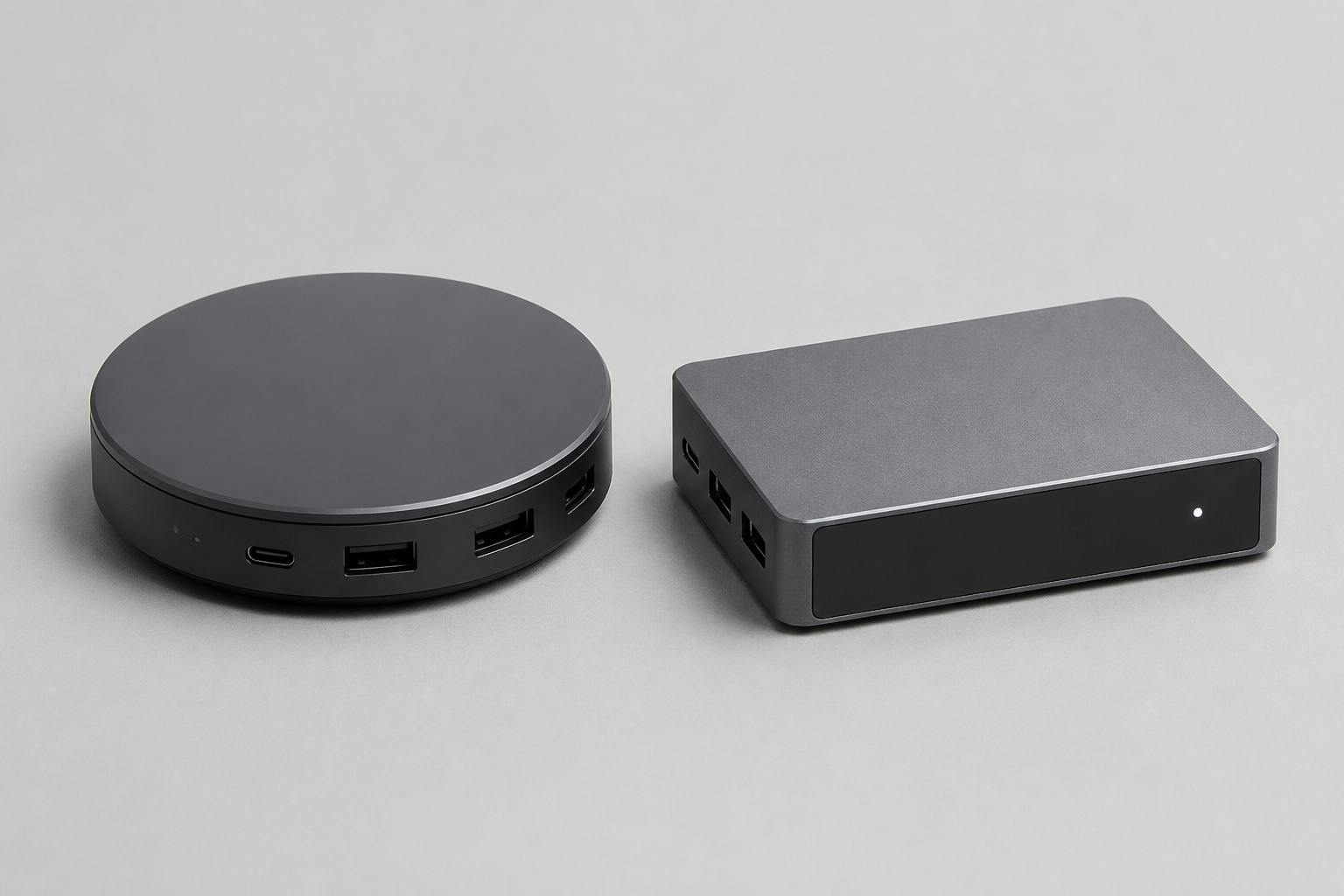
If you’ve read the signs above and a dedicated hub makes sense for you, the options generally fall into two camps.
Ecosystem-native hubs come from Amazon, Google, Apple, or Samsung, and are built to work smoothly inside that company’s app and voice assistant. These are the easiest to set up and the best choice if you’re not planning to mix and match brands heavily.
Independent hub platforms, like SmartThings, Hubitat, or Home Assistant, are built to be brand-agnostic from the ground up. They tend to support a wider range of Zigbee and Z-Wave devices, offer deeper automation control, and in some cases (Home Assistant especially) can run entirely locally with no cloud dependency at all. The tradeoff is a steeper setup curve than an ecosystem-native option.
Which one fits depends on how much control you want versus how much simplicity you’re willing to trade for it.
Recommended Products
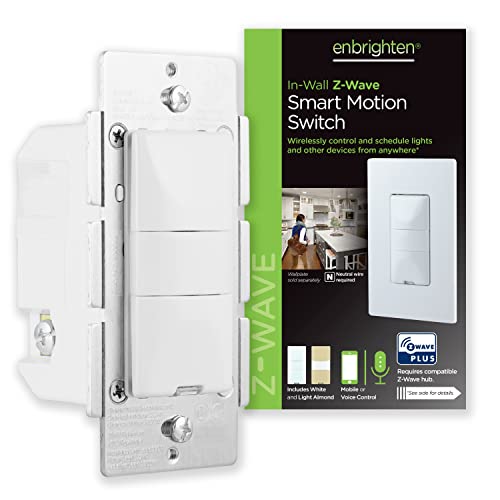
Variable motion settings – Personalize the switch with three motion-detection options – occupancy, vacancy and manual. Occupancy mode turns lights ON/OFF automatically, while lights are turned on manually and off automatically in the vacancy setting. To deactivate the motion sensor, select manual operation.

Dual Radio Z-Wave Plus Long Range & Zigbee 3.0 USB universal gateway - Works with HomeAssistant, Zigbee2MQTT, Z-Wave JS, Open Z-Wave and more Smart Home platforms
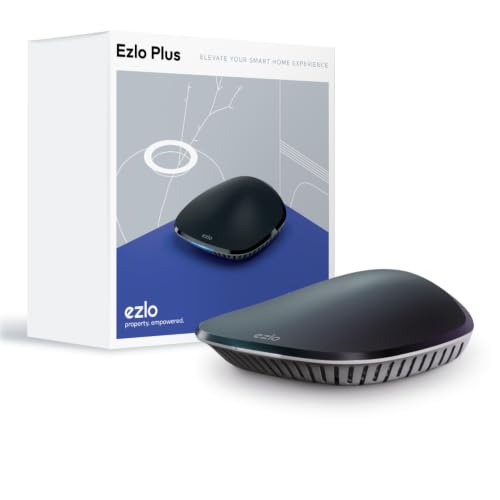
OS for Property: The Ezlo Plus Smart Home Hub runs on MiOS by Ezlo, the first operating system for property. Mios is innovative and pioneering, you are now free to mix and match devices and brands across your smart home and control them all from the web or mobile app, anywhere.
The Bottom Line
Most people don’t need to shop for a hub on purpose anymore. Matter and Thread quietly folded that function into hardware a lot of households already own. The exception is anyone buying Zigbee or Z-Wave devices, running a larger or more complex setup, or wanting automation logic and local reliability beyond what a voice assistant’s app offers.
The practical move: check what you already own before buying anything new, prioritize Matter-certified devices going forward, and only add a dedicated hub once you hit one of the specific situations above, not before.
Frequently Asked Questions
Does a Smart Speaker Count As a Hub?
Often, yes. Many recent Echo, Nest, and HomePod devices function as Thread border routers, which covers the hub role for Matter and Thread devices. They generally don’t bridge older Zigbee or Z-Wave devices, though.
Can I Use More Than One Hub at Once?
Yes, and it’s common. A household might use a smart speaker as a Thread border router while also running a SmartThings or Hubitat hub for Zigbee devices. They can coexist without conflict as long as they’re not both trying to control the exact same device.
Do I Have to Pay a Subscription for a Hub?
Most ecosystem-native hubs (Amazon, Google, Apple) are free to use for basic functions. Independent platforms vary: SmartThings is free, Hubitat is a one-time hardware cost with no subscription, and some advanced monitoring or cloud-backup features across various platforms can carry an optional fee.
Will a Hub Slow Down My Wi-Fi?
No. Hubs generally connect to your router like any other device and use minimal bandwidth. Thread and Zigbee actually create their own separate low-power mesh network alongside your Wi-Fi, rather than adding traffic to it.
What’s the Difference Between a Hub and a Bridge?
The terms get used loosely, but a bridge is typically a simpler device that translates one specific protocol (like a Philips Hue Bridge for Zigbee bulbs), while a hub usually implies broader control: automations, multiple protocols, and a central app. In practice, many products blur the line between the two.