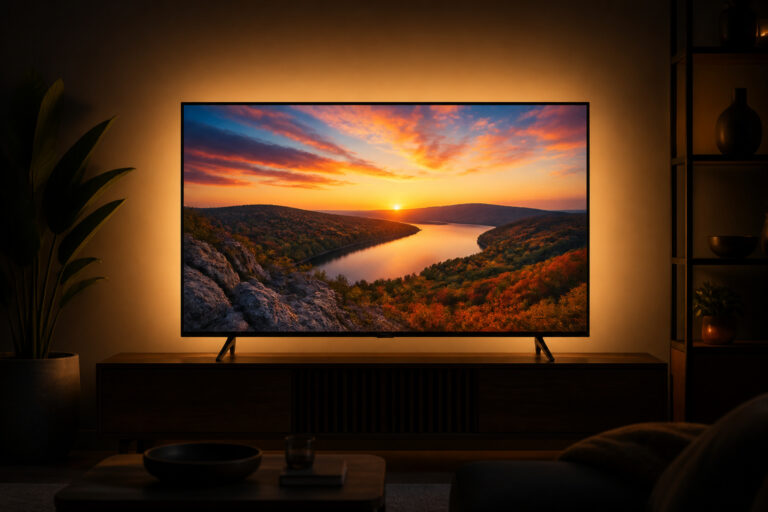
HDR10, Dolby Vision, and HLG all do the same basic job: they let a TV show brighter highlights and deeper shadows than standard video.
They differ in how they send that information, which affects how good the picture looks on your particular TV. This guide explains what each format does and what to check before you buy.
What HDR Does
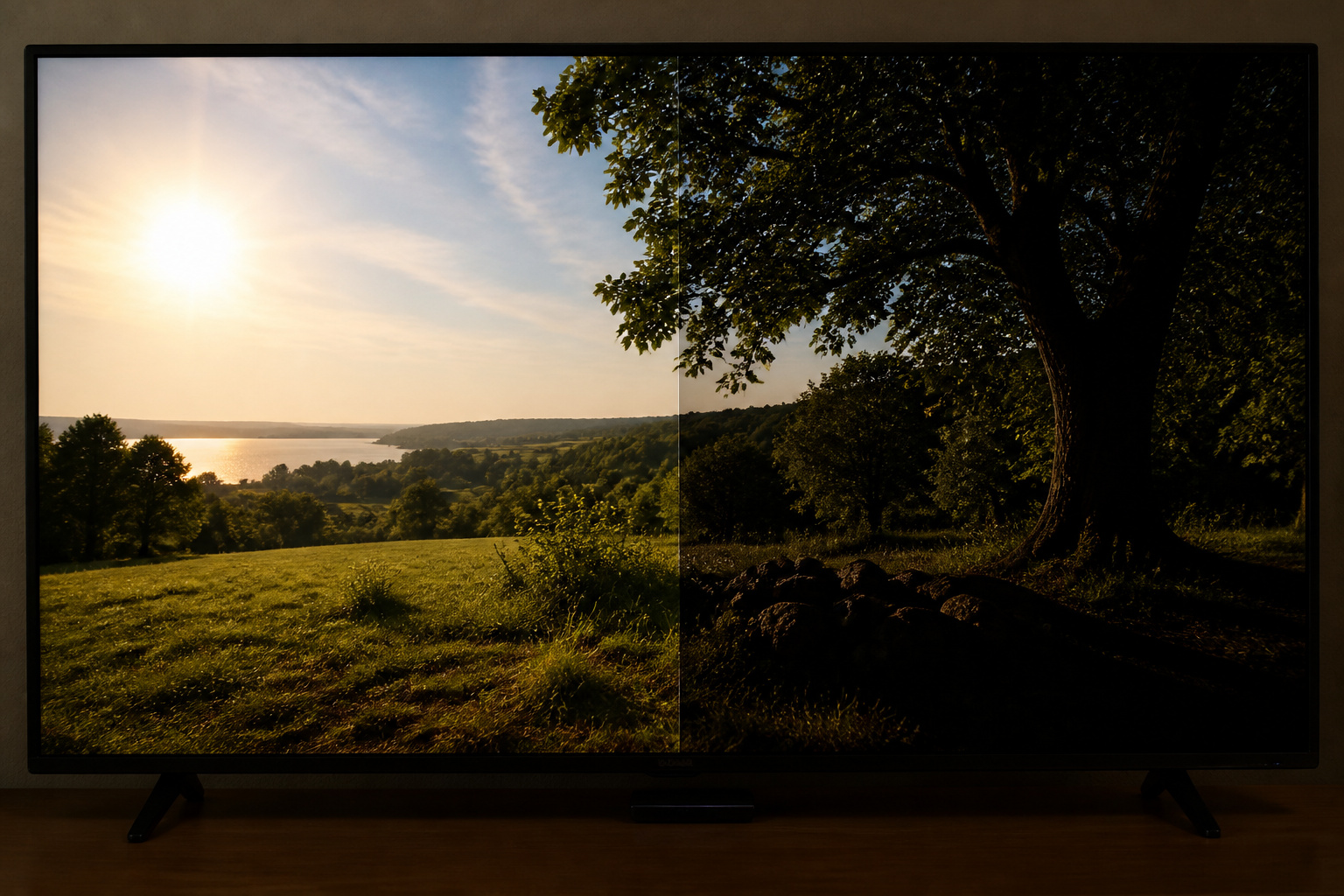
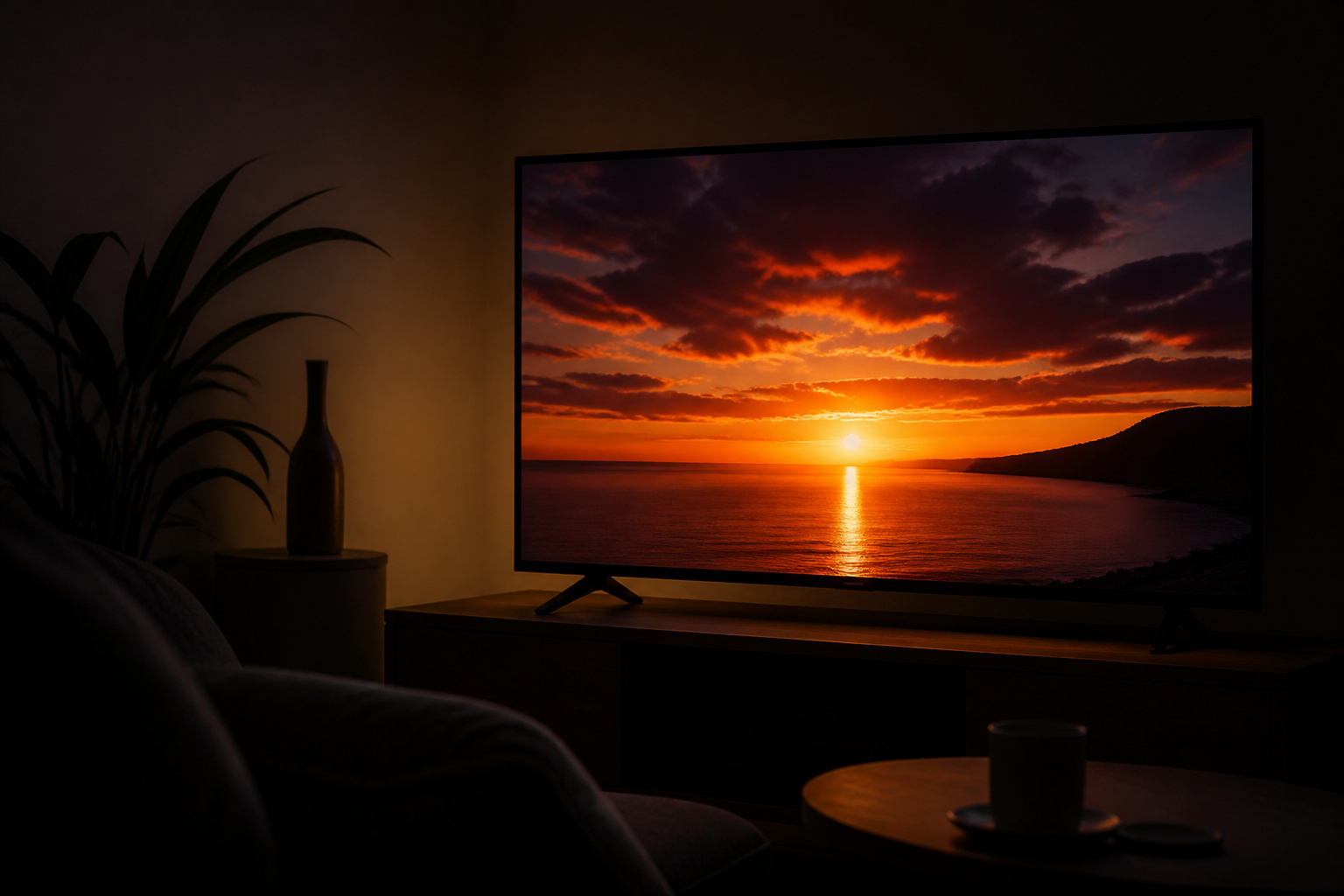
HDR stands for high dynamic range. It widens the range between the image’s darkest and brightest parts so a sunset can have a glowing sun and detailed shadows at the same time.
It usually has a wider color range too. The effect is most noticeable on TVs that can get bright and display deep black.
HDR10
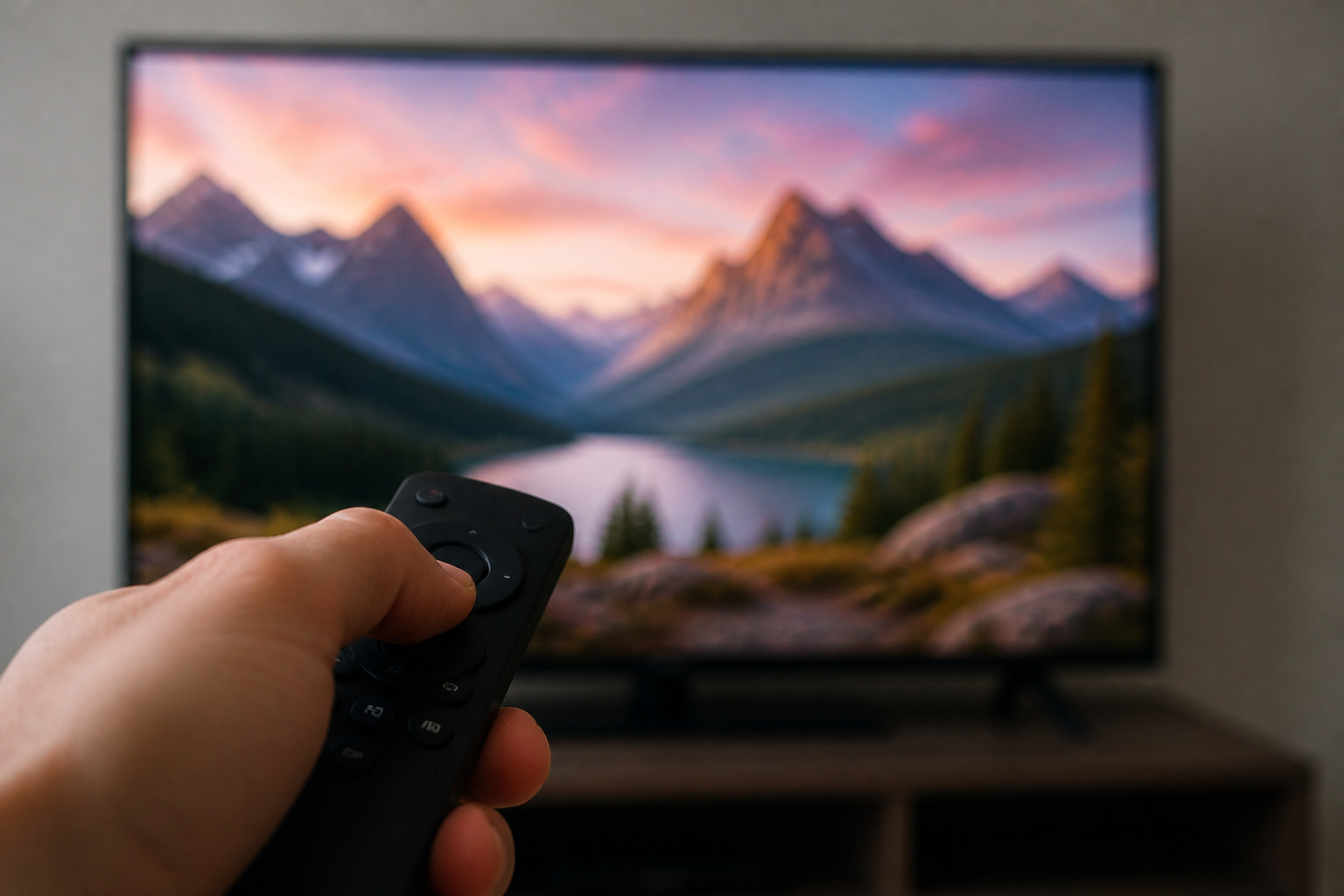
HDR10 is the baseline HDR format and is supported by virtually every HDR TV, streaming service, and game console.
It uses static metadata, meaning one set of brightness instructions for the whole movie. That works well on capable TVs but cannot adapt scene by scene.
Recommended Products

✅ 【True 8K@60Hz & 4K@120Hz HDMI 2.1 Performance】 Experience ultra-high-definition video with support for 8K@60Hz (4:4:4, 8-bit) and buttery-smooth 4K@120Hz – ideal for next-gen gaming on PS5, Xbox Series X, and high-end media streaming with Apple TV 4K. Features a maximum bandwidth of 40Gbps for zero-lag, uncompressed video transmission.

True 8K Ultra HD: This Avidgram directional 4 port HDMI switch allows four HDMI sources to one HDMI display, specifically designed to handle 8K@60hz, 4K@120Hz, 1080p@240Hz, also supports HDMI 2.1, HDCP 2.3/2.2/1.4, HDR10, HDR10+, Dolby vision, 3D, CEC, high-speed 48Gbps video bandwidth.

HDR10+ and Dolby Vision

HDR10+ and Dolby Vision both add dynamic metadata, so the TV gets scene-by-scene or frame-by-frame instructions. This helps a TV that is less bright than the studio master tone-map the picture more accurately.
Dolby Vision is licensed and widely supported by streaming services and many TV brands. HDR10+ is an open alternative backed mostly by Samsung and Amazon. Samsung TVs have long supported HDR10+ rather than Dolby Vision, so check the spec sheet if you care about one or the other.
Recommended Products

Stunning 4K and Dolby Vision streaming made simple: With America’s number 1 TV streaming platform,* exploring popular apps—plus tons of free movies, shows, and live TV—is as easy as it is fun. *Based on hours streamed—Hypothesis Group


4K UltraHD Resolution: Experience incredible detail with 4X the resolution of 1080p Full HDTVs
HLG
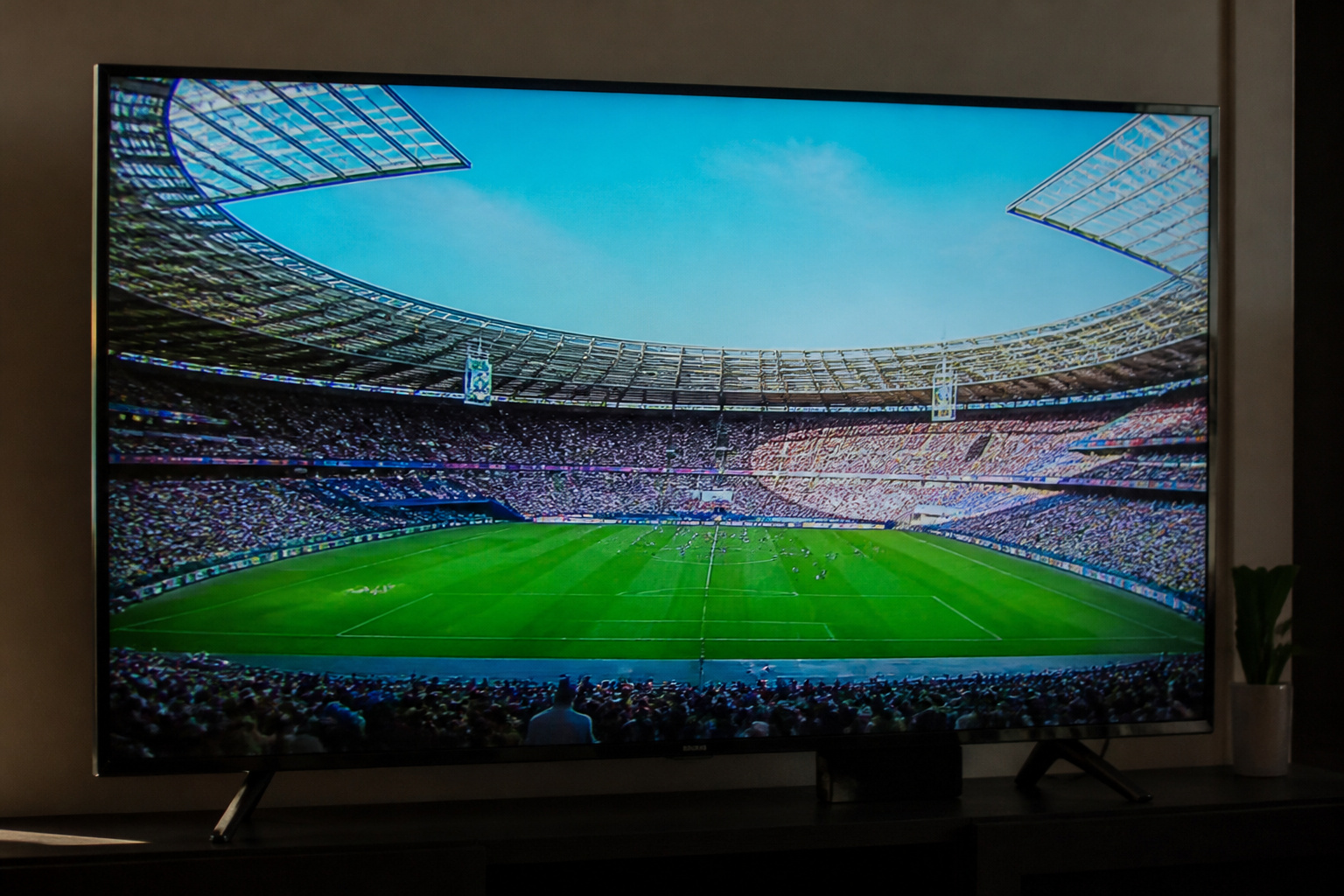
HLG, short for Hybrid Log-Gamma, was designed for broadcast and live TV.
It works without metadata and is backward compatible with non-HDR sets, which makes it practical for live sports and some streaming.
You will see it more on broadcast and satellite feeds than on movies.
Recommended Products
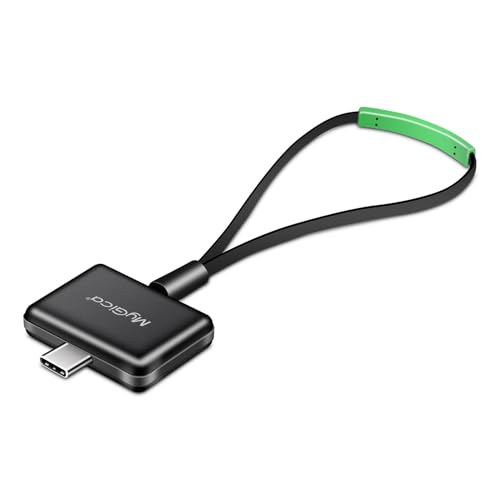

1. Precautions before use: Please download the latest electronic version of the instructions from the Mygica official website and read it carefully. This product is not ready for use after purchase. User needs to install the corresponding driver and playback software.

1. Precautions before use: Please download the latest electronic version of the instructions from the Mygica official website and read it carefully. This product is not ready for use after purchase. You need to install the corresponding driver and playback software.
New in 2026: Dolby Vision 2 and HDR10+ Advanced
Both HDR camps have introduced upgraded formats for 2026. Dolby Vision 2 is the next generation of Dolby Vision. Its smarter picture processing is designed to improve existing Dolby Vision content, and a higher tier called Dolby Vision 2 Max is aimed at more capable TVs.
As of October 2026, Hisense is the first manufacturer to roll out Dolby Vision 2, through a software update on selected 2026 models. TCL and Philips have also confirmed support. LG has said none of its 2026 TVs will support it, and Samsung has not committed to it. Older TVs are not expected to get it, because it relies on new processing hardware.
Samsung’s answer is HDR10+ Advanced, an upgrade to HDR10+ on its 2026 TVs. Amazon Prime Video is the first major streaming service to support it, and for now it covers only select titles.
Content for both is still limited. Streaming services including Peacock, CANAL+, and iQIYI have committed to Dolby Vision 2, but the catalog is small. For now, it makes more sense to shop on brightness and on standard Dolby Vision or HDR10+ support, and to treat the new formats as a bonus. HDR10 still works on all of these TVs.
Recommended Products

HDMI Splitter 1 in 2 Out: 4K RGB 4:4:4, 18Gbps HDMI 2.0 splitter distributes one input HDMI source to two output HDMI signal that displays simultaneously and identical to the input signal with no loss in quality.
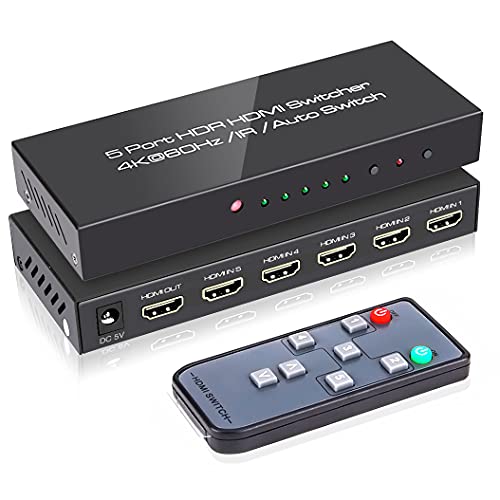
【Design for Multiple Source Devices】If you're tired of the hassle of frequently swapping out HDMI cables between multiple devices due to limited input ports on your TV or monitor, ROOFULL Premium 5 port HDMI switch makes it easier to connect up to 5 of your source devices such as PS5, Xbox, Switch, and Roku to a single input port on your TV or monitor, and seamlessly switch between games, movies, and TV shows without the need for constant unplugging and replugging of cables
Brightness Matters More Than the Logo

A TV that supports an HDR format is not automatically good at HDR. Peak brightness and contrast decide how impressive it looks.
Entry-level sets can accept an HDR signal but cannot get bright enough to show it properly, and the picture can look dim or washed out. For a noticeable HDR effect, look for higher peak brightness and local dimming, or an OLED or mini-LED panel.
Our panel type comparison helps narrow this down.
HDR for Gaming and Streaming
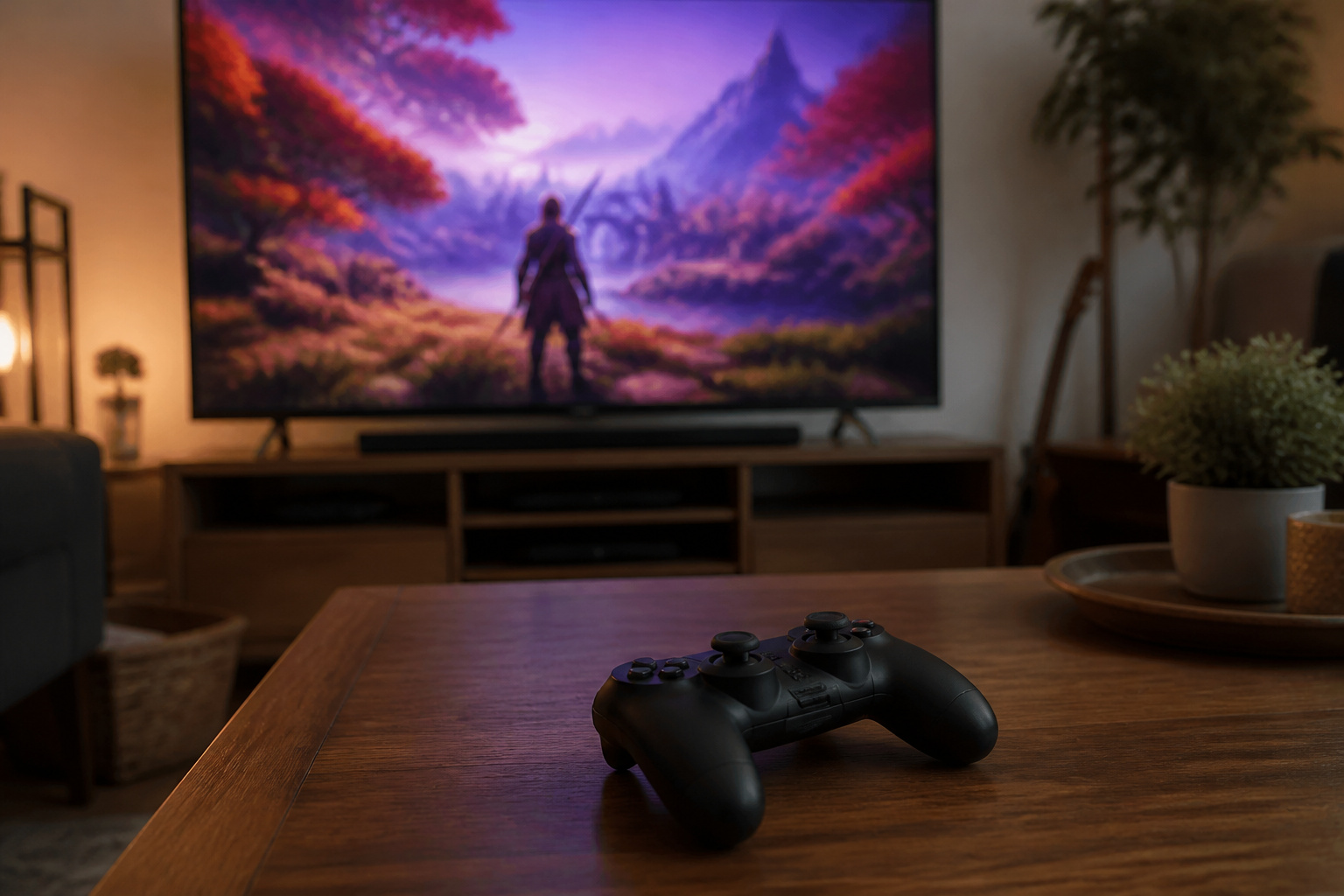
Current consoles support HDR10, and the Xbox Series X and S also support Dolby Vision for gaming. Streaming services send whichever format your TV and plan support, and some higher-tier plans are needed for the best versions.
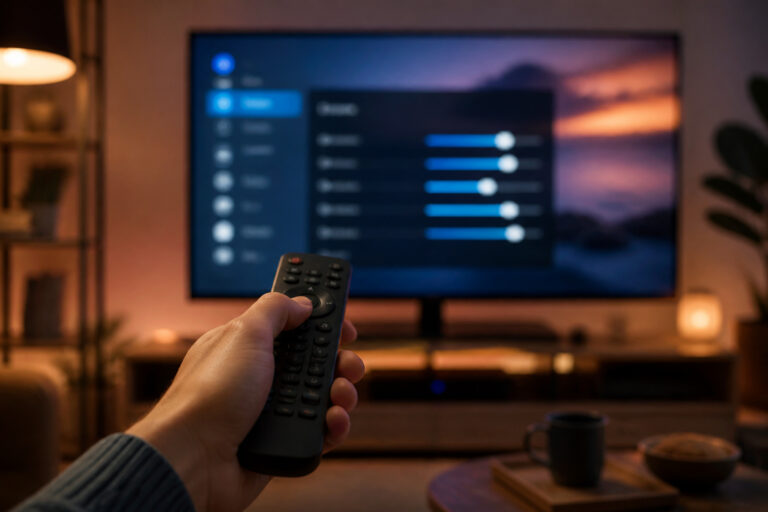
If HDR looks wrong or too dark, our dark picture troubleshooting guide and TV settings guide cover the usual fixes. HDMI cable and port capability can also limit HDR at 4K and high frame rates; see HDMI cables explained.
Recommended Products

Real 8K HDMI certified cable: The HDMI cables pass HDMI 2.1 Certified. The HDMI Cable delivers 10K 8K@60Hz and 4K@240Hz higher resolution, 4 times higher than 4K@60Hz. The advanced technology makes a remarkable improvement in image clarity and sharpness

Top Technology--8K@60HZ: This 8K Ultra-High Speed 2.1 HDMI Cable uses the most cutting-edge technology, which is compatible with 8K@60HZ,4K@240HZ and 4K@120HZ clearly displays every particle, and accurately processes every signal source.

【HDMI 2.1 Certification】Only 1% of HDMI cables on the market have passed HDMI 2.1 certification. Scan with the QR code Scanner app for verification
Frequently Asked Questions
Is Dolby Vision better than HDR10?
Dolby Vision can look better on average TVs because its dynamic metadata helps the TV adapt each scene. On a very bright, high-quality TV, the difference may be small.
Do I need all HDR formats?
No. HDR10 is essential and nearly universal. Beyond that, choose based on what you watch and what your TV brand supports.
Why does HDR look dim on my TV?
Many TVs cannot reach the brightness HDR content expects, so the picture looks dimmer than standard video. Settings like backlight, local dimming, and picture mode, plus a darker room, help.
Does HDR need a special HDMI cable?
For 4K HDR at 60 frames per second, you need a certified high-speed cable and an HDMI port that supports HDR. For 4K at 120 frames per second, you need HDMI 2.1 hardware and an Ultra High Speed cable.
Is HLG worth caring about?
Only if you watch a lot of live broadcast HDR. Most buyers can ignore HLG as long as the TV supports it, which most do.
Do I need a TV with Dolby Vision 2?
Not yet. Very little content uses it so far, and regular Dolby Vision and HDR10 content still look good on any capable TV. If you are buying now, put brightness and contrast first and treat Dolby Vision 2 support as a bonus.