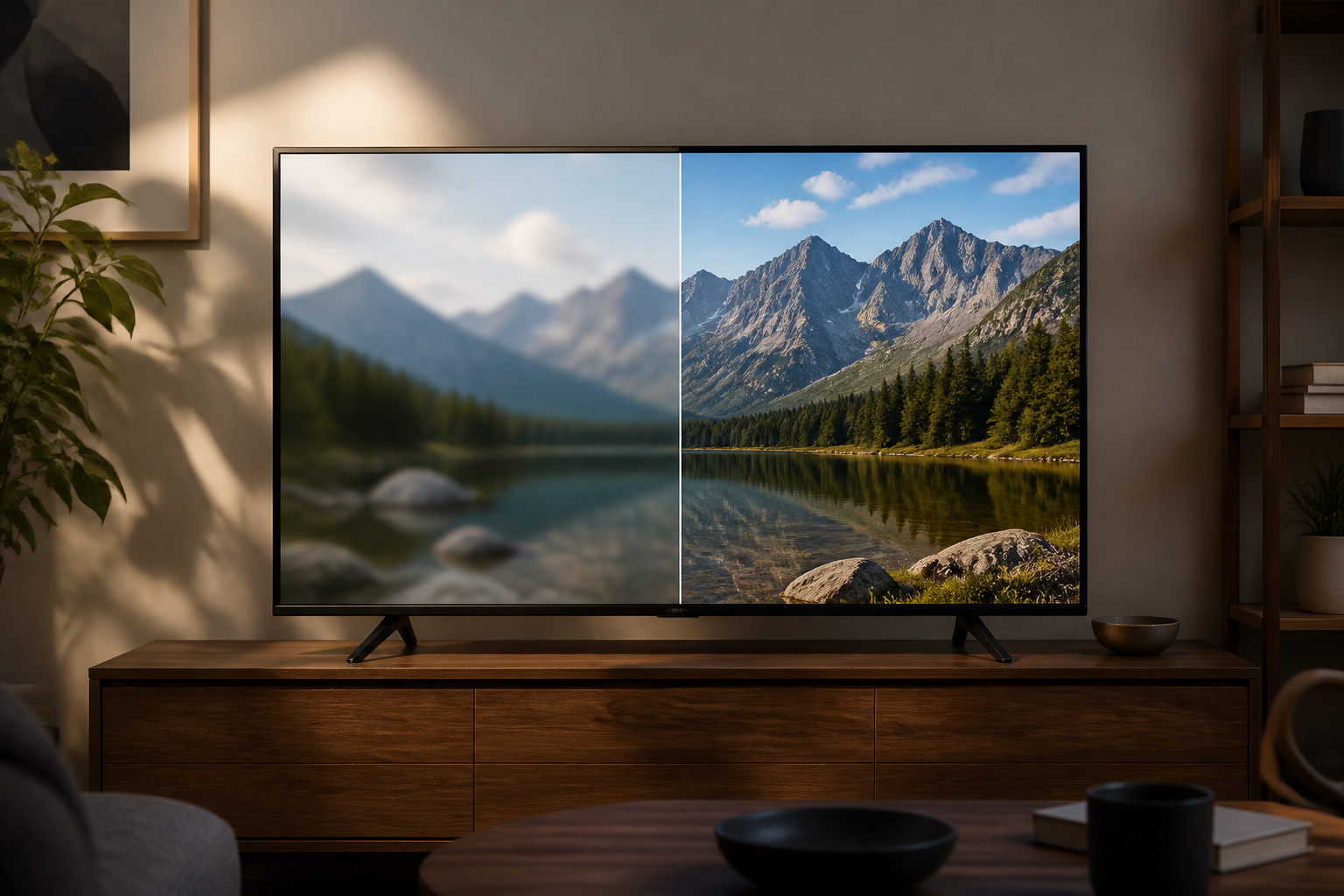
A blurry TV picture usually comes from the source, the settings, or the connection, not a failing screen.
Work through the causes below from easiest to hardest, and you can often fix it without spending anything.
Check the Source Quality
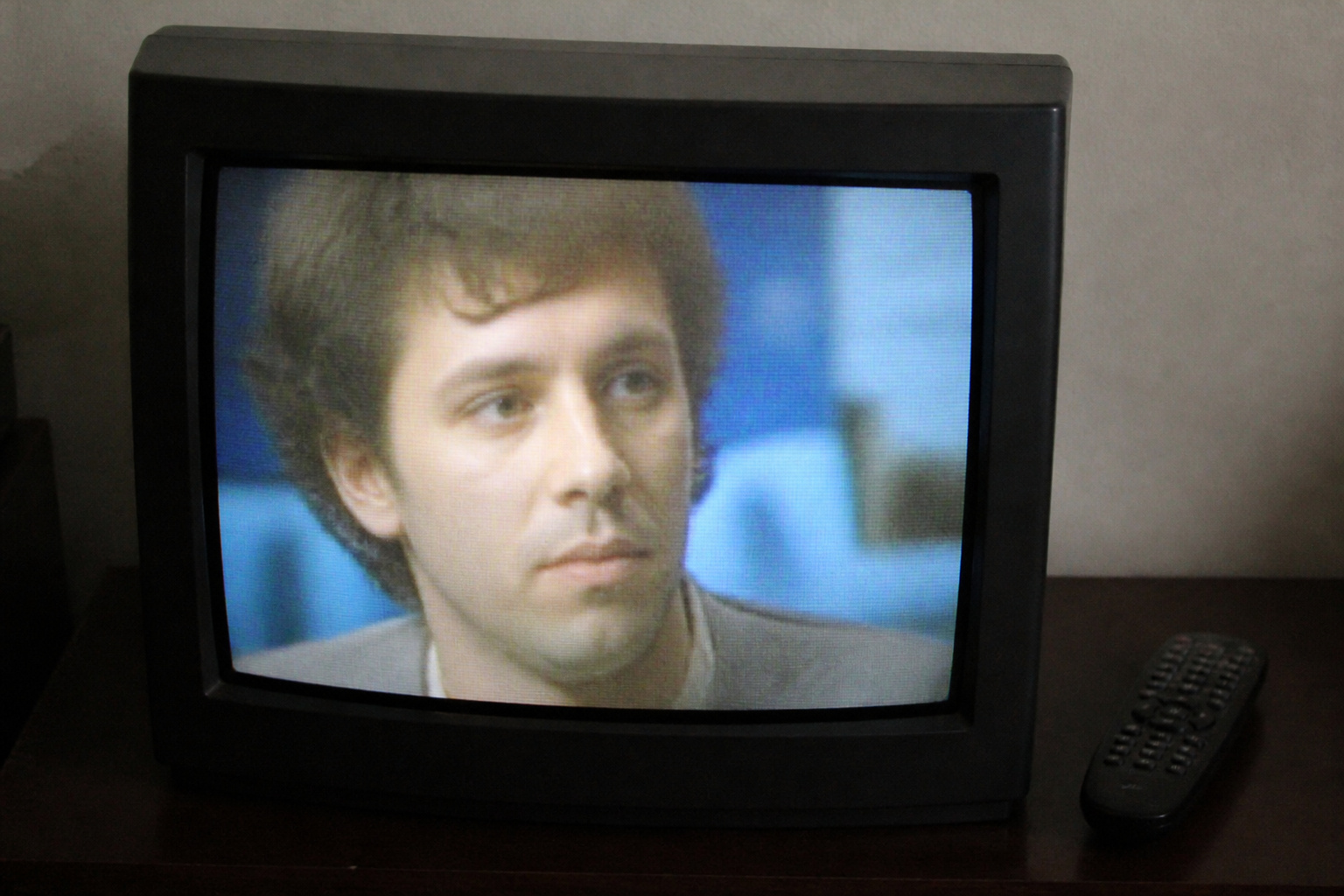
Low-resolution content looks soft on a large 4K screen. Standard-definition cable channels and older streams stretch to fill the panel, which exaggerates softness.
Try a known 4K source, like a 4K streaming app title. If that looks sharp, the TV is fine, and the original content is the issue. Slow internet can also push a stream to a lower resolution; see why a smart TV keeps buffering.
Products Worth Considering

Advanced 4K streaming - Elevate your entertainment with the next generation of our best-selling 4K stick, with improved streaming performance optimized for 4K TVs.

Essential 4K streaming – Get everything you need to stream in brilliant 4K Ultra HD with High Dynamic Range 10+ (HDR10+).

Enjoy nextlevel streaming at an affordable price with the onn Google TV 4K Pro Streaming Devicewith Gemini This powerhouse streaming device delivers uncompromising performance and stunning visualstransforming your TV into a premium entertainment hub
Fix the Picture Settings
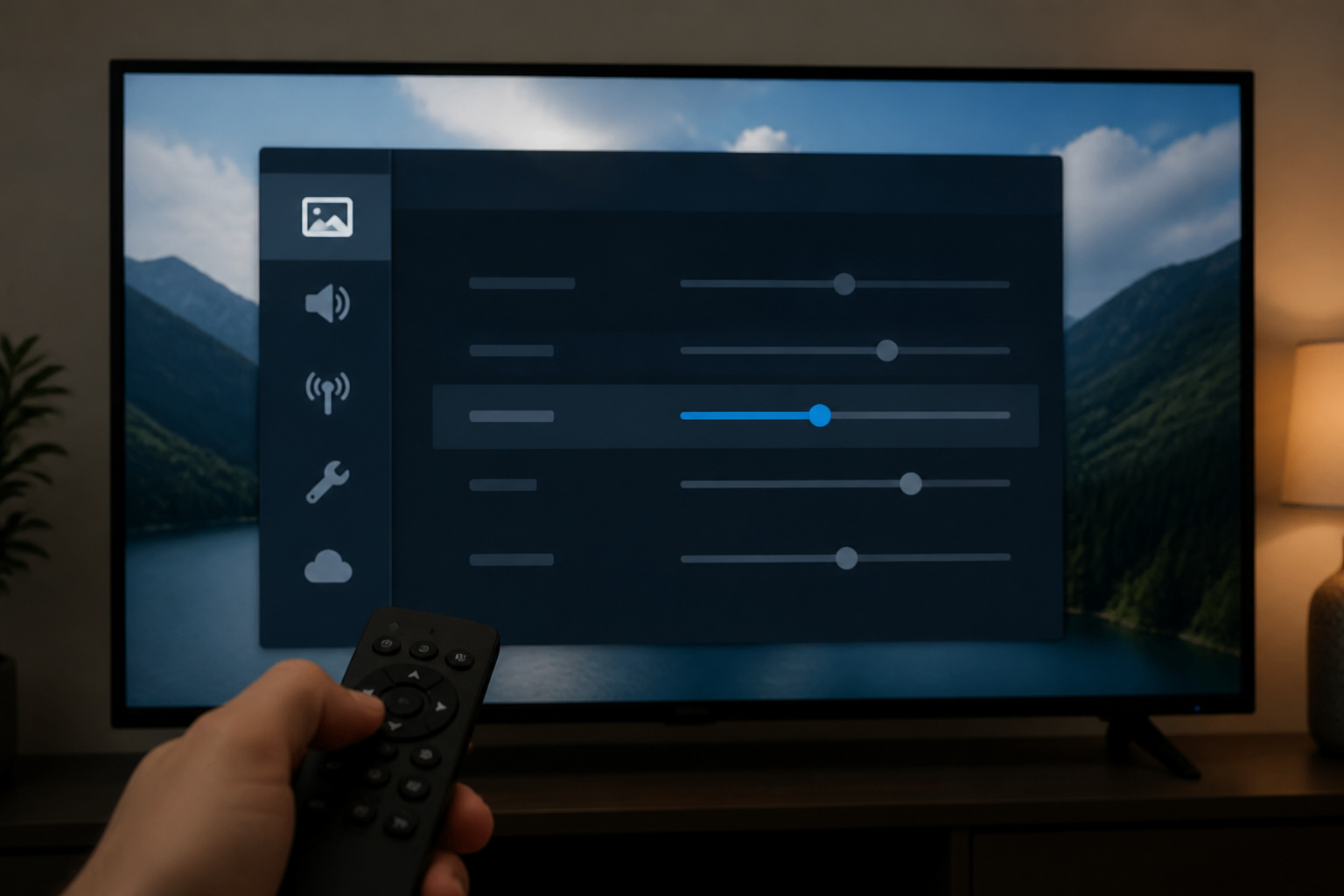
Check the sharpness setting, which should not be at maximum, and turn off aggressive noise reduction, which softens detail. Use a proper mode such as Movie or Standard instead of a mode with heavy processing.
If fast action looks smeared rather than soft, see how to fix TV motion blur and judder, and our TV settings guide.
Check Resolution and Output Settings
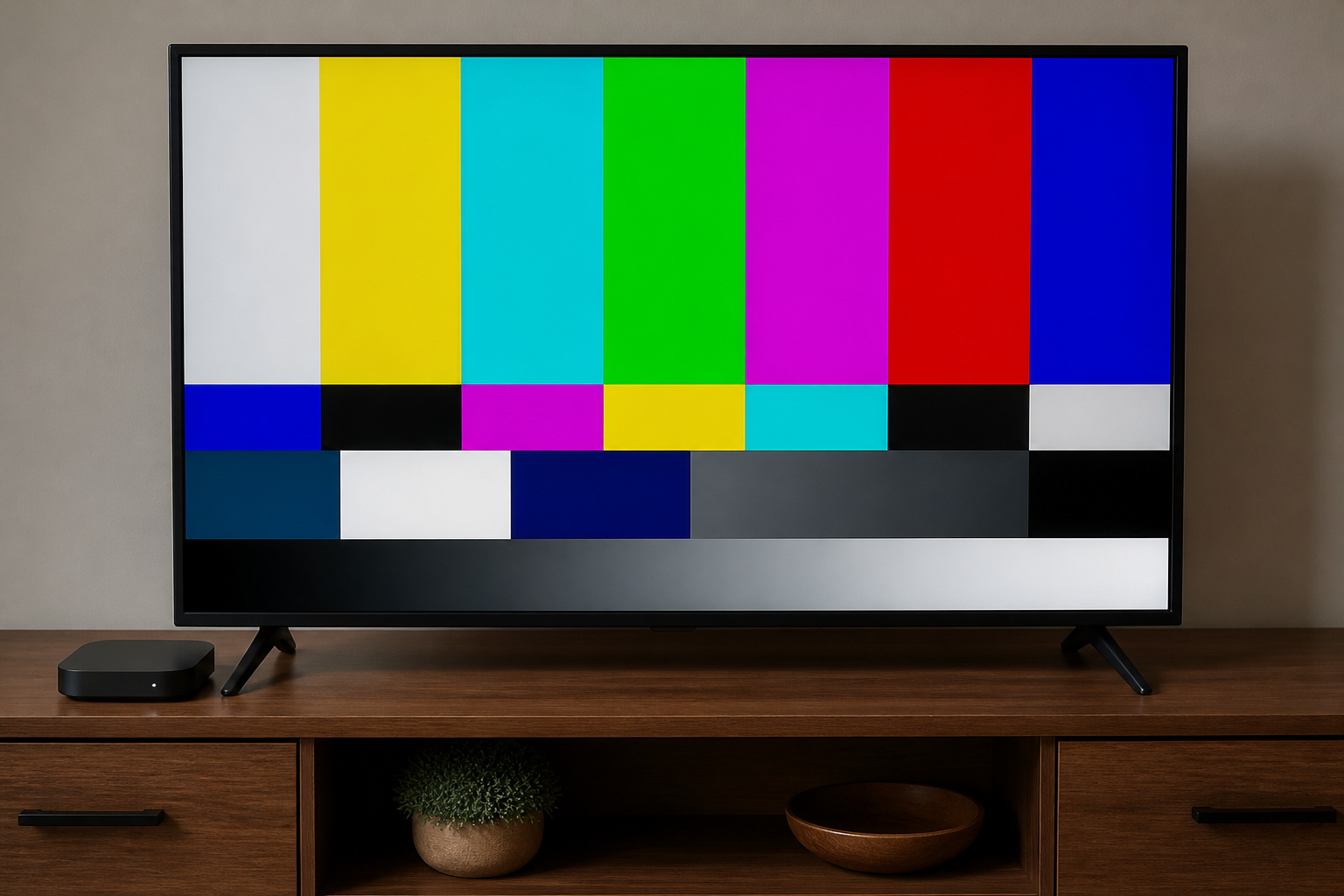
Make sure your streaming box or console outputs the right resolution for your TV, and that the TV is not set to an unusual aspect or zoom mode.
Look for a setting called Just Scan, Screen Fit, or 1:1 to prevent unwanted scaling. Mismatched settings can make text and detail look fuzzy.
Check the Cables and Ports
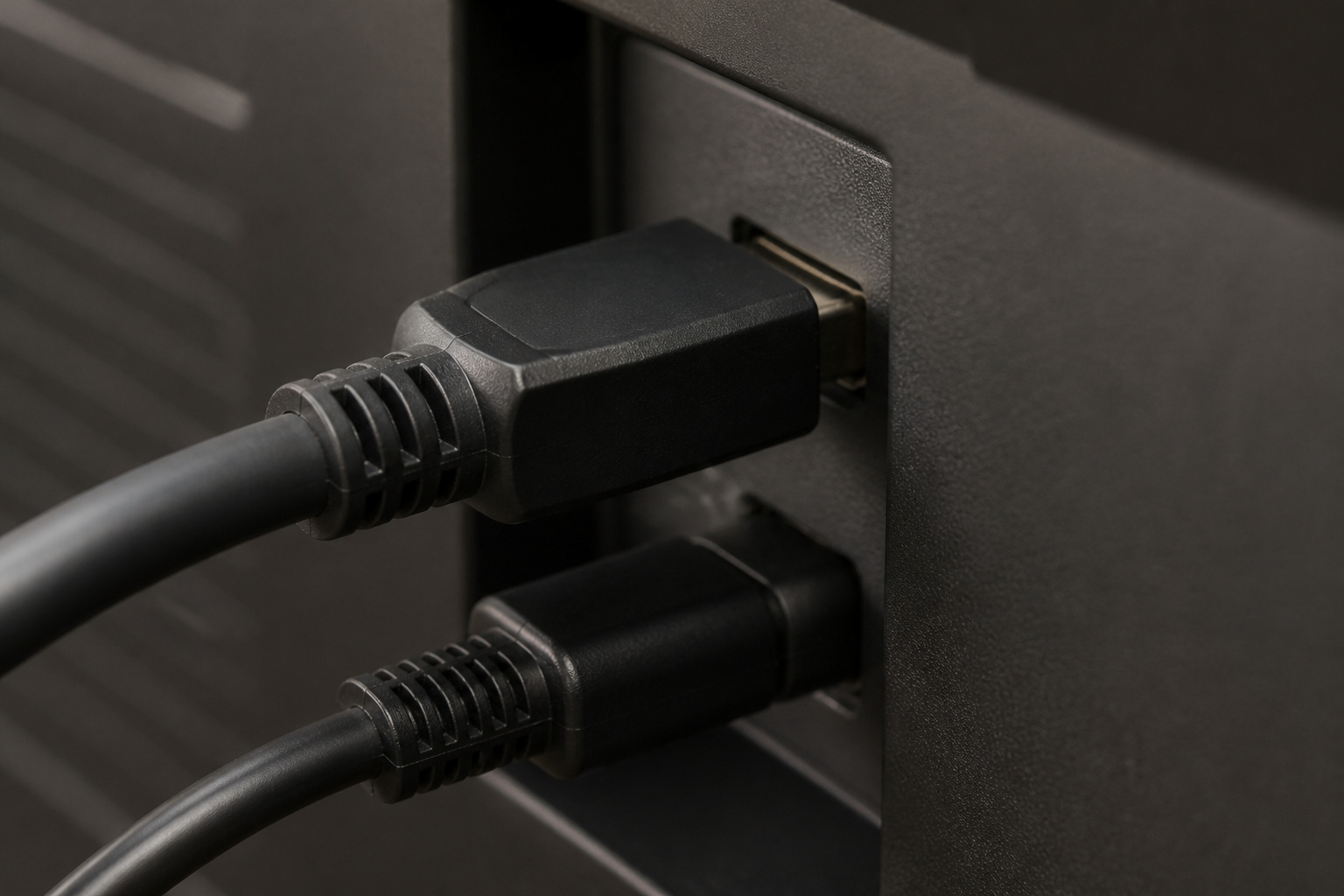
A damaged or low-quality HDMI cable can cause softness or flicker, particularly at 4K. Try another HDMI port and a certified cable; see HDMI cables explained.
Some TVs need a specific HDMI port set to an enhanced signal mode to handle 4K HDR from a console or streamer.
Products Worth Considering

Top Technology--8K@60HZ: This 8K Ultra-High Speed 2.1 HDMI Cable uses the most cutting-edge technology, which is compatible with 8K@60HZ,4K@240HZ and 4K@120HZ clearly displays every particle, and accurately processes every signal source.

Superior Display, Swift Connectivity: Elevate your viewing experience to unparalleled clarity with 8K@60Hz, and enjoy smoother visuals and reduced lag with support for 4K@120Hz and 4K@60Hz.

Real 8K HDMI certified cable: The HDMI cables pass HDMI 2.1 Certified. The HDMI Cable delivers 10K 8K@60Hz and 4K@240Hz higher resolution, 4 times higher than 4K@60Hz. The advanced technology makes a remarkable improvement in image clarity and sharpness
Clean the Screen and Check for Hardware Issues
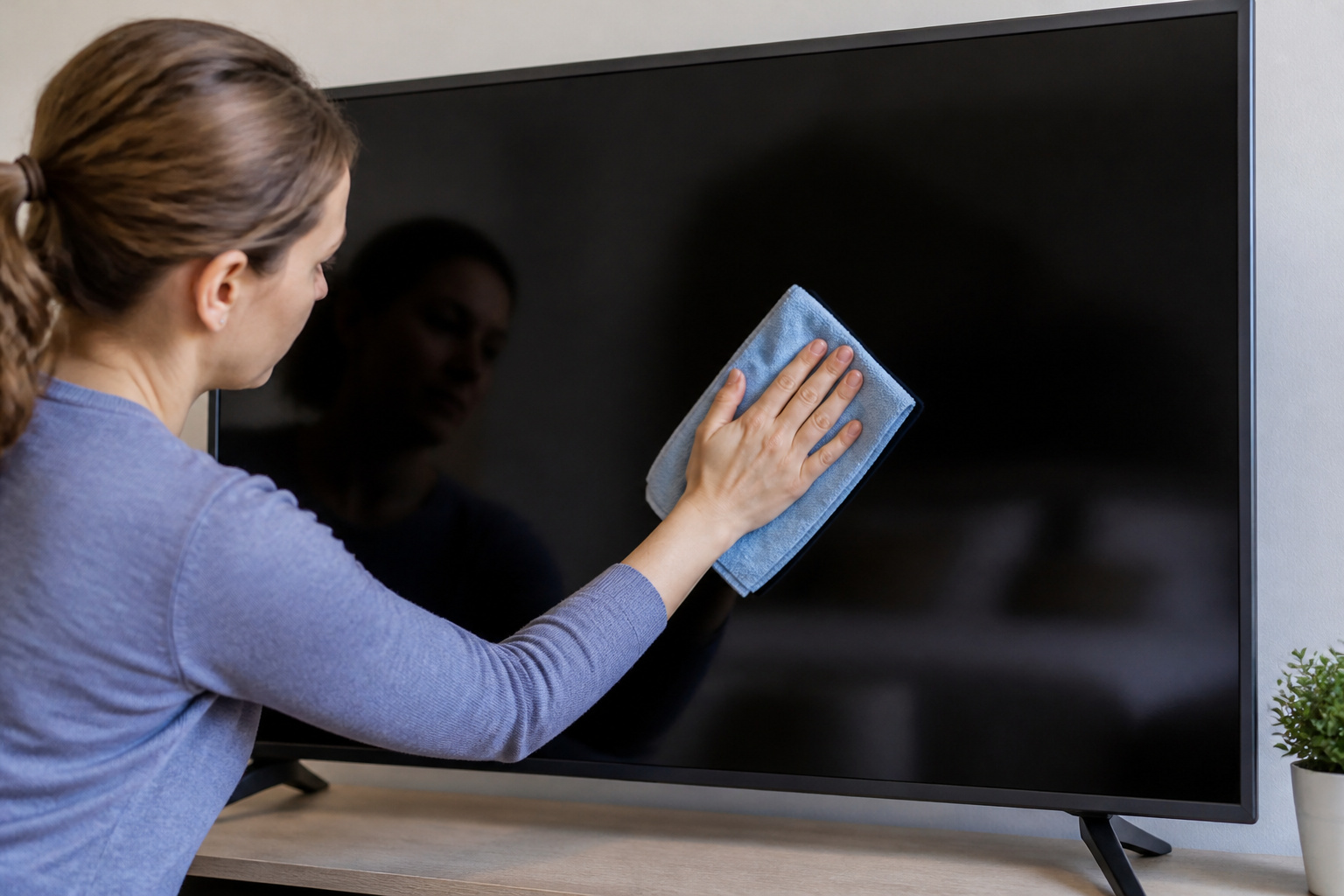
Smudges and film on the screen reduce clarity. Wipe with a dry microfiber cloth, or a slightly damp one for stubborn spots, and avoid sprays on the panel.
If the picture is blurry across all sources and settings, or has uneven patches, the panel may have a problem. A factory reset may help.
If not, check your warranty or see how long modern TVs last.
Frequently Asked Questions
Why does my 4K TV look blurry?
Often the source is not true 4K, or sharpness and processing settings are off. Test with native 4K content.
Can a bad HDMI cable cause blur?
It can cause flicker, dropouts, or softness, mainly with high-bandwidth signals. Try a certified cable.
Should I turn up the sharpness setting?
Not much. High sharpness adds artificial edges and halos instead of real detail.
Why does only one app look blurry?
The app may be streaming at lower quality, or your plan or connection may limit resolution.
When should I see a repair technician?
If every source looks blurry after you have checked cables, settings, and reset the TV, or if you see physical defects.