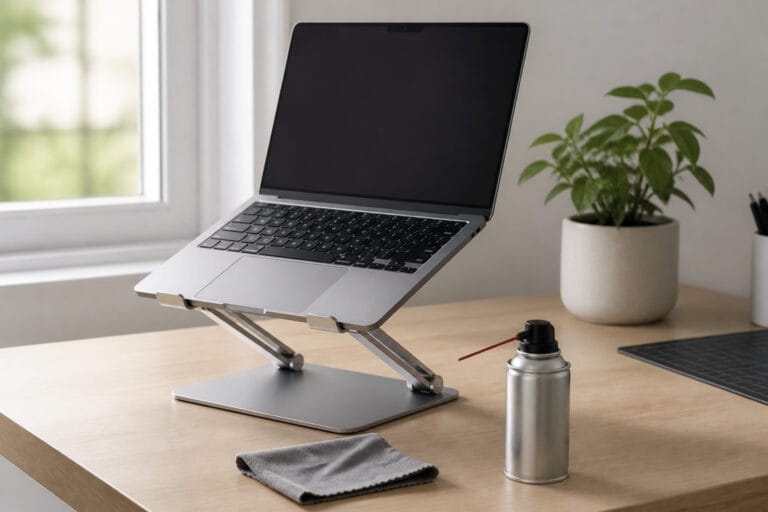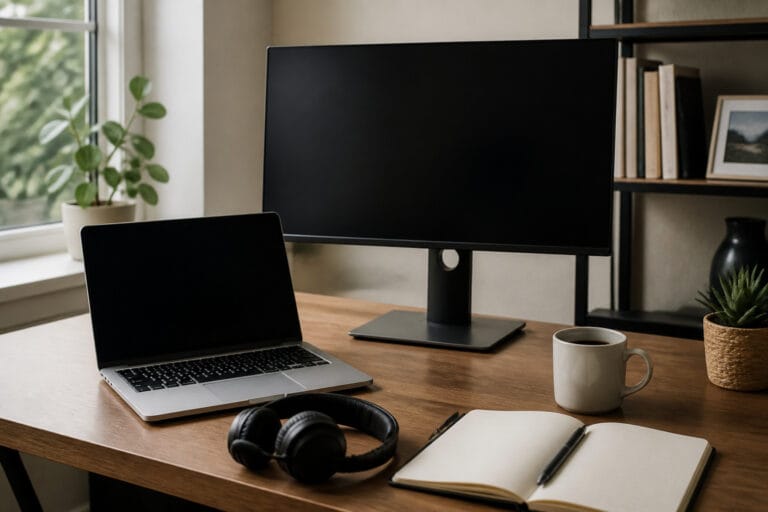
The right computer fits what you do, stays supported long enough, and costs what you planned to spend.
Most buying mistakes come from starting with a model instead of a need. This guide is the starting point for our buying series: it walks through the decisions in order and points to a deeper guide for each one.
Start With What You Will Do

Write down the three or four tasks that fill most of your day: email and web browsing, video calls, documents and spreadsheets, photo or video editing, programming, gaming.
Light tasks need very little. Creative work and gaming need more processing power, more memory, and often a dedicated graphics chip.
Our guide on whether you need a powerful computer for office tasks shows how much light work you ask from a machine.
Recommended Products

HIGH-LEVEL PERFORMANCE – Unleash power with Windows 11 Home, an Intel Core i7 Processor 14650HX, and an NVIDIA GeForce RTX 5060 Laptop GPU powered by the NVIDIA Blackwell architecture and featuring DLSS 4 and Max-Q technologies.

Brilliant display: Go deeper into games with a 16” WQXGA 120Hz display with 300 nits brightness.
Pick the Type: Laptop, Desktop, Chromebook, or Mac
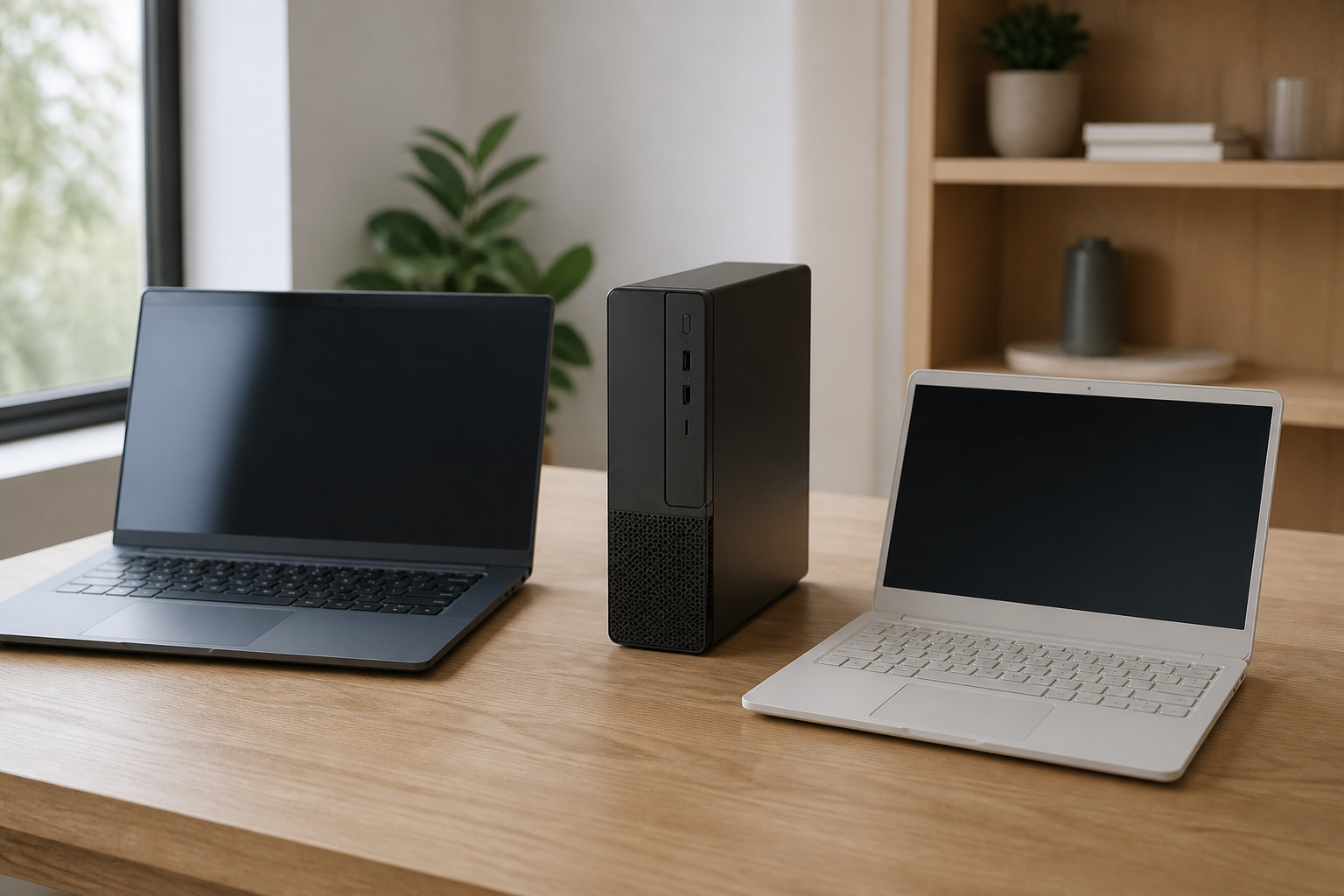
A laptop is portable, a desktop gives you more performance and easier upgrades for the money, a Chromebook suits browser-based work and school, and a Mac suits people who prefer macOS or work in its ecosystem.
Our guide to desktops versus laptops covers the trade-offs in detail.
Recommended Products

Full HD Portable Monitor - MNN 15.6inch portable laptop monitor with 1920*1080 resolution, advanced IPS glossy screen support 178° full viewing angle, it renders accurate and bright color, draws you into the video or game with lifelike colors and amazing detail.It can effectively reduce blue light radiation damage, no flickering, eye-care, and make it easier to watch for a long time.A second monitor for working from home.

【Adjustable & Ergonomic】:This laptop stand can be adjusted to a comfortable height and angle according to your actual needs, letting you fix posture and reduce your neck fatigue, back pain and eye strain. Very comfortable for working in home, office and outdoor.

【Efficient Quad-Core Performance】 Powered by a 1.8GHz Quad-Core processor, this mini laptop ensures smooth multitasking. With 2GB RAM and 64GB ROM (expandable to 1TB), it handles daily work and online tasks with ease.
Set the Specs That Matter

Five specs shape most of your laptop experience: the processor, RAM amount, storage type and size, the display, and the battery.
Our guide to what computer specs really mean explains each one. For the two that matter most daily, see how much RAM you need and SSD versus HDD storage.
If speed is your main concern, what makes a computer fast explains which parts actually limit it.
Recommended Products


15.6" HD display with 1366 x 768 resolution; AMD Radeon R7 graphics
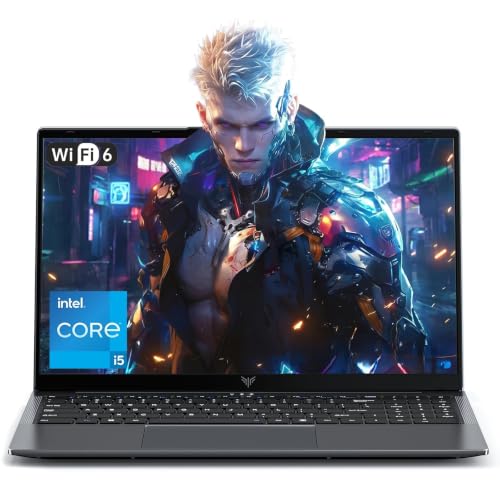
Powerful Intel i5-12600H Processor -Featuring the 12th Gen Intel i5-12600H (12 Cores / 16 Threads, up to 4.5GHz), MALLRACE Gaming laptop delivers exceptional multitasking and processing power for complex work tasks. Paired with Intel Iris Xe Graphics, it renders vivid visuals for editing, streaming, and presentations. Ideal for professionals and students needing robust performance.
Match the Computer to Your Situation
Some situations add their own requirements. If you work from home, see our suggestions on what kind of computer you need for work from home.
If you are a student, see our guide on the best computer specs for students and online learning, and check your school’s requirements before you buy.
Recommended Products

Practical Performance for Everyday Computing: The Intel processor works with 8GB LPDDR5 memory and 128GB UFS 2.2 storage to provide responsive performance for web browsing, document editing, email, video streaming, virtual meetings, and other essential business, education, and home computing tasks.

Efficient Performance for Everyday Computing Powered by Intel N150 processor (4-core, 4-thread, up to 3.6GHz with Intel Turbo Boost Technology, 6MB L3 cache) paired with 4GB LPDDR5-4800 RAM and 128GB UFS storage. Handle everyday tasks including web browsing, document editing, email, video streaming, and light productivity applications with responsive performance. Perfect for students, home users, remote learners, and anyone seeking an affordable, reliable laptop for daily computing needs without compromising on essential features and modern connectivity.

【Ergonomic Design】:OPNICE newly releases the monitor stand for desk organizer! This computer stand elevates your monitor or laptop to a comfortable viewing height, relieving pressure on your neck, shoulders. Ideal for strengthening office organization and increasing comfort levels
Set a Budget and Protect It

Decide your maximum price before you shop, then spend it on the parts that matter most. Our guides on buying a good computer without overspending and what to look for on a budget show where to spend your money. Our guide to the common computer buying mistakes lists the traps.
To stretch your budget further, compare refurbished and used options, time your purchase with our guide on when to buy a computer, and compare offers using getting the best deal online.
Recommended Products

This Certified Refurbished product is tested and certified to look and work like new. The refurbishing process includes functionality testing, basic cleaning, inspection, and repackaging. The product ships with all relevant accessories, a minimum 90-day warranty, and may arrive in a generic box. Only select sellers who maintain a high-performance bar may offer Certified Refurbished products on Amazon.com.

Model: Dell OptiPlex 7050 Small Form Factor (SFF)

Dell OptiPlex 3040 Small Form Factor Desktop PC, Intel Core i3-6100 up to 3.7GHz, 8GB RAM, 256GB SSD, WIFI
Check Support Dates Before You Buy
A computer is only as useful as its software support. Windows 10 support ended on October 14, 2025, and Windows 11 requires TPM 2.0, Secure Boot, and a supported processor. Check any used or refurbished PC against Microsoft’s requirements.
Chromebooks have an Auto Update Expiration date, and Apple publishes service dates for Macs. Our guide on how long a computer should last explains each.
Frequently Asked Questions
How much should I spend on a computer?
Spend based on the type of work, not a fixed number. Light use needs a modest machine with enough memory and an SSD, while editing, programming, or gaming justifies more. Our guide to buying a good computer without overspending explains where extra money pays off.
Should I buy a laptop or a desktop?
Buy a laptop if you need to move around, and a desktop if the computer will stay on a desk and performance or upgrades matter. A laptop plus a monitor, keyboard, and mouse can cover both cases.
Is a Chromebook enough?
For browser-based work, email, streaming, and most schoolwork, yes. It is a poor fit if you need Windows or Mac software. Check the model’s Auto Update Expiration date before buying.
What specs should I never go below?
In 2026, treat 8 GB of RAM and a real SSD as the floor, and 16 GB as the sensible target if the budget allows. Also confirm a current-generation processor and, on a PC, Windows 11 support.
Is it better to buy new or refurbished?
New gives the longest support runway and a full warranty. Refurbished from the manufacturer or a seller with a real warranty can save money with limited risk. Our guides on new versus used and refurbished computers help you choose.