Tangled cords behind or beside a TV make even a nice setup look messy. The good news is that you can hide them neatly with a few inexpensive tools and some planning.
The right method depends on whether you rent or own, and whether you can cut into the wall.
Plan Before You Start
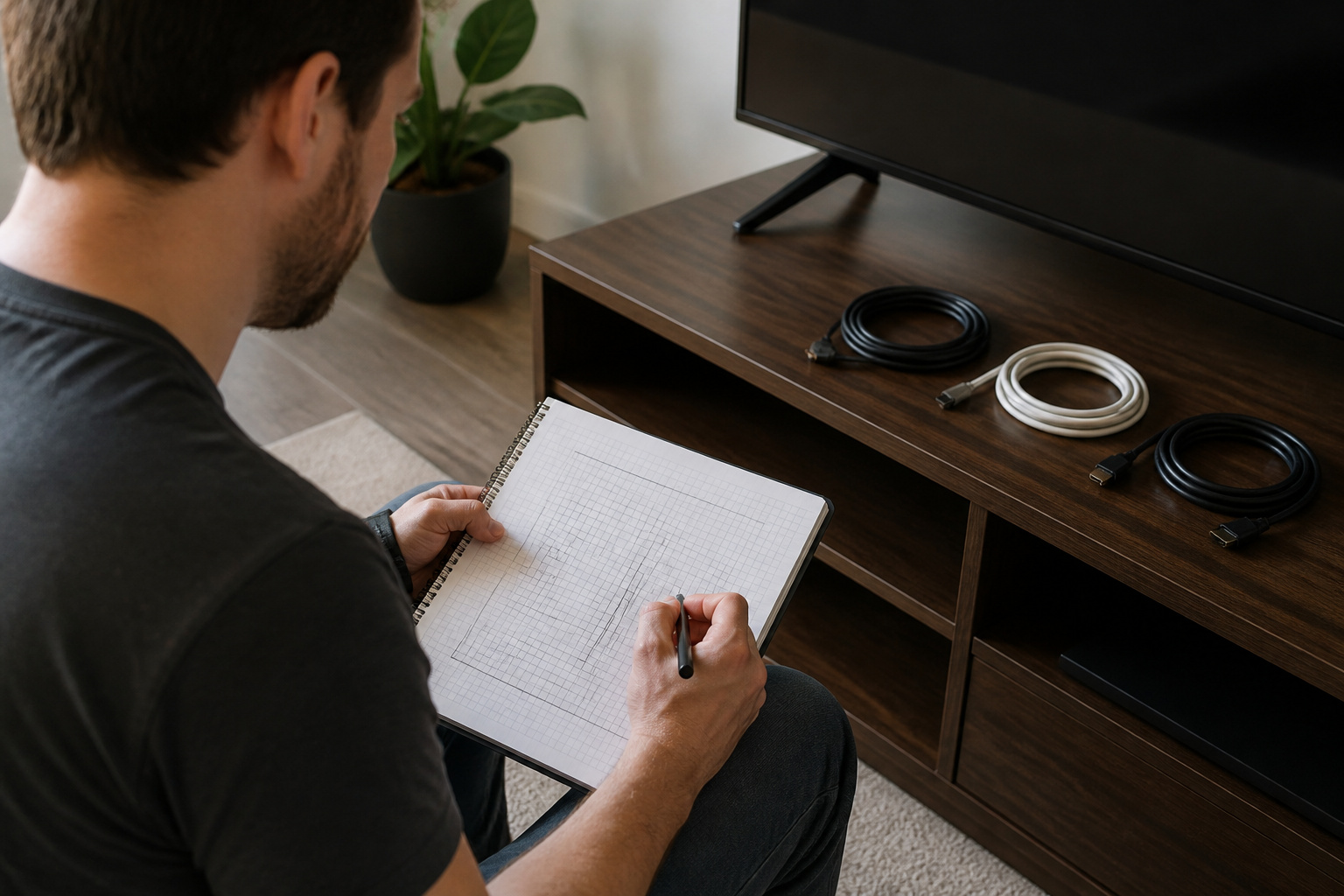
Note which cables you need: power, HDMI, and any others for a soundbar or console. Reducing the number of cables first makes the job simpler.
Using a TV’s built-in apps instead of an extra box, or a soundbar connected over eARC, cuts clutter; see what eARC is.
Easy Options Without Cutting Walls
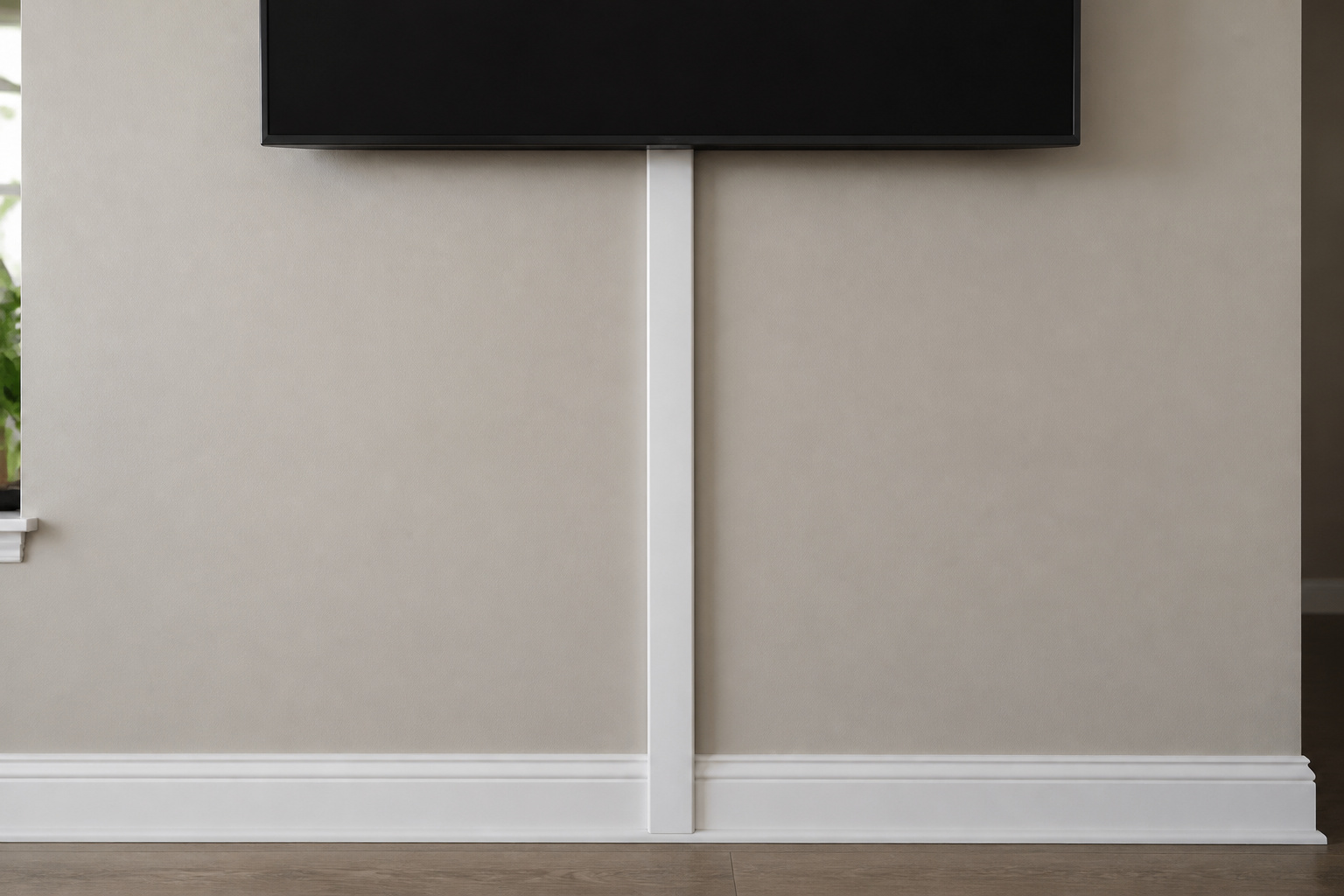
Cable sleeves group several wires into a single tube. Zip ties and cable clips hold cords snugly to the back of a stand.
Cord covers, which are paintable channels that stick to the wall, run from the TV to the floor or outlet. These work well in rentals and are removable with minimal damage.
Recommended Products

Kit Content: Each cable raceway comes with dimensions of 0.57 inch inner height, 0.96 inch inner width, ensuring a total length of 116 inches. The cable cover channel kit includes 6 couplings, 2 L-elbows, 1 T-fattings & 1 instruction, for maximum cable concealment

Passing the UL94 V-0 Rating test, a plastics flammability standard released by Underwriters Laboratories of the United States, UL94 V-0 Rating is defined as Burning stops within 10 seconds on a vertical part allowing for drops of plastic that are not inflames, which means it's safer than ordinary materials because of the higher flame retardancy and brings greater security to your daily use
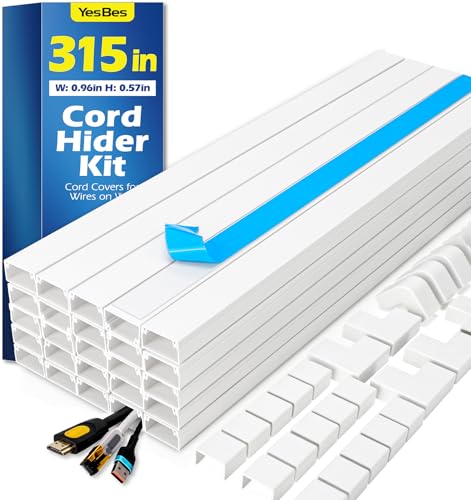
Kit Content: Each cable raceway comes with dimensions of 0.57 inch inner height, 0.96 inch inner width, 15.7 inch length, and ensuring a total length of 315 inches. The cable cover channel kit includes 20 cord hider, 15 couplings, 4 L-elbows, 3 T-fattings, 3 Inside-elbows, 3 outside-elbows & 1 instruction for maximum cable concealment
In-Wall Cable Management
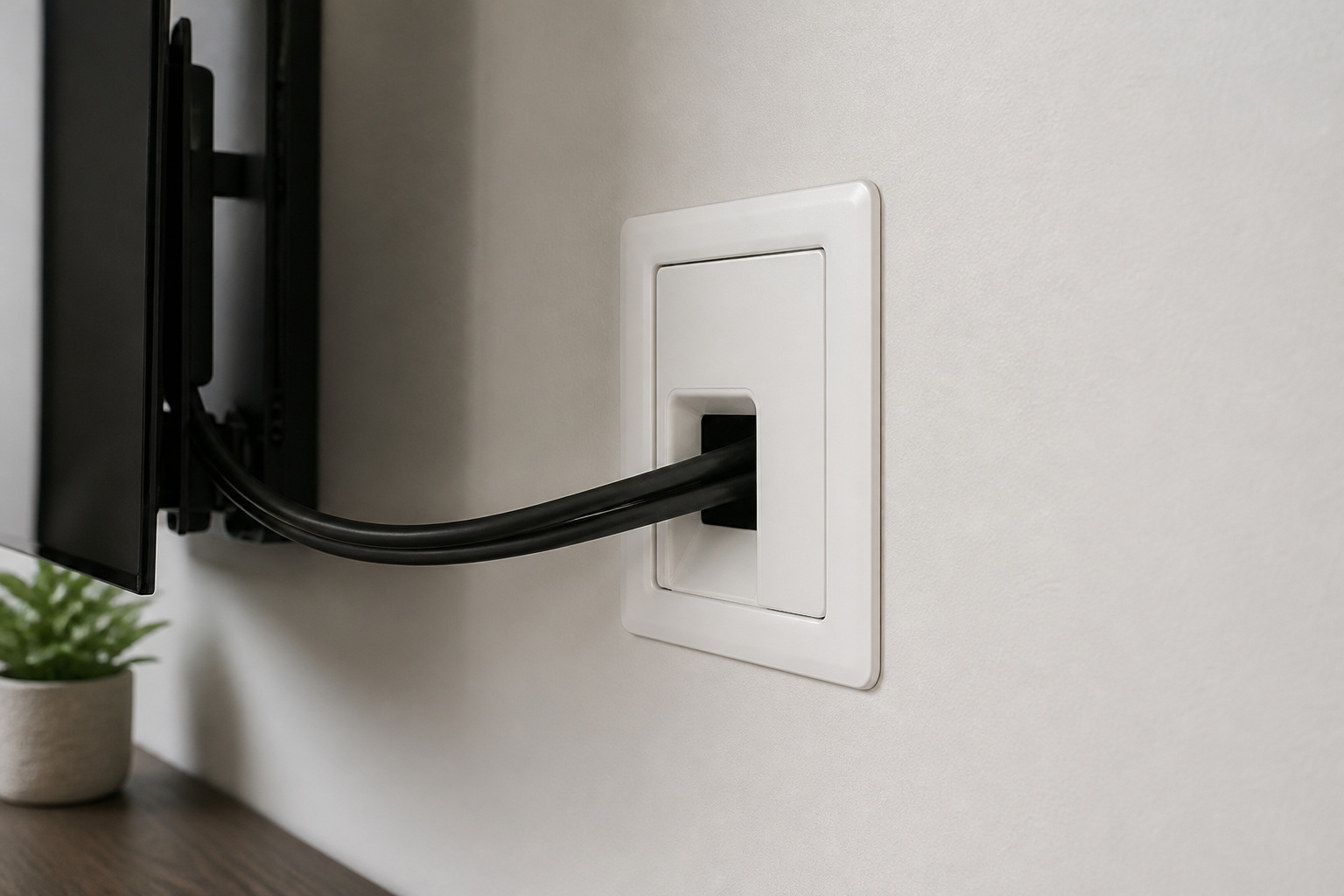
For the cleanest look, run cables inside the wall. An in-wall kit includes plates that fit over the openings and may include a recessed power box.
Only use cable rated for in-wall use, and never run a standard power cord inside a wall; use a proper in-wall power kit installed to code.
If you are not comfortable cutting into drywall or working near wiring, hire a professional electrician.
Recommended Products

5-in-1 Power Hub – Say Goodbye to Cable Clutter: Our in wall cable management kit combines 3 AC outlets and dual PD20W USB-C & USB-A charging ports to power your TV, soundbar and streaming devices. This tv outlet wall kit keeps power connections organized without bulky power strips

【All-In-One in wall Cable Management 】Our power relocation kit can eliminate messy wires! Designed specifically for wall-mounted TVS and entertainment systems, it can hide messy power cords, HDMI cables, Ethernet cables and audio/video cables within the wall, creating a neat and professional layout and providing you with a clean and comfortable living space.

【Complete Concealment】Professionally Hide TV Power Cords, Speaker Wires, And All AV Cables to Eliminate Clutter. Seamless Built-in Design Not Only Enhances Your Space Aesthetics But Also Prevents Access By Children and Pets.Includes: 1 * 2 AC Wall Power Outlets with 9.8FT Power Cord.1 * Brush Wall Plate.1 * Dry Wall Saw.1* Manual (Cutting Template).
Tidy the Stand and Entertainment Center

Behind the stand, use a surge-protected power strip, cable trays, and labeled ties so you can easily trace each cord.
Keep cables off the floor to avoid tripping. A surge protector helps protect the TV; see how long modern TVs last.
Recommended Products

Extra large: The cable management under desk has an extra-large and stronger design than many commercially available cable ducts. Tall and wide plugs or power supply units can be easily accommodated in this cord organizer for desk

Tired of cables and cords that are cluttered around the desk, TV , floor & computer? It's time to easy your life with OSPNIEEK Cable Management Boxes Set- Package including X-Large Box (15.7" x 6.2" x5.4"), Large Box (12.5" x 5.3" x 5") , Medium Box (9.3" x 4.7" x 4.5"), and comes with 33 cable organized accessories to help organize wires well

Attaches under desktops and designed to move with height-adjustable desks
Plan for Mounting
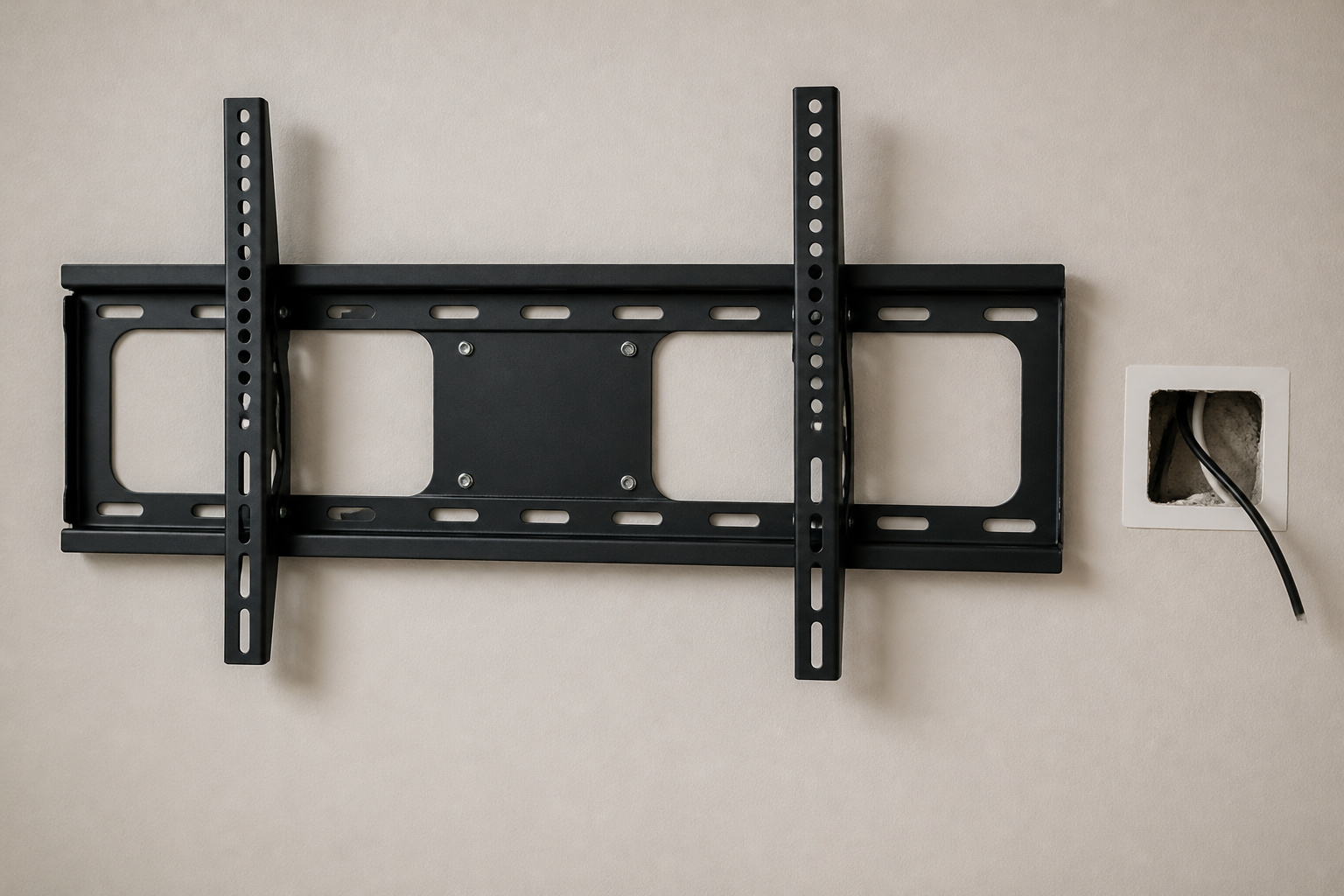
If you mount the TV on the wall, plan for the cable path before drilling; see TV wall mounting mistakes and best TV height for wall mounting.
Check cable length too; see HDMI cables explained.
Frequently Asked Questions
How do I hide TV cables in a rental?
Use paintable cord covers and cable sleeves that attach with removable adhesive.
Is it safe to run cables inside a wall?
Yes, if you use in-wall-rated cable and an approved in-wall power kit. Follow local codes.
Can I run a power cord inside the wall?
No. A standard power cord is not rated for in-wall use. Use a recessed power outlet or a code-compliant in-wall kit.
What is the cheapest way to hide cables?
Cable sleeves and zip ties cost very little and quickly tidy up the back of a stand.
Should I use wireless speakers to cut cables?
It helps, but wireless speakers still need power. See wired vs. wireless home theater speakers.