Most computers do not die suddenly. They run hot, lose battery capacity, lose a drive, or fall behind on updates, and each of those problems is easier to prevent than to fix.
The habits below cost little and protect the parts that usually fail first. For the bigger picture of when a computer’s life is finished, no matter how well you treat it, see our guide on how long a computer should last.
Keep It Cool and Clean
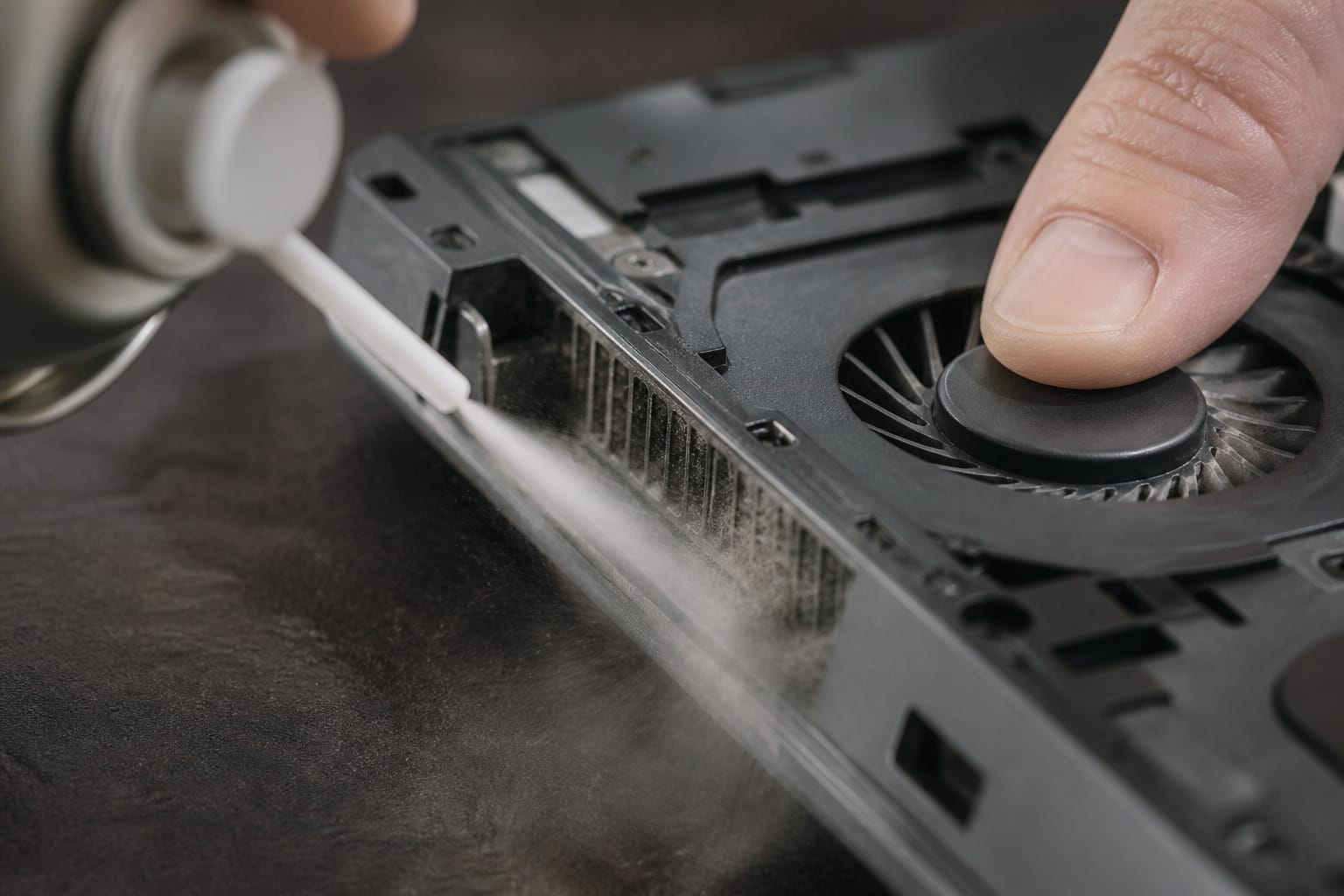
Heat is the steady enemy of every part inside a computer, and dust is what traps it. Every few months, blow dust out of the vents with short bursts of compressed air, holding the fan still with a toothpick or fingertip so it does not spin faster than it was built to. Skip the household vacuum, which is not designed for electronics and can overspin a fan.
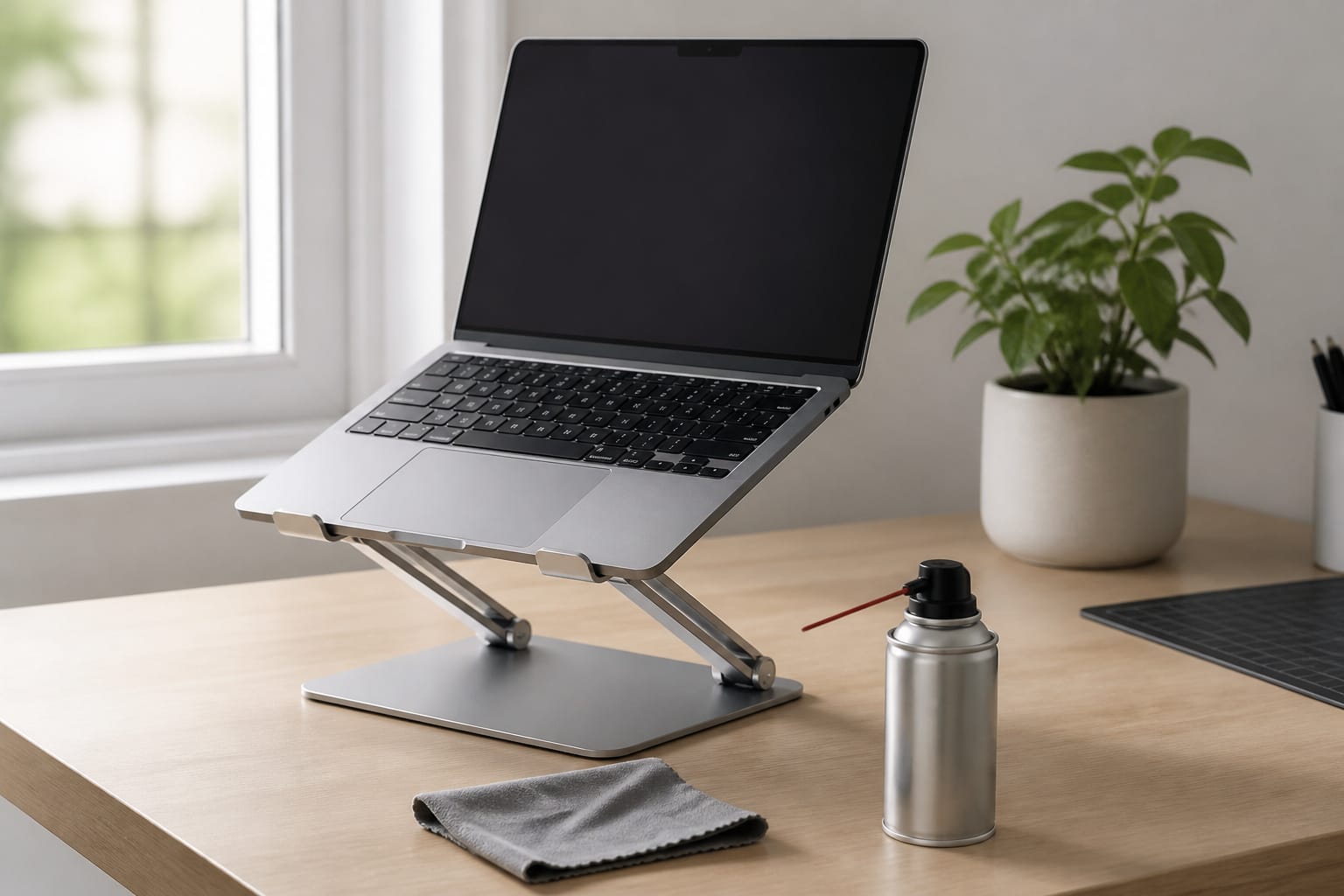
On a laptop, work on a hard, flat surface instead of a bed or your lap, because soft surfaces block the intake vents. A laptop stand that lifts the back edge improves airflow. Clean the screen with a dry microfiber cloth, or a slightly damp one for stubborn marks, and avoid paper towels, which can scratch the surface.
Recommended Products

Dual USB Hub: With a built-in dual USB hub, the laptop fan enables you to connect additional USB devices to your laptop, providing extra connectivity options for your peripherals. Warm tips: The packaged cable is a USB-to-USB connection. Type C connection devices require a Type C to USB adapter. Please plug the cooling pad's USB cable into a 5V 1A adapter for best performance; otherwise, the fans may fail to spin or run at very low speed.

Ultra-Portable: Slim, portable, and light weight allowing you to protect your investment wherever you go

👪 【3 Powerful Cooling Fans 】 - This laptop cooling pad is a must-have computer accessory for the whole family’s devices! Equipped with three large, ultra-silent fans, this laptop cooling fan rapidly cools down any laptop—whether it’s your work device running nonstop, your kid’s gadget for online classes, or your husband’s gaming laptop cooling pad go-to during weekend marathons. The maximum fan noise stays about 40dB, so it won’t disrupt family movie nights, your focused work time, or the kids’ bedtime routines. Adjusting the fan speed is a total breeze with the simple wheel switch on top—no confusing buttons, just hassle-free control for busy moms.
Protect It From Power Problems
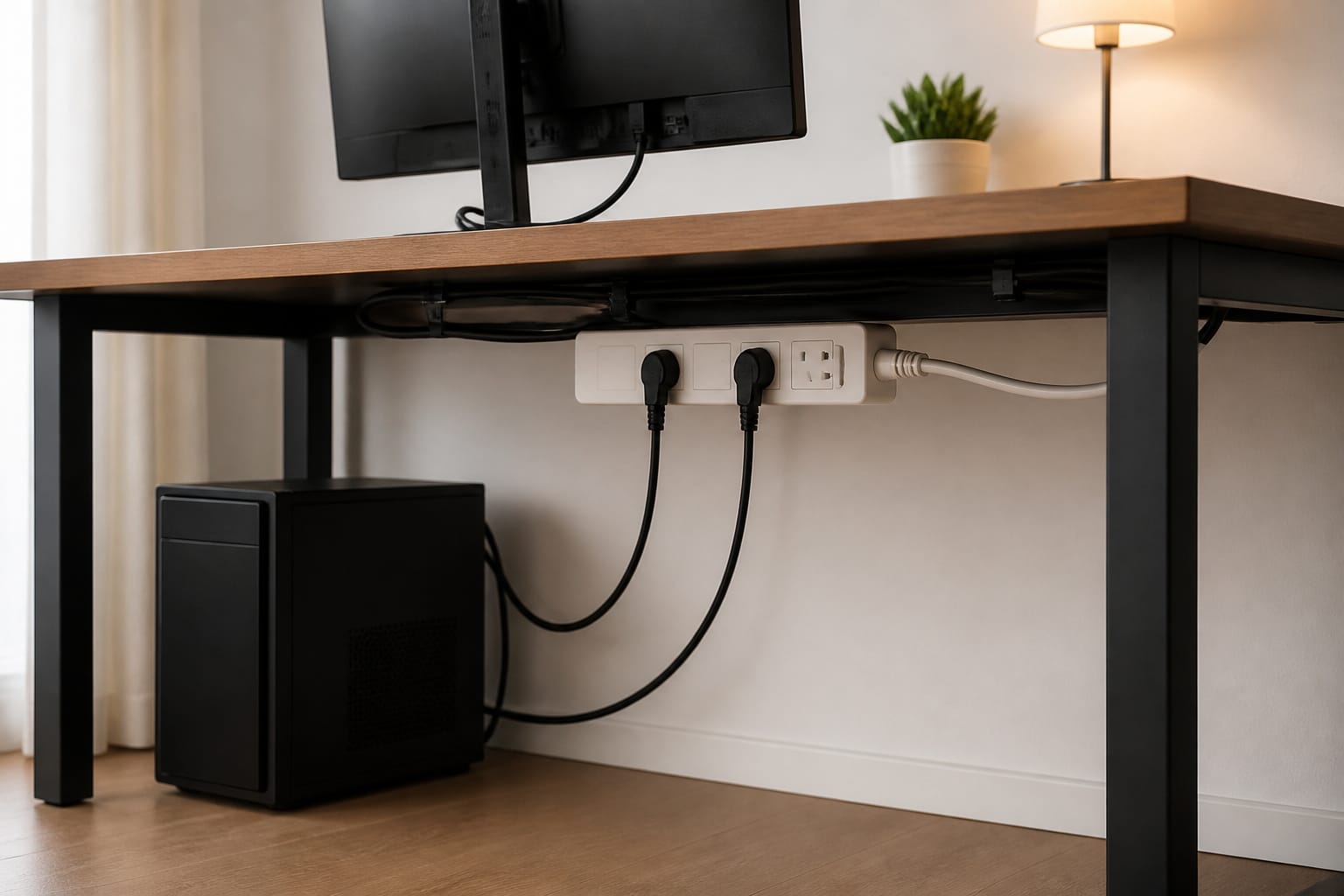
A power surge can instantly damage a power supply or motherboard. Plug a desktop and its monitor into a real surge protector instead of a basic power strip, and look for a UL 1449 listing on the packaging. Protection wears out with use, so replace a surge protector after a major surge and every few years as routine.
During a nearby lightning storm, unplug the computer if you can. When you unplug a charger, pull on the plug, not the cord, since a flexed cable near the connector is a common failure point.
Recommended Products

MULTI-OUTLET SURGE PROTECTOR: Power everything on your desk with a single compact surge-protected extension cord. 8 AC outlets with surge protection charge your computer, laptop, phone, camera, and more. It's one charging station for a clutter-free desk.

MULTI-OUTLET SURGE PROTECTOR: Power everything on your desk with a single compact multi outlet extension cord; 12 AC outlets with surge protection charge your computer, laptop, phone, camera, etc.
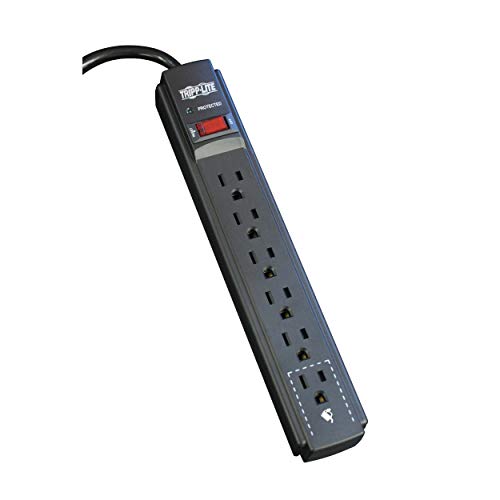
SURGE PROTECTOR POWER STRIP: Features 6-outlets and 900 joules of surge protection to guard your home, office, and small electronics against surges, spikes and line noise. The 6 foot extension cord connects to standard wall outlets.
Treat the Battery Well
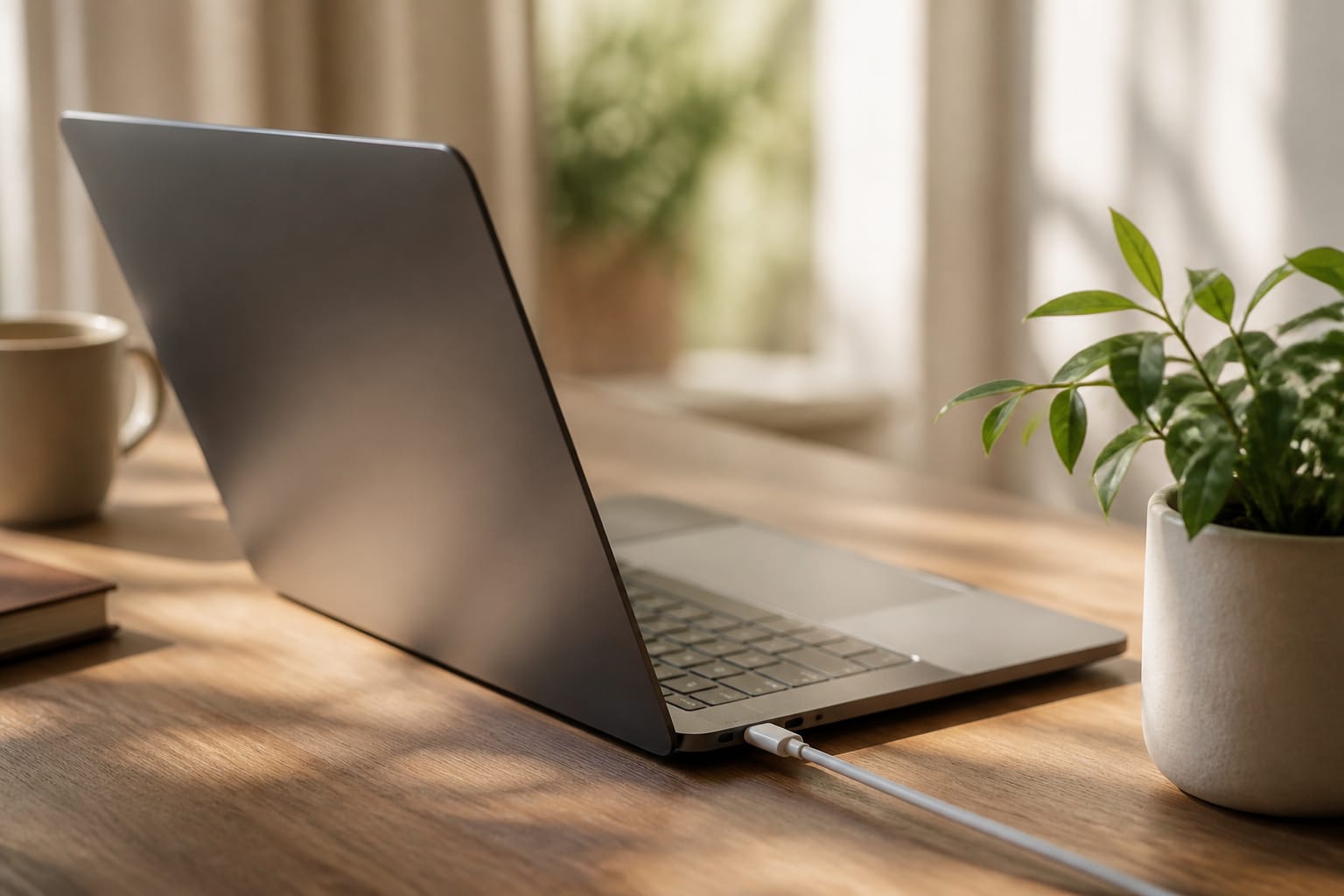
A laptop battery is a consumable part. Apple designs Mac laptop batteries to retain up to 80 percent of their original capacity to 1,000 complete charge cycles. That is a reasonable mental model for most laptops. Heat speeds up battery aging, and batteries also wear more slowly when they are not held at 100 percent for long stretches.
macOS has Optimized Battery Charging, which learns your routine and waits to charge past 80 percent until you need the laptop. Many Windows laptop makers include a charge limit setting in their own utility app, which is worth turning on if the laptop mostly sits on a desk. Leaving a modern laptop plugged in is fine because the charger stops at full. The thing to manage is heat, not the cable.
Recommended Products

👍【Triple Efficient Fans】TECKNET laptop cooling pad with 3 powerful fans works at 1200 RPM to pull in cool air from the bottom to prevent your laptop, notebook, netbook, Ultrabook, Apple MacBook Pro cool from overheating during extended use or intense gaming.

Keep Cool While Working: Targus 17" Dual Fan Chill Mat gives you a comfortable and ergonomic work surface that keeps both you and your laptop cool

【Efficient Heat Dissipation】KeiBn Laptop Cooling Pad is with two strong fans and metal mesh provides airflow to keep your laptop cool quickly and avoids overheating during long time using.
Keep the Software Up to Date
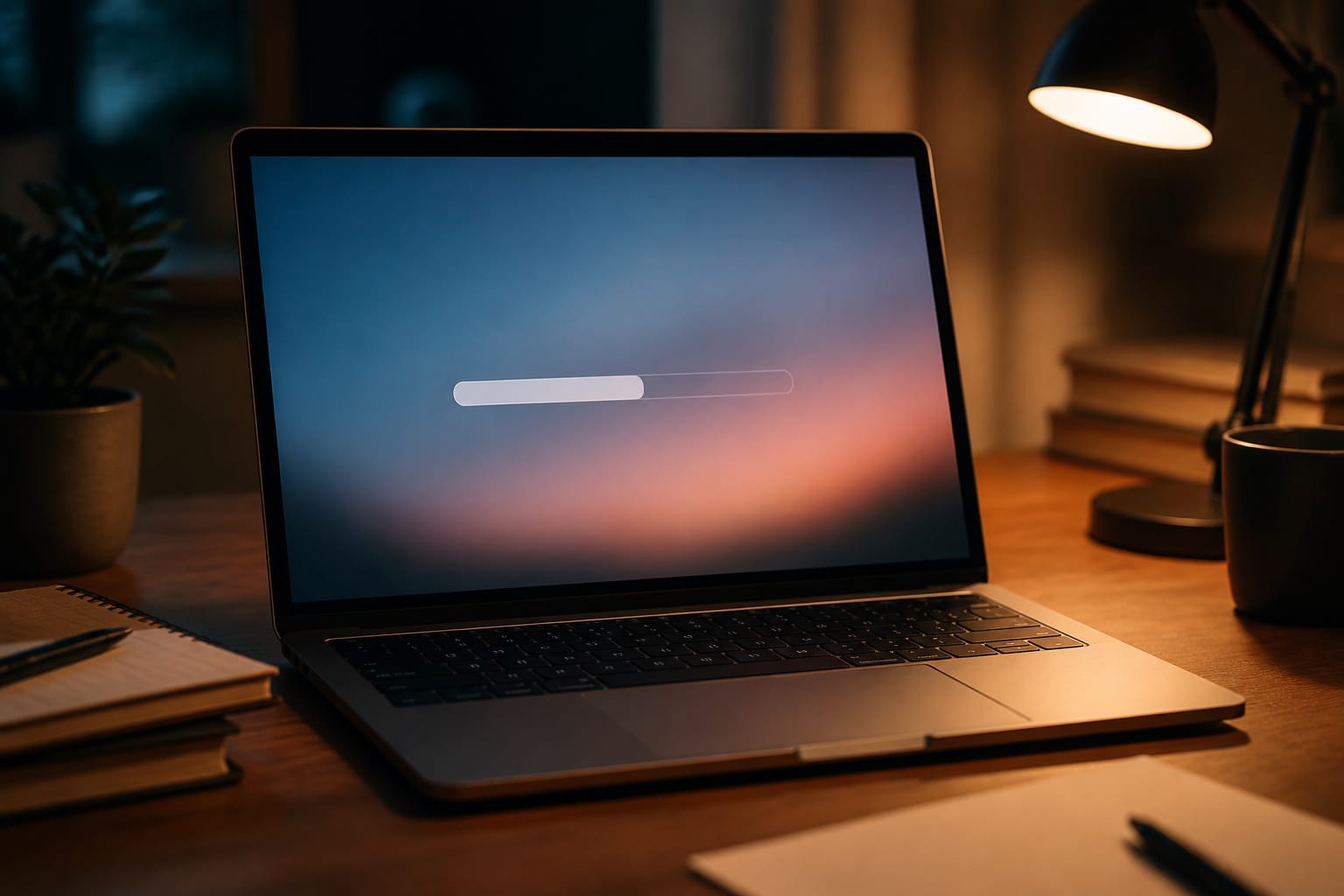
Updates fix security holes and bugs that can cause crashes, so turn on automatic updates and restart when asked instead of postponing for weeks. Install the firmware and driver updates your laptop maker ships as well.
Pay attention to the operating system itself: Windows 10 lost regular support on October 14, 2025, and a PC stuck on it has a security problem no amount of cleaning fixes.
Our guide to the signs it is time to replace your computer explains your options. For everyday software habits such as startup apps and storage space, see our guide to keeping your computer running smoothly.
Back Up Before Something Fails
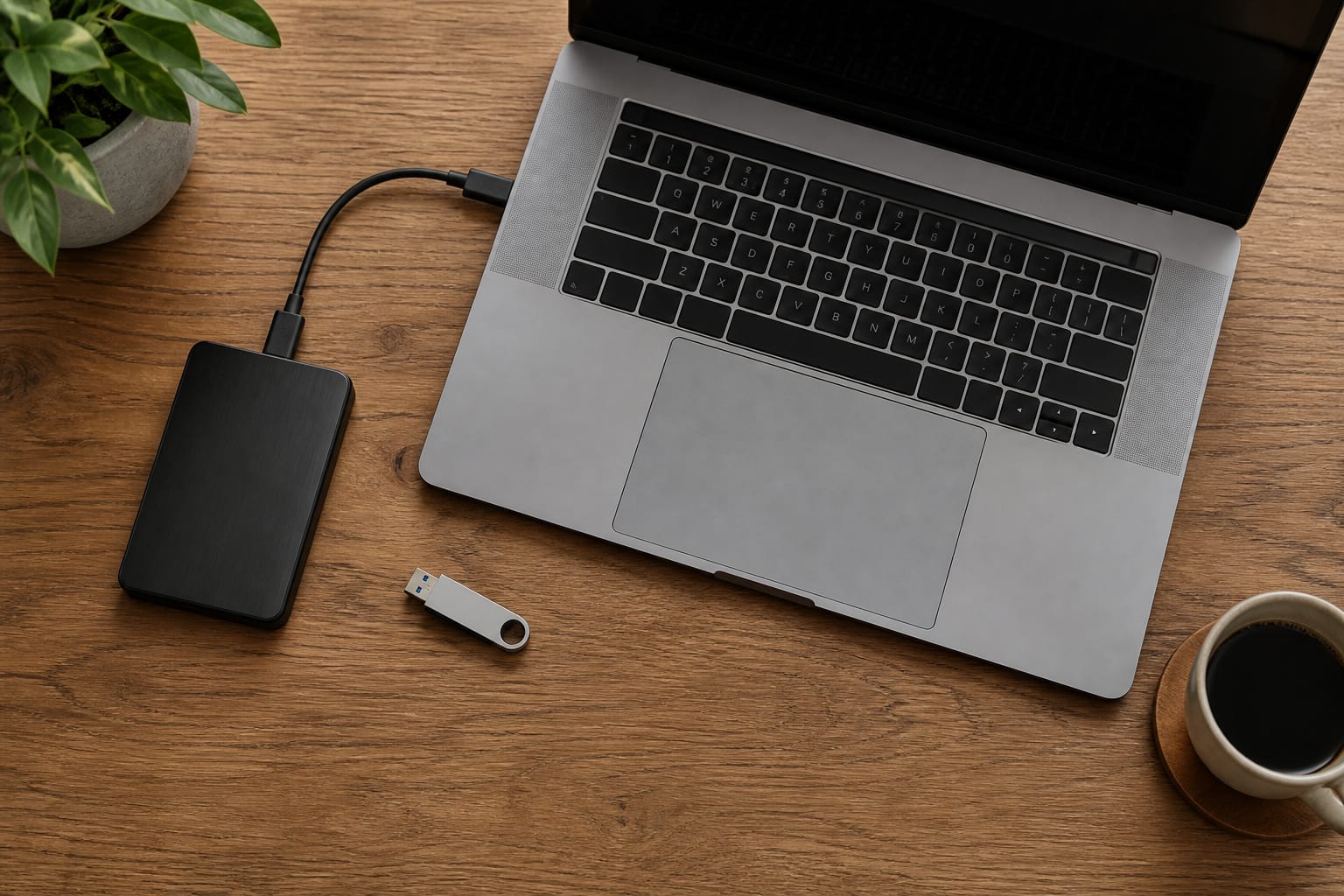
Drives can fail without warning, and a backup is the only real protection. CISA recommends the 3-2-1 rule: keep three copies of your important files, on two different types of storage, with one copy stored off-site.
For most people, that means the files on the computer, a copy on an external drive, and a copy in a cloud backup service. Set the backups to run automatically, and open a few restored files now and then to confirm they actually work.
Recommended Products

Easily store and access 2TB to content on the go with the Seagate Portable Drive, a USB external hard drive
Easily store and access 4TB of content on the go with the Seagate Portable Drive, a USB external hard drive.Specific uses: Personal

Slim durable design to help take your important files with you
Protect It From Physical Damage

Carry a laptop in a padded sleeve or case, and close the lid before you move it. Keep drinks away from the keyboard, since one spill can end a laptop. Avoid stuffing a laptop into a bag where other items press on the screen, and do not wrap the charger cable tightly around the brick.
When a part wears out, such as a battery or a drive, replacing it is often cheaper than replacing the whole computer, as long as the machine still receives software updates. Our guide to upgrading an old computer covers which parts are worth replacing.
Recommended Products
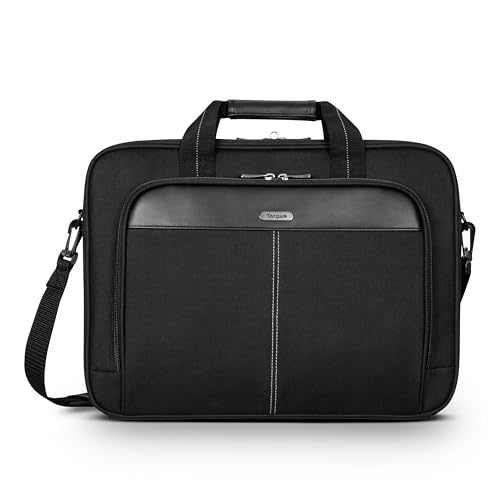
Professional Laptop Bag: Targus 15-16" Classic Slim Laptop Bag is both slim and lightweight, perfect for on-the-go professionals. Features multiple practical compartments, padded shoulder strap, and high-grade construction, this computer bag helps protect your device while you're on the move

EXTERNAL DIMENSIONS: 15.5 x 11 x 0.8 inches, internal dimensions: 15.2 x 10.8 x 0.7 inches, Except the main compartment for your laptop,Our Laptop Case Also Comes With A First External Pocket For Additional Storage Such As Charger, power adaptors, cables, Portable Mouse, Keys, Cards,Pens,Cell Phone and other accessories etc.
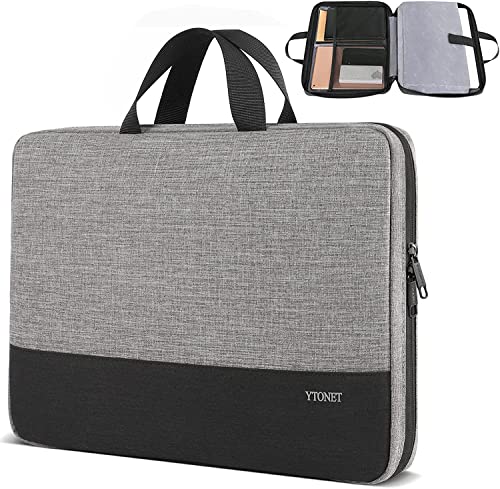
Laptop Case Capacity: Ytonet 17 inch laptop bag designed to fit most large laptops. Outer sleeve size: 17.13 x 12.01 x 2.17 inch and its laptop compartment size is 16.54 x 10.83 x 1.18 inch; inner compartment fits 17.3 inch laptop case and even laptop sleeve 17 inch perfectly. The separate padded pocket secures your device safely, while additional mesh pockets organize accessories like pens, cables, mouse, or phones. Its slim structure makes this macbook bag ideal for everyday use
Frequently Asked Questions
How often should I replace a laptop battery?
There is no fixed interval. Replace it when the laptop no longer lasts long enough for your needs or when the system reports the battery as worn. On a Mac, open Battery settings and check Battery Health, which shows Maximum Capacity. On Windows, run the command prompt “powercfg /batteryreport” to generate a report that compares design capacity with current full-charge capacity. A swollen battery, meaning a bulging case or a trackpad pushed up from below, needs immediate attention: stop using and charging it, and have it serviced.
Can I use a vacuum to clean my laptop?
It is better to avoid it. Use short bursts of compressed air at the vents while holding the fan still, and wipe surfaces with a microfiber cloth. Household vacuums are not designed for electronics and can spin fans too fast.
Is it safe to leave my laptop plugged in all the time?
For a modern laptop, yes. The charger stops at full, and features such as Apple’s Optimized Battery Charging and charge-limit settings from many Windows makers reduce the time spent at 100 percent. Keep the laptop cool and ventilated, since heat hurts the battery.
Do I need a surge protector for my desktop?
Yes, it is inexpensive insurance. Choose one with a UL 1449 listing, plug the desktop, monitor, and other peripherals into it, and replace it after a major surge.
Should I turn my computer off every night?
It is not required. Sleep mode saves power and resumes quickly. Restart the computer at least once a week. This clears the memory and applies pending updates. On Windows, shutting down with Fast Startup enabled does not fully clear the system, but Restart does.