
The best deal on a computer is not always the lowest sticker price. It is the lowest total price for a machine that fits your needs, from a seller you can return it to.
This guide covers how to compare offers, check the seller and return policy, and spot discounts that are not what they seem.
Decide What You Need First

Deals are easiest to judge when you know what you need. Write down what the computer must do, then set a minimum for RAM, storage, and processor generation, and a maximum price.
Our guides on choosing the right computer for your needs, what computer specs really mean, and buying a good computer without overspending help you set those limits.
Compare Total Price, Not Sticker Price

Add shipping, tax, and any fees to each offer before comparing. Also compare the exact model number, because retailers sometimes sell exclusive versions of the same model line with different RAM, storage, or processors. A cheaper listing may be a lower configuration with a similar name.
Check the price history too. A tracker such as CamelCamelCamel shows how an Amazon price has moved over time, and checking two or three other stores for the same model shows whether a sale price is actually low.
In 2026, rising memory costs have pushed laptop prices up, so a price that looks high compared with last year may still be fair. Our guide on when to buy a computer explains the timing.
Recommended Products

UMA VERSION ONLY: This listing is for UMA (Integrated Graphics) configurations ONLY. DO NOT order if your laptop has discrete graphics (e.g., MX450) – you need a different fan (M20333-001)

Model Compatibility: Fits laptop speaker assemblies for part numbers 04072-03610200, 04072-03610000, and 04072-03610400.

Model Compatibility: Fits VJS112 and VJS112C11T laptop cooling fan applications as stated in the product title.
Check the Seller and the Return Policy
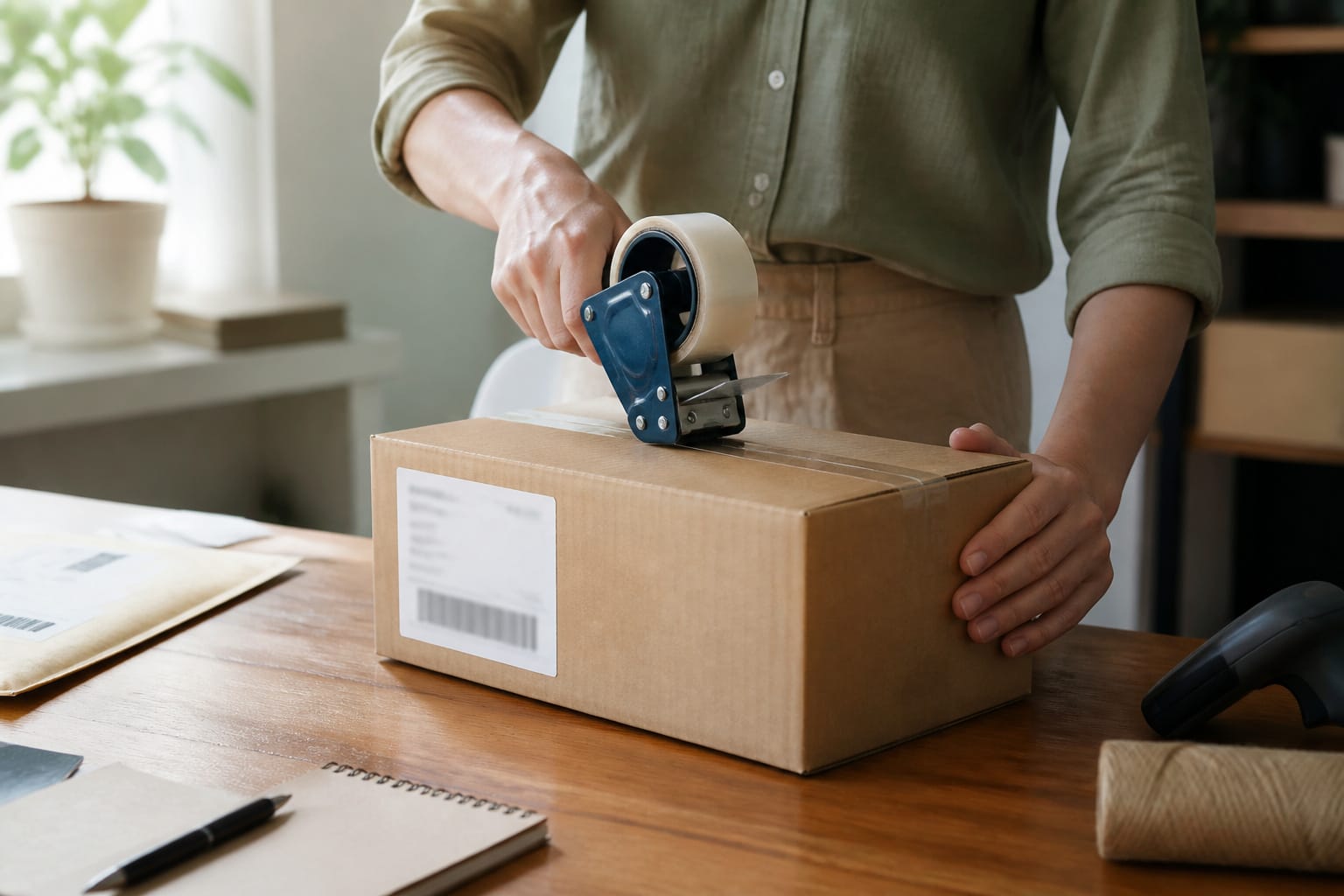
Buy from a retailer or manufacturer you recognize, and on a marketplace, confirm who actually sells and ships the item. Read the return policy before you buy, because windows differ: Best Buy’s standard window is 15 days, with 60 days for paid My Best Buy members, and other retailers set their own. Short windows leave little time to test a machine, so open it and test it right away.
Sellers with a visible customer service contact, clear specs, and consistent reviews are safer than listings with vague descriptions or prices far below every other store.
Recommended Products

Model: Dell OptiPlex 7050 Small Form Factor (SFF)

This Certified Refurbished product is tested and certified to look and work like new. The refurbishing process includes functionality testing, basic cleaning, inspection, and repackaging. The product ships with all relevant accessories, a minimum 90-day warranty, and may arrive in a generic box. Only select sellers who maintain a high-performance bar may offer Certified Refurbished products on Amazon.com.

【Compact & Efficient】The HP ProDesk 600 G3 Tiny Desktop PC is a compact and efficient mini desktop PC with reliable performance, plenty of memory and efficient storage.
Pay in a Way That Protects You
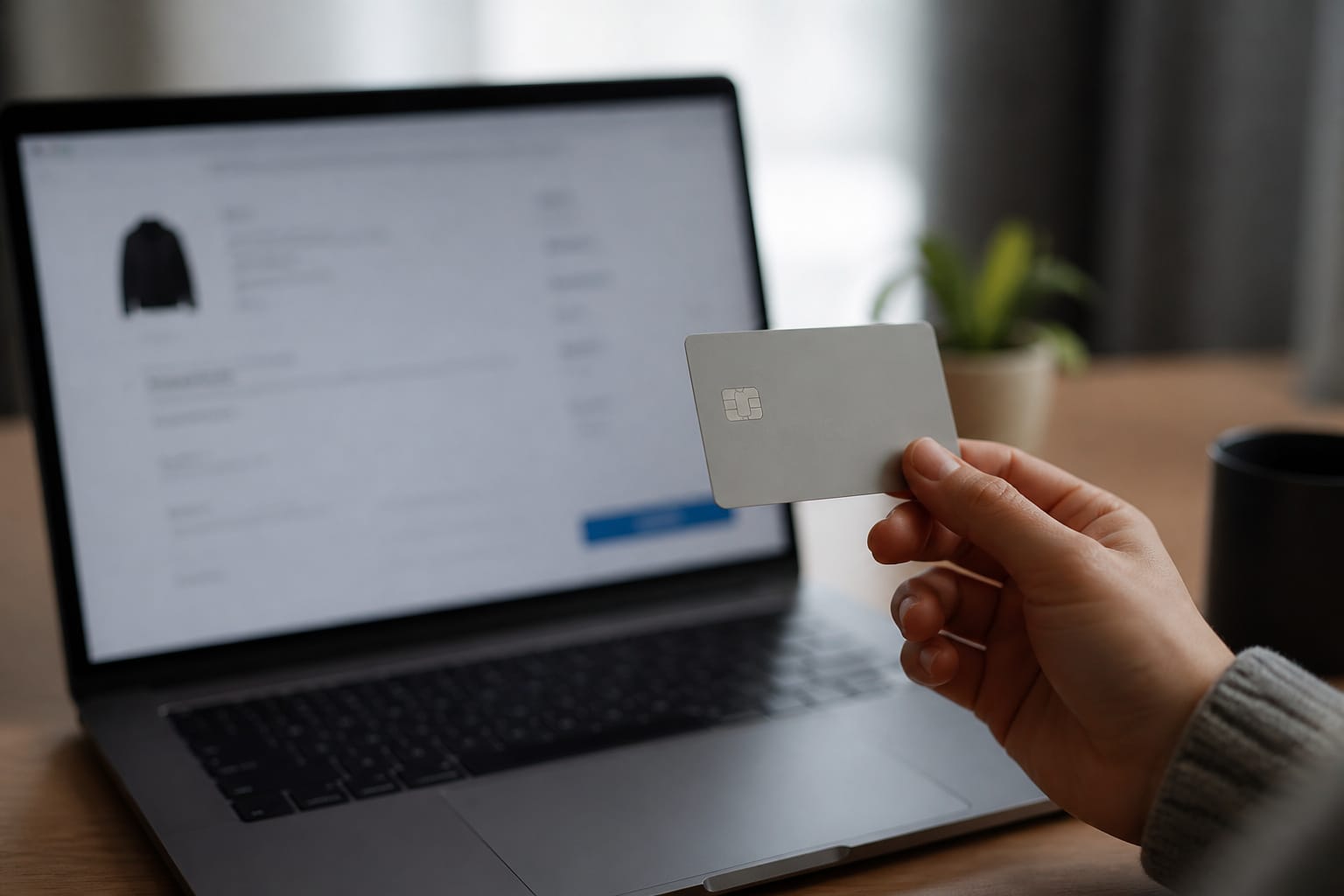
A credit card lets you dispute a charge if an item never arrives or is not as described, and the process starts with your card issuer.
Pay only on secure checkout pages, and avoid wire transfers and payment methods that offer no buyer protection.
Keep receipts, order confirmations, and photos of the packaging until the return window closes.
Watch for Fake Discounts

A big percentage off can be misleading if the original price was inflated. Compare against what other stores charge now, not against the crossed-out number.
Be cautious with countdown timers and “only a few left” banners. These are common sales tactics and do not prove scarcity. Another warning sign is an older processor generation or lower RAM at a headline price, because it suggests the discount comes from a weaker machine rather than a better price.
Recommended Products

【12th Gen Intel Powerhouse】 Equipped with the 10-core Intel Core i7-1255U processor (up to 4.7GHz with Turbo Boost and 12MB cache), this laptop delivers elite performance for multitasking, productivity, and content creation.

Dell Latitude 5420 14" Business Laptop | Dell Certified Refurbished

【AI-Function】Microsoft Copilot: Kickstart your creativity and productivity with Microsoft Copilot. Complements your capabilities and creativity with intelligent assistance and relevant answers. And now with the Copilot key, you can access this AI-powered intelligent assistant with a single press of a button.
Consider Refurbished and Open-Box
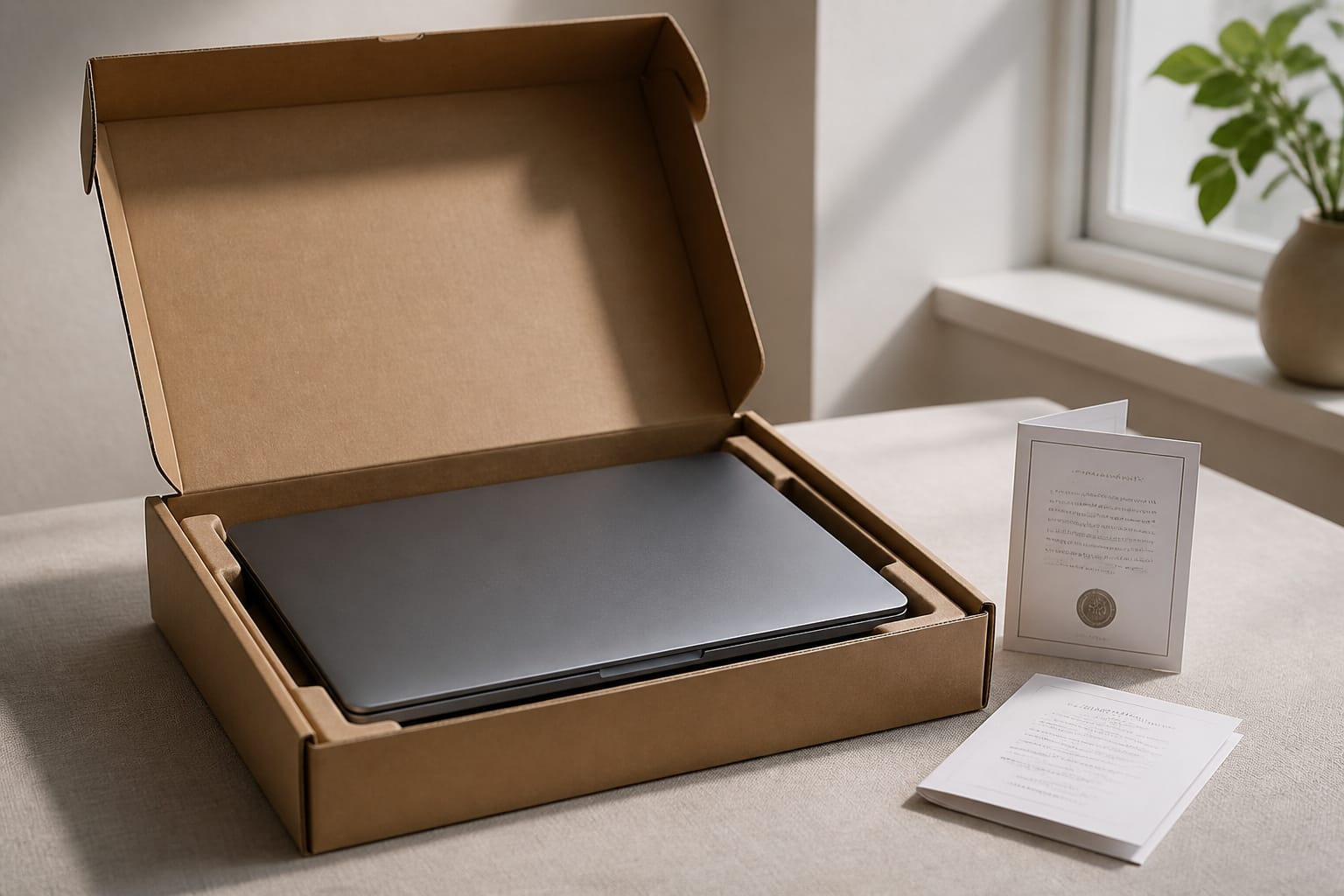
Refurbished and open-box machines from the manufacturer or a major retailer can beat any new-machine sale, particularly when they include a warranty.
Check Windows 11 support on any open-box or refurbished PC. See our guides to refurbished computers and new versus used computers, and avoid pitfalls in common computer buying mistakes.
Recommended Products
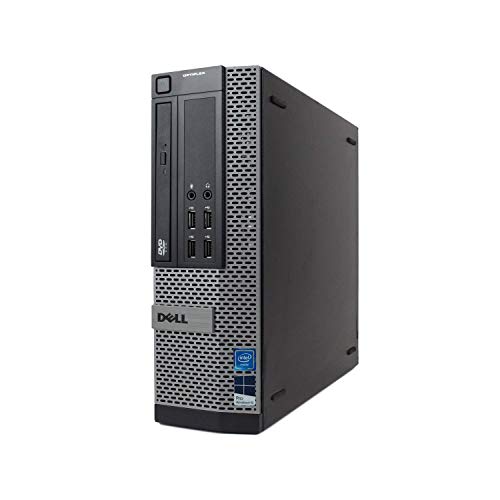
POWERFUL PROCESSOR - Configured with Intel’s top of the line Core i7 series processor so you can expect lightning fast, reliable & consistent performance for an exceptional PC experience.

This Certified Refurbished product is tested and certified to look and work like new. The refurbishing process includes functionality testing, basic cleaning, inspection, and repackaging.

Dell OptiPlex 3040 Small Form Factor Desktop PC, Intel Core i3-6100 up to 3.7GHz, 8GB RAM, 256GB SSD, WIFI
Frequently Asked Questions
Can I return a computer if I do not like it?
Usually, within the retailer’s return window, often between 14 and 30 days for standard customers. Keep the box and accessories, and check for restocking fees, which some retailers charge on certain categories or open items.
Are refurbished computers reliable for daily use?
They can be, especially from the manufacturer or a seller that includes a warranty. Check the warranty length, the processor generation, and Windows 11 support before you buy.
Do online deals include tax and shipping?
Not always. Some listings show a low price and add shipping or fees at checkout, and tax is calculated by location. Compare the total at the final checkout step.
How can I verify a seller is trustworthy?
Look for a recognized retailer or an official brand store, read recent reviews for patterns like slow shipping or refused returns, and confirm a working contact method and a clear return policy. Avoid prices far below every other listing.
Is it safe to buy a computer online with a credit card?
Yes, on a secure site from a seller you trust, a card usually gives you a dispute route if something goes wrong. Check that the page uses HTTPS, avoid links from unsolicited emails, and keep your order records.