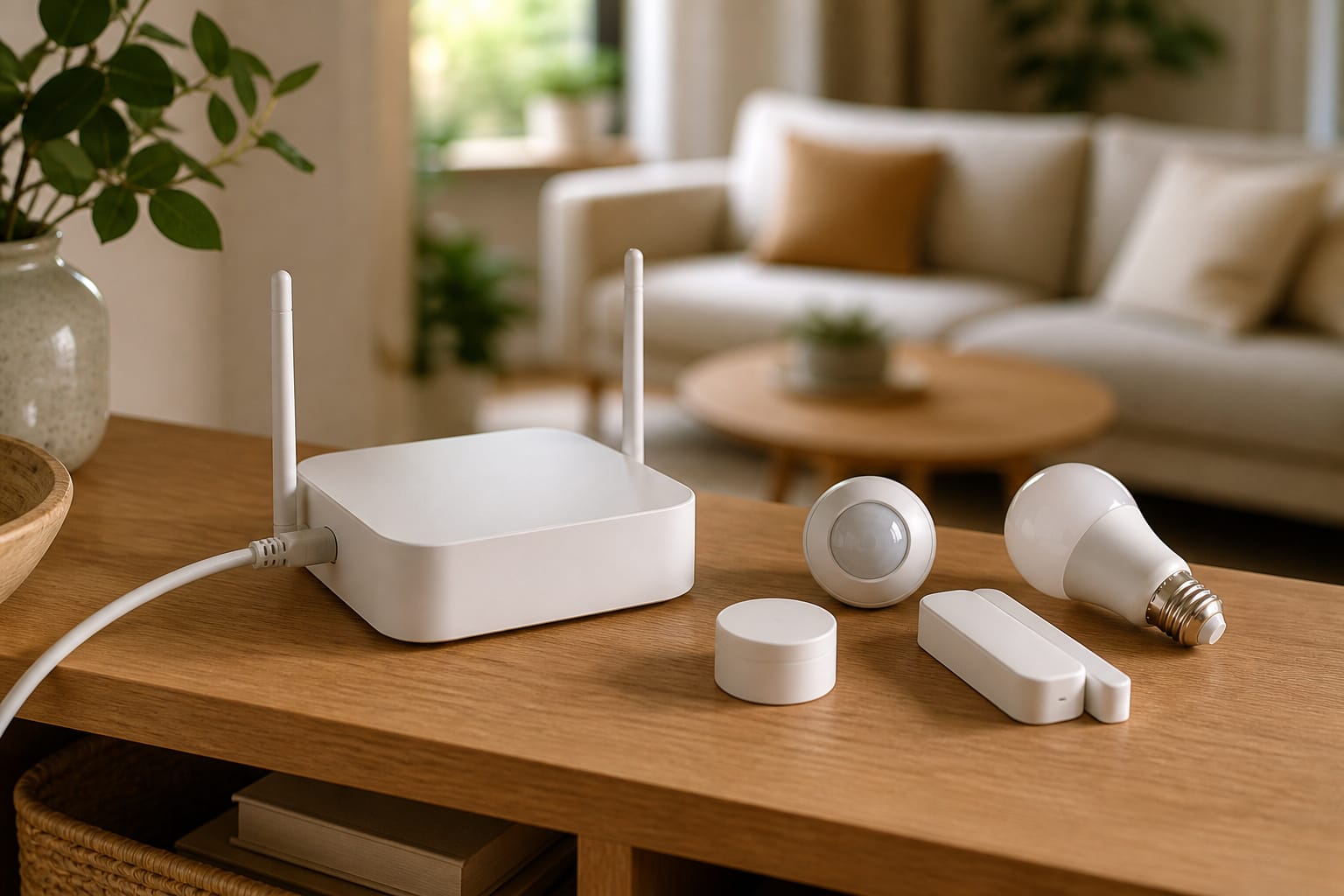
Most smart home hubs ask you to trust a company’s cloud servers with your automations. Hubitat Elevation takes the opposite approach: it runs everything locally, on a small box on your network, and keeps working even when the internet isn’t.
What Hubitat Elevation Actually Is
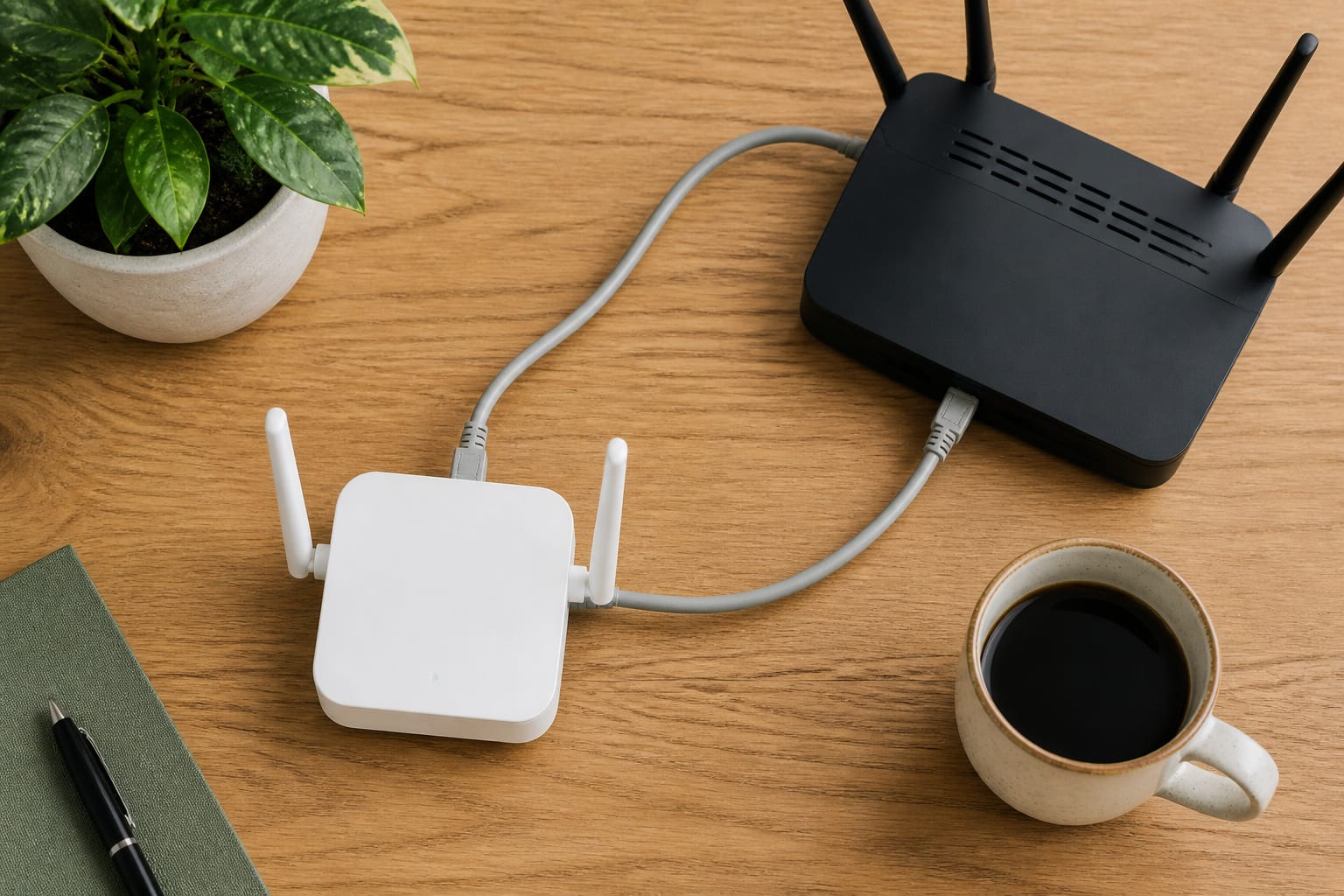
Hubitat Elevation is a local-first smart home hub built by Hubitat Inc. specifically for people who want their automations to keep running during an internet outage and don’t want their device data routed through a manufacturer’s cloud for basic functions.
The current flagship model, the C-8 Pro, includes built-in radios for Zigbee 3.0, Z-Wave 800 series (including Z-Wave Long Range), Matter 1.5, and Bluetooth, along with Wi-Fi and an Ethernet port. It supports 1,000+ devices and 100+ brands.
The core idea hasn’t changed since earlier Hubitat models: automations process on the hub itself, not on a remote server, so lights, locks, and routines keep responding even if your home’s internet connection drops. Device data stays on the hub instead of being sent to the cloud for every command.
Recommended Products

LOCAL PROCESSING FOR INSTANT RESPONSE: The Hubitat Elevation C-8 Pro runs automations directly on the hub, not on remote servers, so lights, locks, thermostats, and routines keep working even when your internet goes down; this local-first architecture delivers near-instant response to every trigger without relying on remote servers to process commands; compatible with 1,000+ devices across 100+ brands, and device data stays at home for enhanced privacy


App-Guided Install: The Kasa or Tapo app guides you through step-by-step setup. Requires neutral wiring and 2.4 GHz Wi-Fi. Consulting an electrician is recommended if you’re unfamiliar with electrical wiring
Cost and What You Get
Hubitat sells the hub as a one-time hardware purchase instead of a subscription. There are no monthly fees to use the core platform: local automations, the mobile app, and the built-in dashboard all work without one. Hubitat offers optional paid extras, like extended warranties and secure cloud backup, but they’re add-ons, not a requirement to use the hub.
That pricing model is one of the bigger differences from ecosystem-native hubs. A smart speaker that doubles as a hub is often subsidized by the company’s other revenue streams; Hubitat’s business model is closer to buying a piece of hardware outright.
What It Connects To
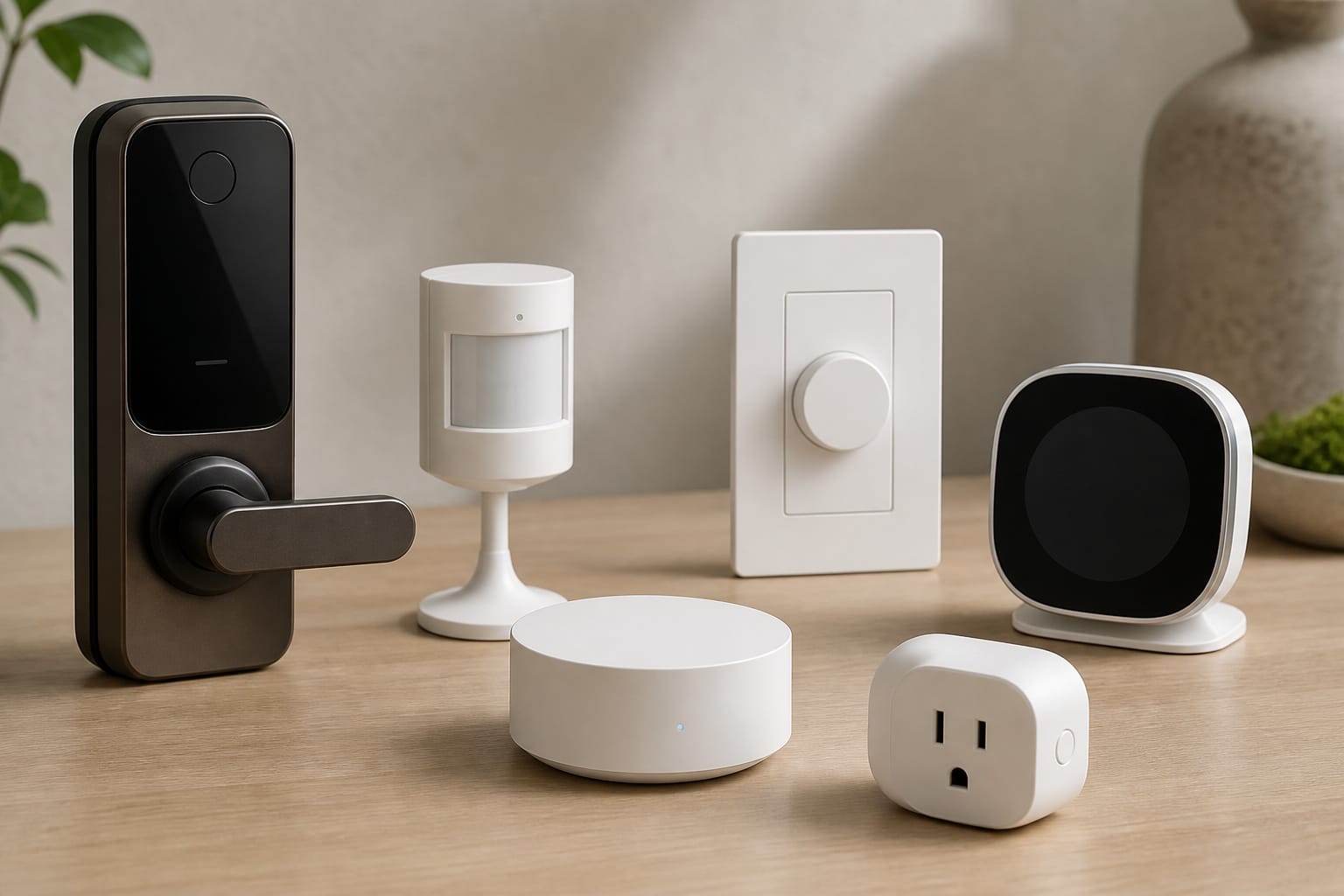
Hubitat supports Zigbee and Z-Wave devices natively through its built-in radios, and Matter-certified devices through its Matter controller support. In practice, that covers a wide range of sensors, locks, switches, dimmers, thermostats, and blinds from many different brands, without tying you to a single manufacturer’s ecosystem.
Voice control runs through separate integrations with Alexa, Google Home, and Apple HomeKit rather than a hub-native voice assistant, so Hubitat pairs with whichever of those you already use. If you haven’t settled on one yet, our comparison of Alexa, Google Home, and Apple HomeKit covers what actually differs between them.
Recommended Products

Powered by SmartThings: Connect, monitor, and automate your home through the SmartThings app. Build a reliable, unified smart home using Samsung's proven ecosystem

Connect & control your smart home — Easily link thousands of compatible devices from leading brands to create a connected home environment for lighting, comfort, voice assistants, energy use, and more.
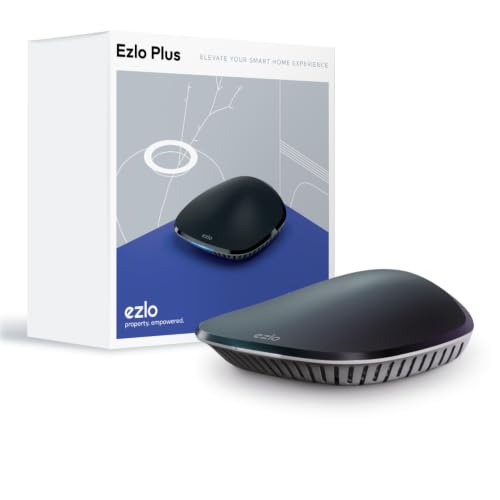
OS for Property: The Ezlo Plus Smart Home Hub runs on MiOS by Ezlo, the first operating system for property. Mios is innovative and pioneering, you are now free to mix and match devices and brands across your smart home and control them all from the web or mobile app, anywhere.
The Automation Engine
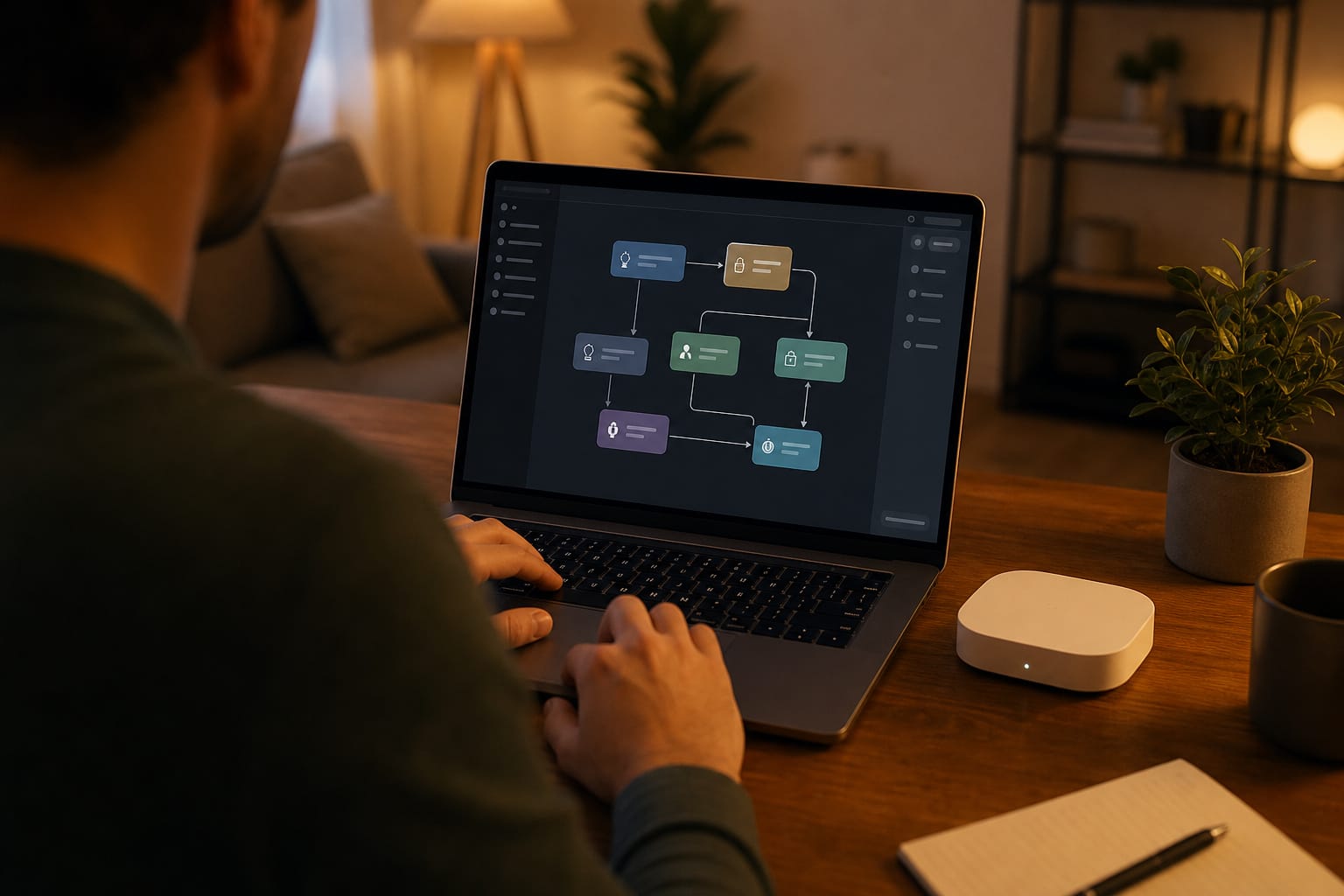
Hubitat’s automation tools range from simple, guided rules for straightforward triggers (a motion sensor turning on a light, a schedule adjusting a thermostat) up to Rule Machine, a more advanced tool for building complex, multi-condition automations that reference several devices, modes, and times of day at once. Write custom apps and drivers directly on the hub to go further than the built-in tools allow.
That flexibility is also the trade-off. Hubitat doesn’t come configured out of the box, so getting real value from it means building your own rules and dashboards rather than picking from a short list of pre-made routines.
It rewards someone willing to spend an afternoon setting things up, and it can feel like a blank slate to someone expecting an appliance-simple experience.
Recommended Products
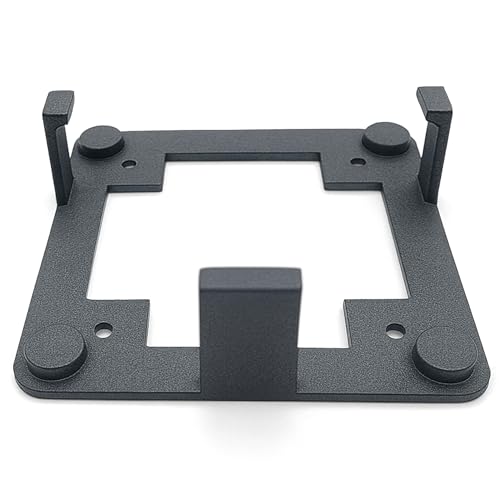
Perfect Compatibility: Specially designed wall mount holder for Hubitat Elevation C8, C7 & C5 Automation Hub, ensuring an exact fit and maximum stability. Perfect...
Who This Is Actually For

Hubitat sits in a specific spot in the smart home hub market: more capable and more local than an ecosystem-native hub built into a smart speaker, but considerably simpler to set up than a fully open platform like Home Assistant. Our breakdown of when a dedicated hub is worth adding covers the broader question of whether you need one at all before deciding on a brand.
It’s a strong fit for households already running a mix of Zigbee and Z-Wave devices who want them to keep working without a cloud dependency, and for anyone who’s outgrown a single ecosystem’s app and wants more control over how devices interact. It’s a weaker fit for someone who wants to unbox a hub and have it working in ten minutes with no configuration.
Local processing, instant response
Run automations locally for fast, reliable smart home control without subscription.
As an affiliate, we earn on qualifying purchases.
Frequently Asked Questions
Does Hubitat Elevation Require a Subscription?
No. The core platform, including local automations, the mobile app, and dashboards, works with a one-time hardware purchase and no required monthly fee. Optional paid add-ons exist for cloud backup and extended warranty coverage, but you don’t need them to use the hub.
Does Hubitat Work With Alexa and Google Home?
Yes, through separate integrations rather than a built-in voice assistant. Hubitat connects to Alexa, Google Home, and Apple HomeKit so you can control Hubitat-connected devices through whichever voice assistant you already use.
Is Hubitat Elevation Difficult to Set Up?
It has a real learning curve compared to a native hub ecosystem. There’s no large library of pre-built routines out of the box. Its real usefulness is building your own rules, whether through simple guided automations or the more advanced Rule Machine tool. It’s more approachable than a fully open platform like Home Assistant, but it’s not designed to be configuration-free.
What Happens to My Automations If the Internet Goes Down?
They keep running. Hubitat runs automations locally on the hub instead of on a remote server, so core functions like motion-triggered lights or scheduled routines continue working during an internet outage. Features that specifically depend on the internet, like remote access through the mobile app away from home, are the exception.
What Devices Work With Hubitat Elevation?
Hubitat’s current hub supports Zigbee 3.0, Z-Wave 800 series, and Matter-certified devices natively through its built-in radios, covering more than 1,000 devices across 100+ brands according to Hubitat’s own compatibility claims. That includes common categories like sensors, locks, switches, dimmers, thermostats, and blinds from a wide range of manufacturers rather than a single closed ecosystem.