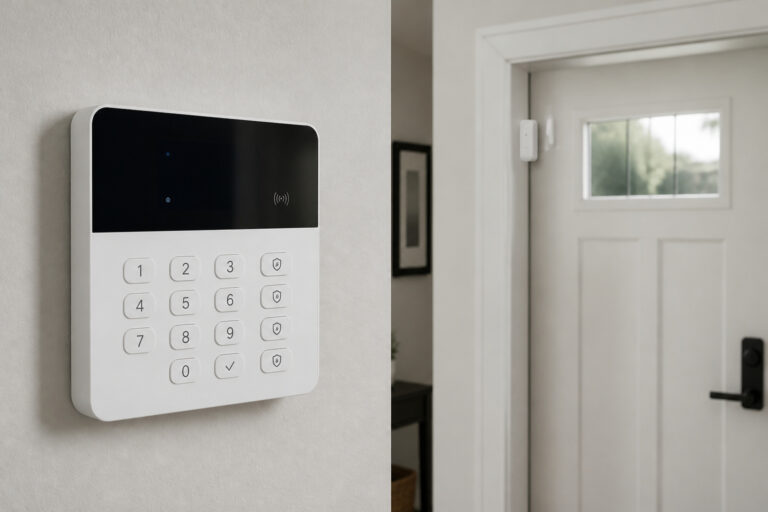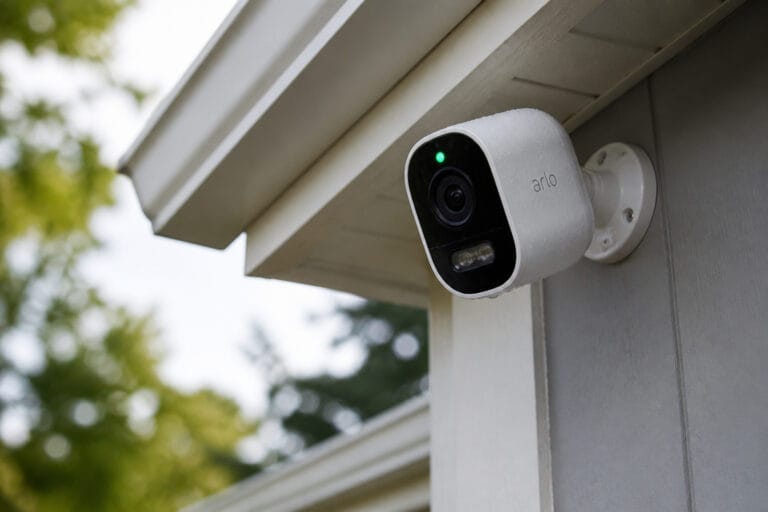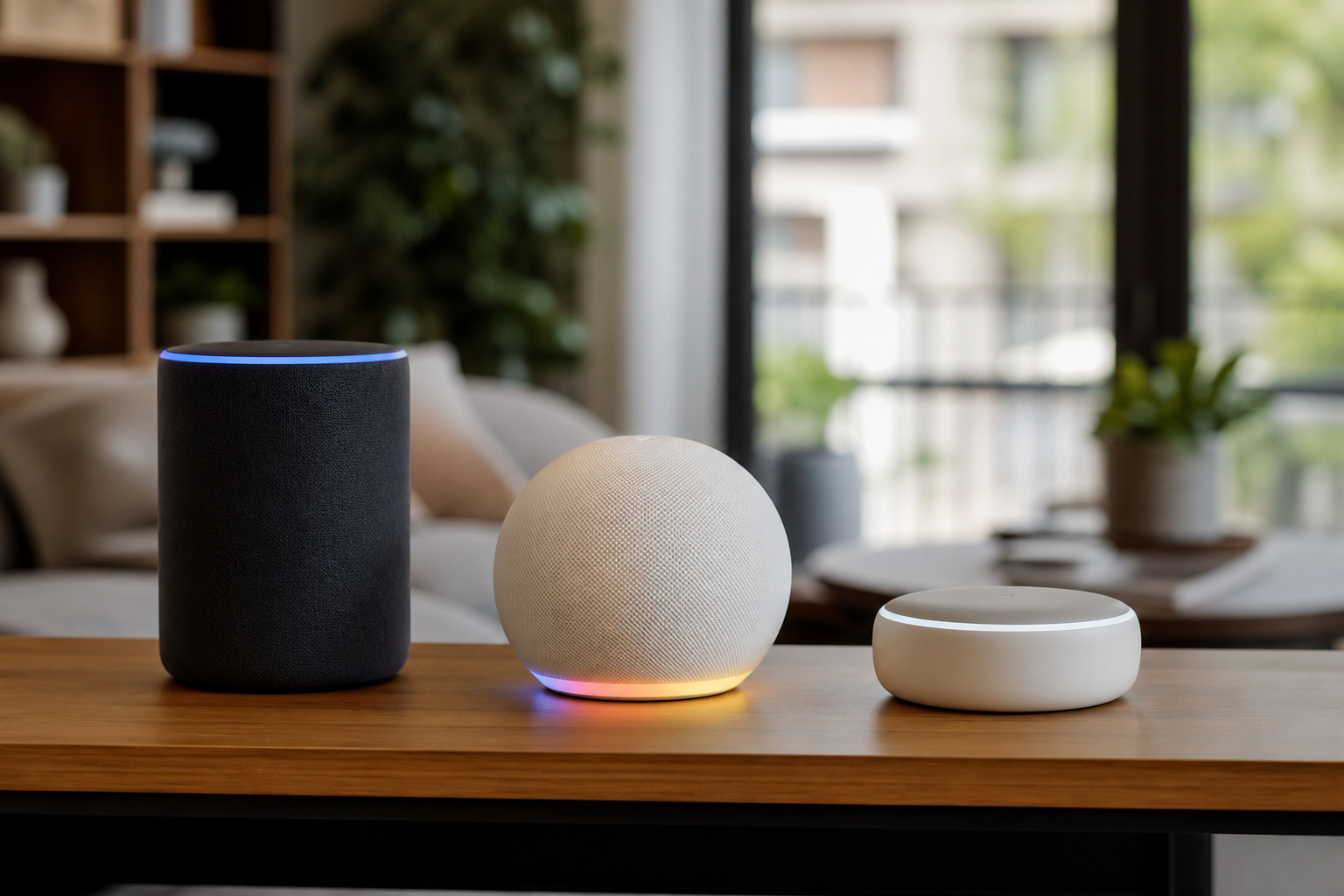
Before you buy a single smart plug, you’re already making a decision that’s hard to undo. Whichever ecosystem you pick first tends to be the one you’re stuck with. Voice assistants, hubs, and apps don’t mix and match cleanly. If you buy a houseful of Alexa-only gear, switching to Apple later means replacing most of it. So before you shop for devices, it’s worth understanding what you’re actually choosing between.
The three real options are Amazon Alexa, Google Home, and Apple HomeKit. Each one controls your lights, locks, thermostat, and speakers a little differently, and each one asks you to trade something for something else.
Device Compatibility: How Many Gadgets Can You Actually Buy?
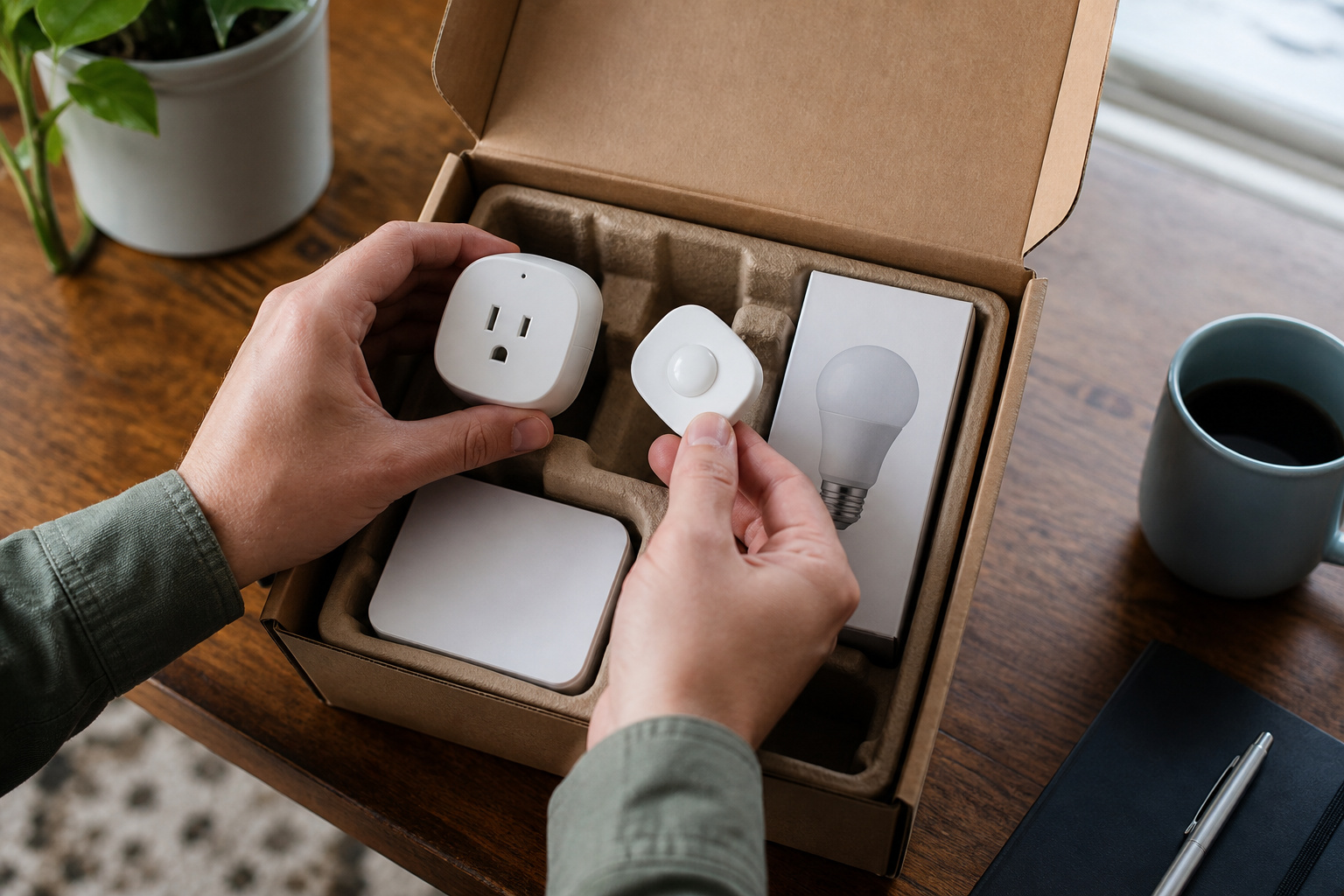
Alexa has the widest net. Amazon’s ecosystem covers well over 100,000 compatible products from thousands of brands. By most counts, several times what Google Home supports. If you like mixing budget brands from different manufacturers, Alexa gives you the most room to shop around.
Google Home sits in the middle. Its catalog is smaller than Alexa’s, but it still covers the major categories: lights, cameras, thermostats, and plugs from most mainstream brands.
Apple HomeKit is the narrowest. Historically, only a few hundred products carried official HomeKit certification, which is why HomeKit has a reputation for being pickier and pricier. That’s changing, but slowly.
Here’s the thing that’s rewriting all of this: Matter. More on that below, but it’s the reason “which ecosystem has more devices” matters less than it used to.
Recommended Products

【Smart Lighting】This is a Bluetooth connected Smart Light Bulbs that supports both Alexa speakers and BRmesh APP control, Not compatible with Google home or Apple HomePod ; 12W, equivalent to 130W (1300LM); Color temperature 2700K-6000K can be adjustable; CRI > 90 ; Brightness can be adjusted from 1% to 100%. You can use BRmesh APP to set Timing function, Group control , Single control, Scene function. No registration nor network required.

Amazon Smart Plug works with Alexa to add voice control to any outlet.

An Alexa with screen - Echo Show 5 includes a 5.5” smart screen so you can see news and weather at a glance, make video calls, view compatible cameras, stream music and shows, and more.
Voice Assistant Intelligence: Which One Actually Understands You?

This is where the three platforms genuinely diverge in personality.
Google’s assistant (rebuilt around Gemini for Home) is widely considered the best at natural conversation. You can talk to it in plain, messy sentences and it tends to figure out what you mean, including multi-step requests.
Amazon’s answer is Alexa+, a more agentic version of Alexa that can chain commands together and reason about the state of your home (“turn off whatever I left on”), not just execute single commands. It’s a genuine step up from classic Alexa, but it runs as a subscription, bundled into Prime or sold separately.
Siri is the one that still lags. Apple’s privacy-first approach means more processing happens on-device rather than in the cloud, which is great for privacy and less great for handling complex or conversational requests. Simple commands work fine. Anything multi-step tends to trip it up.
Privacy: What Happens to What You Say?
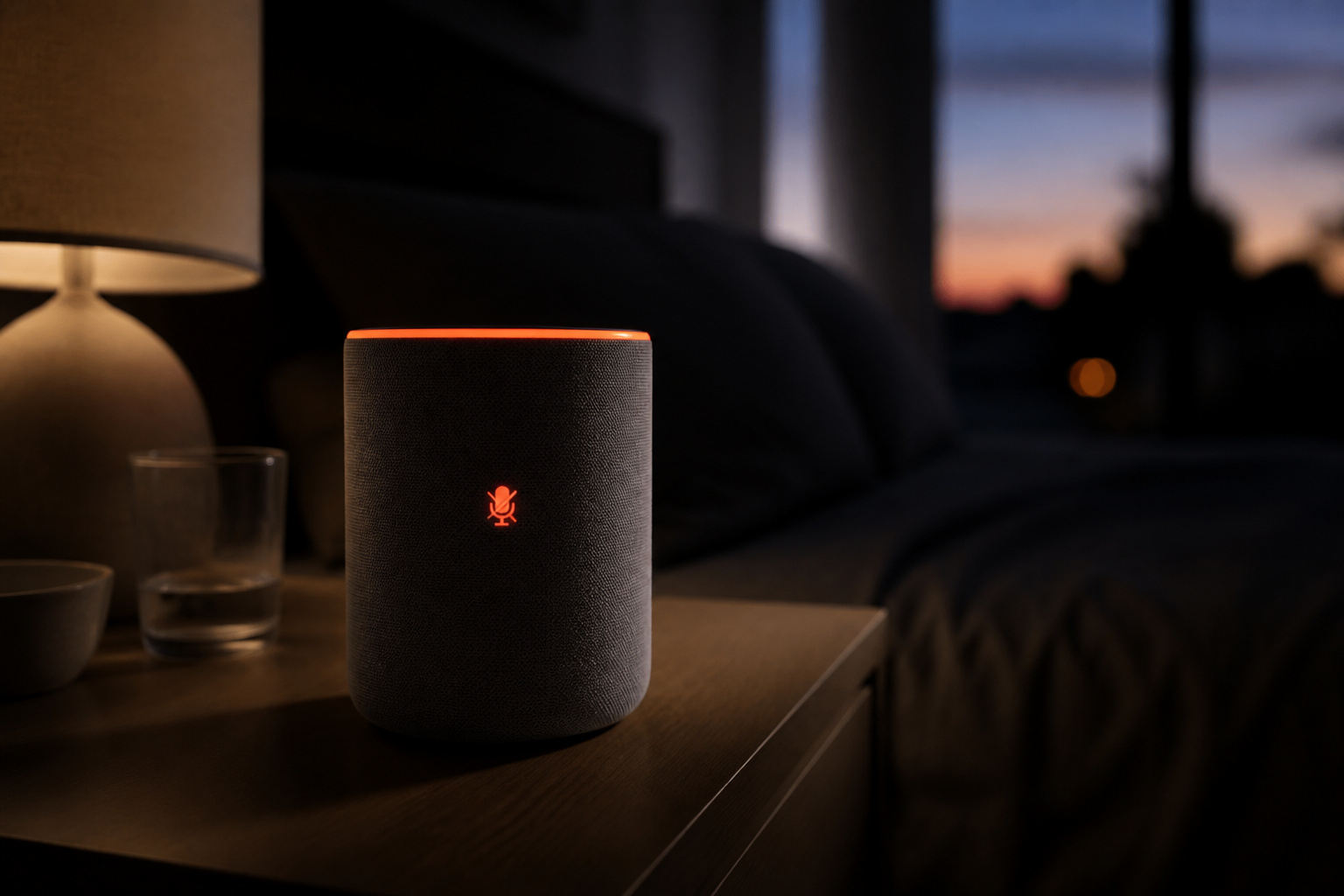
This is the least talked-about difference, and arguably the most important one long-term.
Apple processes as much as possible on your own devices and doesn’t build advertising profiles from your voice activity. It’s the clear leader here if privacy is your top priority.
Amazon and Google both send voice interactions to the cloud by default, and both use some of that data for personalization. You can review and delete history, and adjust what’s stored, but the default posture is cloud-first, not on-device-first.
None of this means Alexa or Google Home are unsafe to use. It just means the privacy trade-off is a real factor, not a marketing footnote, if it matters to you.
Price of Entry
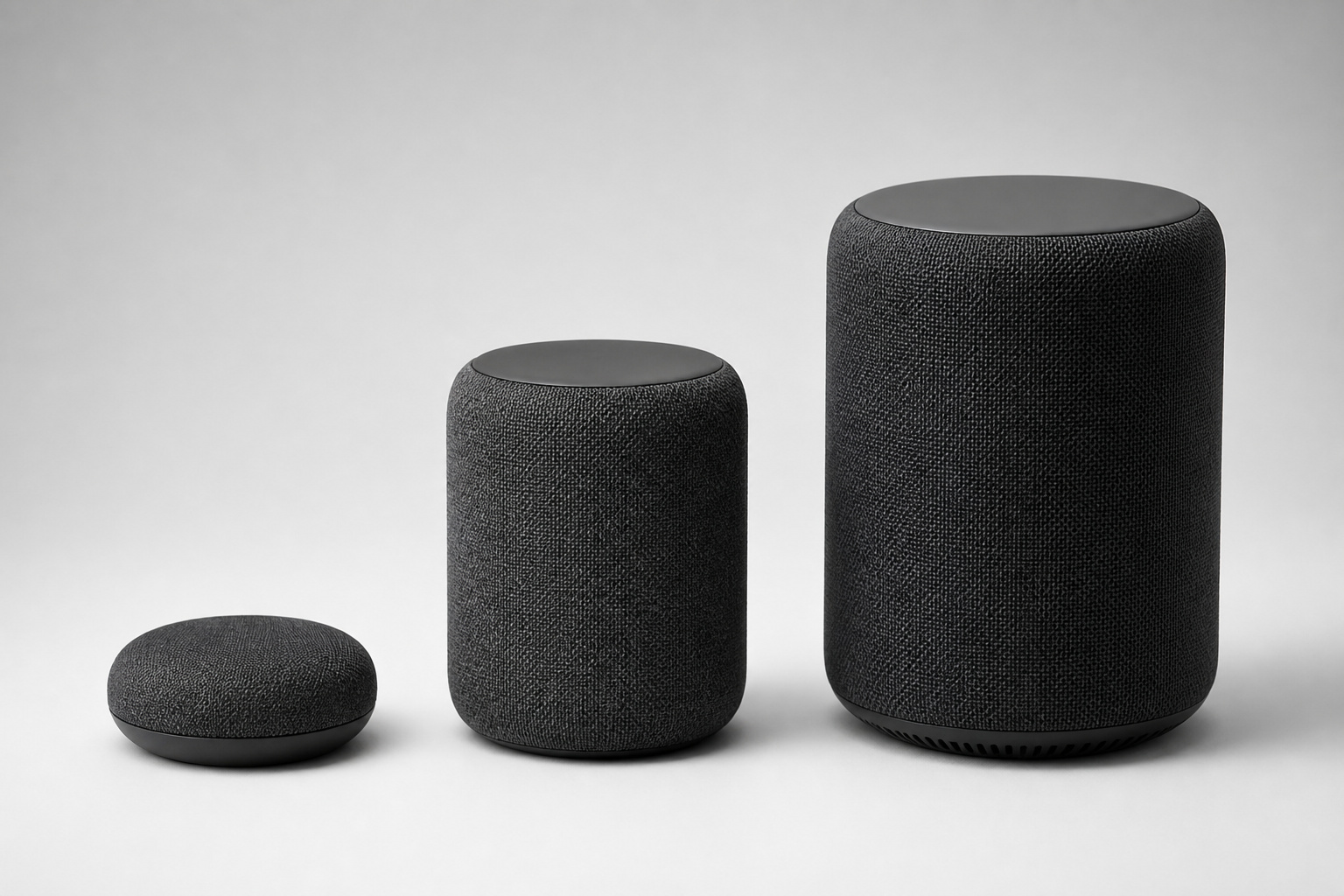
Alexa is the cheapest way in. Entry-level Echo hardware starts around $20–$50, and Amazon subsidizes its speakers aggressively to get them into homes.
Google Home sits close behind, with entry devices in a similar range and smart displays running roughly $100–$300 depending on the model.
Apple is the most expensive starting point. The HomePod mini starts around $99, already pricier than Alexa’s cheapest option, and Apple doesn’t make a smart display at all. You’re also implicitly paying the “Apple tax”: HomeKit only really works well if you already own an iPhone, iPad, Apple TV, or HomePod to anchor it.
Recommended Products
【Stylish and Lightweight Design】 Weighing only about 33 grams, gaming glasses comfortable to wear without burden. With a stylish appearance design, it is suitable for various occasions. The temple adopts an Wear induction and automatic matching technology, automatically powers on when worn, auto - reconnects, stops when removed, and shuts down 15 seconds later ,eliminating the need for cumbersome operations. The charging is designed with dual magnetic suction, which is convenient and quick.

100W 2.0ch Cinema Sound :Dual tweeters and dual woofers deliver rich stereo or add an external subwoofer (sold separately)for enhanced bass.

Matter Changes the Calculus
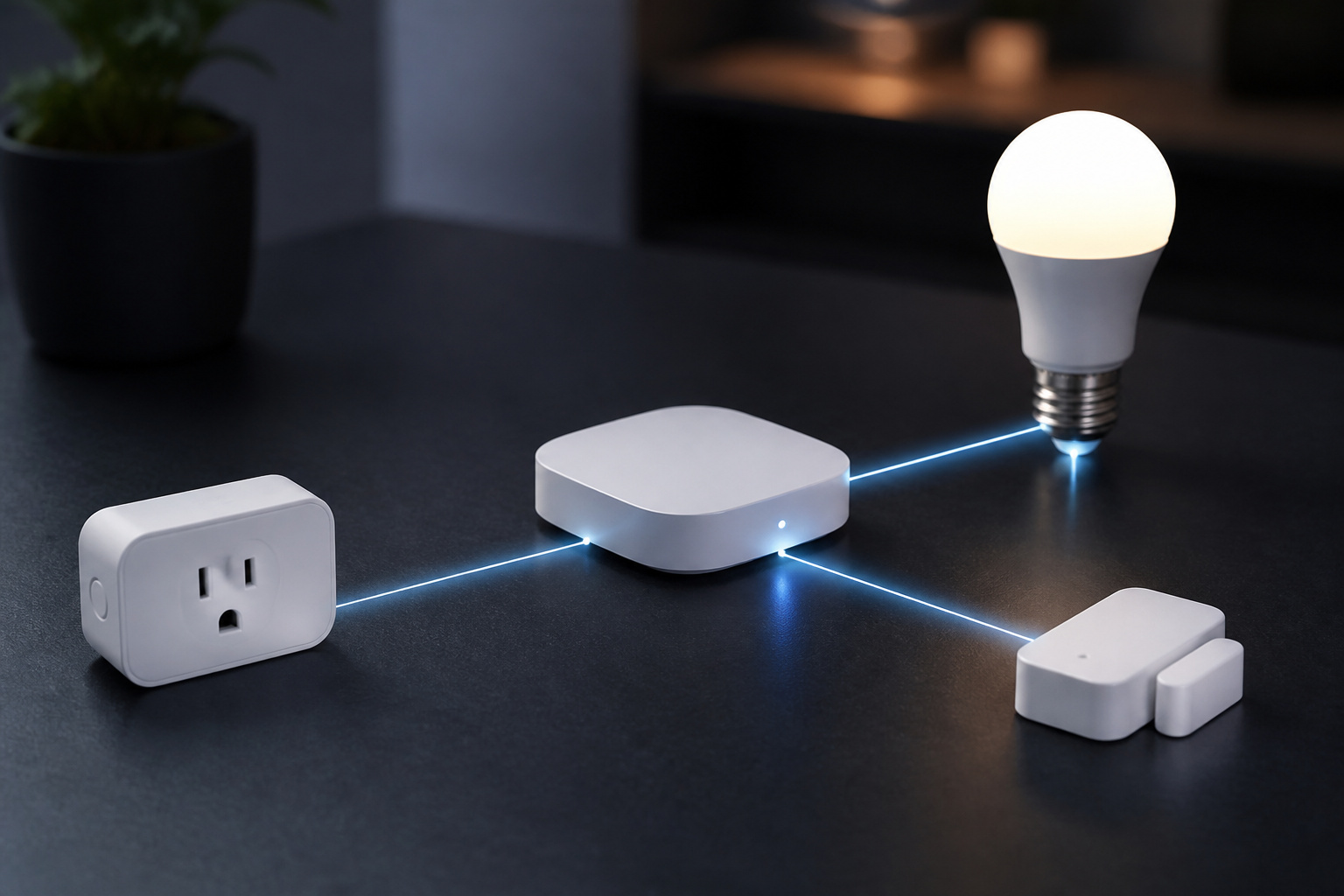
Matter is a shared smart home standard that Amazon, Google, and Apple now support, alongside most major device manufacturers. The idea: buy a Matter-certified device, and it should work with whichever ecosystem you’re using today, or if you switch platforms later.
In practice, support isn’t identical across the three:
Apple Home has the broadest and most mature Matter implementation, including support for more device categories (cameras, HVAC, appliances) and the strongest Thread network performance, since so many Apple products can act as Thread border routers.
Google Home covers Matter well too, but leans more heavily on cloud processing, so automations can be affected if Google’s servers have an outage.
Alexa’s Matter support is still catching up. It covers the basics, but supports fewer device types than Apple Home at this point, and its Thread mesh performance rates a step behind Apple’s.
The practical takeaway: whichever ecosystem you choose, prioritize Matter-certified devices when you’re shopping. It’s the closest thing to future-proofing your setup against having to start over later.
Recommended Products

【Matter: All-Round Compatibility】With Matter, users are no longer tied to specific platforms and works with all certified smart home platforms, such as Apple Home, Amazon Alexa, Google Home and Samsung SmartThings. You can control all your smart home devices from a single app, reducing the need for multiple apps for different devices.

【Award-Winning Smart Plug】The Tapo P400M was named Best Outdoor Smart Plug by Wirecutter in 2026 for its independently controllable dual outlets, durable IP65 weather resistance, and response Matter compatibility, among other standout features.

【Easy Setup, One Control】With Matter, Skip the step of downloading and registering multiple manufacturers' apps every time you buy a new device. Instead, head straight to certified smart home platforms like Apple Home, Alexa, Google Home, SmartThings, or AiDot to control all your Matter devices.【TIP】Matter-certified hub or controller (HomePod, Echo Dot, Nest, SmartThings Hub) is required for Apple Home/Alexa/Google Home/SmartThings platforms. Alternatively, the AiDot app can be used without hub
Which Ecosystem Should You Choose?

Choose Alexa if you want the widest device selection, the lowest starting price, and you don’t mind a cloud-first assistant. It’s the safest default for most first-time smart home shoppers.
Choose Google Home if you want the most natural-feeling voice assistant and don’t want to pay a subscription. Google’s core smart home features remain free.
Choose Apple HomeKit if privacy is your top priority, you’re already deep in Apple’s ecosystem (iPhone, iPad, Apple TV, or HomePod), and you’re willing to pay more up front for a smaller but more tightly controlled device catalog.
Choose based on the phone in your pocket, not the smart speaker you like best. An iPhone household fighting against HomeKit, or an Android household trying to force Apple gear to cooperate, is where most smart home frustration actually comes from. For a deeper look at the voice hardware that anchors any of these ecosystems, our guide to the best smart speakers breaks down current picks across all three platforms.
Frequently Asked Questions
Can I Use Alexa and Google Home Together in the Same House?
Technically yes, but it gets messy fast. You can run both, and even have some Matter devices respond to either assistant, but automations, routines, and voice history stay separate. Most people end up picking a primary ecosystem and letting the second one handle a narrow, specific job.
Does Apple HomeKit Work With Non-Apple Devices?
Yes, as long as the device is either HomeKit-certified or Matter-certified. You don’t need Apple-branded hardware; you need Apple-compatible hardware, which is a growing list thanks to Matter, but still smaller than Alexa’s or Google’s.
Do I Need a Subscription for Alexa or Google Home?
Basic voice control and device automation are free on both. Alexa+, Amazon’s more advanced AI assistant, is a paid add-on (included with Prime or sold separately). Google’s core Gemini for Home features have remained free so far.
Can I Switch Ecosystems Later Without Buying All New Devices?
If your devices are Matter-certified, mostly yes. You can typically re-pair them to a new ecosystem’s app. Older, non-Matter smart devices tied to a proprietary hub are usually the ones you’ll end up replacing if you switch.
Which Ecosystem Is the Most Private?
Apple HomeKit, by a clear margin. It processes more activity on-device and doesn’t build advertising profiles from voice data. Amazon and Google both use the cloud by default, though both let you review and delete stored voice history.