A power bank looks like the simplest gadget you can buy. It is a battery in a box with a cable. Yet two banks labeled 10,000mAh can behave very differently. One might charge your phone twice and the other barely once, and one might top up a laptop while the other refuses to.
This guide explains what the numbers on the box actually mean, which specs matter for the devices you own, how to judge safety, and what the rules are if you want to bring one on a plane. Once you know what you are shopping for, picking a model gets much easier.
Capacity: What the Label Does and Does Not Tell You
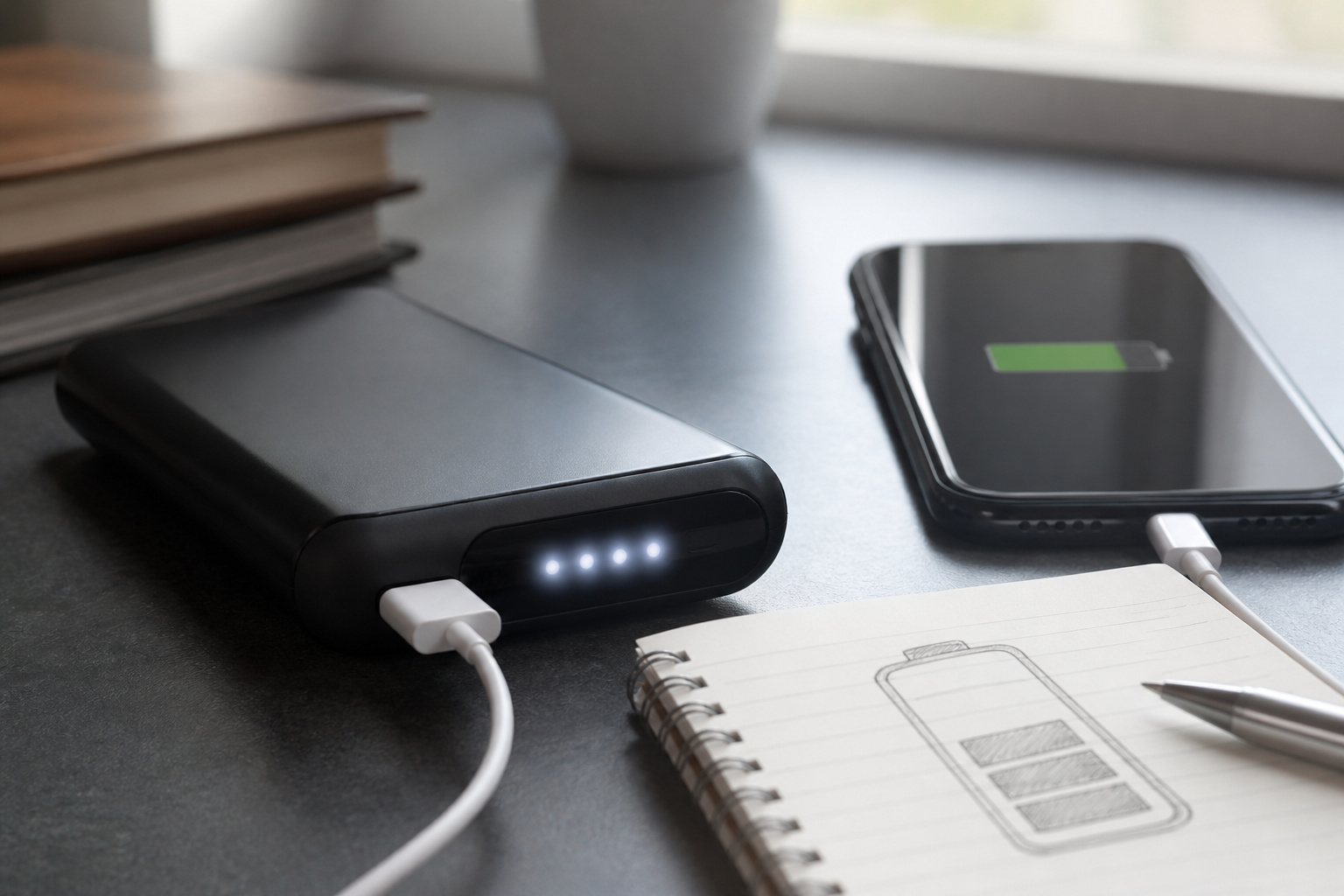
Capacity is printed in milliamp-hours (mAh), and bigger numbers do mean more stored energy. The catch is that the number describes the battery cells, not what comes out of the port. Anker explains that the cells inside a power bank run at about 3.7V, while the USB output is usually 5V. The bank has to boost the voltage to reach 5V, and that conversion is only around 82 percent efficient. By Anker’s own example, a 10,000mAh bank works out to roughly 6,000mAh at the output.
A reasonable planning rule is that somewhere around 60 to 70 percent of the printed capacity ends up in your phone. Watt-hours give a cleaner comparison across products. Multiply the mAh rating by 3.7 and divide by 1,000. Most current flagship phones hold roughly 15 to 20 watt-hours, so you can estimate how many charges a bank delivers from its watt-hour figure.
| Printed capacity | Approximate watt-hours | Rough full phone charges | Good for |
|---|---|---|---|
| 5,000mAh | 18.5 | Less than one | Emergency top-ups |
| 10,000mAh | 37 | About 1.5 | A day out or a commute |
| 20,000mAh | 74 | About 3 | Weekend trips, two devices |
| 27,000mAh | 100 | 3 to 4 | The largest size allowed on a plane without airline approval |
These charge counts are estimates based on the efficiency range above and a typical phone battery. Your own results depend on the phone, the cable and how hot the bank gets.
Be skeptical of very large claims. A true 50,000mAh bank would hold about 185 watt-hours, which is above the 160Wh ceiling for any power bank on a passenger aircraft. Listings that advertise that much capacity in a pocket-sized case are usually exaggerating, and the claim alone is a reason to look at a different product.
Recommended Products

Portable AC Power Bank: The AC outlet up to 100W, which can meet the charging and on-load needs of electrical appliances less than 100W. Don't worry about wall plugs limiting your power needs, charge your device anytime, anywhere. it is an ideal necessity for outdoor activities, hurricanes and home emergency power outage.

☀️ 𝟐𝟎𝟎𝟎𝟎𝐦𝐀𝐡 𝐁𝐚𝐭𝐭𝐞𝐫𝐲 – 𝟐 𝐅𝐮𝐥𝐥 𝐂𝐡𝐚𝐫𝐠𝐞𝐬 𝐟𝐨𝐫 𝐢𝐏𝐡𝐨𝐧𝐞, 𝟏.𝟓 𝐟𝐨𝐫 𝐢𝐏𝐚𝐝 Keeps you powered through a weekend camping trip or a full day of hiking. Enough for about 2 full charges for iPhone 15 or 1.5 charges for iPad mini. No more worrying about dead batteries when you’re off-grid.

〖Car power inverter〗This Car power converter is equipped with 2 U.S. standard AC outlets, 4 USB charging ports, DC 12V to AC 110V converter,perfect for charging electronic devices such as laptops, tablets, cell phones, Christmas gifts, light strings and so on.
Charging Speed: Watts, USB-C Power Delivery, and Cables
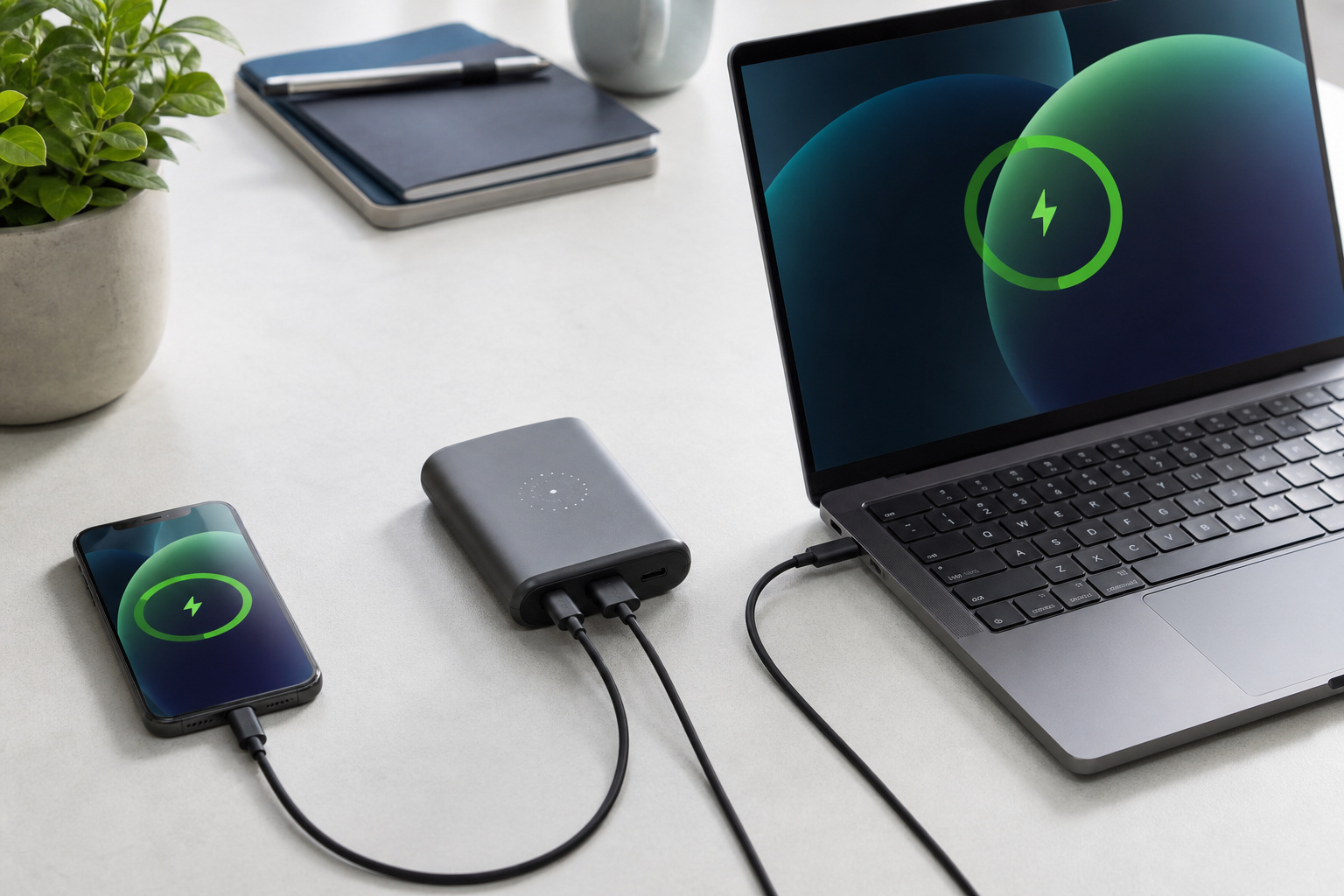
Capacity tells you how long a bank lasts. Output wattage tells you how fast it fills your device. For phones, look for a USB-C port that supports USB Power Delivery (PD). Many Samsung and Google phones also use a PD extension called PPS (Programmable Power Supply) to reach their top speeds, so check your phone’s spec sheet and make sure the bank lists the same standard.
Tablets and laptops need more. Many thin laptops charge over USB-C at about 45 to 65 watts, and larger ones need more than that. Match the bank’s single-port output to the wattage of the charger that came with your laptop. A bank that tops out at 20 watts may power a laptop slowly or not at all while it is in use.
Three details often get missed:
- Output is often shared. A bank rated at 65 watts total may drop to 20 or 30 watts per port when two devices are plugged in.
- Input speed matters. A bank that accepts 20 to 30 watts recharges much faster than one limited to 10, which is the difference between an overnight wait and a couple of hours.
- The cable is part of the system. Charging above 60 watts over USB-C requires a cable rated for it, so banks with strong outputs can still underperform on a cheap cable.
Recommended Products

40% Smaller & Lighter Portable Charger: Powered by the industry’s first TinyCell high-density battery technology, this ultra-compact 10,000mAh portable charger power bank is 40% smaller and 36% lighter than conventional chargers. Whether you are an office user slipping a mini small portable battery into a purse for commuting, or a student looking for lightweight college essentials, you get powerful daily carry convenience without the extra bulk to keep you powered on the go.

40% Smaller & Lighter Portable Charger: Powered by the industry’s first TinyCell high-density battery technology, this ultra-compact 10,000mAh portable charger power bank is 40% smaller and 36% lighter than conventional chargers. Whether you are an office user slipping a mini small portable battery into a purse for commuting, or a student looking for lightweight college essentials, you get powerful daily carry convenience without the extra bulk to keep you powered on the go.

From INIU--the SAFE Fast Charge Pro: Experience the safest charging with over 38 million global users. At INIU, we use only the highest-quality materials, so we do have the confidence to provide an industry-leading 3-Year iNiu Care.
Size and Weight: Will You Actually Carry It?
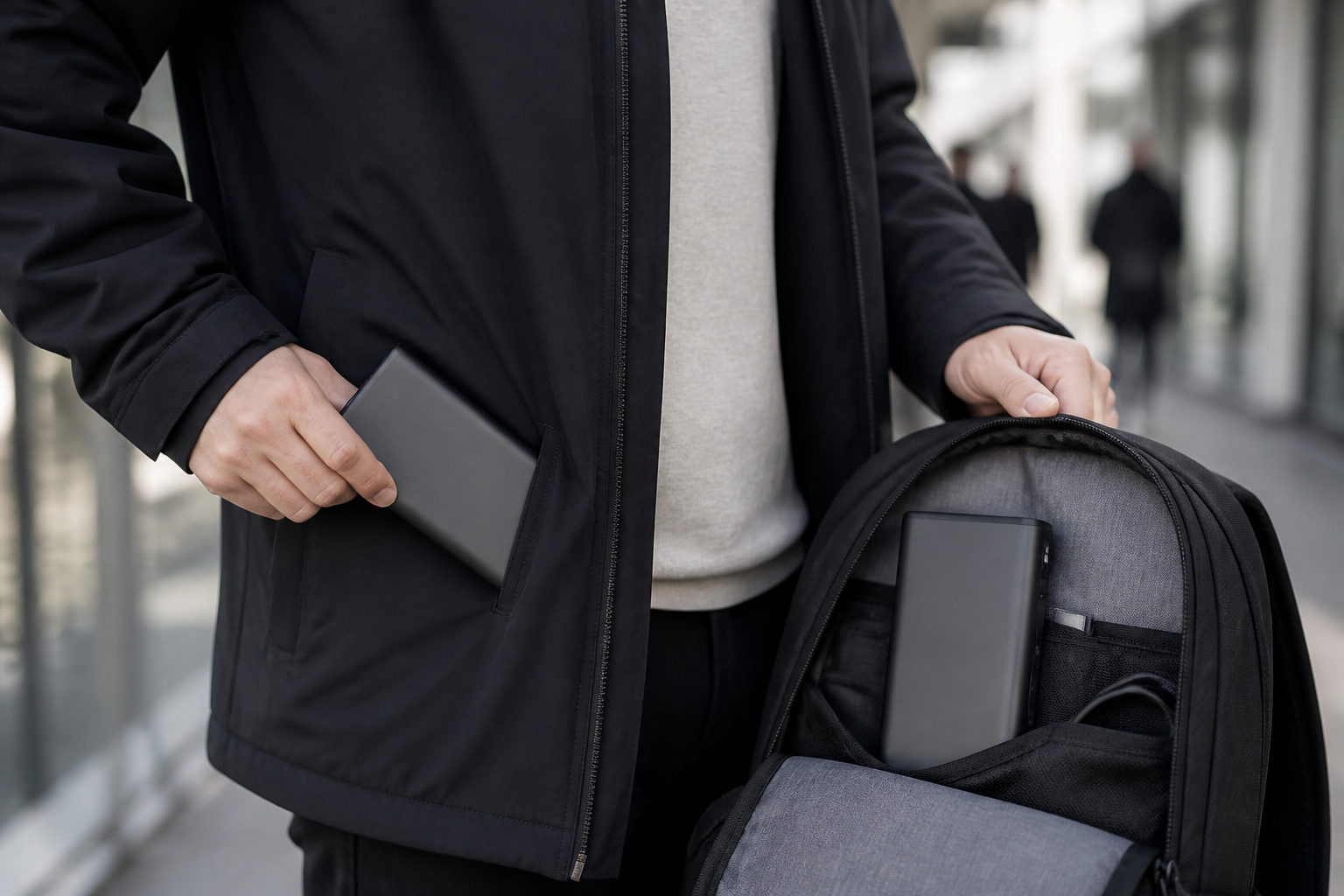
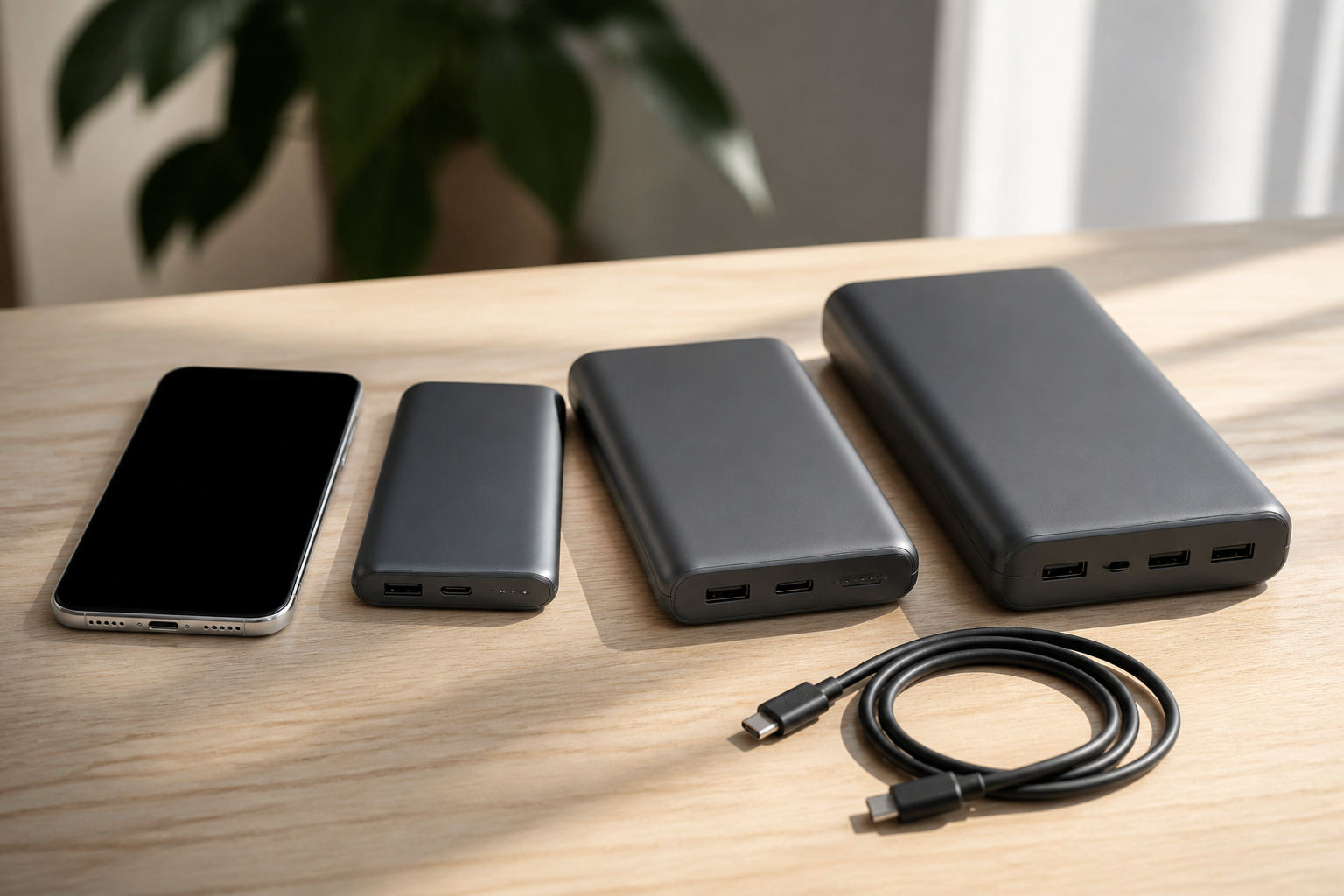
The best power bank is the one in your bag when your battery runs low. A 5,000mAh bank is thin enough for a pocket. A 10,000mAh model is usually about the size of a deck of cards and weighs roughly 200 to 250 grams. Banks near 20,000mAh are closer to half a kilogram, which is fine for a backpack and annoying in a jacket.
Be honest about how you travel. If you commute with a small bag, a slim 10,000mAh bank you will actually bring beats a bigger one that stays on the desk. If you are away from outlets for days, the extra weight of a larger bank is the price of not running dry.
Ports, Built-In Cables, and Extra Features
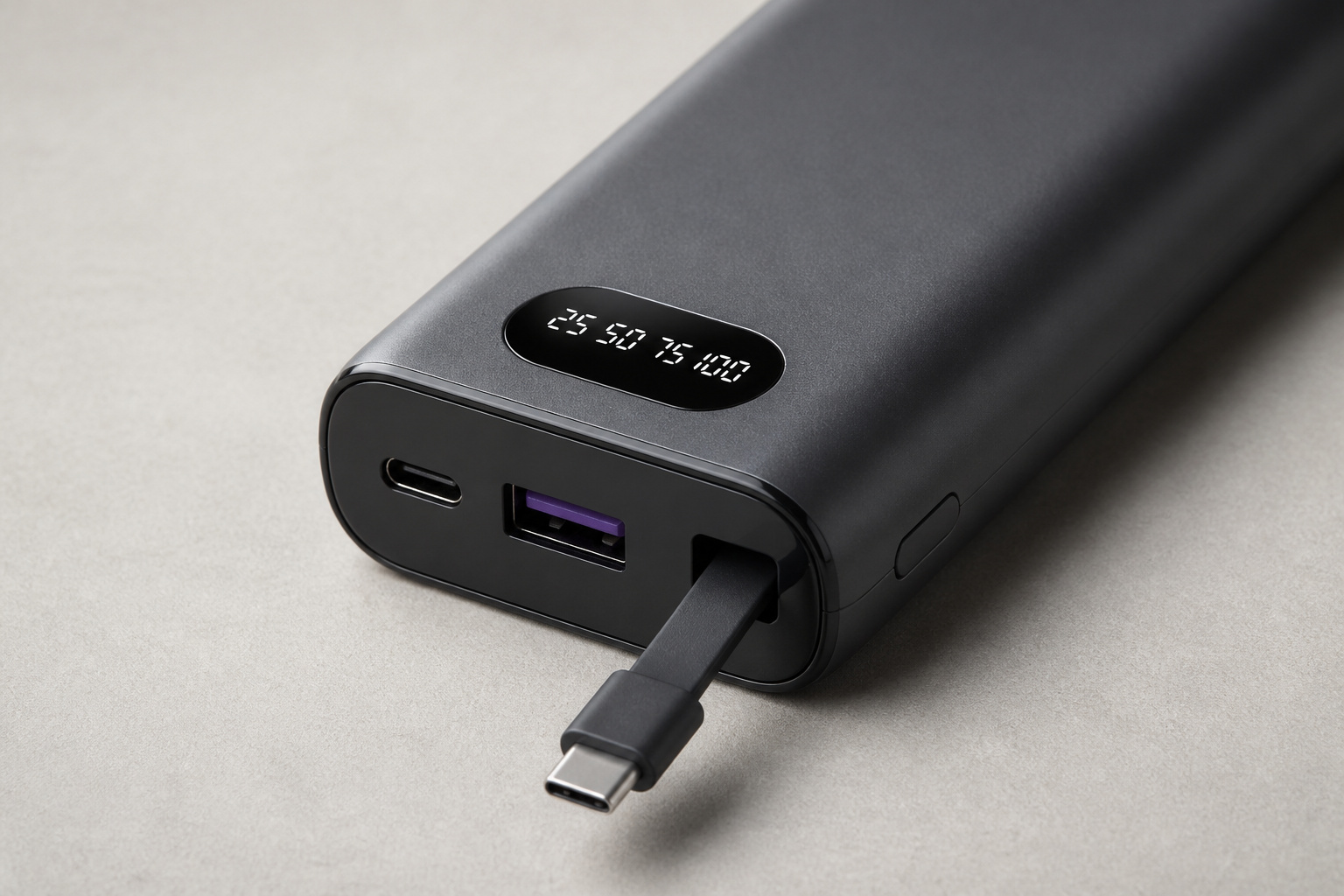
Modern banks usually offer at least one USB-C port that works for both input and output, plus a USB-A port for older cables. If you carry several devices, count the ports you will really use at once and check the combined output, not just the headline number.
Extras can be genuinely useful or just marketing:
- Built-in cables remove the thing you forget to pack, though a failed cable can end the bank’s usefulness unless it is replaceable.
- A digital display shows remaining charge as a percentage, which is better than four unmarked LEDs.
- Pass-through charging lets the bank charge a device while it recharges itself. Not every model supports it, and it can run warm, so check the manual before relying on it.
- Flashlights and solar panels suit camping and emergency kits. A solar panel on a pocket bank is slow enough that it works as a backup, not a primary way to charge.
Recommended Products
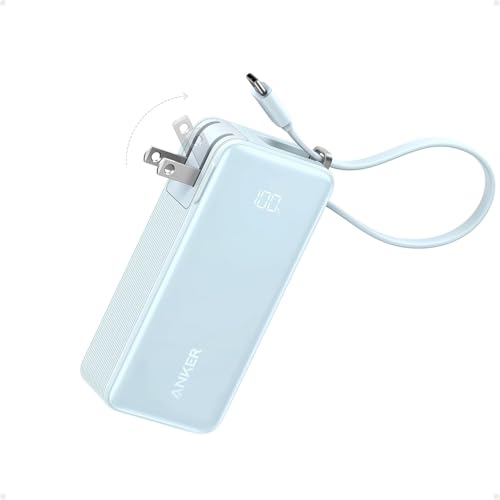
All-in-One Power: This innovative 3-in-1 charger is your travel essential, featuring a 10,000mAh power bank, a foldable charger, and a built-in USB-C cable, designed to keep you powered without restrictions.

87W Power to Share: Distribute 87W across three devices, with a single device receiving up to 65W, to rapidly charge iPhones, Samsung phones. Quickly charge a 14" MacBook Pro to 50% in under 40 minutes.

Built-In AC Plug, Two Easy Ways to Recharge: No extra wall charger to pack. Plug this 50,000mAh portable charger into a 100–240V outlet for a full recharge in about 6 hours. Pass-through charging powers your phone, too, ideal for bedside or travel prep.
Magnetic and Wireless Power Banks
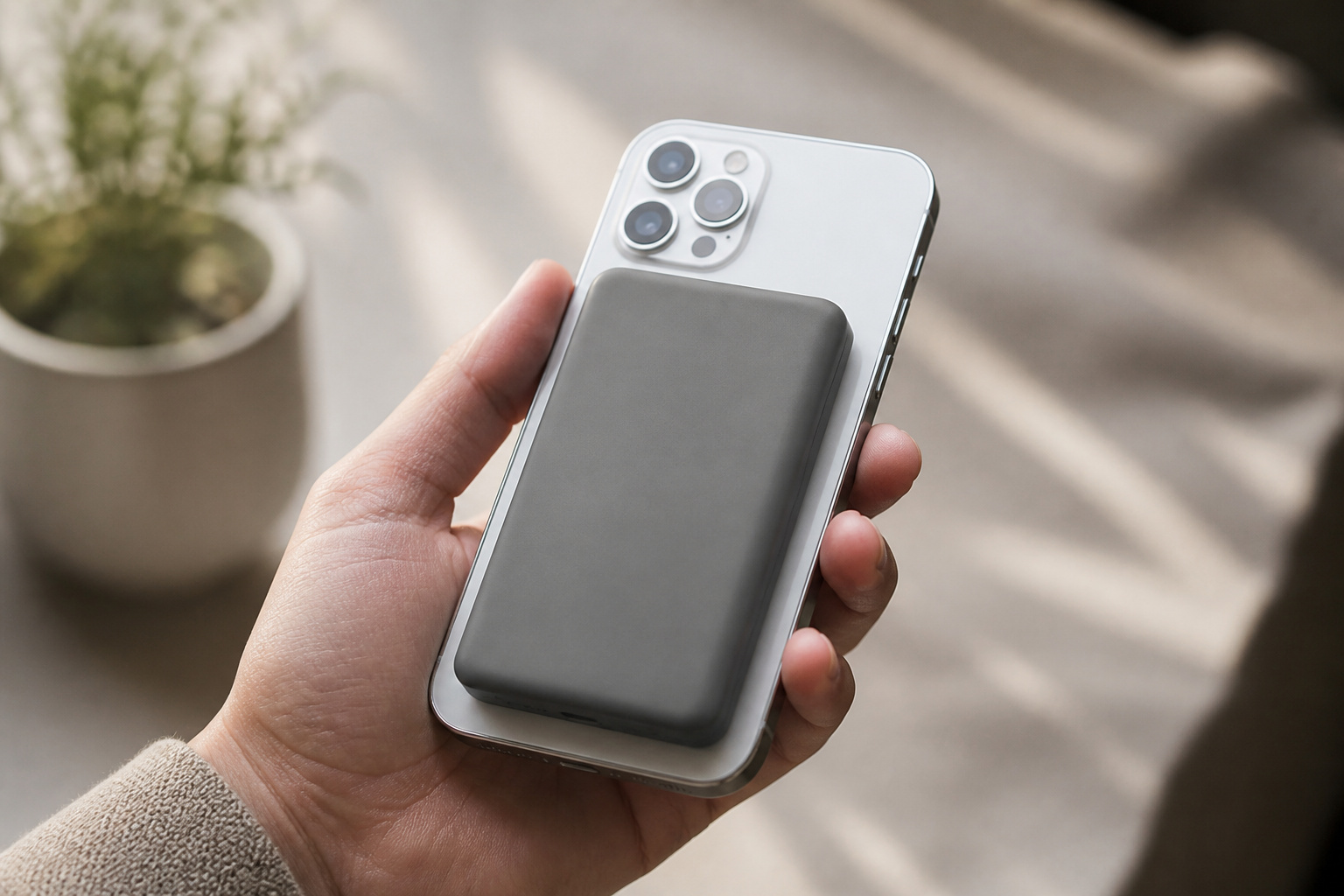
Magnetic banks snap onto the back of an iPhone with MagSafe, or onto Android phones that support the Qi2 standard, and charge without a cable. They are the most convenient option for short top-ups. They also have trade-offs. Wireless charging is slower than a cable and loses more energy as heat, so a magnetic bank delivers fewer full charges than a wired bank of the same size. A thick or non-magnetic case can also weaken the connection.
If you use an iPhone and want cable-free charging, see our guide to magnetic power banks for specific models. Many magnetic banks also have a USB-C port, which gives you a fast wired option when you need it.
Recommended Products
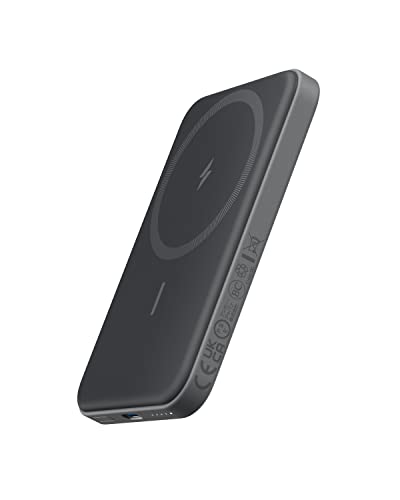
Smaller Than Ever: Anker's new MiniCell technology delivers identical charging performance with fewer components. This means it's smaller and lighter than ever before
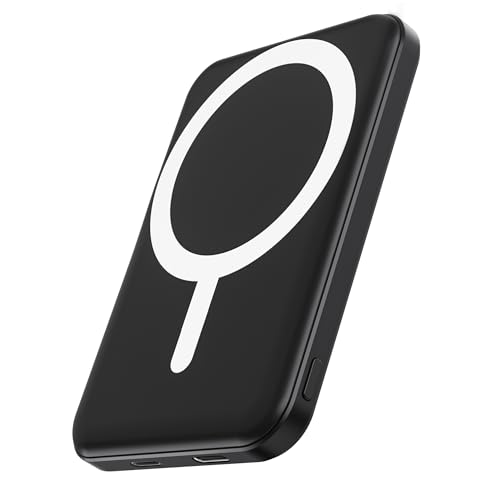
Great Compatibility: This podoru magnetic power bank with the remarkable 5000mAh battery designed for iPhone Duo, iPhone 18 Pro, iPhone 18 Pro Max, iPhone air, iPhone 17, iPhone 17 Pro, iPhone 17 Pro Max, iPhone 16, iPhone 16 Plus,iPhone 16 Pro, iPhone 16 Pro Max,iPhone 15, iPhone 15 Plus, iPhone 15 Pro, iPhone 15 Pro Max, iPhone 14, iPhone 14 Plus, iPhone 14 Pro, iPhone 14 Pro Max, iPhone 13, iPhone 13 mini, iPhone 13 Pro, iPhone 13 Pro Max, iPhone 12, iPhone 12 mini, iPhone 12 Pro, and iPhone 12 Pro Max

【Ultra-Slim 10000mAh Power】Max Power, Zero Bulk – Ideal for Travel & Daily Carry Ditch the brick-like chargers. With a capacity twice that of many 5000mAh minis, this slim power bank easily slips into your pocket or bag, making it the perfect travel essential for flights, commutes, or a night out . It provides about 1.8 charges for an iPhone, ensuring you never run out of juice during a busy day
Safety, Certifications, and Recalls
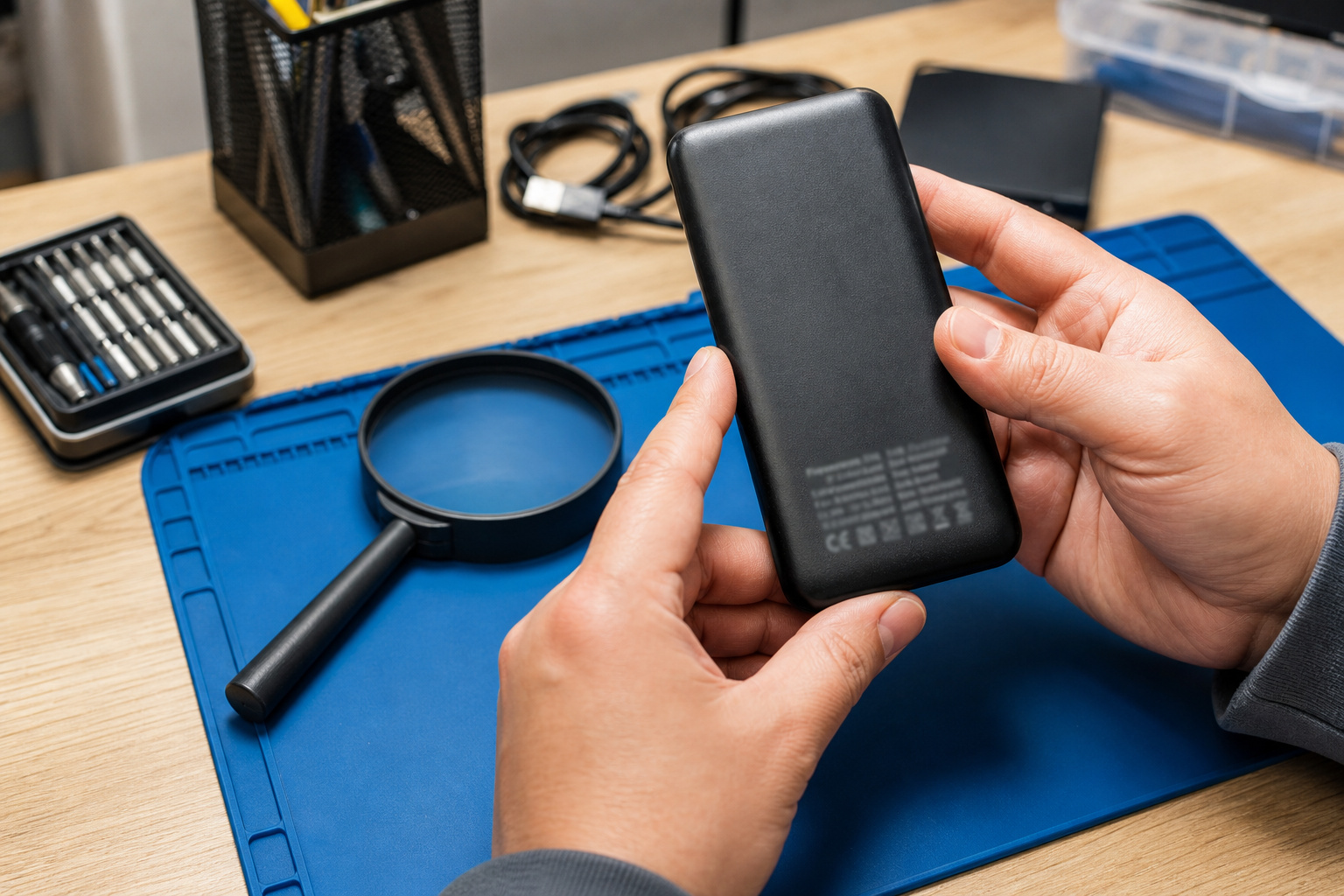
A power bank stores a lot of energy in a small space, so build quality matters. Look for protection against overcharging, overheating and short circuits, and for a safety listing from a recognized lab. UL 2056 is the safety standard for power banks, and a listing is only meaningful if it applies to the exact product you are buying, not just the brand.
Even well-known brands have recalls. The U.S. Consumer Product Safety Commission announced a recall of about 481,000 Anker power banks in September 2025 after more than thirty reports of fires and explosions, covering models sold between August 2023 and June 2025. Before you buy, and again if you already own a bank, search the model number on the CPSC recall page. If you own a recalled unit, stop using it and follow the manufacturer’s disposal instructions rather than throwing it in the trash.
A few habits lower risk with any bank. Do not leave it in a hot car or in direct sun, stop using it if it swells or becomes unusually hot, and avoid charging it under a pillow or on a bed.
Flying With a Power Bank
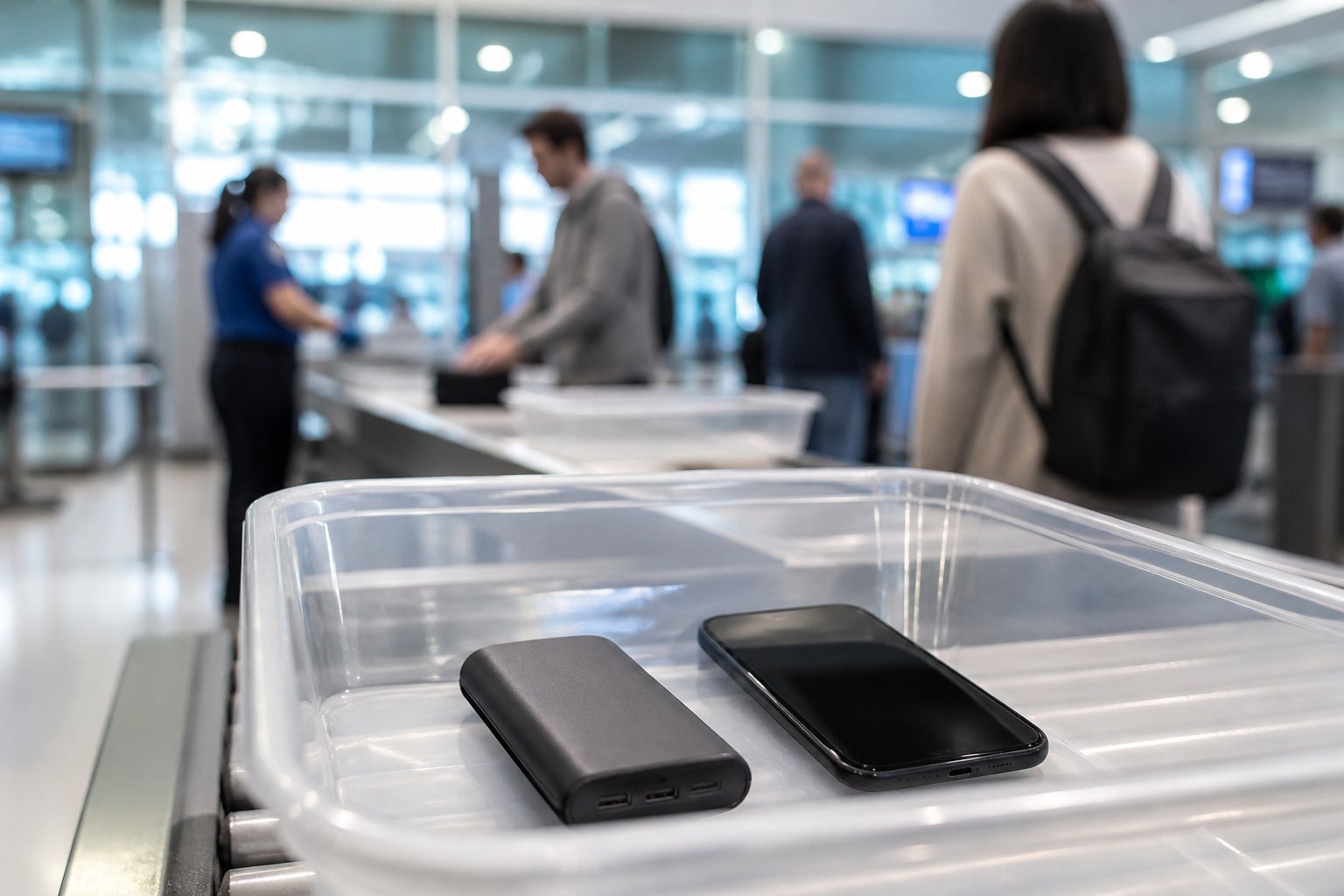
The TSA allows power banks in carry-on bags only, never in checked bags. Banks of 100 watt-hours or less, which is about 27,000mAh at 3.7V, can be carried without special approval. Banks between 101 and 160 watt-hours need airline approval and are limited to two per person. Anything above 160 watt-hours is not allowed on passenger aircraft.
Rules about using a power bank during a flight are tightening. An international update effective March 27, 2026 calls for power banks to be carried in the cabin, limits travelers to two, and says they should not be recharged on board or used to charge other devices. Some airlines go further and ban in-flight use entirely, including Qantas and Jetstar, and the Lufthansa Group. Policies vary by carrier and change often, so check your airline’s page before you fly.
Matching a Power Bank to How You Use It
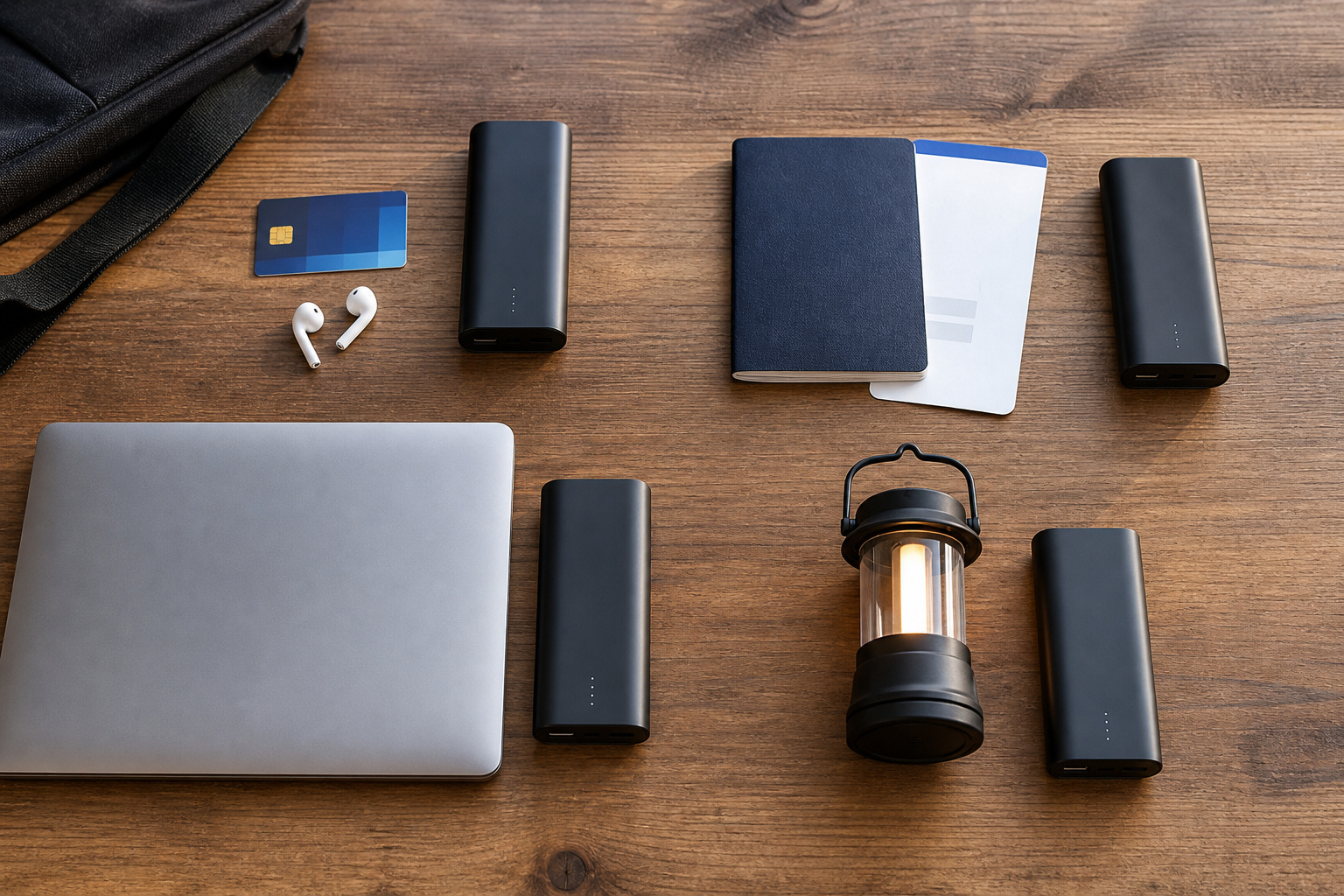
Once you know the specs, the choice usually comes down to one of four profiles:
- Daily commuter: a slim 5,000 to 10,000mAh bank with USB-C and a built-in cable or a magnetic back.
- Frequent traveler: a 10,000 to 20,000mAh bank with PD output, a display, and a clear safety listing that fits airline limits.
- Laptop user: a bank with a USB-C PD port that matches your laptop’s charger wattage, usually 20,000mAh or more.
- Camping or emergencies: a larger bank with a flashlight and rugged case, kept charged and stored away from heat.
Recommended Products

Slim Size, Big Power: One of the slimmest and lightest 10,000mAh portable chargers on the market. Provides 2 charges for iPhone 15, 1.93 charges for Galaxy S23, and 1.23 charges for iPad mini 6.

[MINI SIZE. ULTRA PORTABLE CHARGER]: Roughly the size of an AirPods Pro case, this smallest power bank packs 10,000mAh of long lasting power into a tiny, nano footprint. Easily slide this ultra slim, credit card size charger into your skinny jeans, a pocket, or a small purse for a night out at a concert or Disney—giving students, women, and men maximum high capacity backup power with zero bulk.

Dust/Water Resistant Charging Brick: Our portable power bank is rated IP67 for dust and water resistance when port cover is securely closed
Frequently Asked Questions
How Long Does It Take to Recharge a Power Bank?
It depends on capacity and input wattage. A 10,000mAh bank on a 20 to 30 watt charger often fills in a few hours, while a bank limited to a slow 5 or 10 watt input can take most of a day. Check the maximum input wattage on the spec sheet and pair it with a wall charger that can deliver it.
Can I Use a Power Bank While It Is Charging?
Only if the manufacturer says it supports pass-through charging. Some models handle it well, while others run hot or charge more slowly. If the manual does not mention it, treat it as unsupported.
How Many Times Can a Power Bank Be Recharged?
Lithium cells wear out gradually. Many manufacturers rate their banks for around 500 full charge cycles before capacity drops noticeably, and some claim more. In daily use, that is typically a few years. Heat, deep discharges, and constant fast charging shorten that lifespan.
Will One Power Bank Work With All My Devices?
Most USB power banks charge any device that uses a standard USB cable, but speed varies. A phone will charge on almost any bank. A laptop, tablet or fast-charging phone needs a USB-C PD port with enough wattage, and a few devices with proprietary charging may not reach full speed at all.
Is It Safe to Leave a Power Bank Plugged In Overnight?
Quality banks stop charging when full, but any lithium battery is safest when it can shed heat. Charge it on a hard surface, away from bedding, and unplug it if it feels hot or looks swollen.
Closing Thoughts
Start with how you will use the bank, then work backward. Pick a capacity that fits your devices after real-world losses, an output that matches the fastest thing you need to charge, a size you will carry, and a safety listing you can verify. Check recall notices and airline rules before you buy or travel, and a power bank will be one of the most useful things in your bag.