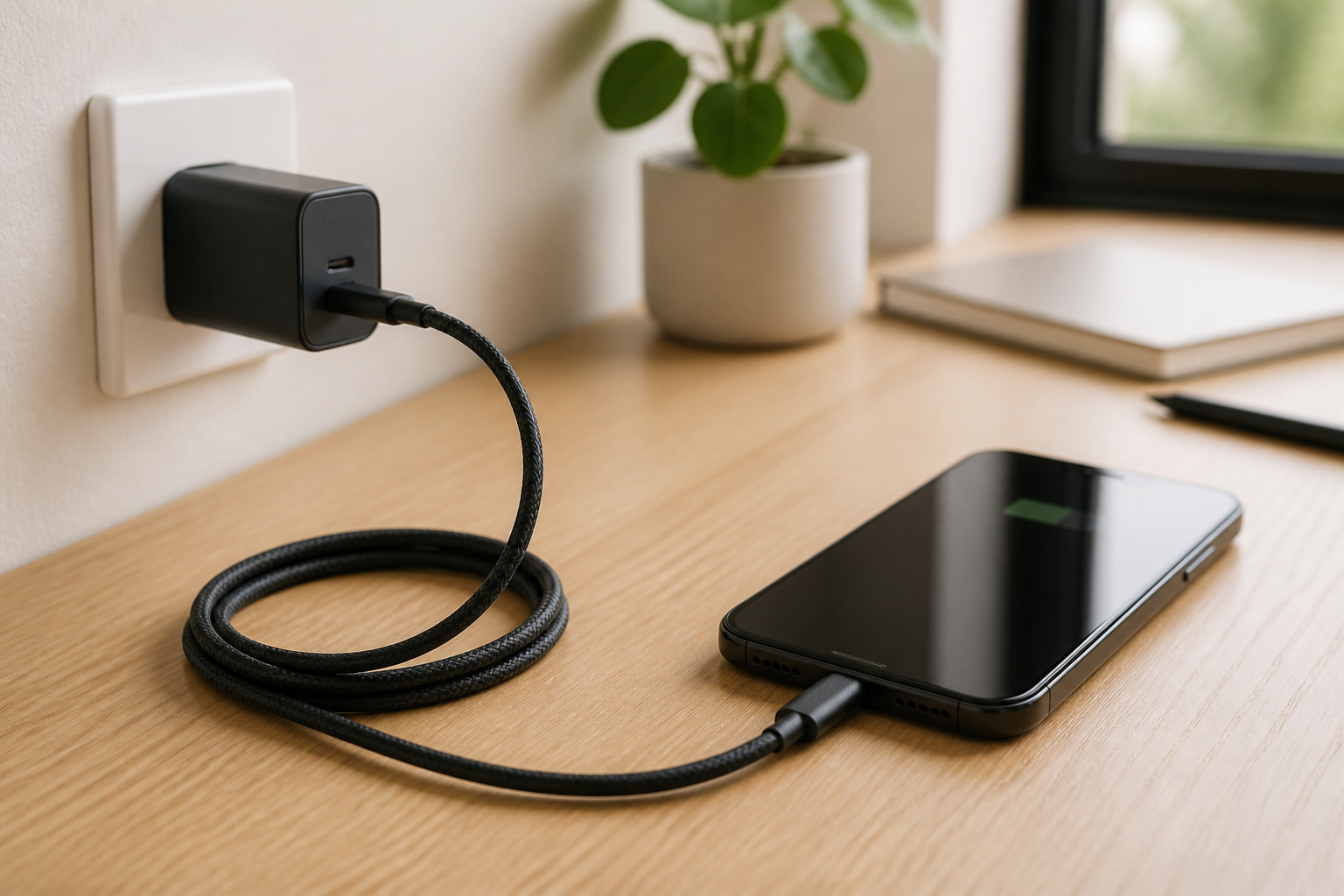
Phone charging looks simple until your phone takes two hours to fill from a charger that should have done it in one. The charger, the cable, and the phone all negotiate how much power to use, and the slowest of the three sets the speed. Most slow charging comes from a mismatch you can fix for a few dollars, not from a bad phone.
This guide walks through the choices in order: how many watts you need, what USB Power Delivery means, why the cable matters, whether GaN is worth caring about, and how wireless charging compares. If you are choosing a phone as well, our iPhone guide and Android phone buying guide cover the rest of the decision.
How Many Watts Does Your Phone Actually Need?
Watts are a charger’s speed rating, and your phone only takes what it can use. A more powerful charger will not push extra power into a phone that cannot accept it, so the question is whether your charger is big enough, not whether it is too big. For iPhones, Apple’s fast charging page gives the clearest numbers, shown here as the time to reach 50 percent.
| iPhone | Apple’s wired figure to 50 percent | Adapter Apple lists |
|---|---|---|
| iPhone 18 Pro and Pro Max | Up to 50 percent in around 15 minutes | Apple’s 40W Dynamic Power Adapter (60W max) |
| iPhone Duo | About 20 minutes | Apple’s 40W Dynamic Power Adapter (60W max) |
| iPhone 17, 17 Pro, 17 Pro Max | About 20 minutes | 40W or higher |
| iPhone 17e and iPhone Air | About 30 minutes | 20W or higher |
| iPhone 15 and later | Fast charging supported | 18W or higher |
Apple adds that comparable third-party adapters that support USB Power Delivery can work, and that fast charging may not work when the phone is too hot or too cold. Android phones vary much more by brand and model, so check the manufacturer’s spec page for the maximum charging wattage and buy a charger that meets it. Many phones no longer include a charger in the box, so factor one in.
Recommended Products

【2-in-1 Universal Compatibility】:Multi-port USB-C wall charger works with all devices featuring USB-C and USB-A ports, serving as your go-to charging solution for digital life.

FAST CHARGING TECHNOLOGY: Our Compact USB-C wall charger supports fast charging of many devices, powering an iPhone 16 Pro from 0-50% in 28 minutes or a Samsung S23 in 30 minutes or less*; spend less time plugged in & more time connected to your day

Universal High-Speed Charging: PowerIQ 3.0 ensures rapid charging for USB-C phones, tablets, and more with fast charging capabilities.
What Is USB Power Delivery and Why Does It Matter?
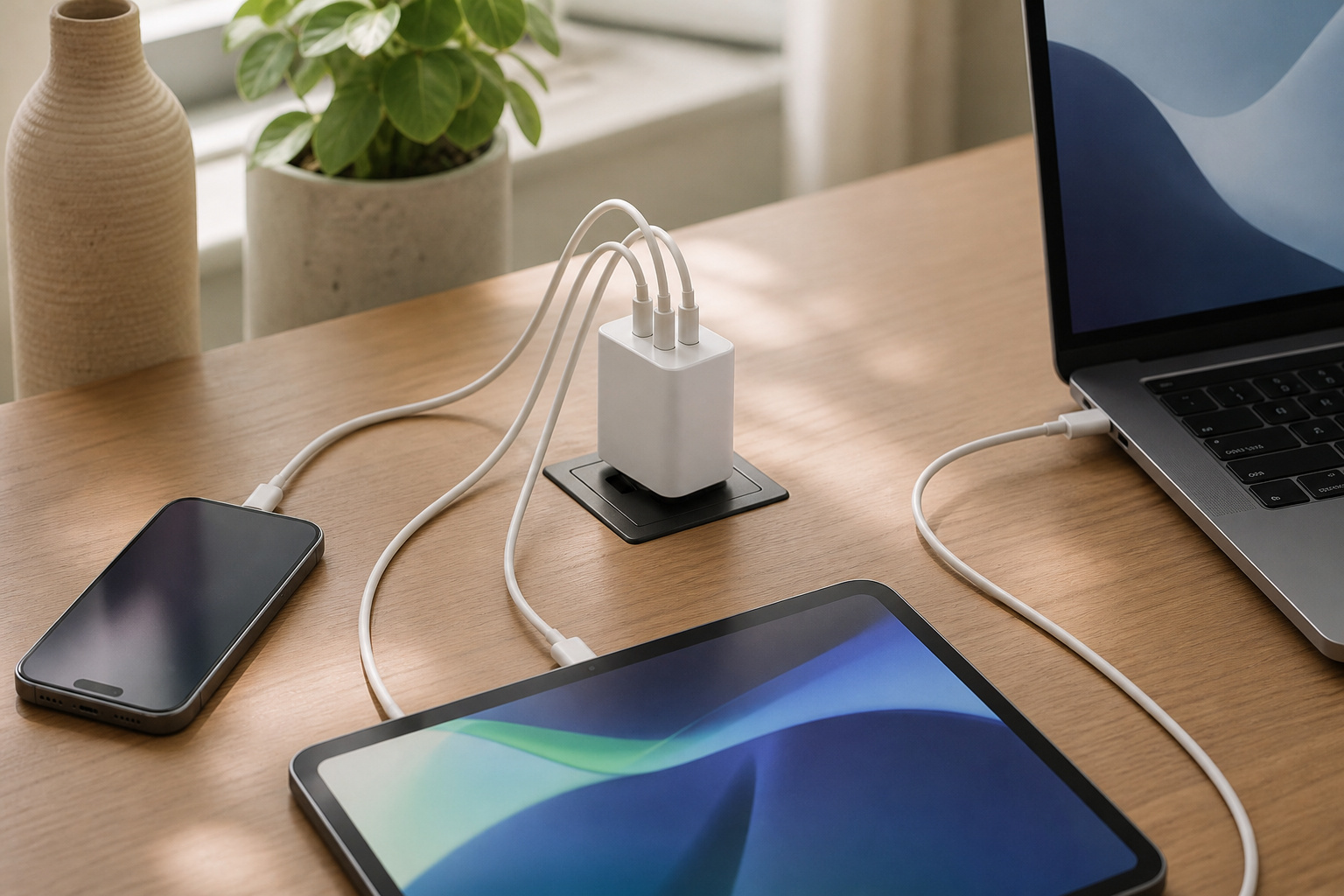
USB Power Delivery, usually shortened to PD, is the common language that lets a USB-C charger and a device agree on voltage and current. It is what lets one USB-C charger power a phone, a tablet, and a laptop, each at a different speed. When a charger supports PD, the device asks for higher voltages fast charging needs.
PD isn’t the only fast-charging system, and a few brands have their own versions, so a phone may charge at full speed only on the right protocol. The safest buy is a charger that lists USB Power Delivery, and that’s built for the wattage you want. For a plain-language comparison with the other main system, see our explainer on PD versus Quick Charge, written for car chargers but applies the same way at home.
Does the Cable Matter as Much as the Charger?
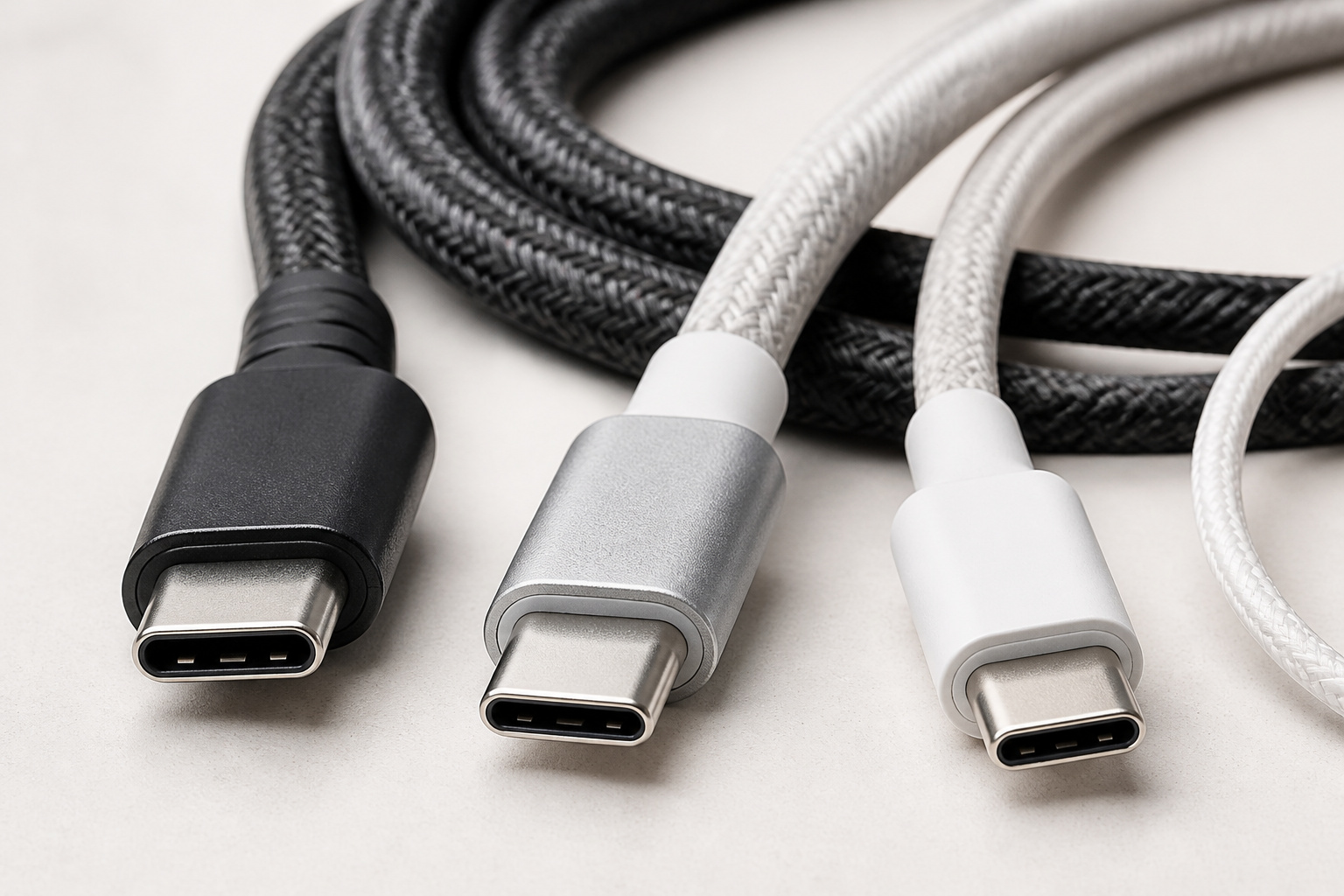
Yes, and it is the part people skip. Every USB-C cable has the same connector, but do not carry the same power or data speed. A cable built for low power can hold a fast charger back, which is a common reason a new charger seems no faster than the old one.
The USB Implementers Forum, which sets the standard, introduced packaging logos showing whether a certified cable supports 60W or 240W of power delivery, as Tom’s Hardware reported in 2021. Uncertified cables may support the same specs, but the logo is the easiest check. Cables rated for higher wattages generally contain a small chip that tells the charger what the cable can handle. For a phone, a 60W cable is plenty. For a laptop, match the cable to the charger’s wattage.
Power rating and data speed are separate. A cable can charge quickly and still transfer files slowly, and the reverse. If you move photos and video to a computer, look for a cable that states its data speed and watts. For iPhones with USB-C, Apple advises using the cable that comes in the box.
Recommended Products

Durable Design: Reinforced nylon exterior and a robust core ensure this cable withstands up to 5,000 bends, outlasting other brands

60W Fast Charging: Designed as a replacement for the original Switch 2 AC adapter, this 60W charger can rapidly power up your Switch 2, Switch, Switch OLED, Switch Lite, and Steam Deck. The charger adapter will charge your switch 2 from 0% to 50% in 1 hour

【60W Super Fast Charging】This USB C Cable 10FT supports PD3.0/QC3.0/QC4.0 fast charging up to 60W (20V/3A) and works with USB-C Power Delivery adapters such as 30W/45W/60W. Charges USB-C phones from 0% to 80% in 35 minutes, For iPad Pro to 64% in 35 minutes,For Macbook air to 50% in 35 minutes, with data transfer speeds up to 480Mbps (1200+ songs per minute sync)
Is a GaN Charger Worth It?
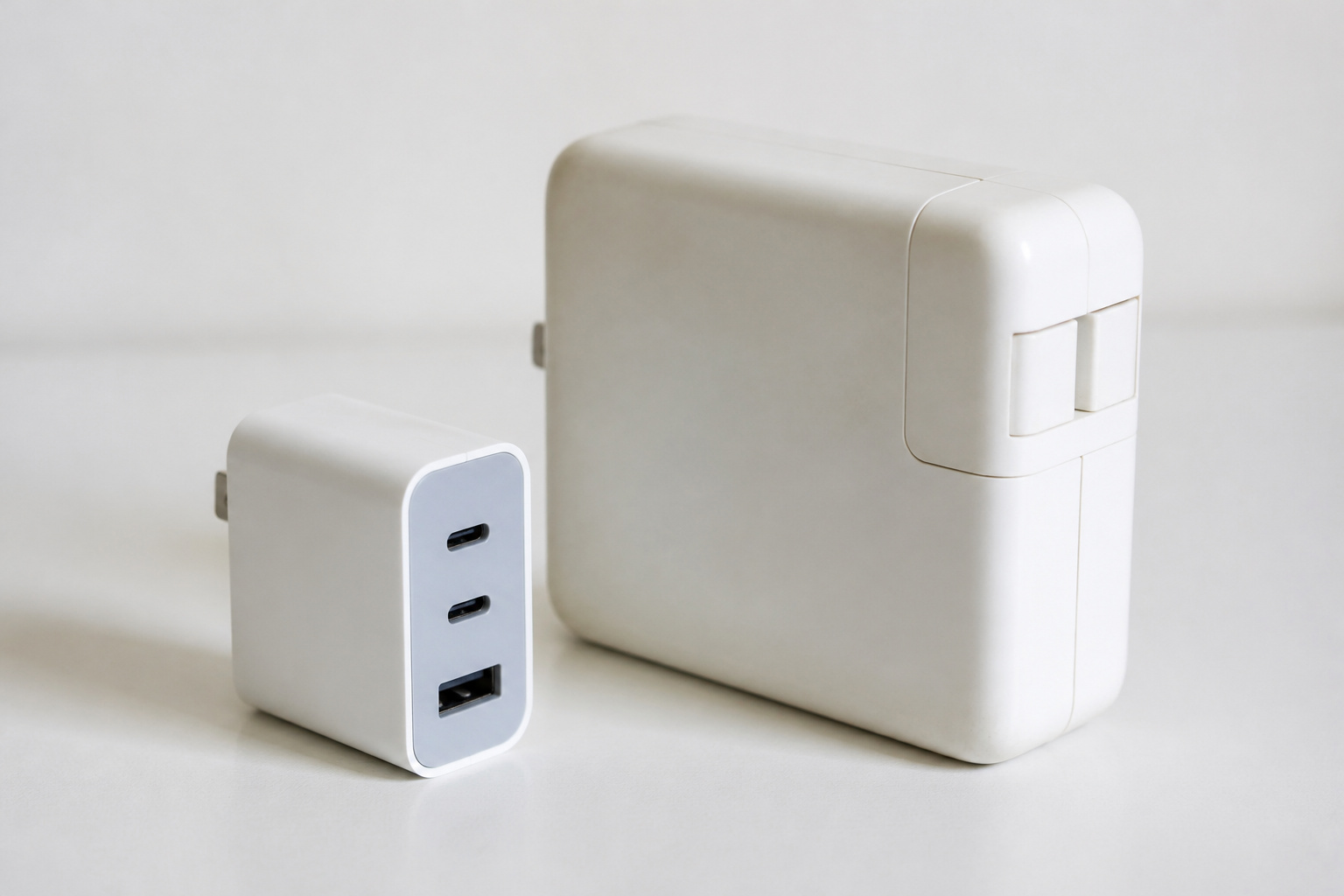
GaN stands for gallium nitride, a material that replaces the silicon in the charger’s internal components. According to Android Authority’s explainer, GaN chargers are generally smaller, run cooler, and are more efficient, which makes it easier to build chargers with several ports. A GaN charger that powers a laptop and a phone at once can be about the size of a basic phone charger.
Two cautions apply. GaN describes the material, and PD describes the charging standard, so not every GaN charger supports PD, and not every PD charger uses GaN. And if a charger you already own is meeting your needs, you do not have to replace it just to have GaN. It is worth choosing for travel, for a charger that powers a laptop, or when you want one compact charger for several devices.
Recommended Products

【Supports 100‑240V Voltage input 】A 6 IN 1 Upgraded USB C Power Block with triple USB-C ports and triple USB-A ports.It allows users to charge up to 6 devices simultaneously, twhile its incredibly compact size and high efficiency minimize waiting time.This design lets users conveniently charge phones, tablets, cameras, power banks, and various devices all at once, Ideal for home, office and on the go.

The USB C Charger supports the Power Delivery and Quick Charge 3.0 fast charging functions with a total power of up to 65W.The USB-A port offers an output power of 3 A/5 V,while the USB-C port offers a charging speed of 30W(Single charging port).Charge for your iPhone devices from 0% to 60% in just 30 minutes.

Ultra-Powerful Charging Station: Experience the convenience of powering six devices at once with Anker Prime charging station's ultra-powerful 200W output.
How Do Qi2 and MagSafe Wireless Charging Compare With a Cable?
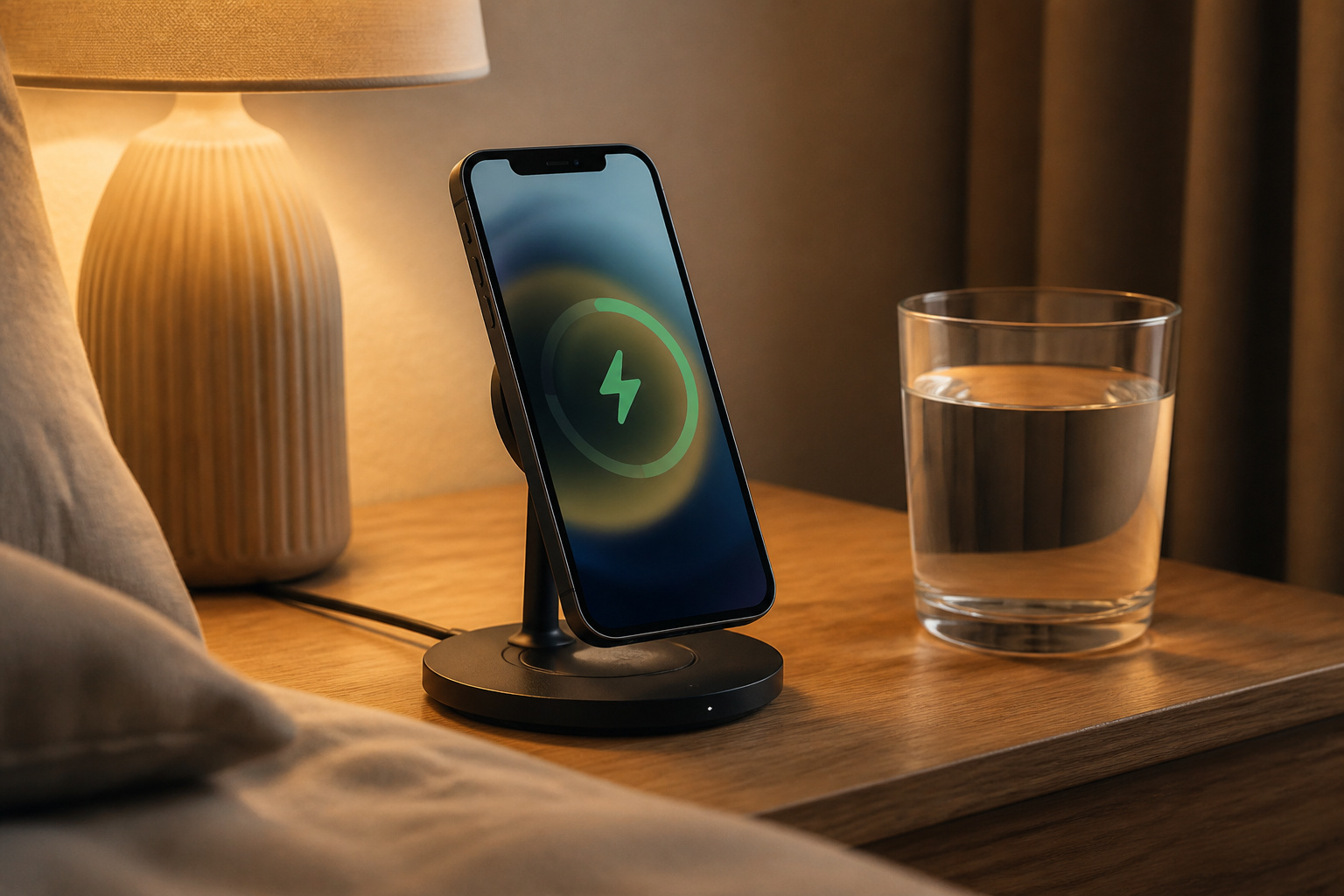
Wireless charging is convenient and still slower than a good wired setup in most cases. The newer standard, Qi2, adds magnets that line the phone up with the charger, which the Wireless Power Consortium says improves efficiency and speed. Qi2 supports 15W, and the 25W version, introduced with Qi v2.2.1 in July 2025, is marketed as Qi2 25W and can take a phone from 0 to 50 percent in about 30 minutes, according to the Wireless Power Consortium. Only certified products may carry the Qi2 logo, and the consortium keeps a database of certified products you can check.
For iPhones, MagSafe is Apple’s magnetic charger. It needs a strong adapter. Apple lists a 30W or higher adapter for MagSafe charging on the iPhone 16, 17, and Air, and a 35W or higher adapter for the iPhone 18 Pro models and Duo, which it says reach 50 percent in about 30 minutes. Older iPhones top out at 15W. A wireless charger on a weak adapter charges slowly no matter how good the pad is.
Wireless charging suits a nightstand, a desk, or the car, where you drop the phone down all day. For a quick top-up before you leave, a cable and a PD charger still win. If you want magnetic charging on the go, see our guide to magnetic power banks, and for the car, our guide to MagSafe car mounts.
Recommended Products

[Qi2.2-Certified 25W Ultra-Fast Charging]- Unlock true 25W high-speed wireless charging with official Qi2.2 25W certification. Charge your iPhone 17 Pro Max to 50% in just 37 minutes. For optimal 25W performance, use a 25W or higher PD adapter (30W adapter included). iPhone 15 series and earlier are limited to a maximum of 15W

25W Fast Charging: This Qi2.2 certified wireless charger experiences up to 25W wireless charging for the iPhone 17 and iPhone 16 series, powering your iPhone 17 Pro Max from 0% to 50% in just 30 minutes. Delivering up to 67% faster charging than standard 15W wireless chargers, it also supports up to 15W charging for iPhone 12–15 series. ✅Requires a 45W or higher USB-C PD charger (sold separately). For Optimal Charging: Use a MagSafe-compatible case less than 3 mm thick. Thicker cases may reduce charging speed

QI2.2 CERTIFIED: Delivers up to 25W of fast wireless charging for Qi-enabled phones and devices. Note: For optimal performance, pair with a PD-certified adapter (min. 30W output). Adapter Not Included. NOTE: It doesn't not work if your phone or device doesn't support wireless charging.
Which Charging Setup Fits How You Use Your Phone?
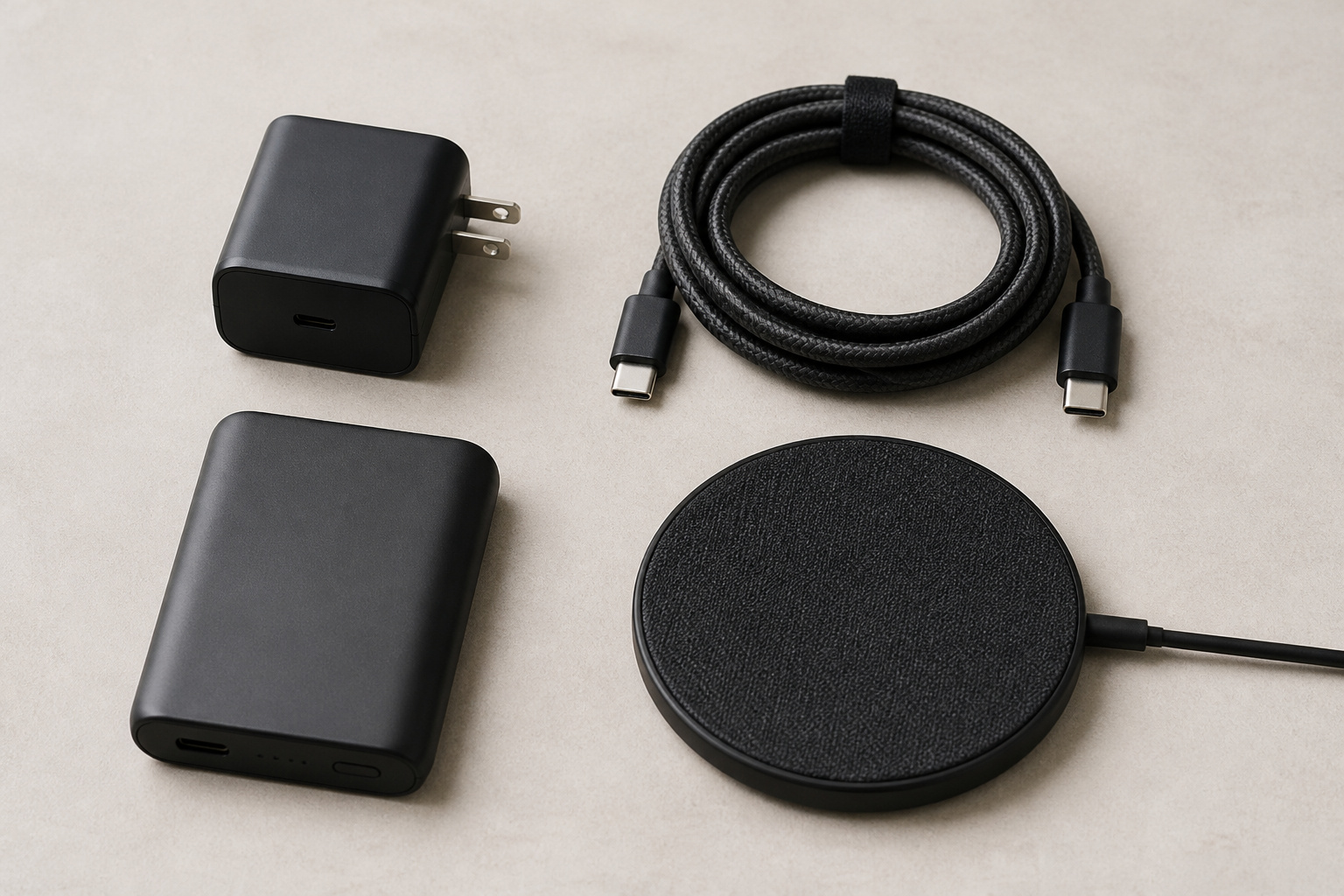
Pick the setup for how you actually charge, not for the biggest number on the box.
- Phone only, at home: One PD charger sized to your phone’s rating and one good cable is all you need. Do not overbuy.
- Phone and laptop: A single multi-port GaN charger with enough total wattage for both, checking whether the stated wattage is split when two ports are in use.
- Travel: A compact GaN charger, a short cable, and a power bank cover a day away from an outlet.
- Nightstand or desk: A Qi2 or MagSafe stand on a strong adapter keeps the phone charged without fumbling for a cable.
- Family or shared spaces: A multi-port charger saves outlets, but add up the devices that charge at once and make sure the total wattage covers them.
- In the car: Use a PD-capable car charger. Our guide to USB-C versus USB-A car chargers explains the choice.
Recommended Products
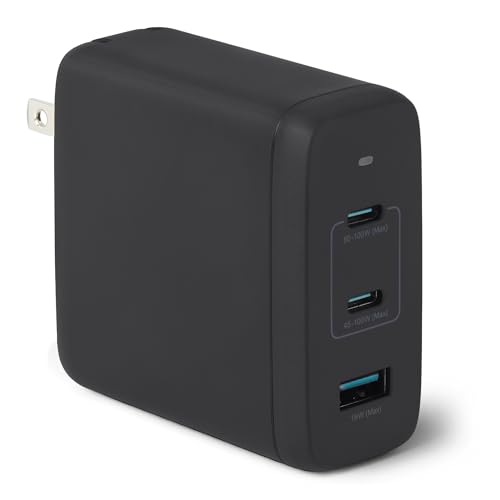
IN THE BOX: 1 Amazon Basics 120W GaN USB-C charging adapter in Black with foldable plug & wall mount design; charging cable sold separately

【4 USB-C & 4 USB-A Ports Independently Charging 8 Devices at Once】We USB C Charger Block Unlike most chargers with false advertising and outputs that slow down when multiple ports are used, We USB C charging stations feature 8 independent output ports, ensuring all devices can charge simultaneously at full speed without power sharing and disconnection. this 8-in-1 charging station will reduce your accessories burden and help you create an organized and clean desktop.

CHARGE 4 DEVICES: Compared to cell phone wall chargers with only one charging port, our 112W charger has 3 USB-C ports and 1 USB-A port to charge up to 4 devices at once with its 4-port design; Charge your MacBook, smartphone, and more simultaneously
What Should You Check Before You Buy a Charger or Cable?
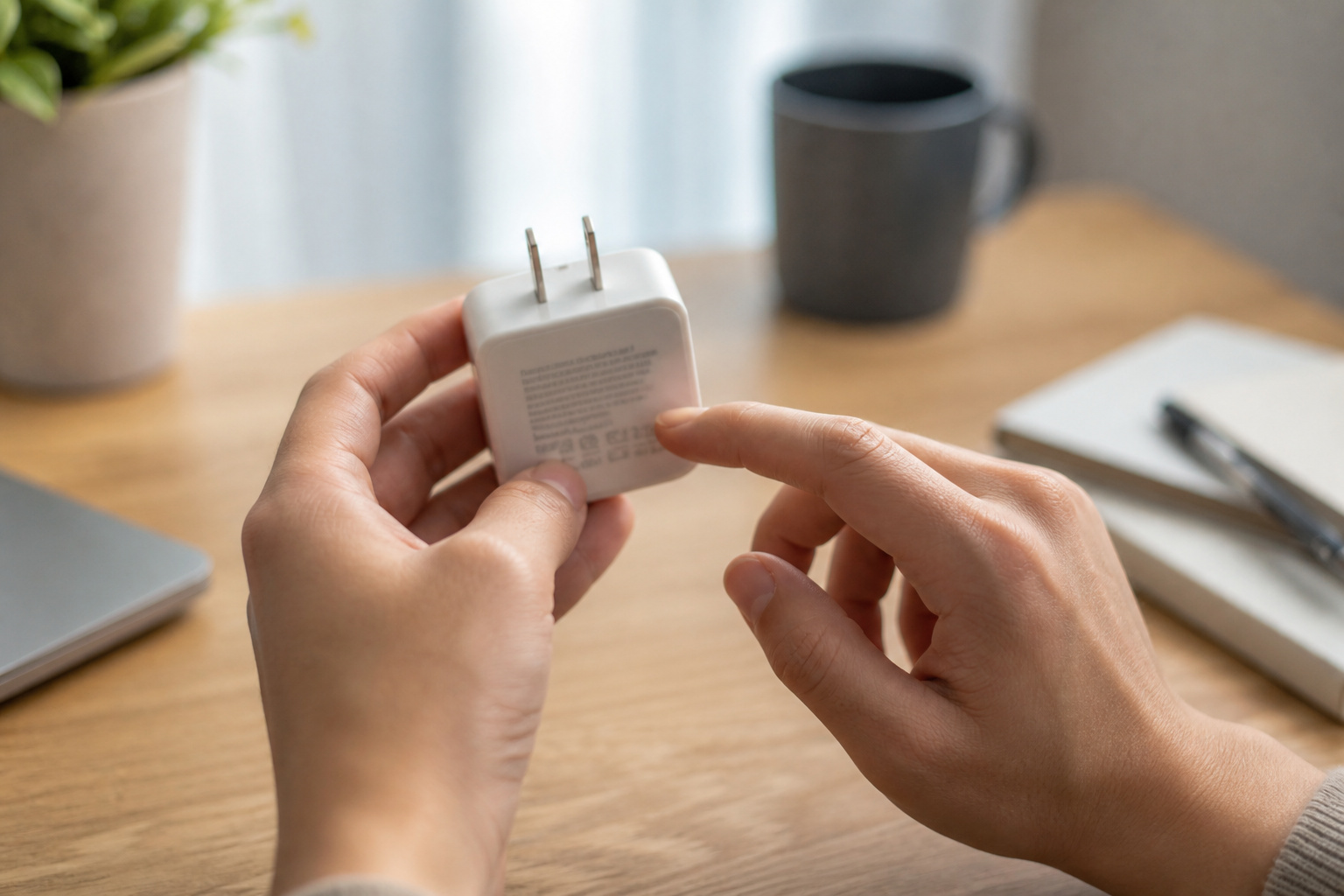
Look for a charger that lists USB Power Delivery and a wattage that meets your phone’s rating, and buy from a brand that states its safety certifications. A charger carries mains voltage, so unbranded chargers with no stated certification are a poor place to save money. Check the port count and how the wattage is shared when several ports are in use. For cables, look for a stated power rating and, if you move files, a stated data speed.
If your phone charges slowly, change one thing at a time. Try a different cable first, since it is the cheapest suspect, then a different charger, and check that the phone is not hot. Our guide to why a car charger charges slowly follows the same steps for the car.
Frequently Asked Questions
Can a Higher-Watt Charger Damage My Phone?
Not when the charger supports a proper standard such as USB Power Delivery. The phone and charger agree on the power level, so the phone draws only what it can handle. The risk comes from uncertified, unbranded chargers, not from a charger with a bigger wattage number.
Can I Use My Laptop Charger to Charge My Phone?
Usually yes, if it is a USB-C charger that supports Power Delivery. The phone will request only the power it needs, so a laptop charger charges it at the phone’s maximum speed. Use a cable rated for the charger’s power, and check the phone maker’s guidance if you are unsure.
Is Fast Charging Bad for My Battery?
Heat is the main enemy of battery health, and fast charging produces more of it, but phones manage this by slowing the rate as the battery fills and when the phone gets warm. Apple notes that fast charging may not work when the phone is too hot or too cold. Keeping the phone out of direct sun and off soft surfaces while it charges does more for it than avoiding fast charging.
Why Is My Phone Charging So Slowly?
Slow charging can be caused by a low-power charger, a cable that cannot carry the power, a worn or dirty charging port, or a hot phone. Swap the cable first, then the charger. If lint is clogging the port, carefully clean it with a wooden or plastic pick. If none of that works, the battery may be worn.
Can I Use Any USB-C Cable With My Phone?
Any USB-C cable will fit, but not all cables are equal. Cheap cables may charge slowly or transfer data slowly, and they can limit a fast charger. Choose a cable with a stated power rating, and for an iPhone with USB-C, Apple says to use the cable that comes in the box.
Closing Thoughts
Start with your phone’s maximum charging wattage, then choose a USB Power Delivery charger that meets it and a cable rated to match. Add GaN if you want a smaller charger or one for several devices, and Qi2 or MagSafe if you want wireless convenience at a desk or nightstand. Fix a slow charge by changing one thing at a time, starting with the cable.