Every new phone chip arrives with a headline benchmark score, and every year the chip with the biggest number is not always the one that plays games best. A game runs for twenty minutes, not twenty seconds, and a chip that starts fast but overheats can end up slower than a cheaper chip that stays cool.
This guide explains how to judge a phone for gaming: what peak and sustained performance mean, how the main chip families compare, how much chip you actually need, and how to keep a phone cool. The test data comes from named reviewers, and chips change every year, so use it to learn what to look for, not as a permanent ranking.
Does the Chip Name Matter for Mobile Gaming?
Less than the marketing suggests. A chip’s peak speed only tells you how fast it can run for a short burst. What determines your experience in a long session is how much of that speed the phone keeps. That depends on how well the phone sheds heat.
PhoneArena’s testing of Qualcomm’s Snapdragon 8 Elite Gen 5 shows the gap clearly. On the heavily cooled RedMagic 11 Pro, the chip beat Apple’s A19 Pro in nearly every test. In a conventionally cooled phone, it fell well behind, and under sustained load it performed slower than the previous year’s chip. The author’s takeaway is that cooling design can matter as much as the chip itself. Peak scores can overstate what you will feel in a long game.
What Is Sustained Performance, and How Do You Check It?
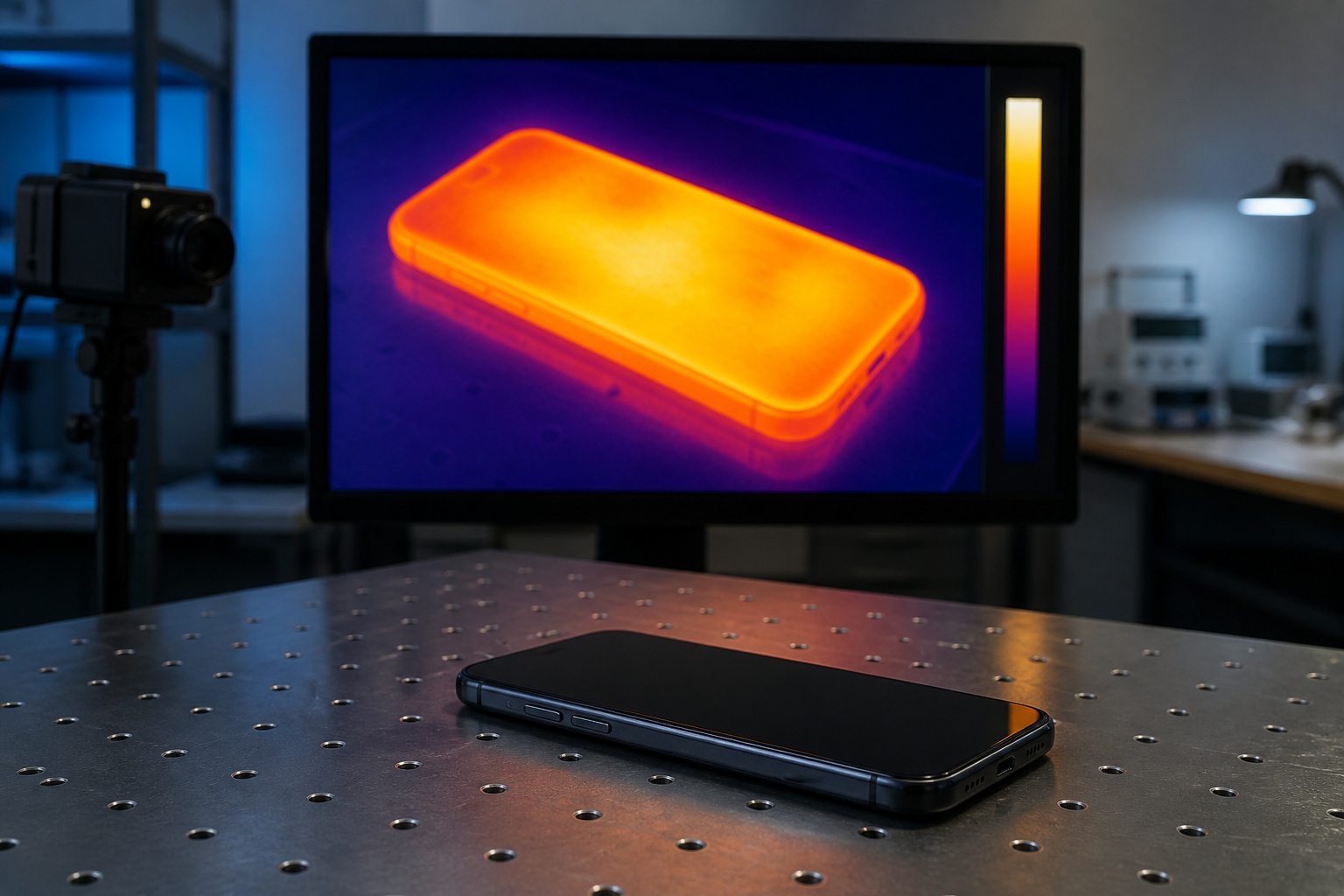
Sustained performance is how fast a phone stays after it heats up. When a chip gets too hot, the phone slows it down to protect itself, which is called throttling. You notice it as dropped frames, stutter, and a phone that is uncomfortable to hold.
Reviewers measure this with stress tests such as 3DMark’s Wild Life Extreme, which runs the same graphics loop about twenty times. The stability score compares the slowest loop with the fastest, so a higher percentage means less throttling. In PhoneArena’s tests, the RedMagic 11 Pro held 80 percent stability with its fan and liquid cooling, while the Nubia Z80 Ultra managed 48 percent and lost more than half its performance by the end, with internal temperatures above 50 degrees Celsius.
When you read a review, look for a stress test or a long gaming session, not just a single benchmark score. A review that reports stability, frame rate over time, or surface temperature tells you far more than one that reports a peak number.
Snapdragon or Dimensity: Which Is Better for Gaming?
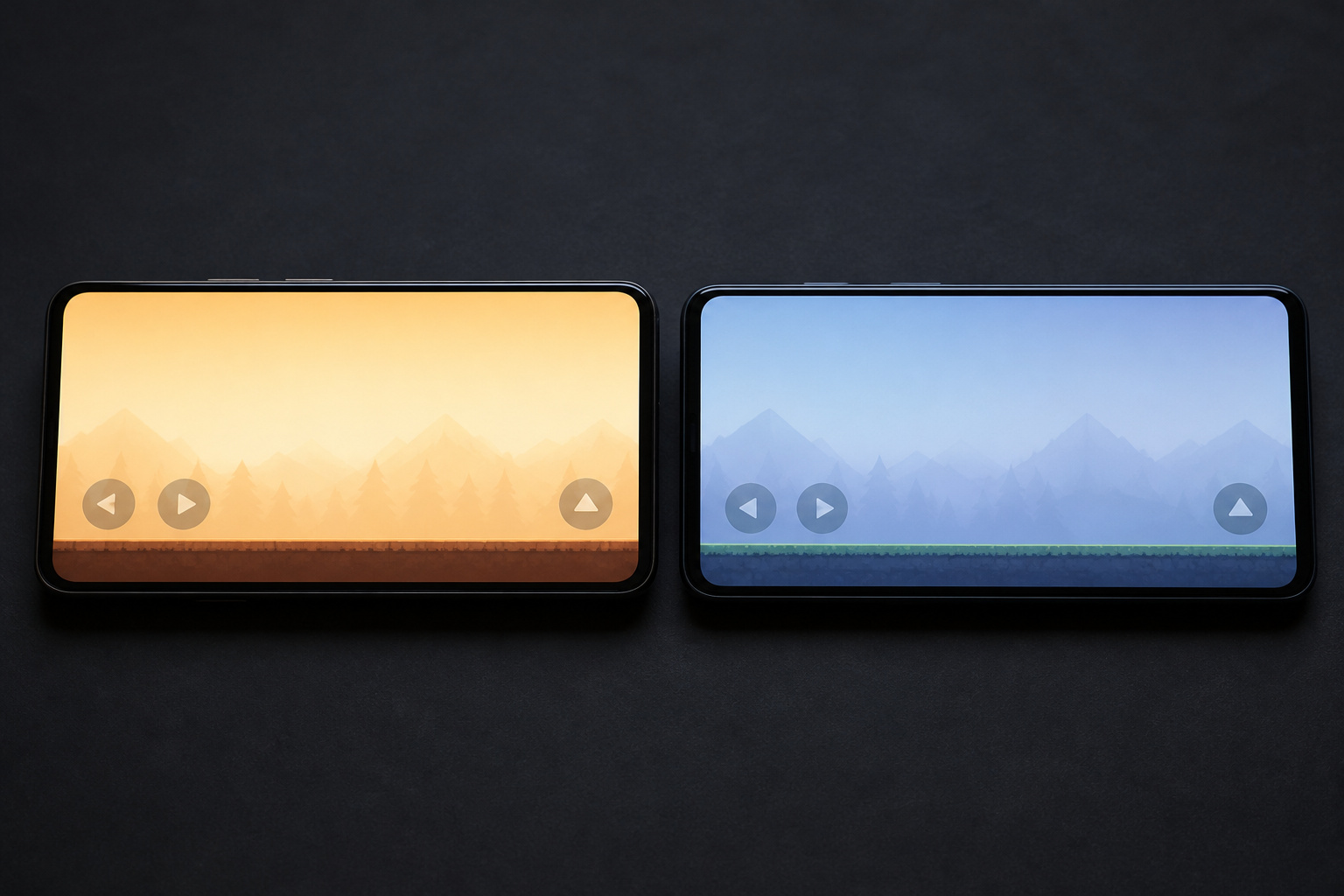
At the top end, Snapdragon has usually led on raw power, and Dimensity has looked more balanced. Android Central’s review of a Snapdragon 8 Elite Gen 5 gaming phone found it posted strong benchmark numbers. The RedMagic 11 Pro shut down mid-stress test even with its fan and liquid cooling running, and it exceeded 52 degrees Celsius in extended play. The Dimensity 9500 in the Vivo X300 Pro stayed under 45 degrees in marathon sessions, which led the reviewer to call it a much more balanced platform.
In the midrange, the picture shifts. In one comparison of the Snapdragon 7 Gen 3 and the Dimensity 7400, the Snapdragon’s GPU scored nearly 49 percent higher in AnTuTu, even though the chips were tested in different phones, and the test was a synthetic benchmark, not a gaming session. The article claimed Dimensity’s efficiency advantage, but it was never measured.
The honest answer is that neither brand wins every time. The chip family roughly tells you how powerful a phone will be, and the phone’s cooling, software tuning, and size decide how that power holds up. Compare reviews of the specific phone you are considering.
How Do Apple and Google Chips Compare for Gaming?
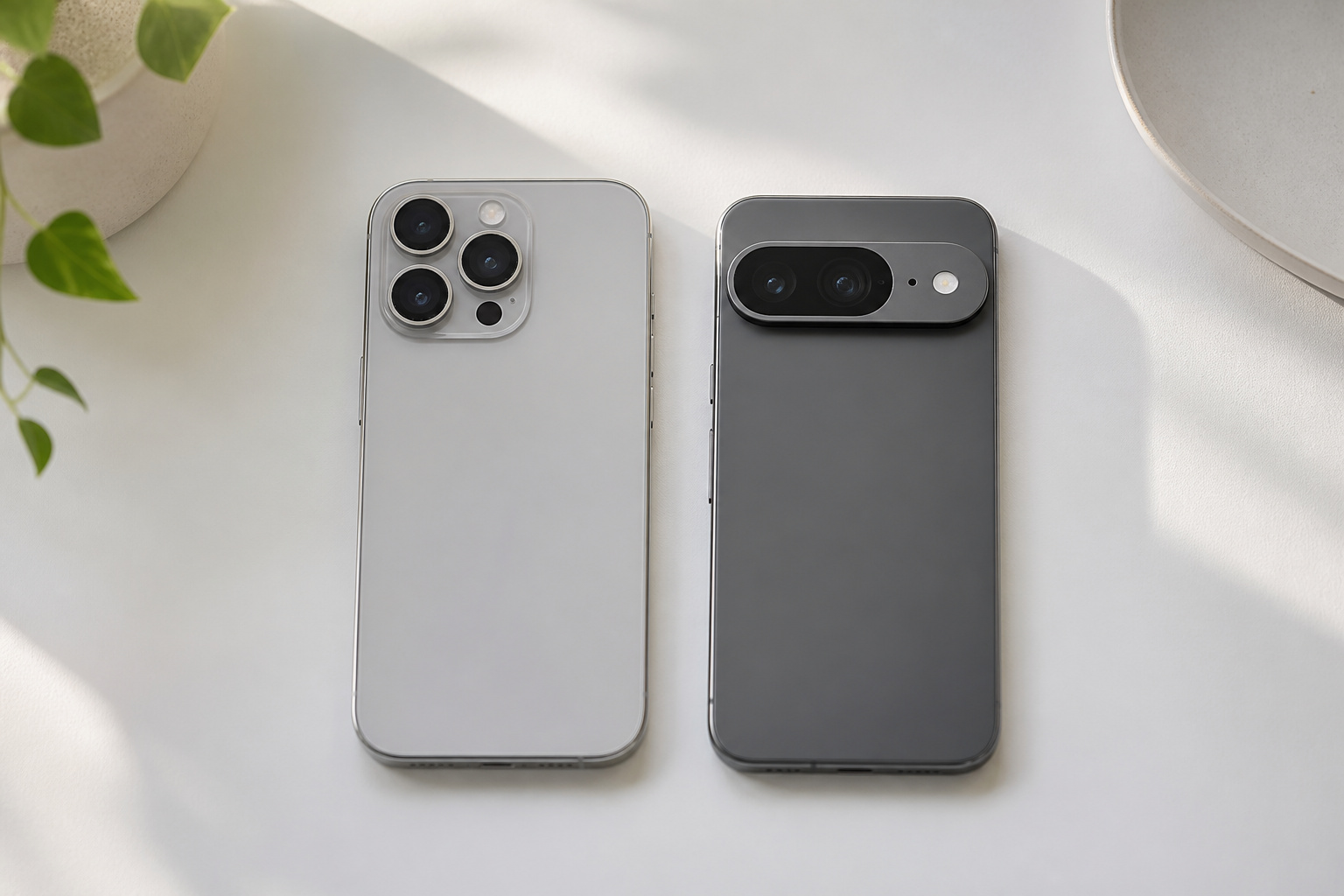
Apple’s chips are known for efficiency, which helps in long sessions. Android Authority called the A19 Pro still unbeatable for efficiency, though it also noted the iPhone 17 Pro Max heats up under load and drains its battery quickly while gaming. Apple added a vapor chamber to the iPhone 17 Pro, and iFixit’s thermal camera tests, as reported by Computerworld, showed the Pro Max peaking around 34.8 degrees Celsius without throttling, compared with about 37.8 degrees and throttling on the previous model. A YouTuber’s test, reported by Notebookcheck, found the phone running Resident Evil 4 at up to 60 frames per second with a thermal state of Fair. That is one person’s testing, but it points the same way.
Google’s Tensor chips are the weak spot for heavy gaming. Android Authority found the Pixel 10’s new GPU can’t hold its peak for long in a twenty-minute stress test, and called the phone satisfactory for light gaming. The Pixel 10 Pro XL’s CPU trailed the best rivals by roughly 30 percent. It is a fine phone for casual games, but not the pick if you play demanding titles for hours. If you are choosing between an iPhone and an Android phone, our iPhone buying guide and Android phone buying guide cover the other trade-offs. The iPhone 17 Pro Max linked below is a renewed listing.
Recommended Products

This phone is unlocked and compatible with any carrier of choice on GSM and CDMA networks (e.g. AT&T, T-Mobile, Sprint, Verizon, US Cellular, Cricket, Metro, Tracfone, Mint Mobile, etc.).
What About the New 2026 Chips?

Early results suggest steady progress, not a revolution. Tom’s Guide tested the Snapdragon 8 Elite Extreme Gen 6 on a Qualcomm reference phone, not a retail model, next to Apple’s A20 Pro in the iPhone 18 Pro Max. Apple kept the single-core lead, and the graphics tests traded blows: the Apple chip led in one 3DMark test and the Qualcomm chip led in Wild Life Extreme. Qualcomm is also pushing AI upscaling and frame generation aimed at power-saving in long sessions, although game engine support was still to come.
Tom’s Guide did not run a long stress test, and the reference phone’s back got hot during a benchmark run, so sustained results for retail Gen 6 phones are still to come. The reviewer advised that people with a phone from the past year or two don’t need to upgrade for the chip alone. Wait for stress-test results from the phone you want before paying for a new generation.
Do You Need a Flagship Chip to Game?
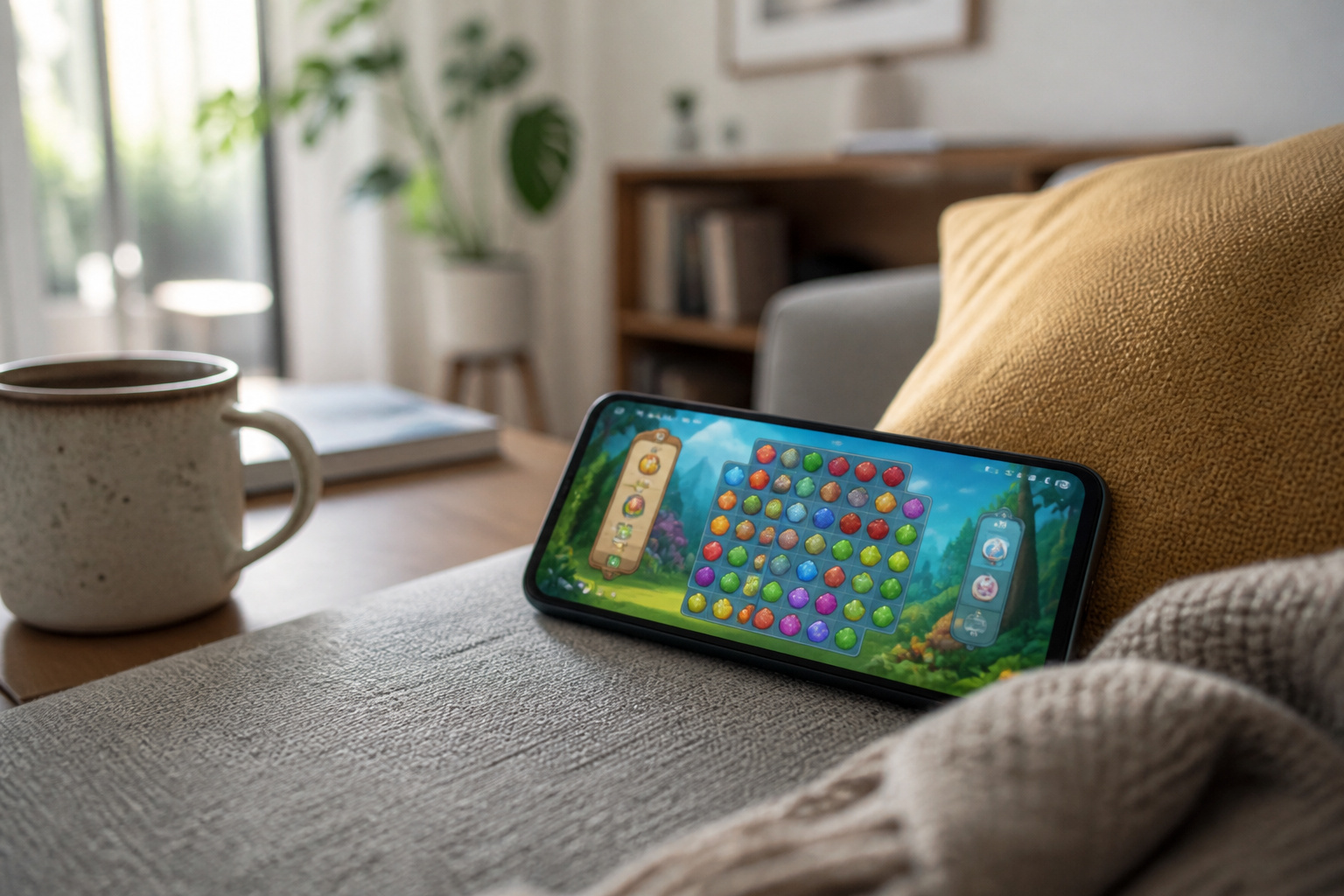
Not for most games. A flagship chip matters for the most demanding titles, high graphics settings, and emulators. For popular games at normal settings, a midrange chip or a last-generation flagship handles the job, and often runs cooler because it is working less hard. Android Authority’s budget pick, the OnePlus 13R with last-generation’s Snapdragon 8 Gen 3, still powers through any gaming tasks in its testing, with less thermal throttling than the flagships.
That makes last year’s flagship a smart value. A recent, refurbished model costs less than new and keeps most of the gaming performance, and our guide on whether refurbished phones are worth buying explains how to safely. Whichever route you take, check how long the phone will be supported, since a gaming phone that stops getting updates ages quickly. Our Android guide includes a table of update support by brand.
Recommended Products

For USA Buyers: This Smartphone is not compatible/will not work with any CDMA Networks including: VERIZON, SPRINT, US CELLULAR. Please check with your network provider for 3G or 4G/LTE compatibility check before you purchase.
What Else Matters Besides the Chip?
Four things shape the experience as much as the processor.
- Screen: A 120Hz OLED display makes motion look smoother, and many midrange phones now have one. Brightness matters if you play outdoors.
- Battery: Gaming drains battery quickly, and the screen, processor, and modem all affect how long a charge lasts. Check independent battery tests, and see our phone battery guide for protecting it.
- Cooling and size: A larger phone with a vapor chamber has more room to shed heat than a thin one, which is why some thin flagships throttle sooner.
- Storage and updates: Large games take up space, and updates keep the phone secure and compatible with new games.
How Do You Keep a Phone From Overheating While Gaming?
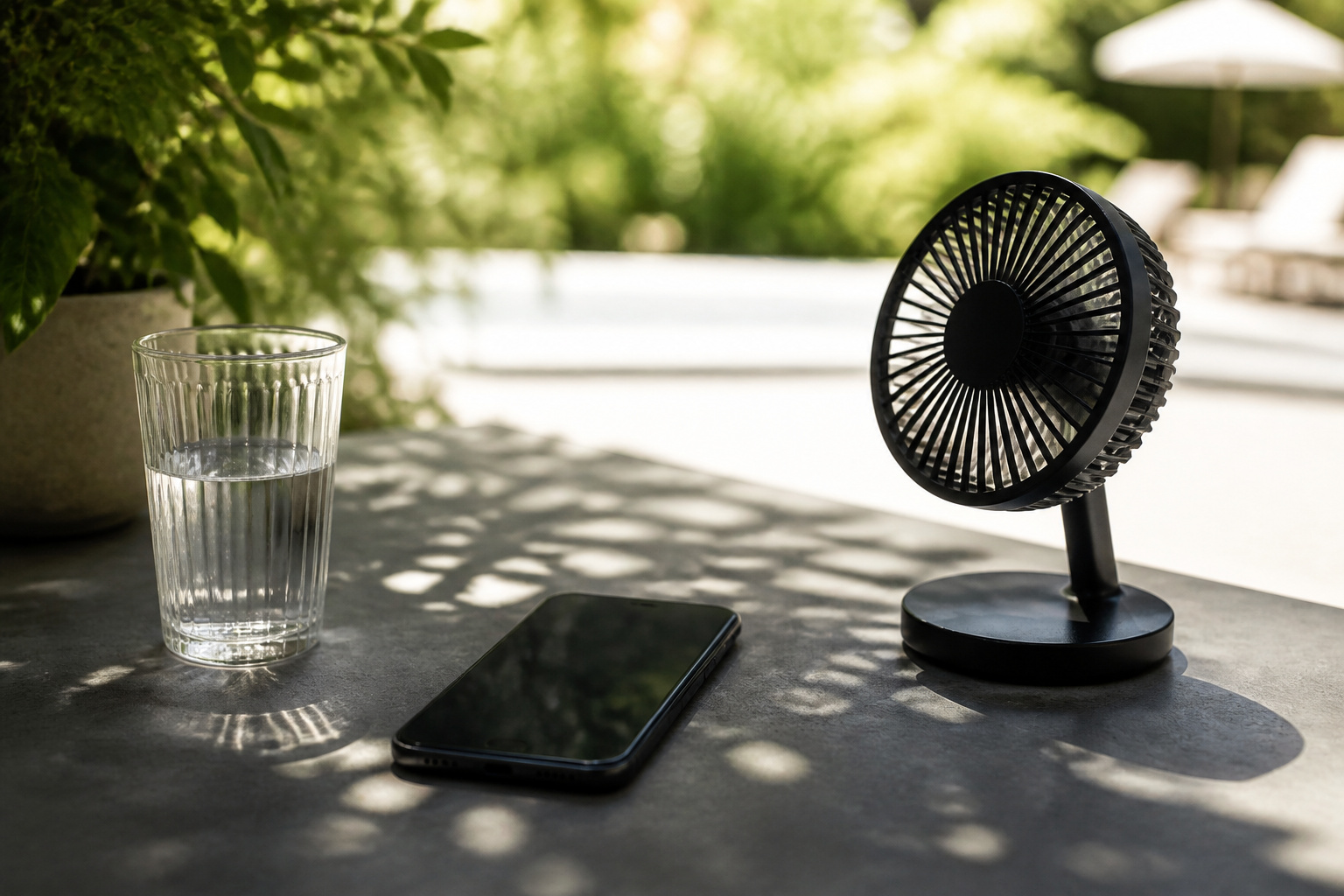
Heat limits how long a phone can run at full speed, and a few habits help. These tips come from ZAGG’s guide to overheating.
- Lower the brightness. This cuts power draw and heat right away.
- Close other apps while you play, and limit background refresh so they are not competing for the processor.
- Keep the phone out of direct sun and off a car dashboard, and move it into shade or in front of a fan if it gets hot.
- Avoid charging while you play when you can. Charging creates its own heat, and wireless charging adds more, so remove the case or use a cool spot if you must.
- Clear app caches, and keep apps and software updated, since updates can fix bugs that cause overheating.
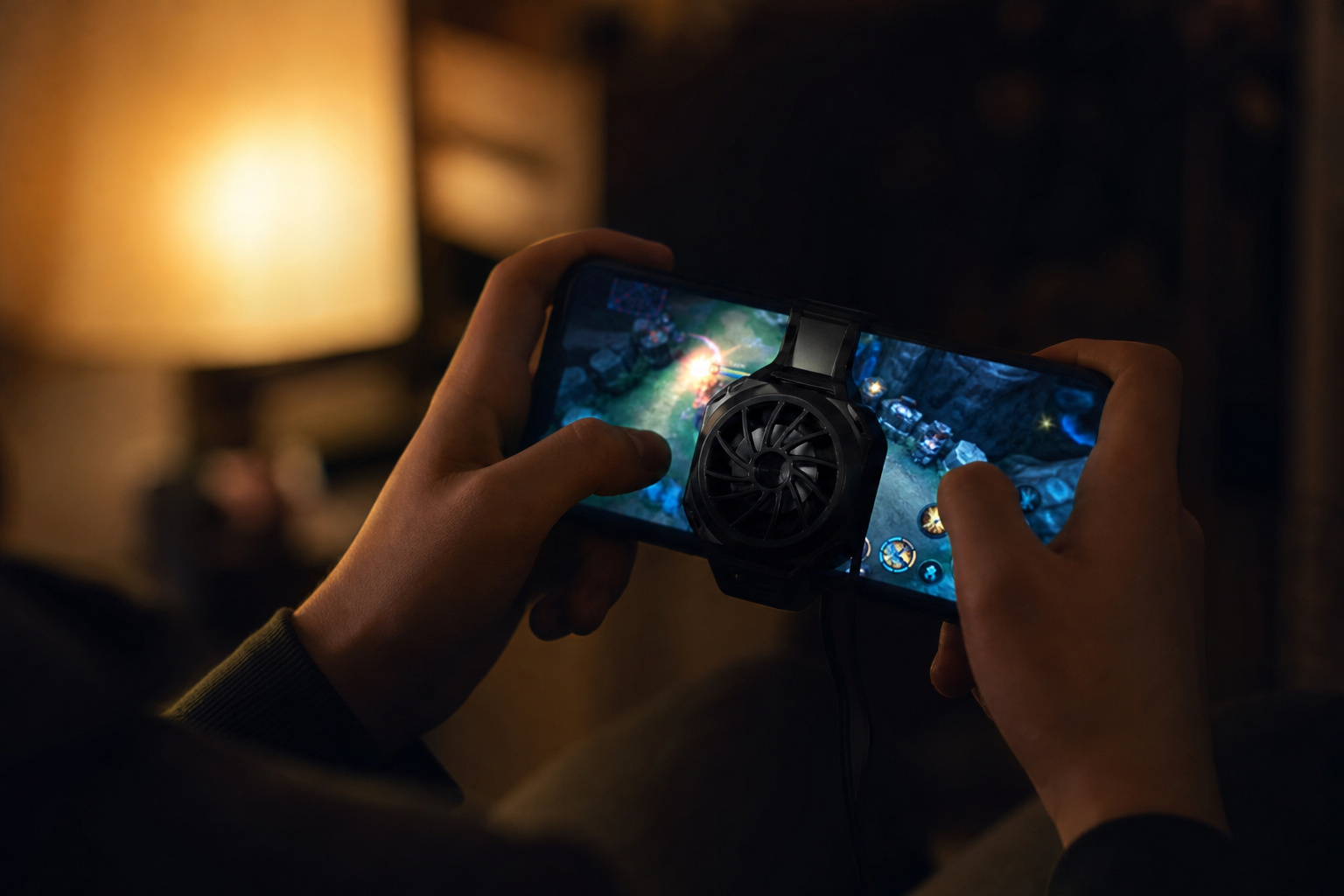
- Consider a clip-on cooler for long sessions.
Thick cases can trap heat, so a thinner case helps during long sessions, and our guides to phone cases and screen protectors and wireless charging and battery wear explain why heat matters. If a phone gets very hot, check the charger and battery, or ask a technician to look at it.
Recommended Products

【20W Power Ultra-Fast Cooling】The wired magnetic phone cooler utilizes high-performance Peltier element (TEC) with high heat dissipation capacity, and its heat dissipation ability lowers the temperature of the main unit by about 95℉. NOTE: Connection to power supply required for use. Power must exceed 20W for optimal performance. Data cable not included in packag.

Linear damping telescopic clip: easy to adjust, pay attention! Suitable for all types of mobile phones with a width of "6 to 7.5 centimeters". NEVEIKIA mobile phone cooling can cool down when connected to a power source.(Attention: It is best to remove the phone case when using it for a better experience!)
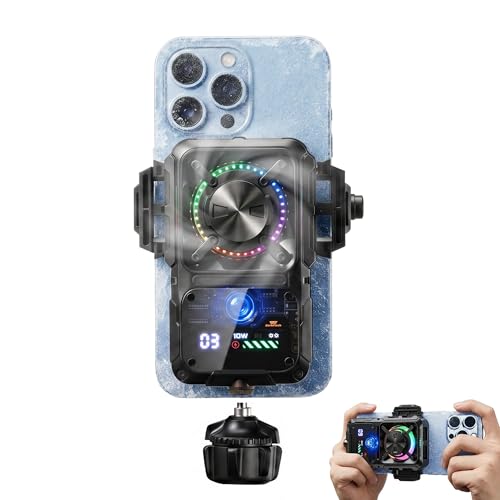
Rapid Semiconductor Cooling: Powerful cooling technology quickly reduces phone temperature by up to 22°C in a 26°C environment, helping maintain stable performance during gaming, streaming, charging, and video recording.
Which Phones Are Worth Considering for Gaming?
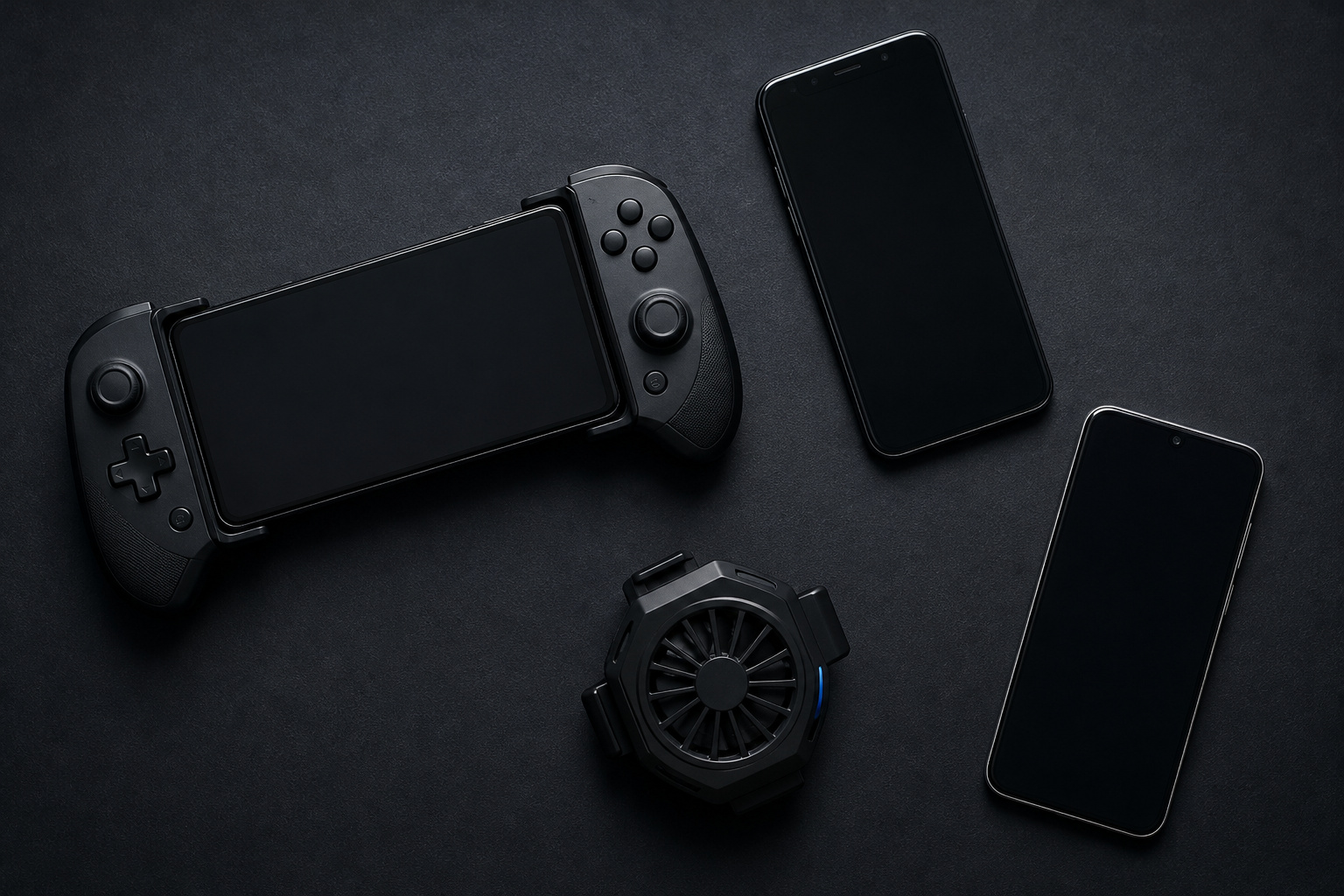
These picks come from Android Authority’s January 2026 gaming phone roundup, which tested raw power, thermals, display, battery, and software support. Newer models have arrived since, so treat them as examples of each type and check current reviews.
| Type | Pick | Why it stands out |
|---|---|---|
| Best overall gaming phone | REDMAGIC 11 Pro | Fans, liquid cooling, and a vapor chamber, and the only phone that the author tested that could handle the Snapdragon 8 Elite Gen 5’s heat, though it still ran very hot |
| Best last-generation gaming phone | ASUS ROG Phone 9 | Breezed through gaming and productivity tasks, with an outstanding battery |
| Best budget pick | OnePlus 13R | Last generation’s flagship chip with less throttling than the newest flagships |
| Best for Apple fans | iPhone 17 Pro Max | Very efficient A19 Pro, though it heats up under load |
| Best traditional flagship | Galaxy S25 Ultra | A great screen and battery, but significant thermal throttling |
For a general-purpose phone that also games well, an iPhone Pro or a current Samsung or Google flagship works. For long, demanding sessions, a dedicated gaming phone with active cooling is the strongest choice. The trade-off is bulk, heat, and fewer camera features. The REDMAGIC 11 Pro was not listed on Amazon when we checked, so the products below cover the other phones in the table.
Recommended Products

6.78 inches, LTPO AMOLED, 1B colors, 1080 x 2400 pixels

6.9" Dynamic LTPO AMOLED 2X QHD+, 120Hz Adaptive Refresh Rate, HDR10+, 1440x3120px, Android 15, One UI 7, up to 7 major Android upgrades
Frequently Asked Questions
Is Snapdragon better than Dimensity for gaming?
Not always. Snapdragon chips often lead on peak graphics, while recent Dimensity flagships have looked cooler and more balanced in long sessions. Cooling and tuning in the individual phone matter as much as the chip family.
Is an iPhone good for gaming?
Yes. Apple’s chips are efficient and fast, and the iPhone 17 Pro added a helpful vapor chamber for long sessions. The game library is smaller than on a PC or console, and the phone still gets hot under heavy load.
Is the Pixel 10 good for gaming?
It is fine for casual and light games. Android Authority found its Tensor G5 chip can’t hold peak performance for long, so it falls behind top Snapdragon and Apple phones in long or demanding sessions.
Is it bad to play games while charging?
It adds heat because charging and gaming both warm the phone. Wireless charging adds more, so if you do it, remove the case and keep the phone somewhere cool. Our phone charger and cable guide explains how to pick a good charger.
Do I need a dedicated gaming phone?
Only if you play demanding games for long sessions. A recent flagship, or last year’s flagship, handles most games well. A gaming phone adds active cooling and triggers, but it is bulkier and usually weaker at photography.
Closing Thoughts
Choose a gaming phone by how well it holds up, not by the biggest benchmark number. Look for a stress test or long-session review, favor good cooling over a thin body, and remember that last year’s flagship often plays almost as well for less money. Keep the phone cool and updated, and it will play your games for years.