Refresh rate is how many times per second a TV updates the picture. Most TVs are 60Hz or 120Hz. The jump from 60 to 120 matters for sports and gaming, and barely matters for much else.
This guide shows when to pay for it, with notes for sports and console gamers.
What Refresh Rate Means
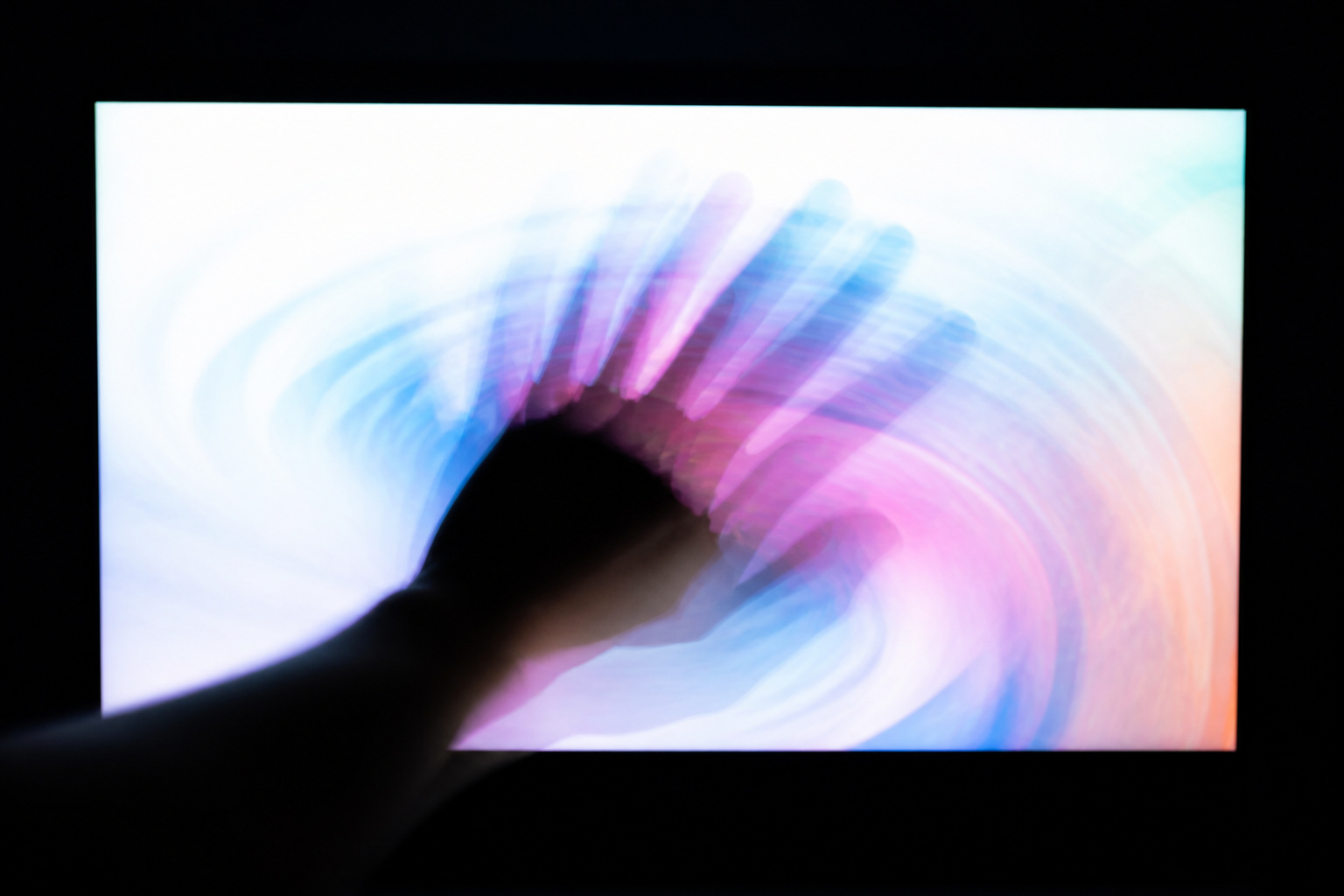
Measured in hertz, refresh rate counts screen updates per second. A 60Hz TV refreshes 60 times a second, and a 120Hz TV does so 120 times.
Higher refresh rates produce smoother motion and less blur on fast-moving objects, but only if the source actually provides enough frames.
Recommended Products

27-inch Full HD (1920 x 1080) IPS gaming monitor with ultrafast 165Hz refresh rate designed for professional gamers and immersive gameplay

Full HD Fast IPS Display: 23.8" Full HD (1920 x 1080) Fast IPS panel with 240Hz refresh rate for fast paced gameplay

Full HD Fast IPS Display: 23.8-inch Full HD (1920 x 1080) Fast IPS panel with 240Hz refresh rate for fast paced gameplay
Native vs Fake Refresh Rates
Some manufacturers advertise numbers like 240 or 480 that are marketing terms, not real panel speeds. These often describe motion processing or backlight flashing.
A genuine 120Hz refresh rate is listed as native 120Hz in the spec sheet. When comparing models, look for native refresh rate rather than brand-specific motion labels.
Recommended Products

4K UltraHD Resolution: Experience incredible detail with 4X the resolution of 1080p Full HDTVs

4K QLED with Quantum Dot Color: Experience 4x the detail of Full HD with rich, true-to-life color covering 93% of the DCI-P3 spectrum - movies, sports, and shows look sharper and more vivid in every scene
4K QLED with Quantum Dot Color: Experience 4x the detail of Full HD with rich, true-to-life color covering nearly the entire DCI-P3 spectrum - movies, sports, and shows look sharper and more vivid in every scene
Movies and Regular TV
Most films are shot at 24 frames per second, and most TV shows run at 24, 30, or 60. A 60Hz TV handles all of these fine. A 120Hz panel can show 24 fps movies without judder because 120 divides evenly by 24.
Motion smoothing features, which insert extra frames, can make films look unnaturally smooth, often called the soap opera effect. You can turn these off in settings; see our guide to fixing motion blur and judder.
Sports
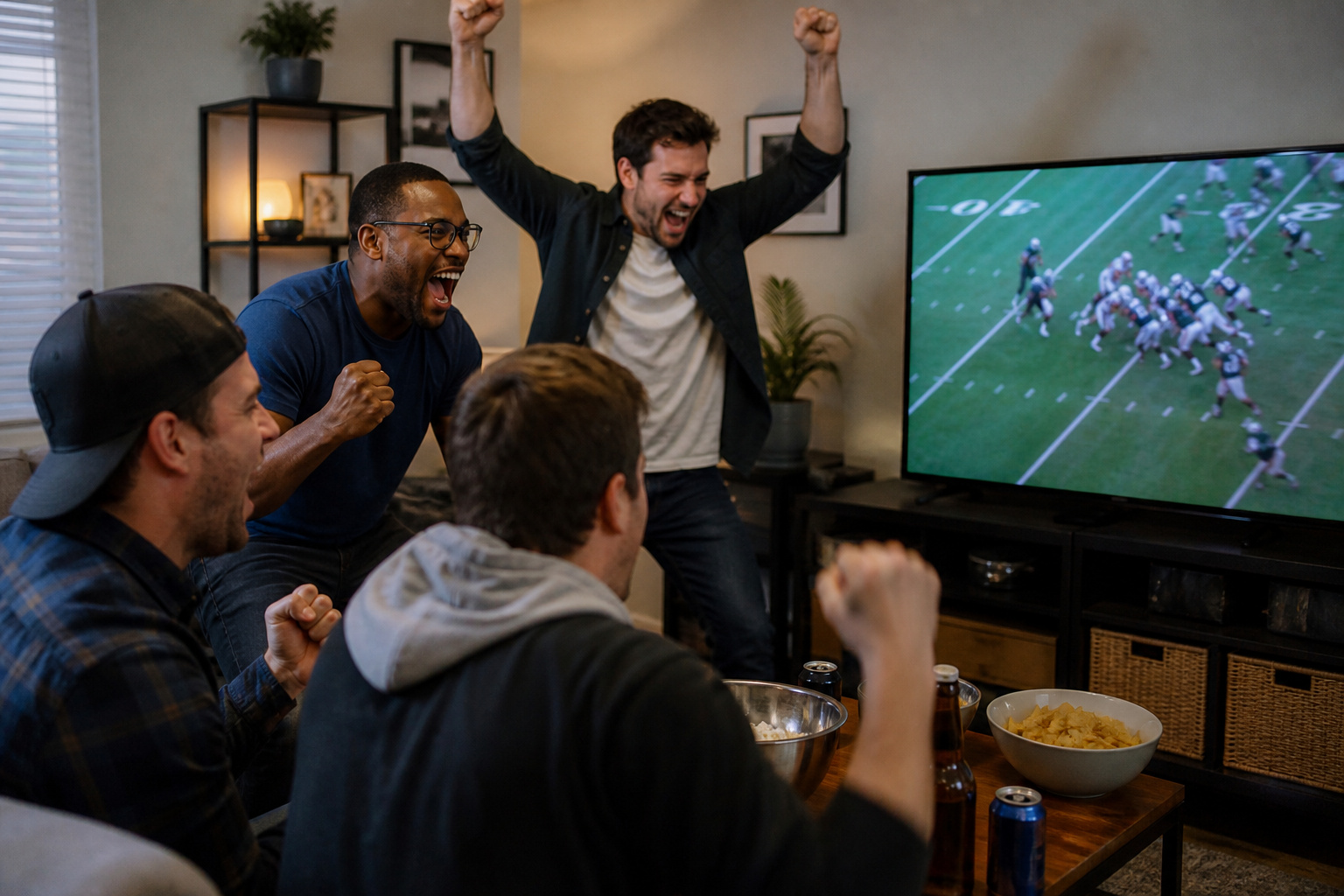
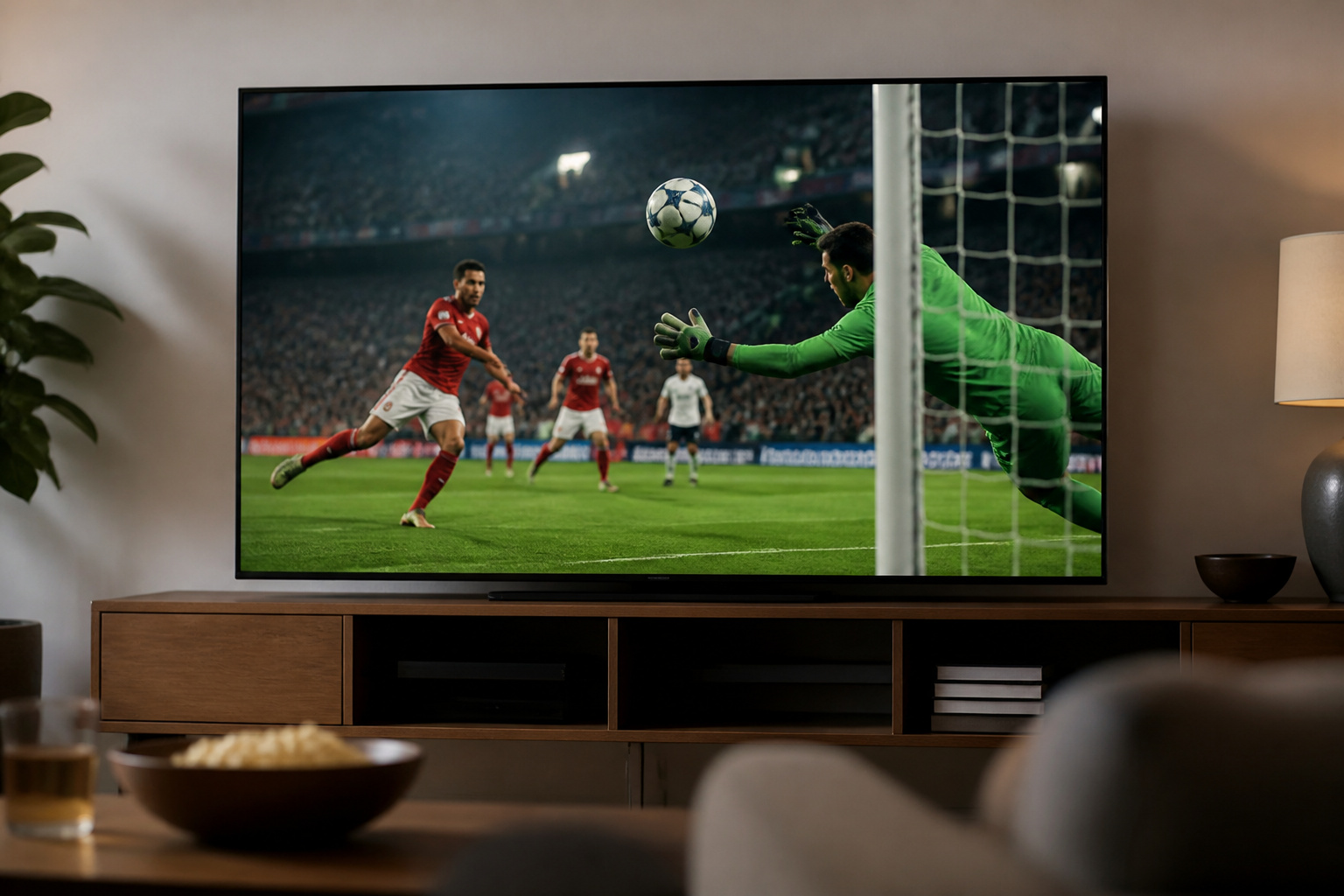
Fast sports benefit from 120Hz and good motion handling because the ball, players, and scrolling graphics are always moving. Broadcast sports are usually 60 frames per second or lower, so the panel’s response time and processing matter as much as the raw number.
For sports viewing, look for a native 120Hz panel, strong brightness, and a decent motion setting. Pair it with the picture presets in our TV settings guide.
Recommended Products

TVs from TV experts: From America’s number 1 TV streaming platform*, the thoughtfully-designed Roku Pro Series OLED TV combines the delightfully simple Roku experience with picture you have to see to believe. *Based on hours streamed—Hypothesis Group
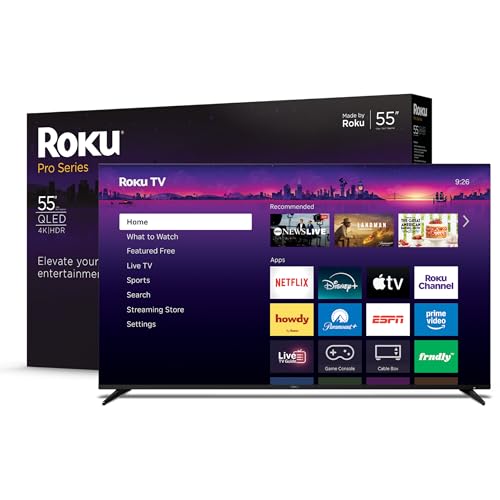
Elevate your entertainment: For TV buffs with taste—the Roku Pro Series TV is your centerpiece. Enjoy a powerfully simple streaming experience with brilliant 4K picture, immersive audio, and an elegant design. 55-Inch smart TV.

TVs from TV experts: From America’s number 1 TV streaming platform*, the thoughtfully-designed Roku Pro Series OLED TV combines the delightfully simple Roku experience with picture you have to see to believe. *Based on hours streamed—Hypothesis Group
Gaming
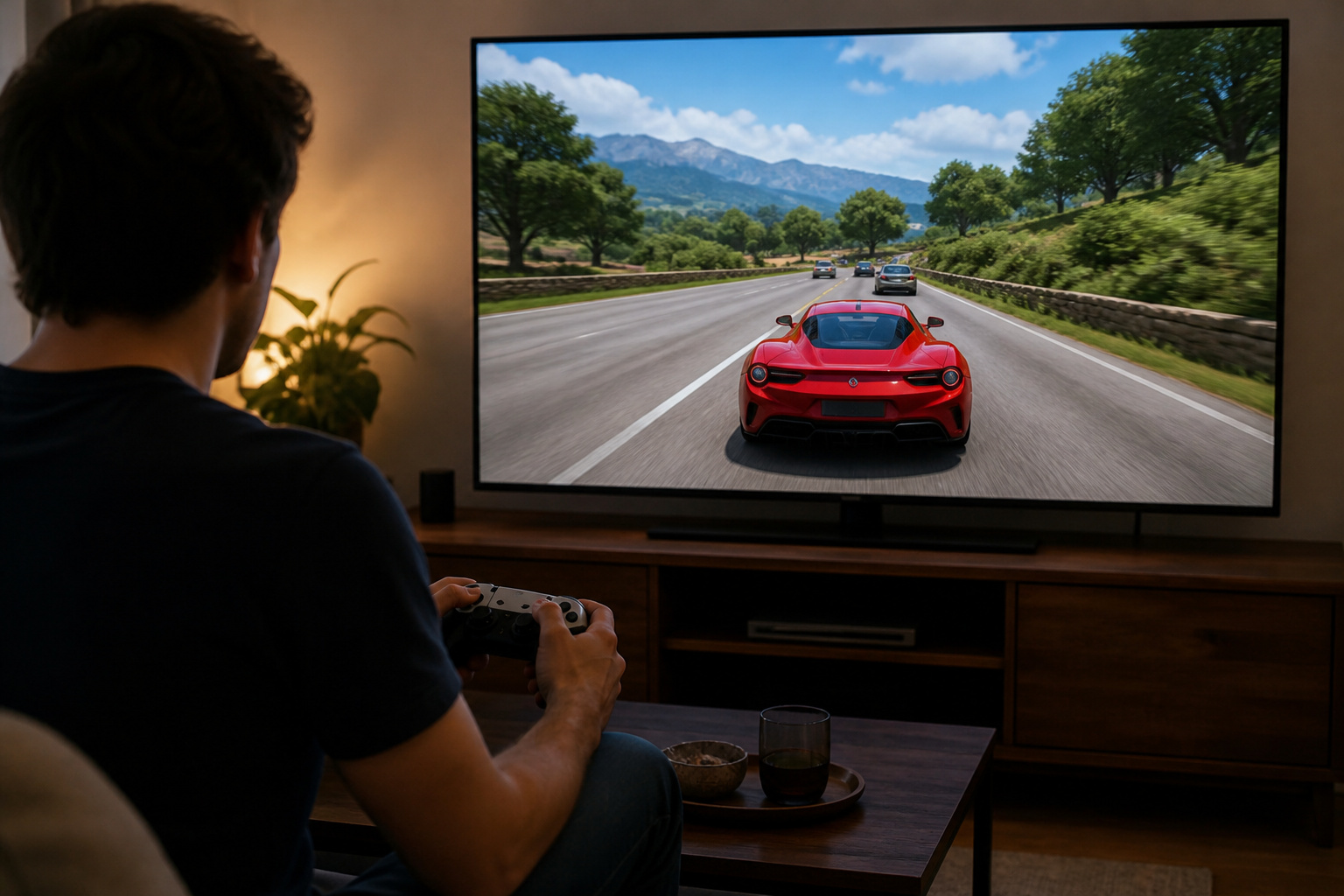
Gaming is where 120Hz matters most. PlayStation 5 and Xbox Series X support 4K at 120 frames per second in supported games, which requires a TV with HDMI 2.1 on the right port.
Also look for variable refresh rate, which syncs the TV to the console to reduce tearing, and auto low latency mode, which switches to game mode automatically. A TV that lists 120Hz but only has HDMI 2.0 ports can only do 4K at 60 frames per second.
Use an Ultra High Speed HDMI cable; see HDMI cables explained.
Recommended Products

MOVIES INCLUDED WITH THE BRAVIA TV: Access SONY PICTURES CORE with Pure Stream and the largest IMAX Enhanced collection included with BRAVIA. 5 credits to redeem on latest release movies and 12 months subscription on hundreds of classics.

【HDMI 2.1 Certification】Only 1% of HDMI cables on the market have passed HDMI 2.1 certification. Scan with the QR code Scanner app for verification
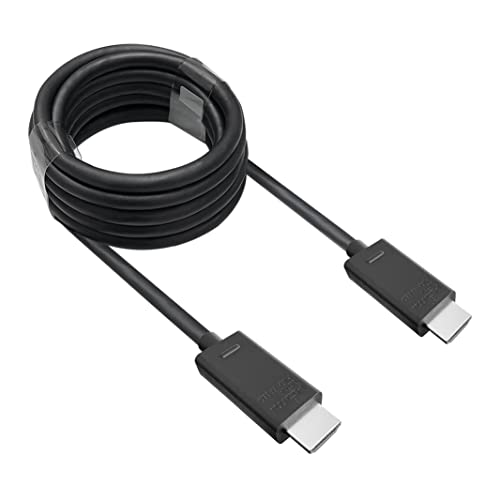
🎮ORIGINAL OEM🎮Best quality HDMI cable optimized for Xbox Series X & Xbox Series S
Panel Type Also Matters
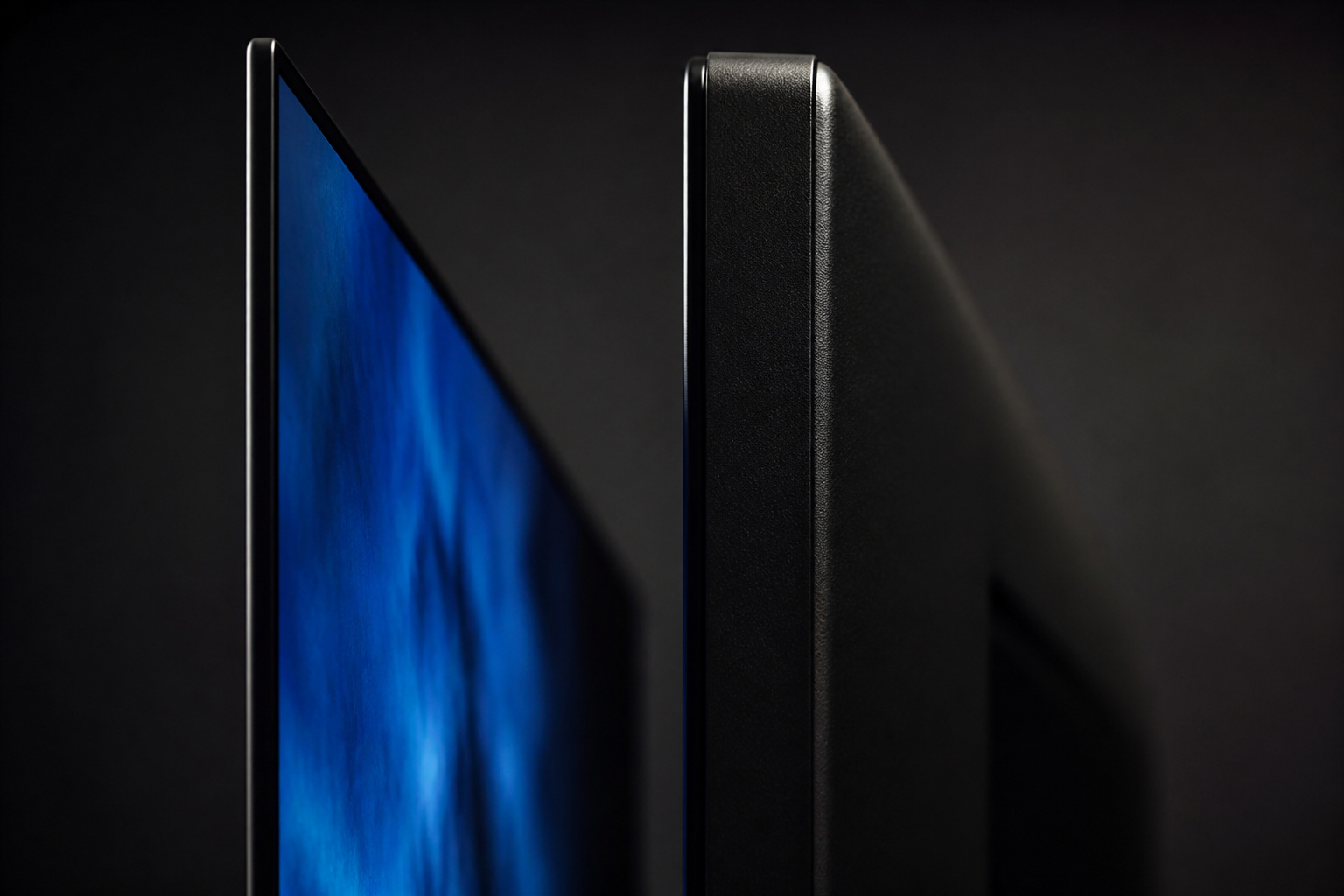
OLED panels respond to changes much faster than LCD panels, so OLED often looks clearer in motion even at the same refresh rate.
If you are choosing between panel types, see our OLED vs QLED vs LED guide.
Recommended Products

Fits 13” to 65” TV's: Compatible with most 13” to 65” LCD LED flat screens weighing up to 44 lbs with VESA patterns 75x75, 100x100, 200x100, 200x200, or 400x400mm


【No Drifting Ever】Enhance your gaming immersion with pinpoint control, thanks to Hall sensor joysticks that drift free and deliver precise, no-dead zone performance. Designed to seamlessly work with Nintendo Switch / Switch OLED.
Frequently Asked Questions
Is 120Hz worth it?
For console gaming and fast sports, yes. For mostly streaming shows and movies, 60Hz is fine and saves money.
Do I need 120Hz for the PS5 or Xbox Series X?
Only if you want 4K at 120 frames per second or variable refresh rate. Both consoles run well on a 60Hz TV, just without those features.
What is the soap opera effect?
It is the overly smooth look created when motion interpolation adds artificial frames to film content. Turning off motion smoothing restores the intended look.
Can I tell the difference between 60Hz and 120Hz?
Often yes in fast motion and games, especially when the source is also running at a high frame rate. For normal TV shows, most people notice little.
Does a higher refresh rate reduce eye strain?
Not in a meaningful way for TV viewing. Smoother motion can feel nicer, but brightness, room lighting, and viewing distance affect comfort more.