Somewhere between the smart-speaker commercials and the horror stories about hacked cameras is a more useful question: does any of this actually pay off for a normal household? Not in the abstract, but in dollars spent, dollars saved, and what you give up to get there.
Here’s a grounded look at what a smart home really costs, where the savings genuinely show up, and where the trade-offs are bigger than the marketing lets on.
What “Smart Home” Actually Means Before You Spend Anything
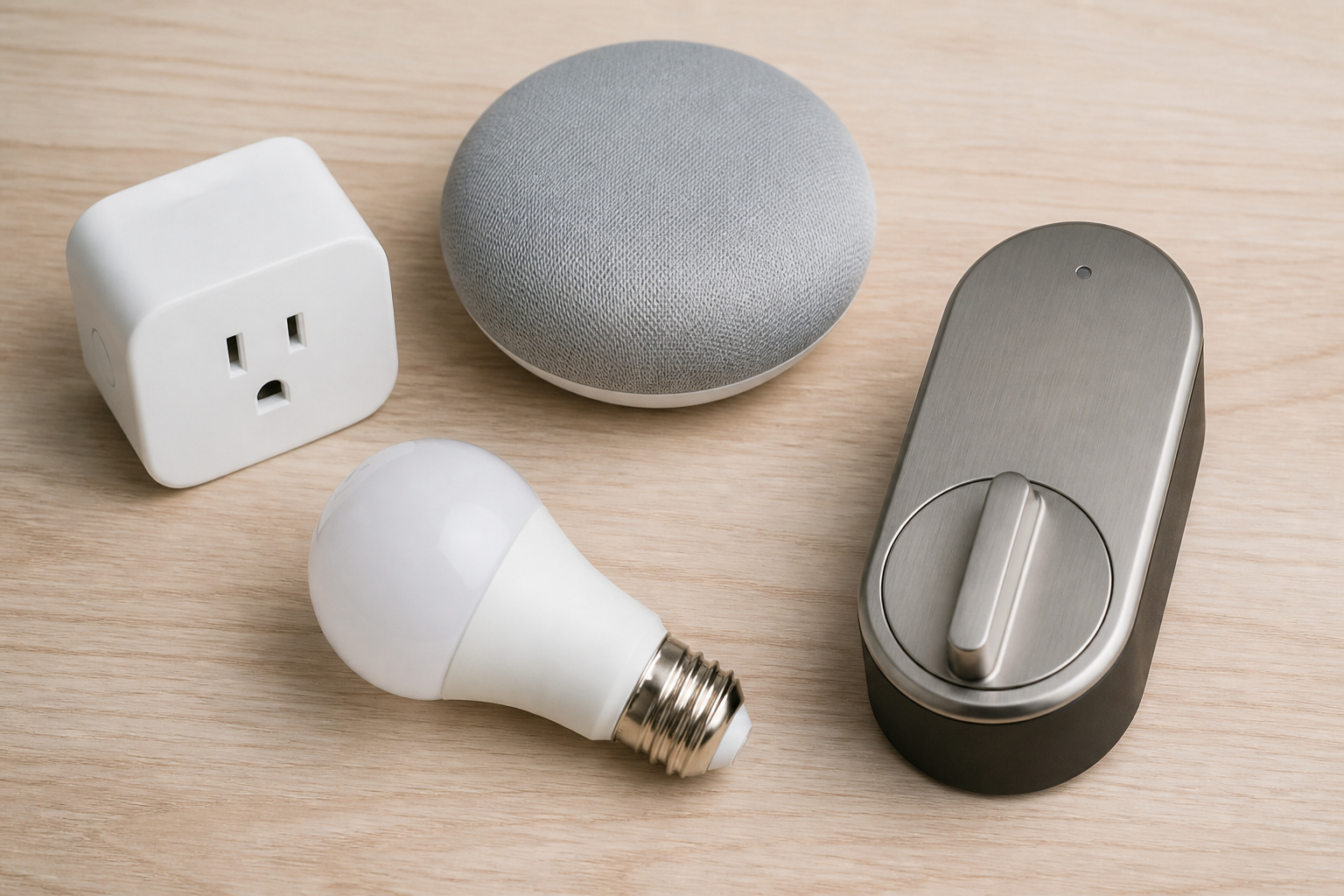
“Smart home” covers everything from a single $25 smart plug to a fully automated house with dozens of connected sensors, cameras, and a central hub running it all. That range matters, because the “is it worth it” answer looks completely different depending on which end you’re talking about.
Most smart homes are built gradually, not bought as a kit. A thermostat here, a video doorbell there, a few smart bulbs during a holiday sale. If you’re just getting oriented, it helps to understand whether you actually need a hub to tie devices together, and what the Matter standard means for whether your purchases will still work together in a few years. Both affect how much this ends up costing and how much frustration is involved.
Recommended Products

[Multi-Protocol Hub with Matter Bridge] The M3 is a versatile hub supporting Aqara Zigbee and Thread devices. It integrates third-party devices into the Aqara Home app. Supports advanced Matter bridge functionality, enabling Aqara-exclusive scenes and signals to sync with Matter ecosystems such as Home Assistant for seamless integration. Supports up to 127 Aqara Zigbee devices (** Not third-party Zigbee devices) and 127 Thread devices (Repeaters are needed).

[Multi-Protocol Hub with Matter Bridge] The Aqara Hub M200 is a versatile smart hub that supports multiple advanced features, acting as a Matter Controller, Thread Border Router, and Matter Bridge. It integrates third-party devices into the Aqara Home app. With advanced Matter bridging functionality, it syncs Aqara-exclusive features with ecosystems like Home Assistant, Apple HomeKit, Alexa, and Google Home for seamless integration. Supports up to 40 Aqara Zigbee devices and 40 Thread devices.

Zigbee to Matter Connectivity: The Smart Bridge MZ1 effectively links THIRDREALITY Zigbee end devices to the Matter protocol, enhancing their functionality in the broader smart home ecosystem. Note: Specifically operates on a 2.4 GHz Wi-Fi network.
What It Really Costs to Get Started
Industry pricing data puts the average smart home spend at around $770, with most homeowners landing somewhere between $201 and $1,519 depending on how many rooms and device categories they touch.
On the low end, a basic single-device setup (say, one smart thermostat or a couple of smart plugs) runs $150 to $1,500. A mid-range multi-device setup across several rooms typically lands between $2,000 and $6,000. A full whole-home automation build, professionally installed, can run $2,500 to $10,000 or more.
Individual device categories vary widely too: smart thermostats generally run $50 to $500, smart lighting $10 to $150 per bulb or switch, security cameras $225 to $1,000, smart locks $125 to $500, and hubs $75 to $700. If you go the professional installation route, expect labor at $50 to $150 per hour, plus a $75 to $300 assessment fee before work even starts.
None of that includes what happens after purchase, which is where many people underestimate the real cost. We break down the ongoing numbers, like monitoring and cloud storage subscriptions, all the way down in our full cost breakdown.
Recommended Products

WHAT'S IN THE BOX - This starter kit includes one Hue Bridge and four E26 smart light bulbs; to get started, install your Bridge and color changing light bulb using the Hue app, and you’re ready to go

【Apple Homekit Support】This Apple HomeKit compatible smart plug fully integrates into your Apple ecosystem, just ask Siri to turn on/off the devices in your home. (Apple HomeKit remote control requires an additional networked Apple device at home such as an iPad, HomePod or Apple TV.)

Getting started with smart home has never been easier - An all-in-one kit with a quick guided setup makes starting your smart home easy.
What About a Traditional Monitored Security System?
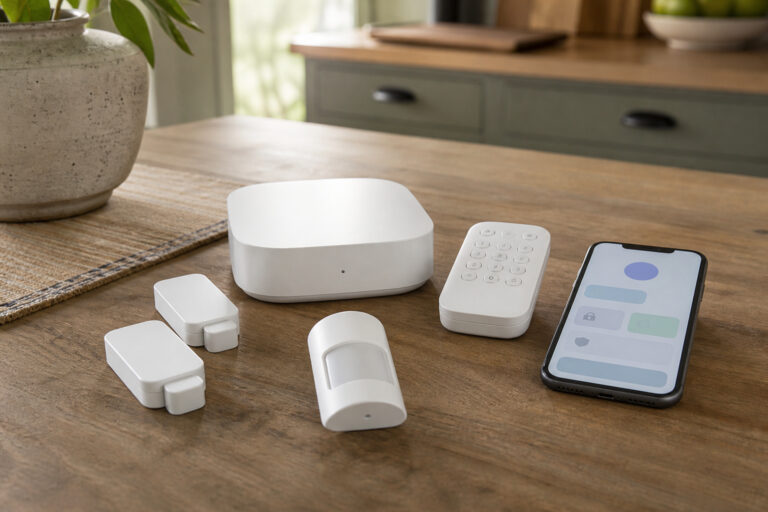
Everything above assumes piecemeal smart devices, a camera here, a lock there. A traditional professionally monitored security system is a different product entirely: a control panel, a set of door and window sensors, motion detectors, and a contract with a monitoring center that dispatches help when something trips. It’s worth pricing out separately, since the numbers and the value proposition don’t map cleanly onto the device-by-device costs above.
Current industry pricing puts equipment at $200 to $1,500 depending on home size and sensor count, professional installation (when it isn’t bundled free into a contract) at $100 to $300, and professional monitoring at $20 to $60 a month, with most mainstream plans landing in the $25 to $40 range. Self-monitoring, where you get live notifications and video but no dispatch center, is usually free or a few dollars a month, the same cloud-storage math covered in our full cost breakdown above.
Whether that monthly fee is worth it comes down to one honest question: do you want a trained person calling emergency services when you can’t, or are you comfortable being your own monitoring center? For anyone who travels often or wants a genuine fire and CO dispatch path baked in, not just an app notification, professional monitoring earns its keep. For a household that’s already comfortable with the DIY smart-camera-and-lock approach covered throughout this guide, it’s an added recurring cost without a proportional jump in protection. The insurance discounts mentioned above apply here too, and often more generously than for standalone devices, since insurers specifically reward professionally monitored systems.
Recommended Products

A great fit for 2-4 bedroom homes, this Alarm Kit includes one Base Station, two Keypads, eight Contact Sensors, two Motion Detectors, and one Range Extender.

【Package Included】You will receive 8pcs alarm system for home security signs. Each size of warning security sticker is about 100 x 80mm / 3.94 x 3.15 inch(L x W), and not taking more spaces. You can use Security Warning Sticker near office doors, doorbells, front doors, windows, walls and more.

𝐂𝐨𝐦𝐩𝐫𝐞𝐡𝐞𝐧𝐬𝐢𝐯𝐞 𝐒𝐞𝐭: Each "Protected by Security System" sign kit includes a robust 10 x 10 inch aluminum sign with two 14-inch pointed stakes, ensuring secure and stable installation. All necessary mounting hardware is provided for a hassle-free setup
Where the Savings Actually Show Up
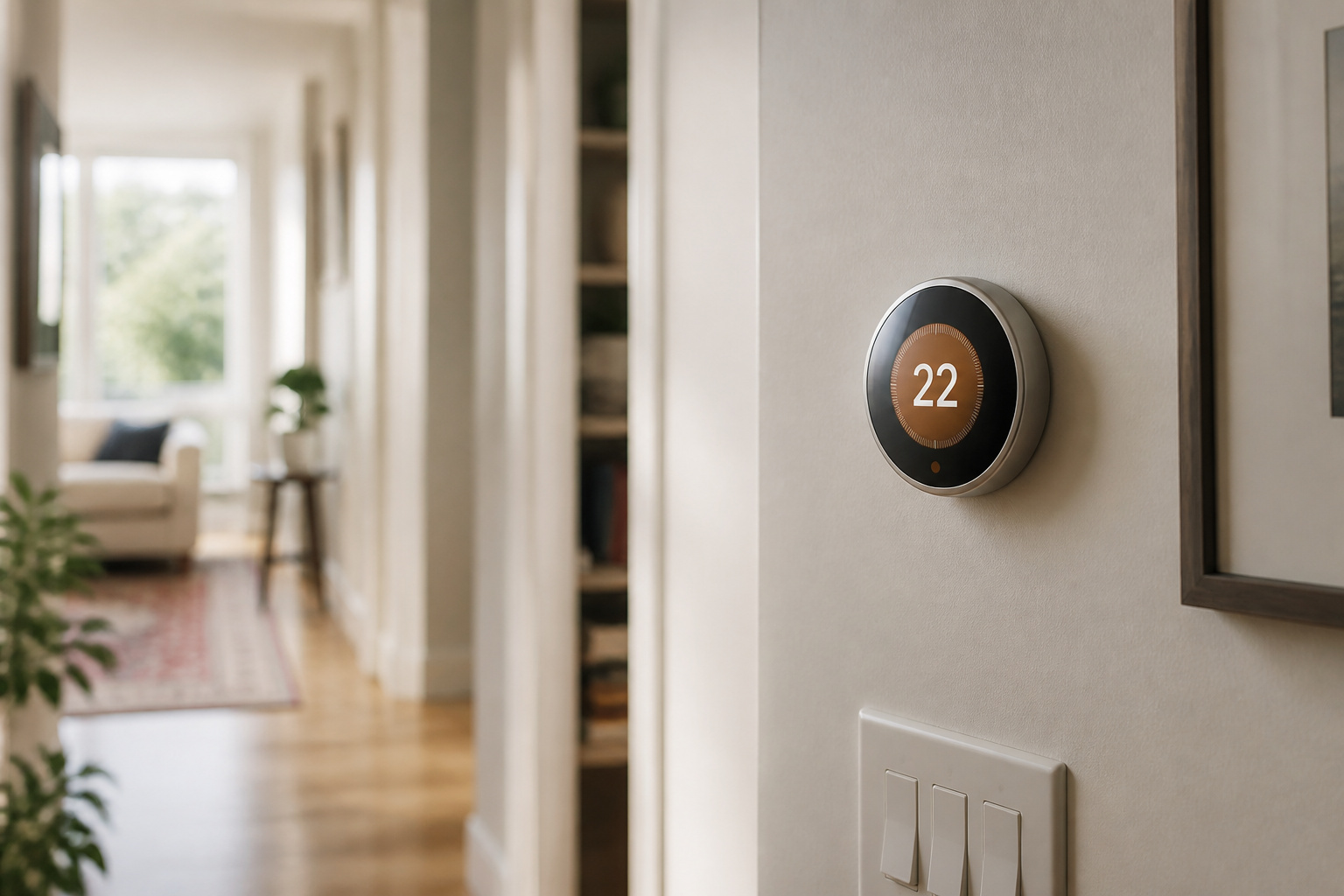
The honest version: smart home devices save money, but rarely enough on their own to justify the purchase. According to ENERGY STAR, a smart thermostat saves the average household about 8% on heating and cooling, or roughly $50 a year. That’s real money, but it won’t pay for a $250 thermostat overnight.
It adds up faster than the money most households don’t realize they’re losing. The Lawrence Berkeley National Laboratory estimates that standby “vampire” power, electricity drawn by devices that are plugged in but not actively in use, accounts for up to 10% of the average home’s electricity usage. The NRDC pegs that at around $165 per household per year nationally. A $15 smart plug that schedules power off to a few chronic offenders (game consoles, entertainment centers, unused chargers) can chip away at that number for a fraction of what a full smart-lighting overhaul costs.
There’s also a savings angle that has nothing to do with energy: insurance. Some carriers offer meaningful discounts for connected security and monitoring devices. Chubb has offered discounts of up to 35% on certain policies for homes with leak detectors, smart thermostats, and monitored alarm systems. Allstate has offered a 5% discount tied to specific connected security systems. Hippo customers with an included smart monitoring system have reported average savings of $64 to $91 per year. It’s worth calling your insurer and asking directly what they’ll credit you for, since this varies by carrier and by state.
And if resale ever factors into your thinking: research from the National Association of Realtors has found smart home features can boost resale value by up to 5%, and a 2024 Samsung-commissioned survey found 79% of home shoppers want a smart home, with UK buyers in that study willing to pay a 7.7% premium for one. About 11% of buyers in NAR’s data said smart features were a specific reason they chose their home.
Recommended Products

An Alexa thermostat - Amazon Smart Thermostat is an easy way to switch from a traditional thermostats for homes and help reduce energy usage.

PRIVACY PROTECTION*: Sensi won’t sell your personal information to third parties

ENERGY STAR certified smart thermostat for home that helps you save energy and stay comfortable.Connectivity : Wi-Fi - 802.11b/g/n 2.4 GHz, 802.11a/n 5 GHz Wi-Fi., Wireless interconnect : Bluetooth Low Energy Please refer to the product description section below for all applicable legal disclaimers.Product note: You can also check your system’s compatibility before purchasing a Nest thermostat with our online Nest Compatibility Checker on the Google Nest support page
The Trade-Offs Nobody Puts on the Box
None of this is free of downsides, and pretending otherwise does readers a disservice. Three trade-offs come up again and again:
Security: connected devices are a real attack surface, not a theoretical one. We go deep on what the actual risk looks like, and what meaningfully reduces it, in our full breakdown of smart home hacking risk. The short version: the risk is manageable with a few specific habits, but it isn’t zero.
Privacy: microphones, cameras, and sensors collect more than most people assume, and that data has commercial value to the companies collecting it. Here’s exactly what your devices are actually gathering and where it goes.
Subscriptions and lock-in: cloud storage for camera footage, professional monitoring, and advanced automation features are increasingly gated behind monthly fees, on top of the hardware cost. And picking a voice assistant or hub ecosystem today has real consequences for what you can buy later, which is exactly why choosing between Alexa, Google Home, and Apple HomeKit is worth thinking through before your first purchase, not after your tenth.
Recommended Products

🏆 【Improved Features for 2026】 2K UHD video & full-color night vision, free cloud storage, support for 2.4G & 5G WiFi, 1-6 months battery life, work with Alexa, IP66 waterproof and dustproof. Cameras for Home Security

Mini camera, max performance — Mini 2K+ is our third-generation compact plug-in camera, delivering sharper 2K video resolution and improved audio clarity, so you can see and hear more of what matters.

【Stunning 4K UHD & 8x Zoom】 Capture tiny details and record 4K ultra-clear videos day & night with the Anona 4K indoor camera, say goodbye to 2K or 3K. The professional-grade lens and 8X zoom bring distant details into sharp focus, so you never miss some wonderful moments.
Who Actually Comes Out Ahead

Smart home spending pays off differently depending on the household. Homeowners planning to stay put for years get the clearest return, since energy savings and insurance discounts compound over time and any resale bump is a bonus, not the point.
People who travel frequently get outsized value from security devices specifically, since remote monitoring solves a real problem rather than a convenience one. Households supporting an aging parent or family member often get the most practical value of all, from fall-detection sensors to door and medication reminders, well beyond what the “smart home” marketing usually emphasizes.
On the other side, renters, people who move often, and anyone tempted to buy an entire ecosystem in one weekend because it’s on sale tend to get the worst return on the dollar. Devices that don’t move with you, or that don’t talk to whatever system your next place already has, are money that doesn’t travel.
So, Is It Worth It? A Simple Way to Decide
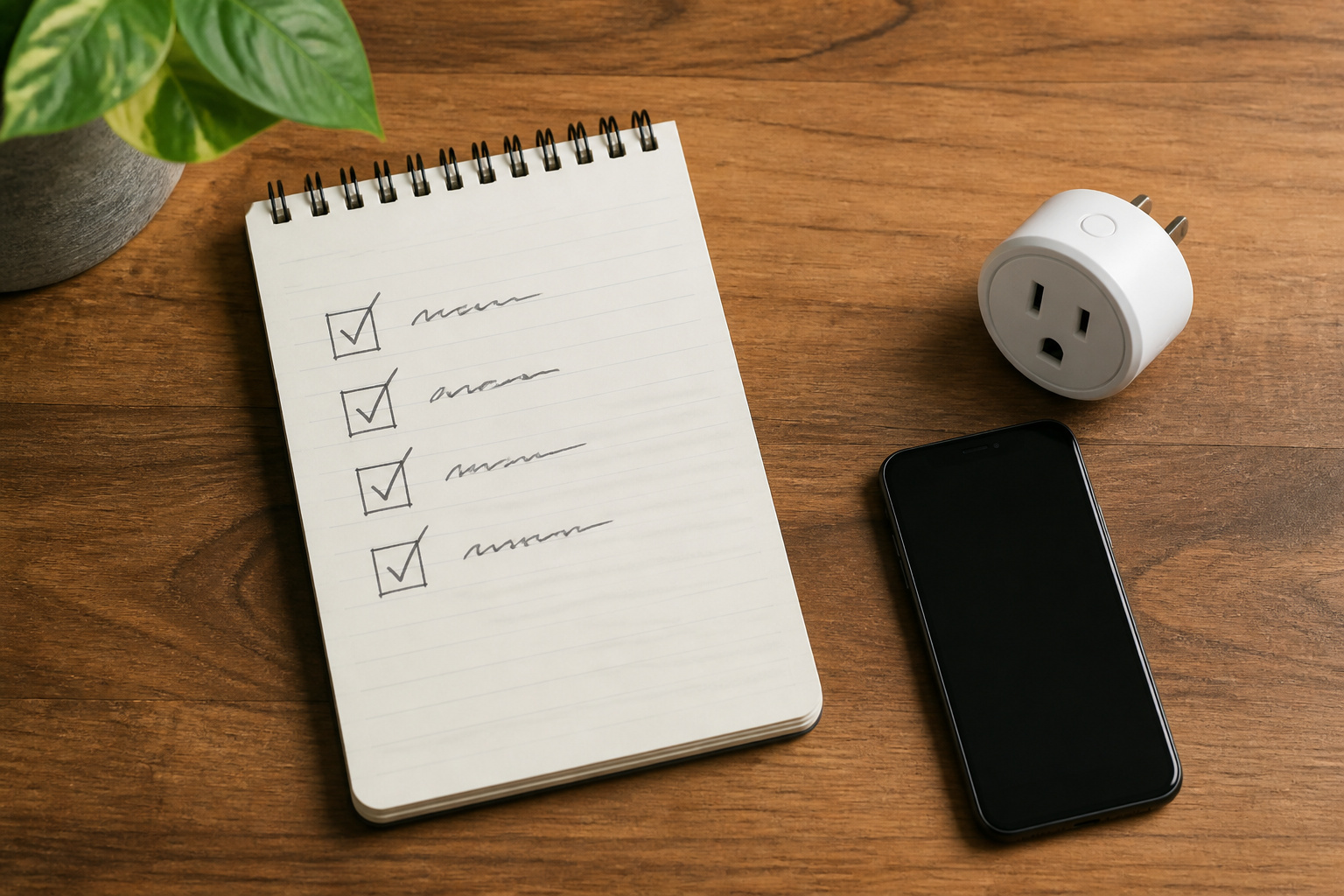
Rather than asking “should I get a smart home,” it’s more useful to ask “which specific problem am I trying to solve.”
A high energy bill points toward a thermostat and a couple of monitored plugs. A security concern points toward cameras and locks. A convenience itch points toward a speaker and some lighting.
Buy for the problem, live with it for a few months, and only then decide whether it’s worth expanding, rather than buying the full ecosystem on day one and hoping it earns its keep.
Frequently Asked Questions
Do I need a smart home hub to get started?
Not for a first device or two. Many smart plugs, bulbs, and even some thermostats work fine through their own app and a voice assistant. A hub becomes useful once you’re running several brands together or want automations that don’t depend on the cloud. See our guide on when a hub is actually worth adding.
Will my smart home devices be outdated soon?
Some risk of that always exists with connected tech, but the Matter standard has made cross-brand compatibility much less of a gamble than it was a few years ago. Worth reading before you commit to an ecosystem: what Matter actually does and doesn’t guarantee.
Is it worth buying just one smart device, like a thermostat or a plug?
Yes, this is usually the best entry point. A single well-chosen device that solves a specific problem, like a thermostat cutting your heating bill or a plug catching a vampire-power appliance, has a much clearer payoff than buying a whole ecosystem at once.
Do smart homes really increase resale value?
Some research points that direction. NAR data suggests up to a 5% resale bump from smart features, and buyer surveys show real demand for move-in-ready smart homes. It’s a reasonable bonus to factor in, but it shouldn’t be the main reason you buy.
What’s the single best first purchase if I’m not sure where to start?
For most households, a smart thermostat offers the clearest, most measurable return: real energy savings, no ongoing subscription required, and no dependency on picking the “right” ecosystem first.
Is a professionally monitored security system worth the monthly fee?
It depends on whether you want a trained dispatcher calling emergency services on your behalf or you’re comfortable monitoring alerts yourself. Professional monitoring typically runs $20 to $60 a month on top of $200 to $1,500 in equipment, and it’s a genuinely different product than the DIY smart cameras and locks covered throughout this guide, worth budgeting for separately rather than assuming it’s included.