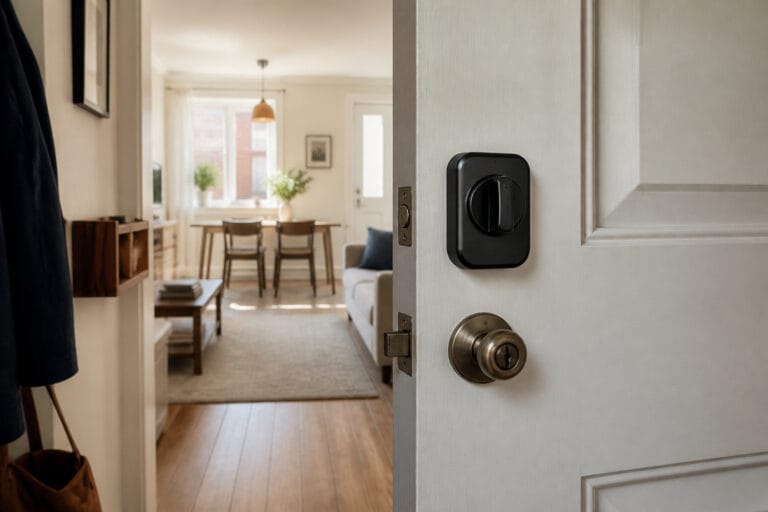
Home security for an older adult means more than keeping intruders out. It also needs to help them escape a fire, call for help after a fall, and avoid the visitors and phone calls that can do the most harm. The best setups are simple, easy to use every day, and supported by people who can check in.
This guide starts with low-cost basics and then covers the technology that helps most, whether you are securing your own home or a parent’s. Where a choice affects safety, we flag the trade-off.
Start With Doors and Locks
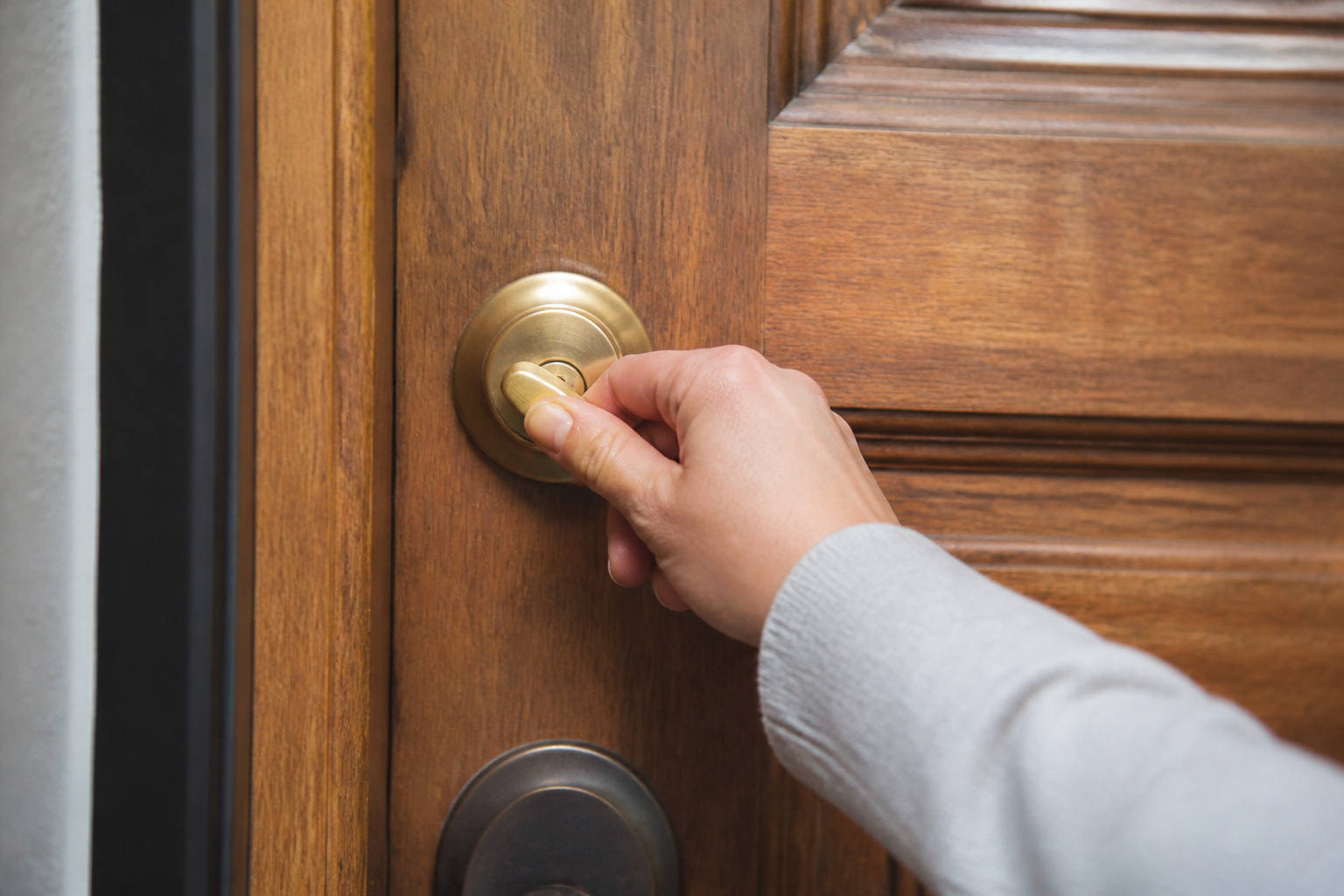
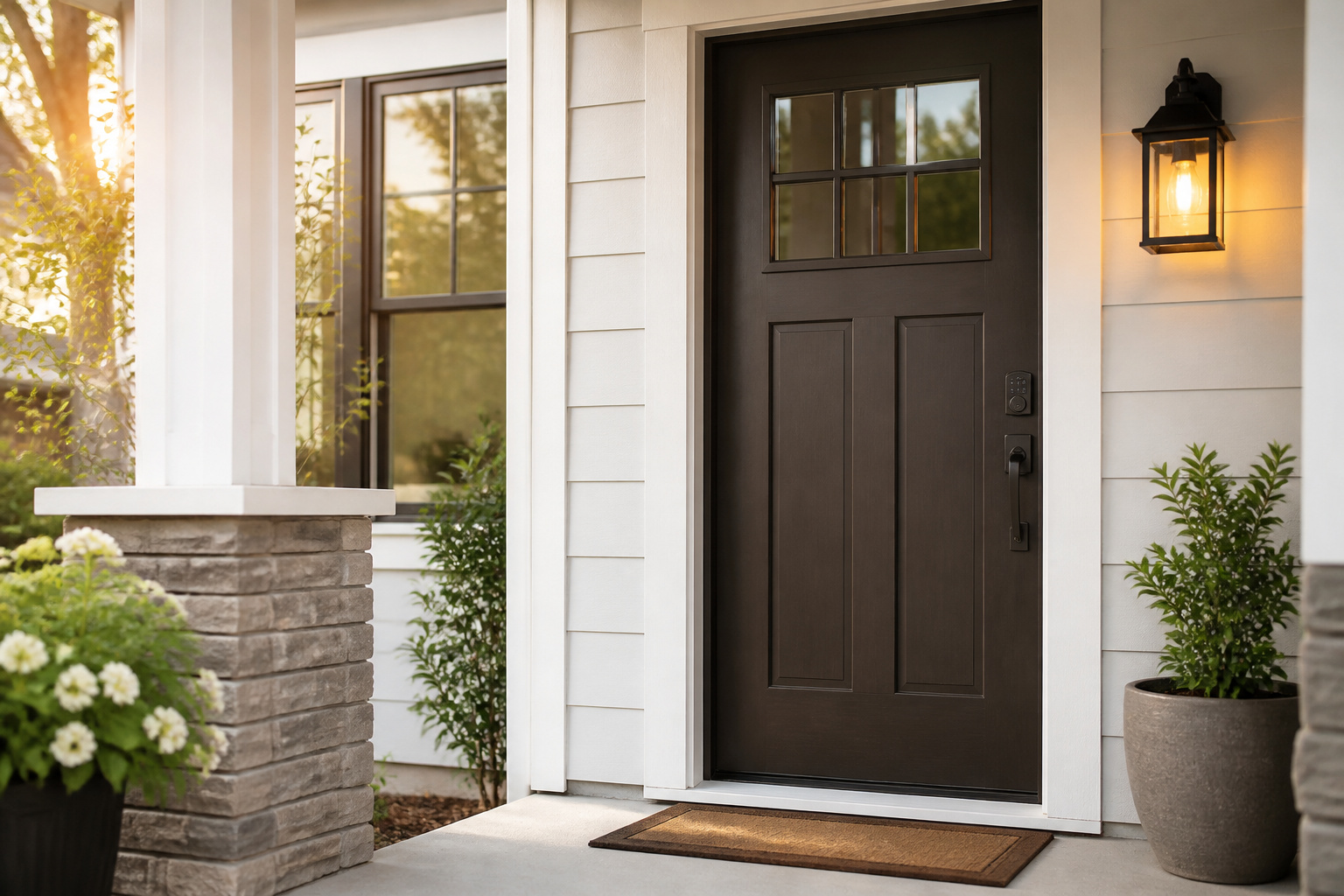
Most security problems start at a door. Exterior doors should be solid wood, fiberglass, or metal, and each should have a deadbolt as well as the knob lock. Check that the bolt extends fully into the frame, that the strike plate is screwed into the wall stud with long screws, and that the lock turns easily. A lock that sticks or takes two hands is one that will be left unlocked.
If the previous owner or tenant had keys made, rekey the locks. Keypad and smart locks suit people who struggle with keys, since there is nothing to lose or fumble. Our guide to smart locks covers what to check, including a mechanical key backup and a low-battery warning.
Recommended Products

𝐅𝐥𝐞𝐱𝐢𝐛𝐥𝐞 𝐖𝐚𝐲𝐬 𝐭𝐨 𝐔𝐧𝐥𝐨𝐜𝐤: Unlock the way you want: app, passcode, fingerprint, physical key, or voice via Alexa/Google Assistant. Everyone in the family can choose what works best — convenience meets flexibility. Batteries are not included.

6 Ways to Unlock: Unlock with a touch for less than 1s with fingerprint lock. You can also open your front door lock via the eufy Security app, using the keypad or physical key, from Apple Watch, or use your voice with Alexa/Google Voice Assistant.

SMART WI-FI DEADBOLT DOOR LOCK: Convenient and secure, the DL100 provides certified, durable deadbolt security with thoughtful smart features for enhanced convenience. A keyless entry door lock with tactile keypad access for family and guests.
Windows Without Trapping Yourself
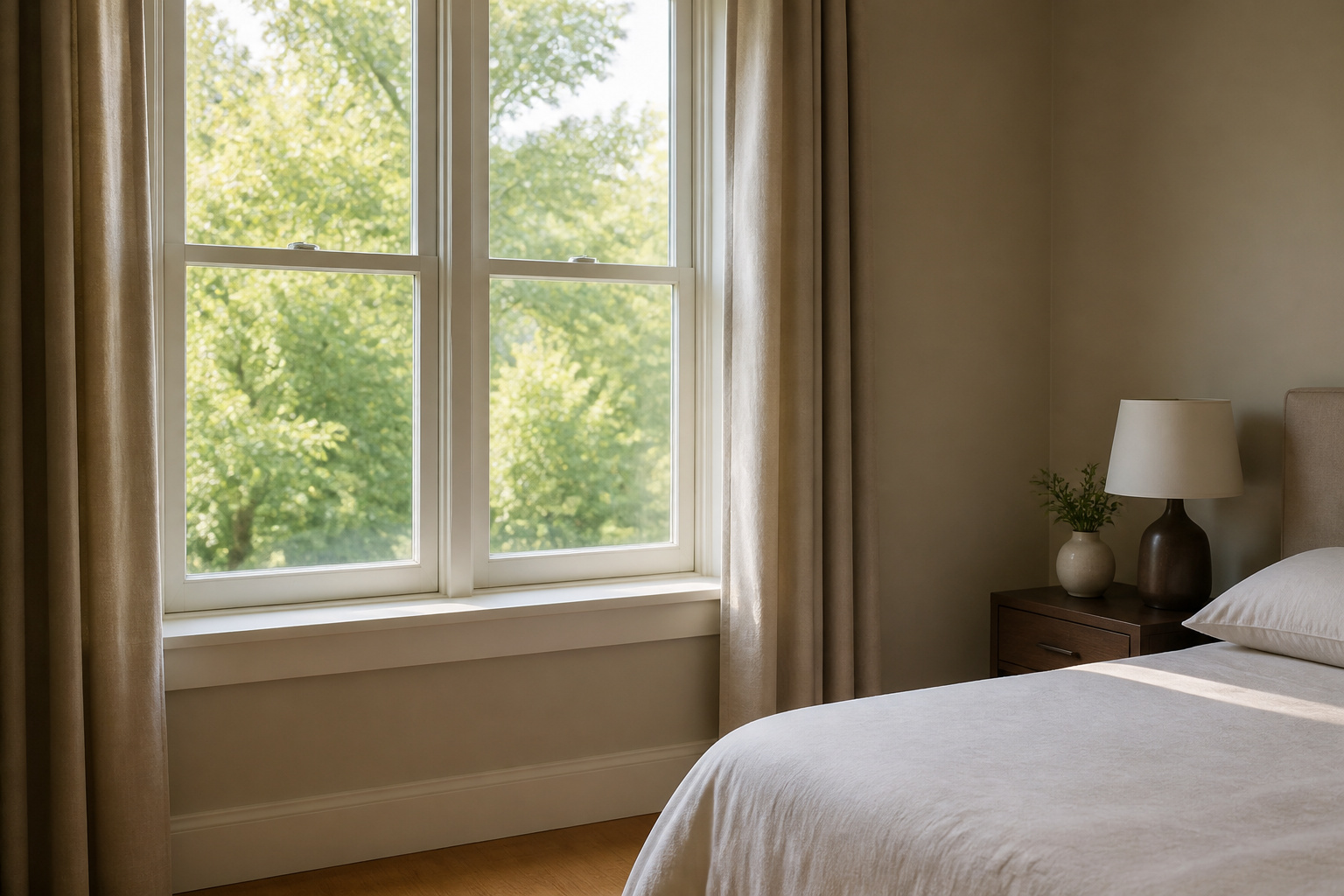
Ground-floor windows are a common entry point, but bars and fixed grilles can trap people inside during a fire or medical emergency. If you use them, choose quick-release models that open from the inside without a key or tool, and make sure everyone in the home knows how to use them. Bedroom windows need extra care because they may be the only way out.
Safer options include working window locks, pin locks or stops that limit how far a window opens, and security film that holds broken glass together. A bar or dowel cut to size in a sliding door track stops forced opening. Keep shrubs trimmed below the window line so no one can hide next to the glass. Test the smoke alarms too, and replace any that are old, using our guide to smart smoke and CO detectors.
Lighting Inside and Out
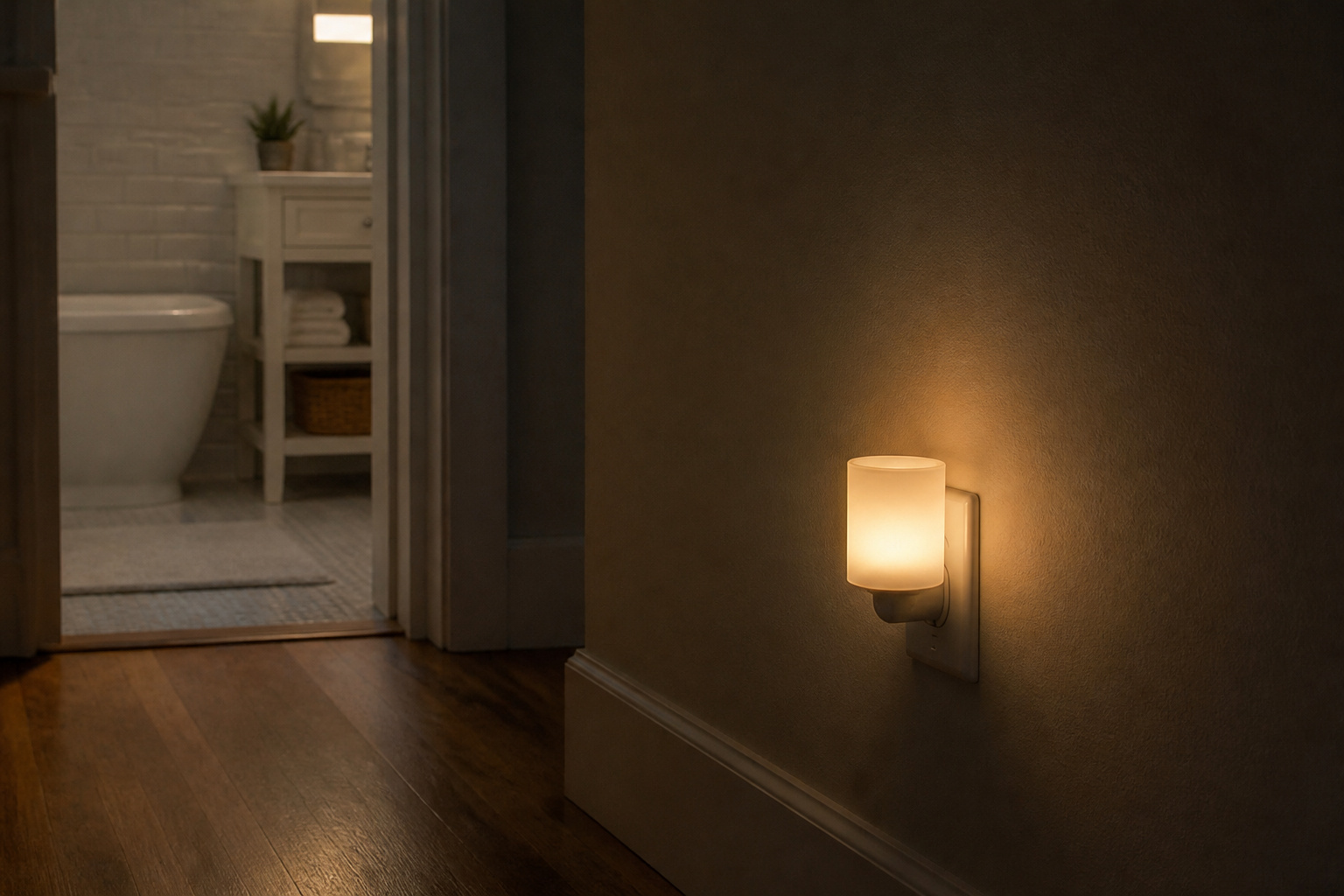
Light does two jobs: it makes a home less attractive to intruders, and helps prevent falls. Motion lights near the front door, the back door, and the garage help with both. Inside, plug-in night lights along the path from bedroom to bathroom reduce the chances of a fall at night, which is a larger risk for many older adults than a break-in.
Smart plugs and timers can turn lamps on at dusk without anyone having to remember, and they make the house look occupied during a trip. Choose bulbs and fixtures that are easy to reach and change, because a light that burns out and stays dark is no help.
Recommended Products

【Remote Control & 3 Lighting Modes】:Each solar motion sensor light is equipped with wireless remote control.You can choose the most suitable mode faster and more portable: ①Strong light sensor mode ② Dim light sensor mode ③Strong long light mode. Different lighting way for your daily requirement.

PIR Motion & Dusk to Dawn Activation: Motion sensor light bulb automatically lights up in the dark (8-16 feet) when motion is detected, and it turns off after 30-45 seconds. It activates only at night or in low light (<15Lux), remaining off during the day

Solar Powered & Energy Saving: Solar spot lights use solar energy to charge, which can automatically sense light, automatically turn on at night, and automatically charge during the day, saving electricity and reducing energy consumption. No wires are required, which not only saves energy, but also saves you a lot of money on your electricity bill
Seeing Who Is at the Door
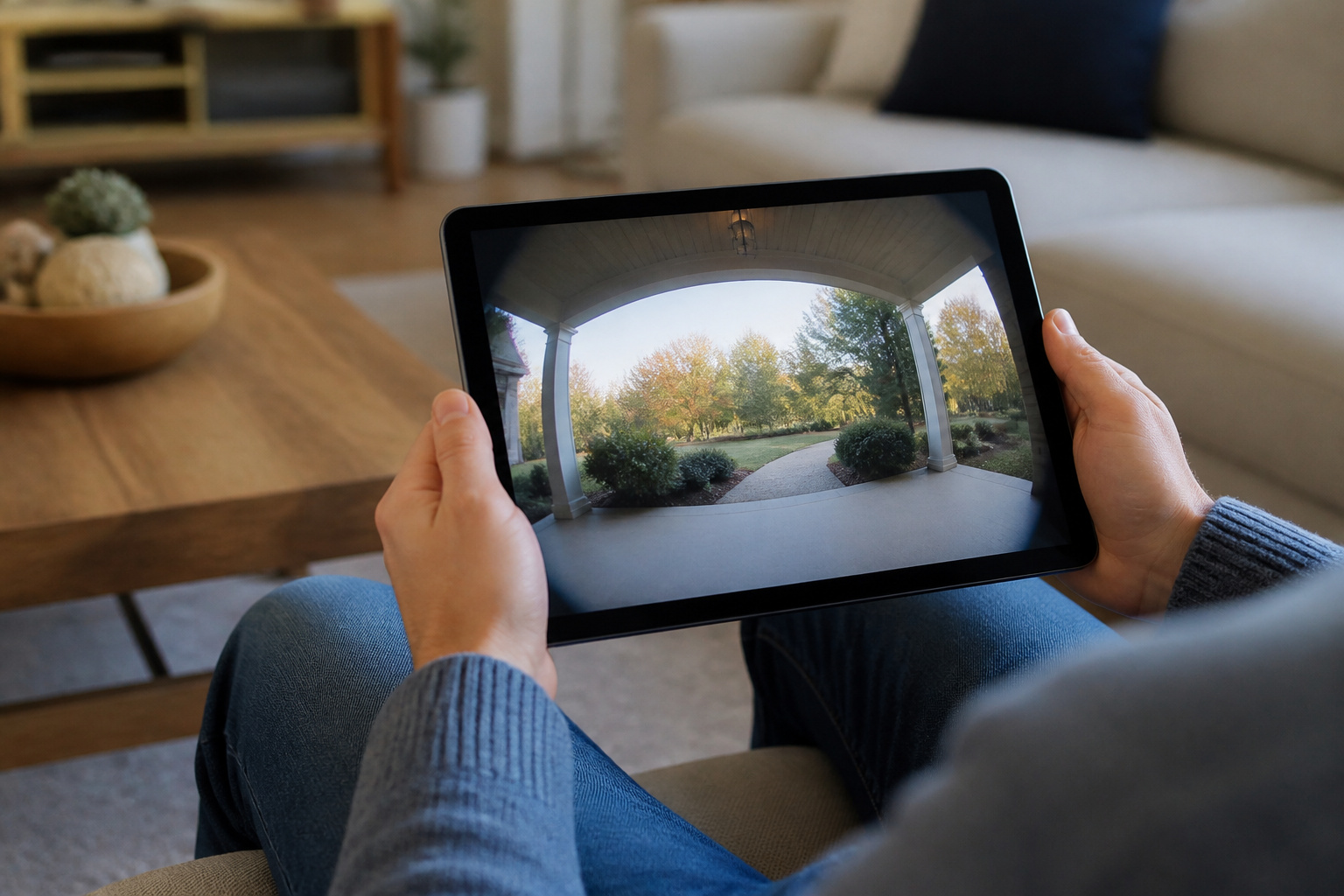
Knowing who is outside before opening the door is one of the most useful protections. A peephole works without cost, and a wide-angle viewer is easier on the eyes. A video doorbell goes further: you can see and talk to the visitor on a phone or tablet without opening the door, and see the porch while you are away. Our guide to video doorbells explains the trade-offs, including battery versus wired models and subscription fees.
Make the setup simple. Pick a doorbell with a clear, loud chime inside the home and an app a family member can also view, so they can help if a visitor looks suspicious. Teach a simple rule: never open the door for someone you did not expect.
Recommended Products

NO WIFI, APP OR SUBSCRIPTION – This wireless doorbell with camera connects directly to the indoor monitor through a private 2.4 GHz connection. A doorbell camera no subscription needed, with no smartphone or home internet required.

Capture it all with Retinal 2K video — From wide views to tighter focus, it’s easy to see your home or business in crisp clarity with Retinal 2K.

AI-Powered Smart Detection: Advanced AI technology accurately identifies people while filtering out vehicles and animals, so you only get the alerts that matter most
Spare Keys and Who Has Access
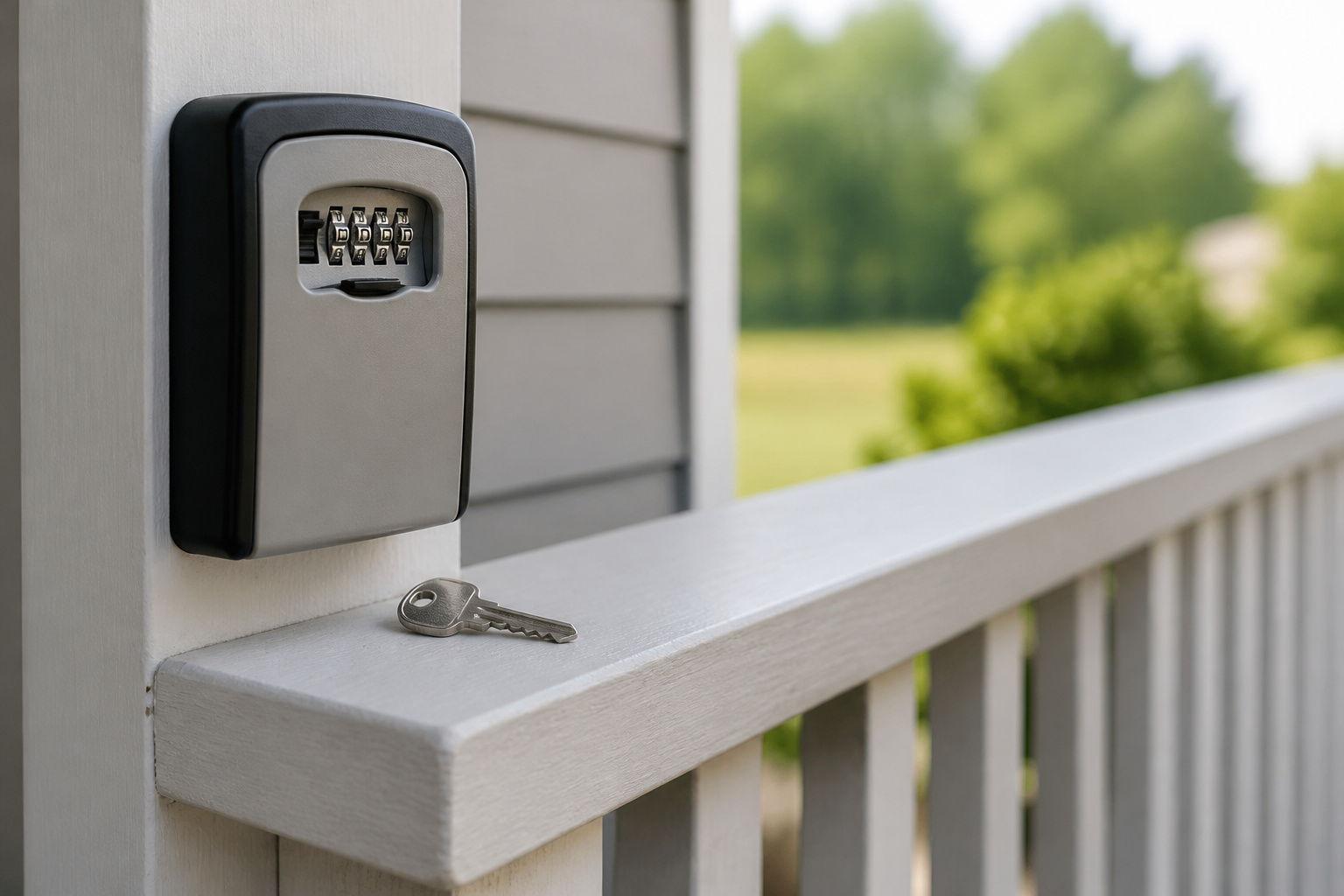
Keys under the mat, a flowerpot, or a fake rock are the first places a burglar checks. Better options include giving a spare key to a trusted neighbor or relative, using a lockbox with a combination code mounted out of sight, or switching to a keypad lock where each person gets their own code.
Rewritten:
Burglars check a few spots first: under the doormat, in a flowerpot, or inside a fake rock. Safer options include giving a trusted neighbor or relative a spare key, mounting a combination lockbox out of sight, or switching to a keypad lock that gives each person their own code.
Keep a short list of everyone who has access, including home health workers, cleaners, and contractors. With a keypad lock, you can delete a code when someone stops visiting, which is easier than rekeying. If a caregiver or agency is involved, ask how they handle keys and who holds them.
Cameras and Alarms: Keep It Simple
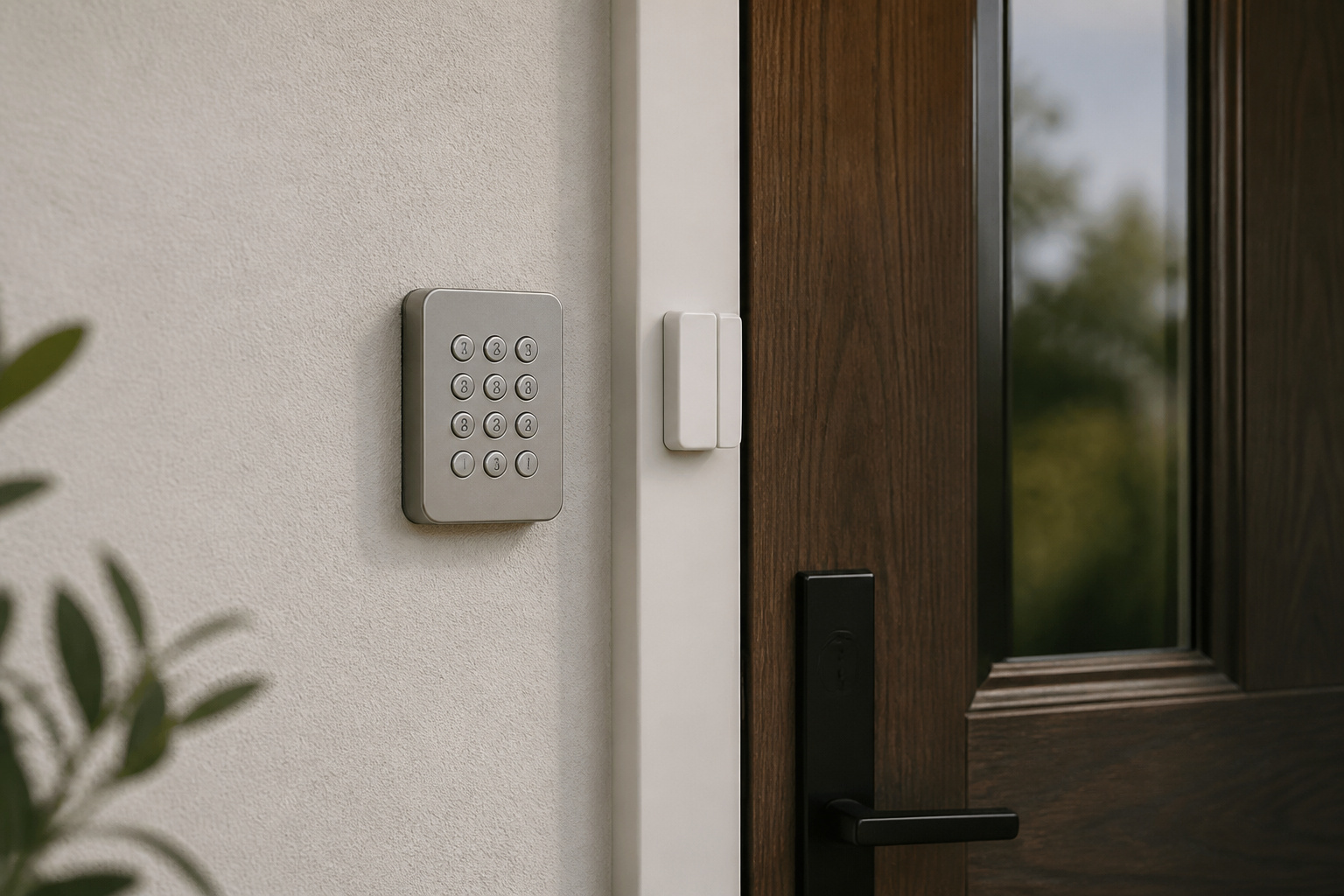
A camera system helps most when it is easy to use and does not generate constant alerts. Start with the front door and driveway. A wireless kit with door and window sensors, a siren, and an app is enough for most homes. Choose a system with a simple keypad or key fob for arming and disarming, because a system that is too hard to operate often ends up switched off.
Professional monitoring adds a call center that can contact you and send help, but it costs more. Ask how the company verifies an alarm before it dispatches help, since procedures vary. Self-monitoring only works if someone reliably reads the alerts. Our guide to affordable home security systems explains the ongoing costs. Also secure the account with a unique password and two-factor authentication, since a camera tied to a weak password can be accessed by others.
Recommended Products
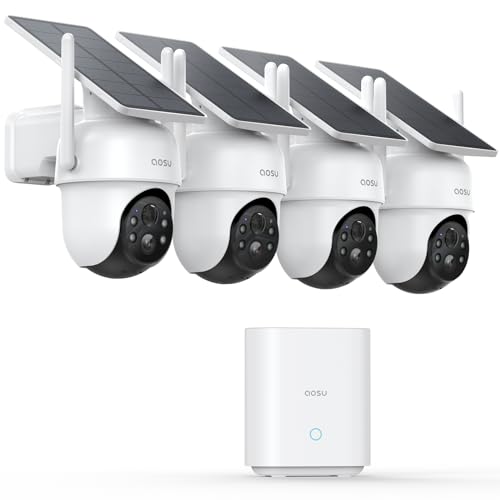
One Unified Security System, Powered by 1st-Gen aosuBase: 32GB of local storage comes ready to use, holding about 120 days of loop recording. No subscription required. Connect up to 4 cameras to one base with a stable wireless connection and centralized local storage. Recordings saved to aosuBase are event-based, triggered by detected activity.

A great fit for 2-4 bedroom homes, this Alarm Kit includes one Base Station, two Keypads, eight Contact Sensors, two Motion Detectors, and one Range Extender.

1 FREE month of professional monitoring for fast police response when you need it most. With optional monitoring services, our agents keep watch even when you can't, ready to instantly alert emergency responders. Starting at less than $1/day with no long-term contracts or hidden fees. (SimpliSafe products and professional monitoring services are only offered for sale and supported in the US)
Medical Alert Devices and Fall Detection
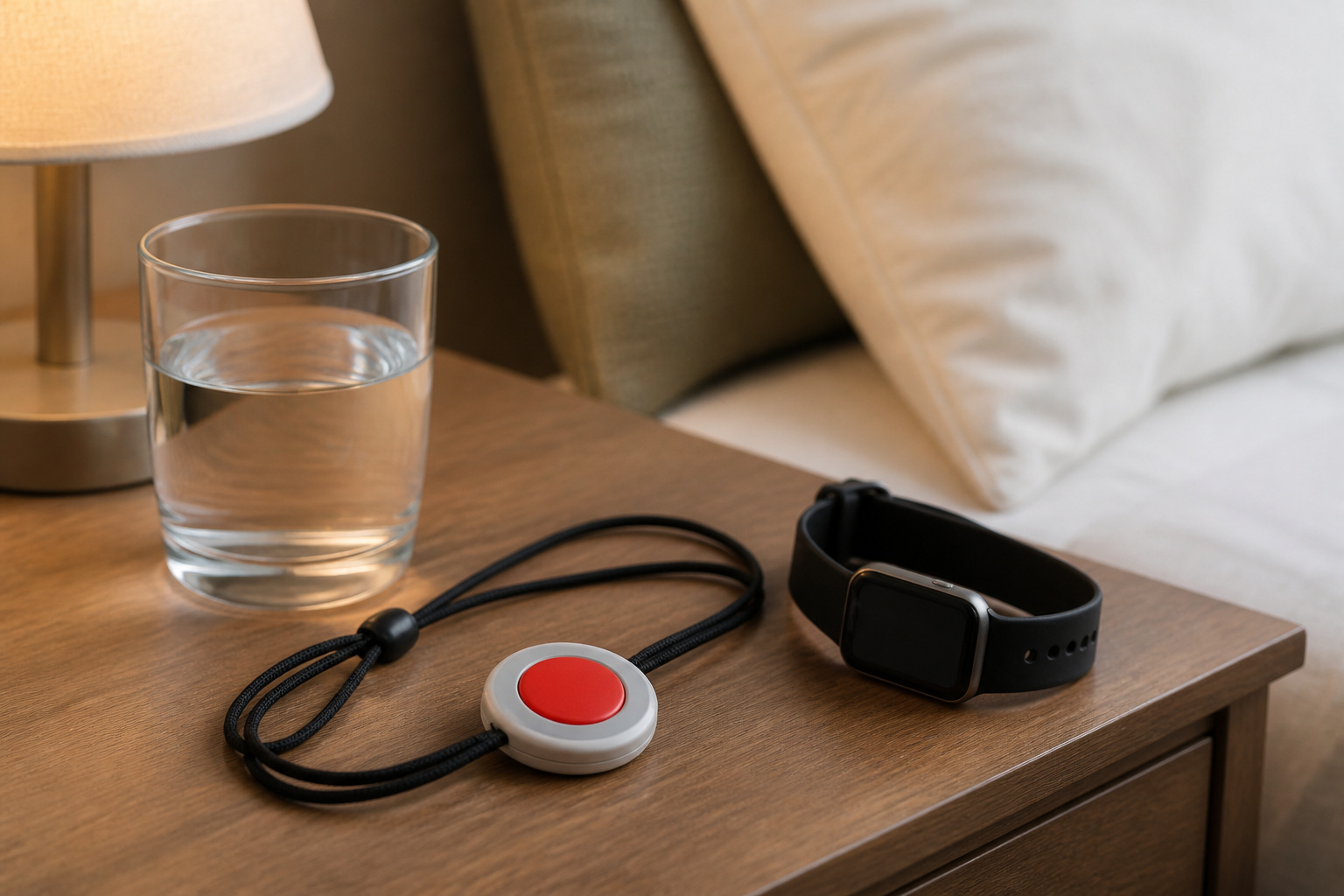
For many older adults, a fall is the likelier emergency. A medical alert device lets you call for help with a button on a pendant or wristband. Some add automatic fall detection, which can summon help if the wearer cannot press the button, though it can miss falls or trigger false alarms. Smartwatches offer similar features, as covered in our smartwatch buying guide.
Check how the device connects, since some work only at home on a landline or Wi-Fi and others use a cellular connection that works outdoors. Ask about monthly fees and who answers the call. A device that is worn every day beats a better one left in a drawer.
Recommended Products

❤️ 𝐌𝐞𝐝𝐢𝐜𝐚𝐥 𝐀𝐥𝐞𝐫𝐭 𝐏𝐞𝐧𝐝𝐚𝐧𝐭 𝐰𝐢𝐭𝐡 𝐅𝐚𝐥𝐥 𝐃𝐞𝐭𝐞𝐜𝐭𝐢𝐨𝐧: Designed for seniors and individuals with medical conditions, this wearable alert device automatically detects falls and immediately call and send SOS notification to preselected emergency contacts.

Monitoring Subscription Required and 24/7 Live Monitoring: Activation after purchase, an active monitoring subscription and cellular coverage are required. Once activated, press and hold SOS for approximately 3–5 seconds to connect with a live monitoring professional.

✔ No Monthly Fees - Instant Aid With One Press One large, easy-to-find button instantly signals for help, giving peace of mind to seniors and caregivers alike during falls, injuries, or health incidents.
Memory Impairment and Wandering
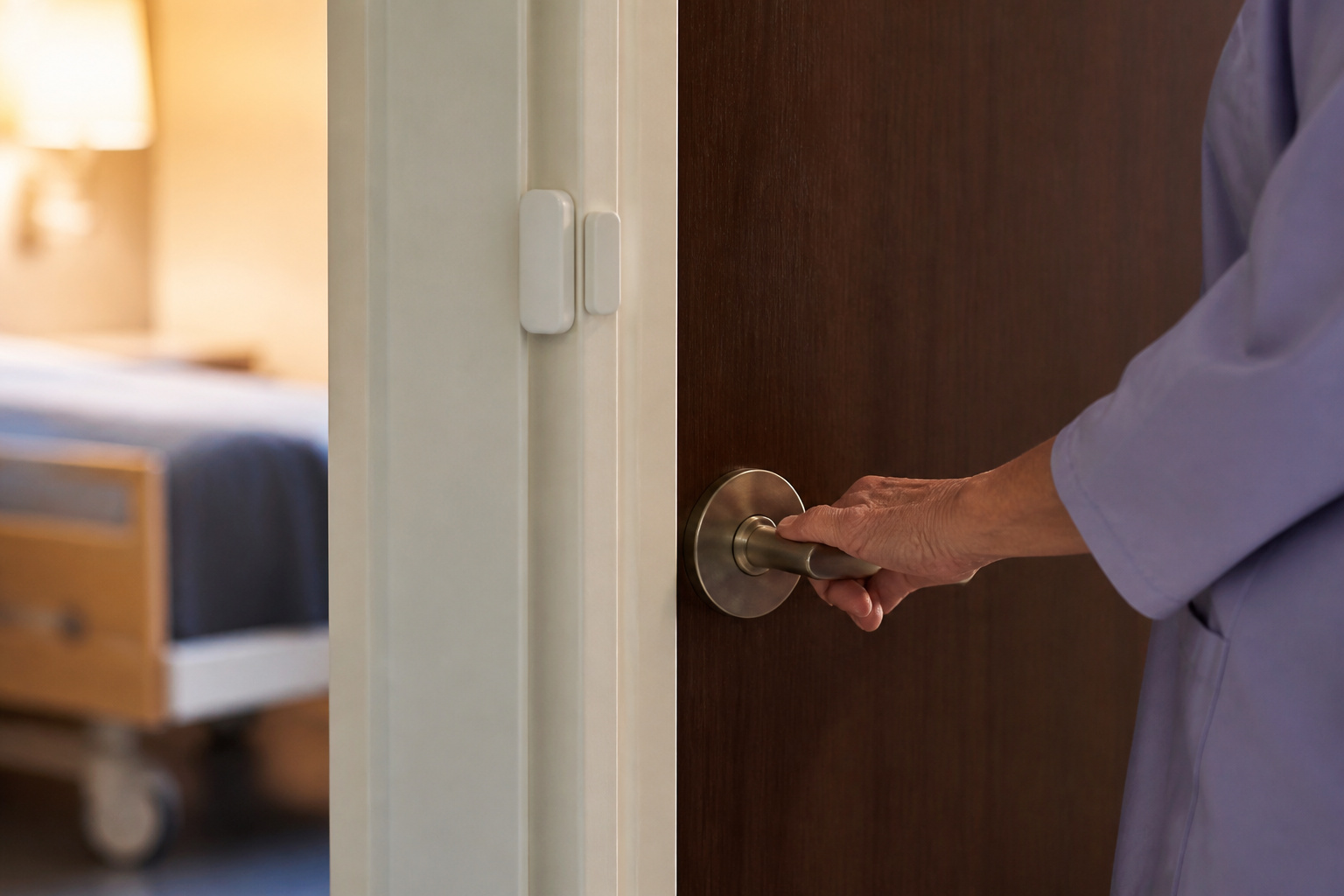
When someone has memory loss, the main risk can flip from intruders to leaving the house unsafely. Door and window sensors can chime or notify a caregiver when an exterior door opens at night. A smart lock lets a caregiver lock or unlock remotely, while a keypad lock avoids the problem of lost keys.
Locks that trap a person inside are a fire risk and may be restricted, so use alerts and supervision instead of locking someone in. Wearable GPS devices and identification bracelets can help find someone who has wandered. A doctor, the local Area Agency on Aging, or a dementia support organization can advise on options for your situation.
Scams, Phone Calls, and Doorstep Fraud
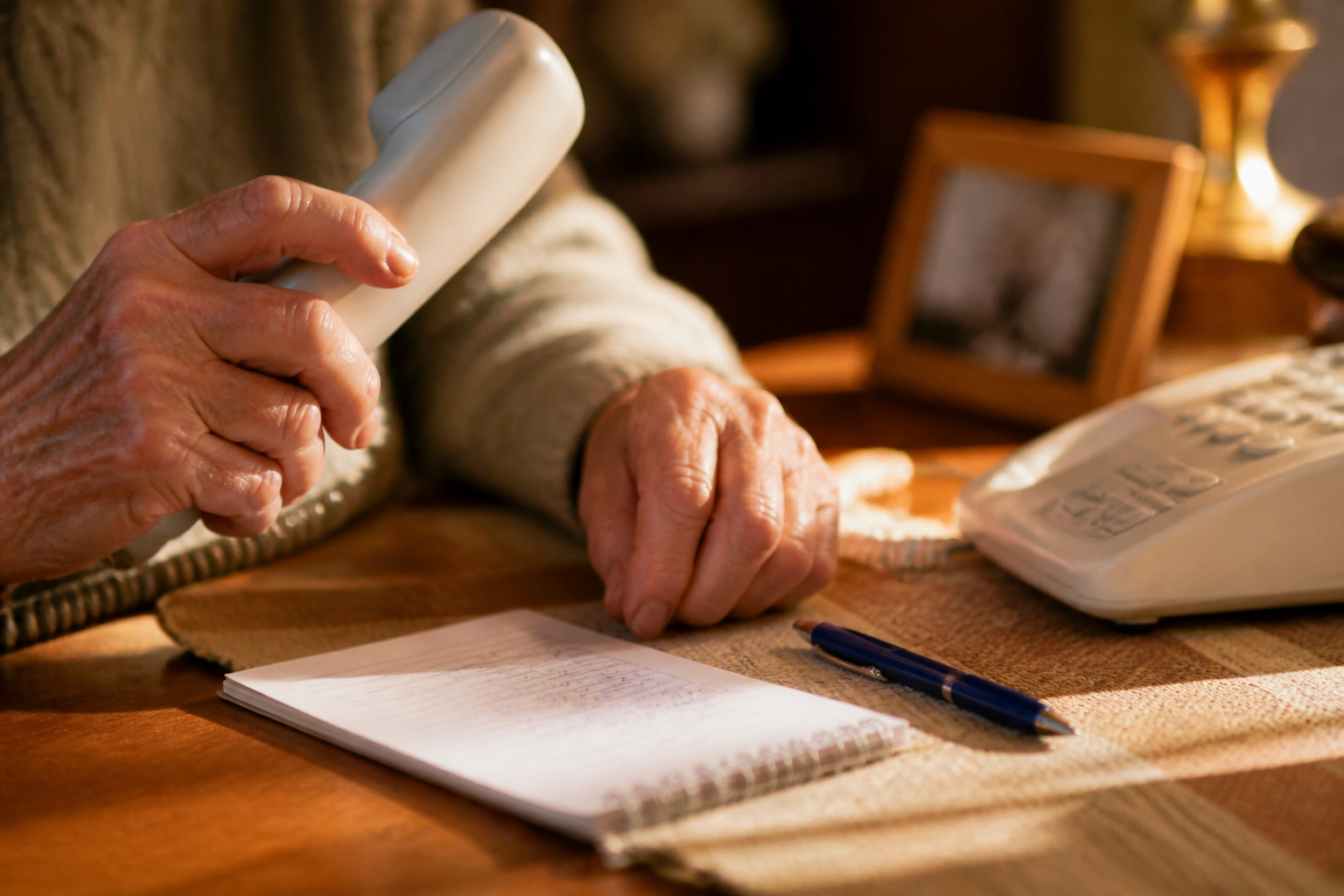
Deception is a serious risk, along with forced entry. Scammers call or email while pretending to be a bank, a government agency, or a grandchild in trouble, and some show up at the door as repair workers or utility staff. Be wary of any request for urgent payment, gift cards, wire transfers, or remote access to your computer.
- Hang up and call back using a number you look up yourself, not the one the caller gives.
- Do not let unexpected workers in. Ask for ID, and call the company to confirm the visit.
- Agree on a family code word to confirm a real emergency call.
- Use strong, unique passwords and two-factor authentication on email and bank accounts.
A video doorbell makes doorstep scams easier to spot, and our guide to smart home privacy explains what connected devices share.
Neighbors, Family, and Check-Ins
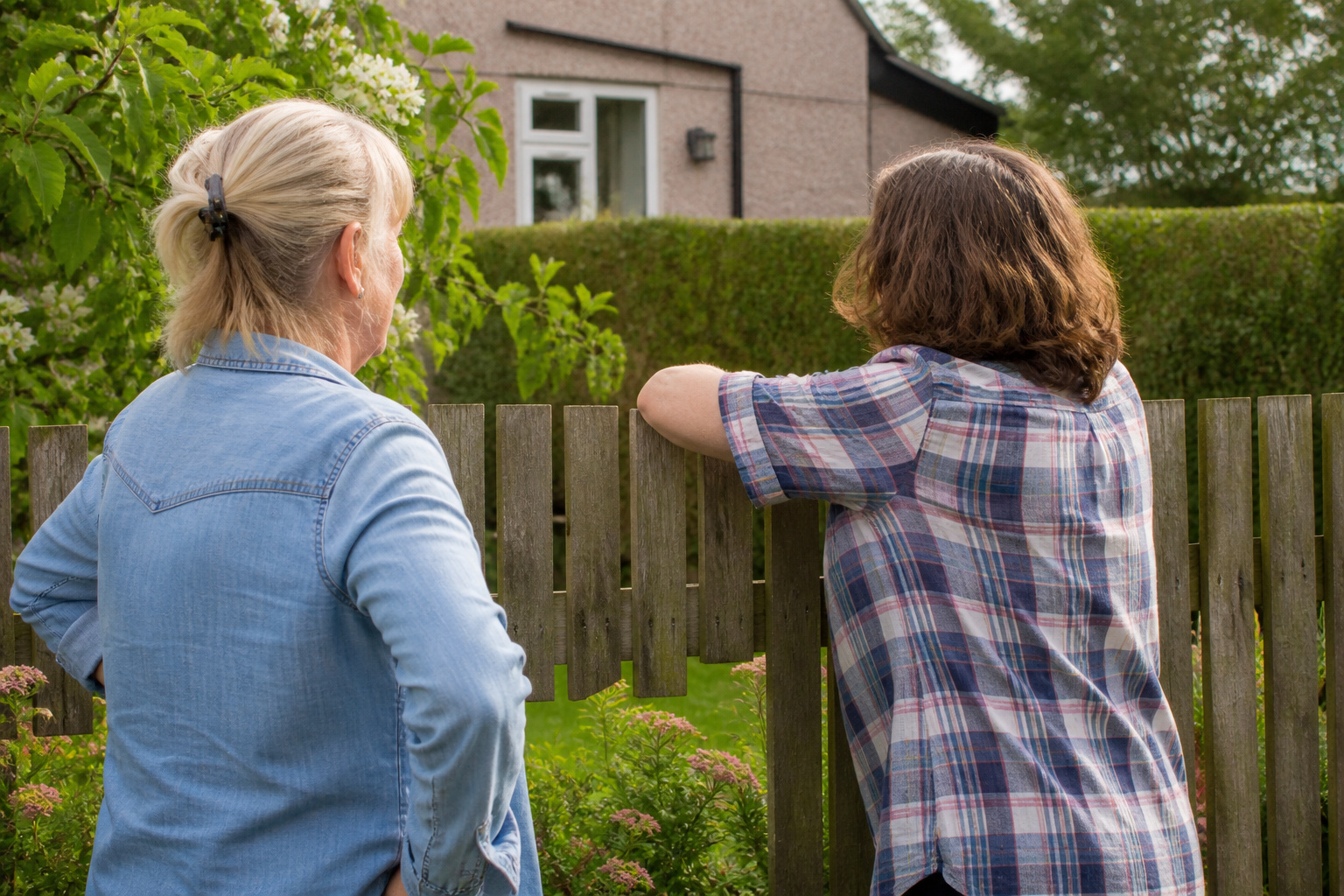
Technology works best when people are part of it. Get to know the neighbors on each side, share contact numbers, and agree to watch each other’s homes. A neighborhood watch group or a local police community program can help, and many departments offer free home safety checks. Set up a regular check-in, such as a daily call or a text, so a family member notices if something changes.
Keep an emergency sheet by the phone with contact numbers, medications, and doctor information, and make sure first responders can reach the house, for example, with a lockbox or a keypad code shared through the monitoring service. Review the plan every year or after any change in health or living situation.
Frequently Asked Questions
What is the most important security upgrade for a senior living alone?
Solid locks on every exterior door, a way to see who is outside before opening, and a medical alert option for emergencies. These cover the most common risks for little cost.
How can seniors protect their homes while traveling?
Ask a neighbor to collect mail and packages, put lights on timers, and avoid posting travel plans online. Make sure a trusted person has a key or code and knows who to call. Turn on camera and sensor alerts and share them with a family member.
Are there low-cost options for older adults on a fixed income?
Yes. Deadbolts, window pin locks, a sliding door bar, motion lights, and a peephole cost little. Some local governments, police departments, and community or senior services programs offer free or reduced-cost safety devices or home visits, so ask your local Area Agency on Aging.
Do pets affect a home security system?
They can trigger motion sensors. Use sensors rated for pets up to your animal’s weight, or rely on door and window sensors that ignore movement inside the home. Test the system after setup. A dog may also alert you to someone approaching, though it should not be your only protection.
What is the best option when someone has memory problems?
Use door sensors that alert a caregiver, a lock that can be managed remotely or opened with a code, and wearable ID or a GPS device. Avoid locking the person in, and ask a doctor or local dementia resource for guidance.
Closing Thoughts
Good senior home security is practical and easy to live with. Strengthen the doors, keep windows usable as fire exits, light the paths, know who is at the door, and make sure help is a button press away. Add trusted people and a few simple habits, and the home becomes safer without taking away independence.