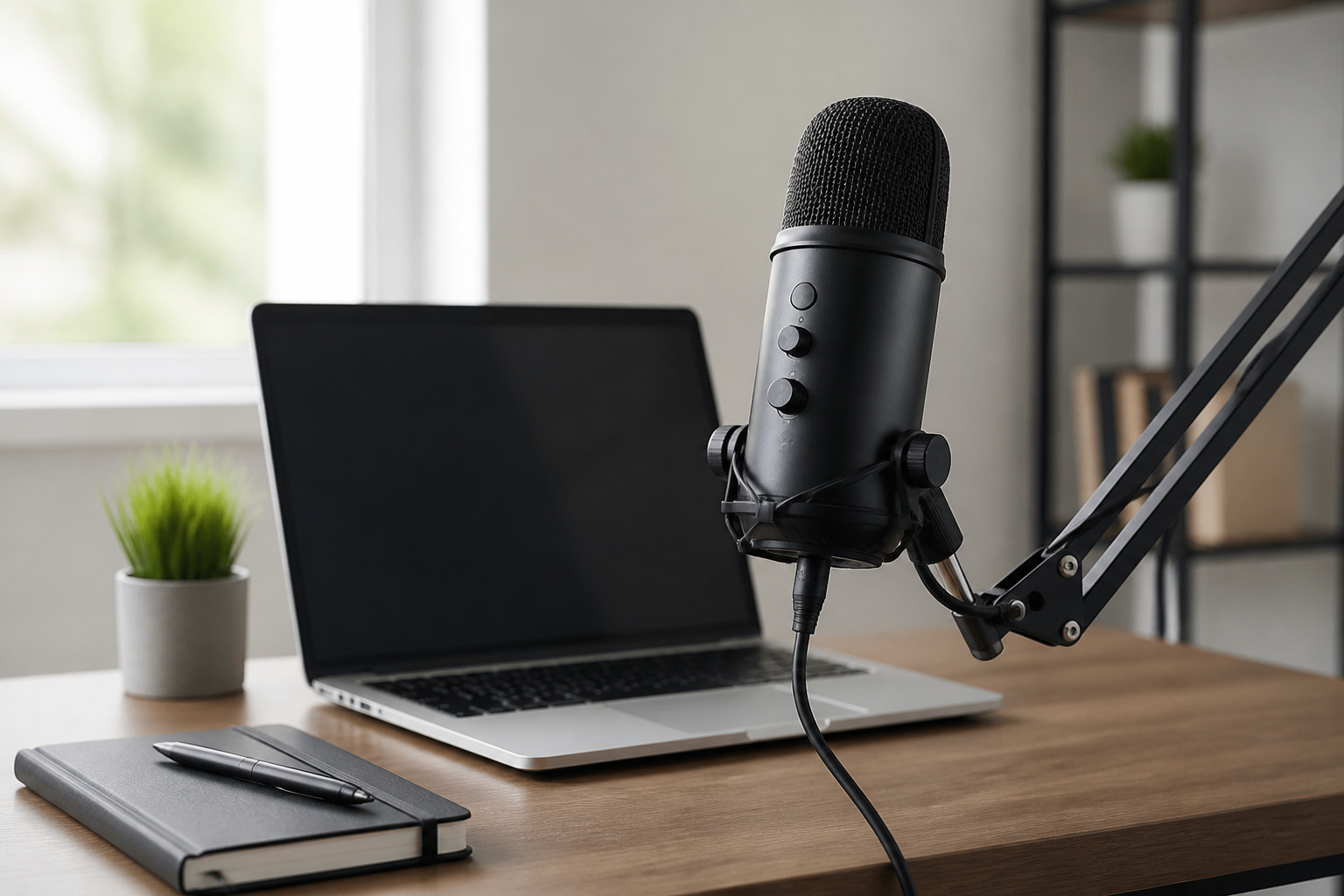
A USB microphone is the quickest way to sound better on calls, streams, podcasts, and voiceovers. You plug it into a computer and start recording. The hard part is choosing among models that all promise studio quality, with different connections, pickup patterns, controls, and software.
This guide explains the choices that matter: USB or XLR, condenser or dynamic, polar patterns, gain and monitoring controls, software, mounting, and console support. It uses two popular models, the Blue Yeti from Logitech and the HyperX QuadCast S, as examples of how those choices show up in real products. Specifications come from the manufacturers’ pages.
USB or XLR: Which Connection Fits
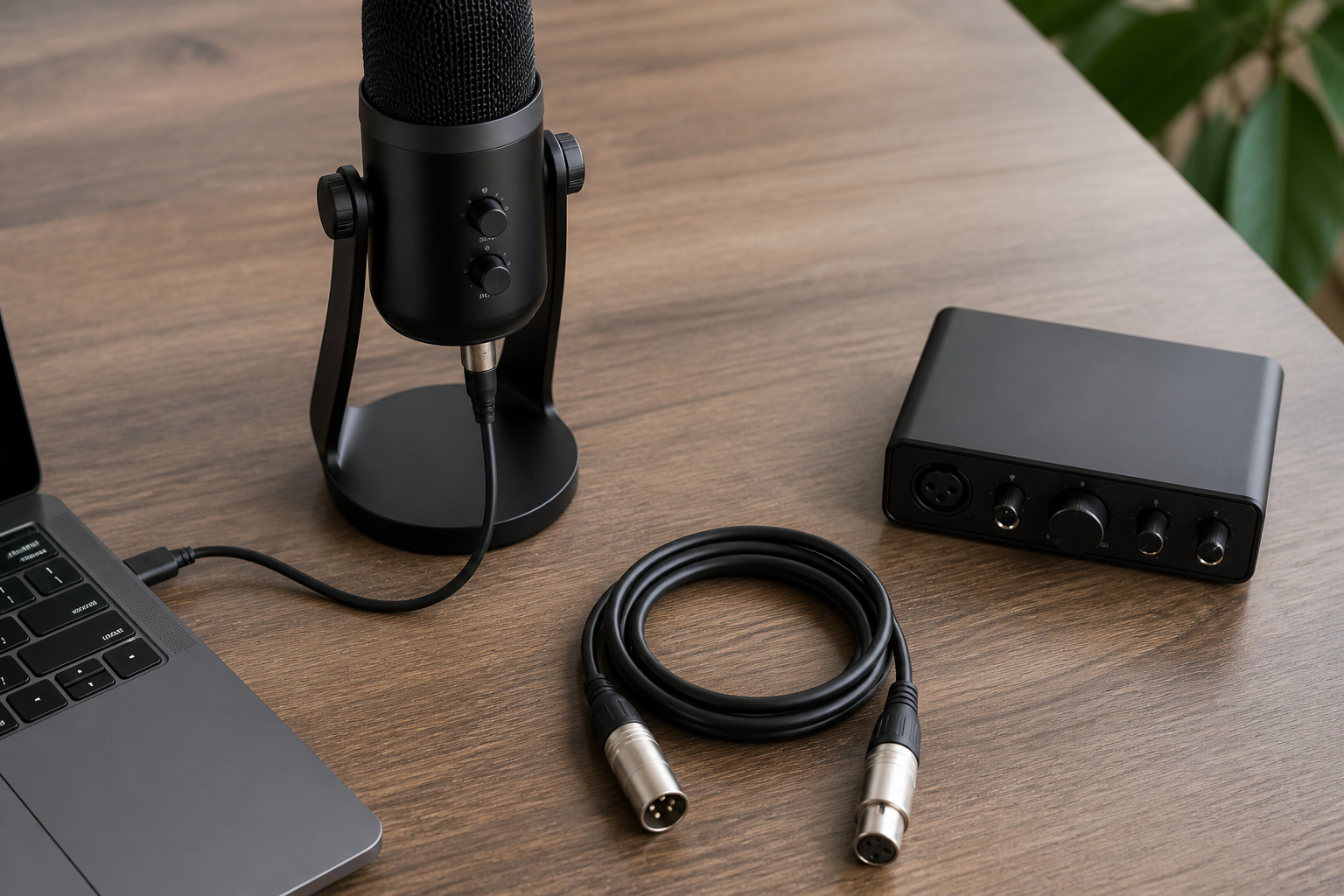
A USB microphone has its own preamp and converter built in, so it plugs straight into a computer. An XLR microphone sends an analog signal and needs an audio interface in between to provide gain, convert the signal to digital, and usually add headphone monitoring. Elgato’s comparison describes the tradeoff the same way: USB has a lower cost of entry, and XLR costs more at first but lets you replace the microphone or the interface independently.
For most people recording at a desk, USB is the simpler choice. XLR makes sense if you plan to grow into a larger setup with several microphones, a mixer, or a long cable run. If you are unsure, our guide on whether you need a USB DAC or audio interface explains what an interface does and when it helps.
Recommended Products

Pro performance with great pre-amps - Achieve a brighter recording thanks to the high performing mic pre-amps of the Scarlett 3rd Gen. A switchable Air mode will add extra clarity to your acoustic instruments when recording with your Solo 3rd Gen

[Reliable Dual Inputs for Daily Use] This Q-12 audio interface provides professional 16-Bit/48kHz resolution for pristine sound. Unlike others with popping noise, our upgraded chip ensures crystal-clear XLR and 3.5mm inputs for your daily music production.

[5-In-1 Audio Hub] - Cubilux CB5 USB Audio Interface converts the USB port of your laptop into 2 stereo microphone jacks, 1 line-in jack, 1 line-out jack, and 1 headphone jack, letting you conveniently connect microphones, instruments, and headphones or speakers as needed. Please note that the line-out jack and the audio output jack cannot be used simultaneously.
Condenser or Dynamic: What Your Room Decides
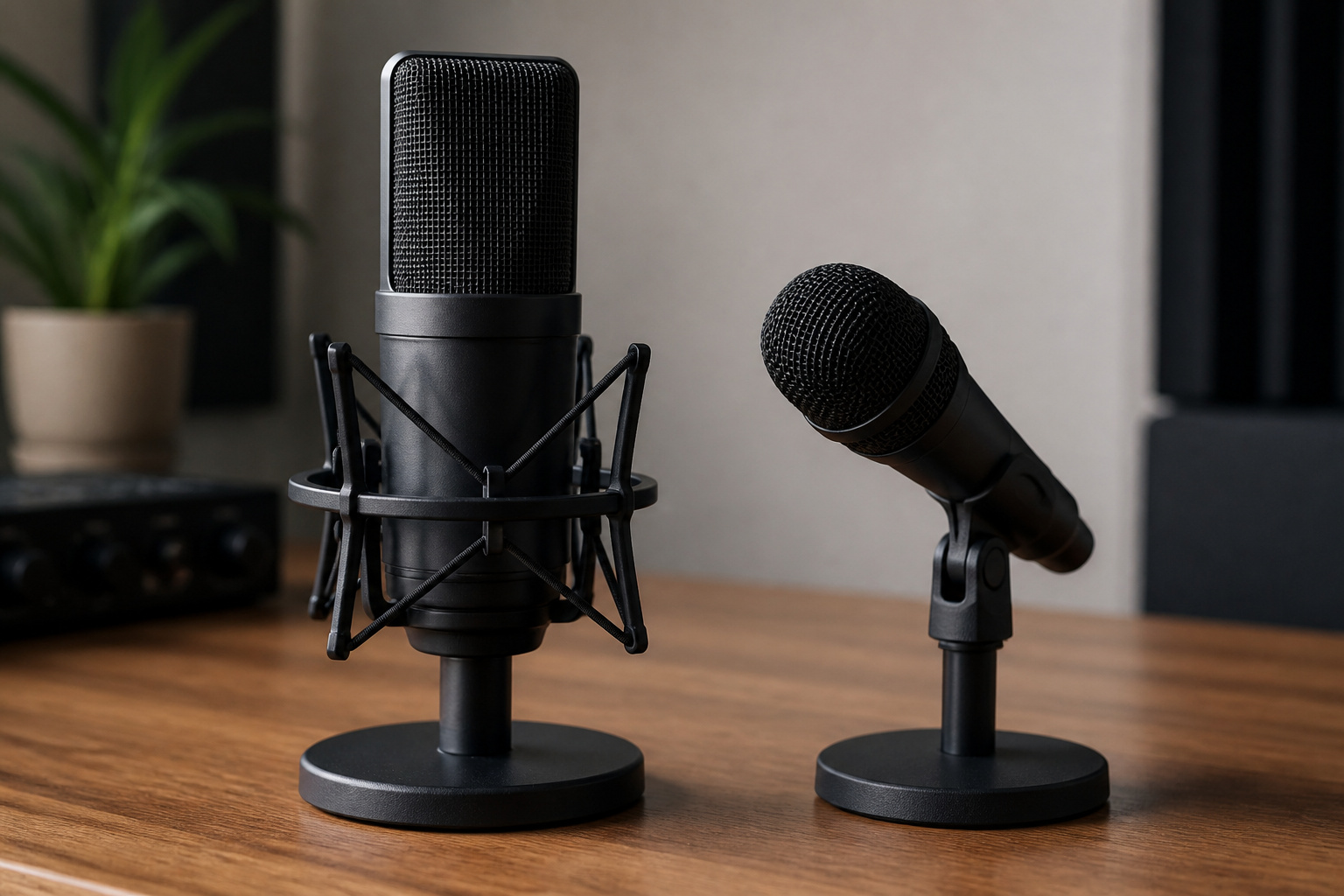
Most popular USB microphones, including the Blue Yeti and QuadCast S, are condensers. Condensers capture more detail, but they also capture more of the room, including keyboard clatter, fans, and echo. Dynamic microphones are less sensitive and more forgiving in an untreated room, and many people who record in a noisy space find them easier to live with.
If your room is quiet and carpeted, or you can add soft furnishings, a condenser can sound very good. If you share a loud space, consider a dynamic model or plan to sit very close to the microphone with the gain turned down.
Polar Patterns and When Each Helps
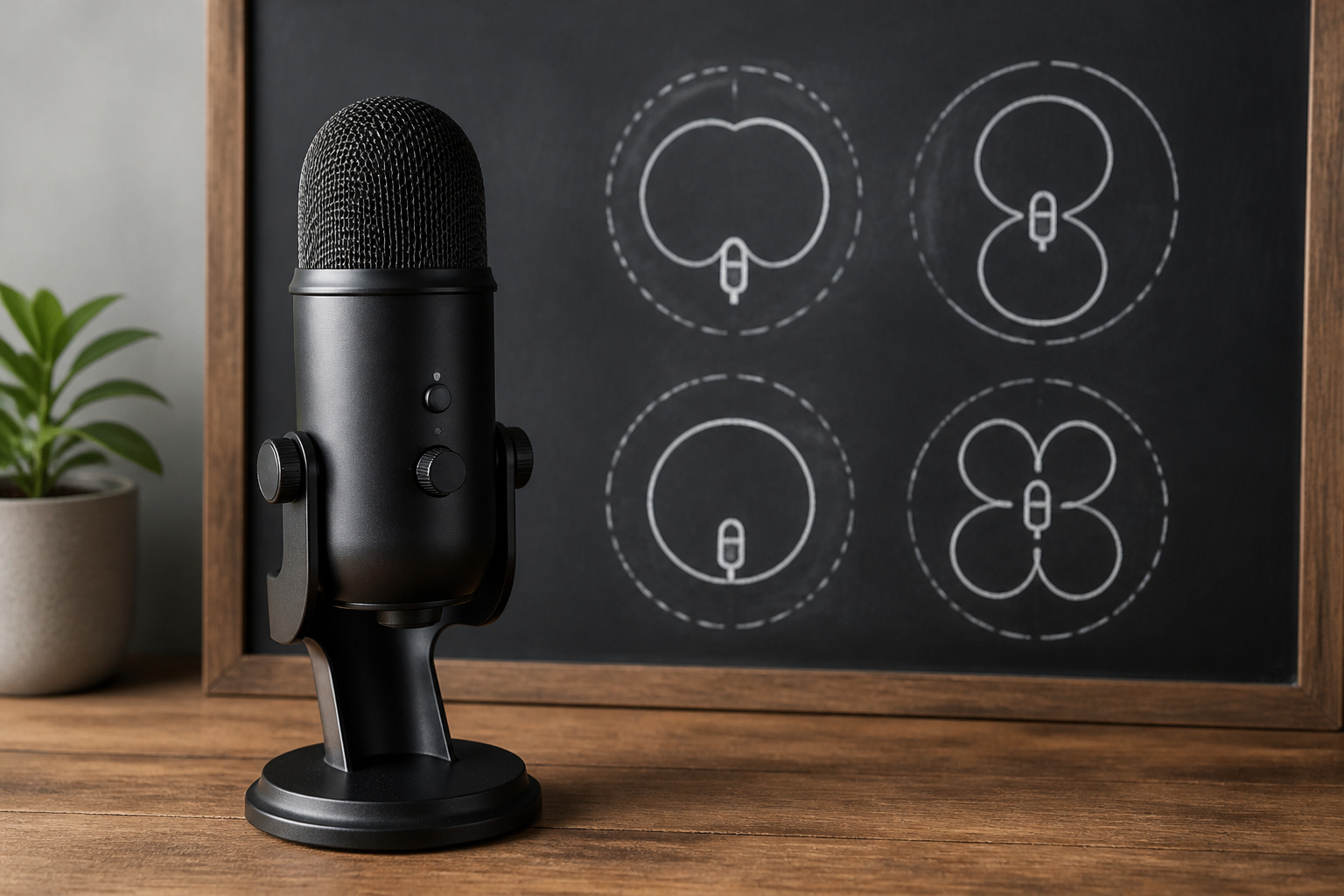
A polar pattern describes where a microphone listens. Many USB models offer several patterns so one device can handle different jobs.
- Cardioid: Picks up sound from the front and rejects the rear. This is the right choice for one person speaking, singing, or streaming at a desk.
- Bidirectional: Picks up the front and back and rejects the sides. It works for a two-person interview across a table.
- Omnidirectional: Picks up sound from all around. It suits a group around one microphone or a room recording, and it also picks up more noise.
- Stereo: Uses left and right channels for a wider sound, which is useful for some music and ambient recordings.
HyperX lists the QuadCast S with four selectable patterns: stereo, omnidirectional, cardioid, and bidirectional. Logitech describes the Yeti as a three-capsule multi-pattern microphone, so confirm the exact patterns on the specific version you buy. For solo talking, cardioid is almost always the setting you want, so a fourth pattern you never use should not drive the purchase.
Gain, Monitoring, and Mute Controls
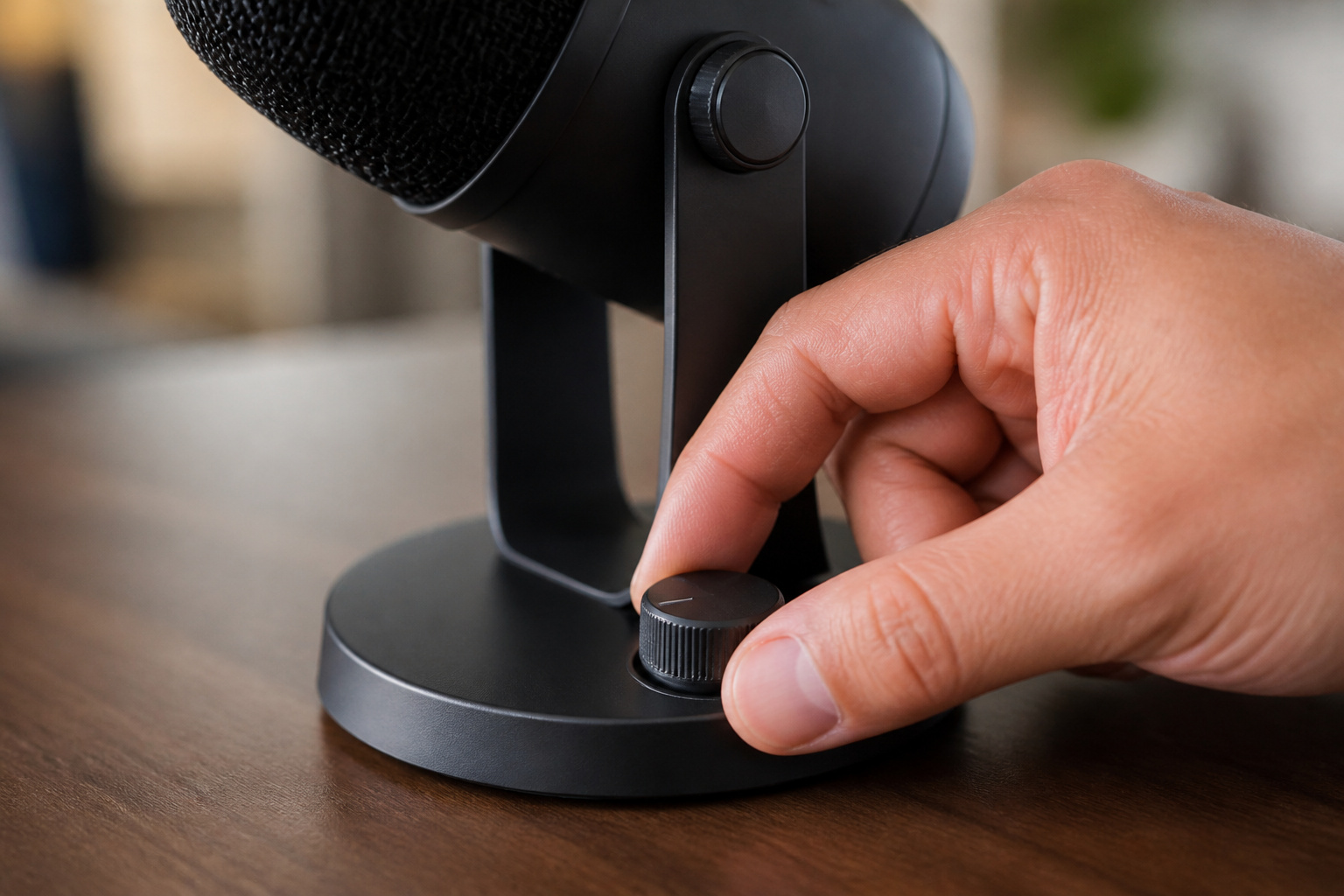
Controls on the microphone itself are worth more than they sound. A gain dial lets you set the level before it reaches the computer, which helps avoid distorted peaks or a recording that is too quiet. A headphone jack on the microphone lets you hear yourself with no delay, which is useful on streams and calls. HyperX lists a gain dial and a 3.5 mm headphone output on the QuadCast S.
A mute control is also useful. HyperX lists a tap-to-mute sensor with an LED status indicator on the QuadCast S, which makes it easy to see whether the microphone is live. A physical mute is faster than finding the mute button in a call app, and a visible light helps you avoid being muted by mistake.
Recommended Products

Plug-and-play simplicity – We understand that setting up a podcast session or live stream can be overwhelming but capturing pristine audio doesn’t have to be. With the Profile, one simple connection is all you need to achieve the sound you’re looking for

Enjoy expansive cinematic sound. Big 50 mm audio drivers deliver an incredible sound experience
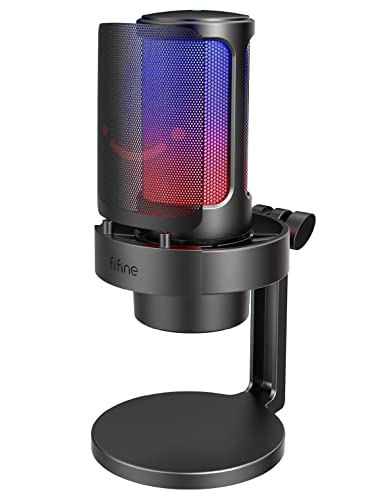
[Clear Sound Quality & Noise Reduction]Equipped with a 16mm cardioid capsule, this USB microphone delivers high-fidelity audio with a true 16-bit/48kHz sampling rate and a 70dB SNR. The 20KHz frequency response captures everything from whispered commentary to energetic callouts. The integrated metal pop filter eliminates plosives, while the shock mount physically absorbs desk vibrations from keyboard typing and mouse movements. Focus on your voice while rejecting background chatter in shared spaces.
Software, RGB, and Voice Effects
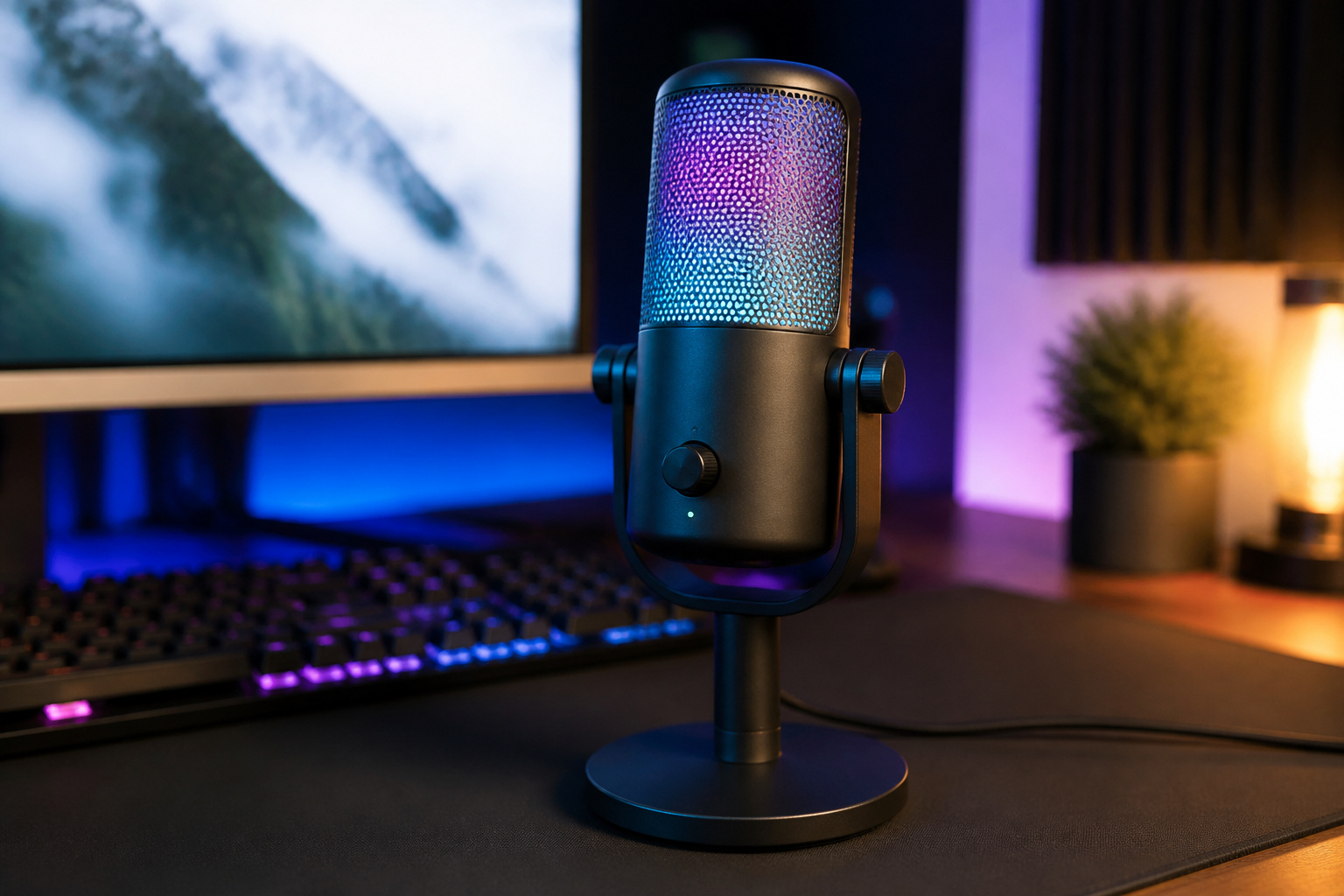
Many microphones now come with software for lighting, equalizer settings, and noise reduction. HyperX lists two-zone RGB lighting on the QuadCast S, controlled through its NGENUITY software. Logitech lists Blue VO!CE on its current Yeti models, with vocal effects and tools such as EQ, a limiter, and noise reduction through Logitech G HUB.
Software features can be fun, but they are the part most likely to change over time, and they may run only on certain operating systems. Check which platforms the software supports before you rely on it, and treat lighting and effects as extras. Clean placement and sensible gain will matter more to your sound than any preset.
Mounts, Shock Mounts, and Pop Filters
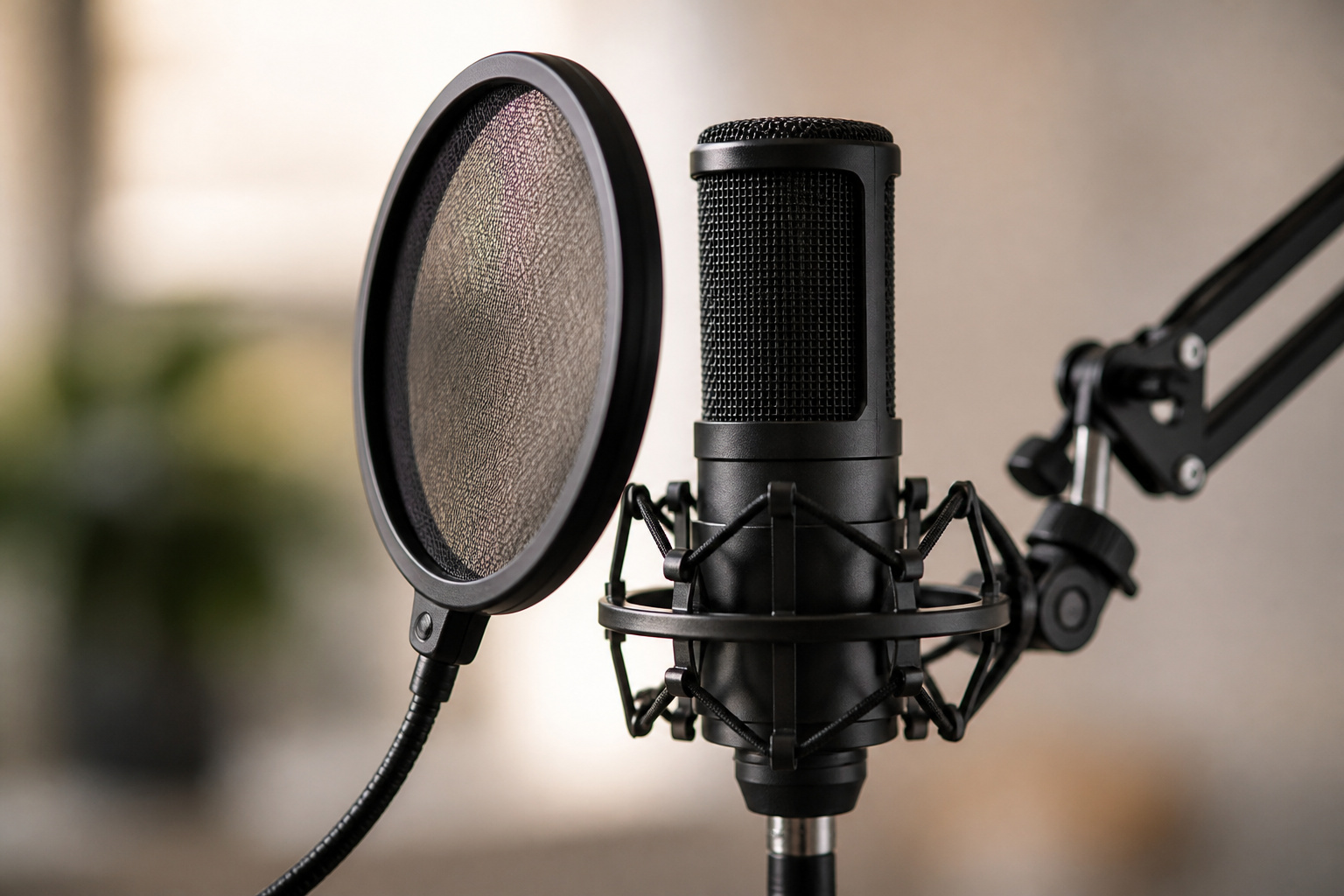
A microphone on a desk stand picks up desk bumps, keyboard taps, and your own movement. A shock mount isolates the microphone from vibration, and a pop filter reduces harsh bursts of air on sounds like p and b. HyperX lists the QuadCast S with a built-in anti-vibration shock mount and an internal pop filter.
A boom arm lifts the microphone off the desk and lets you position it close to your mouth, which is the single most effective way to improve the sound of almost any microphone. HyperX notes that the QuadCast S mount adapter fits 3/8-inch and 5/8-inch threads and that a boom arm is not included. Check thread size on any microphone before you buy an arm for it.
Recommended Products

Cable Management Channels: The upgraded mic arms are optimized with built-in channels as cable management for you to put your cables in by simply removing the rubber cable covers, bringing a clean and neat look without getting your setups and cables tangled while recording or live streaming. The thoughtful design frees the whole look of being a mess and provides a shelter for cables.

LOW PROFILE & SMOOTH ADJUSTMENT: Keep your desk clear with a sleek mic arm that extends up to 27.1 inches. Stepless mechanical joints and 360° rotation let you position your mic silently and precisely—ideal for streaming, podcasting, and gaming

Professional-Grade Stability: Built with high-quality aluminum alloy and advanced suspension springs, this microphone boom arm keeps your mic firmly in place. With a max weight capacity of 3.3 lbs (1.5 kg), it eliminates wobbling, tilting, or sinking during recordings, delivering smooth, professional-quality audio every time.
Console, Mobile, and Platform Compatibility
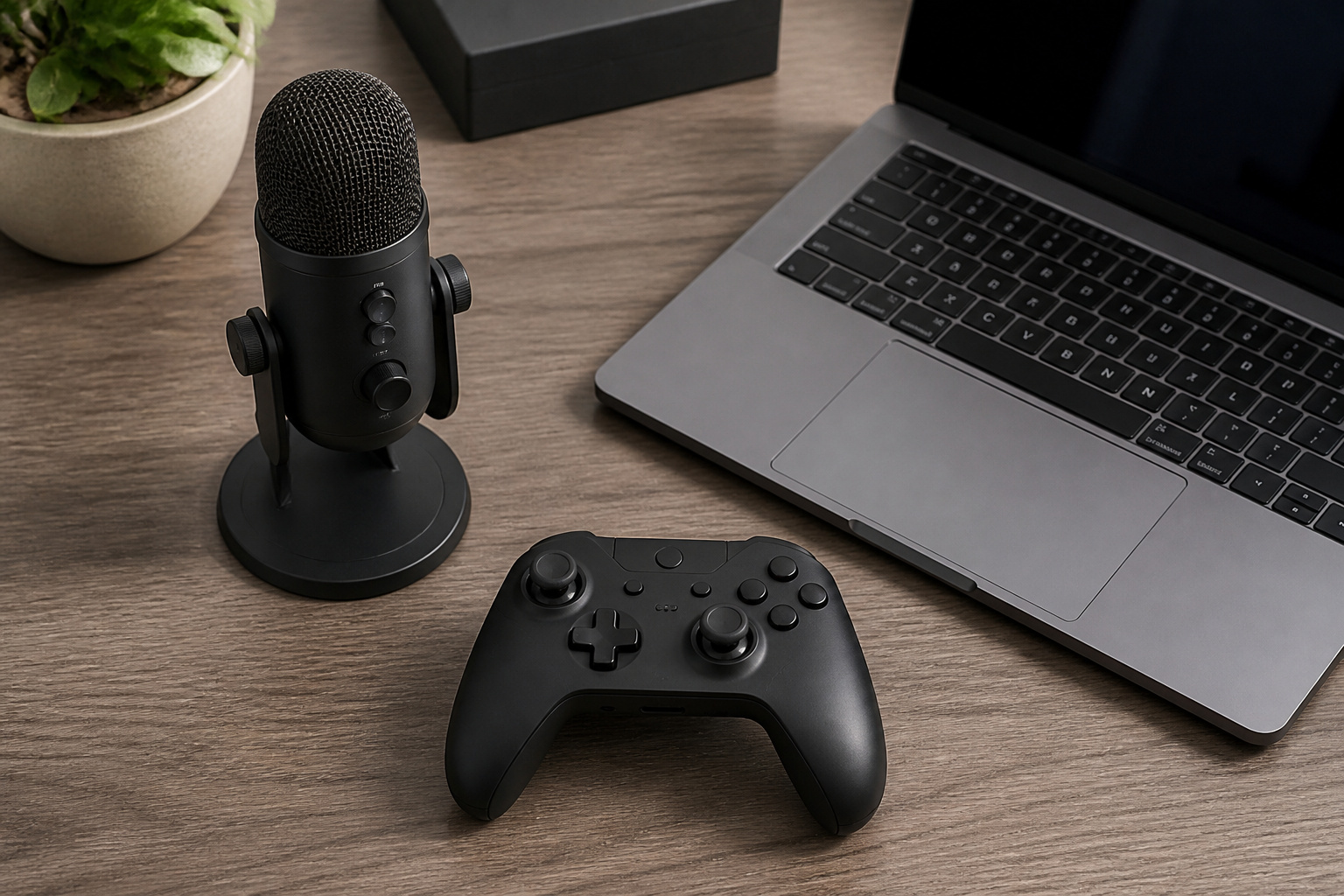
USB microphones are not supported equally everywhere. HyperX lists the QuadCast S for PC, Mac, PS5, and PS4, with Discord and TeamSpeak certification, and its page does not state support for Xbox or Android. Logitech’s page for the current Yeti does not list supported operating systems, so confirm compatibility on the product page for the exact model.
If you plan to use a microphone with a console, tablet, or phone, check the manufacturer’s compatibility list before you buy. A microphone that works on your computer may need an adapter or may not be supported on another device.
Two Popular Examples: Blue Yeti and HyperX QuadCast S
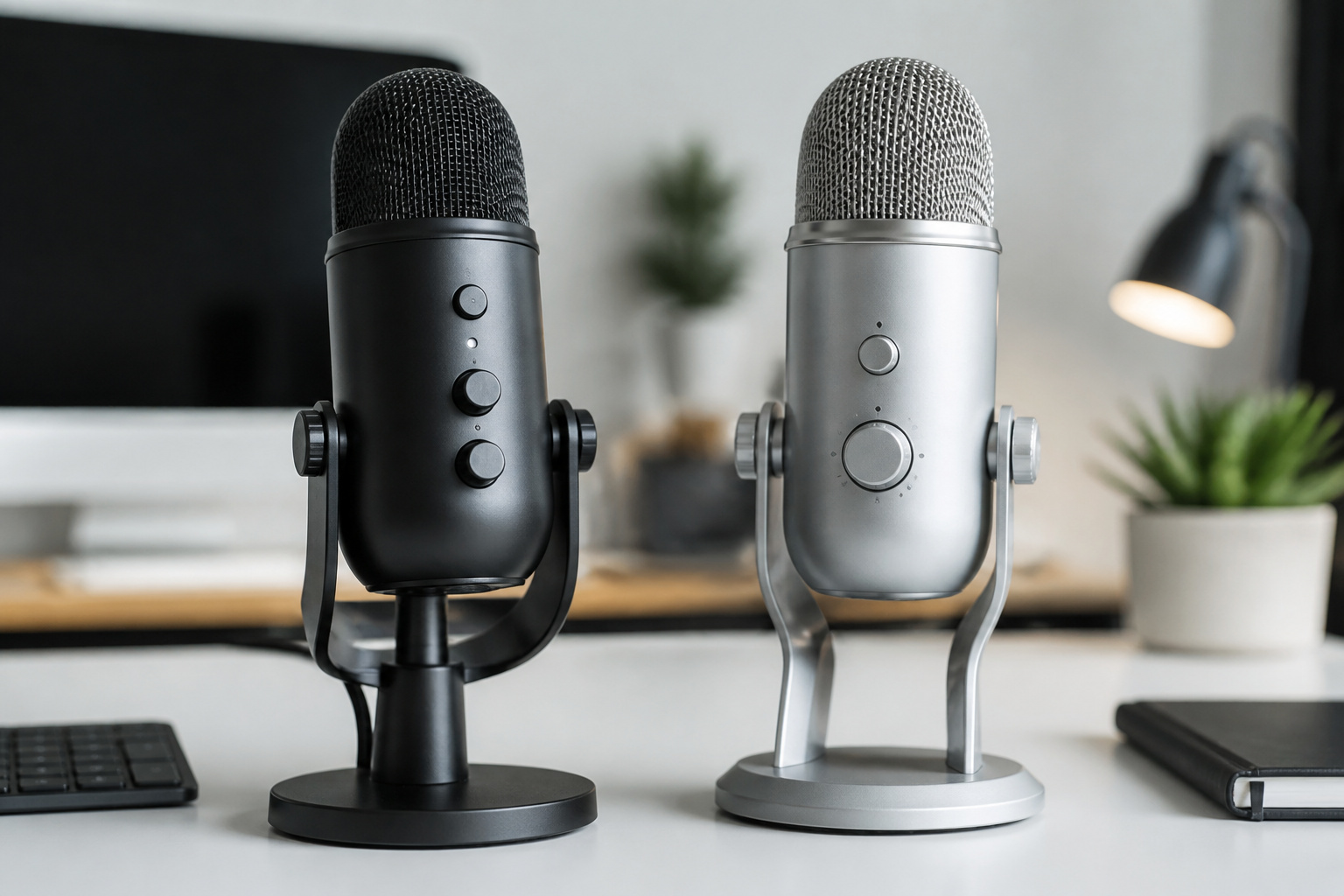
These two microphones show how the same features appear in real products.
| Feature | Blue Yeti (Logitech) | HyperX QuadCast S |
|---|---|---|
| Capsules | Three-capsule array | Three 14 mm electret condenser capsules |
| Patterns | Multi-pattern; confirm for your version | Cardioid, bidirectional, omnidirectional, stereo |
| Software | Blue VO!CE through Logitech G HUB | NGENUITY for RGB lighting |
| Mute | Not confirmed here; check your version | Tap-to-mute with LED indicator |
| Shock mount and pop filter | Internal shock mount listed on the Aurora model | Built-in shock mount and internal pop filter |
| Connection | USB, check your version | USB-C with 3.5 mm headphone output |
The Yeti is known for flexibility and has been a common first USB microphone for years, while the QuadCast S emphasizes lighting and a built-in mute. Both are large desk microphones that pick up room sound, so neither is a magic fix for a noisy room. Check current versions and prices, since both lines have changed over time.
Recommended Products

CONDENSER MICROPHONE: High sensitivity, low noise, and low distortion with a large 14mm diaphragm and clear sound pickup

[Convenient Setup] Plug and play recording USB microphone for PC, with 5.9-Foot USB cable included for computer PC laptop, is connected directly to USB-A port for recording music, computer singing or podcast. The office condenser microphone for computer is easy to use and install. (NOT compatible with Xbox and Phones)

【Crystal Clear Audio Quality】Our Omnidirectional pattern condenser microphone accurately captures your voice, making it perfect for dictation, online classrooms, and more.
Setting Up for Cleaner Recordings
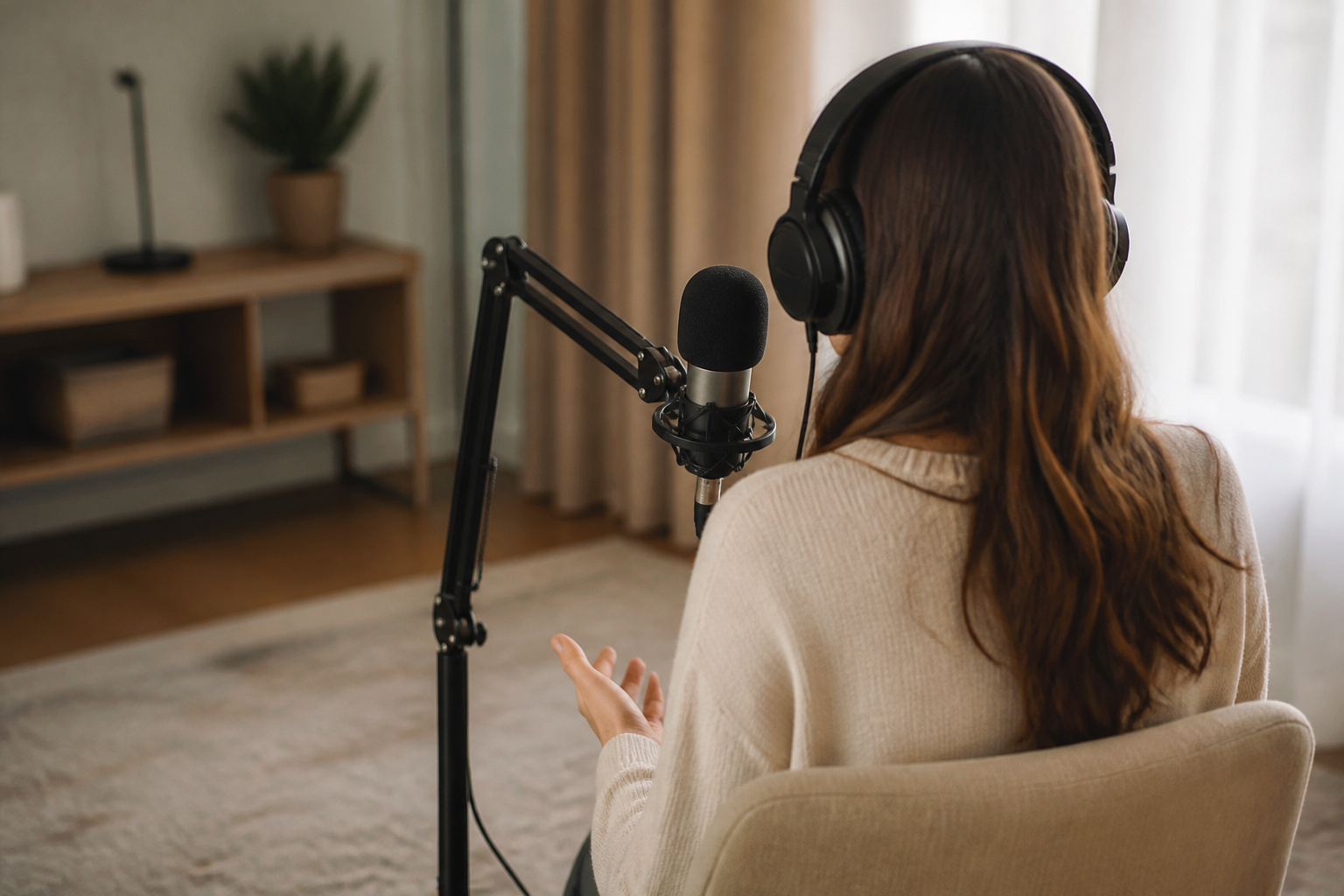
- Get close: Speak a few inches from the microphone, slightly off to the side to reduce plosives.
- Set gain first: Adjust gain so your loudest speech stays below distortion, instead of turning it up and fixing it later.
- Pick the right pattern: Use cardioid for one voice and aim the front of the microphone at your mouth.
- Reduce room noise: Soft furnishings, curtains, and rugs cut echo, and moving away from fans helps more than software filters.
- Isolate the stand: Use a boom arm or shock mount so desk taps do not reach the recording.
- Do a test recording: Listen on headphones before an important call or stream.
Frequently Asked Questions
Is a USB Microphone Good Enough for Podcasting?
Yes, for many solo and small podcasts. A decent USB condenser or dynamic microphone can sound clear with good placement and a quiet room. XLR becomes more attractive when you add several guests, a mixer, or want to swap parts over time.
Do I Need a Pop Filter?
It helps for close speaking. Some microphones, such as the QuadCast S, list an internal pop filter, and you can also add a foam or mesh filter. Speaking slightly off-axis also reduces popping.
Can I Use a USB Microphone With a Console?
Sometimes. Support depends on the model and the console. HyperX lists the QuadCast S for PS4 and PS5 but does not state Xbox support on its page, so check the manufacturer’s compatibility list first.
Why Does My Microphone Pick Up Keyboard Noise?
Condenser microphones are sensitive, and a desk stand carries vibration straight to the microphone. Lower the gain, move the microphone closer to your mouth, use a boom arm or shock mount, and switch to a dynamic microphone if the problem continues.
Are RGB Lights Worth Paying For?
Lighting does not change how a microphone sounds. It can be a useful status indicator and a visual extra for streaming, but spend your budget on sound features such as controls, mounting, and the right pattern first.
Closing Thoughts
The best USB microphone is the one that matches your room and your use. Start with the connection type, then look at pickup patterns, on-device controls, mounting, and compatibility with the devices you use. Add a boom arm and a quiet room before you chase more features, and check current versions and compatibility before you buy.